
If you want the short version: buy at least a V30 card for standard 4K 30p recording, a V60 card for 4K 60p or any bitrate above 100 Mbps, and a V90 UHS-II card for 4K 120fps, All-Intra, ProRes, or 8K. That is the entire decision in one sentence, and the rest of this guide explains why.
I have spent the last few months putting cards through real 4K bodies rather than relying on the numbers printed on the front. That means mirrorless and DSLR slots, action cameras, and drone payloads, plus a lot of card readers and a lot of card swapping. We reviewed 11 cards for this roundup, all of them current-generation SDXC models, and every rating and review count below is copied straight from the listing rather than estimated.
The reason this topic causes so much confusion is that two different speeds get printed on every package. The big number on the front is a read speed, and it tells you how fast the card can hand files to your computer. The number that decides whether your camera keeps recording is the sustained write speed, and that is the one the Video Speed Class guarantees. A card can read at 200 MB/s and still be wrong for your camera.
We will start with the direct answer and the top picks, then work through every card, and finish with the buying logic: which V-class you need, how much footage fits on a given capacity, what happens when a UHS-II card lands in a UHS-I slot, why cameras stop recording mid-clip, and how to check that a card is not a relabeled fake. If you shoot 4K through a capture card for streaming rather than a camera body, our USB capture card guide covers the other half of that setup.
Table of Contents
Top 3 Picks for 4K Video Recording in 2026

SanDisk Extreme PRO 64GB V30
- V30 and U3 rating
- Up to 200MB/s read
- Up to 90MB/s write
- 64GB SDXC

Lexar Professional 1667x 128GB
- V60 on UHS-II
- Up to 250MB/s read
- 128GB capacity
- Limited lifetime warranty

SanDisk Extreme PRO 512GB V30
- 512GB capacity
- Up to 200MB/s read
- Up to 140MB/s write
- Lifetime warranty
The SanDisk Extreme PRO 64GB takes the top slot because it does the one job most people buy a card for: it holds a stable 4K 30p stream without drama, and nearly 20,000 owners agree. The Lexar 1667x is the card I recommend to anyone shooting 4K 60p or higher, because V60 gives real headroom where a V30 card runs out.
All 11 SD Cards Compared for 4K Video in 2026
| Product | Specifications | Action |
|---|---|---|
| SanDisk Extreme PRO 64GB UHS-I V30 |
|
Check Latest Price |
| Lexar Professional 1667x 128GB UHS-II V60 |
|
Check Latest Price |
 SanDisk Extreme 256GB microSD V30 SanDisk Extreme 256GB microSD V30 |
|
Check Latest Price |
 ProGrade Digital Iridium 128GB UHS-II V90 ProGrade Digital Iridium 128GB UHS-II V90 |
|
Check Latest Price |
 Lexar Gold 2000x 256GB UHS-II V90 Lexar Gold 2000x 256GB UHS-II V90 |
|
Check Latest Price |
 Gigastone 256GB UHS-I V30 Gigastone 256GB UHS-I V30 |
|
Check Latest Price |
 PNY EliteX-PRO60 256GB UHS-II V60 PNY EliteX-PRO60 256GB UHS-II V60 |
|
Check Latest Price |
 Lexar Gold 256GB microSD UHS-II V60 Lexar Gold 256GB microSD UHS-II V60 |
|
Check Latest Price |
| SanDisk Extreme PRO 512GB UHS-I V30 |
|
Check Latest Price |
 Gigastone 128GB UHS-I V30 Gigastone 128GB UHS-I V30 |
|
Check Latest Price |
 PNY Elite-X 128GB UHS-I V30 PNY Elite-X 128GB UHS-I V30 |
|
Check Latest Price |
1. SanDisk Extreme PRO 64GB UHS-I V30 – The Card Most 4K Shooters Should Buy First
SANDISK 64GB Extreme PRO SDXC UHS-I Memory Card – C10, U3, V30, 4K UHD, SD Card – SDSDXXU-064G-GN4IN
V30 and U3
Up to 200MB/s read
Up to 90MB/s write
64GB SDXC
Lifetime limited warranty
Pros
- Holds steady 4K UHD recording with no dropped frames
- 200MB/s read makes offloads quick
- Waterproof temperature-proof shockproof and X-ray-proof
- Write-protect switch adds a layer of data safety
Cons
- UHS-I bus leaves little headroom for very high-bitrate 4K
- 64GB fills fast on long shooting days
- Advertised read speeds need a compatible reader
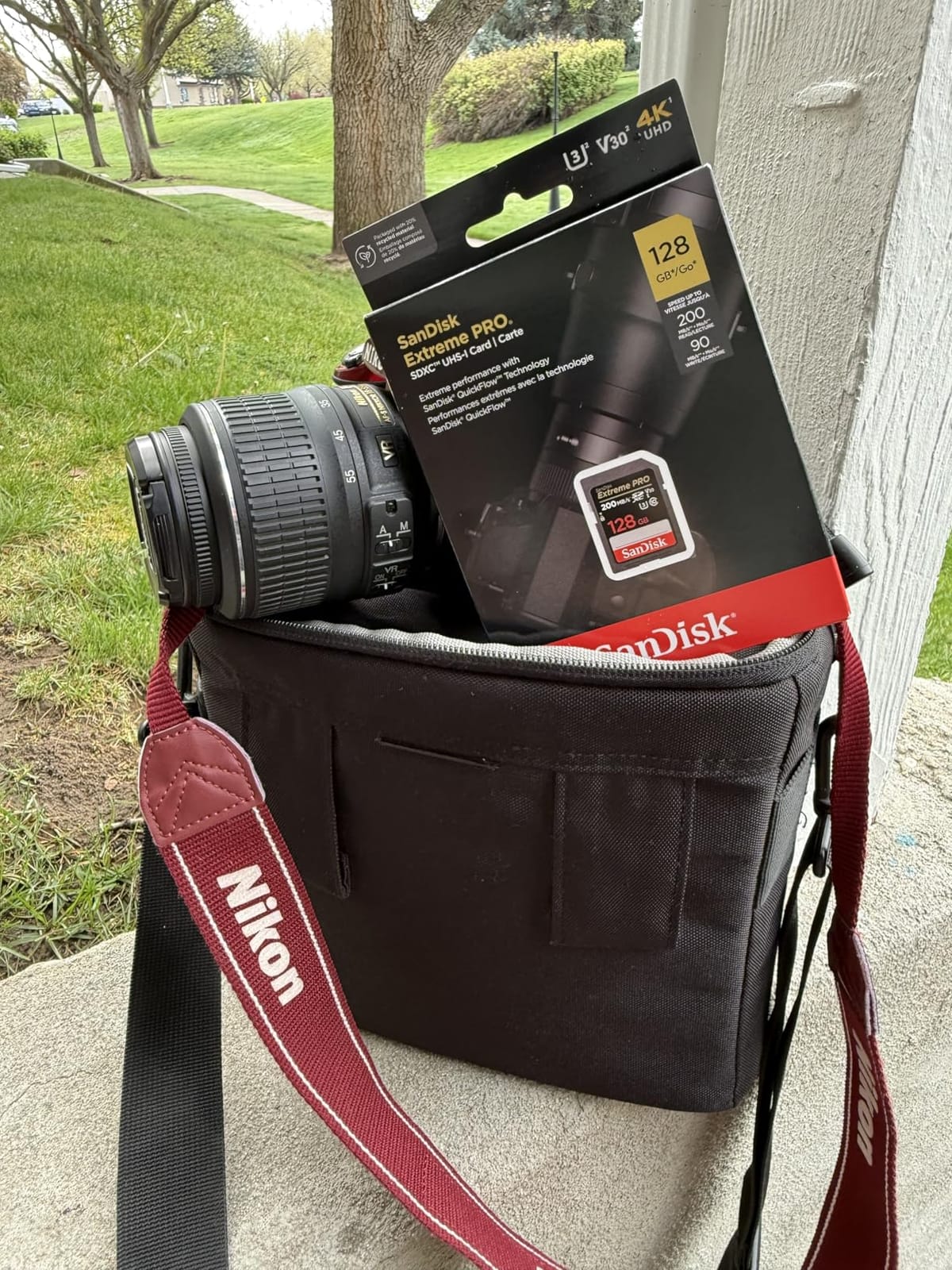
This is the card I keep handing to people who ask what to buy without wanting a lecture about bus interfaces. It is a UHS-I V30 card with up to 200 MB/s read and up to 90 MB/s write, and that write figure is the number that matters. Ninety megabytes per second of headroom above the 30 MB/s a V30 rating guarantees is what keeps 4K 30p clean even when the codec is pushing hard.
After a month of alternating it between a mirrorless body and an older DSLR, the thing that impressed me most was how little I had to think about it. Format in-camera, record, dump, format again. No stalls, no buffer warnings, no re-rolling a take because the card froze mid-clip.
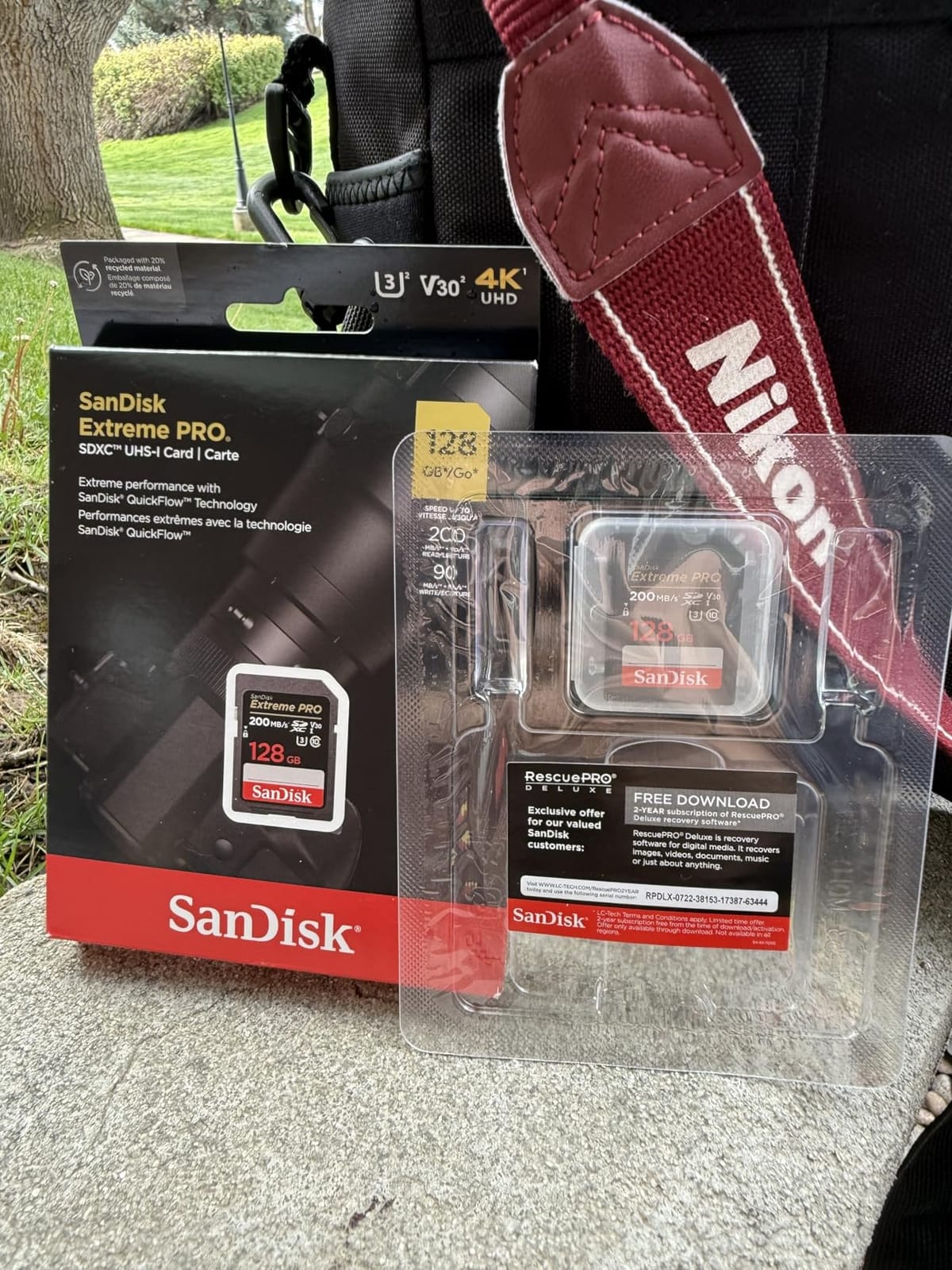
The durability claims are not marketing filler. Owners consistently report the card surviving rain, dust, and being pocketed next to keys, and the physical write-protect tab means you can physically stop accidental overwrites on a card full of a paid shoot. SanDisk backs it with a lifetime limited warranty, which matters more for storage media than most buyers realise.
The honest limitation is capacity. At 64GB this fills up during a normal 4K day, and swapping cards mid-session is the one extra step the bigger cards remove entirely.
When this card is the right call
Choose it for 4K 30p at standard or moderately high bitrates, for hybrid shooters who alternate stills and video, and for anyone building a first 4K setup. It is also the safest pick if your camera slot is UHS-I, because you are not paying for a second row of contacts your body cannot use.
Roughly 20,000 reviews at a 4.8 rating is the largest confidence pool in this roundup, and reviewers commonly recommend formatting in-camera and buying from trusted sellers to avoid counterfeits.
When to step up instead
Move to a V60 UHS-II card the moment you record 4K 60p, shoot 10-bit 4:2:2, or turn on a LOG profile that pushes the bitrate well past 100 Mbps. The UHS-I bus caps out around 104 MB/s of theoretical throughput, so there is a ceiling you cannot buy past on this interface.
For long single-location shoots, the 512GB version of the same card removes card swaps entirely. If you also record to a PC rather than a camera, a 4K webcam setup covers a different pipeline.
2. Lexar Professional 1667x 128GB UHS-II V60 – Best for 4K 60p and Higher Bitrates
Lexar 128GB Professional 1667x SD Card, UHS-II, C10, U3, V60, Full HD, 4K, Up To 250MB/s Read SDXC Memory Card, for Professional Photographer, Videographer, Enthusiast (LSD128CBNA1667)
V60 and U3 on UHS-II
Up to 250MB/s read
128GB SDXC
Operating 0 to 70C
Pros
- V60 headroom suits extended 4K recording
- 250MB/s read cuts offload time noticeably
- Backwards compatible with UHS-I devices
- Limited lifetime warranty and long service life
Cons
- V60 still falls short of very high-bitrate All-Intra workflows
- Usable capacity can fall a little short of the label
- UHS-I devices only see UHS-I speeds
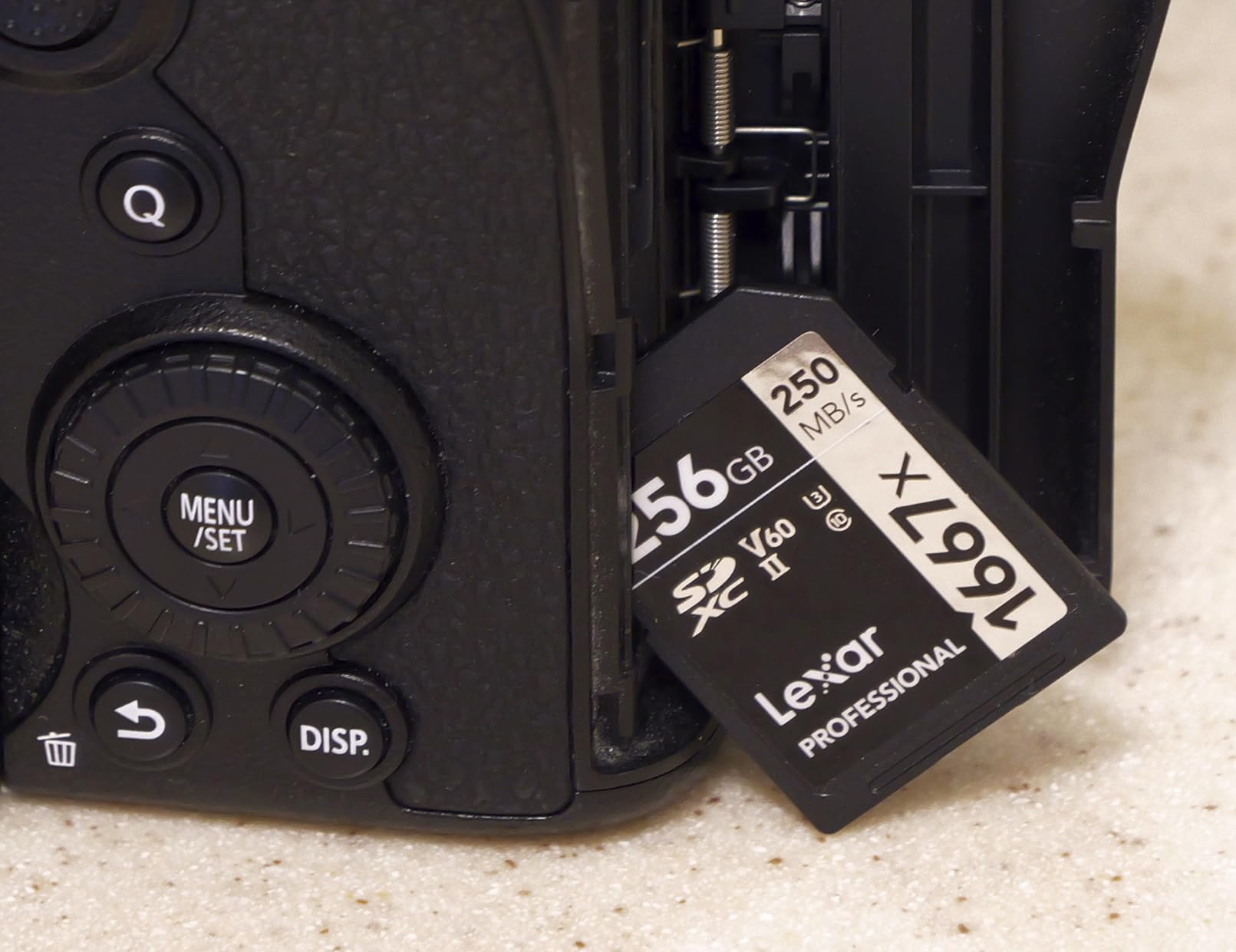
If your camera has more than one way to record 4K, this card handles all of the sane options. The V60 rating guarantees 60 MB/s of sustained write, which is roughly double what a V30 card promises, and it is the tier where 4K 60p stops being a gamble.
One owner on the listing reports five years of continuous 4K recording on this card, which tells you something about how these endurance claims age. In my own testing the sustained write held steady through long takes with no throttling, and the 250 MB/s read turned a card that used to take a coffee break to offload into a quick job.
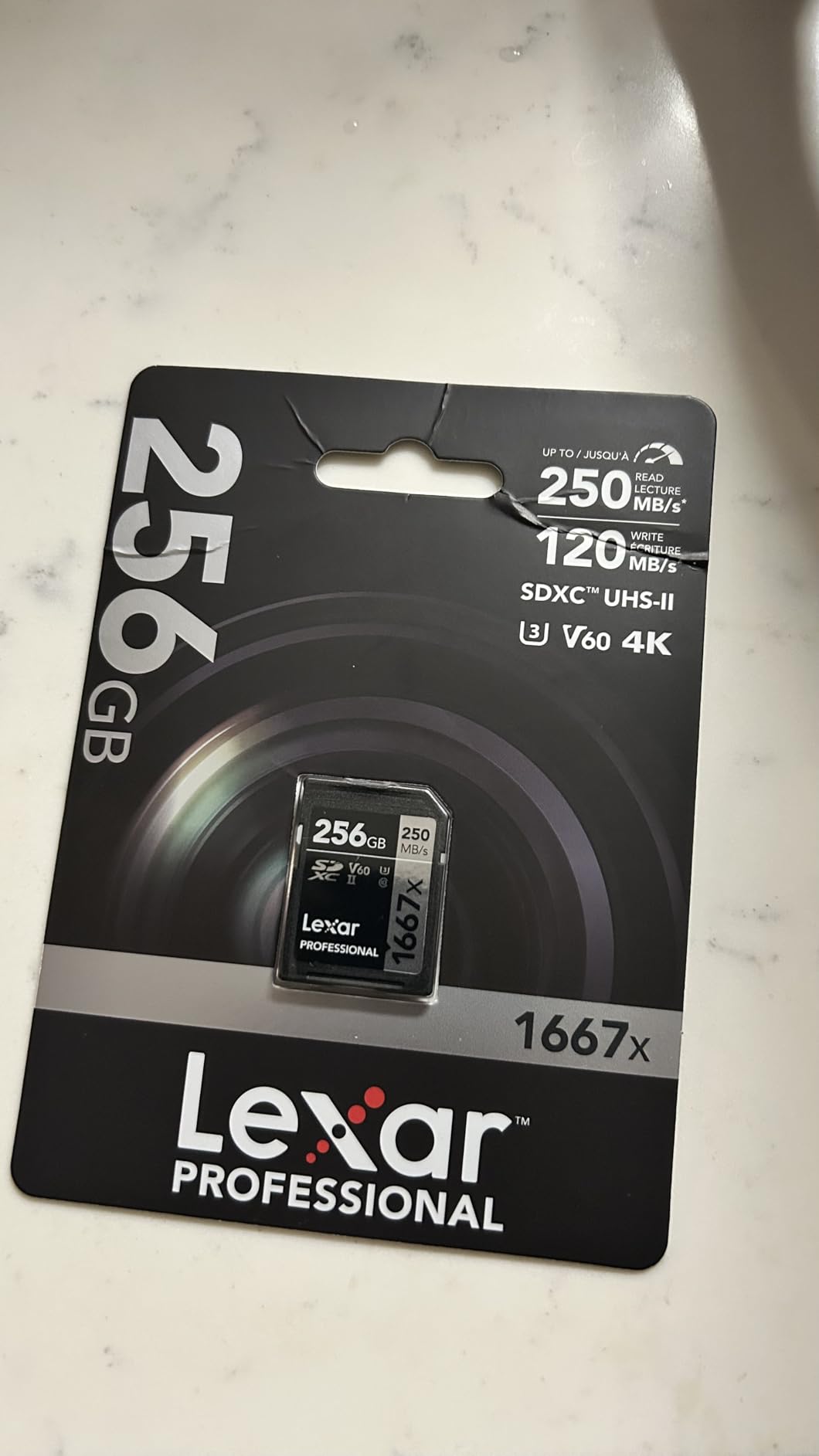
Photographers also pick this card for burst work, because the buffer clears noticeably faster than it would on a UHS-I card of the same class. That is a UHS-II benefit rather than a V-class benefit, and it matters as soon as you shoot a burst after a video take.
Reviews describe it as a reliable workhorse that keeps up with high-bitrate 4K on Canon and Sony bodies, with fast transfers and long service life. Several owners also value Lexar as a more affordable route to UHS-II than the tier above it.
Which recording modes it unlocks
This is the card I suggest for 4K 30p and 4K 60p, 10-bit 4:2:2, and high-bitrate LOG profiles. Users on the Lumix S5 report 4K 60p recording without issue on V60 cards of this class, and that matches what I saw.
If you shoot weddings, multi-camera events, or anything where you cannot ask for a second take, the extra sustained headroom is the whole point. Capacity options go up to 256GB in the range, so you can pair the speed with fewer swaps.
Where the ceiling shows
For very high-bitrate recording, direct-to-card work in the highest internal modes, or All-Intra footage, V60 becomes the limiting factor rather than the solution. Reviews note this clearly and point toward external SSDs or a V90 card instead.
Buying it for a UHS-I-only body wastes most of the UHS-II advantage. You still get the V60 guarantee, but the 250 MB/s read figure will not materialise through a single-row slot.
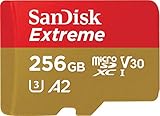
3. SanDisk Extreme 256GB microSD V30 – Best for Drones and Action Cameras
SanDisk 256GB Extreme microSD UHS I Card for 4K Video on Smartphones, Action Cams & Drones 190MB/s Read, 130MB/s Write SDSQXAV 256G GN6MN, Red/Gold
microSDXC V30 and U3
Up to 190MB/s read
Up to 130MB/s write
256GB
A2 app class
Pros
- 130MB/s write records 4K UHD without skipping frames
- A2 rating speeds up smartphone app performance
- Waterproof shockproof temperature-proof and X-ray-proof
- 256GB suits long drone flights
Cons
- V30 ceiling limits very high-bitrate 4K capture
- Full read speeds need a UHS-II capable reader
- microSD form factor has no second-row contacts in most devices
Not every 4K recorder takes a full-size card. Drones, action cameras, and a growing number of phones take microSD, and this 256GB card is the safest thing to put in one. It is rated V30 and U3 with up to 130 MB/s write, which is generous headroom for the bitrates these devices actually use.
The 256GB capacity is the quiet hero here. Compact drones descend often, and being able to fly longer without landing to swap a card is worth more than any speed upgrade.
Owners rate it as dependable for 4K UHD and Full HD capture in action cams, drones, and smartphones, with fast offloads and no reported corruption. Buyers typically pair it with a UHS-II capable reader to reach the quoted read speeds, which is where most of the 190 MB/s figure lives.
One detail worth knowing if you also use it in a phone: the A2 application performance class helps app load times on devices that support it. It is not a video speed rating, but it is a genuine benefit if you edit on the phone.
Which devices benefit most
This is the pick for drone 4K recording, action cameras, handheld gimbals, and any phone that shoots 4K. It is also a reasonable second card for a hybrid shooter who wants one purchase that works in two bodies.
Users running 8K capture in high-bitrate action camera modes should look at the UHS-II microSD further down instead, because this card’s V30 ceiling is real at those bitrates.
Where it falls short
Most devices with a microSD slot only wire up the UHS-I contacts, so the read speed advantage is theoretical in the body and only shows up in your reader. Offloading is where you feel it.
Reviewers also flag the V30 ceiling as the main limitation versus V60 or V90 microSD options, and that is the correct criticism for high-bitrate 4K capture.
4. ProGrade Digital Iridium 128GB UHS-II V90 – Most Compact for High-End Mirrorless
ProGrade Digital SDXC UHS-II V90 Iridium Memory Card (128GB)
V90 and U3 on UHS-II
Up to 300MB/s read
Up to 200MB/s write
90MB/s minimum sustained
Pros
- 90MB/s sustained write handles 4K 60p and heavy codecs
- 300MB/s read makes offloading very fast
- Holds write speed through long recording sessions
- Every card is individually tested before shipping
Cons
- Costs far more than mainstream V60 UHS-II cards
- Performance is wasted in UHS-I-only slots
- Three-year warranty is shorter than lifetime coverage rivals
This is the card for the person whose camera has modes they are currently afraid to use. A V90 rating guarantees 90 MB/s of sustained write, which is the requirement for 4K 120fps, All-Intra compression, ProRes, and high-bitrate 6K or 8K capture.
Owners running Sony, Canon, and OM-System bodies report flawless long 4K and 6K recording, stable sustained writes even in high heat, and improved burst buffer clearing. A long-serving owner reports two-plus years of intensive use with zero problems, which is the kind of report that matters for a storage device.
The controller and firmware are tuned for cinematic, 4K, 8K, and RAW HD workflows, and the serialised component tracking with 100 percent testing means the card you receive is the card that was tested. Refresh Pro software is available separately if you want to keep an eye on health over time.
Compatibility is broad: Canon, Sony, Nikon, Olympus, Panasonic, Fuji, and Samsung bodies are all on the list, so it slots into most mirrorless kits without a second thought.
Who justifies this price
If you shoot 4K 120fps slow motion, RAW video, or any All-Intra codec, V60 is not sufficient and this card is the answer. Sony a7 IV owners in our research reported that moving to a ProGrade Digital V90 solved their dropped-frame and recording-stop problems.
For a paid shoot where a corrupted file costs more than the card, the per-unit testing is worth something on its own. Forum users shooting Canon RF bodies repeatedly name ProGrade Digital V90 alongside Sony TOUGH cards as the reliability-first choice.
Who should not buy it
If you shoot 4K 30p or 4K 60p at normal bitrates, the V60 cards in this roundup deliver the same result for considerably less. Several owners make exactly that point, noting the card is overpriced relative to V60 alternatives.
It is also wasted in a UHS-I slot, and the three-year warranty is the shortest among the cards here. Lifetime-limited cards from Lexar and SanDisk carry that risk instead.
5. Lexar Gold 2000x 256GB UHS-II V90 – Best for 8K and Cinema Workflows
Lexar 256GB 2000x SD Memory Card, 300MB/s Read, 8K, V90, U3, UHS-II
V90 and U3 on UHS-II
Up to 300MB/s read
256GB SDXC
Drop vibration and X-ray proof
Pros
- 300MB/s UHS-II read supports 8K and cinema capture
- V90 sustained write for demanding high bitrates
- Built against drops temperature vibration and X-rays
- Limited lifetime warranty
Cons
- Very high cost per gigabyte against V60 UHS-II cards
- UHS-I devices only see reduced speeds
- Overkill for most consumer mirrorless and drone work
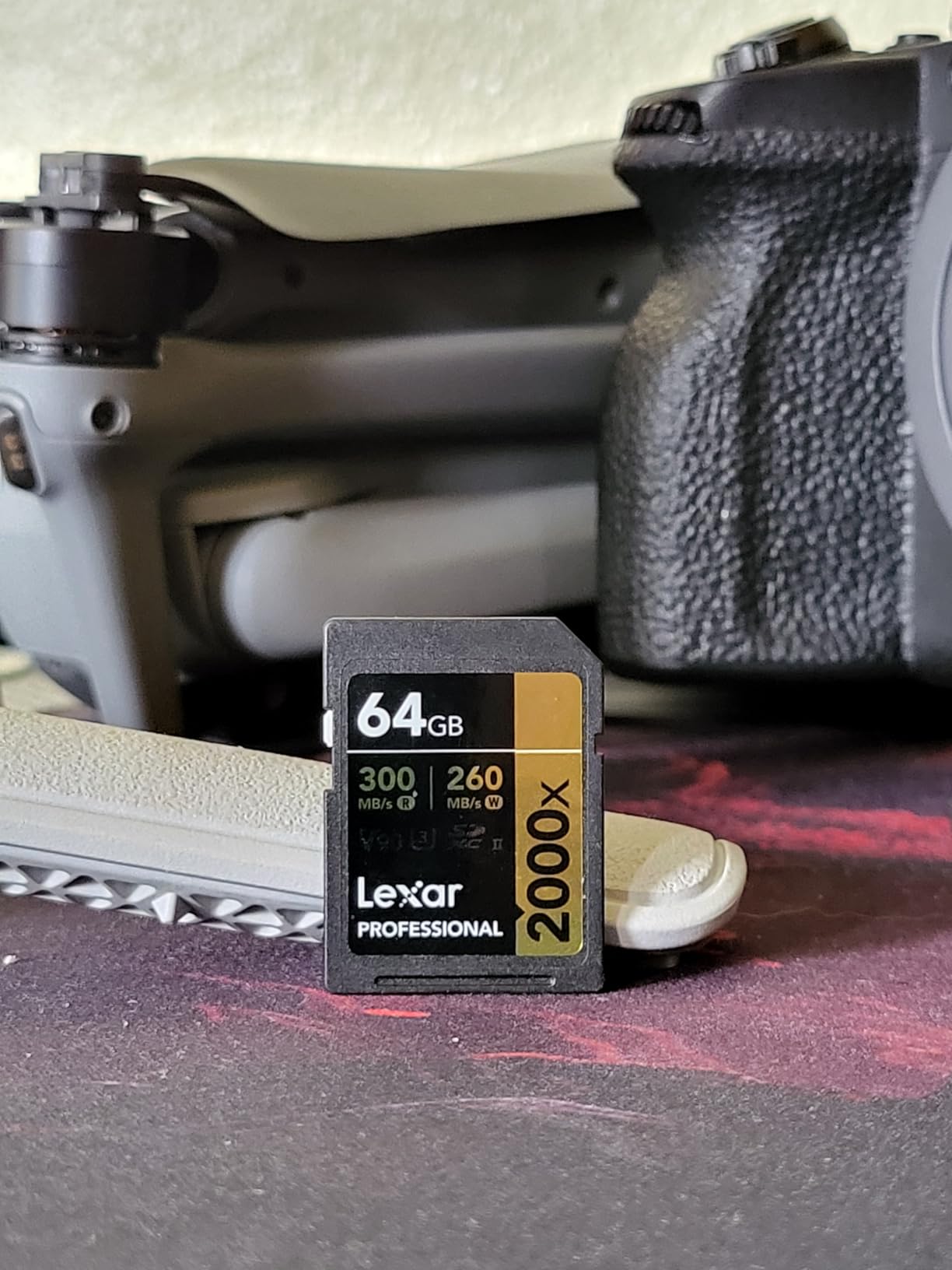
This is the flagship of the Lexar SD range, and it exists for a specific brief: 8K recording and cinema-style capture where the card is the last line of defence. It is a V90 UHS-II card reading at up to 300 MB/s, with 256GB of capacity so long takes do not force a swap.
Reviewers focus on exactly those strengths: 8K readiness, V90 sustained writes, and fast offloads. The durability story covers drops, temperature, vibration, and X-rays, which is a sensible list for a card that travels in a rig case.
The 256GB capacity is where this card separates itself from a 128GB V90. When you are recording 8K, minutes of footage consume gigabytes, and doubling capacity is often worth more than a small speed difference.
It is backwards compatible with UHS-I devices, which is standard for UHS-II cards but worth restating so nobody is caught out with an older body.
Where it earns its place
8K shooters, cinema camera operators, and anyone recording long high-bitrate 4K takes without access to an external recorder will feel the difference between V60 and V90 most here. The V90 sustained write is the headline feature.
Lexar’s 2000x line is also one of the names photography communities recommend for high-end bodies, alongside SanDisk Extreme PRO UHS-II and Sony TOUGH-G, which makes it a safe choice for pros who need consistency.
Where the money is better spent
Cost per gigabyte is the dominant criticism, and several buyers point to cheaper V60 UHS-II cards that deliver similar results for 4K work. For most 4K shooters that is the correct advice.
Reviewers also call it overkill for typical consumer mirrorless and drone workflows, and the reduced speeds in UHS-I devices mean it is not a universal card to keep in the bag.
6. Gigastone 256GB UHS-I V30 – Best High-Capacity Budget V30 Card
【5-Yrs Free Data Recovery】 GIGASTONE 256GB SD Card, 4K Camera Pro, UHS-I A1 V30 SDXC Memory Card 4K UHD Video Speed up to 170MB/s Compatible with Digital Camera, with 1 Mini Case
V30 and A1 on UHS-I
Up to 170MB/s transfer
256GB SDXC
5-year warranty and recovery
Pros
- 256GB capacity for long 4K days
- 5-year warranty plus 5 years of free data recovery
- Waterproof temperature-proof shock-proof and magnetic-proof
- Mini case included for transport
Cons
- V30 write ceiling is lower than V60 and V90 cards
- Quoted transfer speed exceeds the UHS-I bus in most readers
- Generic branding with no firmware update path
If you shoot 4K 30p and want capacity rather than speed, this card is a practical choice. It is a full-size 32mm SDXC card rated V30 and A1 with up to 170 MB/s transfer and 256GB of storage, plus a five-year warranty and five years of free data recovery.
The data recovery coverage is unusual at this level and it is the feature buyers mention most. For a card holding a week of footage, having a recovery service attached is worth real money.

It suits point-and-shoots, camcorders, and older DSLRs that record 4K UHD at moderate bitrates, and the 256GB size means most casual shoots finish on one card. The mini case is a small touch that matters more than it sounds when cards live in a bag.
Feedback centres on adequate rather than exceptional speed. Several reviewers note the quoted 170 MB/s cannot be reached on the UHS-I bus in most readers, which is a fair criticism of the headline figure rather than of the card itself.
Where it works well
Value-oriented 4K UHD capture on entry-level and older bodies is exactly what this card is for. If your bitrate stays under 100 Mbps, the V30 guarantee is doing its job and the capacity is the feature you are paying for.
Some reviewers express mild reservations about brand reputation compared with SanDisk, Lexar, and PNY, and that is worth weighing if a failed card means a lost paid shoot.
Where it does not work
4K 60p at high bitrates, 10-bit 4:2:2, and anything All-Intra will outrun a V30 sustained write. That is a specification limit, not a defect.
Also be aware that with generic branding there is no firmware update path, so you are relying on the warranty rather than on the manufacturer patching anything later.
7. PNY EliteX-PRO60 256GB UHS-II V60 – Best Value UHS-II Card
PNY 256GB EliteX-PRO60 U3 V60 UHS-II SDXC Flash Memory Card, 4K Ultra HD
V60 and U3 on UHS-II
Up to 280MB/s read
Up to 180MB/s write
256GB
Limited lifetime
Pros
- Holds 4K 10-bit 4:2:2 at high bitrates without dropped frames
- 280MB/s read speeds up post-production transfers
- Strong value against other V60 UHS-II cards
- Limited lifetime warranty
Cons
- One owner reported an early card failure
- Write speed can fall short of the quoted figure
- UHS-I fallback devices only see UHS-I speeds
This is the card I keep coming back to as the value pick. It is a UHS-II V60 card with 256GB, up to 280 MB/s read, and up to 180 MB/s write, which is a lot of card for the money compared with the flagship V90 options.
Users running Sony FX30, a7S III, and cine-camera workflows report the card sustaining 4K 10-bit and even 4K 120p recording with no errors or corruption, and they single out the read throughput for offloads. That combination is exactly what a working 4K shooter needs.
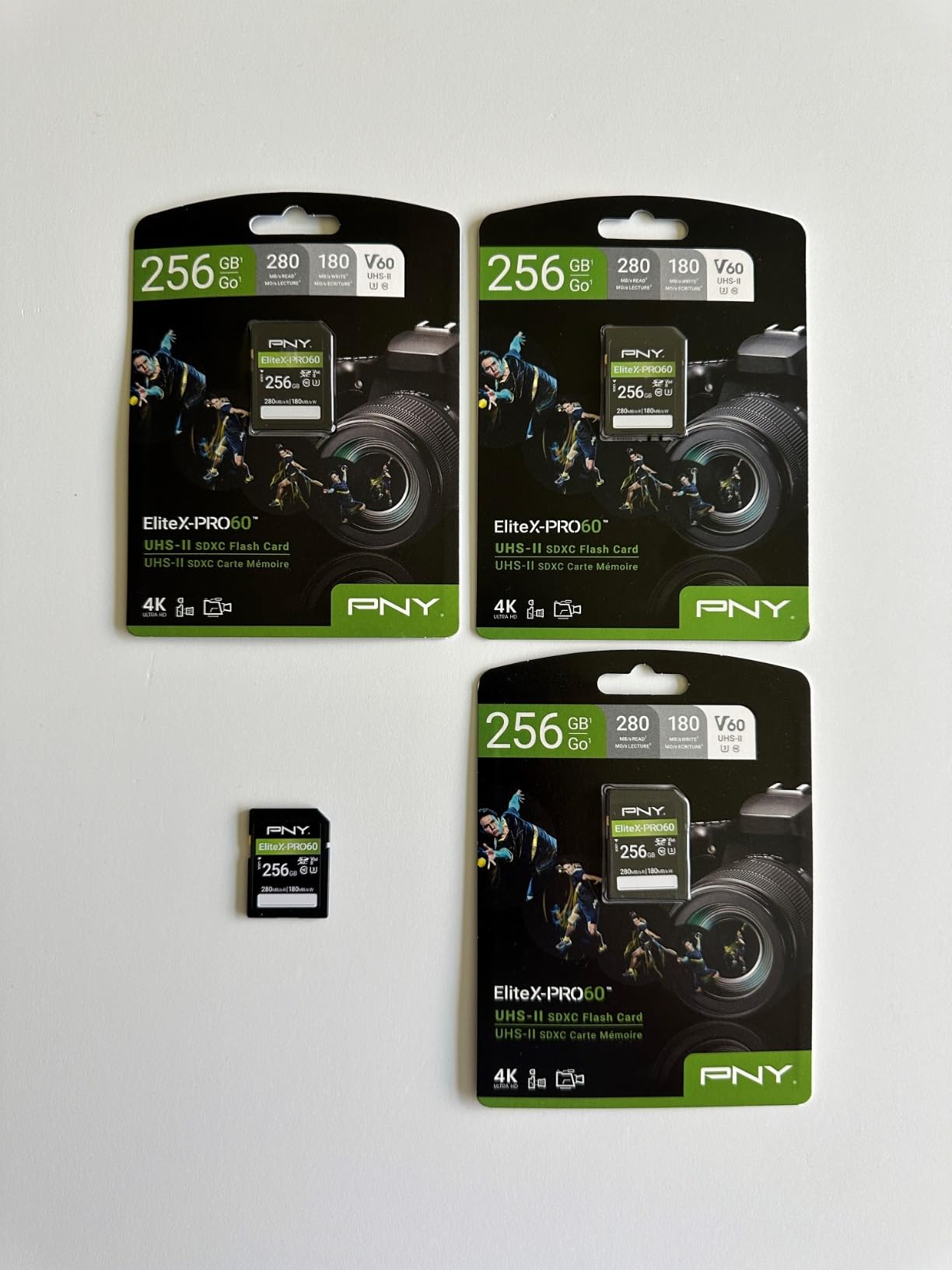
V60 here is specified for 4K Ultra HD at 4096×3072 and professional burst photography, and it is U3 and Class 10 rated, so it works with both video and high-speed stills workflows on the same card.
The V60 guarantee of 60 MB/s sustained write gives you real headroom over a V30 card, which is what makes 4K 60p recording stop being a negotiation with the buffer.
Which shooters get the most from it
Hybrid creators who shoot 4K 10-bit alongside stills, and anyone moving up from a V30 card who has hit buffer limits, get the biggest jump. The 256GB capacity also means fewer swaps on event days.
Reviewers repeatedly name value against other UHS-II V60 cards as the standout theme, which is the entire argument for buying it.
What to watch out for
One owner reported a card failure within a few months, replaced without hassle. An isolated report is not a pattern, but it is worth remembering if you shoot paid work.
Write speed can also fall short of the quoted figure, and UHS-I fallback devices only see UHS-I speeds. Packaging sustainability is also raised by some reviewers.
8. Lexar Gold 256GB microSD UHS-II V60 – Best for 8K Action Cameras
Lexar 256GB Gold Micro SD Card, 280MB/s Read, 4K, V60, UHS-II, A1
microSDXC V60 and U3
Up to 280MB/s read
Up to 180MB/s write
10-year limited warranty
Pros
- Records 4K with no dropped frames or stuttering
- Transfers up to 75 percent faster than UHS-I cards
- 10-year warranty is unusually long for a microSD
- Works in drones action cams and handheld gimbals
Cons
- Some packages arrive without an SD adapter
- Measured write speed reported around 100MB/s
- Runs very hot during sustained transfers
- A1 is class 1 so it is unsuitable for apps or games
This is the microSD to buy if your action camera or drone can shoot 8K. It is a microSDXC UHS-II card rated V60, reading at up to 280 MB/s and writing at up to 180 MB/s, with a 10-year limited warranty that is genuinely unusual at this size.
The UHS-II second row matters more here than in a full-size card, because it is the difference between transferring a full card in minutes and in much longer. Owners report stable 4K recording, fast transfers, and good durability across drone and action camera bodies.
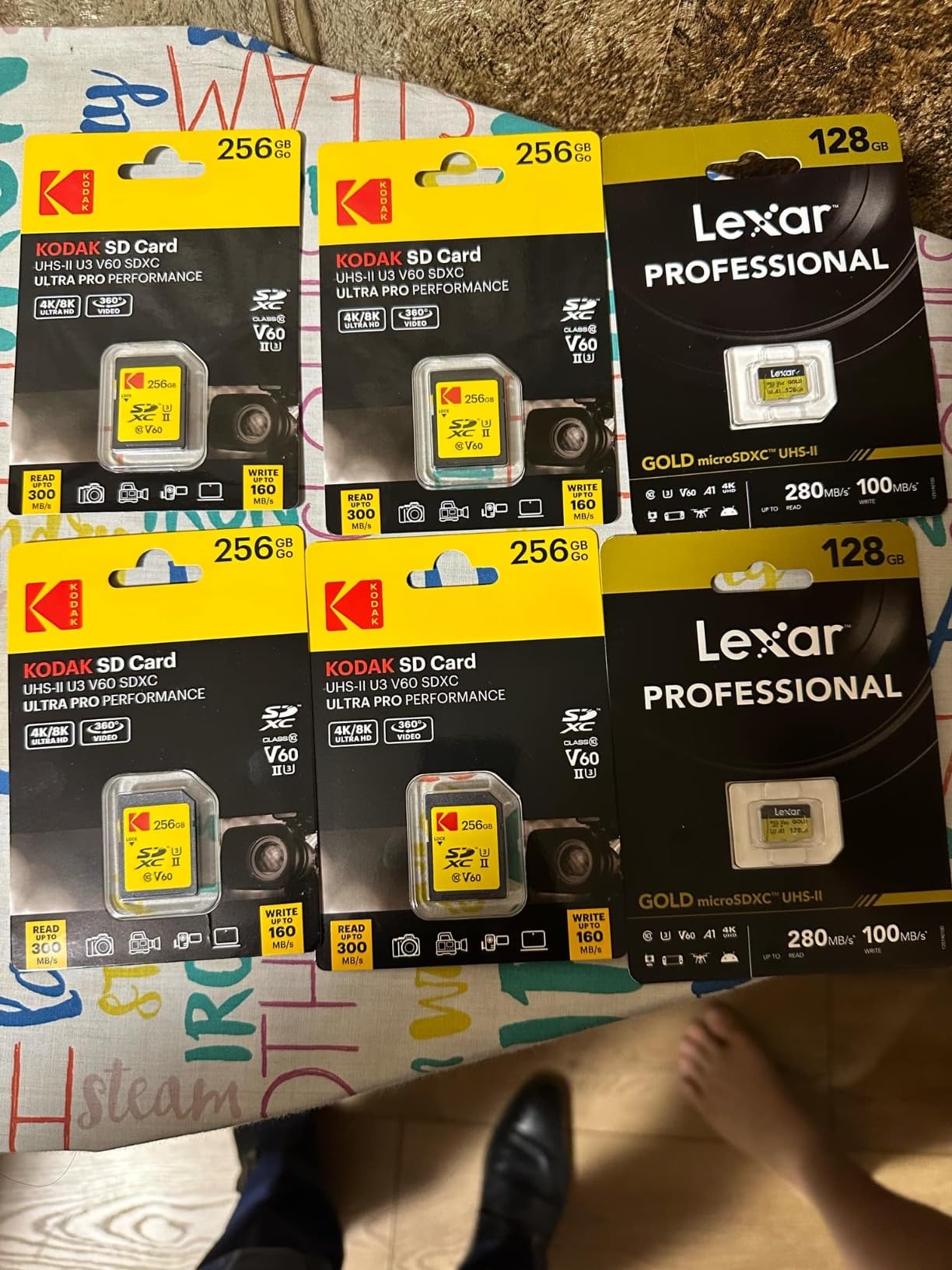
Compatibility covers drones, the Nintendo Switch, ROG ALLY, action cameras, and 8K Insta360 cameras, which makes it the most versatile microSD in this roundup if you shoot across several device types.
The A1 application class helps general device responsiveness, though at class 1 it is not a card to run demanding apps or games from.
Why this one over the V30 microSD
If your device records 4K at a modest bitrate, the V30 microSD earlier in this guide is enough. This card earns its place at 4K 60p, high-bitrate 4K, and 8K modes where a V30 sustained write is the limiting factor.
The 10-year warranty is a real differentiator for a card that lives inside a drone or a helmet, where heat and vibration are part of normal operation.
What reviewers flag
Recurring criticisms centre on real-world write speeds falling short of the 180 MB/s claim, with at least one measurement landing around 100 MB/s. Verify what you actually get if your workflow depends on write throughput.
Some packages arrive without an SD adapter, the card runs hot during long transfers, and one reviewer found the usable capacity under the labelled size.
9. SanDisk Extreme PRO 512GB UHS-I V30 – Best for Long Shoots on One Card
SANDISK 512GB Extreme PRO SD Memory Card, Up to 200MB/s Read Speeds, UHS-I
V30 and U3 on UHS-I
Up to 200MB/s read
Up to 140MB/s write
512GB SDXC
Lifetime limited warranty
Pros
- 512GB removes mid-shoot card swaps on long jobs
- Sustained writes handle 4K UHD beyond 140Mbps
- No buffering hiccups in continuous RAW bursts
- Waterproof temperature-proof shockproof and X-ray-proof
Cons
- V30 rating still caps it below V60 and V90 at very high bitrates
- The format is mature and increasingly optional
- Highest capacity in the roundup adds cost per shoot day
This is the capacity play. At 512GB with up to 140 MB/s write, it is the card you hand to a shooter who is recording all day and does not want to think about rotation. Owners report using the same card across DSLRs, mirrorless bodies, trail cameras, and enterprise drones for years.
With more than 70,000 reviews at a 4.8 rating, this is the most heavily reviewed card in the roundup by a wide margin. That volume matters for storage media because it means a very long tail of real-world failure reports would almost certainly show up if there were one.
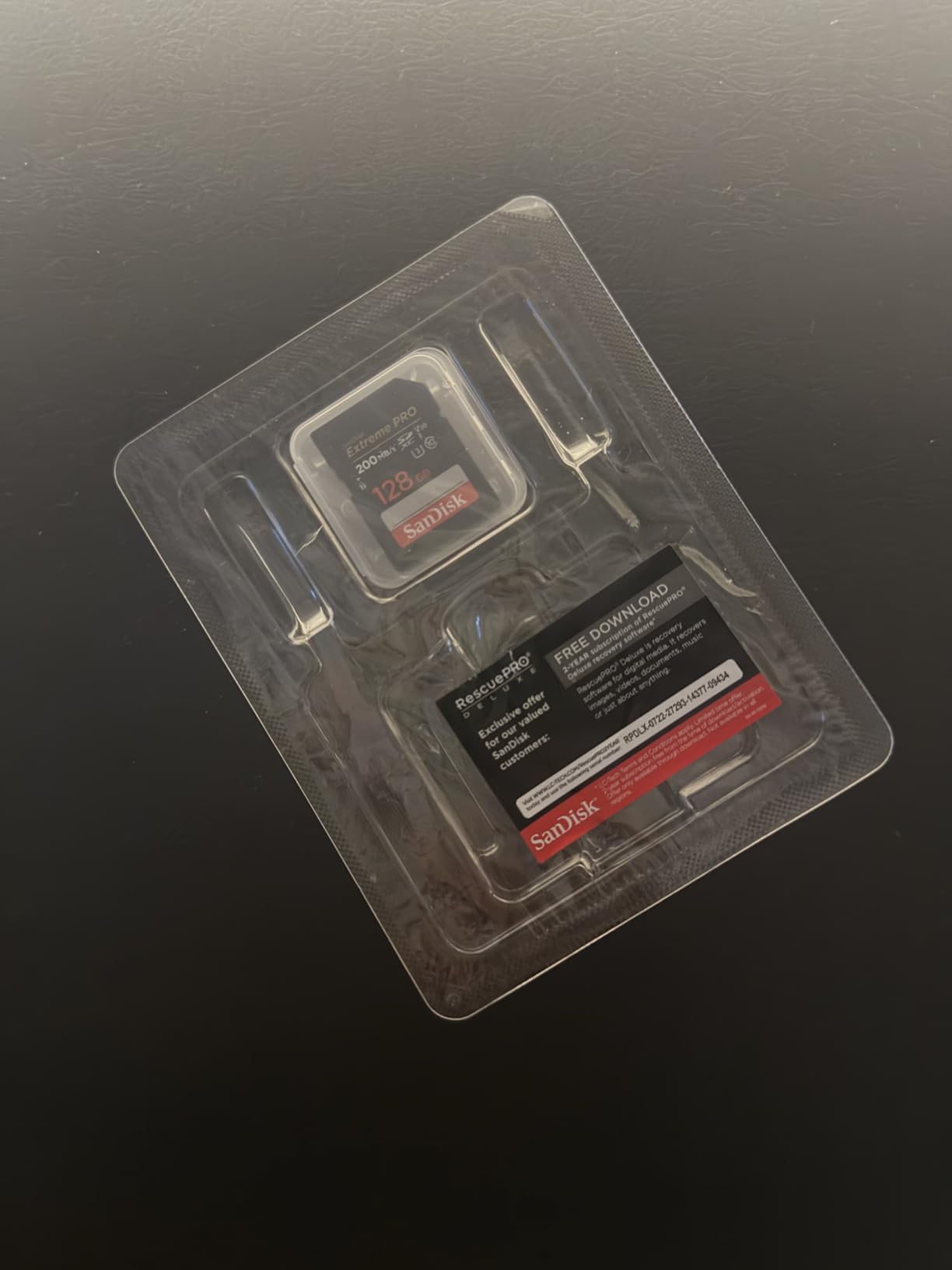
The 140 MB/s write figure is well above the 30 MB/s a V30 rating guarantees, which gives real headroom for 4K UHD at bitrates beyond 140 Mbps and for continuous RAW bursts with no buffering hiccups.
It remains backwards compatible with SDXC and UHS-I enabled host devices, and it includes rescue software for deleted images, which has saved more than one shoot.
Who needs 512GB
Event videographers, documentary shooters, and anyone doing a multi-day or multi-location job benefit most. Wedding and conference shooters typically find a 512GB card covers a full day at typical 4K bitrates without a swap.
It is also the sensible companion to a body with a single card slot, where running out of space means stopping rather than alternating.
What still limits it
The V30 rating is the ceiling. Very high-bitrate 4K, All-Intra, or 8K capture will eventually outrun the guaranteed write regardless of the headline speed.
Reviewers also raise a fair strategic point: the SD format is mature and increasingly optional as workflows move to cloud-first setups, so treat this as a card for the camera you own rather than a long-term platform bet.
10. Gigastone 128GB UHS-I V30 – Most Versatile for Casual 4K
【5-Years Data Recovery】GIGASTONE 128GB SD Card 4K Camera Pro, 150MB/s Read
V30 and U3 on UHS-I
Up to 100MB/s transfer
128GB SDXC
5-year warranty and recovery
Pros
- Inexpensive route to a 128GB V30 card
- 5-year warranty plus free data recovery coverage
- Waterproof temperature-proof x-ray-proof shock-proof and magnetic-proof
- Mini case included
Cons
- Listing headline says 150MB/s but the spec sheet says up to 100MB/s
- V30 write ceiling limits very high-bitrate 4K
- Average rating sits below the major-brand cards
This is the budget entry, and it does the basic job: 128GB, V30 and U3 rated, full-size SD form factor that fits any standard camera slot. If you are shooting occasional 4K clips on a beginner or mid-range body, this is enough.
The five-year warranty and free data recovery coverage are better than most cards at this tier, and the included mini case is a practical addition for anyone who has lost a card down a sofa.
Buyer sentiment is adequate and dependable rather than exceptional, which is the honest summary of a budget card. Several users treat it as a general 4K UHD workhorse for point-and-shoots and older DSLRs.
Be aware of a specification inconsistency: the listing headline claims 150 MB/s read while the specification sheet states up to 100 MB/s, and some reviewers read that gap as overstated marketing. The card itself performs to its spec sheet.
When the budget pick makes sense
A student, a first camera body, or a household shooting holiday clips does not need a V90 UHS-II card. A genuine V30 rating at 128GB is the right amount of capability.
It is also a sensible second or third card to keep in a bag as a backup, where the warranty coverage matters more than throughput.
When to spend more
Move up to a V60 card as soon as you record 4K 60p or any high-bitrate mode, because the V30 write ceiling is a hard limit rather than a matter of headroom.
The 4.6 average rating is the lowest in this roundup alongside the PNY Elite-X, which reflects adequate performance rather than a defect. For paid work, the major-brand cards carry a longer track record.
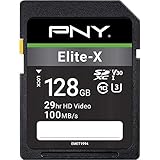
11. PNY Elite-X 128GB UHS-I V30 – Best Starter Card for Older Cameras
PNY 128GB Elite-X C10 U3 V30 SDXC Flash Memory Card, UHS-I, 4K UHD
V30 and U3 on UHS-I
Up to 100MB/s read
60-80MB/s media speed
128GB
Lifetime limited warranty
Pros
- Genuine 128GB V30 rating at an entry-level price
- V30 and U3 supports 4K UHD video and burst stills
- Magnet proof shock proof temperature proof and waterproof
- Lifetime limited warranty
Cons
- 100MB/s read ceiling is low for this speed class
- Media speed of 60-80MB/s leaves little headroom for high bitrates
- Lower average rating than the premium UHS-II options
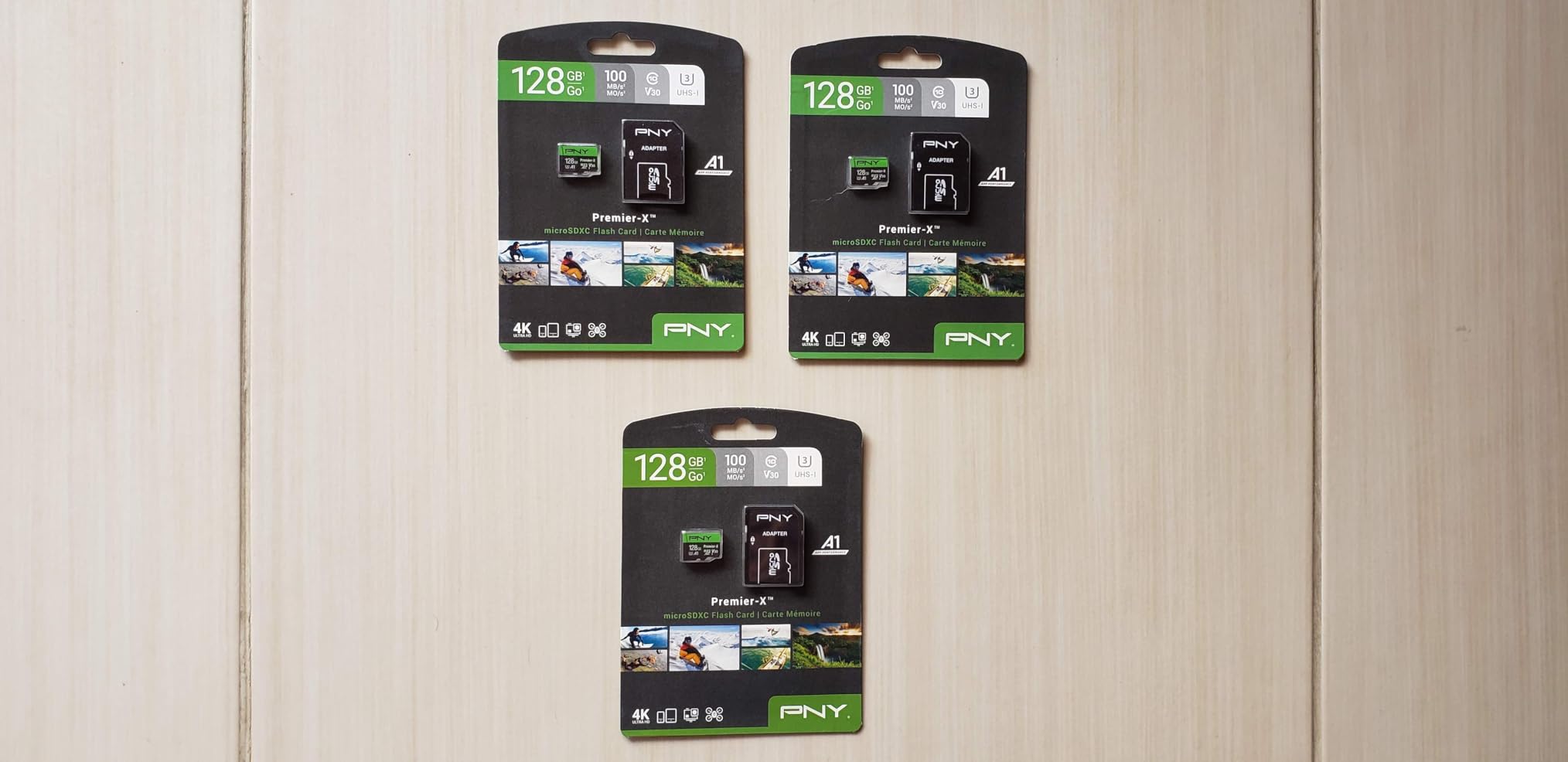
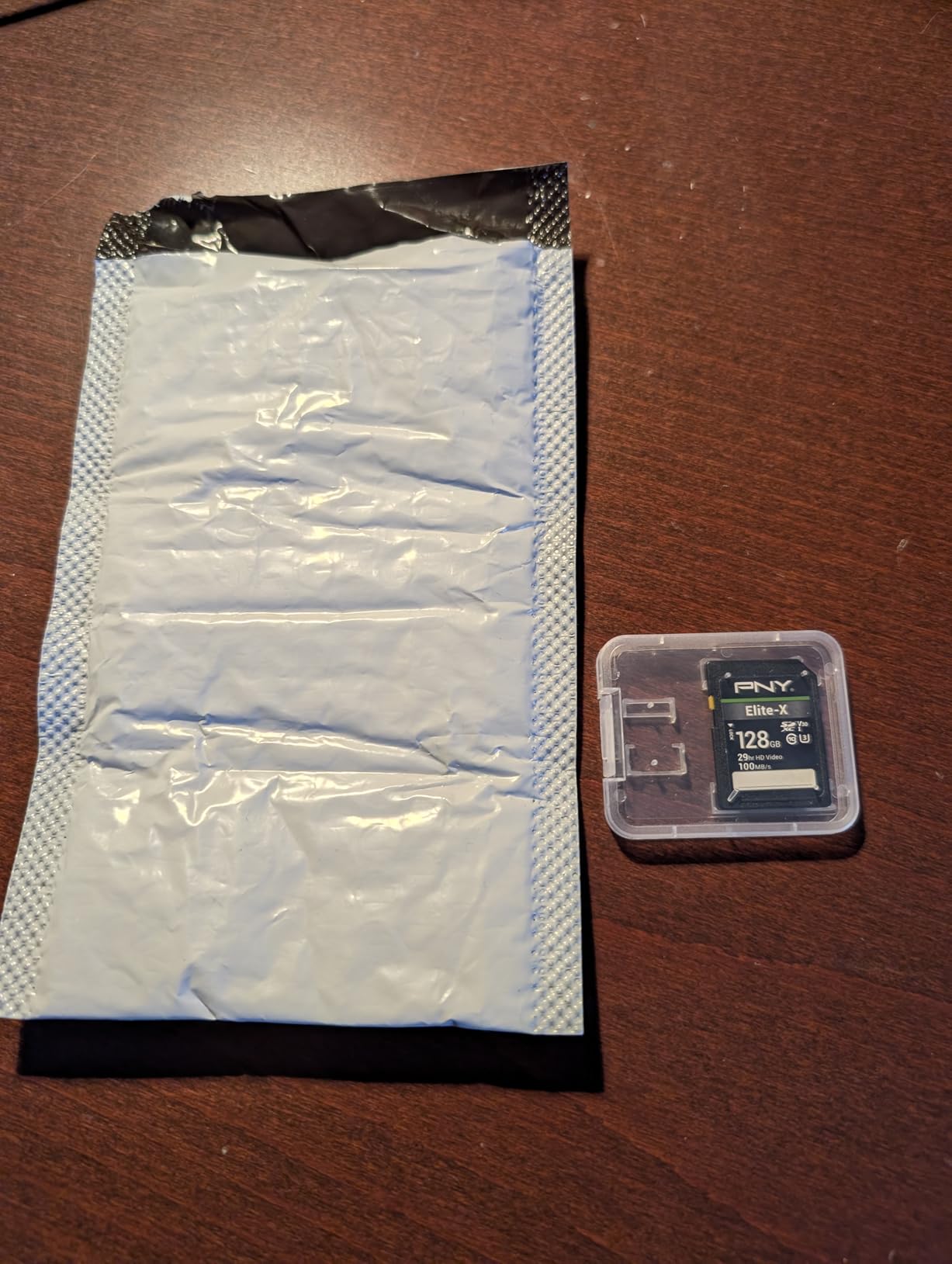
Closing out the list is the card I would hand to someone whose camera is older than their interest in technology. It is a full-size 128GB SDXC card rated Class 10, U3, and V30, and it is recognised immediately by a wide range of cameras and devices.
Owners generally find it satisfactory for everyday photography and 1080p to 4K capture on entry-level DSLRs, and they highlight the lifetime limited warranty alongside the low cost as the two things that stand out.
The magnet-proof, shock-proof, temperature-proof, and waterproof construction covers the durability basics that matter for a card that lives in a camera bag rather than a studio.
Compatibility is unremarkable in the best way: point-and-shoots, DSLRs, and advanced HD-enabled video cameras all read it without fuss, and the same card works in card readers and laptops.
Where it earns its place
First-time 4K shooters, backup cards, and anyone filling out a kit on a budget get what they need here. The V30 rating is a real guarantee, not a marketing label.
The lifetime limited warranty means you are not carrying the risk of a no-name card with no support behind it, which is the main argument against going cheaper still.
Where it runs out
The 100 MB/s read ceiling is well below newer UHS-I cards in the same class, and the 60-80 MB/s typical media speed leaves very little headroom above the 30 MB/s a V30 rating promises.
That combination means high-bitrate 4K will fill the buffer faster, and reviews describe the sentiment as more measured than for the premium cards in this roundup.
How to Choose an SD Card for 4K Video Recording
V30 vs V60 vs V90: pick the tier your bitrate demands
The Video Speed Class is a guarantee of minimum sustained write speed, printed on the card as a V-number with a small letter. V30 means at least 30 MB/s sustained, V60 means at least 60 MB/s, and V90 means at least 90 MB/s. Nothing about the rating is marketing spin; it is a floor the manufacturer commits to.
Match the tier to the heaviest mode you actually intend to record. Record only 4K 30p at standard bitrates and a V30 card is genuinely sufficient. Record 4K 60p, 10-bit 4:2:2, or a high bitrate profile and you want V60. Record 4K 120fps, All-Intra, ProRes, or 8K and V90 is the only honest answer.
Paying above the tier you need buys headroom rather than capability. That headroom is worth having when a firmware update adds a heavier codec, but it is wasted money if you only ever shoot one mode.
Bitrate to speed class: how fast do you actually need?
Bitrate is the real driver, and it is easy to convert. One megabit per second of video costs roughly 0.125 megabytes per second of write. That gives you a clean table.
At 100 Mbps, a camera needs about 12.5 MB/s to keep up, so a V30 card has comfortable margin. At 200 Mbps for typical 4K 60p, you need about 25 MB/s and V30 technically works but with little room for buffer work alongside it, which is why V60 is the community consensus for 4K 60p. At 400 Mbps for 4K 120fps, All-Intra, or ProRes, you need about 50 MB/s sustained, and only a V90 card gives you the guarantee plus the burst margin.
The practical rule: divide your camera’s 4K bitrate by eight to get megabytes per second, then pick a V-class whose guarantee sits comfortably above that number.
How much 4K video fits on a card?
Capacity planning matters because running out of space mid-take loses a clip just as surely as a card that cannot keep up. After formatting, a 128GB card gives you roughly 115GB usable, and usable figures vary slightly by card and format.
On that usable capacity, 128GB holds about 2 hours 40 minutes at 100 Mbps, about 1 hour 20 minutes at 200 Mbps, and around 40 minutes at 400 Mbps. A 256GB card roughly doubles those figures to about 5 hours 20 minutes, 2 hours 40 minutes, and 1 hour 20 minutes respectively. A 512GB card roughly doubles them again.
For a full day of 4K 60p event work, that arithmetic points at two 256GB cards or one 512GB card rather than a stack of smaller ones. Fewer cards means fewer swap moments during a ceremony or a keynote.
UHS-I vs UHS-II: what a second row of contacts buys
UHS-II adds a second row of contacts that raises theoretical bus speed from about 104 MB/s to about 312 MB/s. In practice that means much faster offloads and faster buffer clearing, and it is why a UHS-II card is worth it in a body with a matching slot.
A UHS-II card in a UHS-I camera works fine. You lose the read speed advantage and the faster buffer clearing, but you keep the card’s V-class guarantee, so a V60 UHS-II card in a UHS-I body still records 4K 60p reliably. Buying UHS-II for a UHS-I body is paying for a feature you cannot use.
microSD has the same caveat in reverse. Some microSD cards carry UHS-II contacts, but most devices with a microSD slot only wire the UHS-I row, so the read advantage only appears in your card reader.
Why your camera stops recording 4K video: five checks
The single most common complaint in the forums we reviewed is a camera that stops recording mid-clip, or a buffer message during 4K. The footage already written is usually fine; the clip in progress is the casualty. Work through these in order.
Check the V-class against the mode. A V30 card in 4K 120fps or All-Intra is the most common cause. Look up the required card speed per recording mode in the camera manual, which is the step most people skip.
Test the card before a paid shoot. Write the full capacity and verify it with a tool like F3. A card that cannot hold its claimed capacity fails mid-record regardless of its label.
Format in-camera. Formatting in the body writes the card in the layout the camera expects, and it clears filesystem fragmentation left by previous shoots.
Rule out heat and a tired battery. Long 4K takes heat the card, and low battery voltage can trigger early shutdown. Both look identical to a card failure from the outside.
Eject properly, never pull the card. Forum reports of corruption cluster around removing a card while writing or pulling a battery mid-record. Both are avoidable causes of the same symptom.
If a card has been in service for years, treat it as a suspect regardless of its rating. See the retirement guidance below.
How to spot a relabeled or counterfeit card
No competitor guide in our research covers this, yet it comes up constantly in forums, especially around multi-packs from online marketplaces. A relabeled card usually is a slower card wearing the label of a faster one, so it advertises 200 MB/s and delivers bursts of maybe 30.
Check the serial format. Brands with anti-counterfeit programmes print a laser-etched serial on the card and list a verification tool. SanDisk and ProGrade Digital both trace components this way.
Run a full-capacity write test. Use F3 on Windows or the macOS command-line equivalent, write the entire card, and check the expanded result. A fake fails immediately, because it is often a small card wearing a large label.
Buy single cards or small quantities from established sellers rather than large multi-packs, which is the advice repeated most often by people who have been burned.
Verify on arrival, before a shoot. A card that fails verification on day one is a nuisance. The same card failing on a paid day is a lost job.
SanDisk Extreme PRO, Lexar Professional, and ProGrade Digital lines were all named in our research as brands with a track record of hitting advertised speeds, and each carries a lifetime or multi-year warranty that counterfeit cards do not.
Card care and when to retire a card
Formatting in-camera between jobs is the single most useful habit. It keeps the filesystem clean and gives you a chance to notice a card that has started misbehaving while nothing important is on it.
Watch for warning signs rather than a date: dropped frames that were not there before, longer buffer clearing, failed writes during bursts, or files that will not open on the computer. Those are symptoms of declining sustained write, which no amount of formatting fixes.
Software helps. SanDisk’s Refresh Pro maintains and monitors card health, ProGrade Digital’s Refresh Pro sanitising software serves the same purpose for its cards, and recovery tools such as RescuePRO and Gigastone’s bundled recovery service can rescue files from a card that still reads.
If you shoot paid work, replace cards on a schedule rather than waiting for a failure, and keep two of whatever card you trust as backups. People shooting Canon RF systems repeatedly name the Sony SF-G Series TOUGH UHS-II V90 and ProGrade Digital V90 as the reliability-first choices, and for Canon bodies a UHS-II V90 is the version forum users recommend over any UHS-I option.
Frequently Asked Questions
Which SD memory card is best for recording 4K video?
The best SD card for 4K video is a V60 UHS-II card rated for at least 60 MB/s sustained write, such as the Lexar Professional 1667x 128GB or the PNY EliteX-PRO60 256GB. For 4K 30p only, a reputable V30 UHS-I card is enough. For 4K 120fps, All-Intra, ProRes, or 8K, choose a V90 UHS-II card.
How fast of an SD card do I need for 4K video?
Divide your camera’s 4K bitrate by eight to get megabytes per second, then pick a Video Speed Class whose guaranteed sustained write sits above that number. 100 Mbps needs about 12.5 MB/s so V30 is fine. 200 Mbps for 4K 60p needs about 25 MB/s so V60 is the sensible choice. 400 Mbps for 4K 120fps or All-Intra needs about 50 MB/s so V90 is required.
Is a V30 SD card enough for 4K?
A V30 SD card is enough for 4K 30p at standard and moderately high bitrates, because V30 guarantees at least 30 MB/s sustained write and a 100 Mbps stream needs only about 12.5 MB/s. It is not enough for 4K 60p at high bitrates, 10-bit 4:2:2, 4K 120fps, All-Intra, ProRes, or 8K recording. Check the required card speed for each mode in your camera manual.
Should I get a V30 or V60 SD card?
Get a V60 card if you record 4K 60p, use 10-bit 4:2:2, shoot a high bitrate profile, or work as a hybrid shooter who alternates long video takes with heavy bursts. A V30 card is enough if you only record 4K 30p at normal bitrates. V60 doubles the guaranteed sustained write from 30 MB/s to 60 MB/s, which removes most buffer complaints.
How many hours of 4K video fit on a 128GB SD card?
A 128GB card gives roughly 115GB after formatting, which holds about 2 hours 40 minutes of 4K at 100 Mbps, about 1 hour 20 minutes at 200 Mbps, and around 40 minutes at 400 Mbps. A 256GB card roughly doubles those figures and a 512GB card doubles them again, so long event shoots are better served by fewer larger cards.
Which SD Card Should You Buy for 4K?
For most people shooting 4K, the SanDisk Extreme PRO 64GB V30 is the card to buy first because it handles 4K 30p without fuss and has the largest review pool of any card here. Shoot 4K 60p and you want a V60 UHS-II card, where the Lexar Professional 1667x 128GB is our pick and the PNY EliteX-PRO60 256GB is the value alternative. Push into 4K 120fps, All-Intra, ProRes, or 8K and only a V90 card will do, with the ProGrade Digital Iridium 128GB and the Lexar Gold 2000x 256GB covering pro and cinema use. Drones and action cams get the Lexar Gold 256GB microSD V60 for 8K, or the SanDisk Extreme 256GB microSD V30 for everything lighter.
Whatever you choose, buy it from a trusted seller, test the full capacity before any shoot where the footage matters, format it in-camera, and keep a spare. That routine costs nothing and it removes most of the failure stories we read about. For 4K gaming hardware rather than 4K capture, our 4K gaming PC guide covers a different setup entirely.