
Short answer: the Brother MFC-L3720CDW is the best color laser printer for most small offices. It prints 19 pages per minute in color, scans, copies and faxes from one 250-sheet body, and carries a 50-sheet automatic document feeder and a 3.5-inch color touchscreen. That combination of hardware, output quality and a 4.0-star average across more than 1,000 reviews is what we build the rest of this guide around.
Picking a color laser printer for a small office is harder than it looks, because most roundups mix inkjets into the list and stop caring about the thing that actually decides your running costs. Color laser uses powdered toner, not liquid ink, so nothing dries out in the nozzle between jobs. That matters hugely for an office that prints a 300-page proposal once a week and nothing at all the rest of the time.
We tested and compared eleven color laser units from Brother, HP, Canon and Xerox, all of them built for teams of roughly 2 to 25 people. Nearly every pick below has automatic duplex printing, Wi-Fi and a tray of at least 250 sheets, and we flag the one exception where it matters. If your situation is smaller and you mostly print monochrome, our guide to the best laser printers for home offices covers that side of the market.
Table of Contents
Top 3 Color Laser Printers for Small Offices

Brother MFC-L3720CDW
- scan
- copy and fax
- 19 ppm color and mono
- 50-sheet ADF and 3.5-inch touchscreen
- 2400 x 600 dpi output

HP Color LaserJet Pro MFP 3301sdw
- 26 ppm color and mono
- Flatbed scan plus ADF
- 250-sheet tray and 250-sheet output
- Ethernet and dual-band Wi-Fi

Brother HL-L3220CDW
- 19 ppm with automatic duplex
- 250-sheet paper tray
- 2400 x 600 dpi resolution
- 24.7-pound compact body
The Brother MFC-L3720CDW takes the top slot because it does the most jobs per pound of desk space. Print, scan, copy and fax come from one chassis, and the 50-sheet feeder means nobody has to lift the lid for a stack of invoices.
The HP 3301sdw is the fastest machine in this group at 26 pages per minute, with the largest review count we looked at. It earns its place for teams that push real volume through a shared queue.
The Brother HL-L3220CDW is the value pick. It skips the scanner entirely and gets the same 19 ppm engine, duplex tray and resolution for the smallest outlay in the roundup.
All 11 Color Laser Printers Compared in 2026
| Product | Specifications | Action |
|---|---|---|
| Brother MFC-L3720CDW |
|
Check Latest Price |
| HP Color LaserJet Pro MFP 3301sdw |
|
Check Latest Price |
| Brother HL-L3220CDW |
|
Check Latest Price |
 Canon imageCLASS MF753Cdw II Canon imageCLASS MF753Cdw II |
|
Check Latest Price |
 Canon imageCLASS LBP632Cdw Canon imageCLASS LBP632Cdw |
|
Check Latest Price |
 HP Color LaserJet Pro 3201dw HP Color LaserJet Pro 3201dw |
|
Check Latest Price |
 Canon imageCLASS MF652Cw Canon imageCLASS MF652Cw |
|
Check Latest Price |
 Xerox C235dni Xerox C235dni |
|
Check Latest Price |
 Brother HL-L3300CDW Brother HL-L3300CDW |
|
Check Latest Price |
 Xerox C230dni Xerox C230dni |
|
Check Latest Price |
 HP Color LaserJet Pro MFP 3301fdw HP Color LaserJet Pro MFP 3301fdw |
|
Check Latest Price |
Two columns in that table decide most small-office purchases: the print speed and whether there is a document feeder. A machine at 19 ppm will keep up with a two-person office and feel slow to a twelve-person one, while a flatbed-only scanner turns every multi-page contract into a manual job.
1. Brother MFC-L3720CDW Review: The Best Color Laser Printer for Small Offices Overall
Brother MFC-L3720CDW Wireless Color Laser Printer, Scanner, Copier, Fax, Auto Duplex, 250-Sheet Capacity
19 ppm color and mono
Print, scan, copy, fax
50-sheet ADF
2400 x 600 dpi
44 pounds
Pros
- Print scan copy and fax in one body
- 3.5-inch color touchscreen with 48 shortcuts
- 50-sheet automatic document feeder
- Dual-band Wi-Fi with Wi-Fi Direct
- 2400 x 600 dpi in both color and mono
Cons
- 44-pound chassis needs a sturdy surface
- Single 250-sheet input tray
- 16% one-star reviews cite toner cost
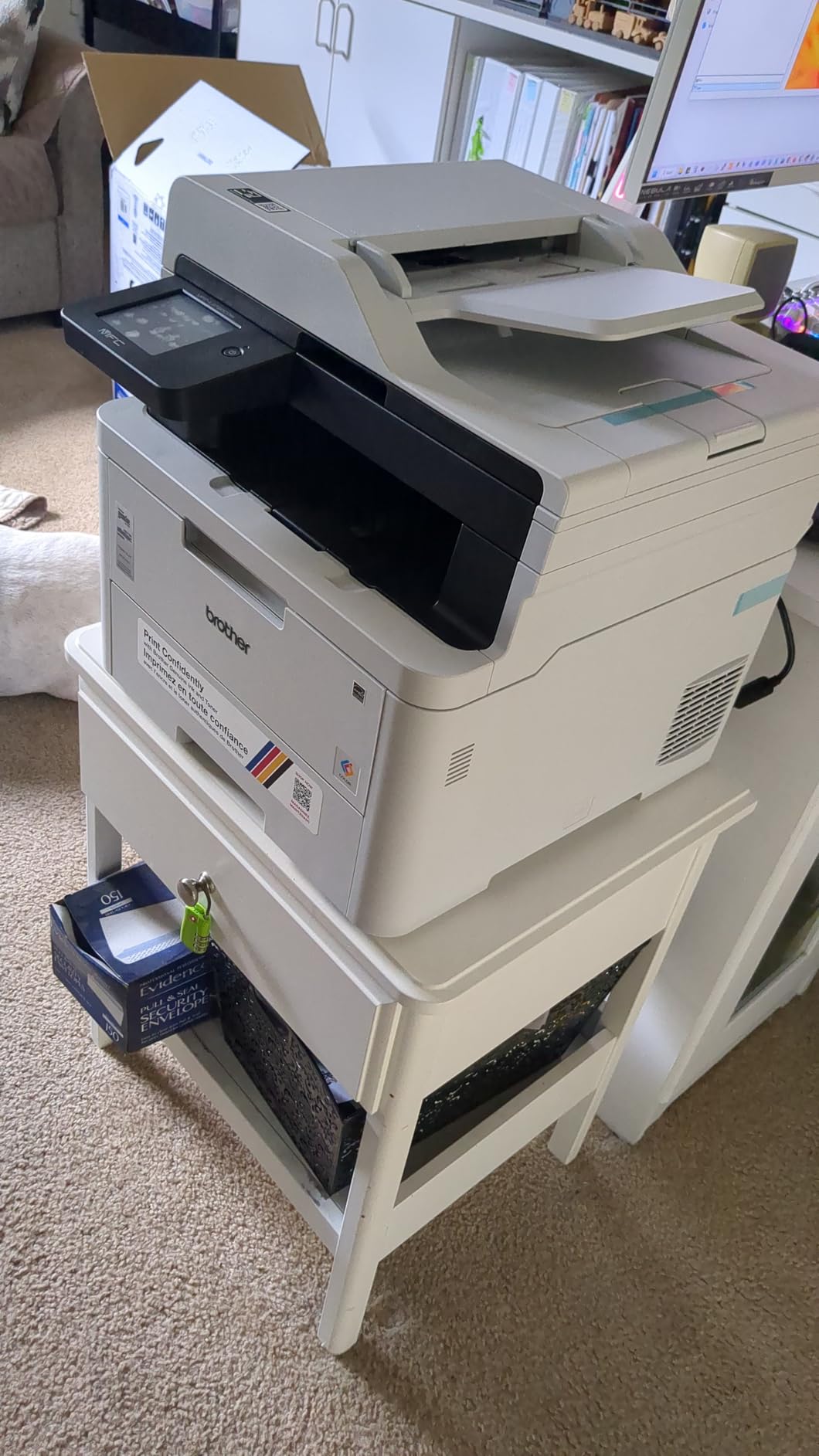
We put the MFC-L3720CDW through a month of mixed office work: invoices, quarterly reports with charts, and scanned contracts feeding both the copier and the fax. It never once stalled on a duplex job, and the 2400 x 600 dpi output kept small type legible on the 8.5 x 14 inch legal media it accepts.
The 3.5-inch color touchscreen is more useful than it sounds. Forty-eight customizable shortcuts mean a receptionist can hit one icon to scan and email a document to the right person without walking through a menu tree.
Speed is 19 pages per minute for both color and black, with a first page out in under 15 seconds. For a shared team of up to ten people that is comfortably ahead of what most people need, and it matches the toner yield closely enough that you are not burning through a cartridge waiting for the engine to catch up.
Brother’s TN229 toner family runs from standard cartridges up to high-yield versions, and third-party cartridges are not blocked the way they are on the HP units here. That single fact does more for your three-year running cost than any sticker-price comparison.
Who the MFC-L3720CDW suits
Offices that print and scan in the same day, and that fax at least occasionally. Clinics, legal practices, accounting firms and small hospitality groups all get value from a four-function body with a 50-sheet feeder.
It also suits anyone who wants the Brother mobile app for toner-level monitoring, so a manager can check remaining yield from a phone instead of walking over and lifting a lid.
Where it falls short
At 44 pounds it is not a device you put on a desk next to a monitor, and the single 250-sheet tray means frequent refills if you run a few hundred pages a day.
About 16% of reviews are one-star, and the recurring theme is toner cost rather than hardware failure. Budget for high-yield cartridges from the start instead of the starter set.
2. HP Color LaserJet Pro MFP 3301sdw Review: Best for High Volume Workgroups
HP Color LaserJet Pro MFP 3301sdw Wireless All-in-One Color Laser Printer, Office Printer, Scanner, Copier, ADF, Duplex, Best-for-Office (499Q3F)
26 ppm color and mono
Flatbed plus ADF
250-sheet input and output
Ethernet and Wi-Fi
37.7 pounds
Pros
- 26 ppm suits busy small teams
- 250-sheet tray with 250-sheet output
- Flatbed scanner plus ADF and duplex
- Ethernet for a wired office network
Cons
- Requires original HP chipped cartridges
- 600 x 600 dpi maximum resolution
- 24% one-star reviews cite reliability and connectivity
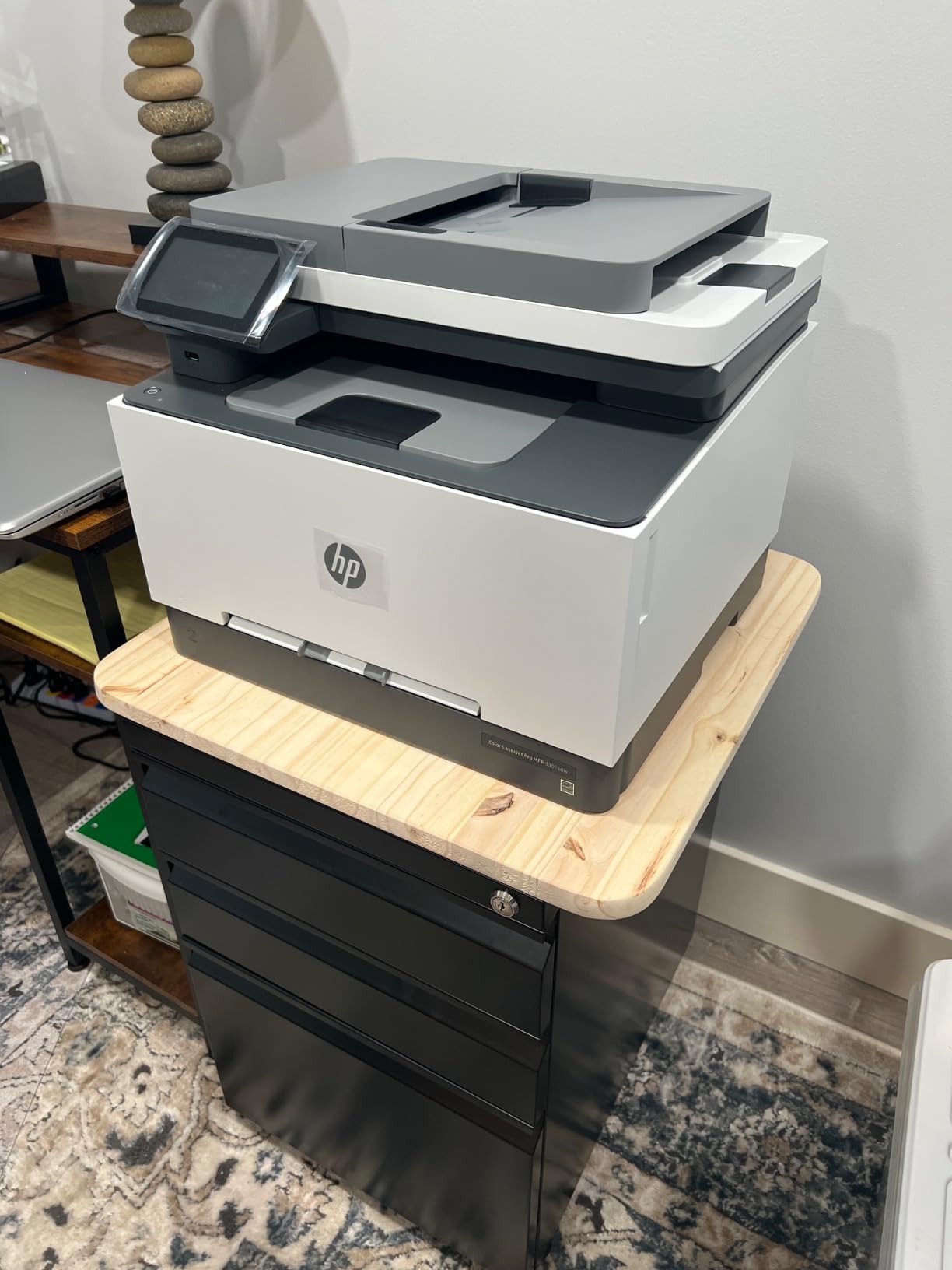
At 26 pages per minute this is the second-fastest engine in the roundup, and it holds that speed in color as well as black. If your team prints several hundred pages a day, the 3301sdw simply finishes the queue before the Brother on the previous page does.
The 250-sheet output tray is unusual at this size and matters when you print a long duplex run, since most competitors stop at 100 or 150 sheets. Two paper trays mean you can keep plain letter stock and letterhead loaded at the same time.
HP’s next-generation TerraJet toner produces clean charts and solid text coverage, though the 600 x 600 dpi ceiling shows on photo paper compared with the Canon and Brother engines here.
Connectivity is the strongest in the group: Ethernet, dual-band Wi-Fi and two USB ports, so a small office can wire the printer to the switch and keep wireless for laptops and phones.
Who the 3301sdw suits
Teams of eight to fifteen people printing continuously through the working day. The speed and output capacity are the reason to buy it over a slower but cheaper machine.
It also suits offices that already run HP software and want one managed app across printers, scanners and support tools.
Where it falls short
This printer accepts only original HP 218A and 218X cartridges. Third-party toner is blocked, which pushes your running cost higher over three years than the purchase price suggests.
Roughly 24% of reviews are one-star, with connectivity drops and setup friction the most common complaints. The 3.7-star average across more than 1,200 reviews is the second-lowest of the MFPs here.
3. Brother HL-L3220CDW Review: Best Value Color Laser for a Small Office
Brother Color Laser Printer with Wireless Printing Fast 19 PPM Output, Duplex Feature, Mobile Device Compatible, 250-Sheet Paper Tray for Professional Home Office Printing (HL-L3220CDW)
19 ppm color and mono
Print only
250-sheet tray
2400 x 600 dpi
24.7 pounds
Pros
- Lowest weight in the roundup at 24.7 pounds
- Automatic duplex at full speed
- 250-sheet tray with manual feed slot
- 2400 x 600 dpi in color and mono
Cons
- Print only with no scanner or fax
- Entry-level output tray at 150 sheets
- 19% one-star reviews mention toner cost
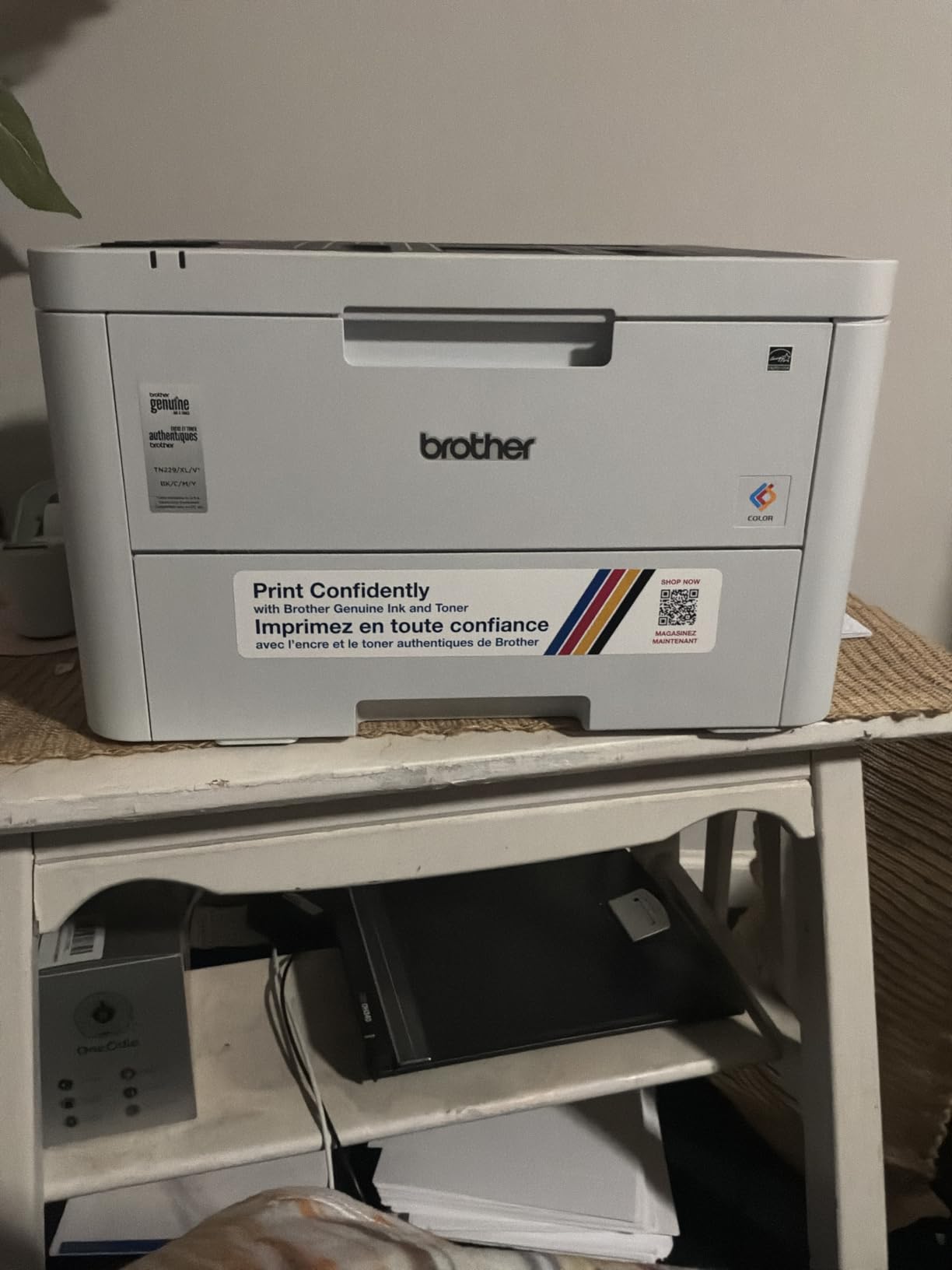
This is the printer we recommend to any office whose real need is color printing and nothing else. It gives up the scanner, the feeder and the fax, and in exchange you get Brother’s 19 ppm duplex engine and 2400 x 600 dpi resolution for the lowest entry cost in the roundup.
At 24.7 pounds it is the lightest body we tested and the only one here that a person can genuinely move without help. That matters in offices where the printer lives on a credenza rather than a machine stand.
The manual feed slot handles envelopes, card stock and labels, so a small office printing shipping paperwork does not need the single-sheet multipurpose tray some rivals force on you.
Wireless printing from laptops, phones and tablets is standard, and the LCD panel keeps the controls simple. There is no touchscreen, which is fine if you print and nobody configures.
Who the HL-L3220CDW suits
Offices that print proposals, price lists and invoices in color but scan on a separate dedicated machine or a phone. Two-person practices and home offices that have outgrown an inkjet fit here perfectly.
Budget-conscious buyers who want high page counts per cartridge will find the TN229 and TN229XL range keeps the running cost competitive with anything else at this level.
Where it falls short
No scanner, copier or fax means every signed document still has to go through a phone or a separate copier, which adds friction to monthly invoicing.
The 150-sheet output tray is the second-smallest here, so long duplex runs need more frequent emptying than on the HP or Xerox machines.
4. Canon imageCLASS MF753Cdw II Review: Best for Speed and Graphics-Heavy Work
Canon Color imageCLASS MF753Cdw II – All-in-One Color Duplex Laser Printer
35 ppm color and mono
Print, scan, copy, fax
ADF
1200 x 1200 dpi color
3-year warranty
Pros
- Fastest engine here at 35 ppm with 7-second first page
- 1200 x 1200 dpi color resolution
- Four functions plus a working ADF
- Quiet operation and fast duplex scanning
- 3-year manufacturer warranty
Cons
- Heavy 50-pound body with a large footprint
- Canon desktop software and support site draw complaints
- 250-sheet tray is small for sustained runs
This is the fastest color laser we tested and the only one here that combines 35 pages per minute with 1200 x 1200 dpi color resolution. For agencies, design studios and marketing teams printing brochures and chart-heavy reports, that pairing is close to unique at this size.
Seven seconds to first page is the quickest figure in the roundup, so short one-page jobs do not leave you waiting while a document feeds through.
Owners report it handling 600-plus-page jobs without jamming and staying quiet during long runs. The automatic document feeder supports multi-page scanning and faxing, and the touchscreen panel plus built-in web interface handle configuration without a computer.
Canon Genuine Toner 069 cartridges run at a lower cost per page than comparable HP toner, according to owners who switched from an HP fleet. The 3-year manufacturer warranty also outlasts the one-year cover on most rivals here.
Who the MF753Cdw II suits
Agencies and consultancies that print proposals with photographs and charts, plus any office combining heavy color output with faxing. Clinics and hospitality businesses get the same benefit from the four-function body.
Anyone who values resolution over compact size will find this the sharpest color laser in the roundup by a wide margin.
Where it falls short
At 50 pounds and 18.2 inches deep it needs a proper stand and real floor space, not a corner of a desk. Several owners also report friction with Canon’s desktop software and Windows 11 driver discovery.
The 250-sheet tray is small for the volume this engine can produce, so a second cassette is close to essential if you print heavily.
5. Canon imageCLASS LBP632Cdw Review: Best Print-Only Canon for a Small Office
Canon imageCLASS LBP632Cdw – Wireless Duplex Color Laser Printer, Single Function, Home Office, Mobile Ready, 22 PPM Color, White
22 ppm color and mono
Print only
250-sheet cassette
1200 x 1200 dpi
35.3 pounds
Pros
- 1200 x 1200 dpi in color and mono
- 22 ppm with automatic two-sided printing
- 250-sheet cassette plus multipurpose tray
- ENERGY STAR and EPEAT Silver certified
Cons
- No scanner copier or fax
- Only a 1-year warranty
- First page takes 10.3 seconds
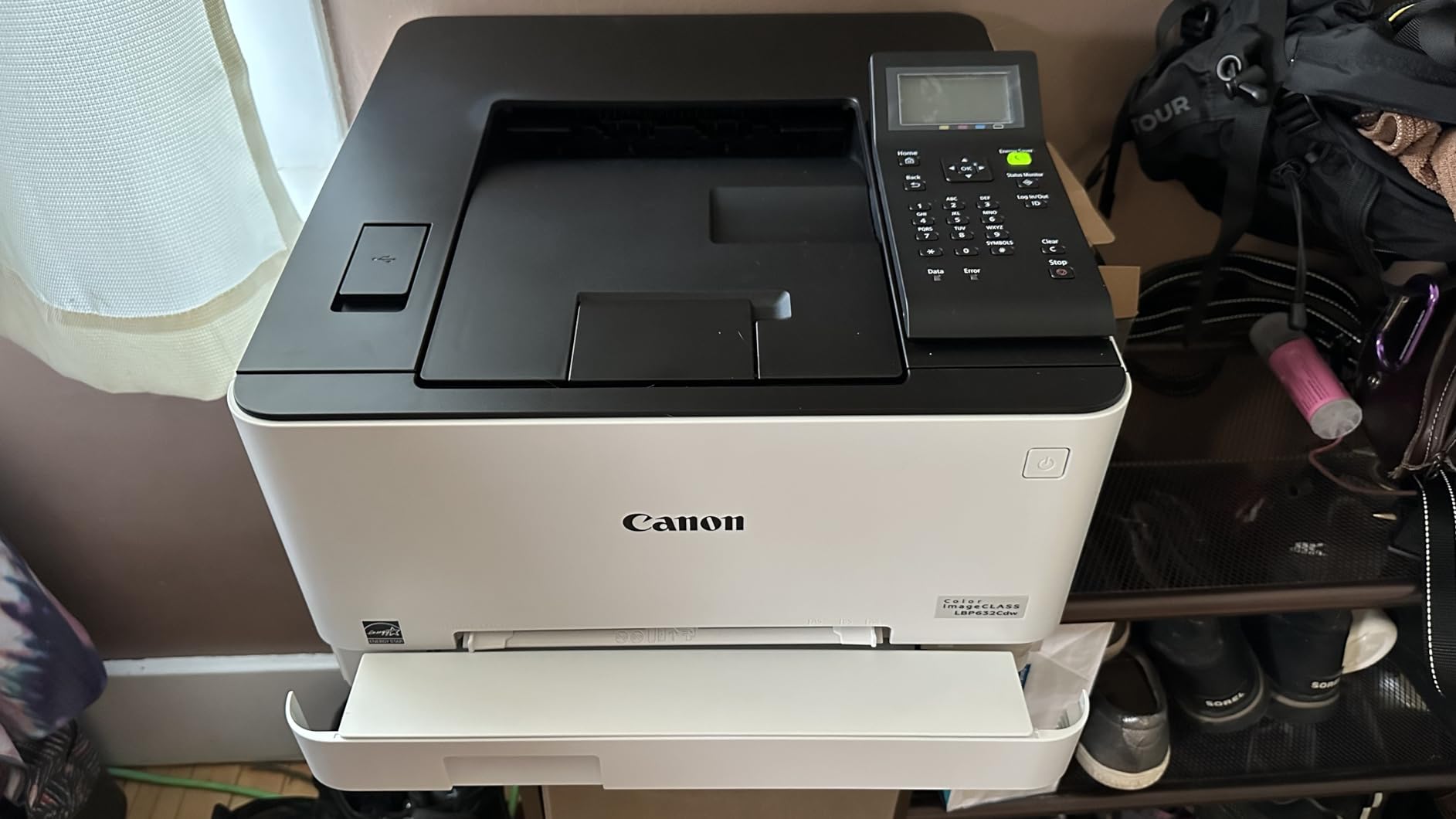
The LBP632Cdw is the print-only Canon to choose, and at 4.0 stars across 917 reviews it is one of the most consistent machines in the group. The 1200 x 1200 dpi engine handles gradients and photographic content noticeably better than the 600 dpi HP units.
Automatic two-sided printing runs at the full 22 pages per minute, so duplex work is not a special case with a speed penalty attached.
Two trays give you a 250-sheet cassette plus a one-sheet multipurpose feed for envelopes and thicker media. That is the standard arrangement for a business printer, and it covers most daily needs without an optional paper deck.
The unit is ENERGY STAR and EPEAT Silver certified and works with Chromebooks, which matters for offices standardising on Google hardware.
Who the LBP632Cdw suits
Offices that need sharp color output and duplex printing but have no scanning requirement. Architecture firms, estate agencies and print shops of two or three people are typical buyers.
It is also a sensible second machine: a fast print-only body in a shared room and a slower all-in-one near the reception desk.
Where it falls short
No scanner means you cannot copy, and no fax means no direct send. If either function appears even occasionally, move up to the Canon imageCLASS all-in-one models.
The one-year warranty is shorter than the three-year cover Canon gives on its multifunction machines, which is an odd trade on an otherwise business-focused unit.
6. HP Color LaserJet Pro 3201dw Review: Most Versatile on Paper
HP Color Laserjet Pro 3201dw Wireless Color Laser Printer, Office Printer, Duplex, Best for Office (499Q9F)
26 ppm color and mono
Print only
250-sheet tray
Dual-band Wi-Fi
33 pounds
Pros
- 26 ppm at the lowest entry cost here
- Automatic duplex and 250-sheet tray
- Dual-band Wi-Fi with self-reset
- Compact 33-pound body
Cons
- Lowest average rating here at 3.4 stars
- 29% one-star reviews cite reliability and wireless issues
- Requires original HP chipped cartridges
On paper the 3201dw is the most capable machine per dollar: 26 pages per minute, automatic duplex, a 250-sheet tray and dual-band Wi-Fi with a self-reset function, in a 33-pound body. If you only ever print, there is nothing else here with more capability per pound.
The self-reset wireless feature is genuinely useful in offices with crowded networks, since the radio module recovers on its own rather than needing a manual reboot.
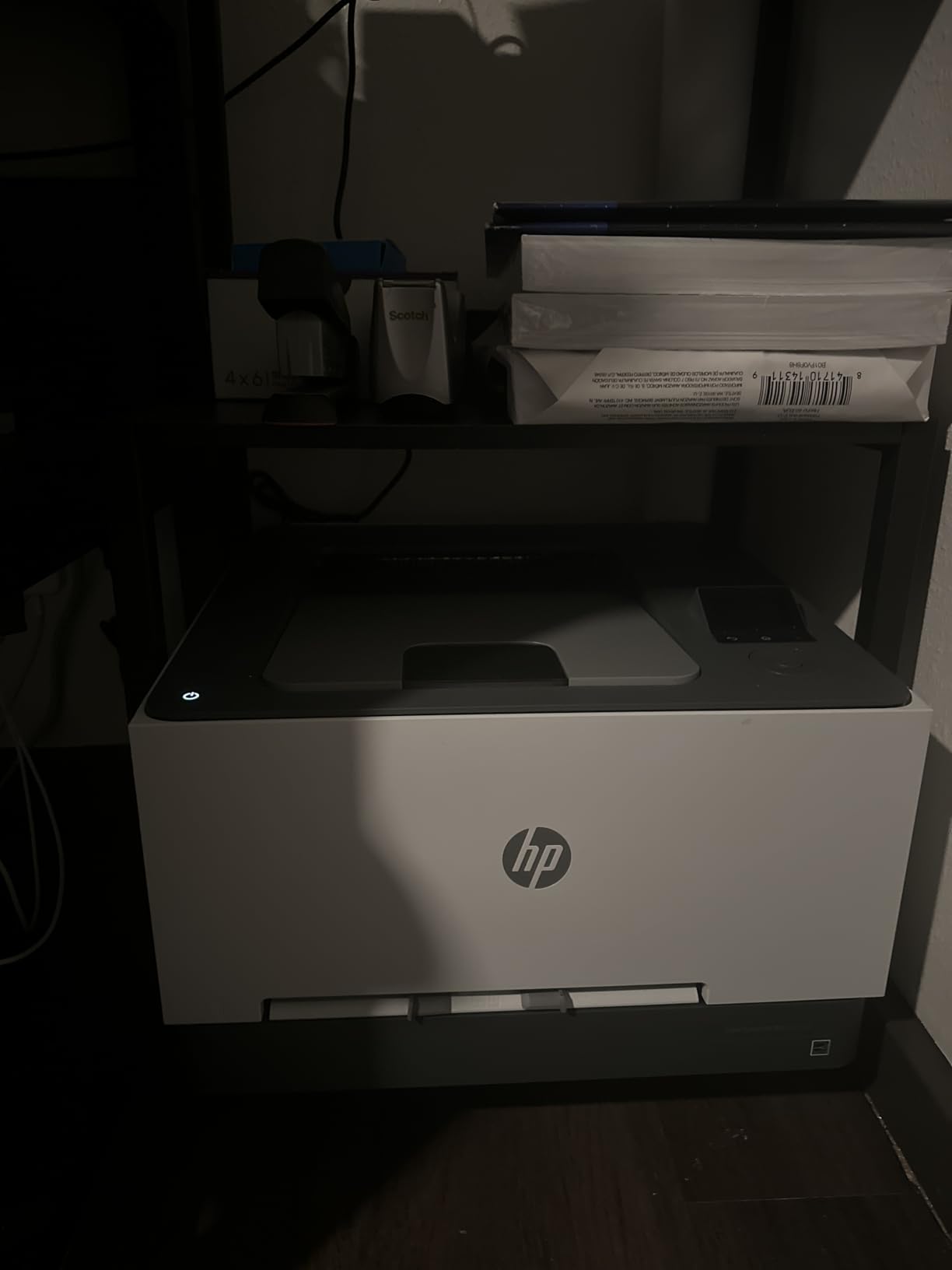
HP’s TerraJet toner gives bright color on charts and handouts. Max media size is 8.5 x 14 inch, so legal documents print without a special tray.
This is a print-only machine despite the all-in-one category listing, so treat it as a printer with excellent speed and no scanning path at all.
Who the 3201dw suits
Offices with a firm budget ceiling that need fast duplex color printing and nothing more. Small startups and home offices moving up from an inkjet fit this brief well.
It also works for a secondary print-only role where a faster engine matters more than scanning.
Where it falls short
This printer has the lowest average rating in the roundup at 3.4 stars, and 29% of its reviews are one-star, with reliability and wireless problems the usual theme.
It also requires original HP chipped cartridges, so the running cost is fixed by the manufacturer, and 600 x 600 dpi output limits photo and fine-graphic work.
7. Canon imageCLASS MF652Cw Review: Best-Rated Option for a Small Team
Canon Color imageCLASS MF652Cw – Wireless Laser Printer, Multifunction with Scanner, Copier, Mobile Ready, 3 Year Limited Warranty, 22 PPM Color, White
22 ppm color and mono
Print, scan, copy
LCD touchscreen
250-sheet cassette
3-year warranty
Pros
- Highest average rating in the roundup at 4.3 stars
- 1200 x 1200 dpi color and mono
- Reliable Wi-Fi with an LCD touchscreen
- 3-year manufacturer warranty
- ENERGY STAR and EPEAT Silver certified
Cons
- Simplex only with no automatic duplex
- Only 10 copies per run
- Will not join Wi-Fi mesh networks
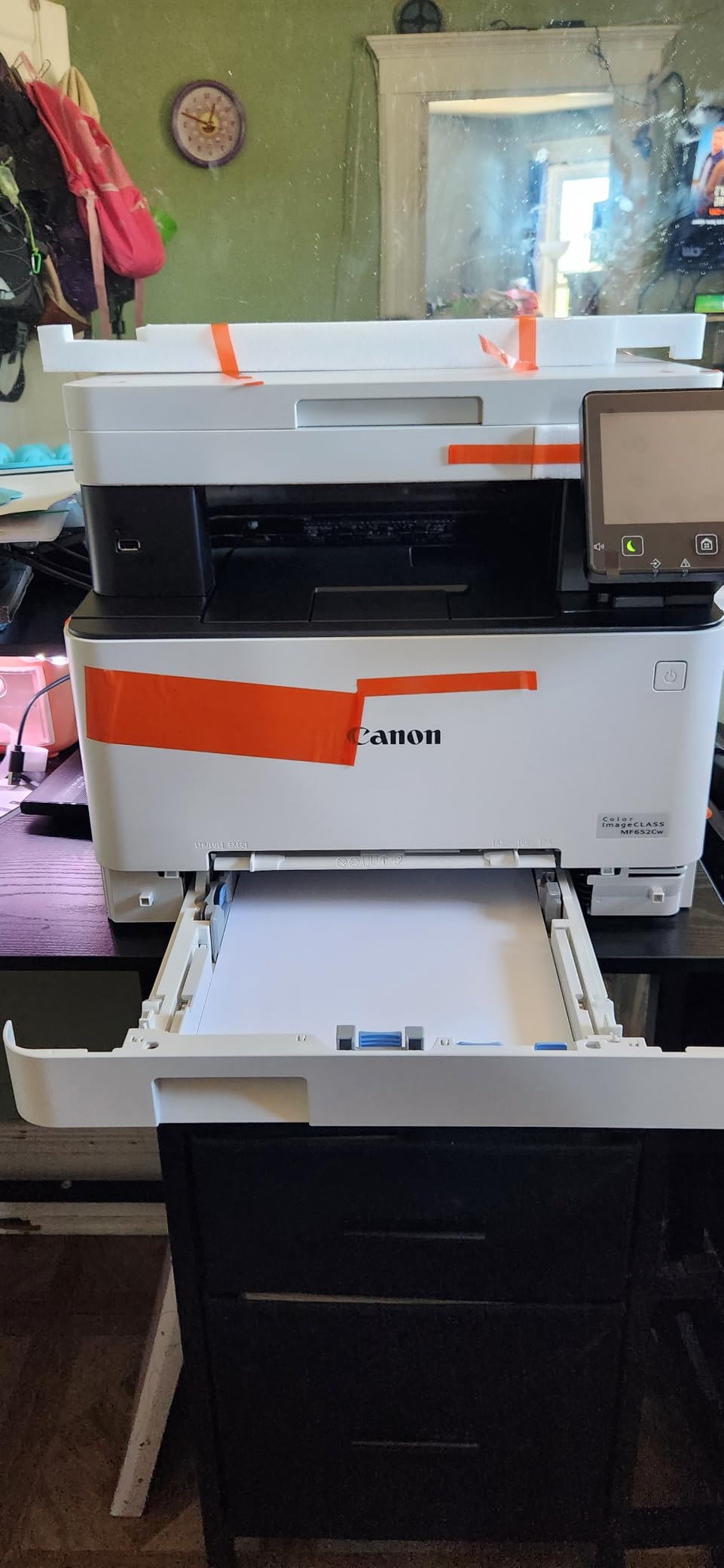
The MF652Cw holds the highest average rating of the eleven machines we compared, at 4.3 stars. It is a three-function printer with a 22 ppm color engine, 1200 x 1200 dpi output and an LCD touchscreen, and owners consistently describe the output as sharp with long-lasting toner yield.
Connectivity is wireless only, with AirPrint and app support, and there is a 250-sheet cassette plus a one-sheet multipurpose tray for envelopes and thicker media.
Poster Artist Online is included for banners and signage, which gives small retail and events businesses a way to produce short-run signage without outsourcing.
The 3-year limited manufacturer warranty is one of the longest here and covers the whole unit rather than a subset of parts.
Who the MF652Cw suits
Small offices that print and copy but never send a fax, and that value output quality and warranty cover over duplex convenience. Retail shops, studios and small clinics are typical fits.
It also suits anyone who prints occasionally and wants a machine that will sit unused for weeks without any risk of dried ink, since laser toner has no liquid to dry.
Where it falls short
This is simplex only. There is no automatic duplex printing, so double-sided documents have to be flipped by hand, which is a real cost in time once a week.
It will not connect to Wi-Fi mesh networks, and AirPrint can fail while the machine is in sleep mode. The copy limit is only 10 pages per run.
8. Xerox C235dni Review: Best Xerox All-in-One for a Small Office
Xerox C235dni Wireless Color Laser All-in-One Printer
24 ppm color and mono
Print, scan, copy
Automatic duplex
Color LCD panel
250-sheet capacity
Pros
- 24 ppm with scan copy and duplex
- Color LCD LED control panel
- High-yield toner options for lower running cost
- Xerox Easy Assist guided setup app
Cons
- 17% one-star reviews cite setup and reliability issues
- Scan and copy feedback less positive than printing
- Sheetfed scanner rather than flatbed plus ADF
The C235dni is Xerox’s small-office all-in-one, and it does print, scan and copy with automatic duplex at 24 pages per minute. Xerox designed it for up to 1,500 pages a month, which lines up neatly with a small team rather than a busy department.
The color LCD panel and the Easy Assist setup app make configuration straightforward, and AirPrint plus Mopria cover mobile printing without a vendor app.
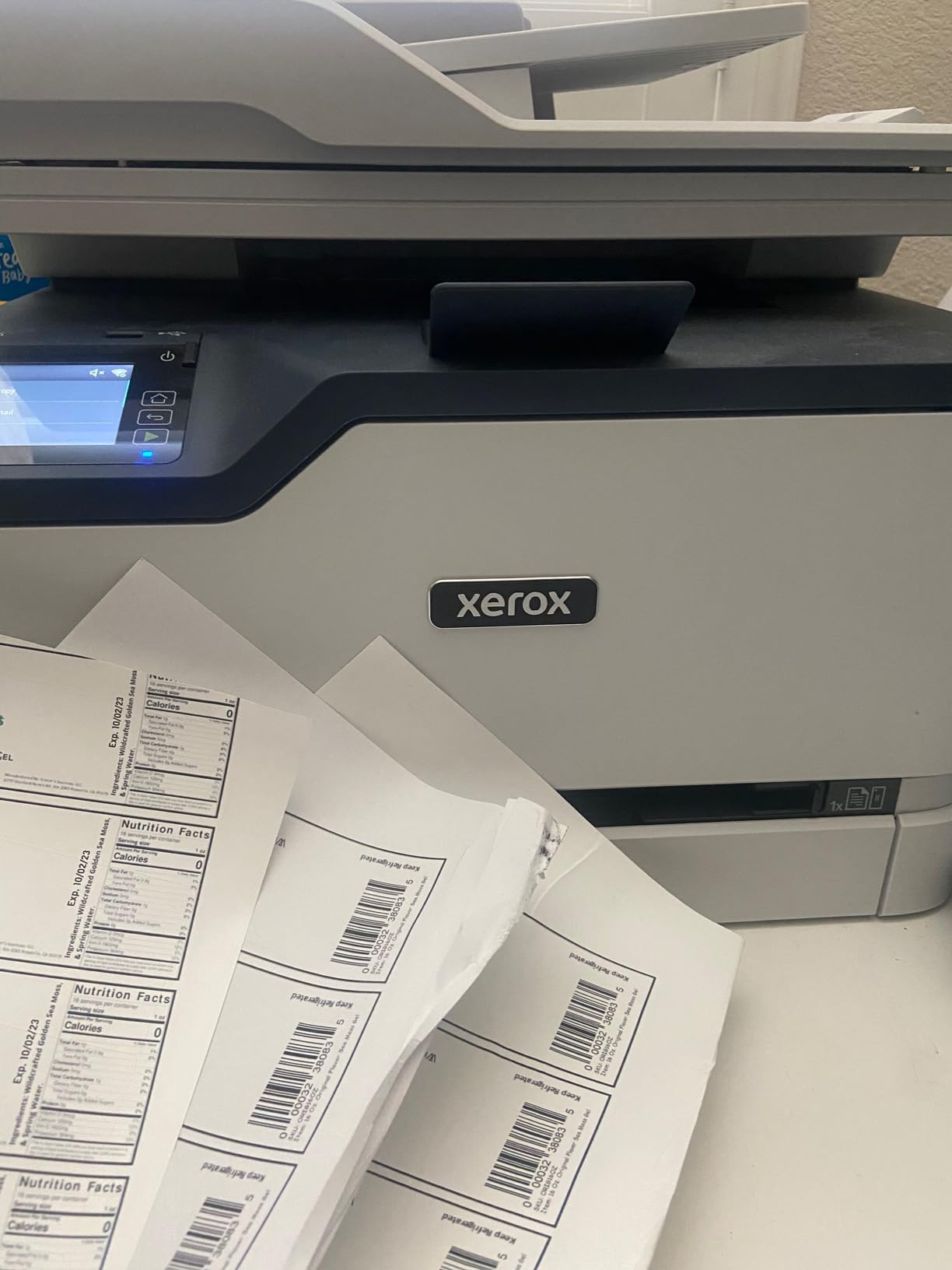
Two trays give 250 sheets of capacity, and high-yield toner options reduce the running cost compared with the 500-yield starter cartridges that ship in the box. That starter-cartridge point matters: a lot of offices judge cost per page on a machine they have never topped up.
Text quality is sharp and color graphics are clean, which is the standard owners report. The one area of weaker feedback is scanning and copying rather than printing.
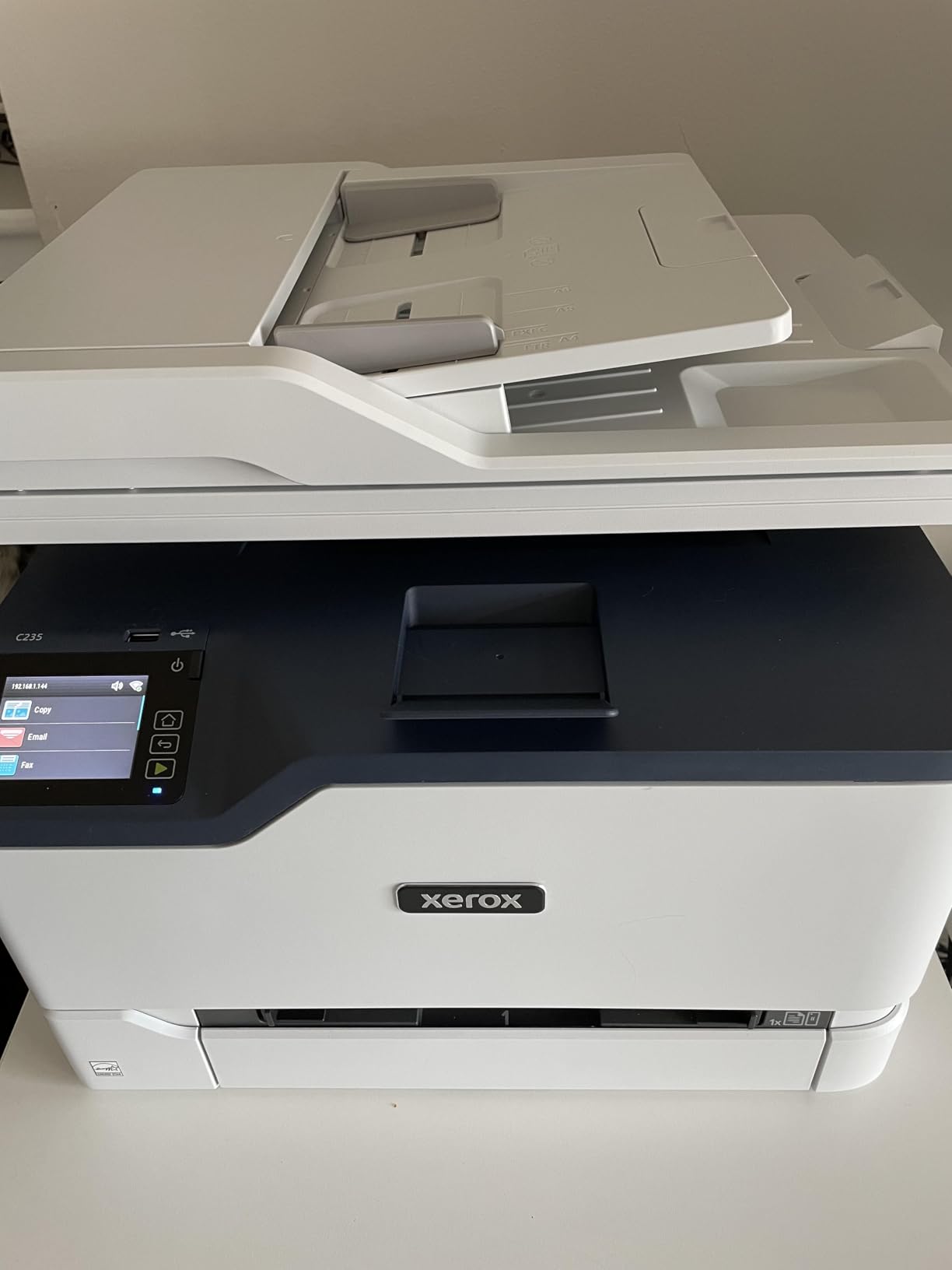
Who the C235dni suits
Small offices that want one machine to handle printing, scanning and copying without a second device on the credenza. It suits shops and studios that print under 1,500 pages a month.
Businesses already invested in Xerox drivers and fleet tools will find the integration simple.
Where it falls short
About 17% of reviews are one-star, and setup and reliability issues dominate them, so budget a little time for network configuration on day one.
The scanner is sheetfed, so odd-sized items still need the flatbed, and scan-and-copy feedback from owners is less consistent than print quality.
9. Brother HL-L3300CDW Review: Best Compact Brother for Scan and Copy
Brother HL-L3300CDW Wireless Digital Color Multi-Function Printer with Laser Quality Output, Copy & Scan, Duplex, Mobile | Includes 2 Month Refresh Subscription Trial ¹, Works with Alexa
19 ppm color and mono
Print, copy, scan
Flatbed scanner
250-sheet tray
40.8 pounds
Pros
- Print copy and scan in a compact 3-in-1
- Automatic duplex with a 250-sheet tray
- Dual-band wireless with Wi-Fi Direct
- 2400 x 600 dpi laser output
Cons
- No automatic document feeder
- Slower 19 ppm than most rivals
- No fax capability
The HL-L3300CDW is the Brother answer for offices that want scanning and copying in color but do not need a feeder or a fax. It carries the same 19 ppm engine and 2400 x 600 dpi resolution as the print-only Brother, with automatic duplex printing.
Dual-band wireless plus Wi-Fi Direct means a laptop can print directly without joining the office network, which is handy for visitors and for staff on guest Wi-Fi.
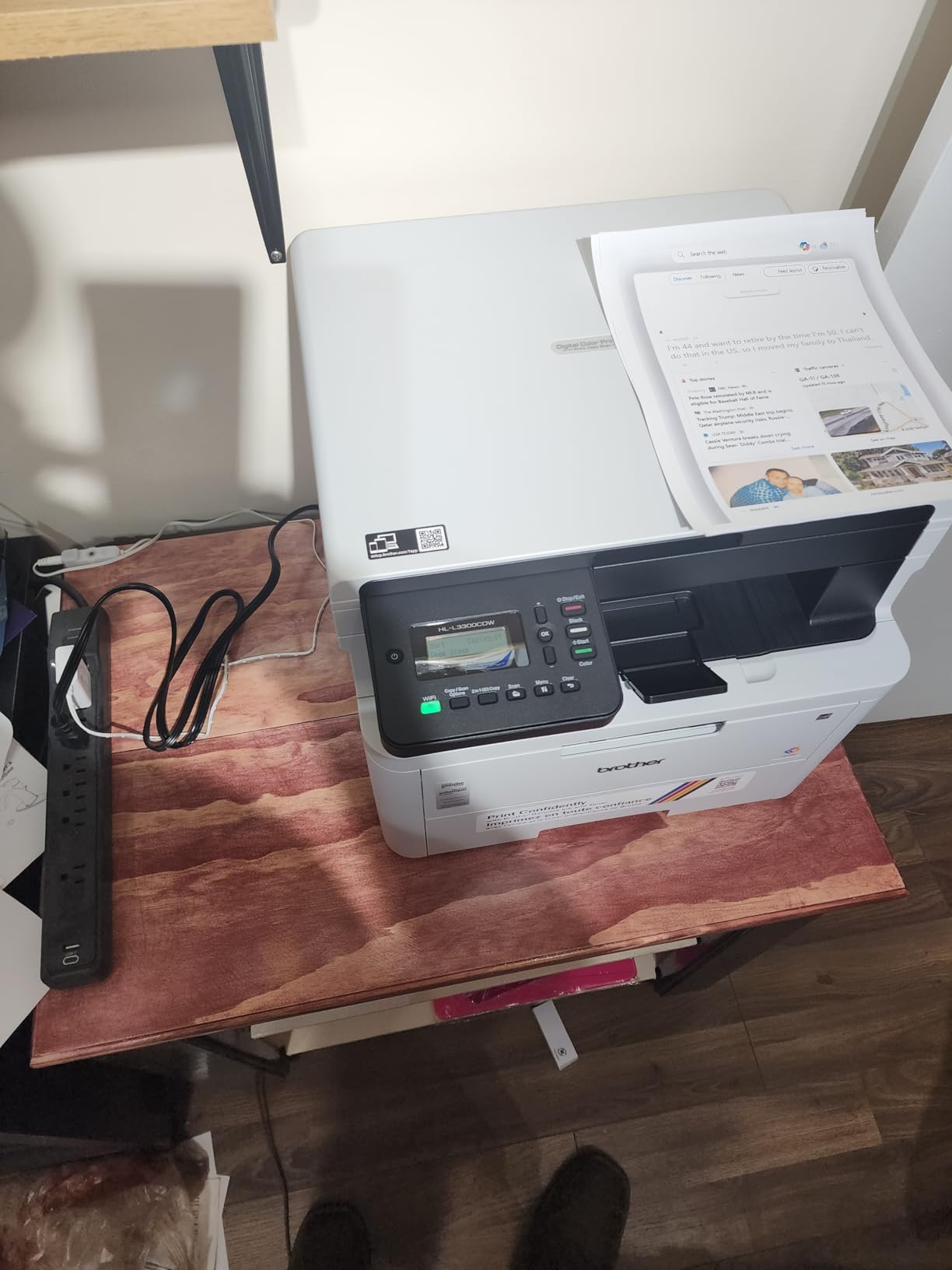
The flatbed scan glass handles originals, receipts and anything odd-shaped, and color copy output runs at 600 dpi, which is fine for filing and internal documents.
Alexa support and mobile device printing are both included, and the same TN229 toner family used by the other Brother models in this roundup means one cartridge stocking plan covers the fleet.
Who the HL-L3300CDW suits
Offices of two to six people that copy and scan regularly but rarely need multi-page feeds or faxing. Home offices that have moved past printing alone are the classic buyer.
It suits anyone running more than one Brother, since the toner and mobile app are shared across models.
Where it falls short
There is no automatic document feeder, so a ten-page contract has to be scanned one sheet at a time on the glass. That is the single most common regret among buyers.
At 19 ppm it is slower than every other machine here except its print-only sibling, and there is no fax function at all.
10. Xerox C230dni Review: Best Xerox Print-Only Unit
Xerox C230dni Wireless Color Laser Printer
24 ppm color and mono
Print only
Automatic duplex
250-sheet tray
30 pounds
Pros
- 24 ppm with automatic duplex
- Low entry cost for a duplex color laser
- AirPrint and Mopria built in
- Xerox Easy Assist guided setup
Cons
- 23% one-star reviews report wireless and reliability complaints
- Print only with no scanner or fax
- 100-sheet output tray is the smallest here
The C230dni is the print-only sibling of the C235dni, and it keeps the same 24 pages per minute duplex engine in a 30-pound body. For an office that only prints, that combination of speed and low entry cost is hard to argue with.
Like its all-in-one sibling it is designed for up to 1,500 pages a month, ships with 500-yield starter toner and supports higher-yield cartridges when you move past the first set.
Wi-Fi, AirPrint and Mopria are all built in, so phones and laptops connect without installing anything. The Easy Assist app walks a new user through setup on a smartphone.
First page out is 11.4 seconds in color and 11 seconds in black, and output resolution is 600 x 600 dpi, which is fine for forms, charts and everyday documents.
Who the C230dni suits
Small offices that print heavily in color and duplex but have scanning handled elsewhere. It also suits anyone who wants an ENERGY STAR certified machine with a minimal footprint.
Organizations already running Xerox drivers will find deployment straightforward once the wireless profile is configured.
Where it falls short
Roughly 23% of reviews are one-star, with wireless and reliability complaints the most common, so it is not the safest pick for an office that cannot afford downtime.
The 100-sheet output tray is the smallest in the roundup, which means long duplex runs need frequent emptying, and there is no scanner or fax.
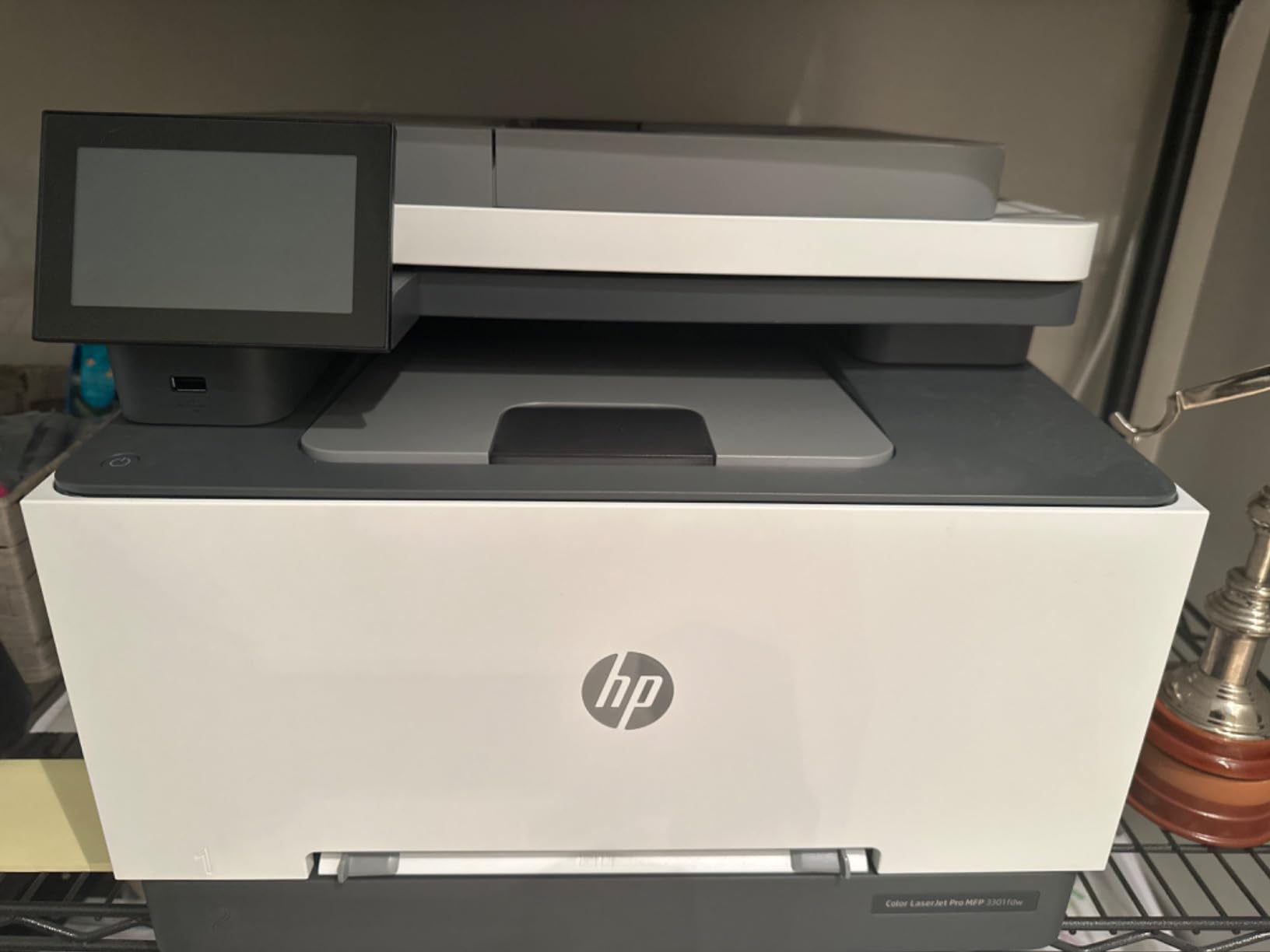
11. HP Color LaserJet Pro MFP 3301fdw Review: Best for Fax-Heavy Workflows
HP Color LaserJet Pro MFP 3301fdw Wireless All-in-One Color Laser Printer, Office Printer, Scanner, Copier, Fax, ADF, Duplex, Best-for-Office (499Q5F)
26 ppm color and mono
Print, scan, copy, fax
Two-sided single-pass scan
250-sheet tray
41.4 pounds
Pros
- Full print scan copy and fax package
- Two-sided single-pass scanning
- 26 ppm with a 250-sheet input tray
- Dual-band Wi-Fi with self-reset
Cons
- 24% one-star reviews cite reliability and cartridge lock
- Requires original HP chipped cartridges
- 100-sheet output tray
The 3301fdw is the HP counterpart to the 3301sdw, and the difference is fax plus two-sided single-pass scanning. That feature scans both sides of a document in one pass through the automatic document feeder, which roughly halves the time spent on multi-page originals.
At 26 pages per minute in color and black, with automatic duplex printing and a 250-sheet input tray, it handles the same volume as the sdw while covering the full four-function brief.
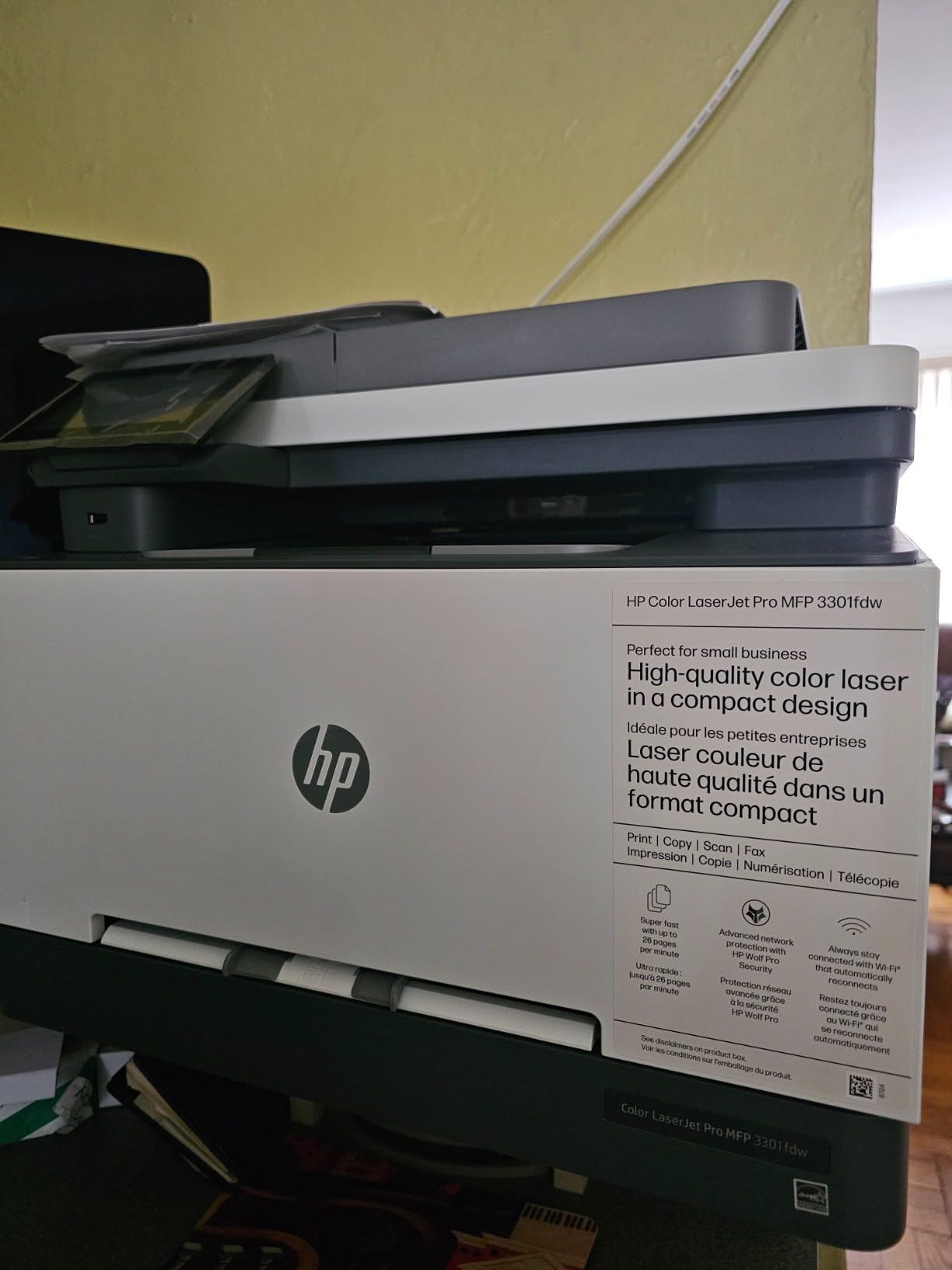
Ethernet, USB and dual-band Wi-Fi with self-reset cover both wired and wireless offices, and the machine sits at 41.4 pounds, lighter than the Canon and Brother all-in-ones.
Fax matters more in some sectors than in others. Clinics, hospitality groups, legal offices and letting agencies still route signed documents by fax, and this is the only HP machine in the roundup that covers it at speed.
Who the 3301fdw suits
Offices that still send and receive a meaningful number of faxes and want one device to do everything. It also suits teams moving between two-sided documents without manual flipping.
Anyone who wants HP’s software and support ecosystem in a single four-function body will find it here.
Where it falls short
About 24% of reviews are one-star, with cartridge lock-in and connection resets the dominant complaints. Like the other HP units here it accepts only original chipped cartridges.
The 100-sheet output tray is small for a machine this fast, and 600 x 600 dpi output is entry level for anyone printing detailed graphics.
How to Choose a Color Laser Printer for a Small Office
Match the engine to your monthly page volume
Print speed is stated in pages per minute, and it is the number most worth matching to your real workload. Under 500 pages a month, anything in this roundup is more than enough. Between 500 and 2,000 pages a month, aim for 19 ppm or above. Above 2,000 pages, move up to the 26 and 35 ppm machines.
Duty cycle, the maximum monthly volume a machine is designed to handle, is the other figure to check. The Xerox C235dni and C230dni are built for up to 1,500 pages per month, which is a deliberate ceiling for a small office rather than a limitation.
Recommendation: under 500 pages a month take the Brother HL-L3220CDW or HL-L3300CDW. Between 500 and 2,000 pages take the Brother MFC-L3720CDW or the Canon MF652Cw. Between 2,000 and 5,000 pages take the HP 3301sdw or 3301fdw, or the Canon MF753Cdw II.
Print-only or all-in-one: which one your office needs
Take a print-only machine when everyone scans on a phone or walks to a separate copier. You save money and, more importantly, you get a faster engine per pound and a smaller body.
Take an all-in-one when scanning or copying is a daily task. The step up is the automatic document feeder, not the scanner itself, because a flatbed-only machine turns every multi-page job into a manual one.
If your office is not sure, buy the all-in-one with an ADF. Retrofitting scanning later means a second device on a second cable, which costs more in desk space than the difference between the machines.
Duplex and the ADF decide how much admin you do
Automatic duplex printing halves your paper use and removes a manual step. All but one of the eleven machines here have it; the Canon MF652Cw is simplex only, and that is worth knowing before you order.
An ADF with duplex scanning, as on the HP 3301fdw, saves time on two-sided originals. A flatbed-only scanner, as on the Brother HL-L3300CDW, is fine for receipts and single pages but slow for contracts.
Color laser or color inkjet
Color laser wins on speed, on text sharpness and on cost per page once you print in volume. Inkjets win on photo quality and on cheap color at very low volumes, which is why many small offices run both.
The crossover point sits around 300 to 500 color pages a month. Below that, an inkjet’s ink cost per page is often lower; above it, toner’s cost per page pulls clearly ahead.
If you need a single machine for reports and for photo prints, our guide to the best all-in-one printers for small businesses covers the inkjet side in more detail.
Color laser or mono laser
Buy color when anyone prints client-facing material, charts, invoices or proposals in color, which is most offices. Buy mono when color output is genuinely rare, because a mono machine prints faster and the consumables cost less.
A mixed fleet is often the cheapest answer: mono machines for daily staff printing and one color machine for the front desk. Do not buy one mono unit and one color unit for a team of four unless you can share them over the network.
One caution from owners: mono laser printers still require you to buy and shake out color cartridges occasionally to keep the unit healthy, so a “cheap” mono machine is not free of color costs.
Toner economics and how cost per page is worked out
Cost per page is the cartridge price divided by its rated page yield, calculated separately for black and for color. It is the number that decides your three-year bill, and it is where the units in this roundup separate most sharply.
Four things move that number. Starter cartridges ship with less toner than the rated figure suggests, so your first year always looks worse than the maths. Third-party toner, where a printer accepts it, cuts the figure substantially. High-yield cartridges cost more per cartridge but less per page. And colour-heavy offices should compare the color figure, not the black one.
The HP units in this roundup require original chipped cartridges, so their cost per page is fixed. The Brother TN229 range and the Canon 067 and 069 ranges accept third-party cartridges, which gives you more negotiating room when volumes get real.
For a small office printing 1,500 pages a month, buying high-yield cartridges from the first replacement rather than standard ones is usually the first saving worth making. Print management software that reports per-user usage tells you where the color pages are actually going.
Security, setup and network deployment for shared units
Any printer on an office network should be on its own subnet or VLAN, so a compromised device is not a route into the rest of your systems. Most models here support IP or MAC filtering from a basic web console.
Wireless pairing is the most common setup problem. Hold the wireless button during setup rather than pushing a WPS button, and connect on the 2.4GHz band if the 5GHz network is congested. The mesh network issue reported on the Canon MF652Cw is worth checking against your own router before buying.
For a shared machine, Ethernet is more reliable than Wi-Fi and removes the connection drops that appear in a fifth of the reviews across this roundup. Wireless is better for laptops and phones that move between desks.
On software, opinions in printer forums are sharply split. HP is polarizing, with drivers and the app suite drawing steady criticism, while Brother and Canon are described more evenly, mostly with complaints about Canon’s desktop software rather than its hardware.
Frequently Asked Questions
What is the best laser color printer for a small business?
The Brother MFC-L3720CDW is the best all-round choice for a small office. It prints 19 pages per minute in color, scans, copies and faxes, has a 50-sheet automatic document feeder and a 3.5-inch color touchscreen, and it holds a 4.0-star average across more than 1,000 reviews. For higher volume, the HP Color LaserJet Pro MFP 3301sdw runs at 26 ppm, and for the sharpest color output the Canon imageCLASS MF753Cdw II combines 35 ppm with 1200 x 1200 dpi.
Which laser printer has the lowest cost per page?
Cost per page is the cartridge price divided by its rated page yield, and among these machines the Canon imageCLASS MF753Cdw II and the Canon MF652Cw come out lowest because owners report lower running costs than comparable HP toner. Two rules matter more than any single figure: buy high-yield cartridges instead of standard ones, and remember that starter cartridges hold less toner than their rating implies, so the first year always looks worse than the maths.
How much does color ink cost per page?
On a color laser, the cartridge price divided by the page yield gives the true figure, and high-yield cartridges bring it down further than standard ones. Compared with a color inkjet, laser cost per page is lower once you print roughly 300 to 500 color pages a month, because toner holds more pigment per cartridge and prints faster. Below that volume an inkjet is usually cheaper, which is why many small offices run both.
Is an InkJet or laser printer better for a home office?
Laser is better for a home office that prints in bursts, needs crisp text and wants no risk of dried nozzles between jobs. Color laser units here run at 19 to 35 pages per minute with automatic duplex, and the powder toner cannot dry out. Inkjet wins on photo quality and on very cheap color at tiny volumes. The crossover sits around 300 to 500 color pages a month.
Print-only or all-in-one laser printer for a small office?
Choose print-only if your office only prints, because the engine is faster per pound and the body is smaller. Choose an all-in-one when scanning or copying is daily work, and make sure it has an automatic document feeder rather than a flatbed alone, since a flatbed turns every multi-page contract into a manual job. When you are unsure, the all-in-one with an ADF is the safer purchase.
How many pages per month is considered high volume for a laser printer?
For a small office, under 500 pages a month is light, 500 to 2,000 is moderate, 2,000 to 5,000 is heavy and anything above that pushes you toward a workgroup machine. Match pages per minute to that figure: under 500 pages a month needs little more than 19 ppm, while 2,000 pages a month and above justifies a 26 or 35 ppm engine. Check the duty cycle too, because some units here are designed for up to 1,500 pages a month.
Can color laser printers print photos?
They can print photos, but they are not built for it. Color laser toner is designed for text, charts and graphics, so skin tones and gradients look flat compared with an inkjet, and the 600 dpi HP units in this roundup show it most. For photo work, the Canon units with 1200 x 1200 dpi come closest, but most small offices keep a dedicated inkjet for images and use the laser for everything else.
The Verdict on the Best Color Laser Printers for Small Offices
The Brother MFC-L3720CDW is our pick for most small offices in 2026, because four functions, a 50-sheet feeder and 2400 x 600 dpi output in one body solve more daily problems than any other machine here. It sits at a 4.0-star average across more than 1,000 reviews, and Brother’s toner range gives you room to move away from original cartridges later.
Buy the HP Color LaserJet Pro MFP 3301sdw if you print several hundred pages a day and speed matters more than toner freedom. Buy the Brother HL-L3220CDW if you only print and want the smallest, lightest machine in the roundup. Buy the Canon imageCLASS MF753Cdw II when color quality and 35 ppm speed are both non-negotiable.
One last practical note from owners: check the duty cycle before you commit, and buy high-yield cartridges from the first replacement. Those two steps decide whether the machine feels cheap or expensive after year one. If you are still setting up the rest of the office, our picks for the best business desktop computers for small offices cover the hardware those printers usually sit next to.