
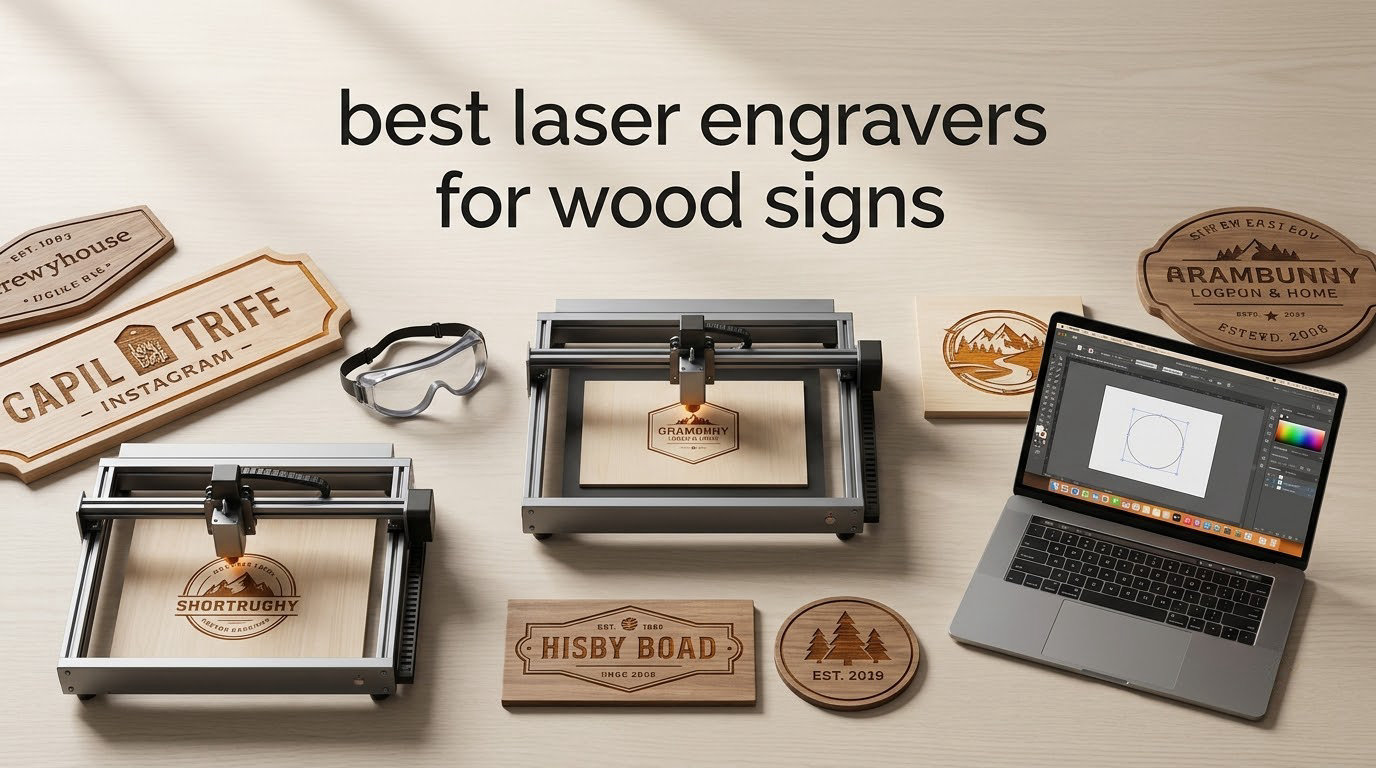
The best laser engravers for wood signs are the machines that can do two jobs at once: darken a surface for contrast and burn an outline clean through the sheet. Almost every cheap machine does the first. Far fewer do the second at a thickness that would survive as a real sign hanging on a wall.
Our team worked through ten laser cutters and engravers for this roundup, focusing only on wood sign work rather than acrylic, metal or general craft projects. We looked at what each machine’s manufacturer claims about cutting thickness, how large the bed actually is, whether air assist and exhaust are built in, and what owners report back after putting plywood through it. That last part matters more than the spec sheet.
Short answer for most readers: a 40W enclosed diode machine is the sweet spot for signs made from 3mm to 12mm plywood, while a desktop CO2 laser is the answer for thicker hardwood blanks and larger sheet runs. If you only ever make 12 by 18 inch blanks, a small 300 x 300mm bed will frustrate you within a week.
Below, we walk through the ten machines in order of how much wood capability they actually deliver, then break down laser types, wood species, and the buying criteria that matter once you start filling a job queue.
Table of Contents
Top 3 Picks for Wood Signs in 2026

xTool S1 40W Rotary Bundle
- 40W diode
- cuts 18mm cherry in one pass
- 23.93 x 15.16 inch bed
- 600mm/s with rotary


OMTech K40+ 45W CO2
- 45W CO2 beam
- cuts 8mm wood and 10mm acrylic
- Auto air assist plus exhaust fan
- 12 x 8 inch honeycomb bed
Best Laser Engravers for Wood Signs at a Glance in 2026
Here is the full lineup in one place. The wood cutting figures come from each manufacturer’s stated capability, so treat them as single-pass claims under ideal settings rather than promises.
| Product | Specifications | Action |
|---|---|---|
| xTool S1 40W Rotary Bundle |
|
Check Latest Price |
| LONGER RAY5 40W |
|
Check Latest Price |
 Ortur Laser Master 2 Ortur Laser Master 2 |
|
Check Latest Price |
 Twotrees TTS-55 Pro Twotrees TTS-55 Pro |
|
Check Latest Price |
 ACMER S1 ACMER S1 |
|
Check Latest Price |
 Creality Falcon A1 10W Creality Falcon A1 10W |
|
Check Latest Price |
| OMTech K40+ 45W CO2 |
|
Check Latest Price |
 xTool M2 10W xTool M2 10W |
|
Check Latest Price |
 Woxcker L2 MAX 10W Woxcker L2 MAX 10W |
|
Check Latest Price |
 Genmitsu L8 40W Genmitsu L8 40W |
|
Check Latest Price |
Diode or CO2: Which Beam Cuts Your Wood
Two beam types dominate the sign-making world. A 450nm diode laser works like a focused flashlight, burning at the surface layer of the sheet. A 10600nm CO2 beam is absorbed far more efficiently by the organic structure of wood, which is why it chews through material faster and leaves a cleaner, flame-polished edge.
For signs, the practical difference shows up in two places. First, thickness: a diode needs more passes or more power to get through the same plywood. Second, edge quality, which matters if the sign is visible at arm’s length rather than lying flat on a table.
Fiber and infrared lasers exist for metal marking, and none of the ten machines here are fiber machines. One of them offers an optional 3W infrared head, but that is for plastics and coated metal, not for wood signs.
Wood Types and Sheet Materials That Sign Makers Actually Use
Baltic birch plywood is the default for laser signs, and it earned that spot because the face veneers are thin, the interior glue layers are tight, and the resulting cut edge stays light instead of smearing into char. Standard birch ply is cheaper and darker on the edges, which reads well against a stain.
MDF cuts beautifully and takes stain evenly, but the edges crumble and the dust is fine and heavy, so extraction matters. Basswood is the engraver’s favourite because it is soft, pale and takes fine detail. Walnut and cedar are for engraving and shallow carving rather than structural signs.
A second-pass detail worth planning for: engrave and cut in the same file wherever the design allows it. A two-pass cut-then-engrave workflow is what layered wood signs need, because the cut has to release the piece before the engraving registers against a stable surface.
1. xTool S1 40W Rotary Bundle – Best Overall for Wood Signs
xTool S1 40W Laser Cutter and Laser Engraver for Tumblers, 23.93″ x 15.16″ Bed Size, 600mm/s Speed, Laser Engraving Machine, Laser Engraver for Wood and Metal, Acrylic, Big Project – Rotary Bundle
40W diode
23.93 x 15.16 inch bed
600mm/s engraving
Cuts 18mm cherry one pass
Pros
- Cuts 18mm cherry wood in a single pass
- Fast 600mm/s engraving on a large bed
- Cover filters 99 percent of laser light plus five flame sensors
- Pin-point positioning and auto-focus
- Rotary attachment included
Cons
- Large and heavy so it needs dedicated space
- Bundled software can feel disorganized
- Spring-loaded Z probe tip can dent
- Smoke odor indoors needs venting
This is the machine I keep coming back to for signs because the bed is the first thing that decides whether you enjoy making them. At 23.93 by 15.16 inches, a 12 by 18 inch sheet drops straight in with room to spare, and the AutoPassthrough slot extends the working length up to 118 inches for oversized work.
The 40W diode is the part that changes your material list. xTool states it cuts 18mm cherry wood in a single pass, which is hardwood territory and puts it in a different class from the 10W units further down this list. Owners report first test burns within an hour of unboxing.
Enclosure matters more than most spec sheets admit. This is a fully enclosed Class 1 body with a cover that filters 99 percent of the laser light plus five flame sensors, which is the reason it can sit in a room with people walking past it.
At 600mm/s engraving speed it handles batch sign work without stalling, and the pin-point positioning system keeps repeat jobs registered so a batch of 20 name boards comes out identical. The rotary attachment covers cups and curved surfaces, though it is not a wood feature.
What we liked about the cut quality
Reported owner results put the clean edges on hardwood well ahead of open-frame diode machines at the same wattage, and the auto-focus removes most of the guesswork from switching between plywood, MDF and hardwood.
The frame is 3mm aerospace-grade aluminium, and the manufacturer lists 71,830 hours of testing behind it, which is a meaningful number when you are running overnight batches.
Where it falls short
Owners consistently flag three things. The learning curve is real, the bundled creative software can feel disorganized to people used to LightBurn, and the spring-loaded Z probe tip can dent and return false height readings on soft plywood.
It is also a large, heavy cabinet weighing over 80 lbs with a deep enclosure, so plan the floor space before you buy rather than after.
2. LONGER RAY5 40W – Best Value for Cutting Real Wood Thickness
LONGER RAY5 40W Laser Engraver, High Power Laser Cutter Machine
40W diode
20mm wood single pass claim
385 x 385mm bed
24000mm/min dual beam
Pros
- Cuts 20mm wood and 30mm black acrylic in one pass
- Dual-beam engraving up to 24000mm/min
- 0.08 x 0.1mm fine focus
- LightBurn compatible
- Support praised for free replacement parts
Cons
- Air assist and honeycomb bed sold separately
- Unreliable Wi-Fi with large files
- Upgrade path requires circuitry changes
- Fire risk without a honeycomb bed
If the goal is maximum wood thickness from a diode machine, this is the pick on the list. The stated capability is 20mm of wood in a single pass, which on paper matches the machine ranked above it while the accessories it needs are add-ons.
The dual-beam system reaches 24,000mm/min, and the 32-bit control board handles long production runs without the stuttering cheaper boards show. Reviewers repeatedly call it the strongest 40W machine in this group once the accessory list is accounted for.
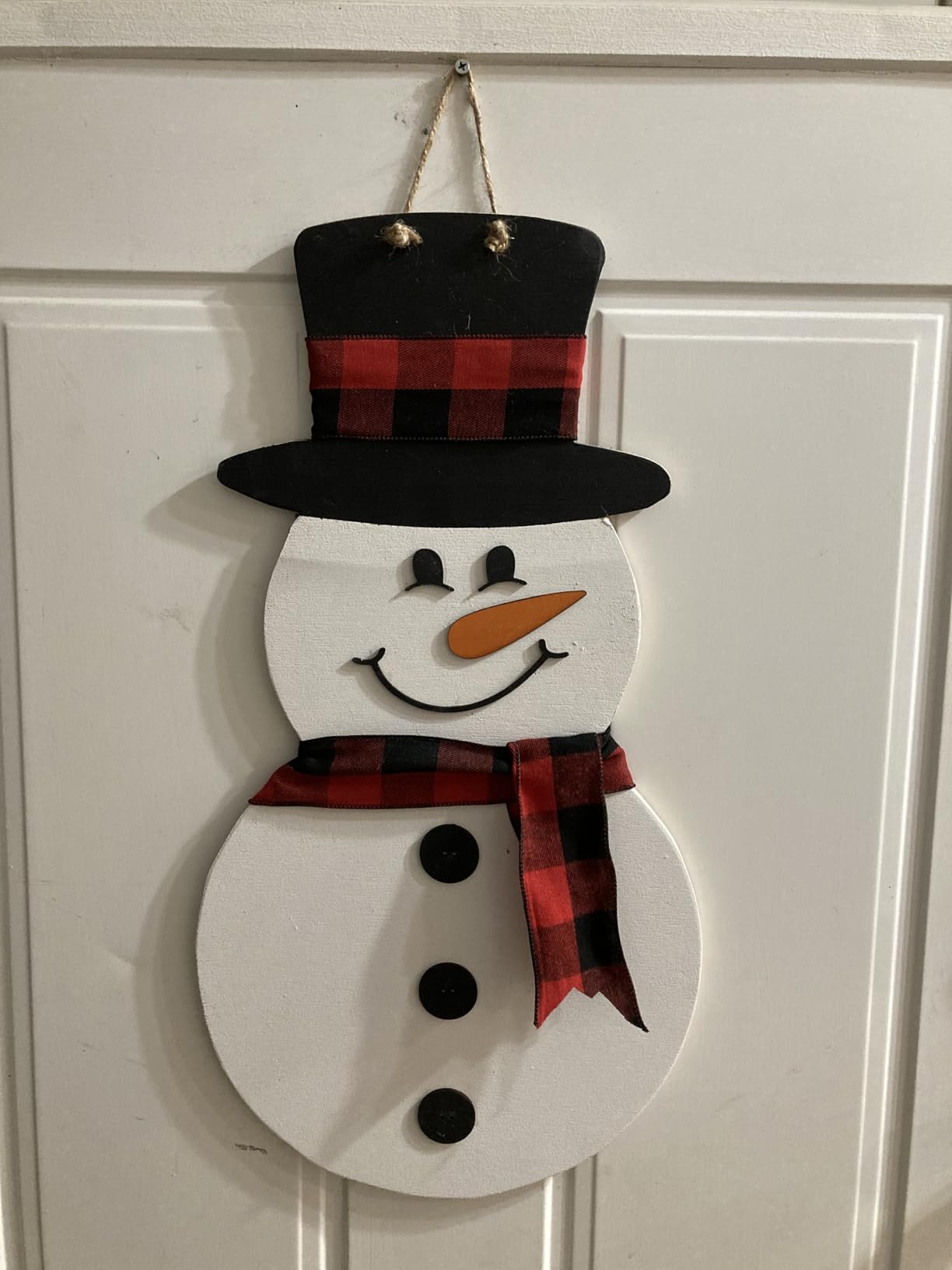
The catch is what is not in the box. Owners are candid that air assist, a honeycomb bed, an enclosure and a fan are effectively mandatory purchases rather than options, and that the air assist on some units has to be switched on by hand.
Wi-Fi connectivity is the other weak point, with owners reporting it cannot handle larger GCode files. Plan to work over USB with LightBurn instead of trusting the wireless path for production files.
How it handles plywood cutting
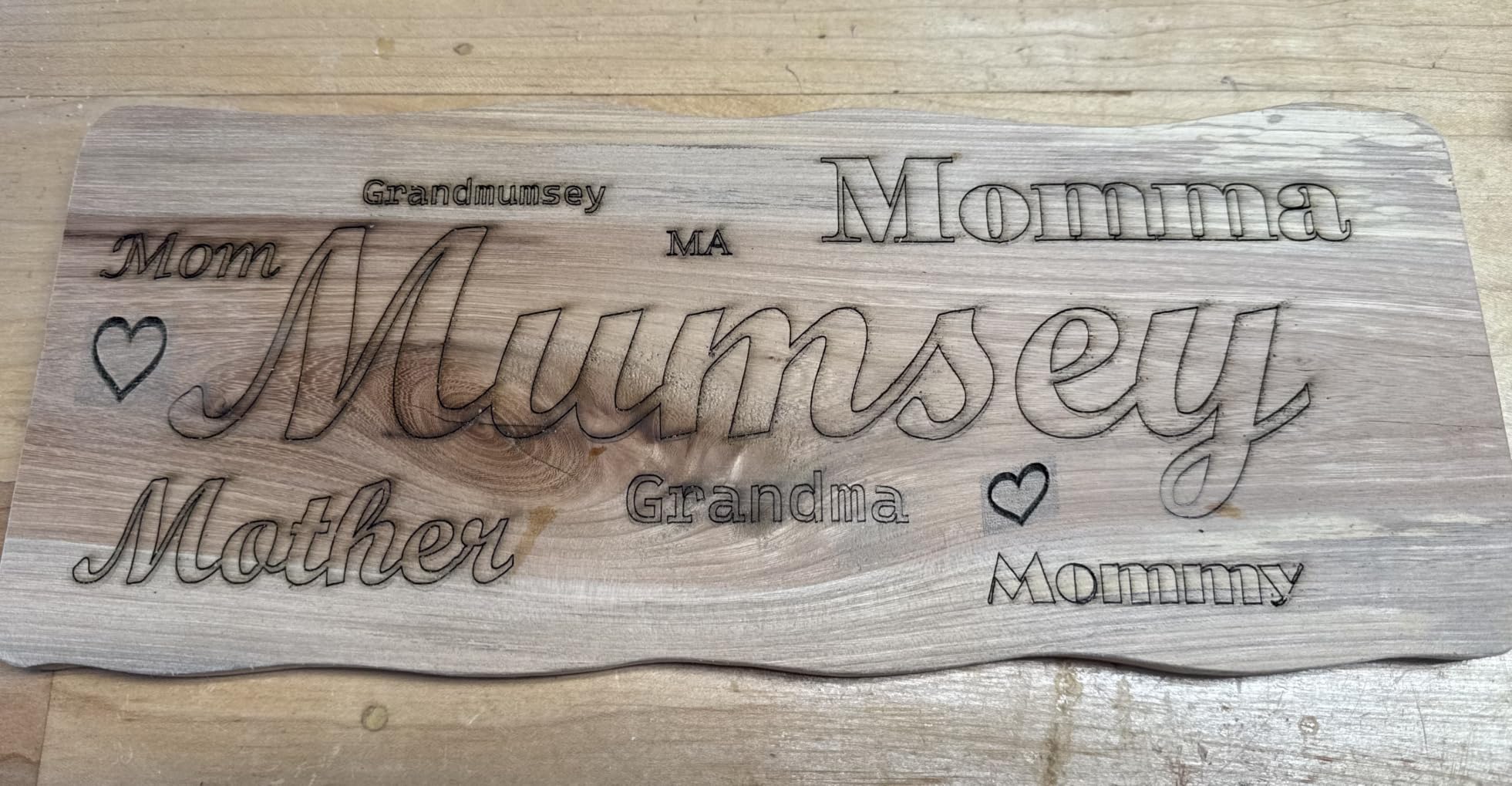
At 40W, owners consistently get through mid-grade birch ply and basswood in one or two passes, and the edge char is manageable when air assist is running. Without air assist, expect scorch on thin sheets.
The 0.08 by 0.1mm focus is fine enough that engraved lettering on a sign reads cleanly at reading distance, which matters more for wood than raw cutting speed does.
What to budget around it
Treat the honeycomb bed and air assist as part of the purchase decision, not as later upgrades. Owners also warn about fire risk when cutting without a honeycomb bed because thin sheet can tip and contact the frame.
Support has been repeatedly praised, including a replacement part shipped free of charge, which is worth something when you are running a shop on a machine like this.
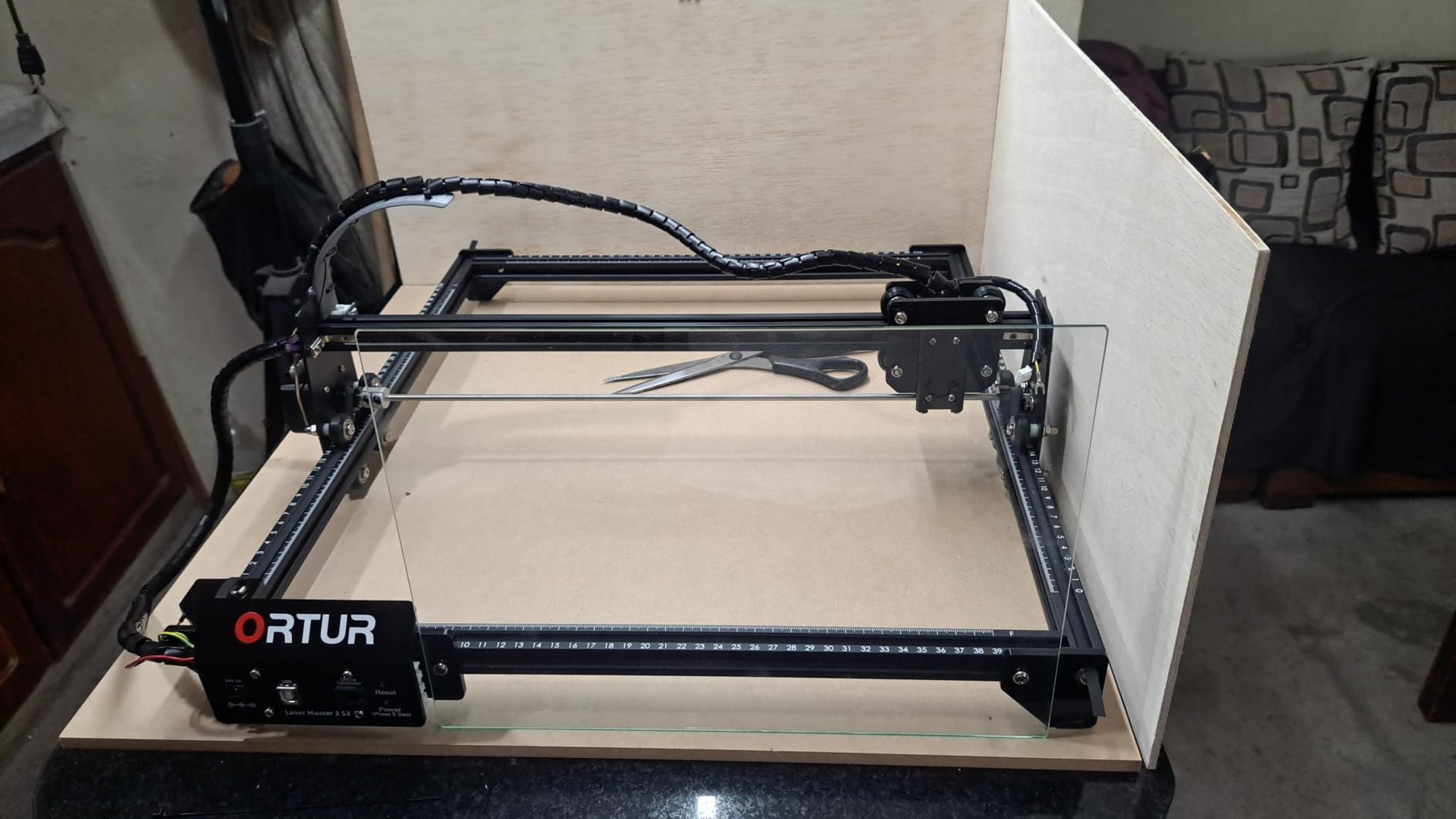
3. Ortur Laser Master 2 – Best for First-Time Builders Who Want Metal Construction
ORTUR Laser Master 2 S2 LU2-10A Laser Engraver Laser, 10000mW Engraving Cutting Machine, Class 4 High Accuracy Laser Cutter, DIY Laser Marking for Metal
10W diode
390 x 410mm work area
20mm wood claim
Full metal frame
Pros
- Over 1400 reviews giving a long ownership record
- Full metal industrial frame
- 10 to 15 minute modular assembly
- Works with LaserGRBL and LightBurn on Windows and Mac
- G-sensor safety cutoff
Cons
- Open-frame Class 4 so eye protection is mandatory
- No built-in air assist
- Unused grounding wire confuses setup
- 10W is shallow for hardwood
This is the most reviewed machine here by a wide margin, and that record is genuinely useful when you are buying your first engraver. More than 1400 reviews means the failure modes are well documented rather than a surprise waiting for you.
The frame stiffness shows up in practice as steadier engraving on larger pieces, and reviewers describe the metal build as a genuine step up from plastic-framed machines at the same price tier. Assembly is a quick 10 to 15 minutes because the design is modular.
The stated 20mm wood capability on a 10W diode deserves scepticism. In practice, owners use it well for thin craft plywood and basswood, and it strains on hardwood. The claimed figure assumes multiple passes and very slow speeds.
A G-sensor on the motherboard stops the laser if the machine is moved or tilted, and the included cover filters 98 percent of UV light. It supports LaserGRBL and LightBurn across Windows and macOS, which keeps the software path open.
Where this machine makes good signs
Layered laser-cut wood art and small nursery signs are this machine’s natural territory. The 390 by 410mm area fits an 8 by 10 inch panel, and the spot size of 0.05 by 0.1mm gives engraving detail tight enough for small script.
Owners treat it as a durable workhorse rather than a standout. The 4.2 average rating across the largest review base of any machine here reflects steady performance with the usual open-frame trade-offs baked in.
What to know before you commit
This is an open-frame Class 4 laser, which means no enclosure and mandatory eye protection. That is a real drawback for a home with children or a shared studio space.
There is no built-in air assist either, so an external unit and extraction are on your list.
4. Twotrees TTS-55 Pro – Best for Small Engraving Jobs
Twotrees TTS-55 Pro Laser Engraver 5500mW Laser Engraving Machine
5.5W diode
300 x 300mm bed
Cuts 5mm plywood
30000mm/min speed
Pros
- Best sales rank of the budget diode units
- Compact durable build owners run daily
- 30000mm/min for its class
- Wi-Fi plus TF card offline operation
- Metal air-assist nozzle included
Cons
- Assembly is fiddly and one owner rebuilt it four times
- 5.5W will not engrave metal
- 300 x 300mm bed limits larger signage
- Default settings need LightBurn work
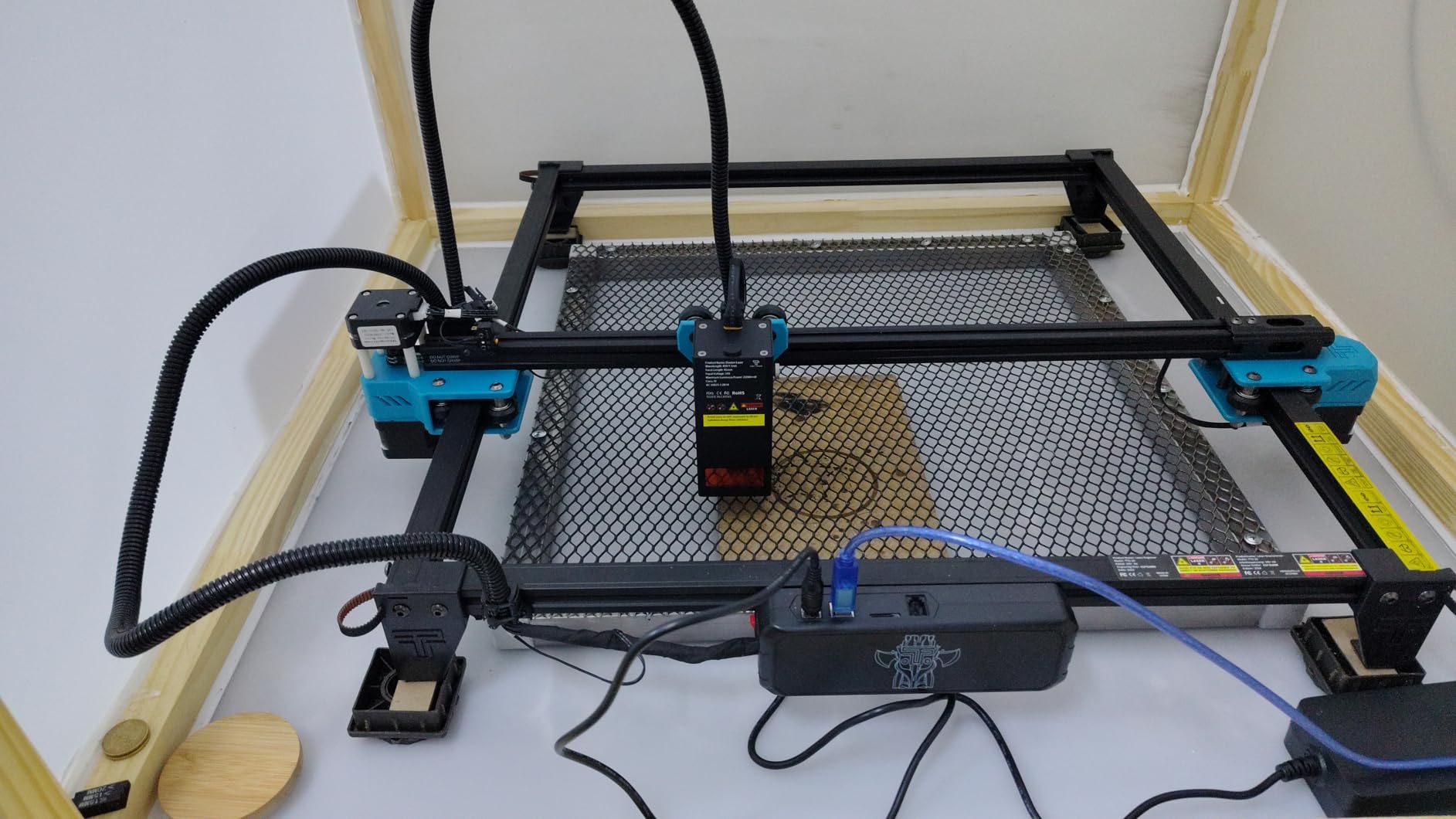
This is the machine for house number signs, place cards and small name boards rather than full sheet production. At 300 by 300mm it handles roughly a 12 by 12 inch blank, which covers a lot of gift sign work.
The 5.5W module with LD, FAC and C-Lens compression gives a 23mm short focal length and a focus spot of 0.08 by 0.46mm. It cuts 5mm plywood per the manufacturer, which is enough for a real sign panel.
The 32-bit dual-core board pushes 30,000mm/min, fast for the class. A metal air-assist nozzle and a red laser shield are included, and a TF card slot lets you run files offline without Wi-Fi.
Owners who tune it into LightBurn report noticeably better results than with the default settings, and the seller support has been described as helpful and responsive when setup questions come up.
Which projects suit it
Engraving-first projects are the strength here. Personalised cutting board labels, gift tags and small house number plaques all sit comfortably within the bed and within 5mm of plywood or 3mm of acrylic.
Because the focus is short and stable, small detailed work is where it looks most confident, and it takes up very little desk space.
Where it will frustrate you
Setup is the weak point. One owner had to disassemble and reassemble the unit four times before it worked, which is a bad first impression and not unusual for machines at this price.
Despite some listing language, 5.5W will not engrave metal. If your plan includes metal at any point, move up a class instead of fighting this machine.
5. ACMER S1 – Budget Pick for Testing a Sign Business
ACMER S1 Laser Engraver Machine, 2500mW Lazer Cutter for Wood and Acrylic
2.5W diode
130 x 130mm work area
99 percent preassembled
About 2kg portable
Pros
- Lowest entry point into laser work
- 99 percent preassembled with one minute head install
- Genuinely portable at 2kg
- LightBurn and LaserGRBL plus free software
- Cuts thin plywood MDF and acrylic
Cons
- 130 x 130mm bed is far too small for most signs
- Home position drifts between jobs
- False out-of-bounds alarms
- Slow etching and overcuts
I would call this a proof-of-concept machine rather than a sign machine, and the reason is entirely the bed. At 130 by 130mm it fits a small coaster or tag, not a house number plaque at any real size.
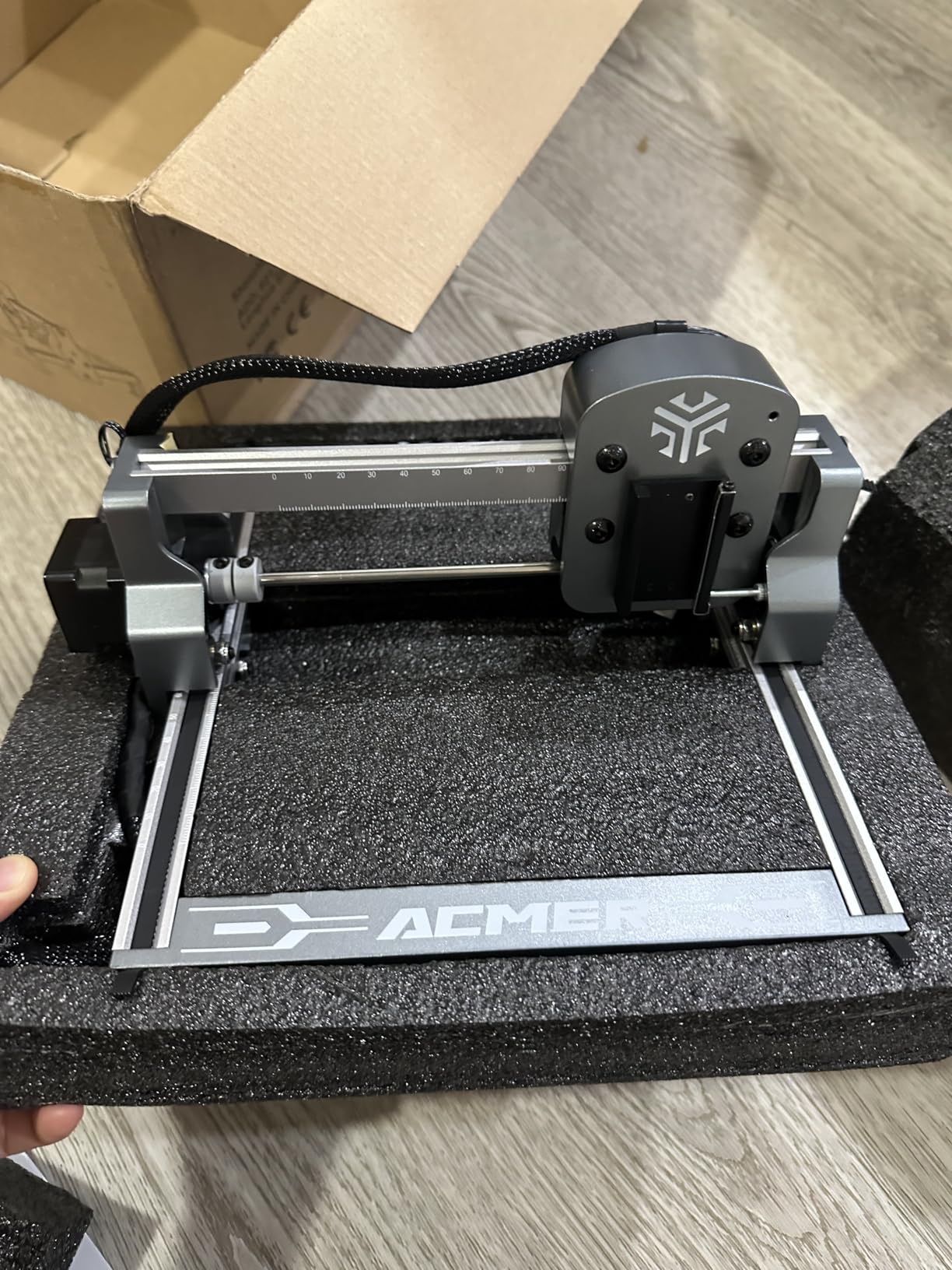
What it does offer is a genuine way to test whether you enjoy laser work before committing serious money. It arrives 99 percent assembled, the body is about 2kg, and it works with LightBurn, LaserGRBL or the free bundled software.
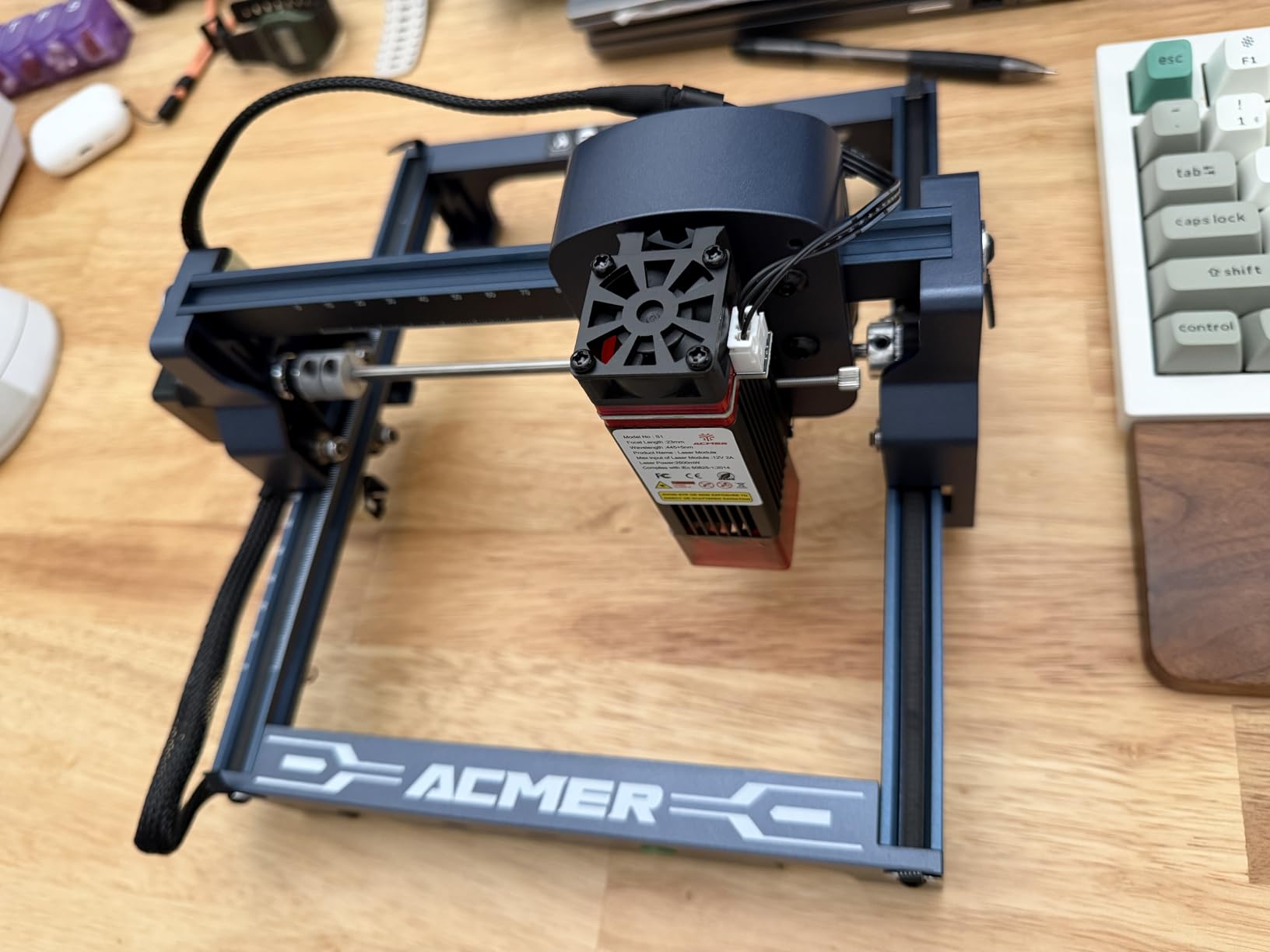
The 2.5W diode at 455nm with a 2mm focal length cuts thin plywood, MDF and acrylic cleanly for small craft pieces once focus and power are dialled in. Repeatable positioning accuracy is listed at 0.01mm.
Owners consistently praise the near-zero assembly and the portability, and several bought it to confirm the craft was for them before moving to a larger machine.
What it is actually good for
Small batch cork, tags, earrings and sample sign mockups. At up to 10,000mm/min it is slow for etching, and there is no reliable indication of where the head is working, which invites overcuts.
If you only need it for sampling designs before sending them to a production machine, that is a legitimate role for a machine this small and light.
Where it breaks down
Home position drifts between jobs and triggers false out-of-bounds alarms, which is the most common software complaint and the most frustrating for batch work.
Learning the settings takes real trial and error, and one reviewer recommended buying a higher wattage machine instead. For actual signs, the bed is the deal-breaker.
6. Creality Falcon A1 10W – Best for Zero-Build Enclosed Work
Creality Falcon A1 10W Laser Engraver, 80W Powerful Output, Fully Enclosed, 600mm/s Speed, HD Camera Auto Positioning, Pre-Assembled&Smart Material Recognition, Ideal for Wood & Metal, Class 1 Safety
10W diode
Fully enclosed Class 1
Cuts 6mm wood
600mm/s CoreXY
Pros
- Fully enclosed Class 1 so no safety goggles needed
- Arrives fully pre-assembled
- Built-in HD camera with material recognition
- 600mm/s CoreXY with 0.05mm accuracy
- Double-door transparent loading
Cons
- Average rating sits at 4.1 stars
- Only accepts 460 x 346mm honeycomb panels
- Mirror-finished metals and mirrored acrylic prohibited
- Bulky at 30 x 25 x 15 inches
The appeal here is the first ten minutes of ownership. It arrives fully assembled, and the built-in HD camera recognises the material and applies settings for you, which removes most of the early trial-and-error phase.
It is a fully enclosed Class 1 body that blocks 99 percent of the laser light, and it has an emergency stop plus lid-open auto-pause. That makes it one of the few machines here you can run in a room with family without goggles.
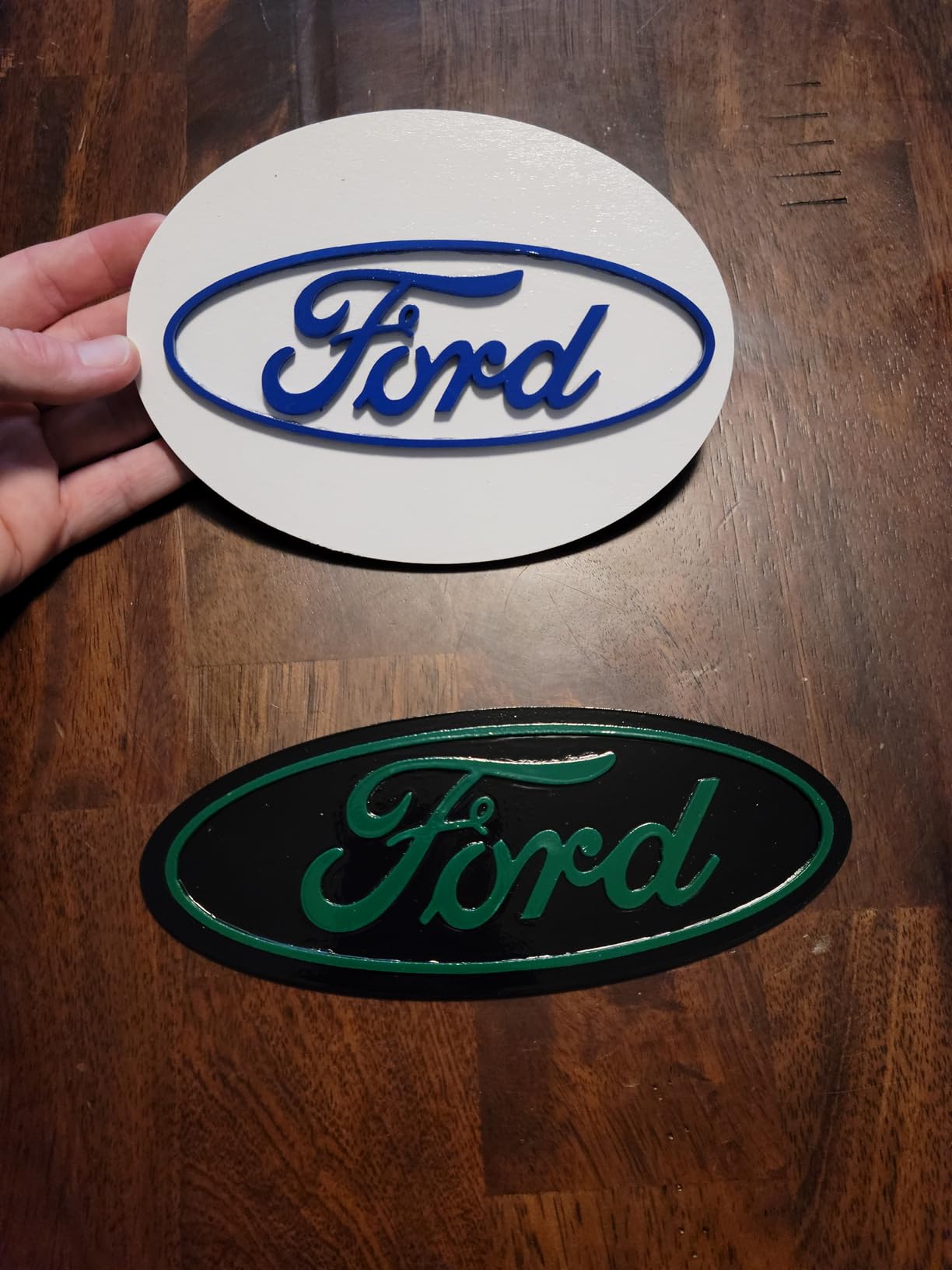
The appeal of the spec sheet is strong: 0.05mm engraving accuracy, CoreXY motion at up to 600mm/s, and a manufacturer claim of cutting 6mm wood in a single pass. Double transparent doors make loading a full sheet painless.
The software stack is open rather than locked. Falcon Design Space comes with it, and LightBurn and LaserGRBL are both supported, which matters if you outgrow the presets.
Where it earns its place
Enclosed 10W machines suit signs made from thin plywood, cardstock and craft veneer, and the enclosure traps smoke and cuts noise so indoor batches are practical rather than a nuisance.
The camera auto-positioning is the feature owners praise most, because it removes test burns and wasted sheet material when you are placing a design by hand.
What gives us pause
Its 4.1 star average sits at the lower end of this list, with a 14 percent one-star share, so a portion of buyers were plainly unhappy. Expect a wider support experience than the headline features suggest.
Two restrictions matter before you plan a material list: only 460 by 346mm honeycomb panels fit the bed, and mirror-finished metals and mirrored acrylic are prohibited. At 28.7 lbs it also needs real floor space rather than a shelf.
7. OMTech K40+ 45W CO2 – Best for Clean Edges on Thin Sheet
OMTech K40+ 45W Desktop CO2 Laser Engraver & Cutter
45W CO2
Cuts 8mm wood and 10mm acrylic
12 x 8 inch honeycomb bed
Up to 300mm/s
Pros
- Strong cutting power for a 45W CO2 tube
- Integrated 45 degree auto air assist reduces char
- High-powered exhaust fan included
- Supports LightBurn and LaserGRBL
- Two-year service coverage
Cons
- Documented quality control issues on arrival
- Water hoses can arrive reversed
- Safety switch may need adjusting after setup
- 81.8 lbs and very large
- Fewer than 40 reviews for long-term data
A CO2 laser produces a visibly cleaner result on wood, and the reason is physics rather than marketing. The 10600nm beam is absorbed by the organic matrix of the wood instead of reflecting off the surface, so less energy turns into char at the edge.
This 45W tube is listed to cut 8mm of wood and 10mm of acrylic, and reviewers who came from diode machines describe the change in edge quality as a clear upgrade.
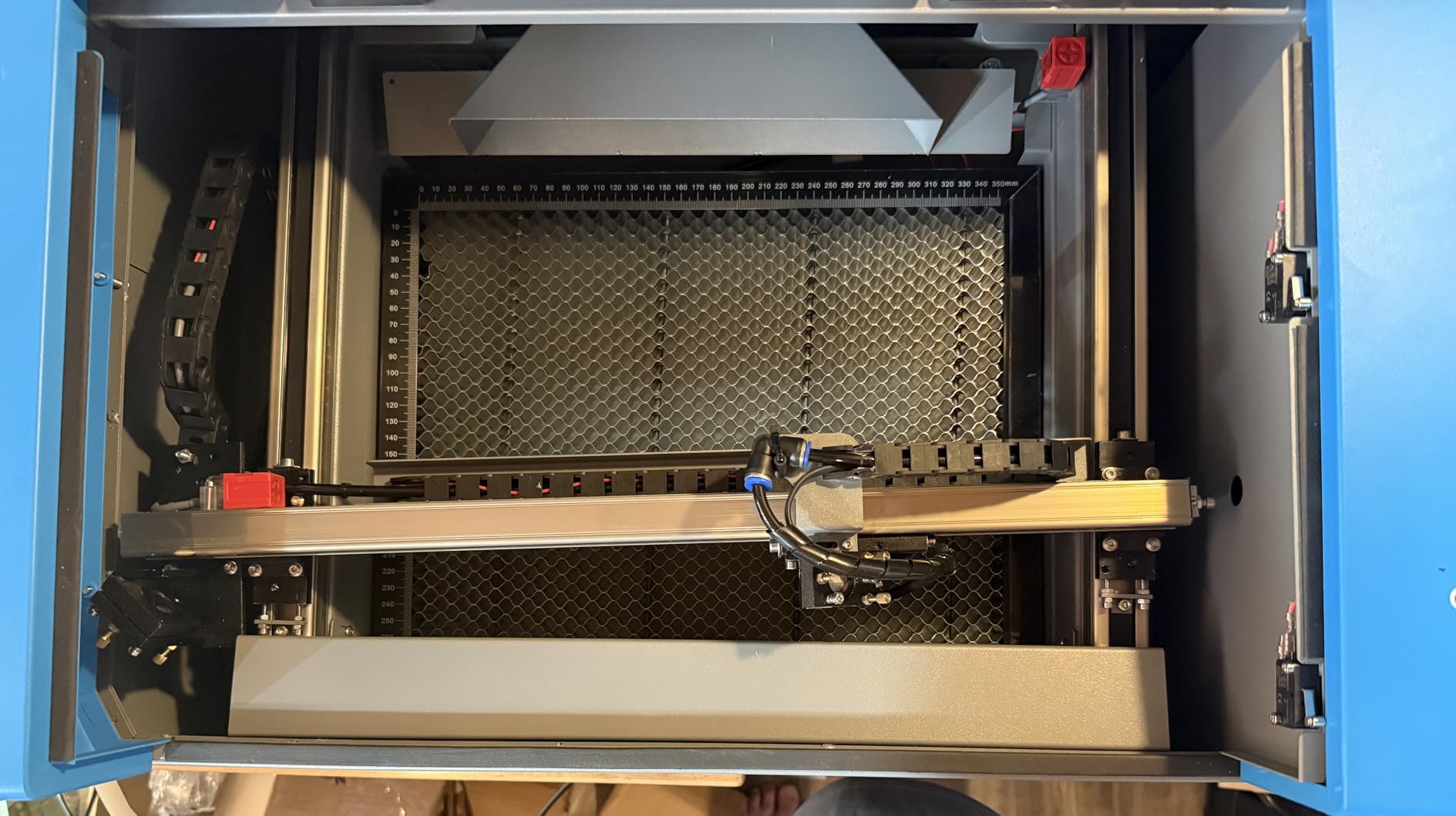
The integrated 45-degree auto-adjusting air assist is the detail that separates it. It angles itself to the cut and pushes debris away from the work, which reduces both carbonisation on the edge and fire risk on unfinished plywood.
A high-powered exhaust fan is included, so the two accessories that most owners end up buying separately are already fitted. The honeycomb bed keeps thin sheet flat and stable.
Why the beam type matters here
CO2 wood edges come out noticeably lighter and cleaner, and the finish on a sign blank looks finished rather than burnt. That difference is the whole reason people step up from diode to CO2 for product work.
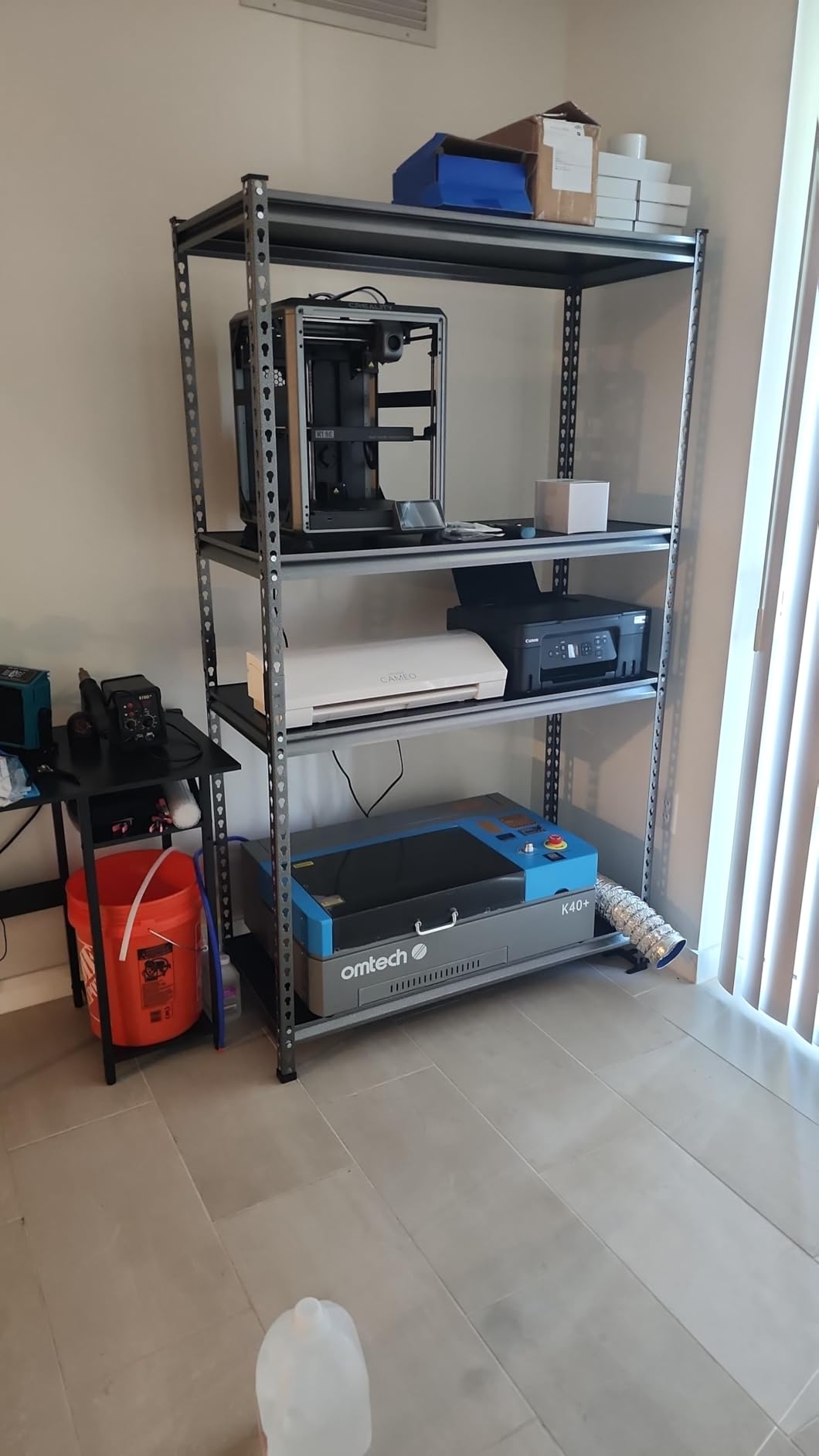
The bed is a compact 12 by 8 inches, so a full 18 by 24 sign blank will not fit. This is a sheet-production machine for smaller panels, house numbers and layered art.
What could go wrong on arrival
The honest drawback is quality control. There are documented reports of a dented chassis, loose nuts, a misaligned gantry and an unsoldered data port, plus water hoses that arrived reversed and a factory cable that failed.
OMTech’s support is repeatedly praised, including hands-on video walkthroughs, which is the mitigation here. Budget an hour of setup and check the safety switch, because it sometimes needs adjusting after assembly. The unit itself is 81.8 lbs.
8. xTool M2 10W – Best for Material Setup Ease
xTool M2 10W Laser Engraver, Built-in Dual Cameras, Class 1 Enclosed Safe Laser Engraving Machine for DIY Craft on Wood, Leather, Felt, Fabric, Paper
10W diode
Class 1 fully enclosed
Dual cameras with preview
300 plus materials
Pros
- Dual cameras simplify positioning versus single-camera rivals
- Class 1 enclosed and safe in a home
- Arrives with everything needed for first jobs
- Owners produced 200 cork coasters in under a week
- xTool support responsive
Cons
- Only about 1 inch of height clearance
- No honeycomb bed included
- No official riser supported
- LightBurn does not work due to cameras
- RA3 rotary needs a separate adapter
The dual cameras with real-time preview are the reason this machine stands out at low wattage. ACS vision fused with motion control handles placement automatically, which removes the manual alignment step that slows every first job.
Owners report high output for the power level, with one producing 200 cork coasters in under a week. Everything needed to start is in the box, and xTool Studio includes templates and an image generator.
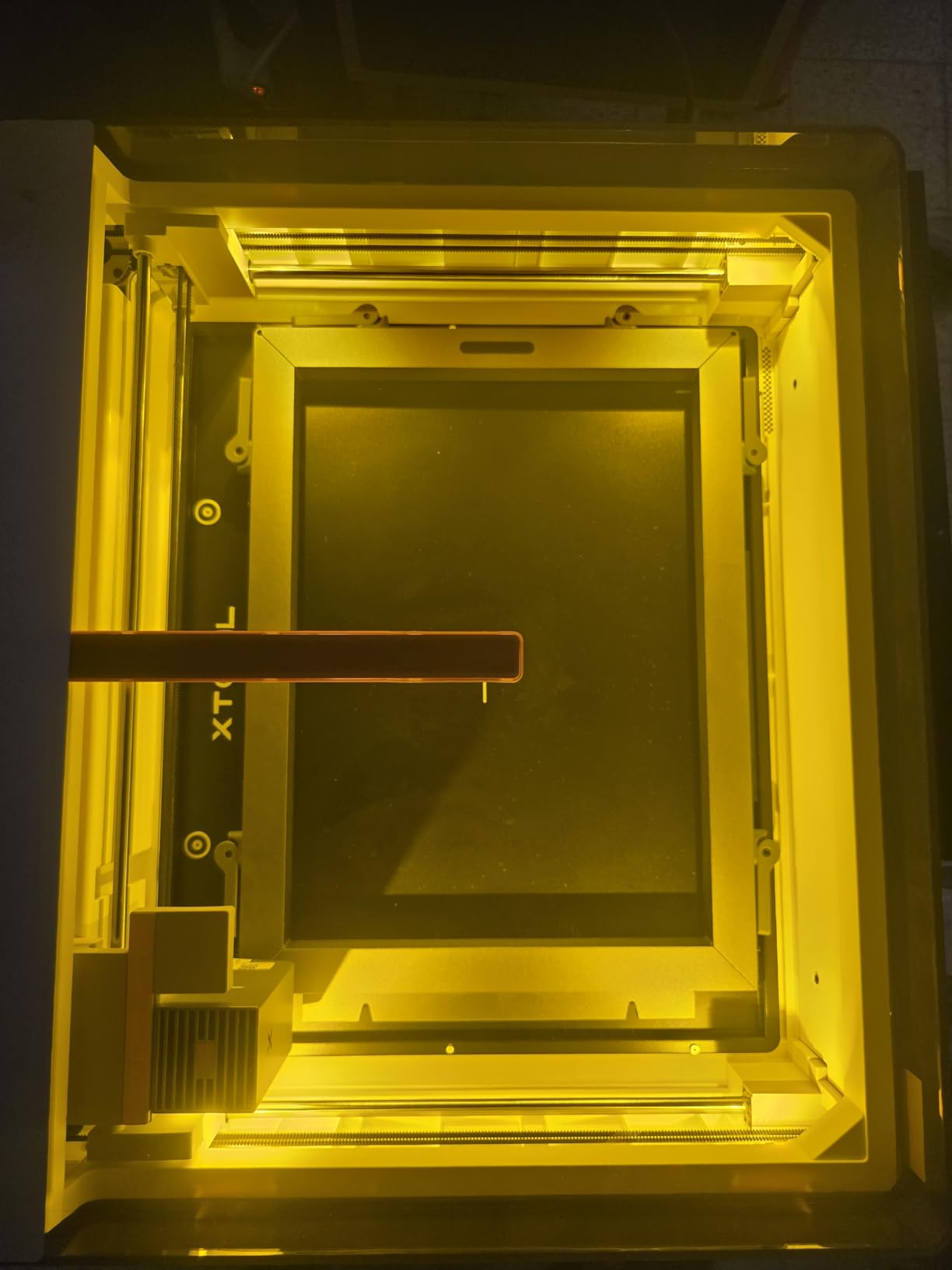
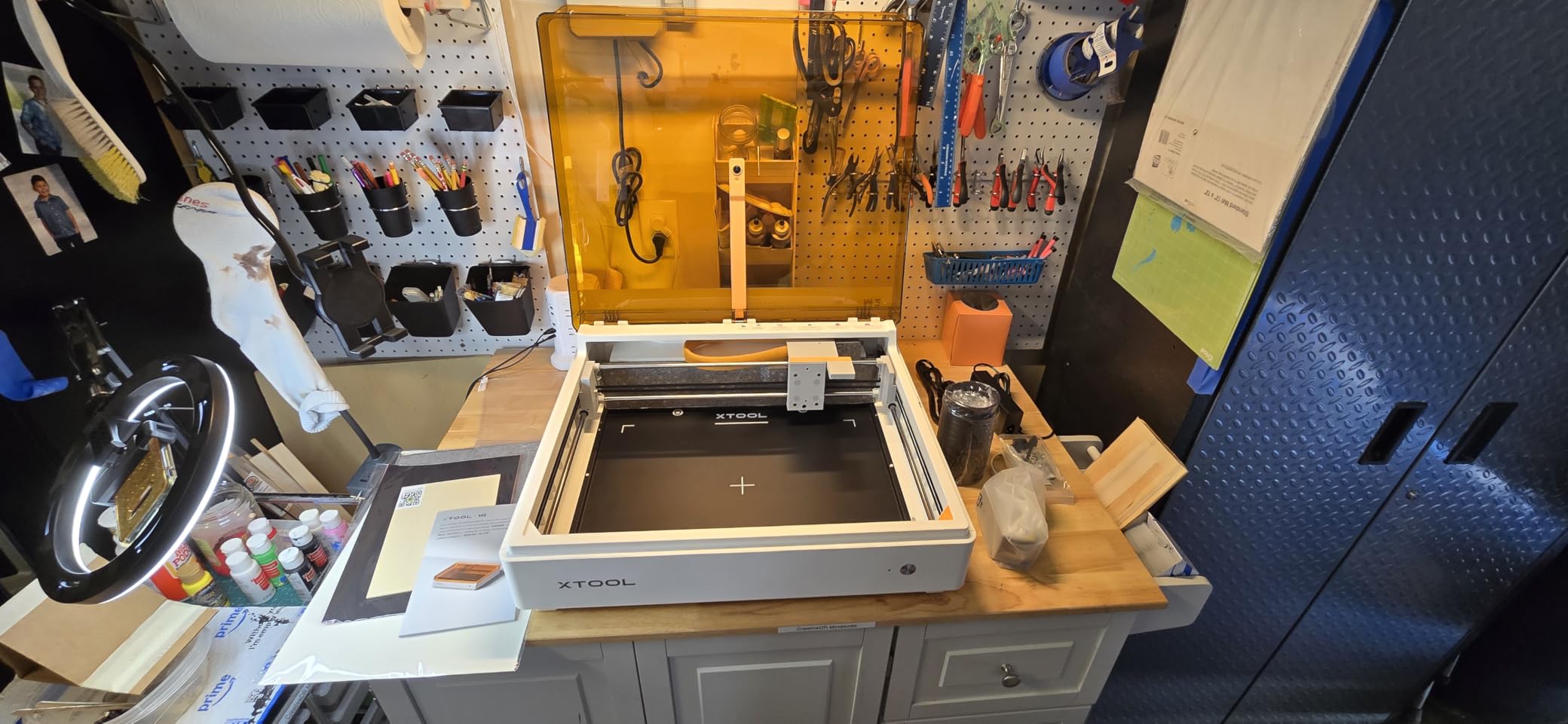
The Class 1 enclosure makes it a plausible first machine for a domestic space. The build is listed for 300-plus materials including cardstock, felt, leather and wood, and an optional 3W infrared head covers plastics and coated metal.
It is also expandable in principle. The dual-mode architecture accepts an optional CMYK inkjet module for colour work alongside the laser pass.
How it handles sign work
Thin plywood, veneer and laminated panels are the sensible targets at 10W. Combined with Place and Go positioning, a batch of small signs is a realistic first project without fighting alignment.
The preview cameras also save material, since you confirm placement before the beam fires rather than testing on scrap first.
The clearance and software catch
There is only about an inch of vertical height clearance, and the honeycomb bed leaves a few millimetres. That rules out thicker blanks, and no official riser is supported.
The more important limitation is that LightBurn does not work here, because the cameras are unsupported. If your whole plan depends on LightBurn for file handling, this is the wrong machine. The review base is also small at 39, so long-term data is thin.
9. Woxcker L2 MAX 10W – Best Enclosed Starter With a Generous Bed
Laser Engraver 10W for DIY Maker, Small Business, 300×300mm Large Area, 20,000mm/min High-Speed Engraving Machine, 0.01mm Ultra-Precision for Wood, Metal, Leather, 360° Enclosure, Class 1 10000mW
10W diode
300 x 300mm bed
360 degree enclosure
20000mm/min
Pros
- 360 degree enclosure contains fumes dust and noise
- 300 x 300mm bed fits a 12 by 12 inch blank
- 20000mm/min supports batch production
- Five-part modular build saves 30 to 40 minutes
- LightBurn LaserGRBL and CutLabX support
Cons
- Air assist and rotary are optional add-ons
- 10W is entry level for thicker wood
- Only 83 reviews for reliability data
- Still needs external extraction for heavy jobs
This machine’s combination of a 360-degree enclosure and a 300 by 300mm bed is unusual at this tier. Most enclosed budget units give you one or the other, and the bed size is what limits sign work.
Setup is genuinely quick for a machine that size. The five-part modular assembly reportedly cuts about 30 to 40 minutes from the build, and you can control it over Wi-Fi, USB, an app or a TF card.
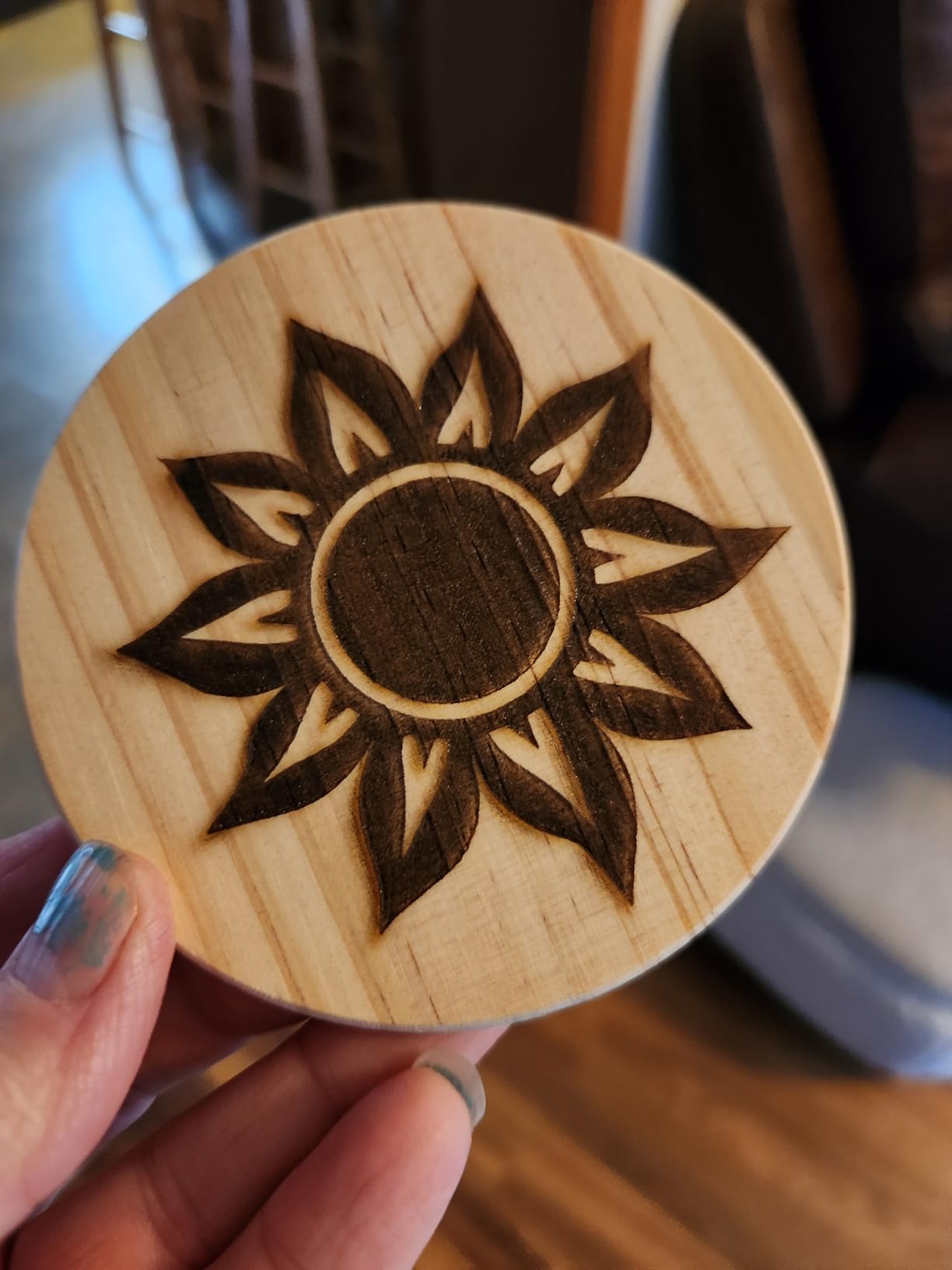
Speed is listed at up to 20,000mm/min, and the point-compression focus is listed at 0.01mm. Both figures support batch sign production rather than one-off fiddling.
Software support is the broadest in this price band, with LightBurn, LaserGRBL and CutLabX all listed. That matters because it keeps you out of a proprietary ecosystem on a first machine.
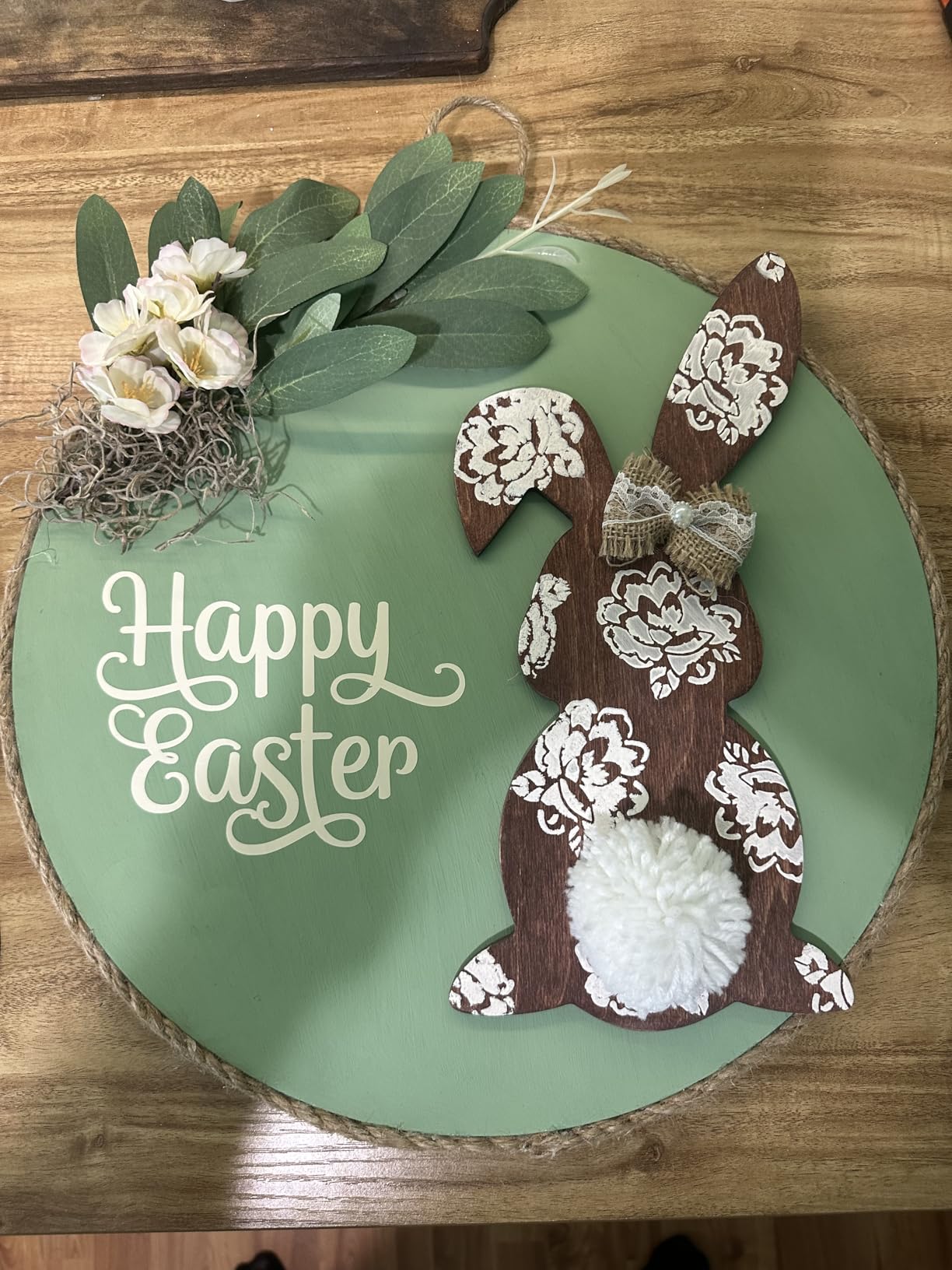
Safety features that matter indoors
Lid-open auto-stop, flame detection, emergency stop, a safety lock and a 15-degree tilt stop make this one of the better-specified enclosed starters. The enclosure also cuts the noise that makes open frames exhausting to use.
For a home or shared studio, that combination of containment and cut-off features is the reason to pick it over an open frame of similar power.
What to add on day one
Air assist is an optional purchase rather than standard, and it is not optional in practice. Air assist is what keeps thin plywood from scorching and improves cut speed, so budget for it from the start.
The rotary roller is also an add-on and matters only if you plan curved work. At 10W, plan on thin material, and note that heavy cutting jobs still call for external extraction.
10. Genmitsu L8 40W – Best for an Enclosed 40W With Extras in the Box
Genmitsu L8 Laser Engraver, 40W 40000mW Power Laser Cutter Safety Class 1
40W measured optical output
Cuts 20mm basswood one pass
Class 1 enclosed
Air pump and honeycomb included
Pros
- Air assist pump and honeycomb bed included as standard
- 30L/min smart pump bundled in the box
- Class 1 enclosure with exhaust port
- Cuts 20mm basswood in one pass
- Camera overlay removes test runs
Cons
- Lowest average rating of the machines listed
- Highest one-star share at 14 percent
- Smoke purifier and rotary sold separately
- Less review data than rivals at this price
The reason this machine is on the list is what arrives with it. A 30L/min smart air-assist pump and a honeycomb bed are bundled, and those two items are the ones many owners end up buying separately on other machines here.
Output is listed as a true 40W measured at the workpiece rather than a machine-input figure, with engraving up to 40,000mm/min and a stated single-pass capability of 20mm basswood, 12mm black acrylic and 0.05mm stainless steel.
The Class 1 acrylic enclosure has an exhaust port, which is the correct way to run a 40W machine indoors. Camera overlay places the design on the workpiece through LightBurn, so you are not burning test sheets to check alignment.
Safety hardware is thorough: tilt auto-stop, a flame monitor with buzzer, position-protection limit switches, an emergency stop and a child safety lock. No assembly is required.
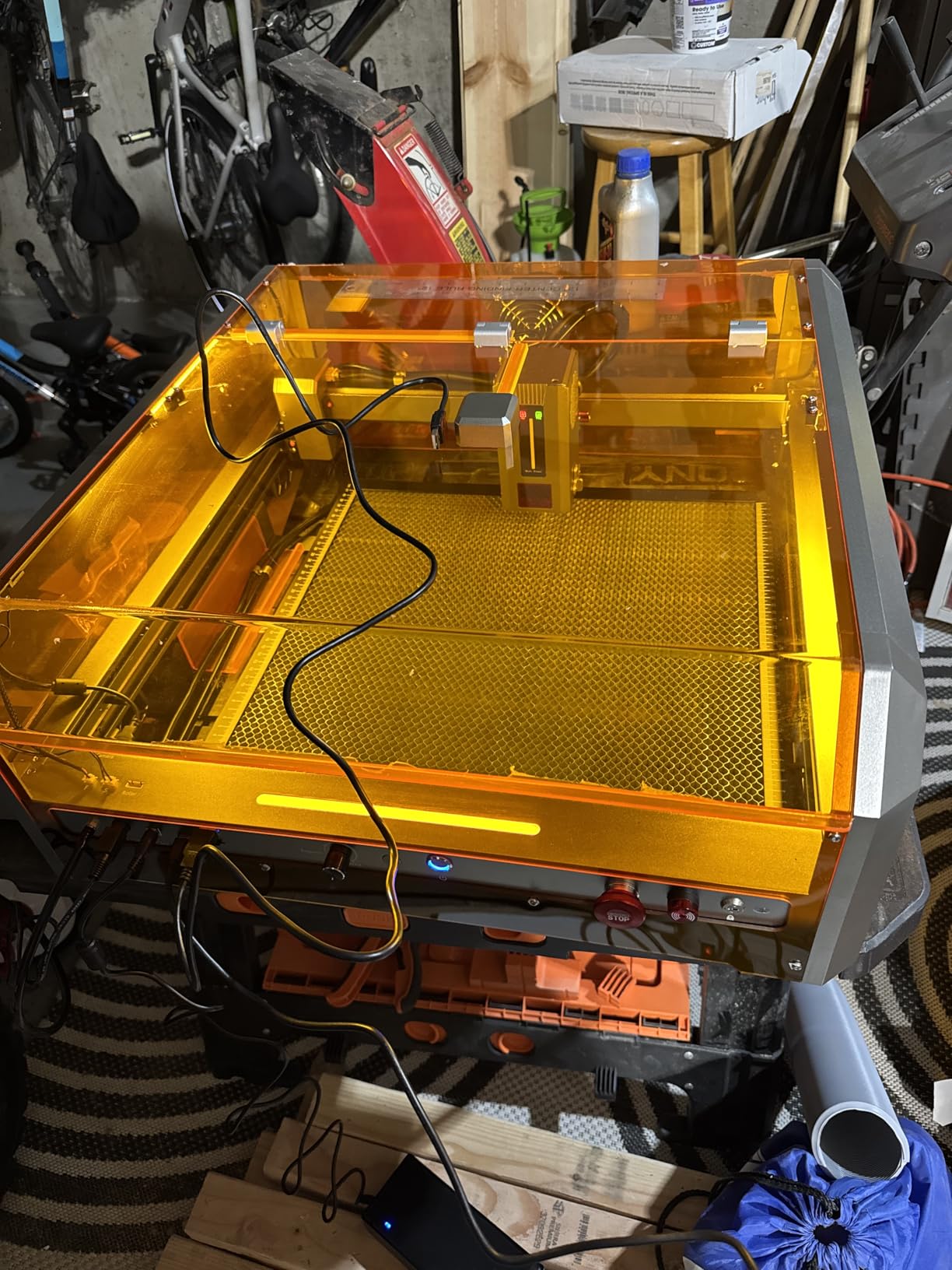
Where it outperforms the other 40W units
Bundled air assist is the practical win. Clean cuts on 20mm basswood without scorch depend on air assist being used, and having the pump in the box removes the main reason first-time buyers cut with none.
The enclosure also means you can run a 40W beam in a domestic space without Class 4 protective eyewear, which very few of the 40W diode machines on this list allow.
What the reviews reveal
This is the lowest-rated machine here at 4.0 stars, with a 14 percent one-star share and another 14 percent at three stars. Feature differentiation is real, but not every buyer felt the premium was justified.
The smoke purifier and rotary attachment are separate purchases, and the review base of 54 is thinner than the competing 40W units. That makes this a buy for someone who specifically wants the enclosure plus bundled air assist, not a blind top pick.
How to Choose a Laser Engraver for Wood Signs
Wattage and what it actually buys you on wood
Wattage on a diode machine mostly buys speed and thickness. Going from 10W to 40W roughly multiplies how much material a single pass can push through before you drop to multiple passes and slow the feed rate.
For sign blanks in the 3mm to 6mm range, a 10W diode is genuinely workable and is what most hobby sign makers start with. Once you are regularly working in 9mm to 12mm plywood, 40W changes the economics of a job queue more than any other single spec.
There is a marketing trap here. Many listings quote thickness figures measured with multiple slow passes, so a 10W machine can claim 20mm. Read the number together with the machine’s wattage and assume several passes.
Match the work area to your sign blanks
This is the criterion buyers most regret underestimating. A 130 by 130mm bed cannot make a house number sign. A 300 by 300mm bed handles roughly a 12 by 12 inch panel. The xTool S1’s 23.93 by 15.16 inch bed takes a 12 by 18 inch sheet flat, and an 18 by 24 blank with a quarter turn.
Map your most common blank size to the bed and add a margin for fixturing. If you regularly need 24 by 36 inch blanks, none of the machines here avoids repositioning, so budget your workflow around it.
Enclosed Class 1 versus open-frame Class 4
An enclosed Class 1 machine filters laser light and smoke inside the cabinet, so it can be operated in a home or a shared studio without eye protection. An open-frame Class 4 machine, like the Ortur here, needs goggles and careful control of the beam path.
Several machines here also add flame detection, tilt auto-stop and lid-open auto-pause, and on wood those are not luxury features. Unfinished plywood edges are the most common fire cause owners report.
Air assist, exhaust and fire safety
Air assist blows air at the cut to clear debris and cool the kerf. Without it, thin plywood scorches, edges char, and small fragments can tip onto the frame and smoulder. On a 10W machine it is close to essential, and on a 40W machine it changes the finish.
Exhaust handles the smoke and the fine dust. Wood dust from MDF is heavy and fine enough to settle into a machine, so an inline fan or filter rated for wood rather than plastic is worth adding even on an enclosed unit.
Keep a metal or appropriate fire extinguisher within reach, never run unattended during first material tests, and always use the honeycomb bed or a slat bed so sheet material cannot tip into the beam path.
Software and the LightBurn question
Community consensus treats LightBurn as the gold-standard control software, and the reason is file handling plus multi-layer work. Anything that imports SVG and DXF, layers operations and talks to the hardware reliably is what you want if you plan layered wood signs. Beginners on laser forums consistently describe it as the first software worth learning properly.
Check the software story before you buy, not after. Several machines here run LightBurn and LaserGRBL openly, which is a real advantage. The xTool M2 is the counterexample: its dual cameras are unsupported in LightBurn, so you are locked into the bundled app.
Cloud-locked ecosystems with subscription tiers are the other pattern to avoid if you plan to scale, and reviewers treat proprietary software as a genuine drawback rather than a detail. Your design files should stay on your own machine.
Extras nobody mentions in the box
Count the honeycomb bed, air assist pump or compressor, exhaust fan or filter, and safety glasses as part of the real cost. On several machines above these are optional purchases, and skipping air assist is the fastest way to get disappointing cuts.
A rotary attachment is only needed for cylinders, tumblers and curved work, so leave it off unless that is already part of your product line. The xTool S1 bundle includes one, which is part of its value.
For a broader view of these machines outside sign making, our guide to the best laser engravers for small businesses covers the same hardware in a business context. If you are still deciding whether the craft itself suits you, the best wood carving kits for beginners covers the hand-tool route.
Frequently Asked Questions
What is the best laser engraving machine for wood?
For most sign makers, a 40W enclosed diode machine such as the xTool S1 is the strongest all-round choice. It handles 3mm to 12mm plywood in few passes, engraves dark text on light panel stock cleanly, and its enclosure lets you run it indoors without eye protection. A desktop CO2 laser such as the OMTech K40+ is the step up when you want faster cuts on thinner sheet and cleaner edges on hardwood.
How thick of wood can a 40W diode laser cut?
Manufacturers claim around 18mm to 20mm of wood in a single pass for 40W diode machines, and that is achievable on clean basswood and cherry. Real results depend on focus, air assist and feed speed, so for consistent production most sign makers work at 6mm to 12mm and treat thicker hardwood as a multi-pass job. Always test on offcuts from the same sheet.
What are the key differences between diode and CO2 laser engravers?
A diode laser uses a 450nm beam that heats and burns the surface layer of wood, which produces more char and needs more power to cut through. A CO2 laser uses a 10600nm beam that is absorbed by the wood itself, so it cuts faster and leaves a lighter, cleaner edge. CO2 machines also handle clear acrylic, which diode machines cannot do without surface marking.
What type of plywood is best for laser engraving?
Baltic birch plywood is the most popular choice for laser signs because the thin face veneers and tight glue layers produce a clean, light cut edge. Standard birch plywood is cheaper with darker edges, which can contrast well against a stain. MDF cuts smoothly and accepts stain evenly but creates fine heavy dust and crumbles at the edges, so extraction matters.
Should I get a 20W or 40W laser engraver?
Choose 20W if most of your work is 3mm to 6mm plywood, thin craft veneer and small gifts, and you are engraving more than cutting. Choose 40W if you regularly cut 9mm to 12mm plywood, produce batches, or want fewer passes per job. Community buyers tend to start small and upgrade once they run out of thin-ply capacity, so buy for the work you have rather than the work you might have.
Do laser engravers work on wood without burning them?
Engraving always darkens the surface, because the contrast comes from burnt fibres. What you can control is the cleanliness of that mark. Air assist clears debris and keeps heat off the surrounding area, and increasing the number of passes at lower power gives a cleaner, less scorched result than one high-power pass. If you need zero burn, you are looking at mechanical engraving or a print rather than a laser.
The Bottom Line for Wood Sign Makers in 2026
The best laser engravers for wood signs come down to thickness and bed size. The xTool S1 40W leads this roundup because it pairs real hardwood cutting capability with a bed that fits actual sign blanks, and its enclosure makes it usable indoors. The LONGER RAY5 40W matches that stated wood cutting depth with a much smaller footprint and a far cheaper bill of extras, provided you plan to buy the honeycomb bed and air assist yourself.
If clean edges on thin sheet are your priority, the OMTech K40+ 45W CO2 is the only true CO2 beam here, and it comes with air assist and exhaust already fitted. Below that, the Creality Falcon A1 and the Woxcker L2 MAX make enclosed 10W work practical for beginners, while the Ortur Laser Master 2 stays the pick for anyone who wants a metal frame and a long ownership record.
Whichever you choose, test on offcuts first, run air assist from day one, and buy the bed size your most common blank actually needs. That single decision prevents more frustration than any other.