
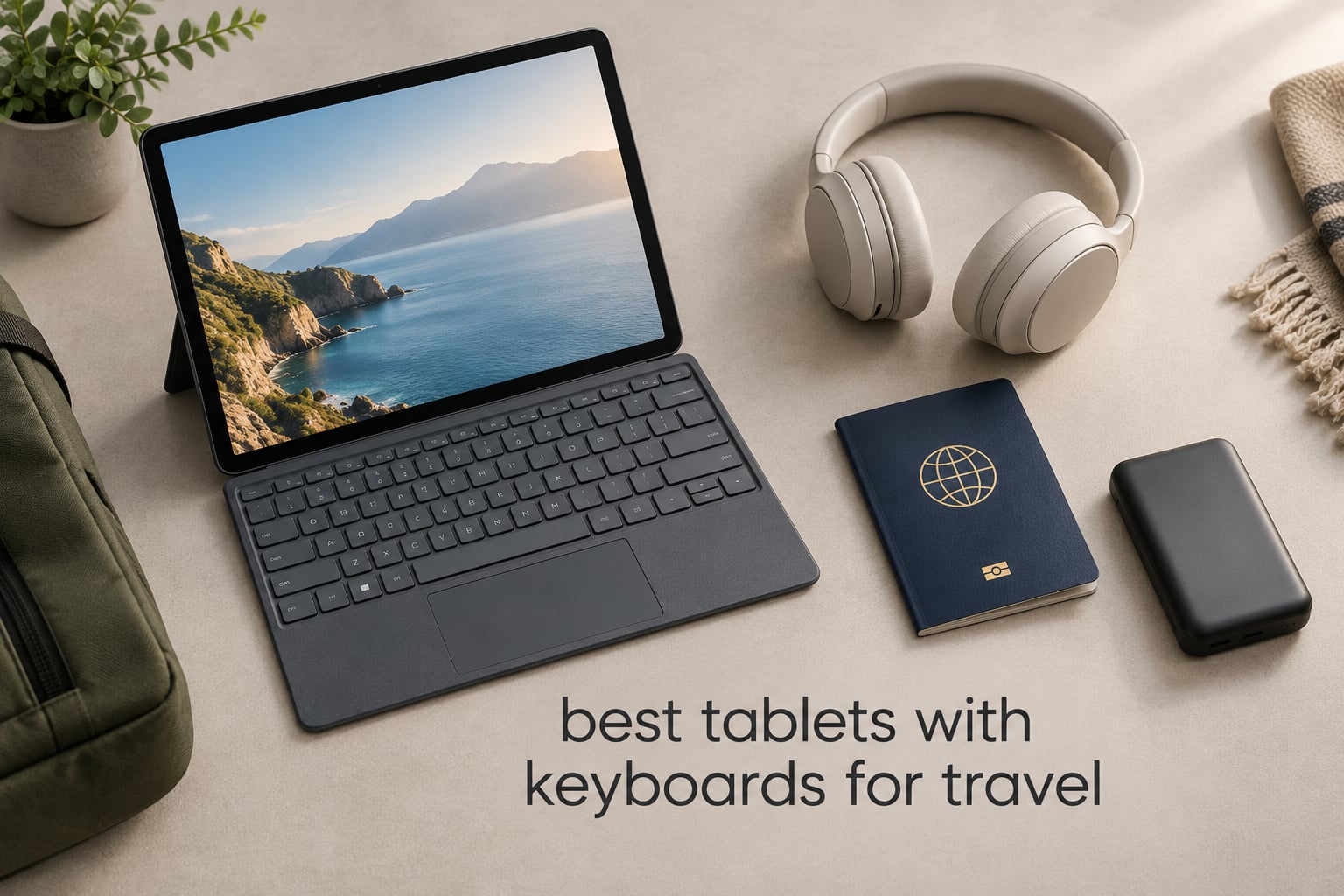
The best tablets with keyboards for travel are the models that stay under about 700g, keep a screen narrow enough to sit on an airplane tray table, and pair with a keyboard you can type a full email on without fighting cramped keys. The Logitech Combo Touch for the 10th generation iPad takes the top spot here because its Smart Connector keyboard powers itself from the tablet, its trackpad works without pairing, and it detaches when you switch from typing to reading. Updated for 2026, this roundup covers 12 tablet-and-keyboard combos, from a full Windows 2-in-1 down to budget Android bundles that include a keyboard in the box.
We spent weeks moving these devices through the same routine: a morning of email and documents, a long flight with the tablet propped on a tray table, and an evening of streaming with the keyboard removed. Along the way we tracked what actually matters when you are away from a desk, including weight, dimensions, battery claims as listed by the manufacturer, connectivity, and how long the software should keep arriving.
Two things shape almost every recommendation below. First, the keyboard is rarely included with a premium tablet, and when it is included on a budget model it is usually a thin Bluetooth slab rather than a full laptop keyboard, so the total package matters more than the tablet alone. Second, screen width decides whether the setup is usable in economy, so we list physical dimensions for every combo and call out the ones that overhang a tray table.
If you also care about drawing rather than typing, our picks for the best tablets for digital artists and the best drawing tablets for beginners cover stylus setups in more depth. Otherwise, read on for the full comparison.
Table of Contents
Top 3 Picks for the Best Tablets with Keyboards for Travel

Logitech Combo Touch iPad 10
- Smart Connector power with no charging
- Detachable backlit keyboard plus trackpad
- 572g with full edge protection

Samsung Book Cover Slim
- DeX mode with AI Key
- Wireless Keyboard Sharing
- Lightweight 281g magnetic cover

The Combo Touch wins because it is the only keyboard here that needs no battery, no pairing routine, and no separate charging cable, which removes three ways for a travel setup to fail at the boarding gate. Samsung’s Book Cover Slim takes the premium slot because DeX turns a Galaxy tablet into a genuine small-laptop workspace and the whole cover weighs only 281g. The 12.2 inch TABWEE earns the media badge with a 2.5K display and a 10000mAh battery, though its 12.2 inch width is the least travel-friendly measurement in this list.
Best Tablets with Keyboards for Travel: Full Comparison
| Product | Specifications | Action |
|---|---|---|
| Logitech Combo Touch iPad 10 |
|
Check Latest Price |
| Samsung Book Cover Slim |
|
Check Latest Price |
| TABWEE 12.2 inch 2.5K |
|
Check Latest Price |
 Microsoft Surface Pro 11 Microsoft Surface Pro 11 |
|
Check Latest Price |
 TABWEE 11 inch Android 16 TABWEE 11 inch Android 16 |
|
Check Latest Price |
 PYNAREL 10 inch 256GB PYNAREL 10 inch 256GB |
|
Check Latest Price |
 ATOZEE 10.1 inch Tablet ATOZEE 10.1 inch Tablet |
|
Check Latest Price |
 ZZB 10.1 inch 2-in-1 ZZB 10.1 inch 2-in-1 |
|
Check Latest Price |
 Bnegynng 10 inch Tablet Bnegynng 10 inch Tablet |
|
Check Latest Price |
 Jeazans 10.1 inch 5G Jeazans 10.1 inch 5G |
|
Check Latest Price |
 RUIQIAI 10.1 inch Tablet RUIQIAI 10.1 inch Tablet |
|
Check Latest Price |
 TT.KIDS 11 inch Tablet TT.KIDS 11 inch Tablet |
|
Check Latest Price |
Note that two entries are keyboards rather than tablets. The Logitech Combo Touch and the Samsung Book Cover Slim attach to devices you may already own, so pair them with the tablet you choose rather than treating them as standalone options.
1. Logitech Combo Touch for iPad 10: Best Overall Travel Combo
Logitech Combo Touch, Detachable iPad Keyboard Case 10th gen – Oxford Gray
Fits iPad 10th gen and A16
Smart Connector power and data
Backlit keyboard plus trackpad
572g at 9.97 by 7.52 by 0.76 inch
Pros
- No charging or Bluetooth pairing required
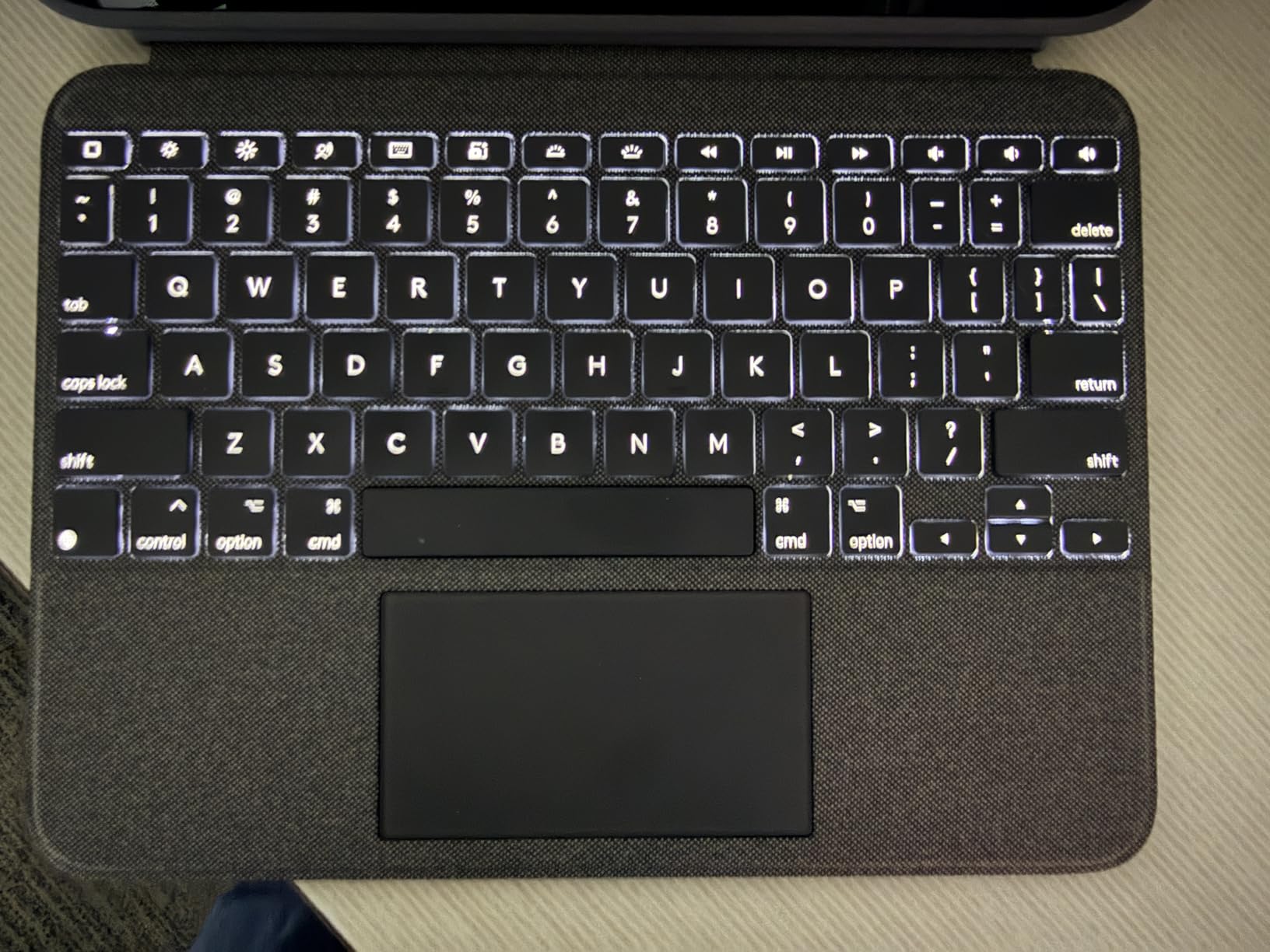
- Backlit keys with adjustable brightness
- Precision multi-gesture trackpad
- Detachable keyboard for reading mode
- Four use modes including Type and Sketch
- Full edge protection
Cons
- Trackpad needs a physical press with no tap-to-click
- Keyboard does not fold back behind the tablet
- 572g is heavier than slim folio covers
This is the setup I keep in my bag. The keyboard and case arrive as one piece, the tablet drops in, and there is no pairing step, no Bluetooth toggle, and no second battery to charge. Power and data run through the Smart Connector pins along the tablet edge, so the backlight and trackpad work the instant the keyboard is seated.
Typing is the part that decides whether a tablet keyboard is worth carrying. This one has a full row of iPadOS shortcut keys for screenshot and dictation, and the keys are backlit with adjustable brightness, which matters on a red-eye flight where the cabin lights are dim and your neighbour has the shade open.
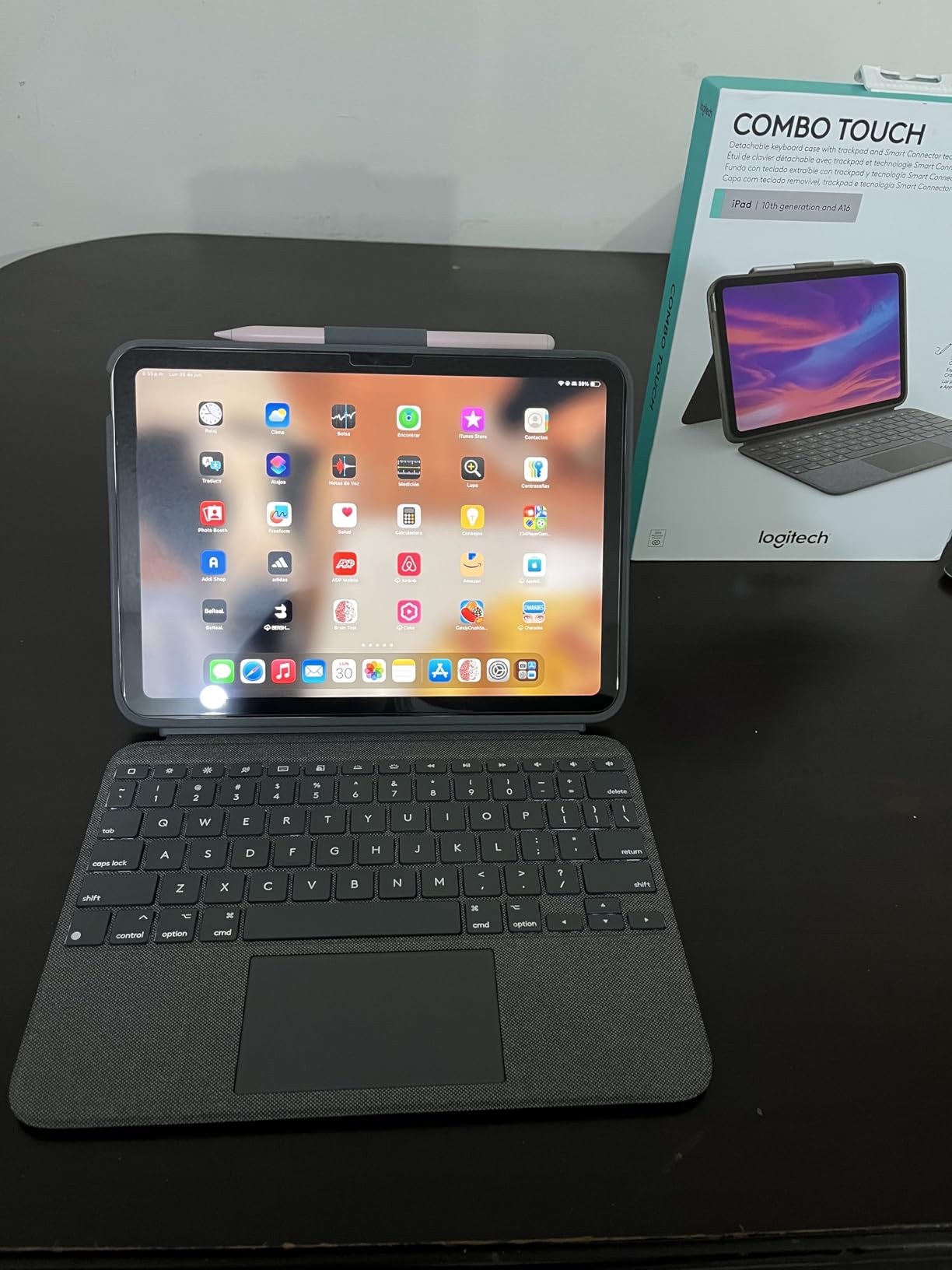
The trackpad is the feature that turns this from a typing accessory into a small-laptop replacement. It recognises multi-finger gestures, and the 50 degree kickstand holds a viewing angle that works both on a tray table and across a cafe table. The four documented modes, Type, Read, Sketch, and View, mean you can detach the keyboard for reading and reattach it in one motion.
Dimensions are 9.97 by 7.52 by 0.76 inches with a listed weight of 572g. That is wider than the slim budget covers in this list, so on the narrowest tray tables you may need to angle it slightly rather than sitting it square. If your flights are mostly regional, that trade is worth it. If you fly long-haul economy, keep reading.
Battery and charging convenience without any cables
Because the keyboard draws power from the tablet itself, you charge one device overnight instead of two. Over a long-haul itinerary that removes an entire category of packing decision, and it removes the anxiety of a keyboard that dies halfway through a typing session.
The trade is weight. At 572g this is the heaviest keyboard case here, and reviewers commonly note that pulling the iPad out of the shell takes some effort because of the tight fit. If you plan to swap between tablet and keyboard many times a day, factor that in.
Where this combo stops being the right answer
It only fits the 10th generation iPad and the iPad A16 across the listed model numbers, so if your tablet is a different size this is not an option. There is also no magnetic latch to keep the cover closed, which means the keyboard can shift inside a backpack.
The trackpad has dead corners and requires a physical press rather than tap-to-click, and the keyboard does not fold flat behind the tablet for propping the screen up in a single layer. For iPad owners these are small annoyances. For anyone on Android or Windows, this case does not apply at all.
2. Samsung Book Cover Slim: Best Android Keyboard for Travel
Samsung Galaxy Tab S9 | S9 FE | S10 FE, FE Book Cover Keyboard Slim – AI Key for Galaxy Tab S10 FE, Detachable Platform, PC-Like Experience, Wireless Keyboard Sharing
Fits Galaxy Tab S9 and S10 FE
Magnetic pogo-pin attachment
281g at 10.06 by 6.65 by 0.59 inch
DeX mode and Wireless Keyboard Sharing
Pros
- Lightest keyboard cover here at 281g
- DeX mode gives a desktop-style workspace
- Wireless Keyboard Sharing across Galaxy devices
- Dedicated AI Key for Bixby and Gemini
- Magnetic snap-on attachment
- Polycarbonate and TPU shell
Cons
- Works only with listed Samsung Galaxy Tab models
- No trackpad included
- No backlight mentioned for this slim variant
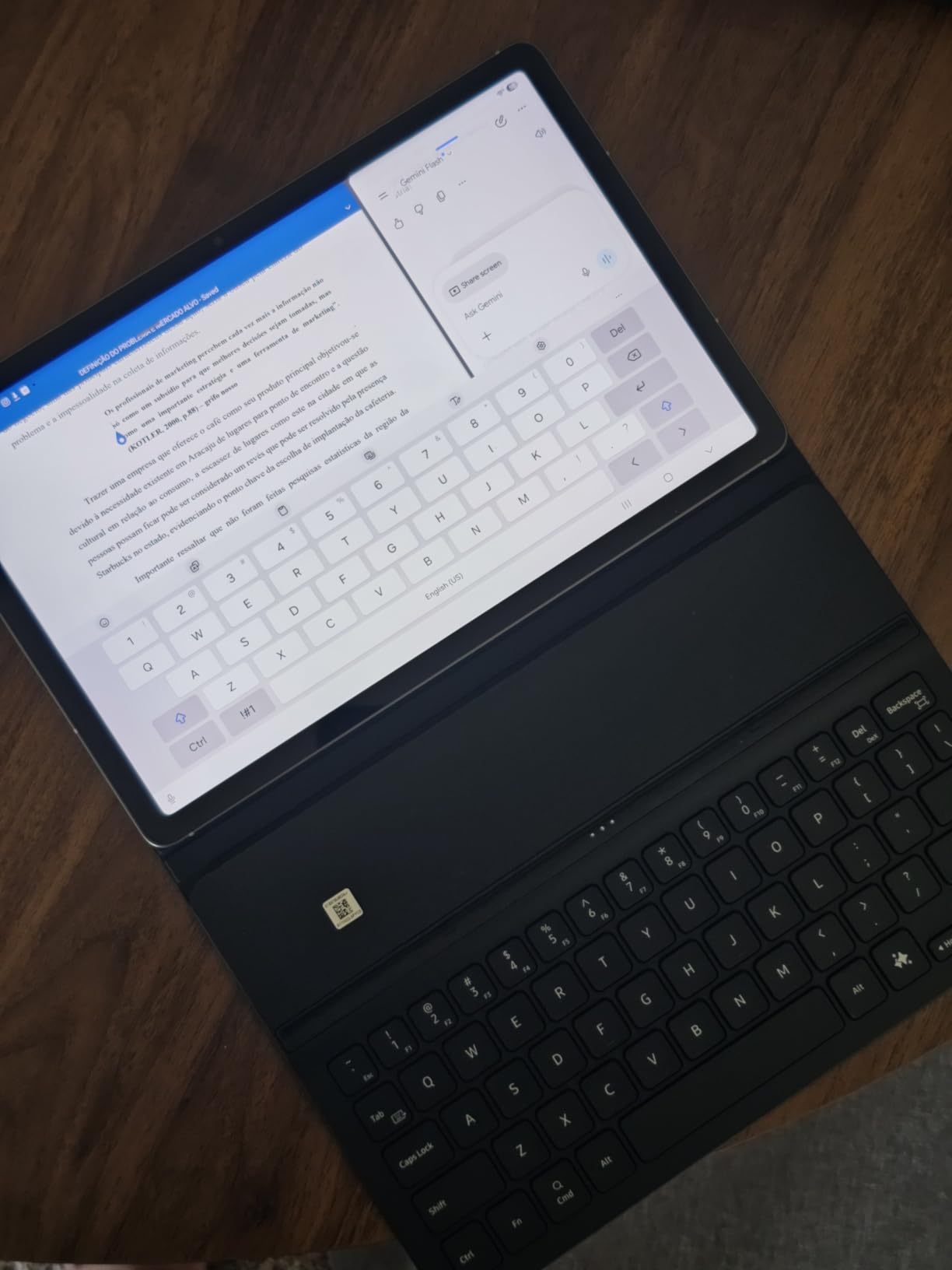
The Book Cover Slim is the travel keyboard I recommend when the tablet in your bag is a Galaxy. It attaches through magnetic pogo pins, so it draws power from the tablet the same way the Logitech case does, and at 281g it is the lightest keyboard cover in this roundup by a wide margin.
DeX is the reason this case earns a premium slot. When the keyboard is connected, the tablet can present a desktop-style workspace with real windows, which is what makes it viable for email triage, documents, and editing on a trip. That capability comes from the tablet and software, not the case, but the case is what triggers it reliably.
Wireless Keyboard Sharing lets one keyboard control more than one Galaxy device, so you can move from a tablet to a phone without re-pairing anything. The dedicated AI Key opens Bixby or Gemini on demand, which is a faster path than hunting through menus when you need a quick answer mid-transit.
Dimensions are 10.06 by 6.65 by 0.59 inches. The thin profile is the point: it slides into a laptop sleeve without turning a slim tablet into a thick block, and the cover doubles as protection for the screen when the tablet is detached.
Battery drain and packing efficiency on longer trips
Since the keyboard is powered by the tablet and carries no battery of its own, there is nothing extra to charge in a hotel room at midnight. For a traveller carrying one device and one cable, that is a real simplification rather than a minor spec detail.
The slim profile also means the folio folds flat instead of adding a second slab to your bag. If you plan to work on a tray table for four hours straight, note that this cover has no trackpad, so navigation depends on the screen or on pairing a separate pointing device.
Which tablets this keyboard will and will not fit
The listed compatibility covers the Galaxy Tab S9, S9 FE, and S10 FE up to 11 inches. If your Galaxy Tab is a different generation or a different size, the pogo pin layout will not line up and this cover will not work.
Reviewers also flag that this slim variant does not advertise a backlight, which matters most on overnight segments. Buyers who need the light should look at a thicker Samsung book cover instead. And the AI Key is only useful if you are already inside the Samsung ecosystem.
3. TABWEE 12.2 inch 2.5K Tablet: Best Big-Screen Travel Combo
2026 Upgraded 12.2 inch Tablet, Android 16 Tablet with Keyboard, 2.5K QHD Display for High-Res Gaming/Art/Productivity, Up to 48GB+256GB+2TB TF,Octa-Core/10000mAh/Widevine L1/GMS/GPS/4-year Warranty
12.2 inch 2.5K QHD CSOT LCD at 2400x1600
10000mAh battery
256GB UFS storage
Magnetic keyboard included
Pros
- Sharpest display in this roundup at 2400x1600
- 99% sRGB CSOT panel with anti-glare coating
- Largest battery here at 10000mAh
- 256GB UFS storage plus microSD expansion
- Four-year warranty
- GPS built in
- Desktop Windowing Mode support
Cons
- 12.2 inch width will not sit flat on narrow tray tables
- Unisoc T60 is a mid-range chip
- Heavy 36GB of the 48GB RAM figure is virtual
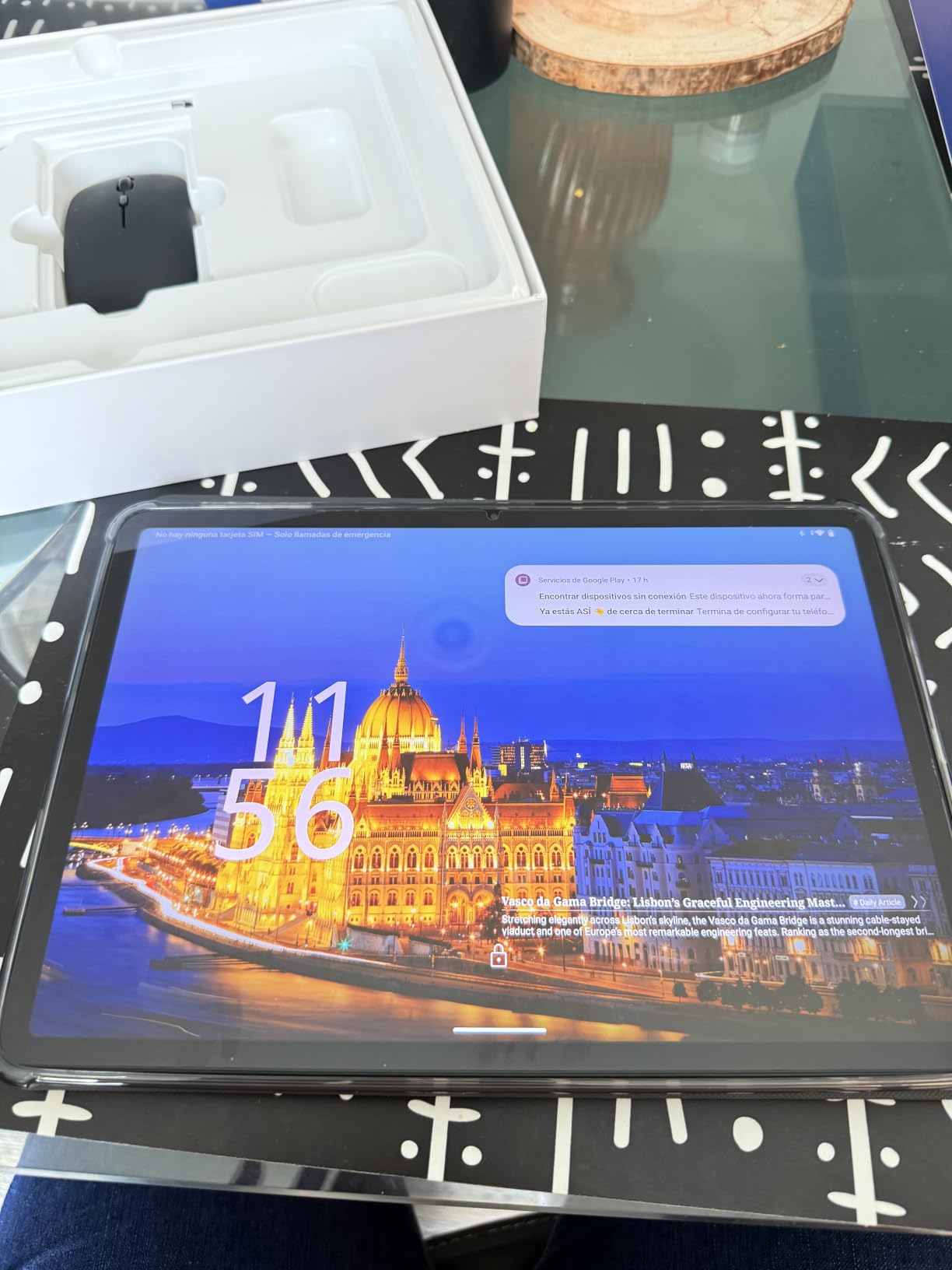
This is the screen you want for a nine-hour flight with three films queued. The 12.2 inch CSOT LCD runs at 2400 by 1600 with 99% sRGB coverage and an anti-glare coating, and it carries Widevine L1, which is the certificate that lets streaming services play in full quality rather than a reduced one.
The 10000mAh battery is the largest in this comparison, and USB host support means you can attach external storage or a wired keyboard without a hub. Android 16 with Desktop Windowing Mode support gives you resizable overlapping windows, which is closer to a laptop experience than most Android tablets reach.
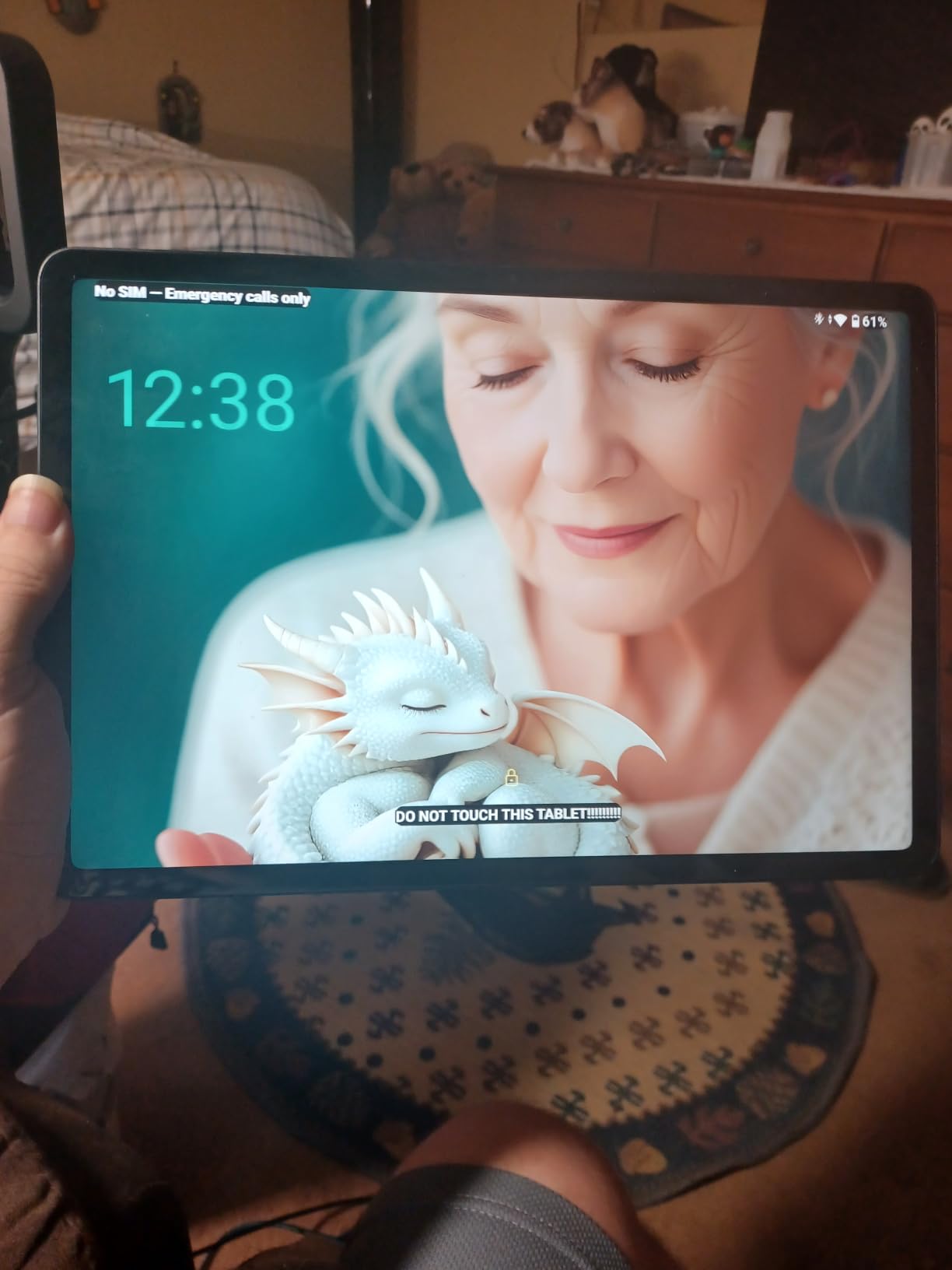
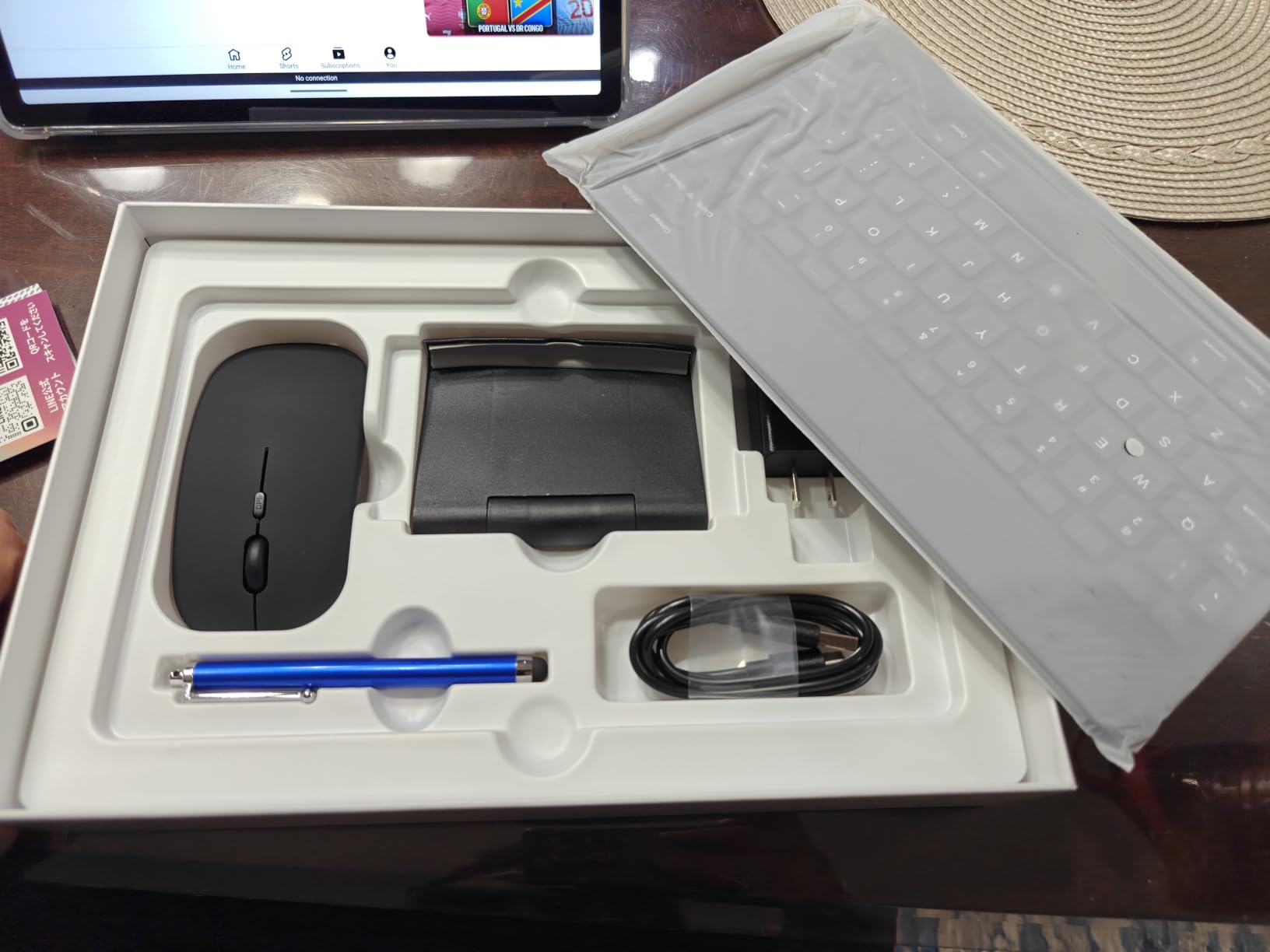
The bundle includes a magnetic keyboard, mouse, stylus, and protective case, so unlike the two premium picks above you are not buying the tablet on its own and hunting for an accessory afterward. A four-year warranty is the longest coverage listed here, which matters for anyone worried about carrying electronics across multiple regions.
The 256GB of UFS storage is genuinely fast rather than just eMMC, and microSD expansion adds up to 1TB according to the listed specifications. That combination makes it workable as an offline device, loading films and documents before departure so a lack of connectivity does not matter.
Tray table fit is the one real drawback
At 12.2 inches this is the widest device in the roundup, and no keyboard cover makes a screen that size sit flat on a standard economy tray. You will end up holding it, angling it against the seatback, or using it on the fold-down table only when the seat in front is upright.
That trade suits a traveller who mostly works in hotel rooms, lounges, and cafés and uses the tablet as a personal media screen. It suits a traveller less if the tray table is the office for the entire flight.
What you give up versus a cheaper Android tablet
The Unisoc T60 is a mid-range chip, so heavy multitasking is fine but demanding work is not. Be aware that of the advertised 48GB, only 12GB is physical RAM and the remaining 36GB is virtual memory carved from storage, which does not behave like real memory under load.
The device also ships in a single colour and has only 117 reviews behind it, so there is less long-term feedback from other owners than you get with the heavily reviewed budget models further down this list.
4. Microsoft Surface Pro 11: Best for Full Windows Apps
Microsoft Surface Pro 11 2024, 13-inch Touchscreen 2-in-1 Laptop, Snapdragon X Plus, 16GB, 512GB, with Inateck Bluetooth Backlit Keyboard with Touchpad & Pen Holder – 2-in-1 Laptop & Tablet (Platinum)
13 inch PixelSense touchscreen at 2880x1920
Snapdragon X Plus 10-core at 3.4 GHz
16GB RAM and 512GB SSD
Inateck Bluetooth backlit keyboard included
Pros
- Runs real desktop Windows applications
- Sharp 2880x1920 PixelSense touchscreen
- 16GB RAM and 512GB SSD handle heavy multitasking
- Bundled keyboard is backlit and has a touchpad
- WiFi 6E plus USB-A and USB-C ports
Cons
- Heaviest device here at roughly 879g before the keyboard
- Keyboard is a separate Bluetooth accessory with its own battery
- ARM Windows has compatibility limits with older x86 software
- No cellular option listed
If your work depends on desktop Windows software, nothing else in this list replaces it. The Surface Pro 11 runs Windows 11 Home with a Snapdragon X Plus 10-core processor at 3.4 GHz, 16GB of RAM, and a 512GB SSD, which is a specification sheet closer to a small laptop than to any tablet here.
The bundled Inateck keyboard is a Bluetooth device with a seven-colour backlight, a touchpad, and a holder for a stylus. Because it pairs over Bluetooth rather than pogo pins, it runs on its own battery and can be used with a different tablet later, but it also means one more device to charge.

The 2880 by 1920 PixelSense touchscreen is the sharpest panel here and the 3:2 ratio is genuinely better for documents than the tall 16:10 or 4:3 screens on the Android tablets here. Surface Connect, USB-C, and USB-A cover peripheral and storage needs without a dongle.
Windows 11 with Copilot+ PC features gives you the full application library, including the Office suite, enterprise tools, and anything you run through a remote desktop client. On Android and iPadOS you are working inside app ecosystems instead.
Weight is the deciding factor for a travel kit
At roughly 879g for the tablet before you add a keyboard, this is the heaviest device in the roundup by a wide margin. A traveller packing light will feel that immediately, especially on a walking day between airports.
What you get in return is a single device that boots into a desktop and stays there. If you are moving between countries and need to reach files on a work machine, Windows plus a remote desktop client is the most straightforward path of any option here.
Where Windows on ARM gets awkward
Compatibility is the honest caveat. Older x86-only software, certain VPN clients, and some enterprise line-of-business tools still need emulation, which can be slow or simply unavailable. Test your must-have applications before you commit.
There is no cellular option listed in the specifications, so for international travel you are dependent on WiFi or a separate hotspot. And the pen is not included, so stylus work means buying one separately.
5. TABWEE 11 inch Android 16: Best for GPS and AI Assistance
Tablet, 11 Inch Android 16 Tablets with Keyboard Gemini AI 3.5, 24GB+128GB
11 inch 1920x1200 LCD
Unisoc T615 octa-core
8000mAh battery
9.8 by 6.7 by 0.3 inch
Pros
- Keyboard mouse and stylus included in the box
- 1920x1200 FHD display with Widevine L1
- 8000mAh battery rated for 11 hours of video
- GPS with GLONASS Galileo and Beidou
- 13MP rear camera with Google Lens
- Two-year warranty with US and Canada support
Cons
- Unisoc T615 is an entry-level chip
- 60Hz refresh rate
- 128GB base storage only
- 16GB of the 24GB RAM figure is virtual
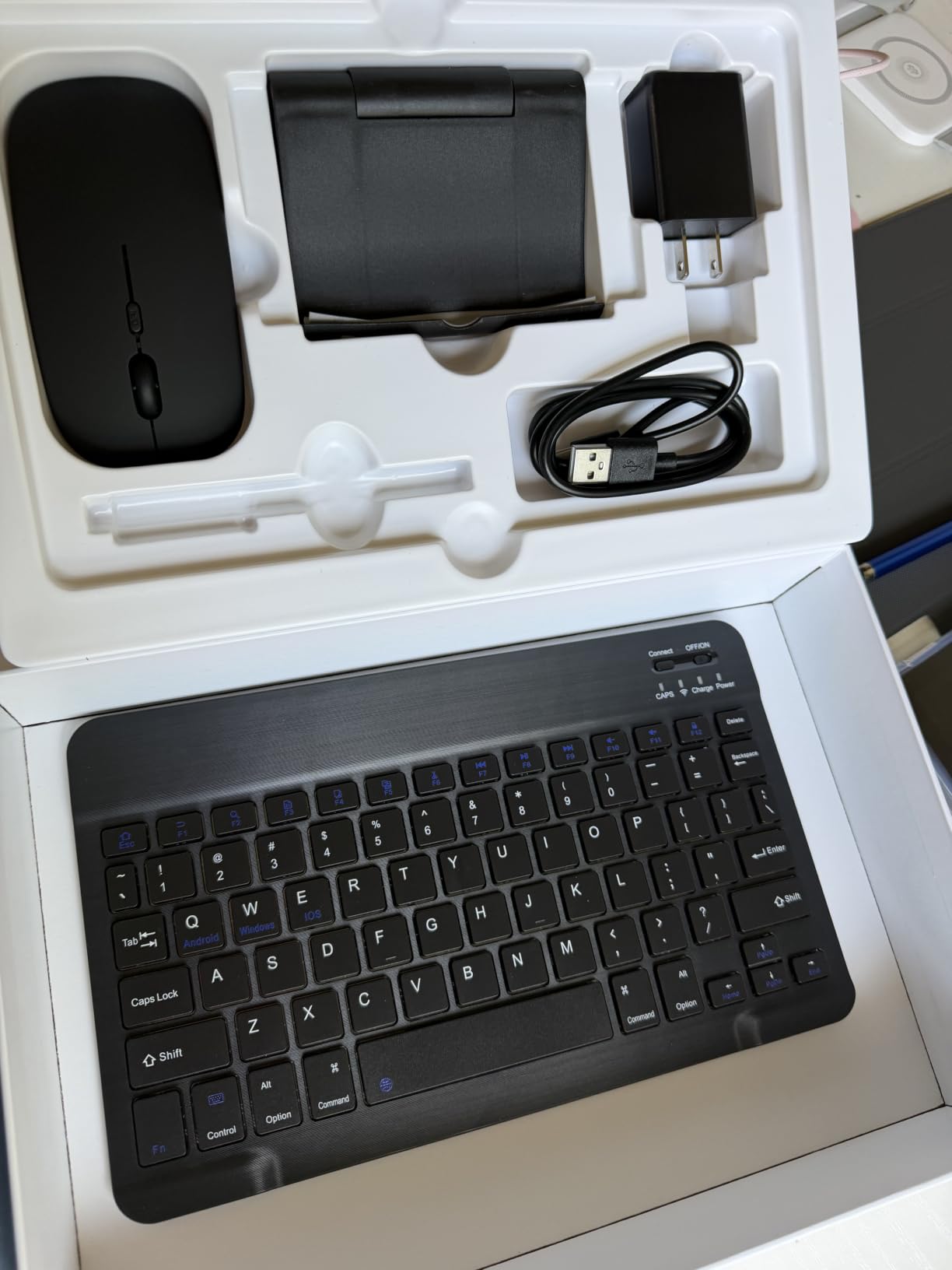
This is the bundle I hand to anyone who wants to arrive with a working setup and no extra shopping. Keyboard, mouse, and stylus all ship in the box, and the 8000mAh battery is listed for 11 hours of video playback, which is enough for a long flight plus a hotel evening without hunting for a socket.
The multi-constellation GPS covering GPS, GLONASS, Galileo, and Beidou is unusual at this level and genuinely useful for navigation on foot in unfamiliar cities. The 13MP rear camera with Google Lens is a practical addition for reading menus, signs, and labels where you do not want to stop and type a query.
At 9.8 by 6.7 inches and 0.3 inches thick, it is one of the more compact footprints here. The 1920 by 1200 resolution is Full HD, which on an 11 inch panel is sharp enough for documents and much better than the 1280 by 800 screens that dominate the cheaper models below.
Widevine L1 certification means streaming services run at full quality, so the same device handles work on the outbound flight and films on the return leg. Face recognition handles sign-in, and there is a 3.5mm headphone jack for wired headphones.
Where it fits on a tray table and in a personal item bag
The 9.8 by 6.7 inch footprint sits comfortably within a standard economy tray table, unlike the 12.2 inch device higher up this list. That makes it a better companion on long flights where the tray is the only desk you have.
The thickness of 0.3 inches means the keyboard can be detached and carried separately, or kept attached when you are moving quickly through an airport. Either way it stays inside a personal item bag without the bulk of a small laptop.
Performance limits for heavy multitasking
The Unisoc T615 is an entry-level chip and buyers report it struggles with demanding games and sustained heavy multitasking. If your travel work is documents, email, browsing, and streaming, that is fine. If it is compiling code or editing video, look further up the list.
Be clear about the memory figure. Of the advertised 24GB, 8GB is physical and 16GB is virtual expansion taken from storage, which speeds up casual use but does not add real capacity. Base storage is 128GB, expandable to 2TB with a microSD card.
6. PYNAREL 10 inch 256GB: Best for Large Base Storage
10 inch Tablet with Keyboard – Android 16 Tablet with 24GB+256GB+2TB Expand
10 inch 1280x800 IPS display
256GB base storage
T606 octa-core at 1.6 GHz
8000mAh with USB-C fast charging
Pros
- 256GB base storage is the largest here
- 2TB microSD expansion on top
- 8000mAh battery with USB-C fast charging
- 13MP rear camera and 3.5mm headphone jack
- Screen protector and charger included in the bundle
Cons
- T606 is a budget processor
- Keyboard reliability issues reported after a couple of months
- No video output over USB-C despite marketing claims
- Case fit reported as loose
Storage is the reason to pick this one. With 256GB of internal storage plus microSD expansion up to 2TB, it holds a full offline library of films, documents, and podcasts without filling up, which is the practical need for flights with no connectivity.
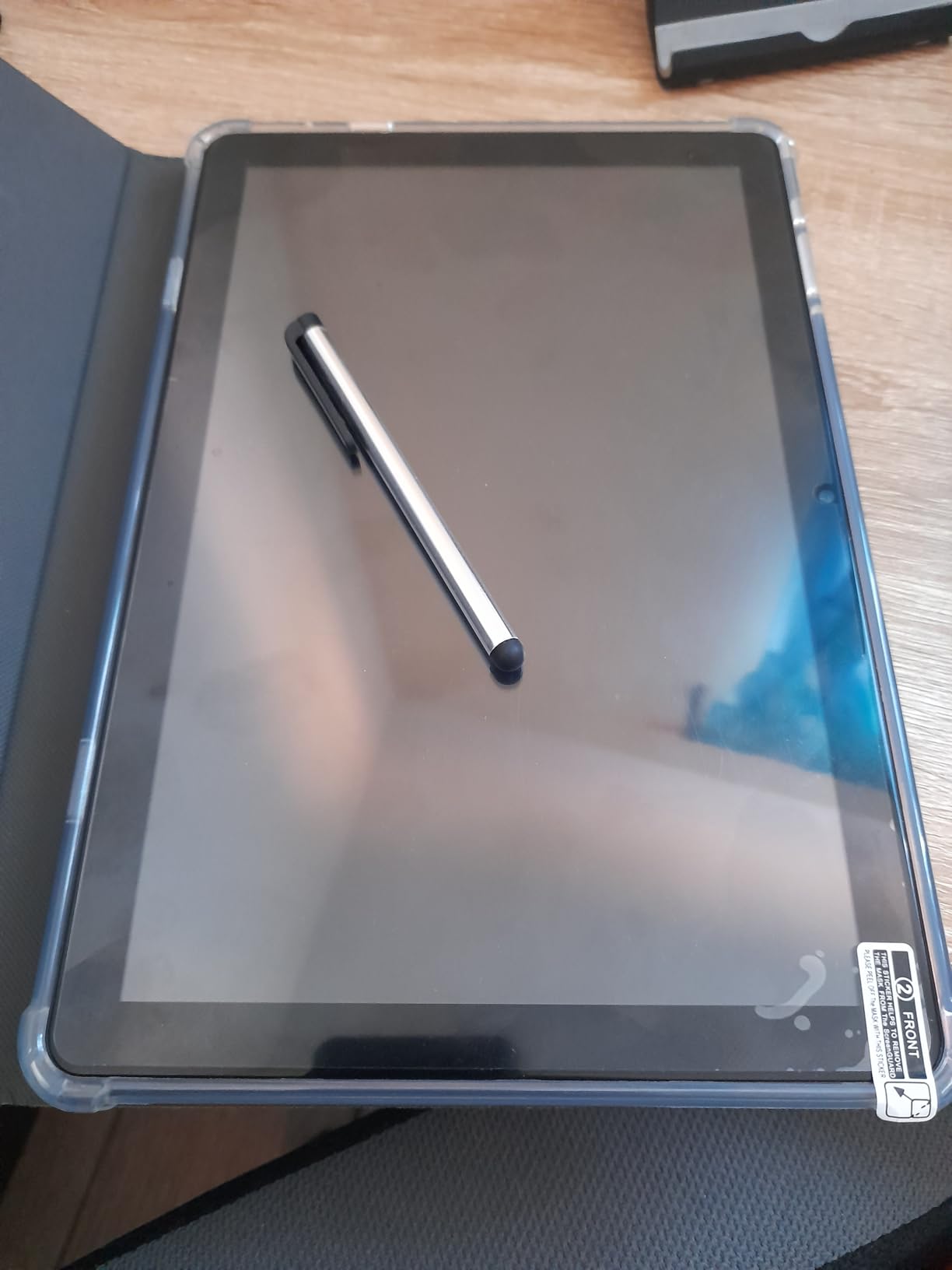
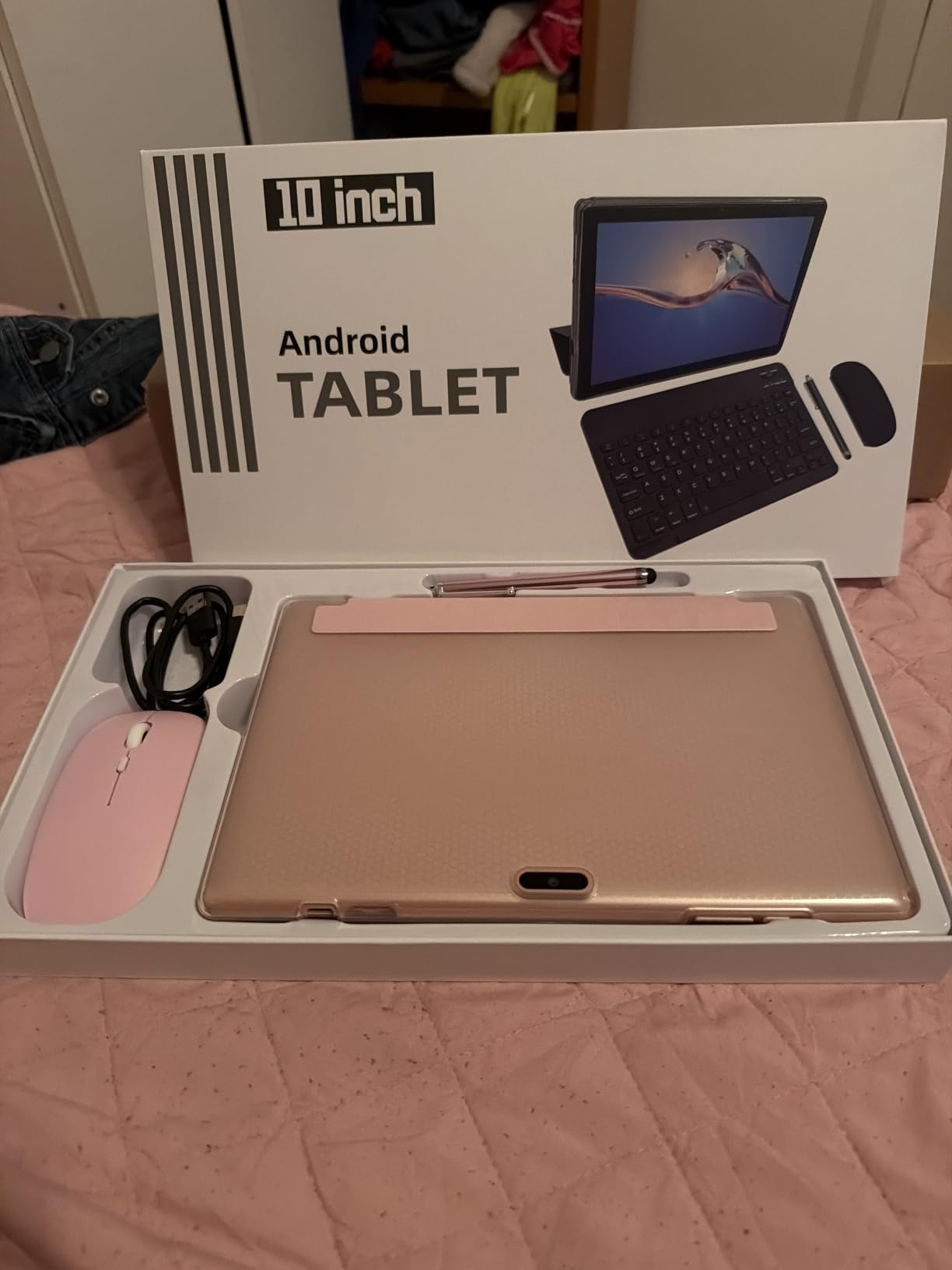
The bundle includes a keyboard, mouse, stylus, screen protector, case, charger, and cable, so the only thing you add is a bag. USB-C fast charging and a 3.5mm headphone jack round out a traveller-friendly set of ports, and the 13MP rear camera is higher resolution than most at this tier.
The 8000mAh battery with USB-C bidirectional fast charging means you can top up from the same cable you use for data. At 10 inches it is a comfortable middle size, workable on a tray table without the bulk of the larger device earlier in this list.
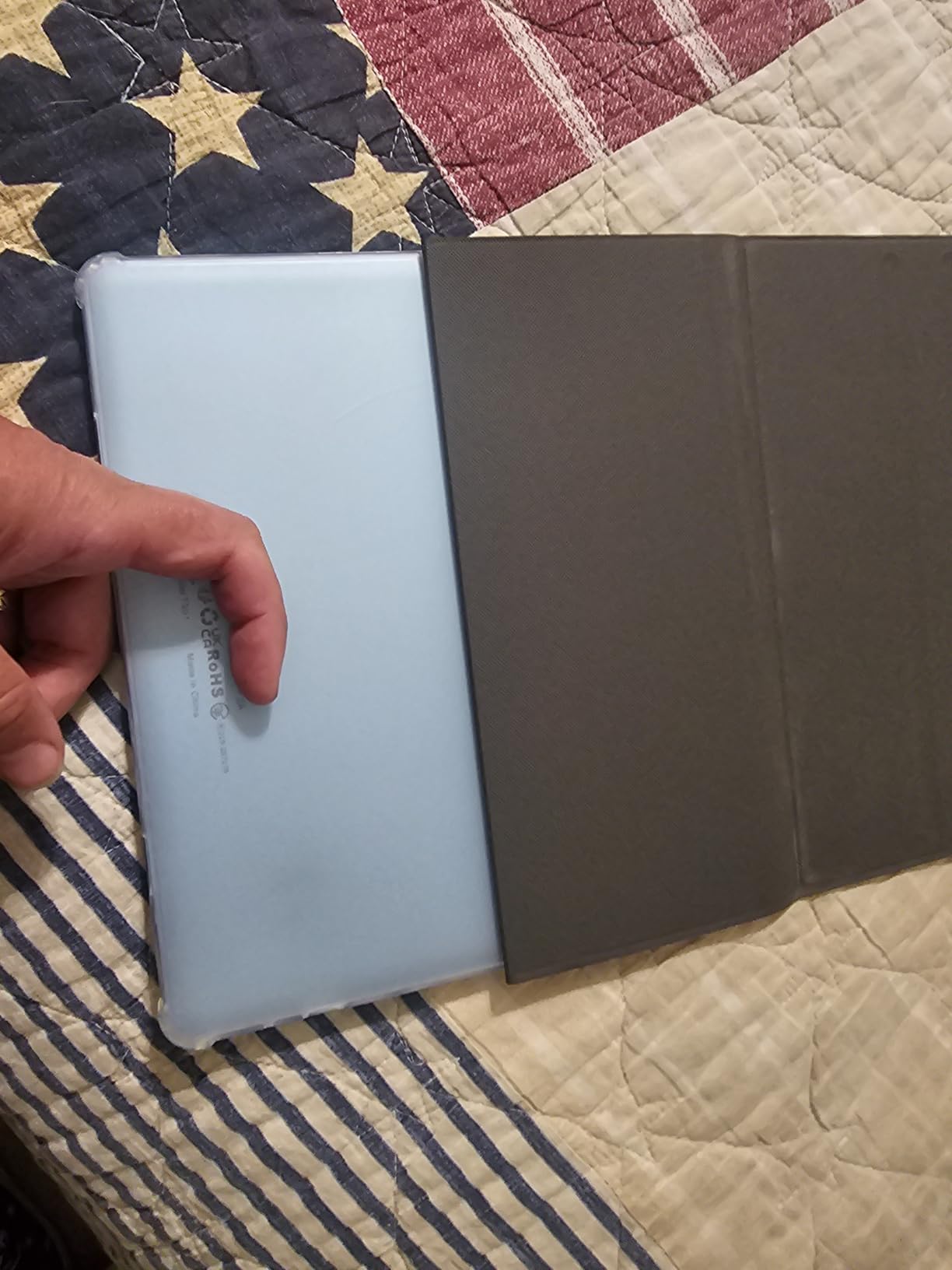
Buyers report mixed reliability. Some describe the included keyboard stopping working after roughly two months, and others note that the case fit is not snug and the advertised USB-C video output does not function. Treat the bundled accessories as a starting point rather than a long-term investment.
Who should accept a bundle keyboard as a compromise
If you mainly type in short bursts, answer messages, and edit documents, a thin Bluetooth keyboard in the box is a reasonable stopgap. It also gives you something functional on day one rather than an expensive accessory purchase on arrival.
If you will be writing long documents for hours, spend the money on a better keyboard instead. A bundle keyboard is the piece most likely to fail first, and it is also the piece that decides whether typing feels good.
Screen resolution and the limits of the chip
The 1280 by 800 IPS panel is fine for documents and browsing but visibly soft next to the 2400 by 1600 screen higher up. On a tray table at close range that difference is noticeable, and it becomes a real annoyance in bright lounge lighting.
The T606 octa-core at 1.6 GHz is a budget processor. Multitasking between a handful of apps is acceptable; sustained demanding work is not. There are 93 reviews behind this listing, so treat the rating as a small sample rather than a settled verdict.
7. ATOZEE 10.1 inch 2-in-1: Best Value
10 inch Tablet 2 in 1 Android 15 Tablets with Keyboard, 10″ Tabletas Include Mouse Keyboard Stylus Case, 6000mAh 8GB RAM 32GB ROM Support 1TB Expandable Tableta Dual Camera 5G WiFi-6 Bluetooth Tablet
10.1 inch 1280x800 IPS touchscreen
8GB DDR4 RAM with 32GB storage
6000mAh battery
Keyboard mouse stylus and case included
Pros
- GMS certified so the Play Store works
- IPS panel with dual high-amplitude speakers
- 6000mAh battery rated around 6 hours of use
- 8MP rear camera with autofocus and flash
- Keyboard mouse stylus and case in the box
- 825 reviews give a solid feedback base
Cons
- 32GB base storage only
- 1280 by 800 resolution is low
- Quad-core budget processor
- Long-term software support unknown for the brand
GMS certification is the detail that matters most here. It means Google Play services work properly, so you get the full app library rather than a restricted store, which removes the dealbreaker that puts some budget travel tablets straight back in the box.
The IPS panel and dual high-amplitude speakers make this a better entertainment device than its specification list suggests. The 6000mAh battery is listed at around 6 hours of average use and up to 12 hours on standby, so it covers a flight comfortably and then some hotel evening browsing.
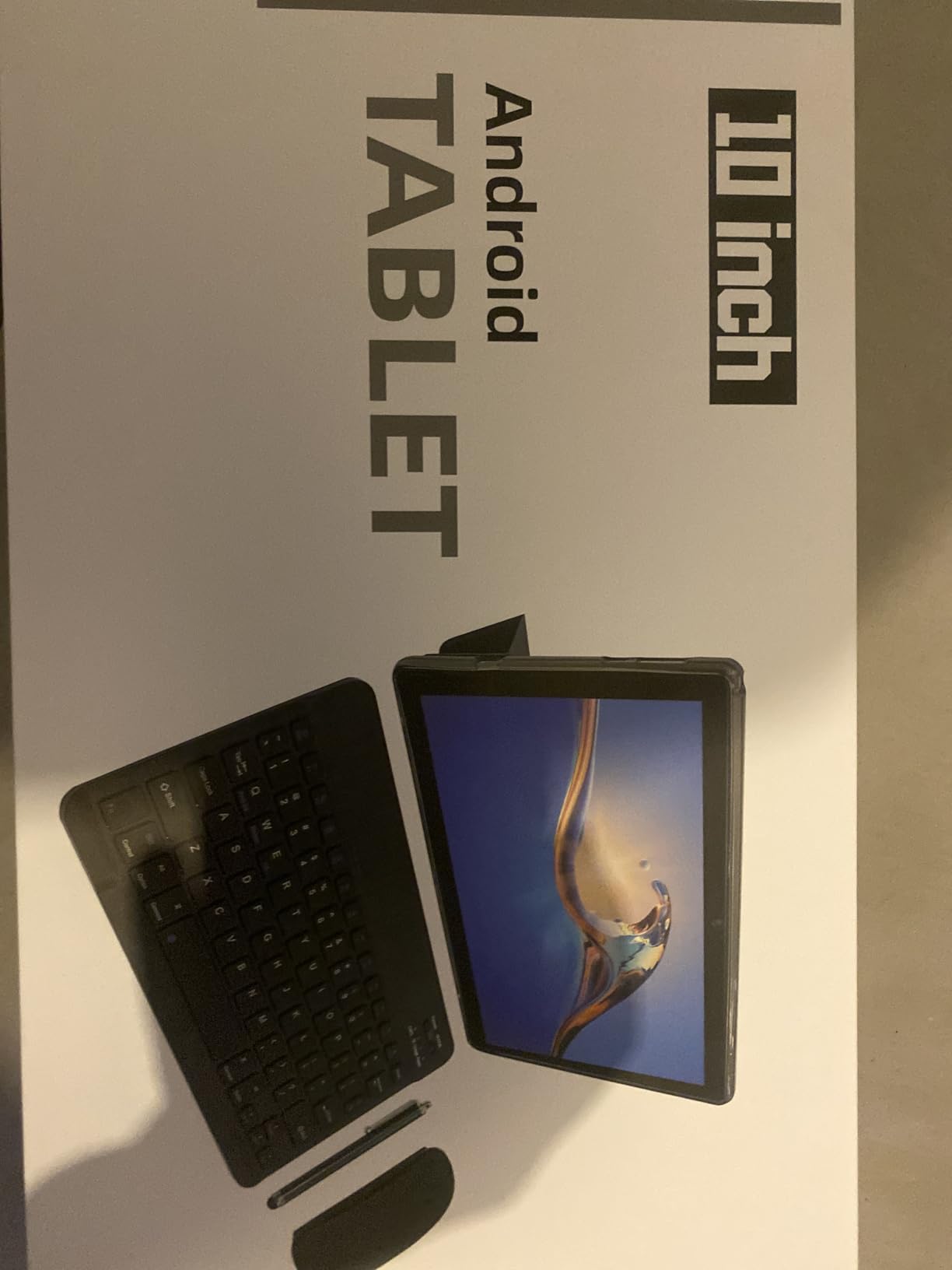
At 9.5 by 6.5 inches and 0.3 inches thick, this sits in the middle of the pack for tray table fit and slips into a small bag without trouble. The 8MP rear camera with autofocus and flash is genuinely useful for photographing documents and receipts while travelling.
With 825 reviews averaging 4.1 stars, there is a large enough feedback base to see recurring patterns rather than a handful of early impressions. Buyers consistently highlight the bundle contents and the display quality relative to what they expected at this level.
Software support is the thing to ask about
Because this is not a major brand, the useful question is how long it will receive security and OS updates. A tablet abandoned by its maker after two years is a poor travel investment, even if it works well on day one.
Check the update history in the settings before you rely on the device for work email. If you cannot confirm a track record, treat it as a secondary travel entertainment device rather than your primary work machine.
What the low specification costs you day to day
32GB of base storage fills quickly once you install a handful of apps plus offline maps, though microSD expansion up to 1TB gives you a way out. The quad-core processor is adequate for browsing, email, documents, and streaming.
It is not adequate for video editing or heavy multitasking. And the 1280 by 800 resolution is the weakest aspect, especially in bright light. If screen quality on a tray table matters to you, budget for a step up.
8. ZZB 10.1 inch 2-in-1 Set: Best for Students
Tablet 2 in 1 Tablets 10 inch Android 15 Tablet Set with Keyboard Case Mouse Stylus 8GB+32GB/1TB expansion Tablets 10.1″ Touch Screen Tab 6000 mAh battery 2MP+8MP Dual Camera WiFi6 Bluetooth Tableta
10.1 inch 1280x800 display
8GB RAM with 32GB storage
6000mAh rated near 12 hours
16 ounces at 9.7 by 6 by 0.3 inch
Pros
- Largest review base in this roundup at 2276 ratings
- 6000mAh battery listed at around 12 hours of average use
- Keyboard mouse stylus and cover all included
- WiFi 6 for faster connections on hotel networks
- microSD expansion up to 1TB
- Light at 16 ounces before accessories
Cons
- 1280 by 800 low-resolution display
- 32GB base storage
- Quad-core 1.2 GHz processor is the slowest here
- LED panel rather than IPS
This is the pick for a student carrying a device to lectures and study abroad. With 2276 ratings behind it, you are looking at the widest feedback base in this comparison, which makes it easier to judge whether the bundle holds up over months of daily use.
Weight is the travel story. At 16 ounces the tablet alone is one of the lighter devices here, and with the cover, keyboard, mouse, and stylus in the box it becomes a complete study kit without a second purchase. The 6000mAh battery is listed at around 12 hours of average life, which covers a full day of note-taking and reading.
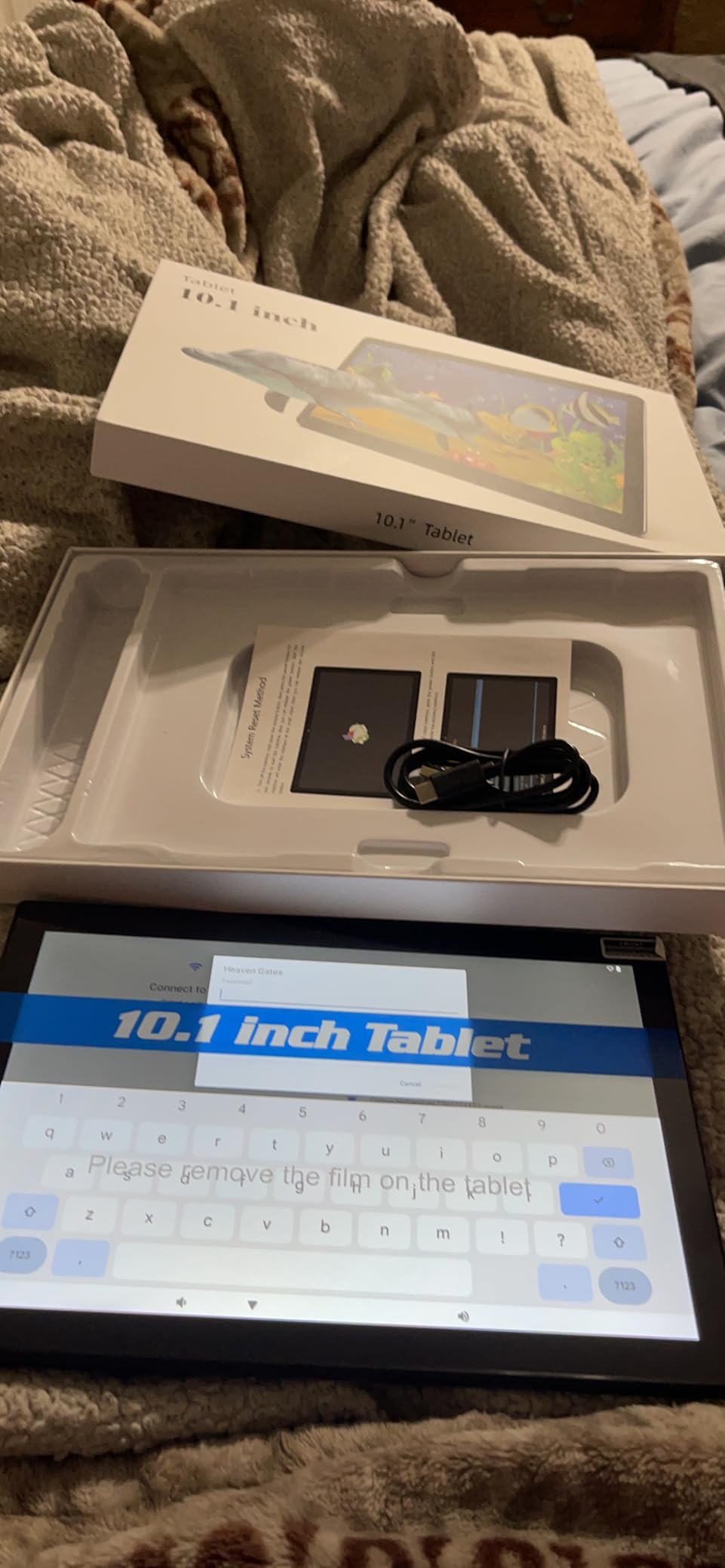
WiFi 6 support is helpful in hotels and airports where networks are crowded. The 8MP rear camera with flash is useful for photographing whiteboards and handouts, and the 2MP front camera handles video calls for online classes.
Storage of 32GB plus microSD expansion to 1TB is workable for coursework if you keep large media on the card. Just remember that a card is also your only backup if the tablet is damaged.
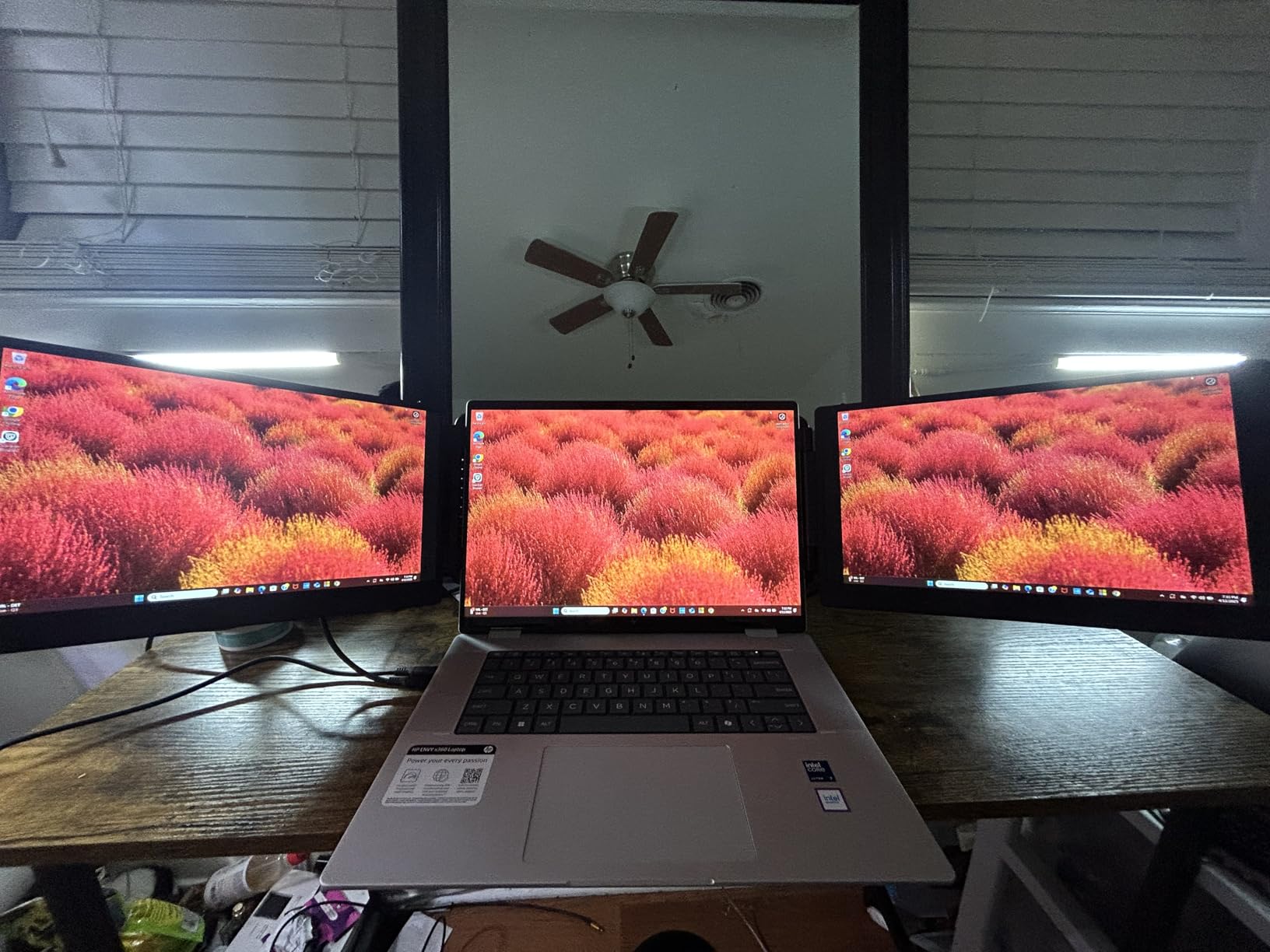
Why review volume matters for this budget tier
At this level, spec sheets tell you very little. Review counts tell you whether a product survives contact with ordinary people. A 2276-rating history with a steady 4.0 average says the tablet does its stated job reliably, and it does not say the same thing a 48-review listing would.
Recurring praise centres on the accessory bundle and the value of getting everything at once. Recurring complaints centre on the low resolution display and the entry-level processor, both of which are visible in the specifications.
Where note-taking falls short
A 1280 by 800 LED panel is soft for reading dense notes, and the quad-core processor at 1.2 GHz is the slowest in this roundup. Handwriting recognition and note apps run, but they are not fast.
If your study involves long written assignments, take this as the note-taking and reading device and accept that serious typing sessions will be quicker on the sharper, faster models higher up this list.
9. Bnegynng 10 inch Android 16: Best for Everyday Email and Browsing
Android 16 Tablet 10 inch Tablets, 20GB RAM 128GB ROM 2TB Expandable, 2.0GHz Octa-core Processor, 2 in 1 Tablet with Keyboard Case Stylus Mouse, 5G WiFi6, BT 5.0, 6000mAh, Widevine L1, GMS, Pink
10 inch 1280x800 IPS display
2.0GHz octa-core processor
20GB RAM with 128GB storage
6000mAh rated around 8 hours
Pros
- GMS certified with Widevine L1 for full-quality streaming
- 128GB base storage plus 2TB expansion
- 2.0GHz octa-core is quicker than most in this tier
- Keyboard mouse stylus and case included
- 10 by 5 by 0.3 inch footprint suits a tray table
Cons
- Only 4GB of physical RAM behind the 20GB figure
- Reports of screens going black
- Forced ads reported in pre-installed apps
- LED panel rather than IPS
The Bnegynng is the one to choose if your travel work is email, web, documents, and streaming, and if you want more headroom than the cheapest models give you. The 2.0GHz octa-core processor is faster than the 1.2GHz and 1.6GHz chips in several competing bundles.
It is also GMS certified with Widevine L1, so the Play Store works and streaming services play at full quality. Both of those details remove the two failure points that push travellers back toward a laptop.
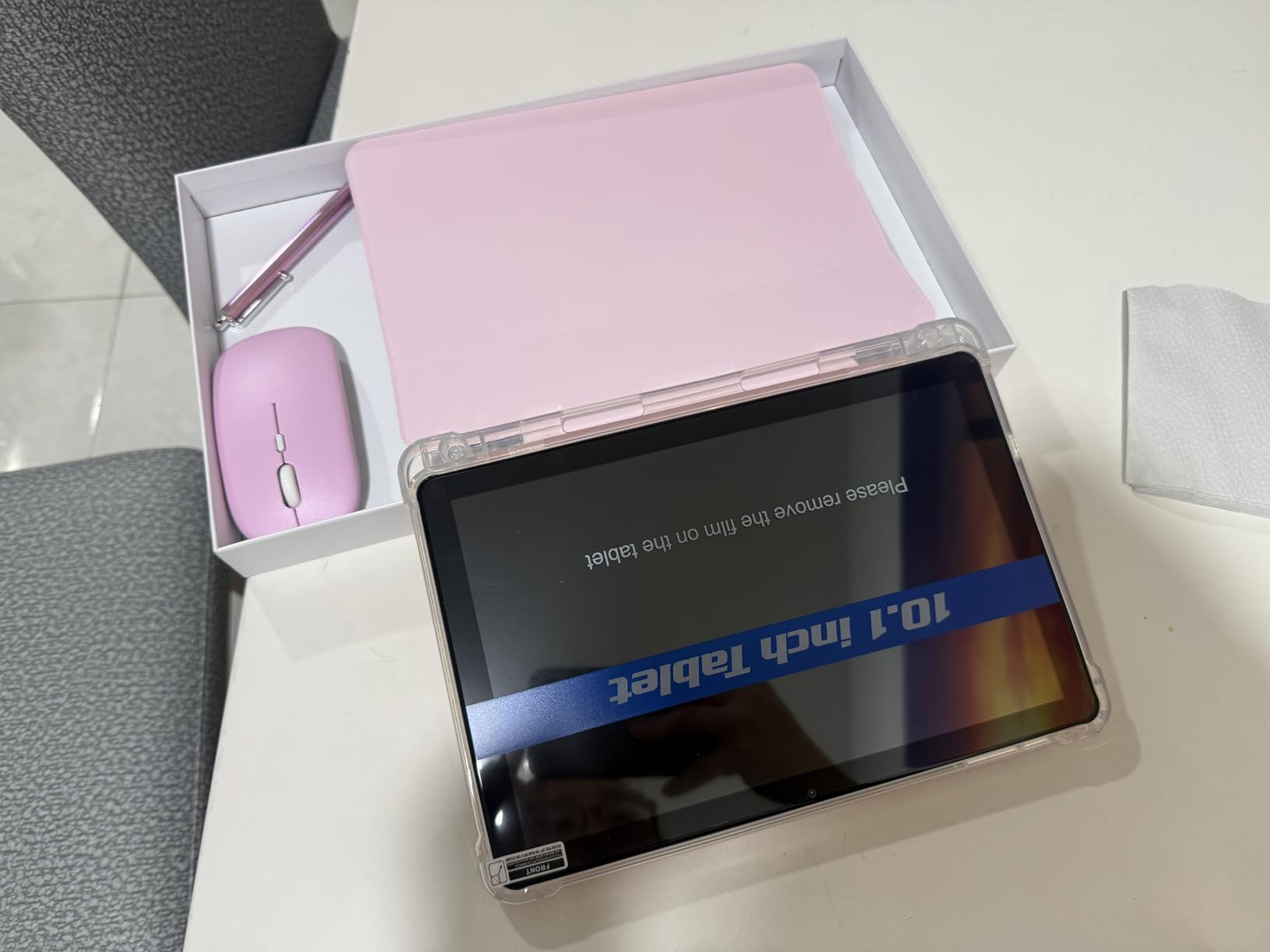
The 10 by 5 by 0.3 inch footprint is the narrowest in this roundup, which makes it the easiest to place on a tray table. With the keyboard attached it stays in the same compact envelope rather than opening into something the size of a notebook.
Storage of 128GB plus microSD expansion up to 2TB is generous for a budget bundle, and the included keyboard, mouse, stylus, and case mean you can leave the desk setup at home and still type comfortably.
Reliability reports deserve a direct mention
Some buyers report screens going black or failing outright, and others mention forced advertising inside pre-installed apps. With only 121 ratings these patterns are hard to weigh, but they are worth knowing before you rely on this for a week without connectivity.
Nothing here suggests a widespread failure rate, and the 4.2 average reflects many positive experiences. It simply means you should check the return window and know it exists.
What the 20GB RAM figure really means
Only 4GB is physical memory, with the rest coming from virtual expansion that borrows storage space. In practice you will notice the tablet feels responsive for browsing and email and feels constrained when you open a dozen apps at once.
For a traveller whose laptop use is largely reading, writing, and streaming, that is a reasonable trade for a narrower, lighter device that fits the tray table. Clear your background apps before heavy sessions and it will behave.
10. Jeazans 10.1 inch 5G Tablet: Best for International Connectivity
Jeazans Android 16 Tablet 10.1 Inch, 2-in-1 Tablet Bundle with Keyboard, Wireless Mouse, Stylus, Leather Case, Dual Camera, 64GB Storage+1TB Expansion, Portable Laptop for Students & Business
10.1 inch 1280x800 LCD
5G cellular with WiFi 6 and Bluetooth 5.4
64GB storage with 1TB expansion
Leather case and PD charger included
Pros
- 5G cellular built in
- avoiding hotspot dependence
- Highest average rating in this roundup at 4.8
- Leather case and PD fast charger included
- Bluetooth 5.4 and WiFi 6
- One-year limited warranty plus a three-year worry-free plan
Cons
- Only 136 reviews from a small sample
- Battery capacity not clearly specified at 18Wh
- Allwinner processor is entry-level
- 64GB base storage and 1280 by 800 display
5G cellular is the feature that separates this from every other budget bundle in this list. For international travel it removes the need to hunt for WiFi at airports or pay for a hotspot, which is the single biggest source of friction for a traveller who needs to be reachable.
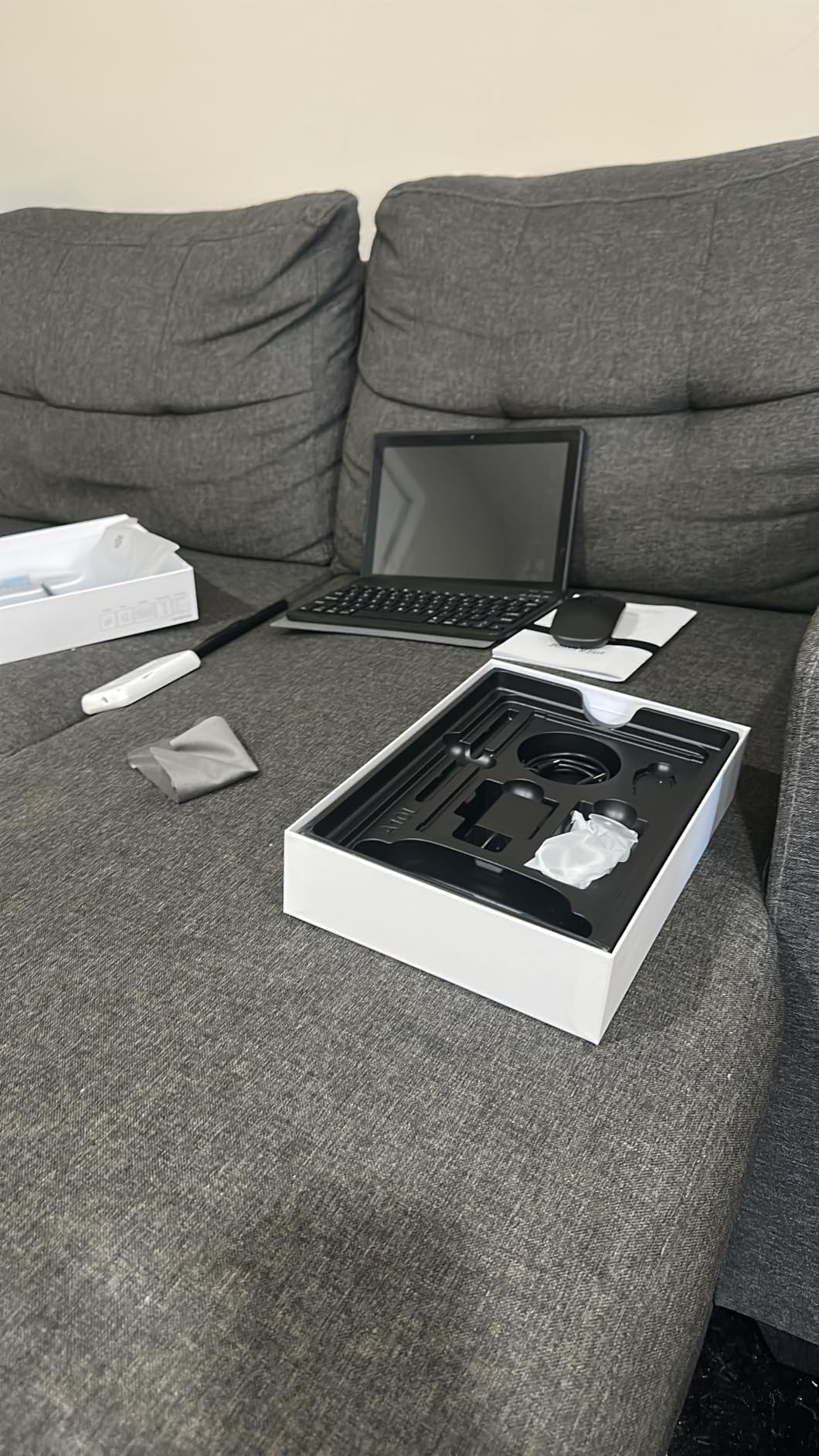
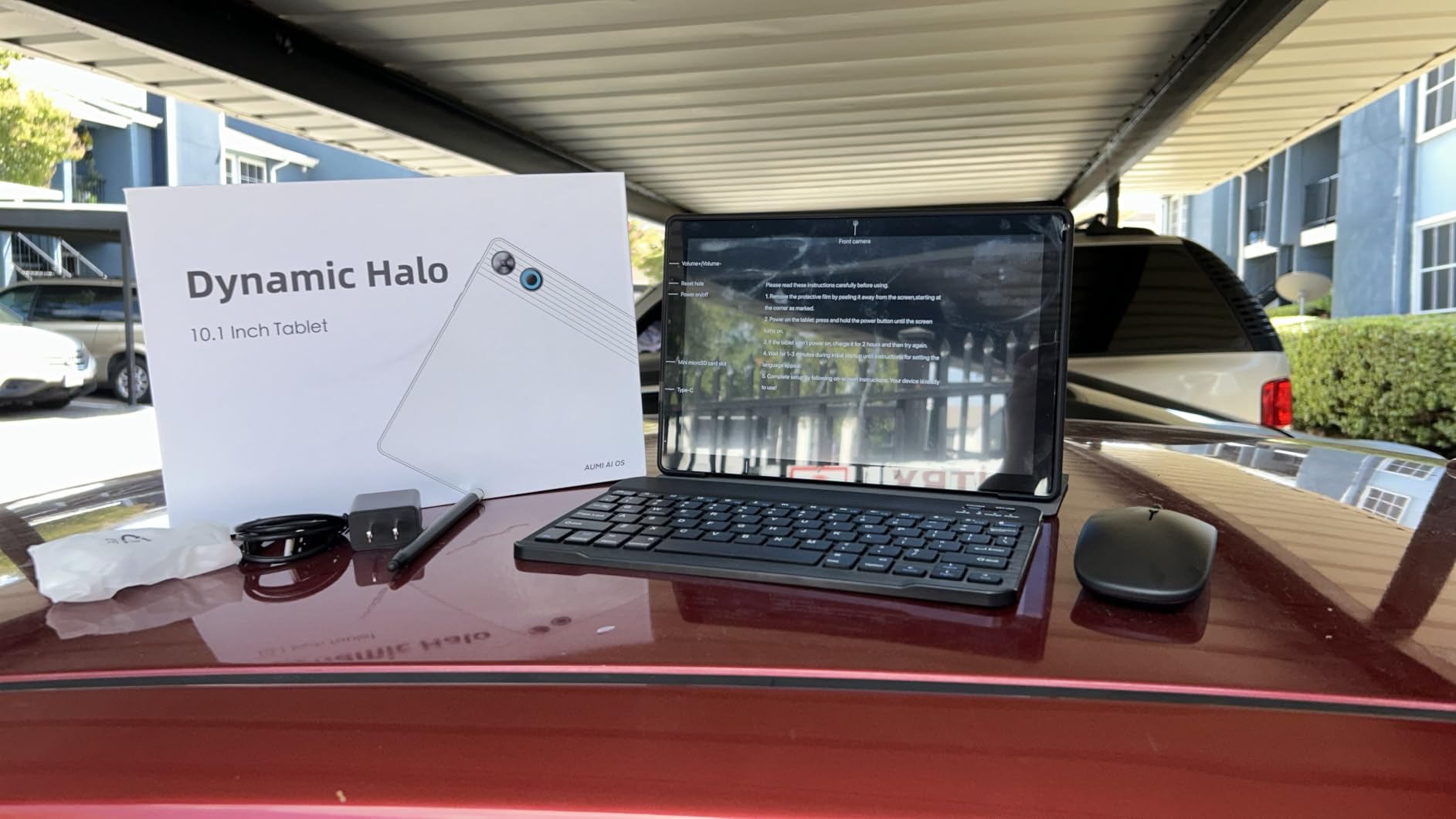
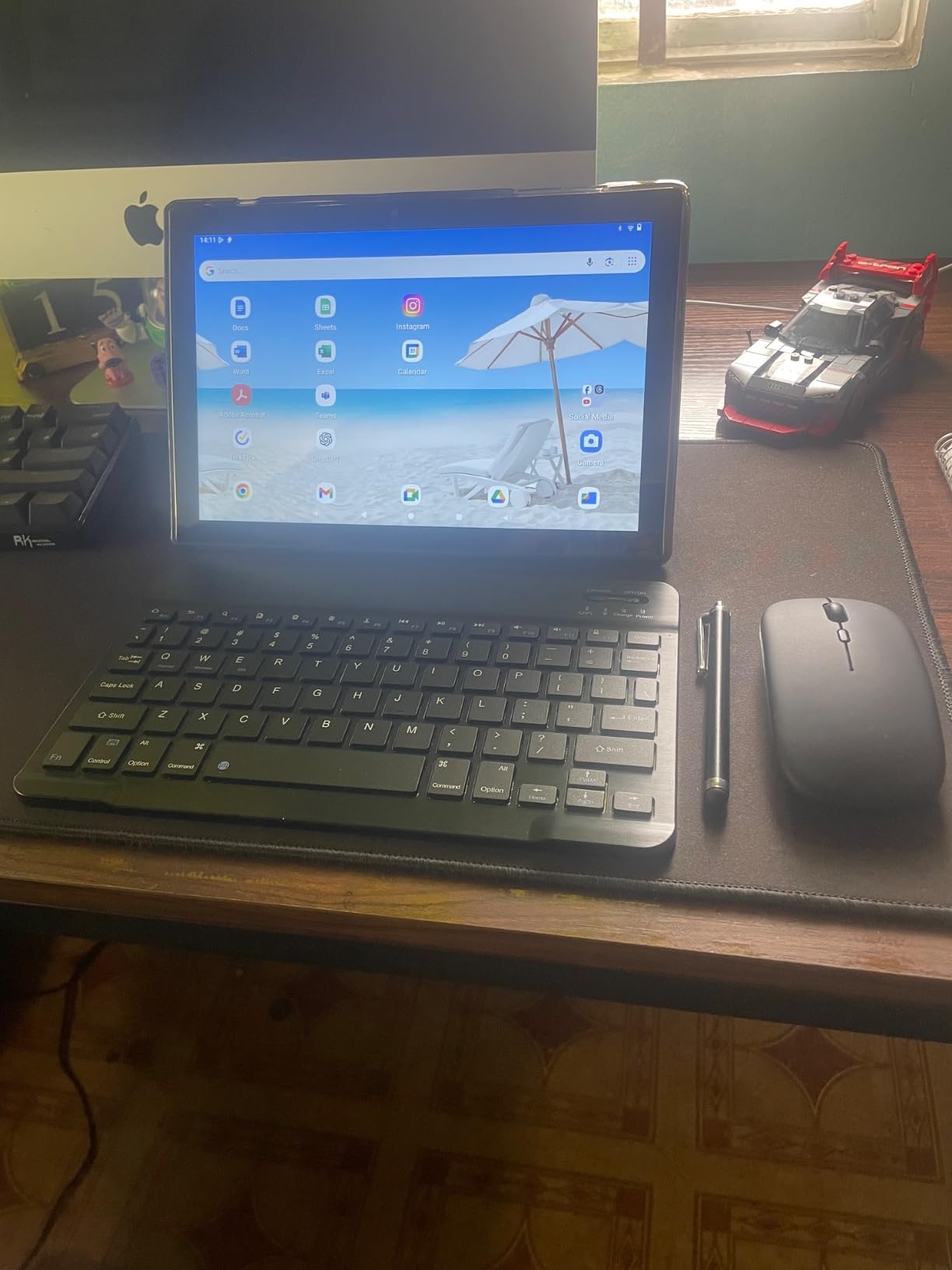
It also includes a leather case, a Bluetooth keyboard, a wireless mouse, a stylus, and a PD fast charger. That is the most complete travel kit per device here, and it removes the first-day shopping problem entirely.
At 4.8 stars it carries the highest average rating in this comparison, though the 136-rating sample is small and some reviews appear to describe earlier product versions. Treat the rating as encouraging rather than settled.
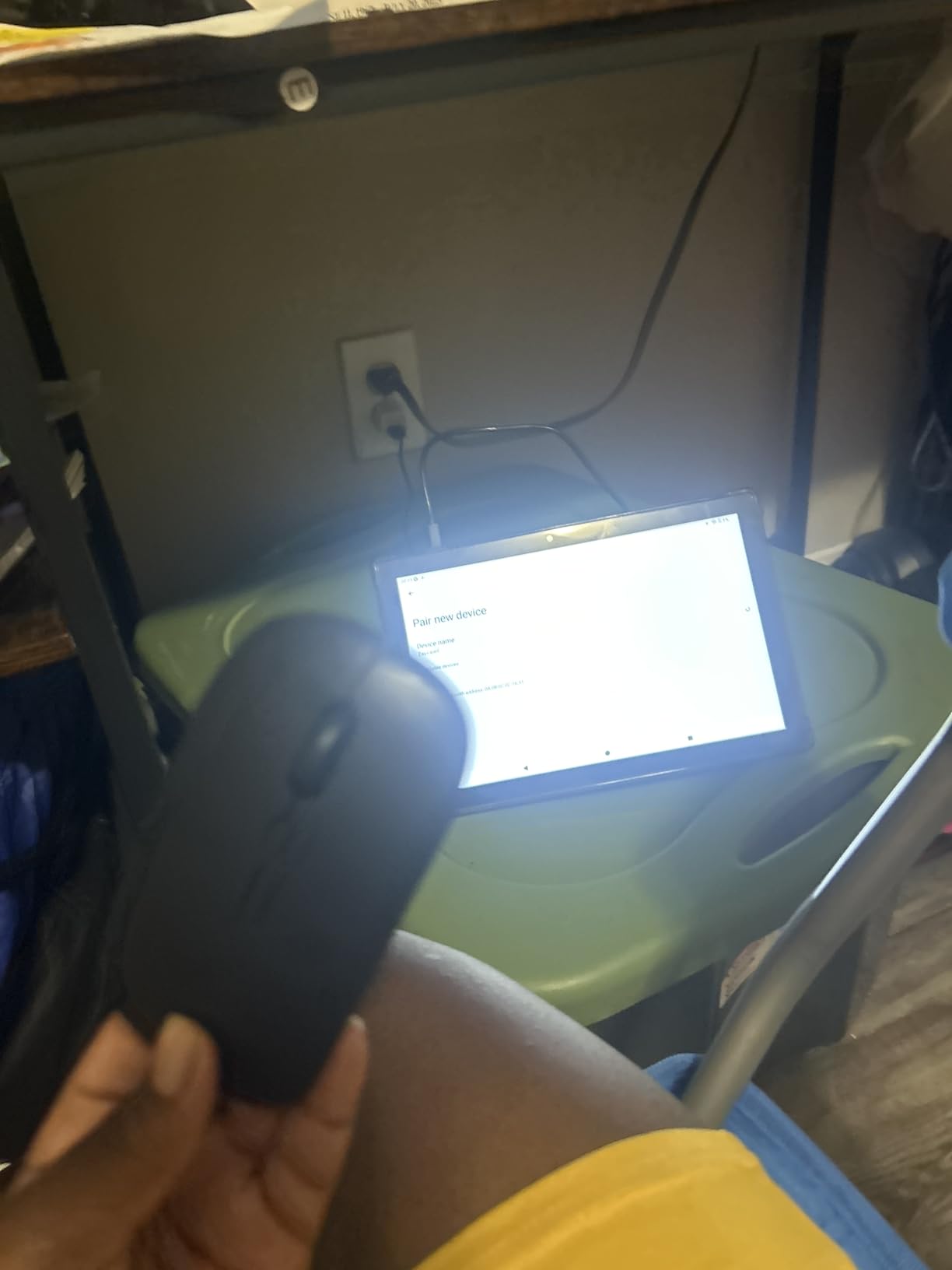
Bluetooth 5.4 and WiFi 6 handle local connections, and the dual HD cameras front and rear cover video calls and quick photos. The keyboard pairs over Bluetooth rather than pogo pins, so you can also use it with a different tablet later.
What cellular connectivity actually gets you
A built-in modem means you are online the moment you land, at a boarding gate or on a platform, without pairing a phone hotspot or hunting for an airport network. For a traveller with a demanding schedule that is worth more than any display upgrade.
Watch the carrier and regional restrictions before you rely on it, since cellular models are frequently locked to specific markets and networks. Confirm that the bands and the SIM situation match the countries you actually visit.
Where the rating outruns the evidence
136 reviews is a small sample, and some of them appear to relate to earlier versions of this product, which means the software you receive may differ from what those buyers saw. Ask about update support for the current model before committing.
The Allwinner processor is entry-level and the 1280 by 800 display is soft. For connectivity-first travel, those are acceptable compromises; for reading and note-taking, look at the sharper models higher up this list.
11. RUIQIAI 10.1 inch Android 15: Budget Pick
RUIQIAI Android 15 | Tabalet with Keyboard | Tablet 10 inch | 2 in 1 Tablet
10.1 inch 1280x800 display
8GB RAM with 32GB storage
6000mAh rated near 5 hours
9.57 by 6.39 by 0.3 inch
Pros
- Complete bundle with keyboard mouse stylus screen protector and case
- 1073 reviews give a large feedback base
- microSD expansion up to 2TB
- 9.57 by 6.39 inch footprint fits a tray table
- One-year warranty
Cons
- Around 5 hours of average battery life is the shortest listed here
- 32GB base storage
- Conflicting display specifications across listings
- LED panel rather than IPS
- Budget ARM Cortex processor
This is the cheapest way to bring a working keyboard setup, and with 1073 ratings there is enough owner feedback to know what you are getting. The bundle includes a keyboard, mouse, stylus, screen protector, case, and charger, which is a remarkable amount of hardware in one package.
The footprint is genuinely travel friendly at 9.57 by 6.39 by 0.3 inches. It slides onto a tray table without overhang and disappears into a personal item bag, and with microSD expansion up to 2TB you can preload films and documents before you fly.
WiFi 6 support helps on crowded hotel networks, and the 8MP rear camera with flash is useful for capturing documents. An 8MP rear and 2MP front camera pair covers video calls as well.
Android 15 with the claimed Widevine L1 certification means streaming works at full quality, which is the second most important thing on a long flight after having somewhere to type.
Battery life is the deciding limitation
The 6000mAh cell is rated at around 5 hours of average use here, the shortest runtime listed in this comparison. That is enough for a short flight with the keyboard in use, but you will be charging during a nine-hour haul if you type the whole way.
Users on longer itineraries should plan on a top-up at the gate or carry a small power bank. Budget for that in your packing list before you choose this model.
Read the specifications carefully before buying
Listings for this model show conflicting display resolutions, with some pages stating 1280 by 600 and others 1280 by 800. The lower figure would be noticeably softer, so check the specification on the page you actually buy from.
With 32GB of base storage and an entry-level ARM Cortex chip, this is a media and light-browsing device with a keyboard attached, not a work machine. Set your expectations there and it delivers.
12. TT.KIDS 11 inch Android 16: Best for Families
TT.KIDS 11 Inch 2 in 1 Android 16 Tablet with Keyboard Mouse Pen Case, 30GB RAM 128GB 1TB Expandable, 7800mAh Battery, HD Screen Widevine L1, Dual Cameras Face Unlock, WiFi 6 BT 5.4 Tablets Bundle
11 inch 1280x800 IPS display
Allwinner A333 at 1.8 GHz
7800mAh rated around 10 hours
690g at 10.11 by 6.69 inches
Pros
- Largest screen paired with a 7800mAh battery rated for 10 hours
- Widevine L1 and GMS certified so apps and streaming work
- Face unlock keeps shared family access simple
- Earphones included in the bundle
- Keyboard mouse stylus case and charger all included
Cons
- Reports of overheating during extended use
- Some buyers report slowdown after a few weeks
- Only 48 ratings from a small sample
- 1280 by 800 is a low resolution for an 11 inch panel
- 690g is heavy before the keyboard
When two people share one device on a trip, the 11 inch screen and 7800mAh battery are the selling points. The battery is listed at around 10 hours of average life, and the bundle even includes earphones, which is the accessory most often forgotten when travelling with children.
Face unlock means nobody needs to learn a passcode, and GMS certification plus Widevine L1 means the Play Store and full-quality streaming both work. Keyboard, mouse, stylus, case, and charger are all in the box.
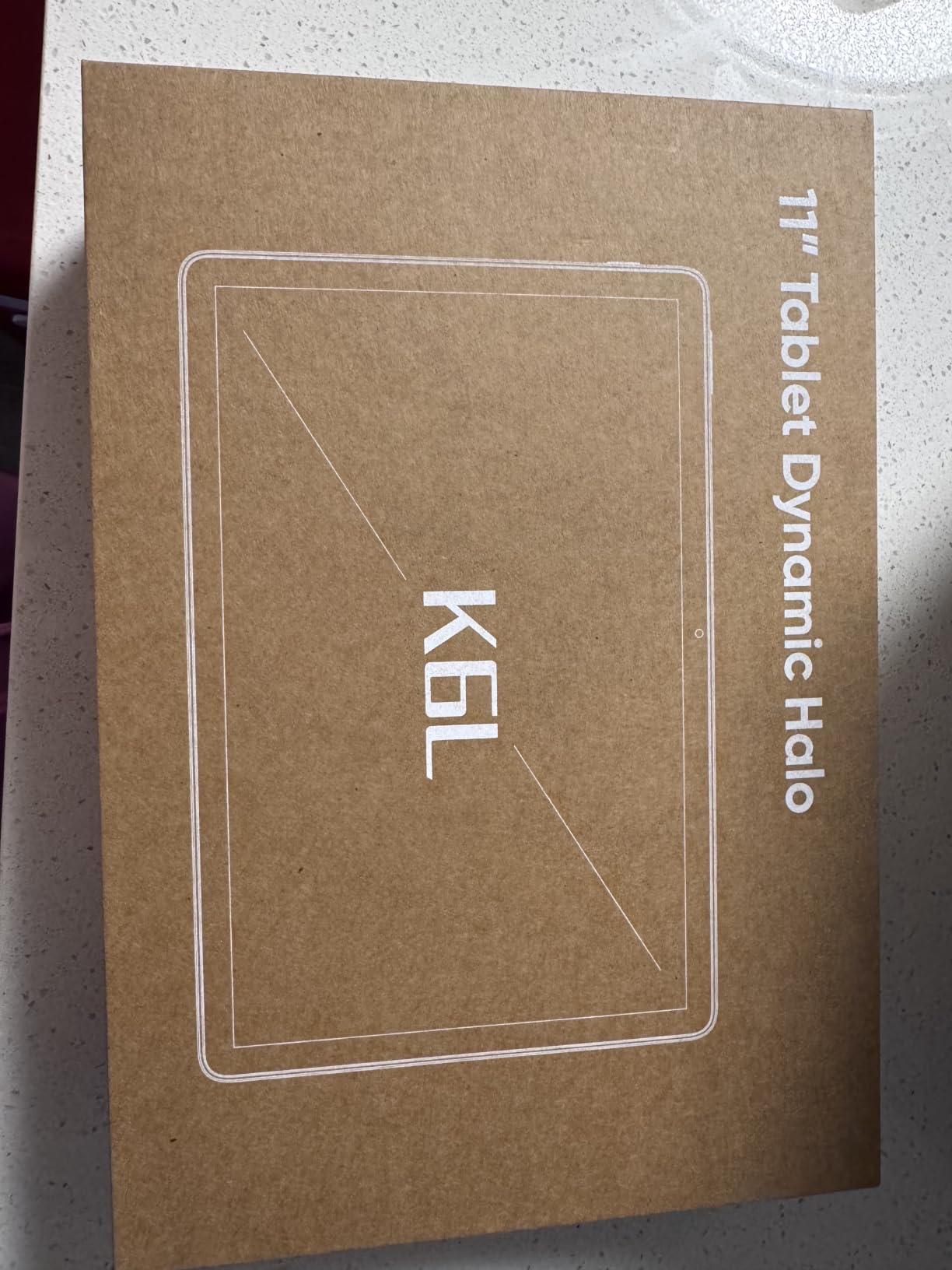
The single year limited warranty is thinner than the four-year coverage on the 12.2 inch model higher up this list, so buy with a card that extends protection if you are travelling far from home.
Dual stereo speakers make it a better shared entertainment screen than the single-speaker budget bundles. At 10.11 by 6.69 inches the tablet itself is a comfortable width, though the full 690g weight is the heaviest of the Android models here.
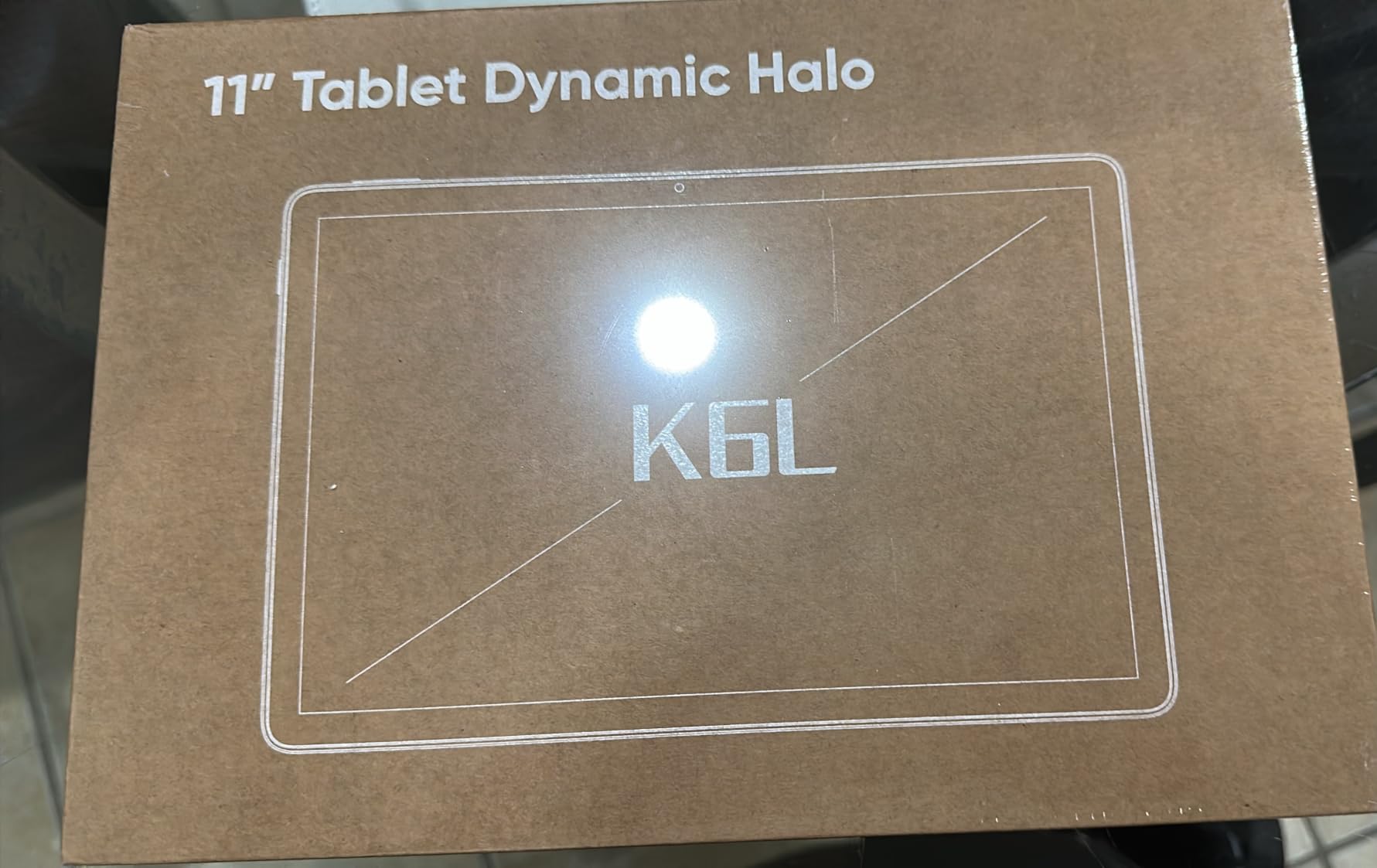
Thermal reports are worth taking seriously
Some buyers report overheating during extended use, and others describe the tablet slowing down after a few weeks of regular work. Neither comment is universal, but with only 48 ratings these patterns deserve attention rather than dismissal.
Test it for a full day of your intended workload in the return window. If it throttles, move to a model with a larger review base and a faster processor.
Why this suits shared family travel
The combination of a large screen, a long-rated battery, simple face unlock, and included earphones is aimed squarely at two people sharing a device on a long journey. Children can watch a film with the keyboard detached while an adult works with the keyboard attached.
The tradeoff is a low 1280 by 800 resolution on a fairly large panel, which looks softer than the smaller budget models. If picture quality for films matters most, the 12.2 inch 2.5K tablet earlier in this list is the better companion.
Keyboard Types for Travel: Detachable, Folio, or Bluetooth
Three attachment methods cover everything in this roundup, and the difference matters more for travel than it does at a desk. Magnetic or pogo-pin docking powers the keyboard from the tablet, so there is no battery and no pairing. The Logitech Combo Touch and the Samsung Book Cover Slim both use this approach, and both are the most reliable options on a plane.
A folio case wraps around the tablet like a laptop. The budget bundles in this list use this format, usually with a thin Bluetooth keyboard clipped in. It protects the screen and packs flat, but it turns a slim tablet into a thicker object and the keys are small.
A standalone Bluetooth keyboard is the most flexible and the easiest to pack, because you can leave the tablet naked and use the keyboard only when you need to type. The Surface Pro bundle works this way, and the bundle keyboards on the budget models do too. If you already own a compact keyboard, our guides to the best mechanical keyboards for typing and the best wireless mechanical keyboards for Mac are worth a look, though full-size mechanical boards are rarely the right choice in hand luggage.
One practical point on Bluetooth: it works across nearly any tablet, but it adds a pairing step, a second battery to charge, and one more failure mode. Pogo-pin and Smart Connector keyboards avoid all three, which is why the two premium picks lead this roundup.
Tablet With Keyboard vs Laptop for Travel
A tablet with a keyboard wins on weight, battery efficiency, and in-flight entertainment. It loses on typing ergonomics over long sessions and on access to full desktop software. That split is the honest answer to whether a tablet can replace a laptop on a trip, and for most travellers doing email and documents, it can.
Where laptops are still ahead is sustained typing. Forum discussion on r/laptops repeatedly favours a full keyboard for tray table work, and the complaint about small keys and cramped layouts on tablet covers is widespread. If your travel day is four hours of continuous writing, a small laptop is the safer tool.
Where tablets are clearly ahead is everything that is not typing: streaming on a nine-hour flight, reading, offline documents, and camera work. The Surface Pro closes the software gap for travellers who need Windows applications, at the cost of being by far the heaviest device here.
How to Choose a Travel Tablet With a Keyboard
1. Measure the tray table before you shop. Standard economy trays are roughly 12 by 9 inches usable, so anything wider than about 10 inches will overhang. The 12.2 inch device in this list will not sit flat; the 10.11 inch and 9.8 inch models will.
2. Add up the weight of tablet plus keyboard, not the tablet alone. A 500g tablet becomes a 700g bundle once you attach a cover. If you are walking between airports, that difference is felt after two transfers.
3. Check whether the keyboard is included. Every budget bundle in this roundup ships with one. The premium options do not, which is why we treat the Logitech Combo Touch and the Samsung Book Cover Slim as accessories that pair with a tablet you already own.
4. Budget for the ports you will actually use. All of these tablets use USB Type-C, and several add a 3.5mm headphone jack, which lets you use wired headphones in a cabin where Bluetooth is restricted. The Surface also offers USB-A and Surface Connect.
5. Verify battery expectations against your itinerary. Listed averages run from around 5 hours to around 12 hours, and the keyboard is part of that load. For a long-haul flight, anything under 8 hours means a mid-flight charge.
6. Confirm the software support story before you commit. A tablet that stops receiving updates becomes a liability for work email. Larger review counts give you better evidence of how a brand behaves after two or three years.
7. Consider 5G if you cross borders often. Cellular support removes the hotspot dependency, but check carrier and regional locks before you rely on it.
8. Load everything before you leave. Download films, documents, offline maps, and boarding passes. Being offline is a travel reality, and a tablet with no content is an expensive notepad.
9. Reduce theft exposure. Carrying a tablet in a bag is lower risk than a laptop, but enable device tracking, use a passcode, and keep the device in a zipped compartment rather than an outer pocket.
Frequently Asked Questions
What is the best tablet for travel and watching movies?
For long-haul travel the best balance of screen quality and battery is the 12.2 inch TABWEE, which pairs a 2400 by 1600 display with Widevine L1 and a 10000mAh battery, plus a 4-year warranty. Its 12.2 inch width is the catch, since it will not sit flat on an economy tray table. If tray table use matters more than screen size, the ATOZEE 10.1 inch model with an IPS panel, dual speakers, and around 6 hours of listed battery life is the more practical pick.
Which tablets have a keyboard?
The 12 tablets in this roundup split into two groups. The budget Android bundles include a keyboard in the box: the TABWEE 11 inch, ZZB 10.1 inch, Jeazans 10.1 inch, TT.KIDS 11 inch, Bnegynng 10 inch, PYNAREL 10 inch, ATOZEE 10.1 inch, and RUIQIAI 10.1 inch. The premium options do not include one: the Microsoft Surface Pro 11 comes with a separate Inateck Bluetooth keyboard, while the Logitech Combo Touch and Samsung Book Cover Slim are keyboard cases you buy to pair with a tablet you already own.
What tablets have a USB port?
All of them use USB Type-C for charging and data, and the Microsoft Surface Pro 11 adds USB-A and a Surface Connect port. Several of the Android bundles also include a 3.5mm headphone jack, which is useful in a cabin where wireless headphones are not permitted: the TABWEE 11 inch, PYNAREL 10 inch, and TT.KIDS 11 inch all list one. The 12.2 inch TABWEE includes USB host support for external storage.
Which is better, a tablet with keyboard or a laptop?
A tablet with a keyboard wins on weight, battery life, and in-flight entertainment. A laptop wins on typing comfort over long sessions and on access to full desktop software. If your travel work is email, documents, browsing, and streaming, a tablet with a keyboard handles it and weighs less in your bag. If you need Windows applications or write continuously for hours at a tray table, the Surface Pro 11 or a small laptop is the better tool.
Do tablet keyboards work on airplane tray tables?
They do, with one caveat about width. The 9.57 by 6.39 inch RUIQIAI and the 9.8 by 6.7 inch TABWEE fit a standard tray easily, while the 10.11 inch TT.KIDS is comfortable and the 12.2 inch TABWEE overhangs on most. Pogo-pin and Smart Connector keyboards such as the Logitech Combo Touch and Samsung Book Cover Slim are also sturdier than thin Bluetooth slabs, which flex noticeably when you type hard on a tray.
Is a detachable keyboard better than a Bluetooth keyboard for travel?
A pogo-pin or Smart Connector keyboard is better for travel because it draws power from the tablet, so there is no second battery to charge and no pairing step at the gate. A Bluetooth keyboard is more flexible, since it works with almost any tablet and can be carried separately, but it adds a charging item and a pairing routine. Reviewers on r/androidtablets commonly use aftermarket Bluetooth keyboards as a cheaper alternative to official covers.
Final Verdict: Which Travel Tablet With Keyboard Wins
The Logitech Combo Touch for the 10th generation iPad is the best overall answer on the best tablets with keyboards for travel shortlist, because a keyboard that needs no charging and no pairing removes more failure points than any specification upgrade. For Galaxy Tab owners, the Samsung Book Cover Slim offers the same self-powered approach at 281g with DeX on top.
Choose the 12.2 inch TABWEE if the trip is mostly movies and hotel-room work rather than tray table typing. Choose the Surface Pro 11 if you need real Windows applications and can accept the weight. Among the budget bundles, the ATOZEE 10.1 inch gives the most reliable app and streaming experience, the TABWEE 11 inch adds a sharper screen and GPS, and the Jeazans 10.1 inch is the pick when 5G connectivity matters more than raw speed.
Whichever you choose, load your content before you fly, keep the device in a zipped compartment, and check the return window as soon as it arrives.