
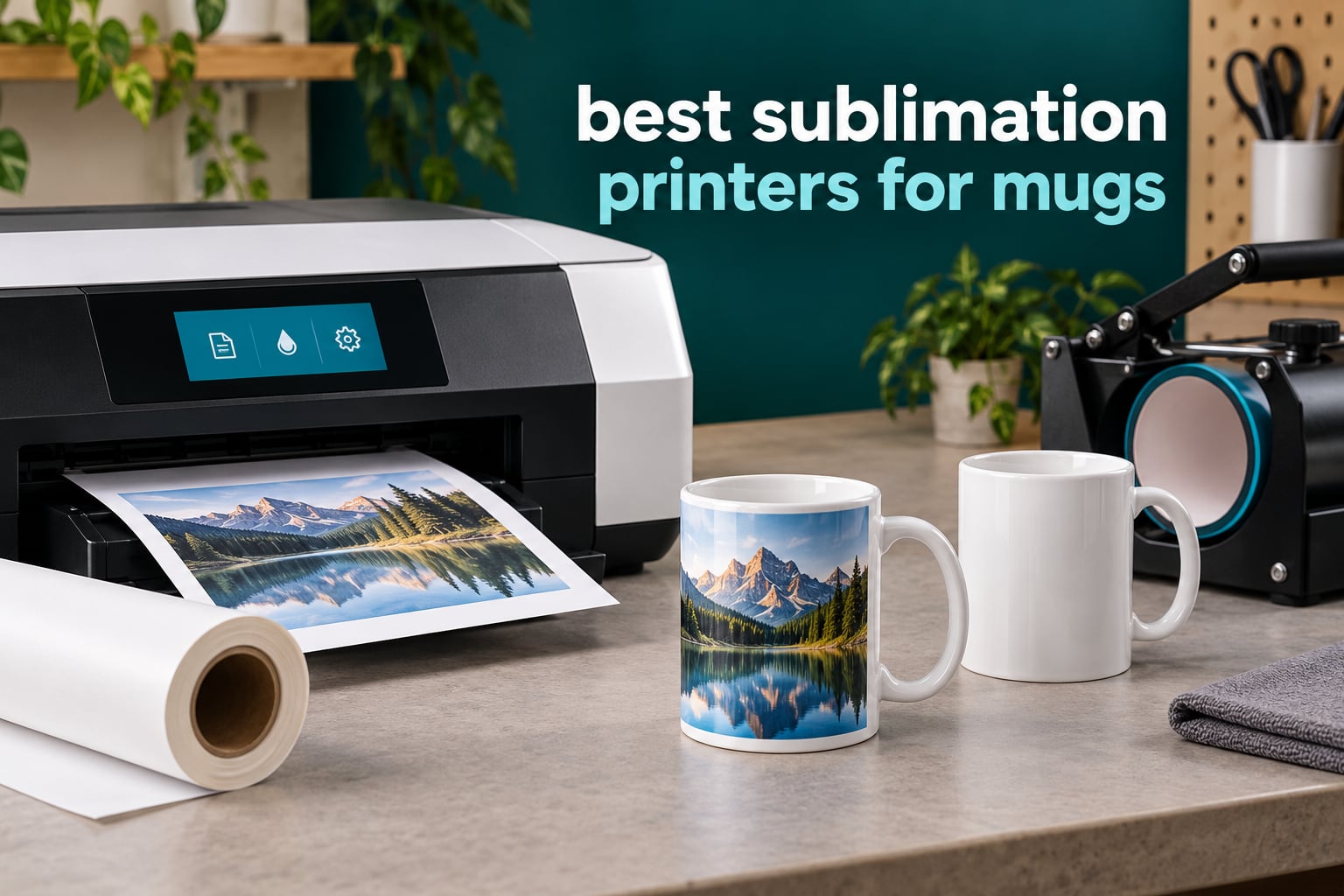
A sublimation printer for mugs must do three things: print at least 8.5 x 11 inches on true dye-sublimation ink, handle coated transfer paper without smearing, and feed that paper into a mug press hot enough to turn the dye into gas. The ink never sits on the surface of the mug, it bonds into the polymer coating, which is why a good print survives the dishwasher and a bad one flakes off in a month.
We spent 2026 sorting the best sublimation printers for mugs by reading every current listing, cross-checking owner feedback on Reddit, Facebook craft groups and printer forums, and mapping each machine to the blanks and presses it can actually handle. We did not print mugs on all six, and we say so up front rather than pretending otherwise. What we can tell you is exactly which machine fits which order volume, where the color drifts, and what your finished mug will actually cost in ink and paper.
One warning before the picks. Shopping results for this keyword are full of ordinary EcoTank photo printers that are not sublimation machines at all. If the listing does not say dye-sublimation ink, dye-sublimation paper, or name a dye-sublimation cartridge, it is a regular inkjet. We also keep the cotton-and-dark-garment question out of scope here: those need DTF, not sublimation, and no printer on this list will change that.
Table of Contents
Top 3 Sublimation Printers for Mugs

Epson SureColor F170
- 5760 x 1440 optimized dpi
- 150-sheet closed auto-feed tray
- Genuine Epson ink set included
- Wireless USB and Ethernet

Brother SP-1 Bundle
- Ink and 100 sheets of paper included
- Up to 45 seconds per sheet
- Free Artspira design app
- Wi-Fi Ethernet and USB

Pinckney Super-Tank
- Converted all-in-one with scanner
- Cartridge-free ink tanks
- Auto-fill refill nozzle
- 5760 x 1440 dpi
Best Sublimation Printers for Mugs in 2026 at a Glance
| Product | Specifications | Action |
|---|---|---|
| Epson SureColor F170 Dye-Sublimation Printer |
|
Check Latest Price |
| Brother SP-1 Sublimation Bundle |
|
Check Latest Price |
| Pinckney Cartridge-Free Super-Tank Bundle |
|
Check Latest Price |
 Sawgrass SG500 Ink and Paper Bundle Sawgrass SG500 Ink and Paper Bundle |
|
Check Latest Price |
 Epson SureColor F570 24-Inch Bundle Epson SureColor F570 24-Inch Bundle |
|
Check Latest Price |
 DAVACE 8-in-1 Printer and Press Kit DAVACE 8-in-1 Printer and Press Kit |
|
Check Latest Price |
How We Picked These Printers
Google ranks a Reddit thread first for this query, so the honest comparison method matters more than usual here. We weighted six things, in this order.
1. Real dye-sublimation hardware. Factory-built dye-sublimation engines only, or a clearly documented conversion. Anything sold as a plain photo printer without sublimation ink is disqualified.
2. Print quality numbers that survive contact with a mug press. Resolution as listed, plus what owners report about banding and nozzle behavior after a few months, not on day one.
3. Ink economics. Cartridge versus bottle versus tank, and whether the supplied ink is proprietary. This decides your cost per finished mug more than the printer price does.
4. Blank and press fit. Maximum media width against a standard mug wrap, and whether a press is included or has to be bought separately.
5. Idle behavior. Converted supertanks depend on regular use. We weighted machines that tolerate sitting for weeks higher than tanks that do not.
6. Warranty and support reality. A manufacturer warranty that survives third-party ink is worth more than a spec sheet line that does not.
1. Epson SureColor F170 – Factory Dye-Sub With Ink Included
Epson SureColor F170 Dye-Sublimation Printer – Compact 8.5″ x 11″ Format – Includes Genuine Epson Ink, User Guide & Power Cable – Original OEM Product with Full Manufacturer Support
5760 x 1440 optimized dpi
150-sheet closed auto-feed tray
8.5 inch max media width
Pros
- Factory-sealed Epson unit with full manufacturer warranty
- Genuine Epson sublimation ink set in the box
- PrecisionCore printhead at 5760 x 1440 optimized dpi
- 150-sheet tray in a dust-resistant closed housing
- Compact 13.7 x 14.8 x 7.4 inch footprint
Cons
- Slow at 1 page per minute rated
- Print-only with no scanner or copier
- Maximum media width stops at 8.5 inches
This is the machine we would put on our own desk. The F170 is a factory dye-sublimation unit from Epson, which means the ink, the profiles and the warranty all come from the same company, and that is exactly the difference that shows up on a finished mug. Owners rate it 4.5 out of 5 across more than 500 reviews, with 83 percent of those reviews at five stars. That is the largest well-earned review base anywhere in this group.
The practical spec that matters most for mugs is the 8.5 inch maximum media width, because a standard letter sheet is all a full-wrap 11 or 15 ounce mug transfer needs. You are not losing anything on drinkware by staying at letter size. The 150-sheet auto-feed tray sits inside a closed, dust-resistant housing, and for sublimation that housing is not a gimmick, since paper dust in the air is exactly what settles on a transfer sheet and prints as a gray speck.
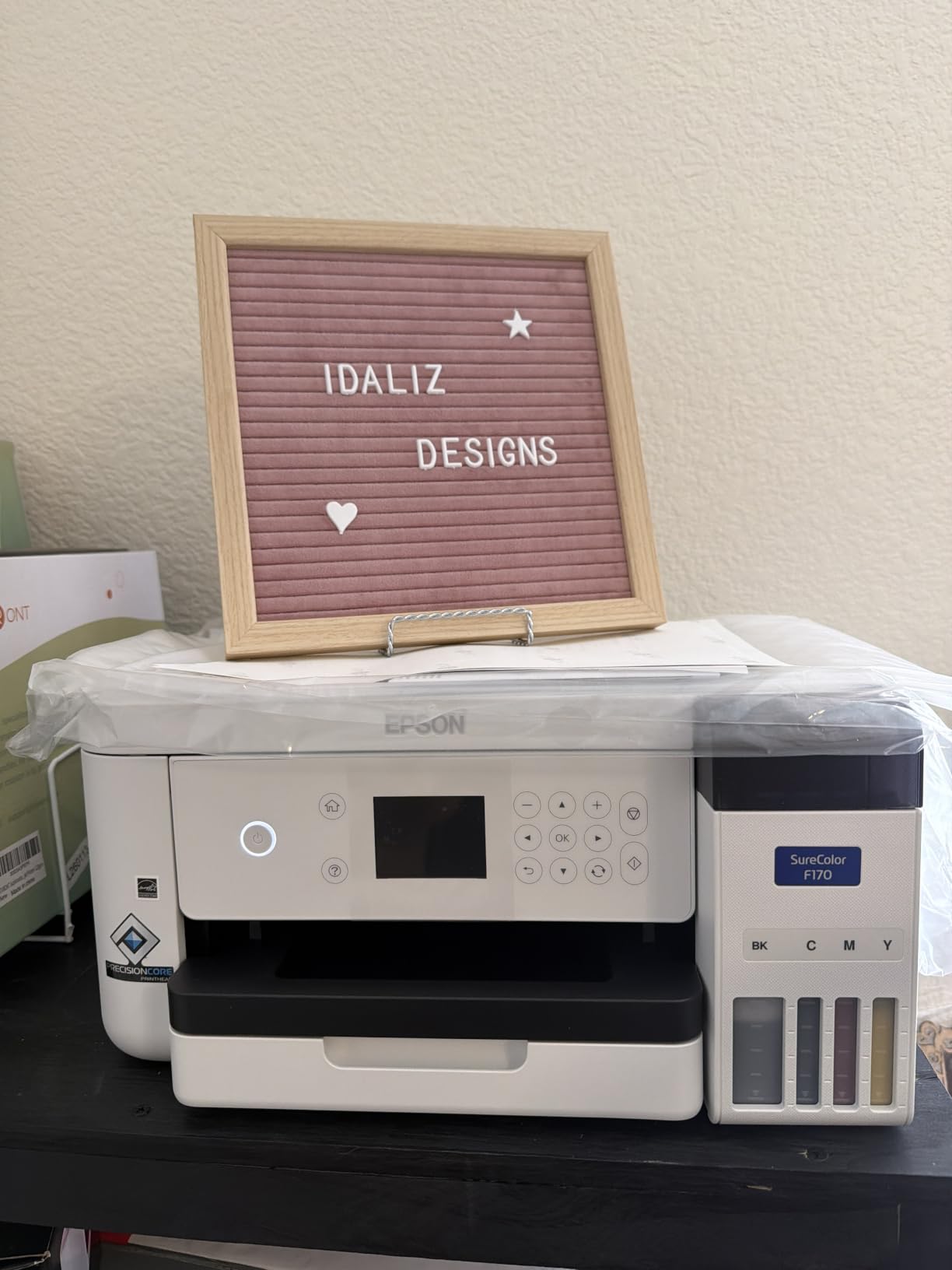
Print quality is 5760 x 1440 optimized dpi from a PrecisionCore printhead with precision droplet control, and the genuine Epson ink set included in the box is certified ECO PASSPORT by OEKO-TEX for mugs, apparel and mousepads. The auto-stop bottles refill without squeezing or a syringe, which matters more than it sounds when you are topping up at the end of a long order night.
Connectivity is wireless, USB and Ethernet, and the setup path is straightforward on both MacOS and Windows. Ink bottles rather than cartridges mean the running cost per transfer is far lower than cartridge-based machines, and there is no cartridge chip to reject a refill.
What the F170 does well on a mug
Photo mugs are where this printer earns its place, and the Sharpness of the 5760 x 1440 head is visible on a gradient or a face rather than on a flat logo. At 8.5 inch width it prints exactly the sheet a standard mug wrap needs, so nothing is wasted on a 13 x 19 sheet you cannot feed.
The included Epson ink means a first-time buyer can finish a mug the same afternoon the machine arrives. Factory warranty and a single-vendor ink system mean a printhead problem is one support ticket rather than a debate about what went in the tank.
Where the F170 frustrates you
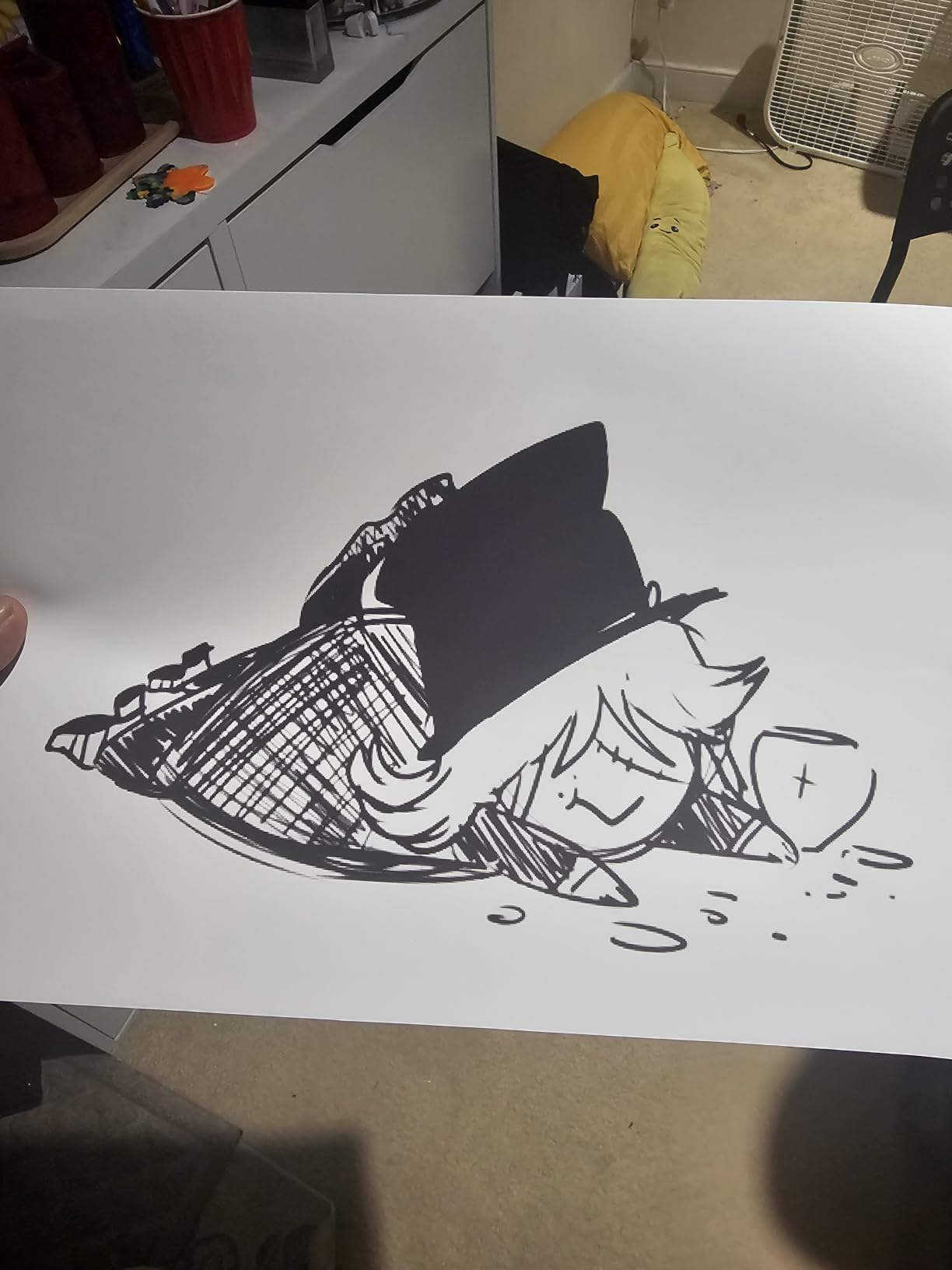
Throughput is the real limit. The rated speed is 1 page per minute, so a batch of 30 mug transfers is 30 minutes of waiting. That is fine for a home shop and tight for a holiday season, and it is why we pair it with gang sheets in the buying guide below.
It is print-only, with no scanner or copier, and simplex rather than duplex. Maximum media width is 8.5 inches, so a wide wrap or a full-front panel will not run through it. Eight percent of reviews are one star, and setup and printhead issues are the recurring theme in that group.
2. Brother SP-1 Sublimation Bundle – Ink, Paper and App in the Box
Brother Sublimation Printer, Color Ink Cartridge Set and 100 Sheets Sublimation Paper
1200 x 2400 dpi
Up to 45 seconds per sheet
8.5x11 max media, 100-sheet tray
Pros
- Ink and 100 sheets of transfer paper included
- Fastest letter-size sheet time in the group at 45 seconds
- Free Artspira app with 100-plus built-in designs
- Display screen for on-device control
- Wi-Fi Ethernet and USB
Cons
- Heat press sold separately
- 1200 x 2400 dpi resolution is lower than the 5760 dpi machines
- Maximum media size 8.5x11 with a 100-sheet tray
The Brother SP-1 is the value pick, and the reason is the box contents rather than the printer. You get the machine, an extra set of three standard-yield CMYK sublimation cartridges and 100 sheets of letter-size sublimation paper. That paper stack is the quiet hero here, because the most common beginner mistake in this whole craft is buying plain photo paper, printing on it and pressing a blotchy mug. The bundle removes that failure mode before it starts.
Speed is the other argument. At up to 45 seconds per sheet, this is the fastest letter-size machine in the group, and the 12 pages per minute black-and-white and 6 pages per minute color ratings back that up for smaller transfer work. Owners put it at 4.4 out of 5 across 574 reviews, the joint-largest review base here, with 76 percent at five stars.
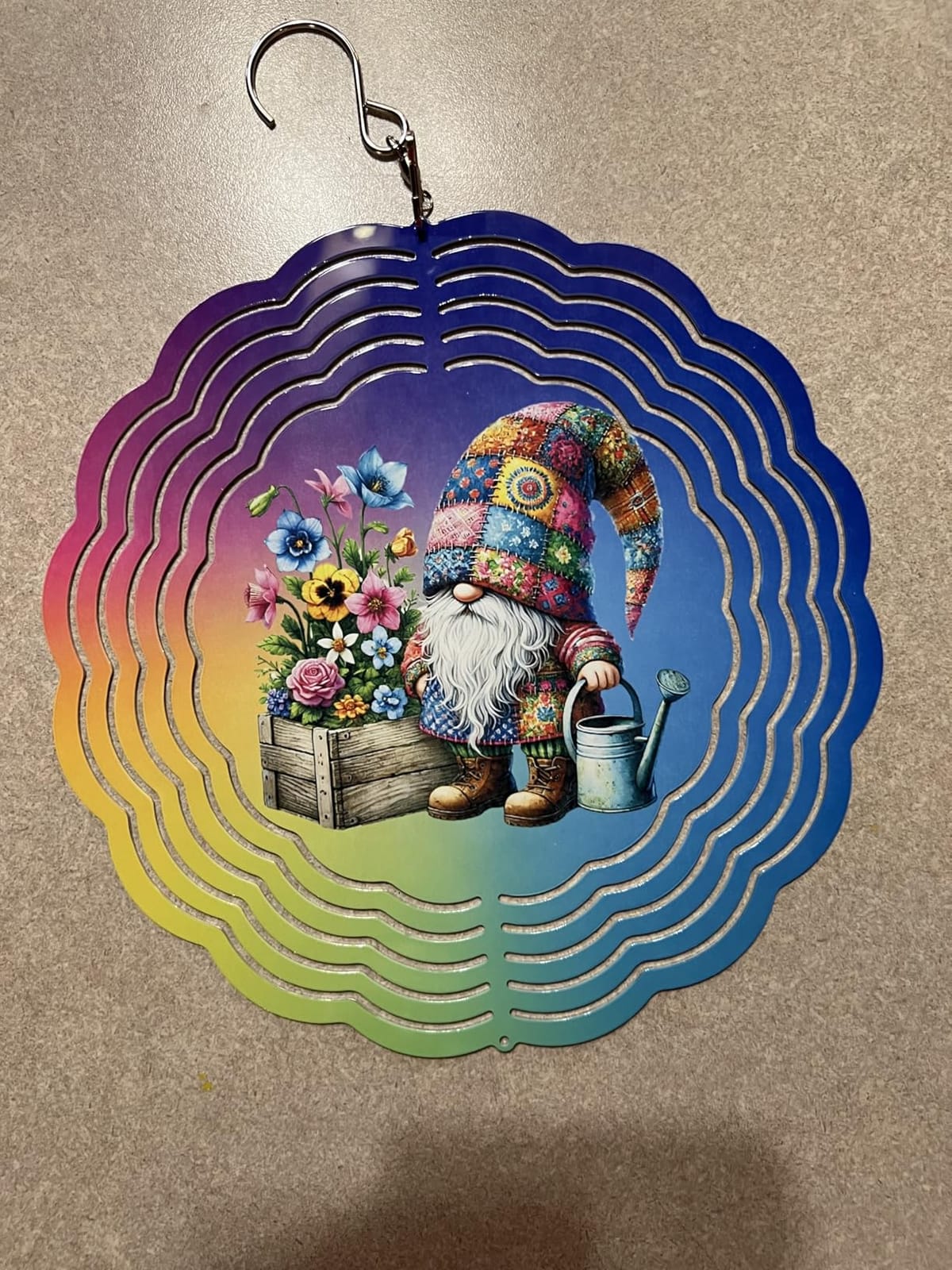
The free Artspira app does more than driver duty. It ships with more than 100 sublimation designs and stylistic photo templates and can turn an image into a poster-style drawing, which is a reasonable starting point for a seller who has never opened a design tool. Experienced users tend to outgrow it and move to something else, but nothing forces you to on day one.
Connectivity is Wi-Fi, Ethernet and USB, there is a display screen on the front, and duplex is automatic, which none of the other letter-size machines in this list can claim.
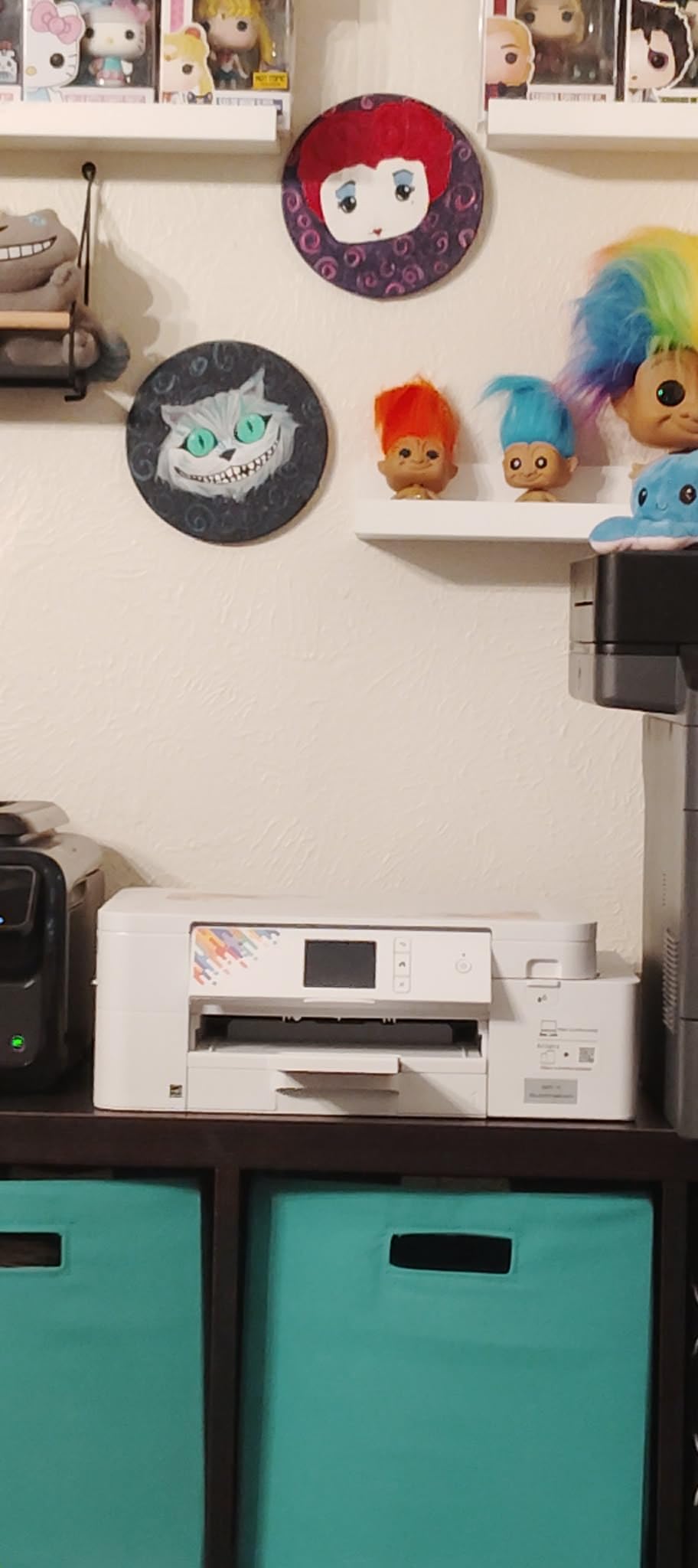
Why the SP-1 makes sense for a first order run
You can press a finished mug before you buy a single sheet of paper, a single cartridge, or a heat press beyond your own. For a seller testing whether personalized photo mugs are a product they even want to sell, that is the cheapest possible path to a real sample.
Automatic duplex and the 45-second sheet time make it the practical choice when you are working through gang sheets, where several mug wraps share one letter page and you print both sides of the transfer.
Where the SP-1 falls short
The heat press is not included. The listing is explicit that one is a necessary additional purchase, so budget for the second half of the workflow before you order. The resolution figure of 1200 x 2400 dpi is lower than the 5760 dpi machines, and on a glossy photo mug under press you can see the difference on fine text and hair detail.
It runs standard sublimation cartridges rather than a tank system, so the ink cost per transfer is higher than the F170 or the Pinckney. The 8.5 x 11 media ceiling and 100-sheet tray are also modest. US buyers report the SP-1 as harder to track down than the F170 or an EcoTank, and the bundle packaging is third-party assembled.
3. Pinckney Cartridge-Free Super-Tank – The Lowest Entry Cost
Pinckney Cartridge-Free Super-Tank Printer with Sublimation Ink Bundle for Heat Transfers, Easy Fill, Built-in Scanner & Copier (White)
Converted ET-2800 all-in-one with scanner
5760 x 1440 dpi
127mL black and 85mL color tanks
Pros
- Lowest entry cost of the tank route into mug sublimation
- Auto-fill nozzle refills without syringe or squeezing
- Scanner and copier add a scan-to-transfer workflow
- 5760 x 1440 dpi with fine droplet size
- Letter legal A4 A6 4x6 5x7 and roll media support
Cons
- Sublimation ink may arrive in a separate package
- Needs a nozzle check and head alignment for consistent output
- Highest one-star share in the group at 15 percent
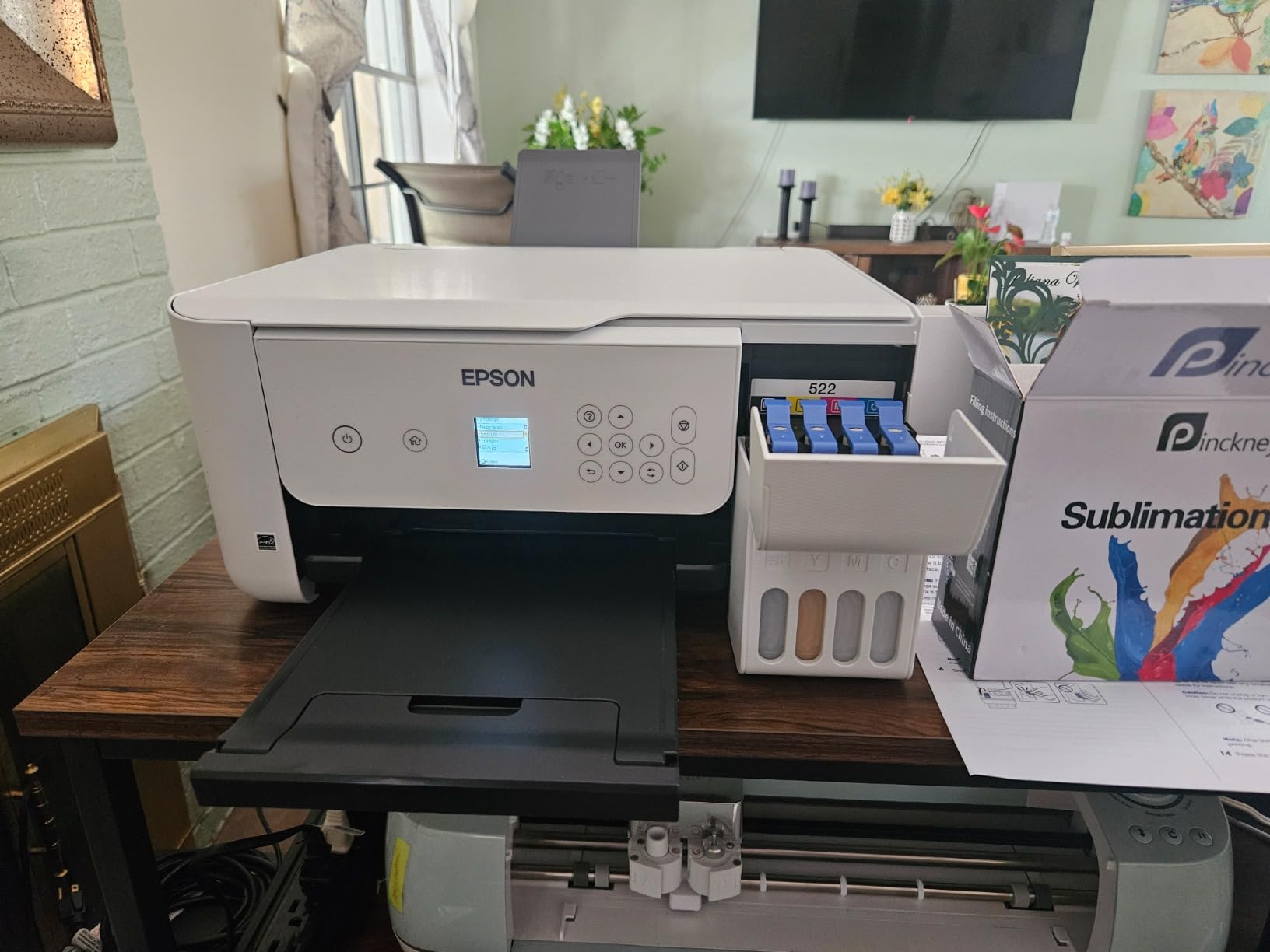
This is a converted all-in-one, not a factory sublimation printer, and understanding that is the whole decision. The base machine is an EcoTank ET-2800 or ET-2803 with a scanner and copier, and the seller fills the tanks with Pinckney sublimation ink, one bottle each of black at 127mL and magenta, cyan and yellow at 85mL. The conversion is disclosed, the hardware is named, and that transparency is more than most listings in this niche offer.
The economics are the draw. No cartridges at all means no per-transfer cartridge cost, and the auto-fill nozzle is engineered to seat in the tank inlet so you never squeeze a bottle or chase a leak. Owners rate it 4.1 out of 5 across 288 reviews, with 70 percent at five stars. Forum consensus is consistent on the condition attached: supertanks of this kind run for years when printed weekly, and regret clusters among people who print monthly or less.
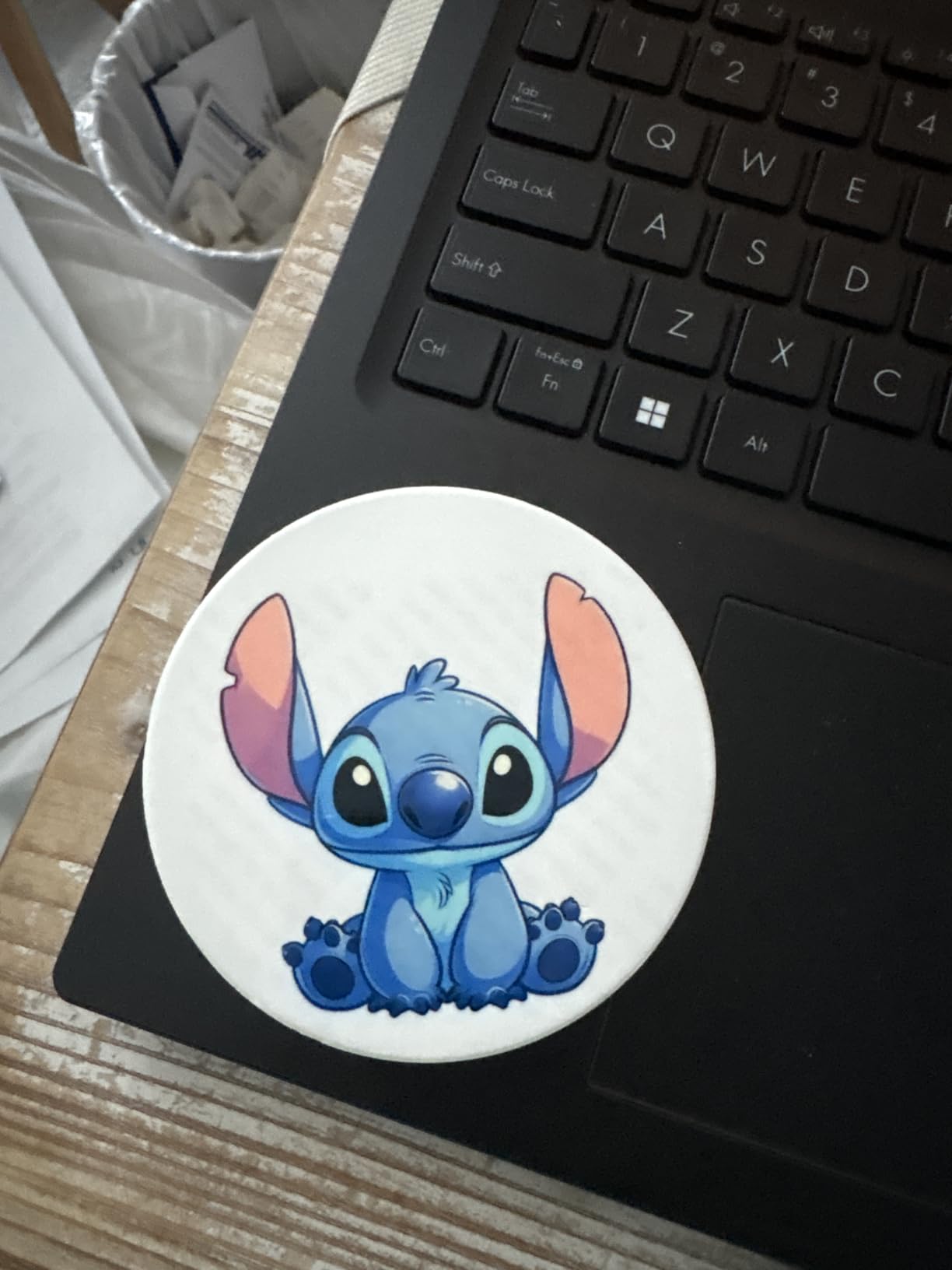
Resolution is 5760 x 1440 dpi, which ties the F170 for the highest number in the group, and media support is unusually wide for a letter machine: letter, legal, executive, A4, A6, 4×6, 5×7, and an 8.5 x 47.2 inch roll. The scanner and copier are genuinely useful, because scanning a hand-drawn design straight into a transfer is a workflow the print-only machines cannot do.
The listing itself carries a troubleshooting tip worth repeating, because it is the single most common confusion in this craft: sublimation output can look dull on the paper and still turn vivid after heat transfer. Do not judge the print until it has been pressed.
When the super-tank route pays off
If you print every week or close to it, the tank math is hard to argue with. You fill four bottles, you stop thinking about ink for months, and your per-mug cost settles down to paper plus a slice of the bottle cost. The 5760 x 1440 dpi output is more than enough for a sellable photo mug.
It is also the only machine here that prints on roll media at letter width, which lets you gang several small items into one long run of transfers when you are doing coasters, keychains or small panels alongside mugs.
Where the conversion shows its seams
No ICC profile is included, and the listing names the machine as ICC-Free. That means color matching is on you, and it is the most common complaint in owner feedback about converted machines generally. The bundle explicitly instructs a nozzle check and head alignment, and skipping those is how you get banding.
Because the ink is third-party, the Epson manufacturer warranty does not apply once it is in the tank, leaving you with the one-year limited warranty that comes with this bundle. The 15 percent one-star share is the highest here and points at nozzle clogging and first-fill setup friction. The ink may also arrive in a separate package, so plan for the printer to show up before the bottles do.
4. Sawgrass SG500 – Factory Engine With SubliJet UHD Ink
Sawgrass SG500 Sublimation Printer, 31 mL Inks and Paper Bundle
1200 dpi factory dye-sublimation
Up to 8.5x14 media
31 mL SubliJet UHD CMYK ink
Pros
- Factory-built engine with the most consistent color in this group
- 31 mL SubliJet UHD inks formulated for hard and soft substrates
- Prints 8.5x14 with a bypass tray up to 8.5x51
- MySawgrass design tool plus Print Utility with Smart color presets
- Print head auto-maintenance and Wi-Fi
Cons
- 31 mL cartridges run out quickly and refills are costly
- Third-party ink is not permitted
- Thin setup documentation and some driver issues on Mac
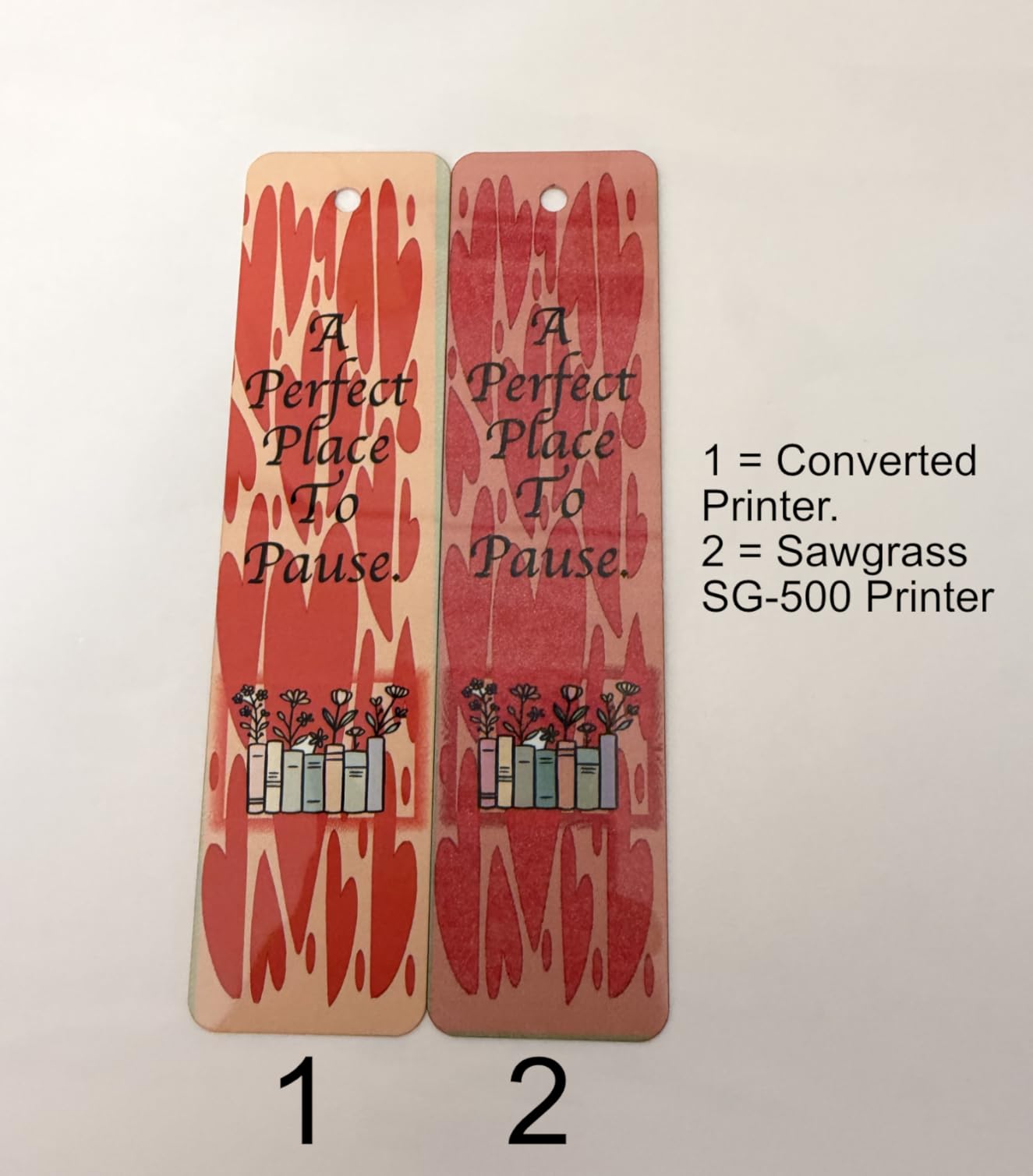
If color consistency across a batch of 50 mugs is the thing you cannot compromise on, this is the machine. The SG500 is a factory dye-sublimation engine, and the SubliJet UHD inkset is formulated in small batches specifically for consistent color on hard substrates like coated ceramic. Owners who came from converted supertanks consistently describe a step up in final print quality, and the 72 percent five-star share reflects that.
Media handling is the practical surprise. It prints up to 8.5 x 14 inches, and the bypass tray takes media up to 8.5 x 51 inches, so a roll of transfer paper will run through it. Throughput is rated at 25 pages per minute black and 10 pages per minute color, far ahead of the other letter-size machines here. Two trays and network-ready design support a busy workflow.
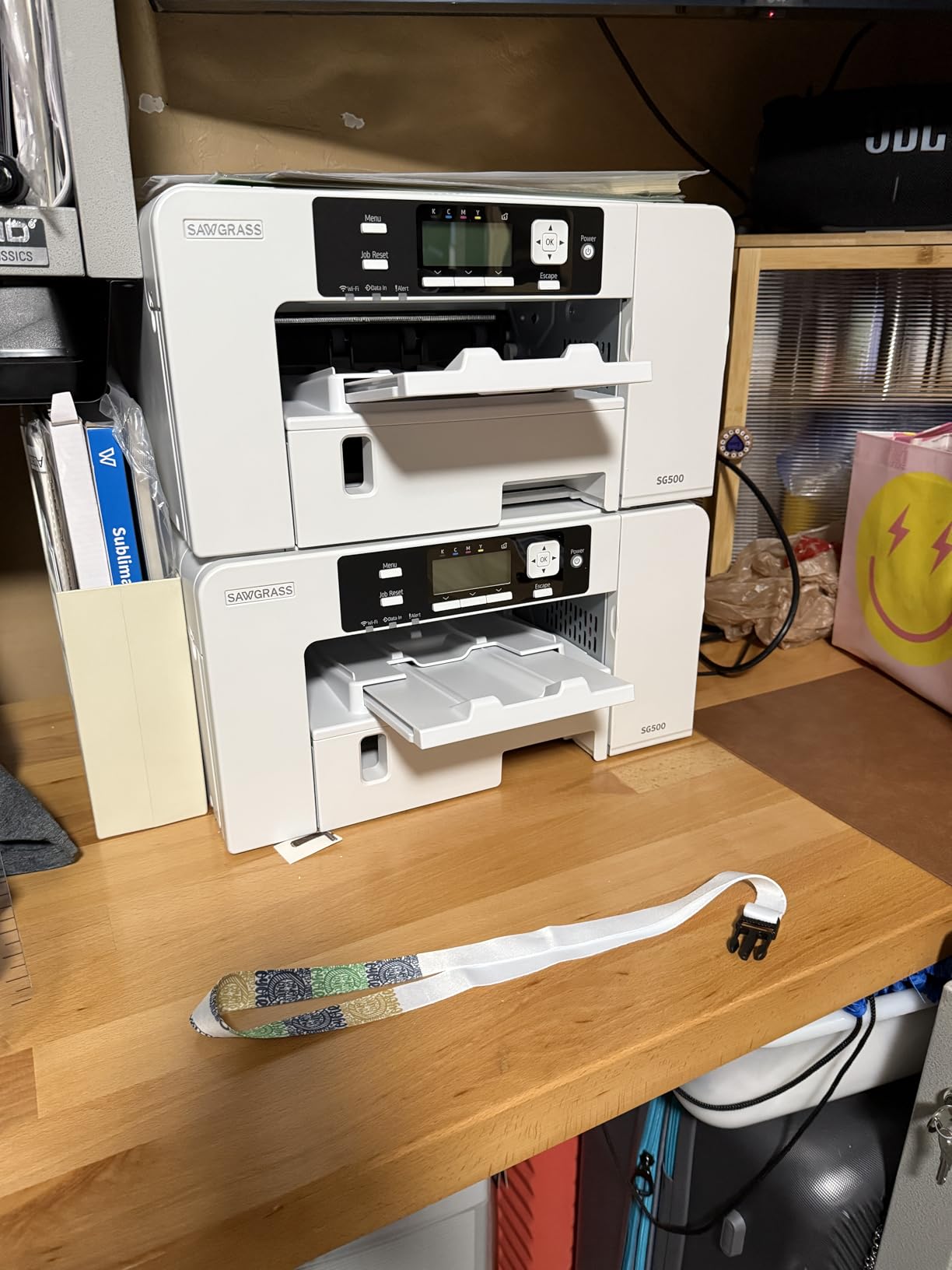
Print head auto-maintenance is built in, which is the factory-engine answer to the clogging problem that dominates converted-machine complaints. Owners should not have to run cleaning cycles to keep nozzles open, and this machine handles that on its own. The two-year manufacturer warranty is also the longest in the group.
It is designed for standard 110/120V US and North American outlets, and Sawgrass Print Utility gives Smart preset color controls rather than leaving you to guess at a profile.
Where Sawgrass earns its premium
Color repeatability is the whole pitch, and it is the one variable a customer notices. When a re-order of the same design has to match the previous run months later, a factory engine with a single-vendor ink system is the safer bet than a converted tank and a self-installed profile.
The auto-maintenance and the two-year warranty together remove the two failure modes that make hobbyists nervous about dye-sub printers: dried nozzles and a dead printhead with nobody to call.
What the premium costs you
Running cost is the catch. The 31 mL SubliJet cartridges are consumed quickly, replacement ink is expensive, and only Sawgrass ink is permitted, so there is no cheaper third-party path. The 58-review base is the thinnest of the factory machines here, so the long-term reliability picture rests on a smaller sample than the F170 or SP-1.
Owners also report thin setup documentation, difficulty on some Mac laptops, and visible grid lines on certain output. If you are on Mac, check your driver before you commit. One reviewer had a faulty unit replaced quickly by customer service, which is a good sign about support but not about build consistency.
5. Epson SureColor F570 24-Inch Bundle – Production Format
Epson Surecolor F570 Bundle 24″ Desktop Sublimation Printer, Includes One Full Ink Set, User Guide, & Free Remote Install SCF570 (Printer & Inks)
24 inch wide rolls and sheets to 100 feet
50-sheet tray with built-in cutter
Requires T49M 24-inch ink
Pros
- Widest media capability here at 24 inch rolls and 100 foot lengths
- 50-sheet auto-feed tray with a built-in cutter
- Epson Edge Print Pro with Adobe PostScript 3 and PDF Print Engine
- Nozzle Verification Technology for commercial reliability
- T49M ink covers mugs and coated ceramic
Cons
- Will not run without Epson T49M 24-inch ink bought separately
- Rated at only 1 page per minute
- 151 pounds and a 32 x 38 x 10 inch footprint
The F570 is not a mug machine, it is a production machine that happens to print mugs extremely well. It handles rolls and sheets up to 24 inches wide and 100 feet long, which means one roll of transfer paper can cover an entire order run of panels, apparel blanks and drinkware in a single feed. If your mug work is one line item inside a larger product business, this is the printer that consolidates the workflow.
Owners rate it 4.4 out of 5 with 79 percent at five stars and no two-star ratings at all. The 49-review base is small, but it is a small group of buyers who bought a commercial machine, and the feedback clusters around capability rather than sentiment. The built-in cutter and 50-sheet auto-feed tray are the features owners mention most, because they turn a roll-fed printer into something that behaves like a production unit.
Software is where this machine separates itself. Epson Edge Print Pro with Adobe PostScript 3 and the Adobe PDF Print Engine handles job layout and nesting, pattern repeats and advanced color controls. Nesting is what lets you pack wraps efficiently instead of printing a full-width image for every mug.
Who this format is for
A shop printing hundreds of transfer sheets a week, where roll-fed paper and a built-in cutter save more time than the machine costs in setup. Nozzle Verification Technology and the PrecisionCore MicroTFP head are commercial-grade reliability features, and the free remote installation and tech support included in the bundle matters at this size.
T49M ink covers mugs, mousepads, polyester fabrics and coated ceramics in a single system, so one ink platform handles the whole catalog. If you are printing anything larger than a mug, the 24 inch width is the reason this machine exists.
What gives us pause
The machine will not function until you buy Epson premium 24 inch T49M ink, and that is not in the bundle despite the ink being named in the listing. Budget for it before the printer arrives or you will have a very large very silent box.
It weighs 151 pounds and measures 32 x 38 x 10 inches, so it needs dedicated bench or floor space, not a desk. The rated throughput of 1 page per minute and a 50-sheet tray feel undersized for a chassis this size, and with 49 reviews the long-term picture is the thinnest of any machine here. For mugs alone, the money buys width you will not use.
6. DAVACE 8-in-1 Starter Kit – Printer and Press Together
Sublimation Starter Kit – 15×15 Heat Press & Printer Bundle 8in1 Professional Combo for Mug Tumbler T-Shirt Business
Printer plus 15x15 heat press
8-in-1 mug, tumbler, hat and plate attachments
Digital control to 480F
Pros
- Covers the whole workflow in a single purchase
- 8-in-1 attachment set includes mug
- 30oz tumbler hat and plate
- Digital temperature control to 480F on a large plate with even heat distribution
- Chipless ink system removes cartridge switching
- Setup and troubleshooting videos included
Cons
- Only 11 reviews
- so the reliability picture is thin
- Some buyers report a printer that stopped working
- One report describes a broken cup arriving in the box
Five of the six machines here need a second purchase before you can finish a mug. This one does not. The DAVACE kit pairs a sublimation printer with a 15 x 15 inch heat press and an 8-in-1 attachment set covering mugs, 30 ounce tumblers, hats and plates, so the design, print, tape, press and peel loop is complete out of the box. For a first setup, that removes the decision fatigue that stalls most beginners.
The press is digital and reaches 480F, or 250C, on a large plate with even heat distribution, which is the range you need for coated ceramic blanks. The chipless ink system is pre-filled, so there is no cartridge switching and no chip rejecting a third-party bottle, and the whole chassis is alloy steel and aluminum. Setup, operation and troubleshooting videos are included, which matters for a package aimed at first-time operators.
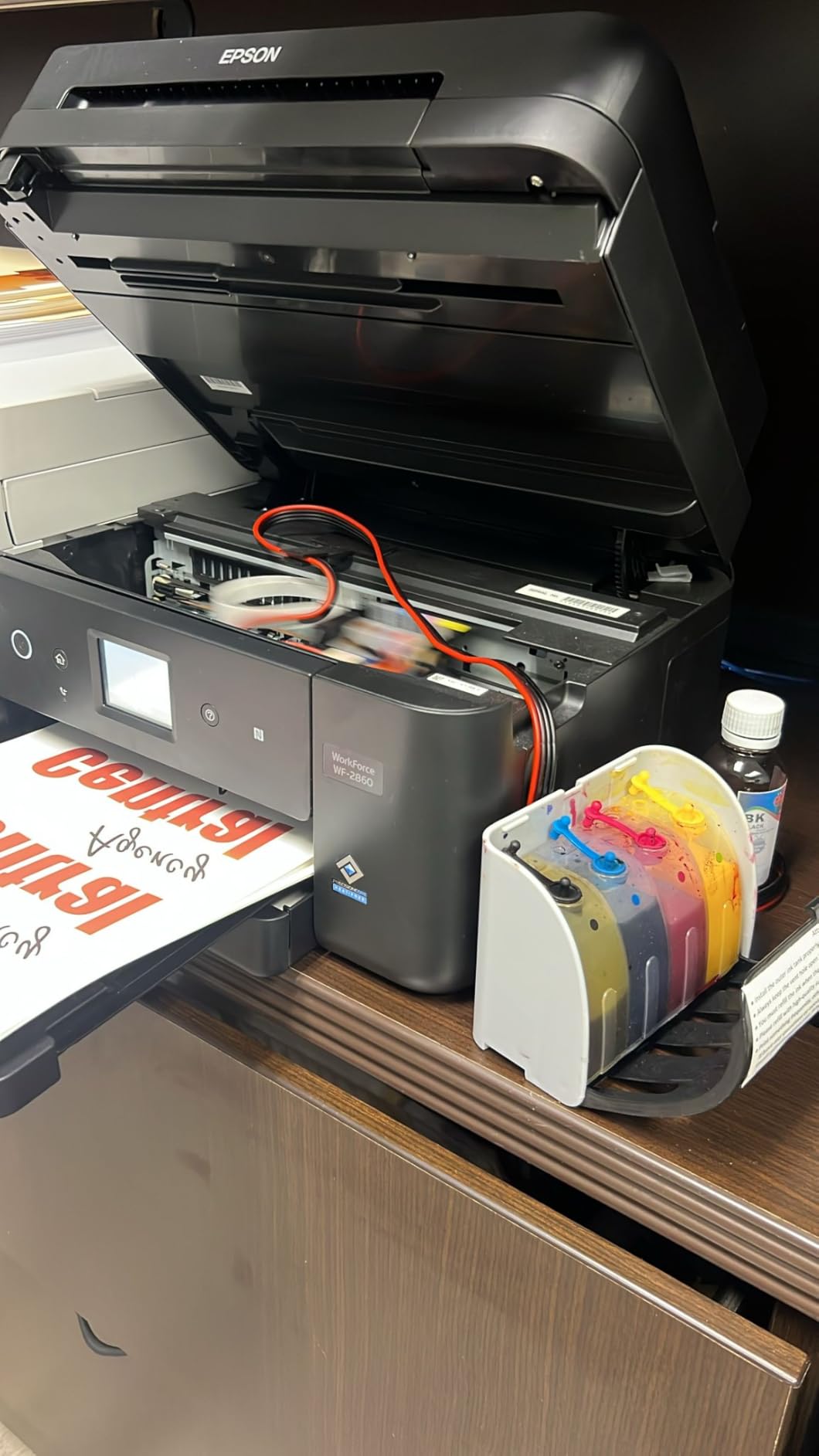
Owners report the ink does not clog the print head and that after-sales service is responsive, and several have run it for close to a year. Positive comments concentrate on value, ease of setup and durable print results once pressed.
Why the bundle is genuinely useful
The single most common thread across every forum we read is that people buy a printer, then stall because the press decision is harder than the printer decision. Attachments for a 30 ounce tumbler in the same box means you can expand from mugs to drinkware without a second research cycle, which is where most small sellers find their next revenue line.
If your plan is a single SKU of personalized photo mugs and you have never pressed anything, this removes an entire decision. The plate size also handles a wrapped mug and a hat in the same session.
Where the risk sits
Eleven reviews is not a reliability record. Some buyers report a printer that stopped working, and one report describes a broken cup arriving in the box, which is a packing issue on a bundle this heavy. The 14 percent three-star share and 14 percent one-star share are both real portions of a small sample rather than noise.
It is built in China with a one-year warranty covering both the printer and the press, so a press fault and a printer fault share one support window. Dull output on the paper before pressing reads as a failure if you do not know it is normal, and this bundle is one of the few that includes the video to explain it.
How to Choose a Sublimation Printer for Mugs
Factory or converted: the decision that matters most
A factory dye-sublimation printer is built for the process. Its ink, its ICC profiles and its warranty come from one manufacturer, the printhead is maintained automatically, and when something goes wrong there is one support line. Epson SureColor F170, the Brother SP-1, the Sawgrass SG500 and the F570 are all in this group.
A converted machine is a general-purpose printer with dye-sublimation ink poured into it. You get tank economics, a scanner, sometimes a lower entry point and always a thinner safety margin. The trade is real: the manufacturer warranty does not cover third-party ink in the tank, no ICC profile is supplied, and nozzles can dry out if the machine sits. Forum experience is consistent that converted supertanks last for years when printed weekly and frustrate people who print monthly or less.
Our rule: if you print weekly or more and cost per mug is your main concern, a converted super-tank works. If you sell to customers who will notice a color shift on a re-order, buy the factory engine.
Sheet size: 8.5 x 11 is enough for standard mugs
A standard mug wrap fits on a letter sheet, so 8.5 x 11 covers the overwhelming majority of drinkware work. Wide format at 13 x 19 and beyond is for full-front shirts, panels and wrap designs that run the whole surface. If mugs are your product, wide format is money spent on a problem you do not have, which is why the F570 is last in our ranking despite being the most capable machine here.
What letter size does give you is gang sheets. A full-wrap design is wider than one mug, but several wraps can be tiled onto a single sheet, and gang sheets are how you make a 1 page per minute machine behave like a production unit. On the F170 and SP-1, automatic duplex matters here because you often want both sides of the transfer printable.
Work out your real cost per finished mug
Nobody publishes this number, so here is the arithmetic you can run before you buy. Cost per finished mug equals ink used per transfer, plus one sheet of transfer paper, plus press time amortized, plus the blank itself.
Ink per transfer is the term people skip, and it depends on coverage rather than page count. A logo transfer uses a fraction of a full photo page. Work out your cartridge or bottle cost, divide by the number of transfers a full set covers at your typical coverage, and you have a real per-transfer figure. Cartridge machines like the SP-1 and the SG500 land higher on that line than the bottle-fed F170 and the tank-fed Pinckney.
Paper is easy to compute before you ever order. The Brother bundle includes 100 sheets, so the paper unit cost works out by dividing your spend on that bundle by 100, and every sheet after that costs what you pay at checkout. Press time amortizes at your own rate. A 60-second press cycle producing one finished mug adds one minute of your time per mug, which matters when you are pricing a 20-piece order.
The idle-clog threshold
Converted supertanks need regular use. Run one every week and owners report years of service. Let one sit for a month and the first print comes out banded, and cleaning cycles then burn ink trying to clear it. Factory machines with print head auto-maintenance, like the Sawgrass SG500, tolerate gaps far better. If your order volume is seasonal, buy the factory machine.
Mug Press Pairing and Press Settings
A printer is half the purchase and every roundup we read stops before the second half. Here is the pairing. A 15 x 15 press like the one in the DAVACE kit covers an 11 or 15 ounce mug and a 30 ounce tumbler with the right attachment, and its digital 480F control lets you hold a specific temperature rather than guessing on a fixed-temperature press.
Letter-size printers pair with any press that accepts an 8.5 x 11 sheet, which is every standard mug press on the market. The binding constraint is wrap width, not press size, so check that your attachment takes a full letter sheet before a wrap. The 24 inch F570 needs a wide platen only for large panels, not for a standard mug, and you would not buy it for that reason.
On settings, follow the blank maker’s time and temperature rather than a forum average. Most coated ceramic blanks press in the range of 380F to 400F for roughly 15 to 20 seconds, and going hotter or longer gasses the ink and turns it brown. That is the single most reported self-inflicted mug problem we found: over-pressing. Press once, peel hot, and if the color looks dark and flat you pressed too long.
Two more habits separate clean mugs from blotchy ones. Print mirrored, and always use transfer paper rated for your ink system. Damp paper prints pale and presses unevenly, and in humid weather that gets blamed on the printer when it is the paper.
Fixing Dull Prints, Banding and Wrong Color
Dull on paper is normal and becomes vivid after pressing. Do not troubleshoot a print you have not pressed yet, and do not mistake a heat-press fault for a printer fault.
For banding and missing lines, run a nozzle check and a head alignment. The Pinckney listing instructs this explicitly after first fill, and skipping it is the most common cause of a streaky converted-machine print. If banding persists, work through the Epson nozzle clean in the printer’s maintenance menu, then the stronger cleaning cycle, and only then consider a physical head service.
For wrong color on a converted machine, the usual causes are a missing ICC profile, paper that is not sublimation-rated, and ink from mixed lots. Factory machines with their own printer utility and Smart presets, such as the Sawgrass, avoid most of this.
For a mug that peels, the blank is probably not polymer-coated. Ordinary ceramic from a general kitchenware listing will not take dye, which is why community advice is blunt about buying blanks sold specifically as sublimation-coated. And for a mug that pressed brown, you pressed it too hot or too long.
Before you go deeper, our guide to sublimation printers for crafts covers the other half of the catalog, and our picks for insulated travel mugs and travel mugs with lids tell you which blanks are worth printing on.
Frequently Asked Questions
What sublimation printers are best for printing mugs?
The Epson SureColor F170 is the best all-round sublimation printer for mugs, with the Brother SP-1 close behind for anyone who wants paper and spare ink included. Both are factory dye-sublimation machines at letter size, which is all a standard mug wrap needs. The Sawgrass SG500 leads on color consistency, the Pinckney super-tank leads on ink cost per transfer, and the Epson F570 covers 24 inch wide-format production.
What is the best printer for mug printing?
For personalized photo mugs, the Epson SureColor F170 is the best printer for mug printing. Its 5760 x 1440 optimized dpi PrecisionCore head produces sharp detail on gradients and faces, the 150-sheet tray sits in a closed dust-resistant housing, and genuine Epson ink is included so you can press a mug the same day it arrives. The Brother SP-1 is the better value if you want paper and spare cartridges in the box.
What printer is best used for sublimation?
It depends on whether you buy a factory machine or a conversion. Factory dye-sublimation printers such as the Epson SureColor F170, Brother SP-1 and Sawgrass SG500 include matched ink, color profiles and a warranty that covers the ink, and they maintain their own printheads. A converted super-tank like the Pinckney costs less per transfer but has no ICC profile supplied, no manufacturer ink warranty, and nozzles that need regular use.
What temperature should I use for a heat press to sublimate mugs?
Follow the blank maker’s own time and temperature rather than a forum average. Most polymer-coated ceramic mug blanks press around 380F to 400F for 15 to 20 seconds, which is within the 480F digital range of a 15 x 15 press. Press once, then peel the paper hot. Going hotter or holding longer gasses the ink and turns it brown, which is the most common self-inflicted mug problem.
Why is my sublimation printer not printing correct colors?
Four causes account for most color problems. Missing ICC profile, which is the default on a converted super-tank with no profile supplied. Printing on ordinary photo paper instead of sublimation-rated transfer paper. Damp paper, which prints pale and presses blotchy in humid weather. And running mixed ink lots, which shift color between cartridges. On factory machines, print a test chart and press it on a blank before you judge the color.
The Best Sublimation Printers for Mugs in 2026
The Epson SureColor F170 is our pick for the best sublimation printers for mugs in 2026. It is a factory dye-sublimation machine with genuine Epson ink in the box, the highest resolution in the group, the largest well-earned review base at 545 ratings averaging 4.5, and a dust-resistant 150-sheet tray at exactly the letter width a mug wrap needs.
Buy the Brother SP-1 if the included ink and 100 sheets of transfer paper matter more to you than resolution, and pair it with a press you choose yourself. Buy the Pinckney super-tank if you print every week and ink cost per transfer is your main concern, and accept that you are managing the profile and the nozzles. Buy the Sawgrass SG500 if color repeatability across a customer order is non-negotiable, and accept proprietary 31 mL ink. The Epson F570 is a production machine for shops that print more than mugs, and the DAVACE kit is the one purchase that gives a complete beginner the whole workflow.
Whatever you choose, print one test sheet, press one blank, and judge the mug rather than the paper. That single habit prevents more wasted blanks than any spec sheet will save you.