
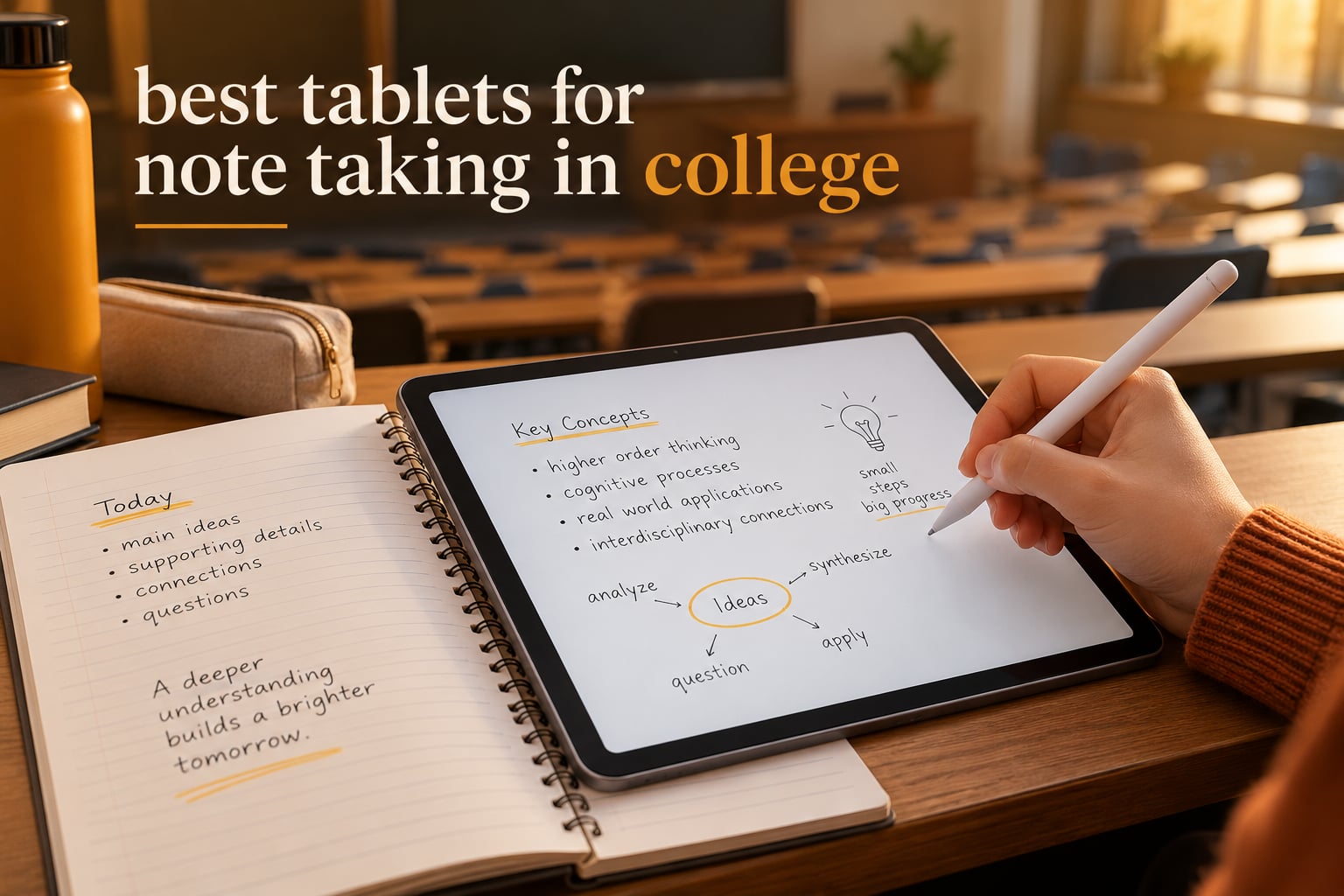
The best tablet for note-taking in college is the Apple iPad 11-inch with the A16 chip. It pairs near-zero stylus lag and full palm rejection with the deepest note app ecosystem on any device (GoodNotes, Notability, Noteful, OneNote), a bright 11-inch Liquid Retina panel that is comfortable for a full lecture, and a 1.05 pound body you can hold one-handed for a 50-minute class without fatigue. If your major needs Windows software, look at the Microsoft Surface Pro in this list instead; if your budget is tight, look at the Samsung Galaxy Tab S6 Lite, which comes with a pen in the box.
Most college students taking notes by hand have moved to a tablet, but not to a random one. In the r/NoteTaking threads that rank at the top of this search, the recurring question is not brand loyalty but size: is an 11-inch or 13-inch better for writing. The second recurring question is cost, because a tablet without a bundled pen is a false economy the moment you price the stylus. Both answers are built into the ranking below.
We spent 2026 weighing ten tablets across four ecosystems against what a semester actually demands: catching a lecture you cannot rewind, annotating a 200-page PDF by midnight, splitting a screen between a textbook and a notes page, and opening the device again after a full day without hunting for a charger. Each pick below has an active stylus path verified in the spec sheet, a note app worth committing to, and a battery figure that survives a realistic day on campus. We also cross-checked owner reports on r/NoteTaking, r/tablets and r/androidtablets, because the failure modes students hit are rarely the ones on the spec sheet.
If your school requires a full machine rather than a notebook, our picks on the best laptops for college students cover the software side. This guide is for the device that replaces the paper notebook in your bag.
Table of Contents
Top 3 Tablets for Note-Taking in College
These three cover the widest range of student budgets and workflows: the overall winner, the cheapest complete package, and the one with the best built-in note software.

Apple iPad 11-inch A16
- Near-zero stylus lag
- full palm rejection
- 11-inch Liquid Retina
- 1.05 lb body
Quick Overview: All 10 Tablets Compared
Every tablet below supports handwriting with an included or supported pen. The columns that actually separate them are screen size, whether the pen is in the box, battery headroom, and the weight you carry between buildings.
| Product | Specifications | Action |
|---|---|---|
| Apple iPad 11-inch A16 |
|
Check Latest Price |
 Samsung Galaxy Tab S6 Lite Samsung Galaxy Tab S6 Lite |
|
Check Latest Price |
 Samsung Galaxy Tab S10 FE Samsung Galaxy Tab S10 FE |
|
Check Latest Price |
 Apple iPad Air 11-inch M4 Apple iPad Air 11-inch M4 |
|
Check Latest Price |
 Lenovo Idea Tab 11-inch Lenovo Idea Tab 11-inch |
|
Check Latest Price |
 Samsung Galaxy Tab S9 Samsung Galaxy Tab S9 |
|
Check Latest Price |
 Lenovo Idea Tab Pro 12.7 Lenovo Idea Tab Pro 12.7 |
|
Check Latest Price |
 Kindle Scribe Colorsoft Kindle Scribe Colorsoft |
|
Check Latest Price |
 reMarkable Paper Pro reMarkable Paper Pro |
|
Check Latest Price |
 Microsoft Surface Pro 2024 Microsoft Surface Pro 2024 |
|
Check Latest Price |
1. Apple iPad 11-Inch A16 – Best Overall for College Notes
Apple iPad 11-inch: A16 chip, 11-inch Model, Liquid Retina Display, 128GB, Wi-Fi 6, 12MP Front/12MP Back Camera, Touch ID, All-Day Battery Life — Silver
A16 chip
11-inch Liquid Retina
128GB
1.05 lb
Wi-Fi 6
Pros
- Near-zero pen lag with full palm rejection
- Excellent GoodNotes and Notability support
- Scribble turns any text field into handwriting
- 1.05 lb and thin enough for one-handed lecture notes
- All-day battery through a full class schedule
Cons
- Apple Pencil and Magic Keyboard cost extra
- Brightness trails premium OLED and high-end LCD panels
- Only 128GB at the base configuration
The base iPad is the answer to the PAA question what is the best tablet for studying and taking notes, and the reason is narrower than the spec list suggests. The A16 chip drives a 120Hz ProMotion display, so the line your hand draws stays under the nib instead of trailing behind it. That single detail matters more in a 50-minute lecture than any processor benchmark.
Palm rejection is fully handled at the hardware and software level, which means you can rest your forearm on the screen while writing in the margin of a PDF. Scribble turns any text field into lined paper, so a quick note can drop straight into a search bar or a message thread without opening an app. At 1.05 pounds and 0.28 inches thick it disappears into a backpack, and the 11-inch panel is the right compromise for long handwriting sessions.
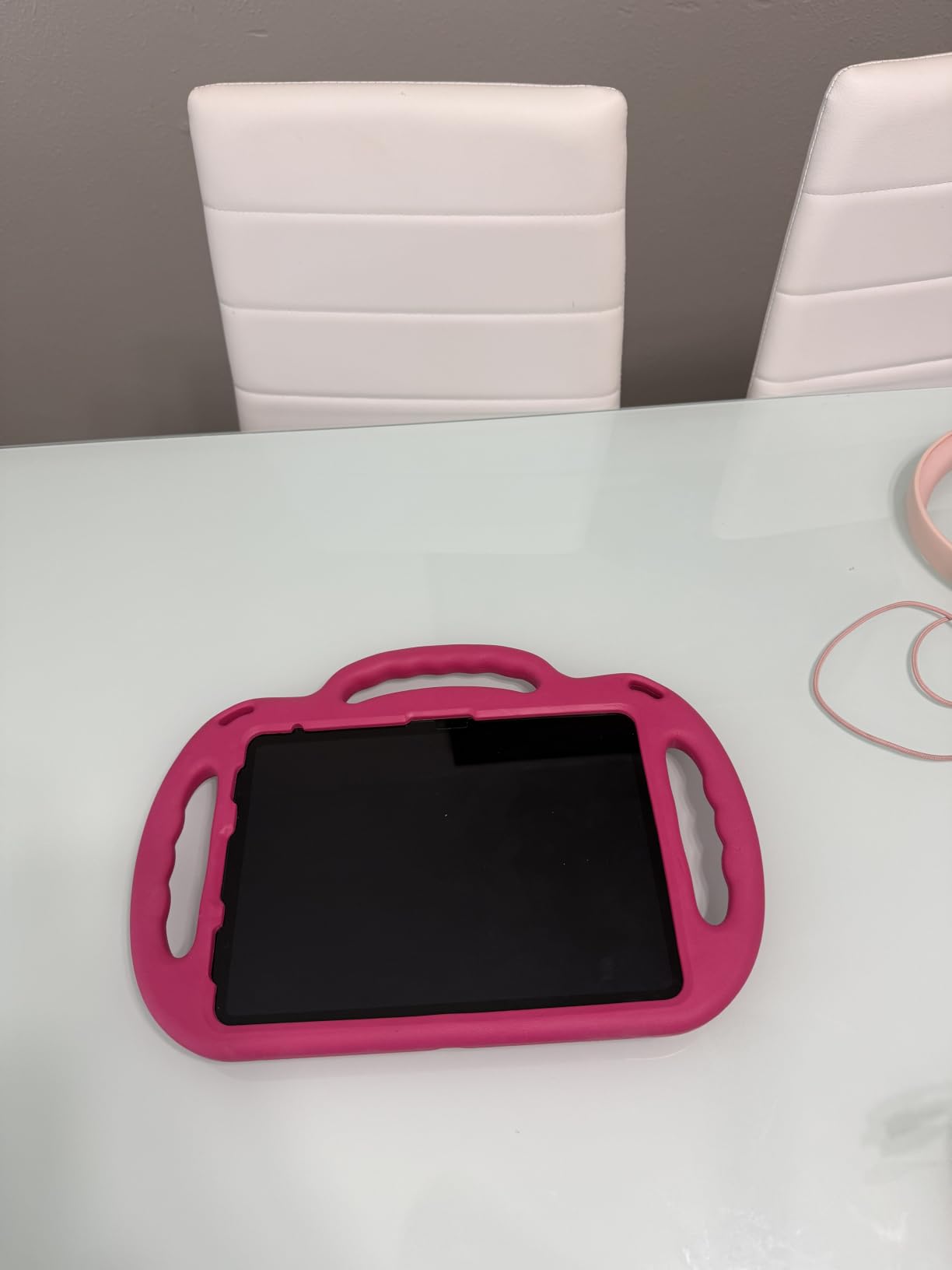
Owners describe exactly this pattern. Reviewers repeatedly use the device to take lecture notes, organise coursework, read assignments and browse research material, praising the portability, the display and battery that holds a full day. The complaint that shows up just as often is the accessory bill: the Apple Pencil and Magic Keyboard are separate purchases, so budget for the pen.
The 4:3 aspect ratio is a quiet advantage over 16:10 rivals. A page of A4-style notes fits vertically, and a two-column PDF split keeps both the textbook and the notebook visible without shrinking either one. Split-screen multitasking plus Slide Over handles the research-while-writing workflow that a paper notebook forces you to do from memory.
When the base iPad is the right call for a student
Choose it if your coursework lives in web apps, PDFs and slides, and if note organisation matters more than raw power. Engineering students who need MATLAB, law students running Westlaw or a full Office suite, and art students doing intensive sketching all have better-matched options later in this list.
Because the pen is extra, treat the total cost as device plus stylus rather than device alone. Students on r/androidtablets draw the same line: an iPad or a Galaxy Tab with its native active pen works, while a generic capacitive pen does not, because capacitive styli have no palm rejection and no pressure data.
When to skip the base iPad
Skip it if your major requires desktop software, if you want an all-day-and-then-some battery margin across a heavy lecture-plus-lab day, or if you care more about screen contrast for drawing and video than about app count. It also loses to the Galaxy Tab S9 on display quality and to the S6 Lite on out-of-the-box completeness.
2. Samsung Galaxy Tab S6 Lite – Best Value With a Pen in the Box
SAMSUNG Galaxy Tab S6 Lite 10.4″ 64GB WiFi Android Tablet w/ S Pen Included, Slim Metal Design, Crystal Clear Display, Dual Speakers, Long Lasting Battery, SM-P610NZIAXAR, Chiffon Rose
S Pen included
10.4-inch 2000 x 1200
7040 mAh
microSD to 1TB
1 lb
Pros
- S Pen included and never needs charging
- One pound is easy to carry across campus
- microSD expansion to 1TB and a headphone jack
- 7040 mAh lasts most of a full day
- DeX mode gives a desktop-style layout
Cons
- 4GB RAM and an older Exynos chip slow app switching
- TFT LCD is dimmer and softer than AMOLED
- 64GB base storage fills quickly
This is the answer for the student who writes with a hand and does not want to spend much. The S Pen attaches magnetically to the tablet, draws with 4096 levels of pressure, and never needs charging, which removes the single most common reason students abandon a tablet pen in week two. A commenter on r/NoteTaking describes an older mid-range Galaxy tablet as responsive enough for handwriting with working split screen, and that is exactly the tier this model occupies.
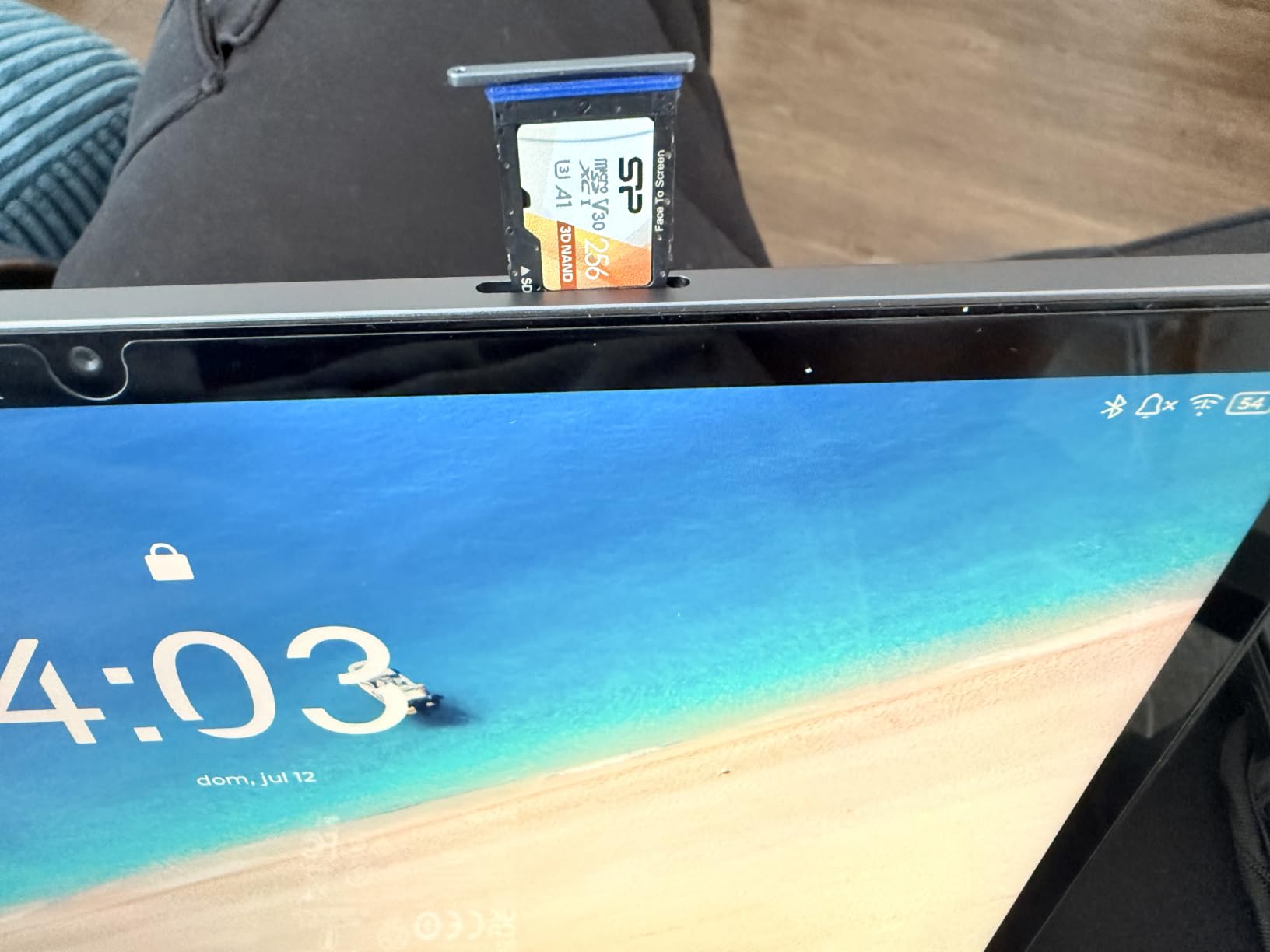
Storage is the quiet winner here. 64GB internally is thin, but the microSD slot takes cards up to 1TB, so a full four years of lecture recordings and scanned readings do not force a cloud subscription. The 7040 mAh cell and one-pound weight mean it is comfortable to hold through back-to-back classes.
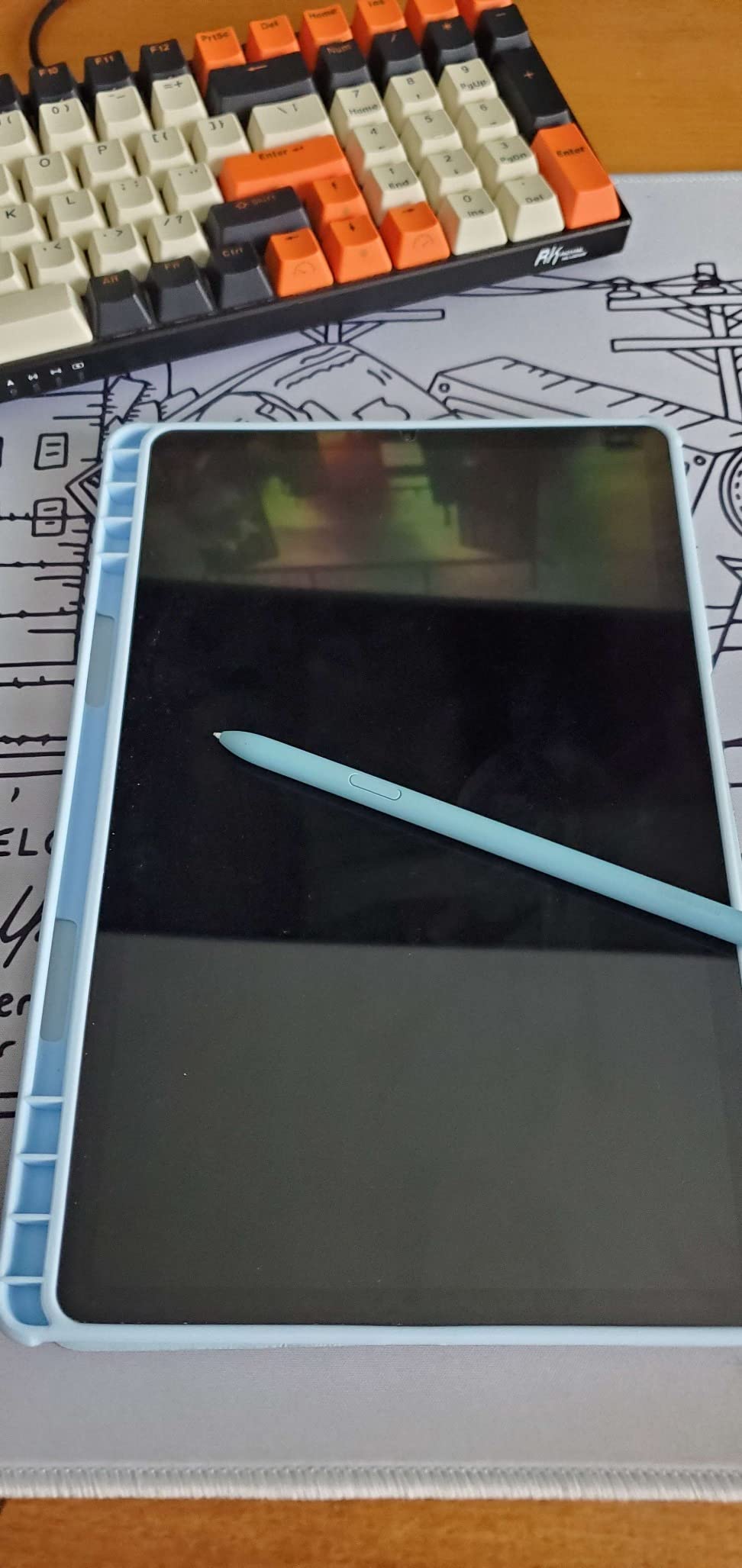
Reviewers treat this as a dependable mid-range note and media tablet rather than a flagship. College students highlight Samsung Notes syncing to a phone and the responsiveness of the S Pen, while others call it a strong all-rounder with good speakers and battery. That matches our own reading: this is a notebook first and a media device second.
DeX mode is the feature students underrate. Pair a Bluetooth keyboard and the Tab S6 Lite becomes a small desktop for typing essays, with windowed apps and a file manager, which covers the report-writing half of a college workload without a separate machine.
Who gets the most out of the Tab S6 Lite
Students in writing-heavy majors, education students, and anyone on a firm budget who wants a pen in the box. Freshmen who do not yet know their software requirements get the most value, because nothing here has to be unlearned later when their coursework changes.
It is also the right four-year answer for a student who writes mostly by hand and does not game or edit video. Students in r/GalaxyTab budget threads repeatedly name pen-in-the-box bundles as the deciding factor at the low end, and this model delivers that.
Where it falls short
The 4GB of RAM and older Exynos processor are the honest limit. Users report lag when switching between many apps, and a tablet that stutters when you jump from a lecture PDF to a slide deck feels cheap in exactly the moment you cannot afford to wait. The TFT LCD panel is also dimmer than the AMOLED options further down.
If you plan heavy multitasking or video editing, step up to the Galaxy Tab S10 FE or an iPad Air. If you plan none of that, this is the complete package.
3. Samsung Galaxy Tab S10 FE – Best for Built-In Note Software
Samsung Galaxy Tab S10 FE 128GB WiFi Android Tablet, US Version, Blue
10.9-inch 2304 x 1440
8GB RAM
8000 mAh
S Pen included
IP68
Pros
- Handwriting Assist tidies and aligns handwriting
- Math Solver converts equations to text
- IP68 rating survives spills and rain
- 8000 mAh with a 20-hour claimed figure
- 8GB RAM keeps multitasking smooth
Cons
- LCD panel rather than AMOLED
- Fingerprint scanner placement takes practice
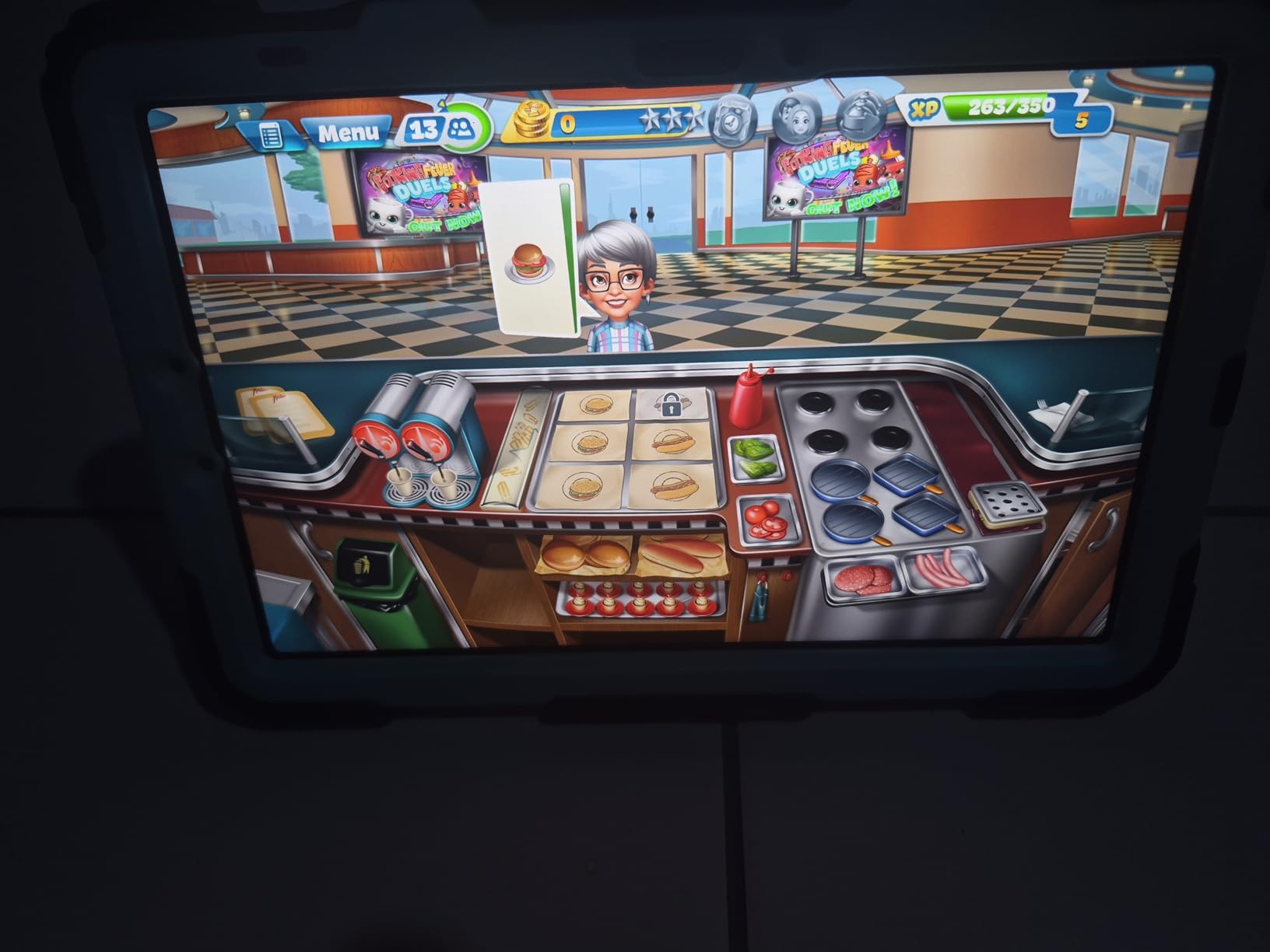
Handwriting Assist is the feature no other pick in this guide offers, and it is why this tablet belongs on any college note-taking list. Draw a wobbly bullet list or a column of equations, tap the AI hotkey, and the system straightens and aligns what you wrote. Math Solver converts handwritten expressions into editable text. For a student photographing a whiteboard in ten seconds flat, that turns a mess into something searchable.
The hardware underneath is properly modern: an Exynos 1580 chip, 8GB of RAM and a 90Hz 2304 x 1440 LCD. The 90Hz refresh rate keeps pen strokes tight, and 8GB of RAM is the minimum that keeps app switching from stuttering when you have a lecture PDF, a video and a notes app open.
Owners rate this very highly, singling out Handwriting Assist and Math Solver as time savers for students. The included S Pen, long battery life and water resistance draw repeated praise, and the IP68 rating is a genuine advantage for a device that lives in a backpack and gets used in a coffee shop.
The 8000 mAh battery carries a claimed figure of up to 20 hours, and the microSD slot again protects students who record lectures. Circle to Search is useful when a term paper names something you have never heard of.
Best fit for science, engineering and business students
If your notes are full of equations, diagrams and hastily scrawled bullet points, the cleanup tools pay for themselves within a week. Business and econ students annotating case studies get the same benefit, and the 10.9-inch panel is large enough for a side-by-side slide and note view.
Samsung Notes syncs to a Galaxy phone if you own one, which closes the common complaint about losing a term of work. Set that up in week one and the backup question largely disappears.
What you give up
The LCD panel is a step down from the AMOLED screens on the flagship Galaxy models, which you will notice in a bright lecture hall with sunlight on the display. The fingerprint scanner is also placed in a position that takes a few days to learn, which is a small daily friction.
If you write rather than sketch, this is a strong note-taking pick without switching ecosystems. If you draw, see the art picks later.
4. Apple iPad Air 11-Inch M4 – Best for Multitasking and Heavy Workloads
Apple iPad Air 11-inch (M4): Liquid Retina Display, 128GB, 12MP Front/Back Camera, Wi-Fi 7 with Apple N1, Touch ID, All-Day Battery Life — Space Gray
M4 chip
Wi-Fi 7
11-inch Liquid Retina
128GB
1.02 lb
Pros
- M4 chip handles split screen and heavy multitasking
- Ultralow reflectivity keeps text readable in bright rooms
- Wi-Fi 7 speeds up large lecture file transfers
- Apple Pencil Pro support with low latency
- 1.02 lb and 0.24 inches thin
Cons
- Pencil Pro and Magic Keyboard sold separately
- Only 128GB at the base configuration
- Costs more than the base iPad for similar screen size
The iPad Air is the step up for a student who does more than write. The M4 chip gives headroom for a full desktop-class multitasking session: a lecture recording playing, a PDF open in split screen and Notability capturing notes in the third, with none of them competing for resources. iPadOS flexible windowing makes that layout achievable on an 11-inch panel rather than a 13-inch one.
Two display details deserve attention. True Tone adjusts to ambient light, and ultralow reflectivity keeps text and handwriting readable in a sunlit lecture hall without cranking brightness. Wi-Fi 7 with the Apple N1 chip moves large lecture recordings and scanned PDFs noticeably faster than a Wi-Fi 6 tablet.
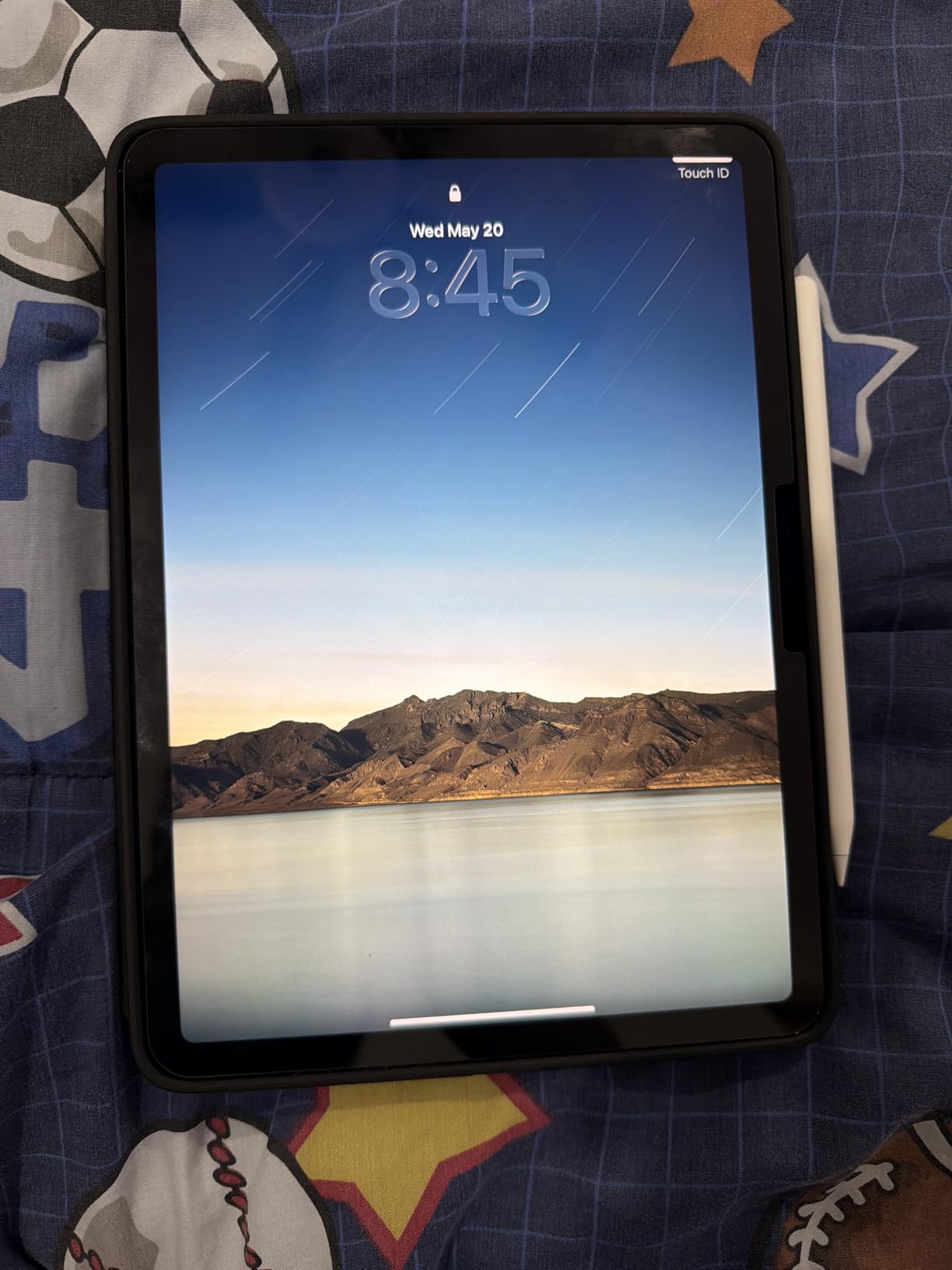
Reviewers highlight the M4 chip’s smooth performance, the improved flexible windowing and the bright, reflective-resistant display. The combination of Wi-Fi 7 and Apple Pencil support makes it a strong option for students who want more power than the base iPad without moving to the Pro line.
Apple Intelligence is built in, which adds on-device transcription and summarisation for recorded lectures. Transcribe a 50-minute recording on the bus ride home and you have a searchable text version of the lecture before you reach the dorm.
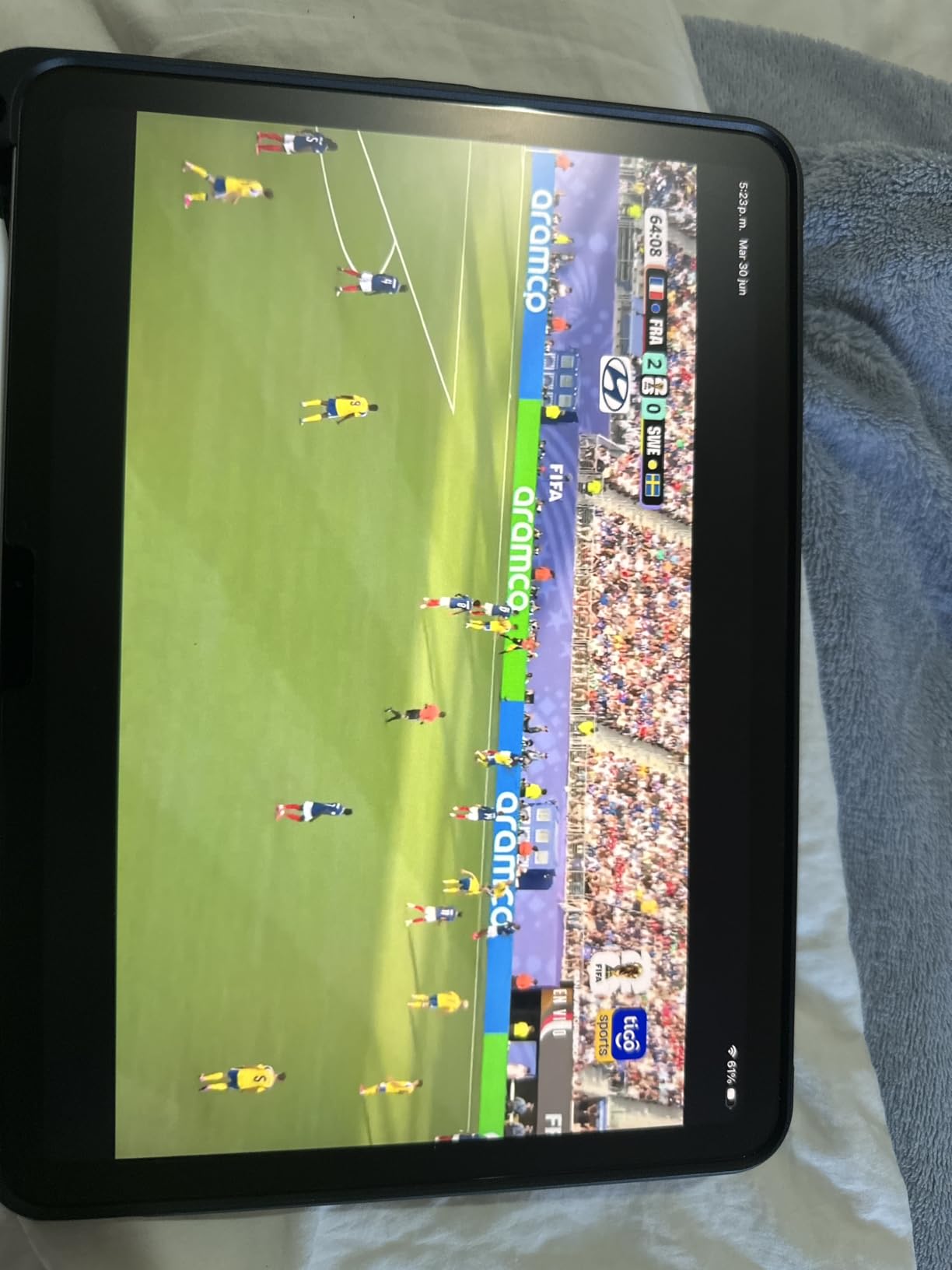
Who should buy the iPad Air instead of the base iPad
Take the Air if you type essays often, run a lot of browser tabs alongside your notes, or already own an Apple ecosystem stack with a Mac or iPhone. The extra processing headroom pays off across four years of coursework, and the display handles bright rooms better than the base model.
It is also the safer iPad choice for a student who intends to take the device through a full degree. More headroom means a longer useful life before app demands outgrow it.
Reasons to stay on the base iPad
If note-taking and reading are your primary tasks, the base iPad delivers nearly the same handwriting experience for less money, and the accessory savings can pay for a year of textbooks. The 128GB base storage is the same on both, so the upgrade buys speed and display, not capacity.
Students who need Windows software should look past both iPads at the Surface Pro. Those who mainly read and annotate may prefer an e-ink device for weeks-long battery life.
5. Lenovo Idea Tab 11-Inch – Best Bundled Value
Lenovo Idea Tab – College Tablet – 11″ 2.5K IPS Touchscreen Display – 90Hz – MediaTek Dimensity 6300-8 GB Memory – 256 GB Storage – Integrated Arm Mali-G57 MC2 – Tab Pen and Folio Case
2.5K IPS 90Hz
Tab Pen + folio case
256GB
8GB RAM
500 nits
Pros
- Tab Pen and folio case included in the box
- 256GB storage and 8GB RAM at this tier
- Sharp 2.5K 11-inch IPS panel at 90Hz
- 500 nits with TUV low blue light certification
- Four learning apps preinstalled including Lenovo AI Note
Cons
- 72% NTSC color coverage looks muted on photos
- Dimensity 6300 is entry-level and not for gaming
This is the rare college tablet where the accessory maths works out. The Lenovo Tab Pen and a folio case are both in the box, which removes the two purchases that quietly double the cost of a base iPad setup. For a student starting from zero, that bundle is the single biggest reason to look here first.
The display is the surprise. A 2.5K 2560 x 1600 IPS panel at 90Hz with 500 nits of brightness and TUV low blue light certification is a sharp, eye-comfortable surface for a full afternoon of reading and annotating. 256GB of storage and 8GB of RAM also beat several rivals, and with 8GB on board app switching does not stutter the way it does on the Tab S6 Lite.
Owners consistently point to the bundled Tab Pen and folio case plus the 256GB storage as the main reason this tablet stands out for college. Four learning apps ship preinstalled: Lenovo AI Note, Squid for whiteboard collaboration, Nebo for handwriting-to-text, and MyScript Calculator, which recognises written maths.
The 7216 mAh battery is quoted at up to 12 hours of video, and the 1.1 pound weight keeps it in the comfortable range for long handwriting. Quad Dolby Atmos-tuned speakers make it a fine lecture-video device before class starts.
Best choice on a strict accessory budget
Students who cannot stretch to a flagship plus a separate pen will get more usable tablet here for less money. The folio case means the pen has a home, which is a small thing that decides whether students keep using the stylus at all.
Nebo and MyScript cover the two note workflows most students need: converting handwriting to typed text and solving written equations. It is a strong secondary option for a student who already uses Android phones and wants a note-taking tablet without switching ecosystems.
Where it stops
Color coverage of 72% NTSC is visibly muted compared with an AMOLED or a wide-gamut LCD, so colour-critical work such as design or photo review is out of scope. The Dimensity 6300 is entry-level, which limits heavy apps and modern games but not note-taking.
Android tablet note organisation still trails iPadOS for long-term structure. If your archive will span four years across a dozen courses, check whether the apps you plan to use cover everything before settling.
6. Samsung Galaxy Tab S9 – Best AMOLED Display for Notes and Sketches
Samsung Galaxy Tab S9 11” 256GB WiFi 7 Android AI Tablet, Snapdragon 8 Gen 2 Processor, AMOLED Screen, Durable Design, S Pen Included, Long Battery Life, Auto Focus Camera, US Version, 2023, Graphite
11-inch AMOLED 2X
Snapdragon 8 Gen 2
12GB RAM
256GB
IP68
Pros
- 120Hz Dynamic AMOLED 2X with deep blacks
- 12GB RAM and Snapdragon 8 Gen 2 for instant pen input
- IP68 water and dust resistance with Armor Aluminum frame
- S Pen included and feels like a real pen
- Quad Dolby Atmos speakers for lecture audio
Cons
- S Pen nib can leave faint lines on the screen
- First-party Samsung accessories cost more
- Older model year than current flagships
This is the pick if your notes contain a lot of diagrams. The 11-inch Dynamic AMOLED 2X panel runs at 120Hz with 2560 x 1600 resolution, and AMOLED blacks make pencil strokes and highlighted passages pop in a way an LCD cannot. Students doing lab reports, circuit diagrams or architecture sketches notice the difference immediately.
Under the panel, a Snapdragon 8 Gen 2 chip and 12GB of RAM make pen input feel instant and keep a dozen apps resident without reloads. That headroom is what makes this the Android pick in our list that feels closest to an iPad for writing, and it is why math-heavy coursework runs without complaint.
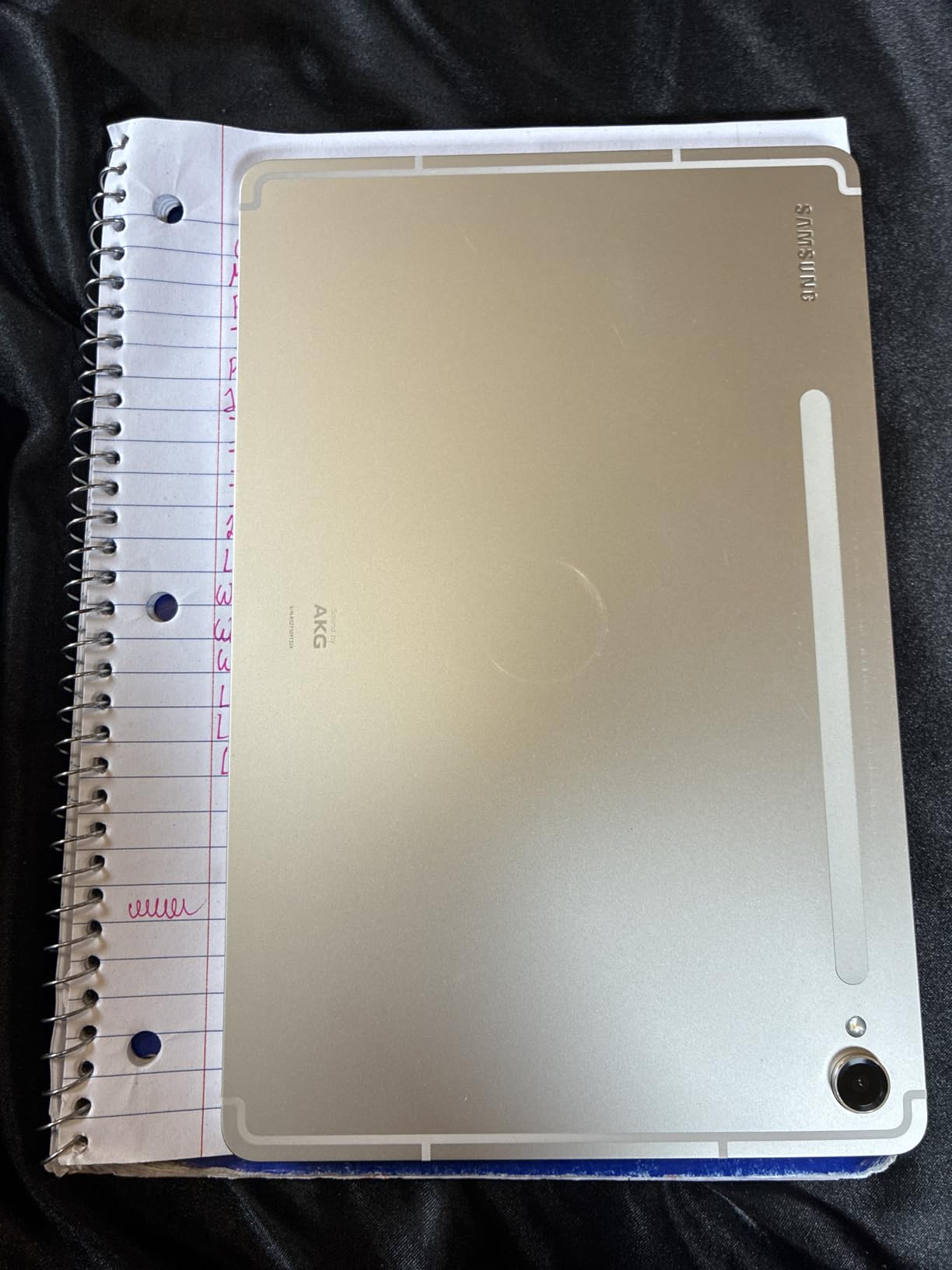
Owners call the Tab S9 a flagship that feels future-proof, praising the AMOLED screen colour and brightness, the speed of the chip, and seamless pairing with other Samsung devices. Students note it handles math-heavy coursework well, and the 8400 mAh battery plus fast fingerprint sensor hold up over a long day.
Galaxy AI adds Transcript Assist and note summarisation, which turn a recorded lecture into a condensed set of notes. The Armor Aluminum frame and IP68 rating give it strong physical durability for a bag that gets knocked around between buildings.
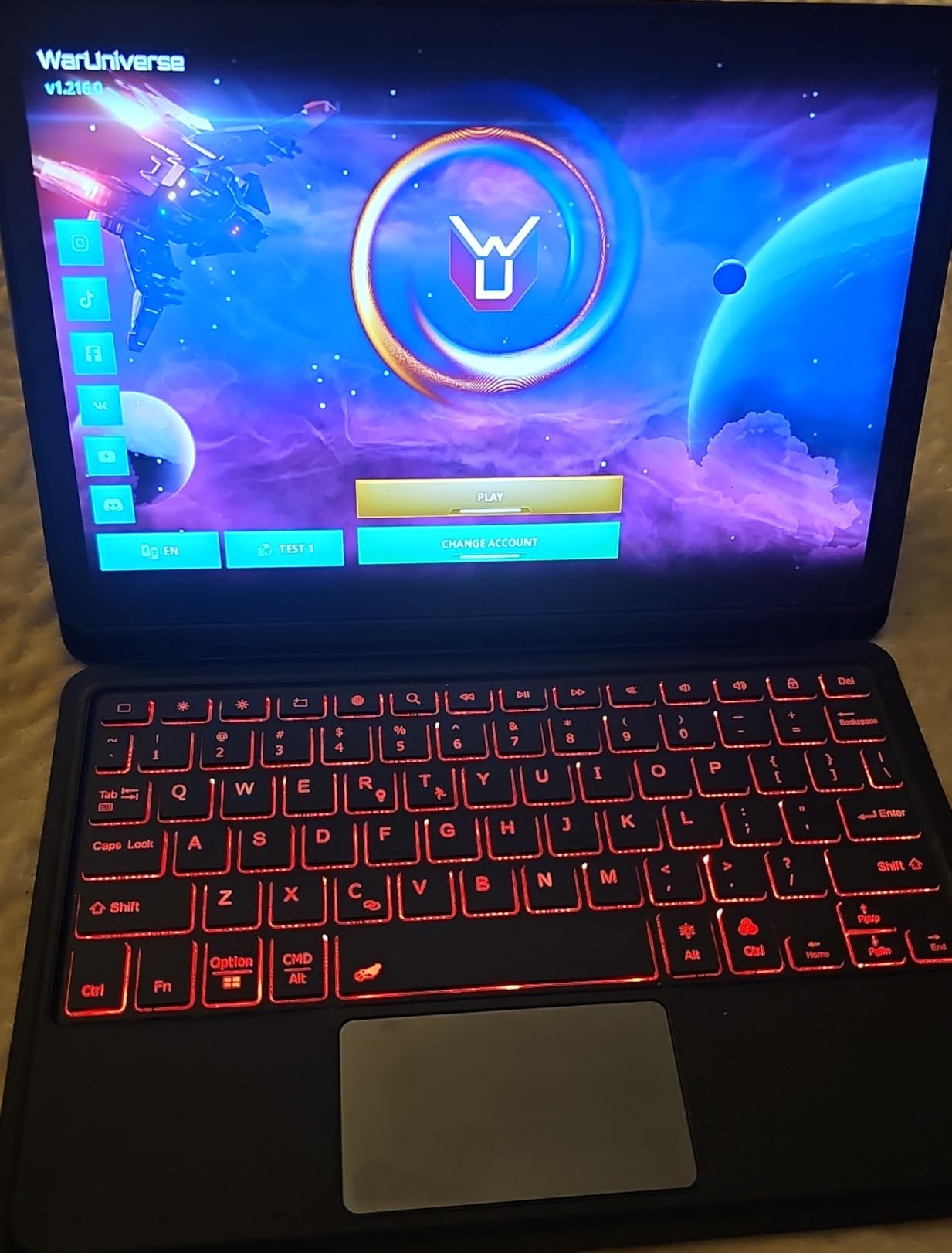
Who should spend here
Students who sketch, diagram or annotate colour-coded material, and Samsung phone owners who want their notes and calls on one device. The 12GB of RAM also makes this a long-lasting Android option if you want a tablet that still feels current in year four.
Art and design majors should also read our picks on the best tablets for digital artists, where pressure handling and colour accuracy get a deeper look than we can give here.
The two drawbacks worth knowing
The most cited drawback is the S Pen nib leaving faint lines on the unprotected screen, so budget for a screen protector. Samsung first-party accessories also cost more than third-party equivalents, which matters when you need a keyboard or a case later.
This is a 2023 model year, so it is not the newest hardware in the category, but for note-taking the AMOLED panel and Snapdragon chip remain a strong combination on Android.
7. Lenovo Idea Tab Pro 12.7-Inch – Best Big Screen for Handwriting
Lenovo Idea Tab Pro with Google Gemini – Student Tablet – 12.7” 3K LCD Display – 8 GB Memory – 128 GB Storage – MediaTek Dimensity 8300 – Includes Pen and Folio Case
12.7-inch 3K LCD
10200 mAh
Tab Pen Plus + case
8GB RAM
360Hz touch
Pros
- 12.7-inch 2944 x 1600 3K panel gives real page room
- Tab Pen Plus and folio case included
- 360Hz touch sampling for pen input
- 10200 mAh battery is the largest here
- PC mode turns it into a laptop with a keyboard
Cons
- 1.4 lb makes it desk-bound rather than class-bound
- Requires a 45W USB-C PD charger that is not included
- Roughly 400 nits peak brightness
- Shorter software update window than rivals
This is the direct answer to the 13-inch question that dominates the r/NoteTaking threads. At 12.7 inches with a 2944 x 1600 3K panel, you get a genuinely large writing canvas, and reviewers rate the writing experience as better than an iPad’s glass because of how the surface handles the pen.
The Dimensity 8300 chip and 8GB of RAM handle many tabs and multitasking smoothly, and the 10200 mAh battery is the largest cell in this group. Google Gemini is built in for study questions, Circle to Search handles unfamiliar terms, and PC mode with a Bluetooth keyboard and mouse turns it into a laptop replacement for essay writing.
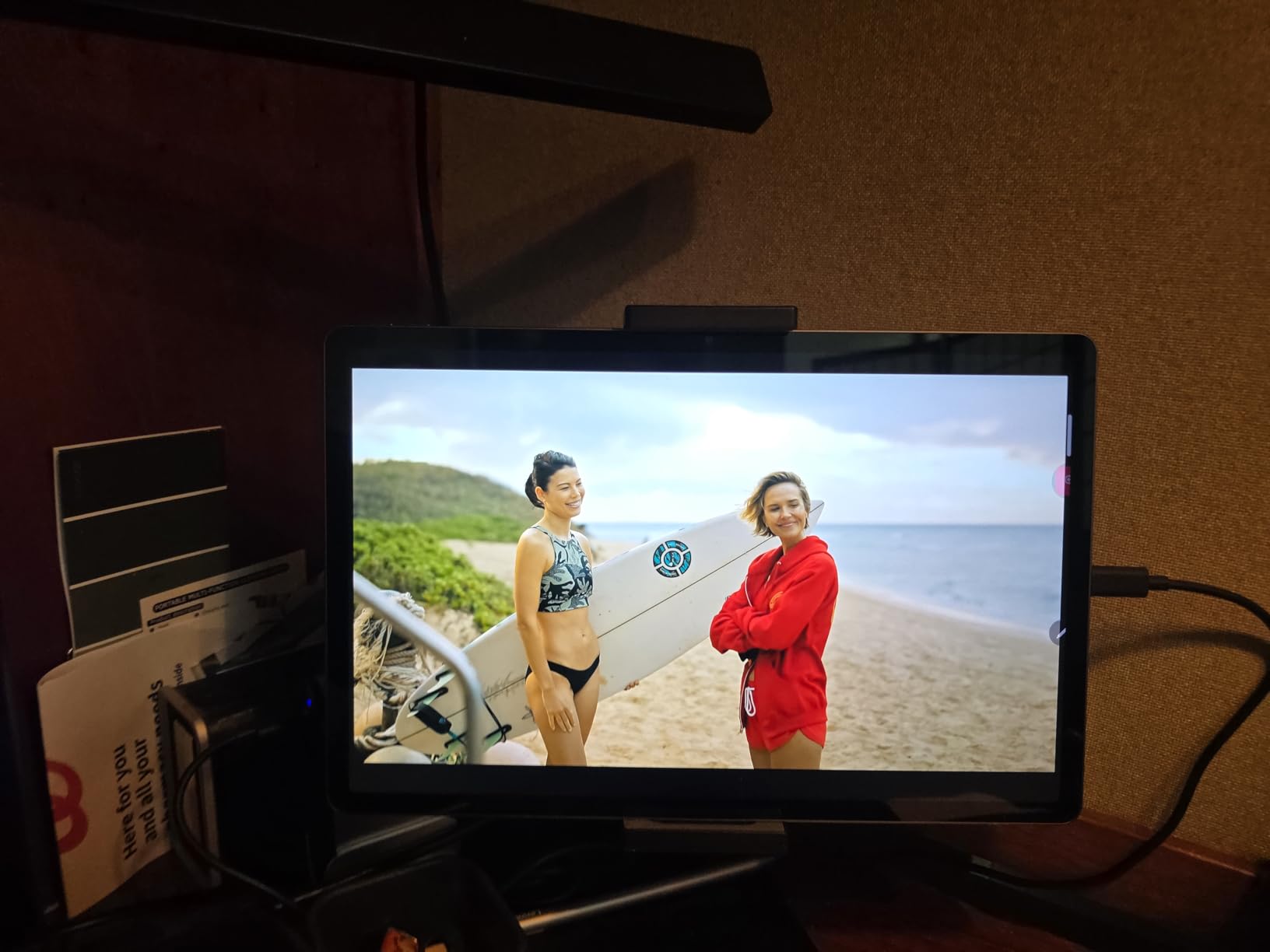
Owners frequently report replacing a slow tablet or a Chromebook with this and getting a faster, larger-screen experience with a stylus they use daily. The 360Hz touch sampling rate is a spec that matters here, because higher sampling keeps strokes responsive when you write fast across a wide page.
Quad JBL Dolby Atmos speakers are unusually strong for a tablet of this size, which matters if you are watching recorded lectures rather than reading slides.
Best for desk-heavy study and large handwritten work
Architecture, engineering, and design students who hand-draw diagrams benefit most, as do students who sit down to write rather than carry a device across campus all day. If your handwriting fills a page quickly, the extra 1.7 inches of canvas is worth the trade.
MicroSD expansion and 128GB of internal storage mean you can keep several semesters of material on the device, which matters for a large screen full of high-resolution notes.
Where it becomes a burden
At 1.4 pounds it is the heaviest Android tablet here and reads as a desk-bound device, which undercuts the reason most students buy a tablet in the first place. Roughly 400 nits of peak brightness limits HDR and outdoor readability, so it struggles in a bright lecture hall.
It also requires a 45W USB-C PD charger that is not included, and non-PD chargers fall back to slow charging. A shorter software update window than competing tablets is worth weighing against a four-year ownership plan.
8. Amazon Kindle Scribe Colorsoft – Best Distraction-Free Writing
Amazon Kindle Scribe Colorsoft 64GB (newest model) — 11” paper-like color display — Write in notebooks, docs, and books. Read in any light. Pen included – Graphite
11-inch Colorsoft e-ink
400 g
5.4 mm
Pen included
Weeks of battery
Pros
- Weeks of battery between charges
- 400 g and 5.4 mm thin for long writing
- Included pen has a built-in eraser and highlighter shortcut
- No apps and no notifications to interrupt lectures
- Imports from Google Drive and OneDrive and exports PDF
Cons
- 64GB storage limits locally stored media
- Color e-ink resolution is lower than an LCD
- Closed Amazon ecosystem limits third-party note apps
Every other tablet on this list can send you to a social feed mid-lecture. This one cannot, and that is the entire point. The Kindle Scribe Colorsoft is a writing and reading device with no app store, no notifications and no browser distractions, so the only thing available during a lecture is your notebook.
The Colorsoft color e-ink display with a front light gives a textured, paper-like surface that many writers prefer to glossy glass. The included pen has a built-in eraser and a shortcut button for highlighting, never needs charging, and at 400 g with a 5.4 mm body it is easy to hold for a long handwritten exam.
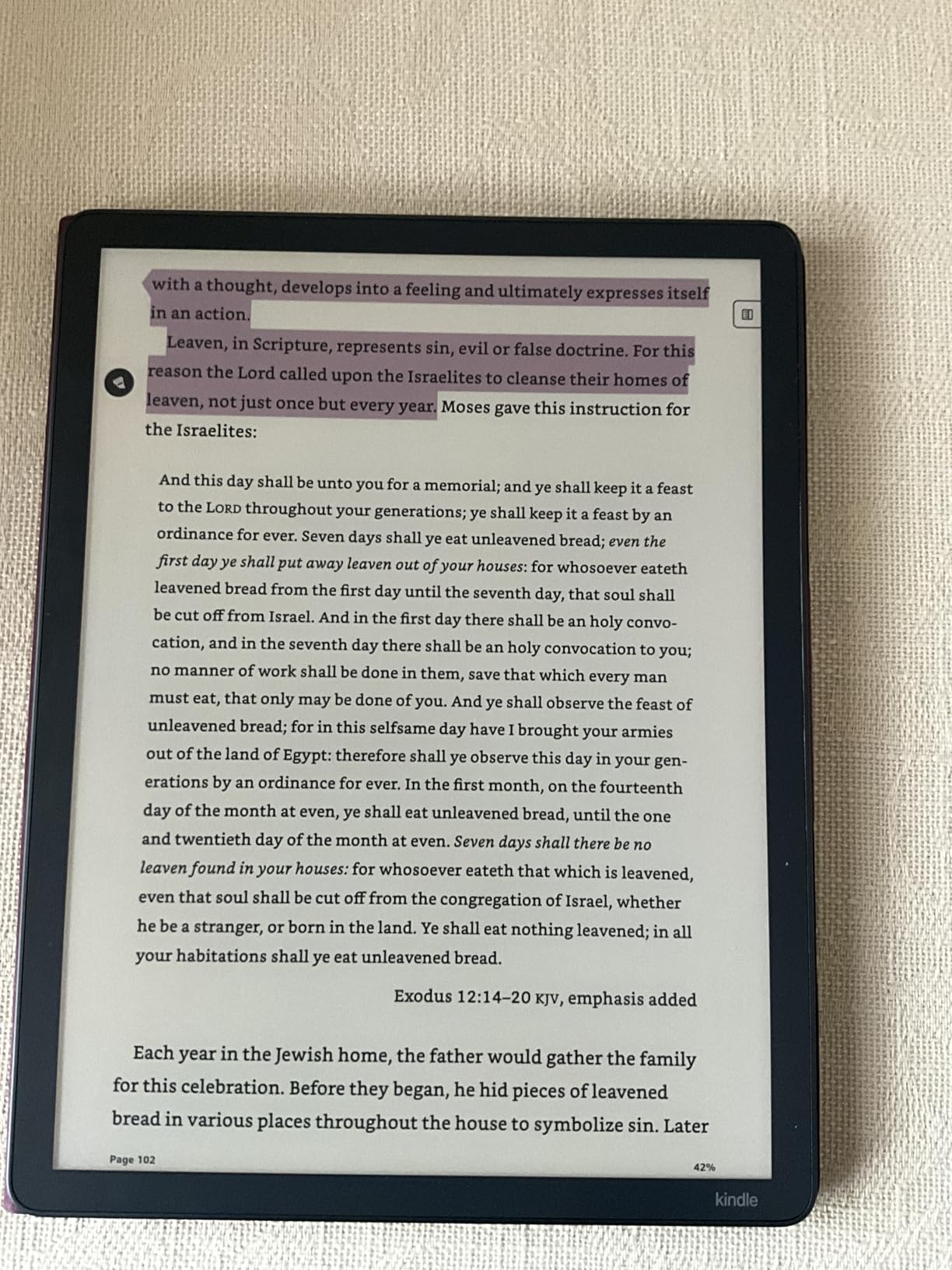
Owners value it as a dedicated writing and reading device rather than a general tablet. The paper-like surface, front light and pen-on-paper feel earn praise, as do the AI tools for summaries, questions and handwriting cleanup. Battery life measured in weeks removes charging from your campus routine entirely.
Google Drive and OneDrive import plus PDF export and OneNote integration mean notes are not trapped. That matters more than it sounds: the top source of pre-exam anxiety in the forum threads is losing a term of work, and export is the safety net.
Who should write on e-ink
Students who are easily distracted, who write long-form or do timed handwriting exams, or who read a lot of PDFs will benefit from the focus. The front light covers dim lecture rooms and late-night study, and there is no refresh lag between the pen and the page.
If you want a device that is simply a digital notebook, a student on r/tablets described exactly that need, and this answers it with the pen already included. Students who also want to draw rather than only annotate can compare our picks on drawing tablets for beginners alongside this one.
What you give up
The 64GB storage limits how much media you keep locally, and color e-ink resolution is lower than an LCD, so detailed diagrams and video are weak points. The Amazon ecosystem is also less flexible than iPadOS or Android for third-party note apps.
It is a specialist tool. If you need to annotate lecture slides, join a video call or run desktop software, use it alongside one of the LCD or AMOLED tablets rather than giving up a general-purpose device.
9. reMarkable Paper Pro – Best Low-Glare Screen and Longest Battery
reMarkable Paper Pro with Marker Plus
11.8-inch Canvas Color
2-week battery
Marker Plus
64GB
1.2 lb
Pros
- Up to two weeks of battery between charges
- Canvas Color display reflects ambient light like paper
- Marker Plus gives realistic friction with a built-in eraser
- Ultra-slim and portable for long writing sessions
- Writes directly on PDFs and converts handwriting to text
Cons
- Limited app ecosystem
- Some features need a reMarkable Connect subscription
- Color e-ink is slower and lower-contrast than LCD
- Only 2GB RAM and 64GB storage for the hardware
The Paper Pro is the most paper-like writing surface in this guide. The 11.8-inch Canvas Color e-ink display reflects ambient light instead of emitting it, which removes the glare you get on a glossy LCD when a lecture hall’s overhead lights hit the screen. The adjustable reading light covers night study and dim rooms.
The Marker Plus is the pen to beat here for anyone who genuinely prefers pen on paper, with realistic friction, a built-in eraser and six spare tips in the box. Battery life of up to two weeks means a full term can pass without thinking about a charger.
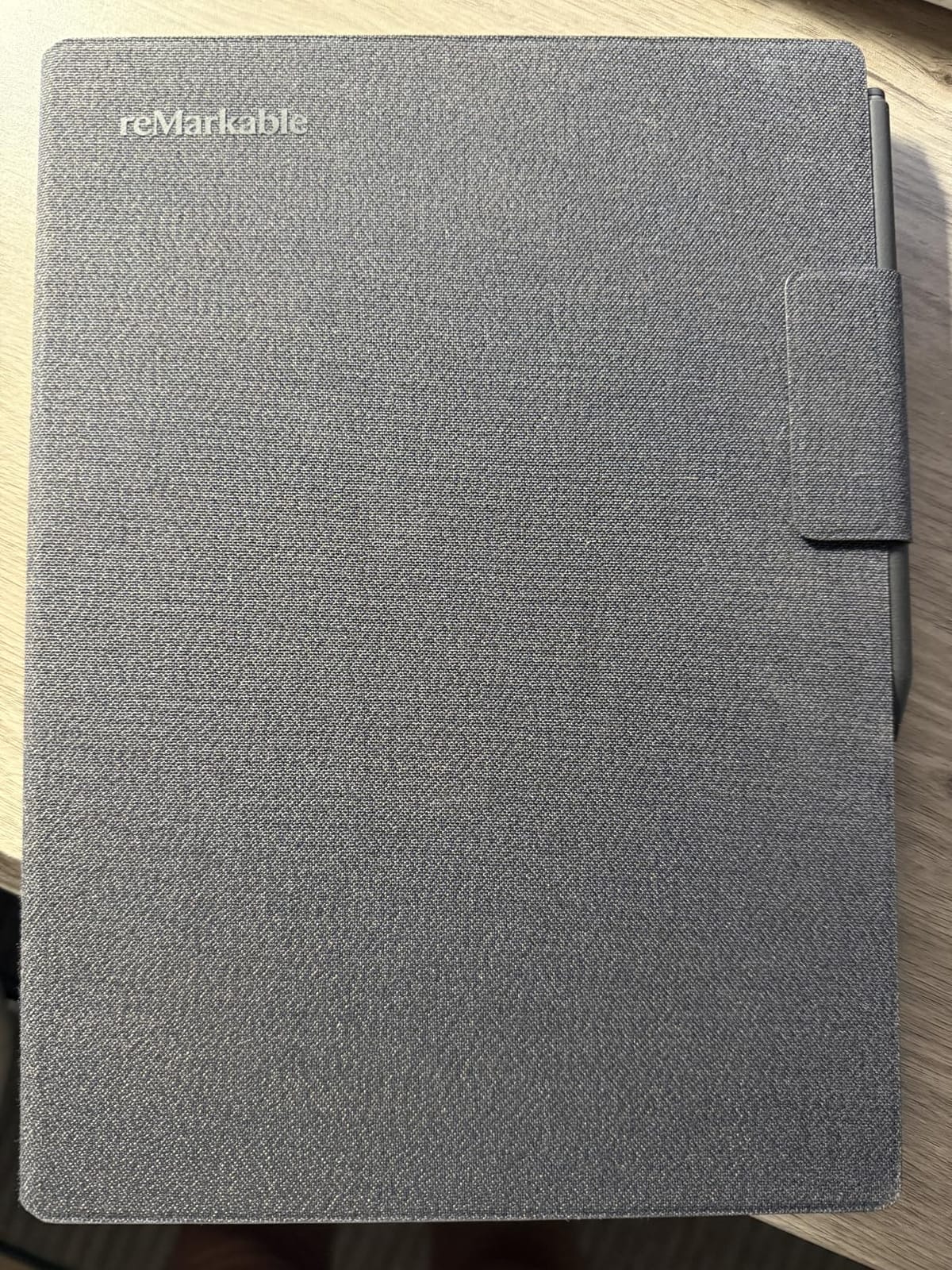
Owners describe the Paper Pro as the best reMarkable yet for colour work, praising the reading light, the paper-like feel of the Marker Plus and multi-week battery life. Students and journalers like the distraction-free nature, and folders and tags make organising a term of notes straightforward.
It also handles PDFs directly, so you can write on a lecture handout and convert handwriting to typed text afterwards, which is useful when a professor asks for a searchable copy.
Who should buy a dedicated paper tablet
Writers, med students doing flashcards and problem sets, and anyone who prefers long uninterrupted writing sessions. Med school in particular rewards a distraction-free device with weeks of battery, because you can carry it to the ward or the library without a charging cable.
If your handwriting is your primary study method and you rarely need colour video or desktop apps, the Paper Pro is a genuinely excellent tool rather than a compromise.
Where the limits bite
The app ecosystem is narrow by design, and some features require a reMarkable Connect subscription. Colour e-ink is slower and lower in contrast than an LCD for web browsing and video, and 2GB of RAM with 64GB of storage is thin hardware for the money.
Judge it as a notebook, not a computer. If you need an app you cannot see listed, this is the wrong device.
10. Microsoft Surface Pro 2024 – Best for Full Windows Software
Microsoft Surface Pro 2-in-1 Laptop/Tablet (2024), Windows 11 Copilot+ PC, 13″ Touchscreen Display, Snapdragon X Plus (10 Core), 16GB RAM, 512GB Storage, Dune
13-inch 2560 x 1600
Windows 11
16GB RAM
512GB SSD
2 lb
Pros
- Runs full Windows 11 desktop software
- 16GB RAM and 512GB SSD handle heavy coursework
- 13-inch 2560 x 1600 touchscreen up to 600 nits
- Kickstand shifts between tablet laptop and sketchbook
- Up to 14 hours of claimed battery
Cons
- Surface Pro Flex Keyboard sold separately
- 2 lb is heavy for a class-bound note tablet
- ARM architecture can have app compatibility quirks
- 60Hz refresh rate is modest beside 90Hz and 120Hz tablets
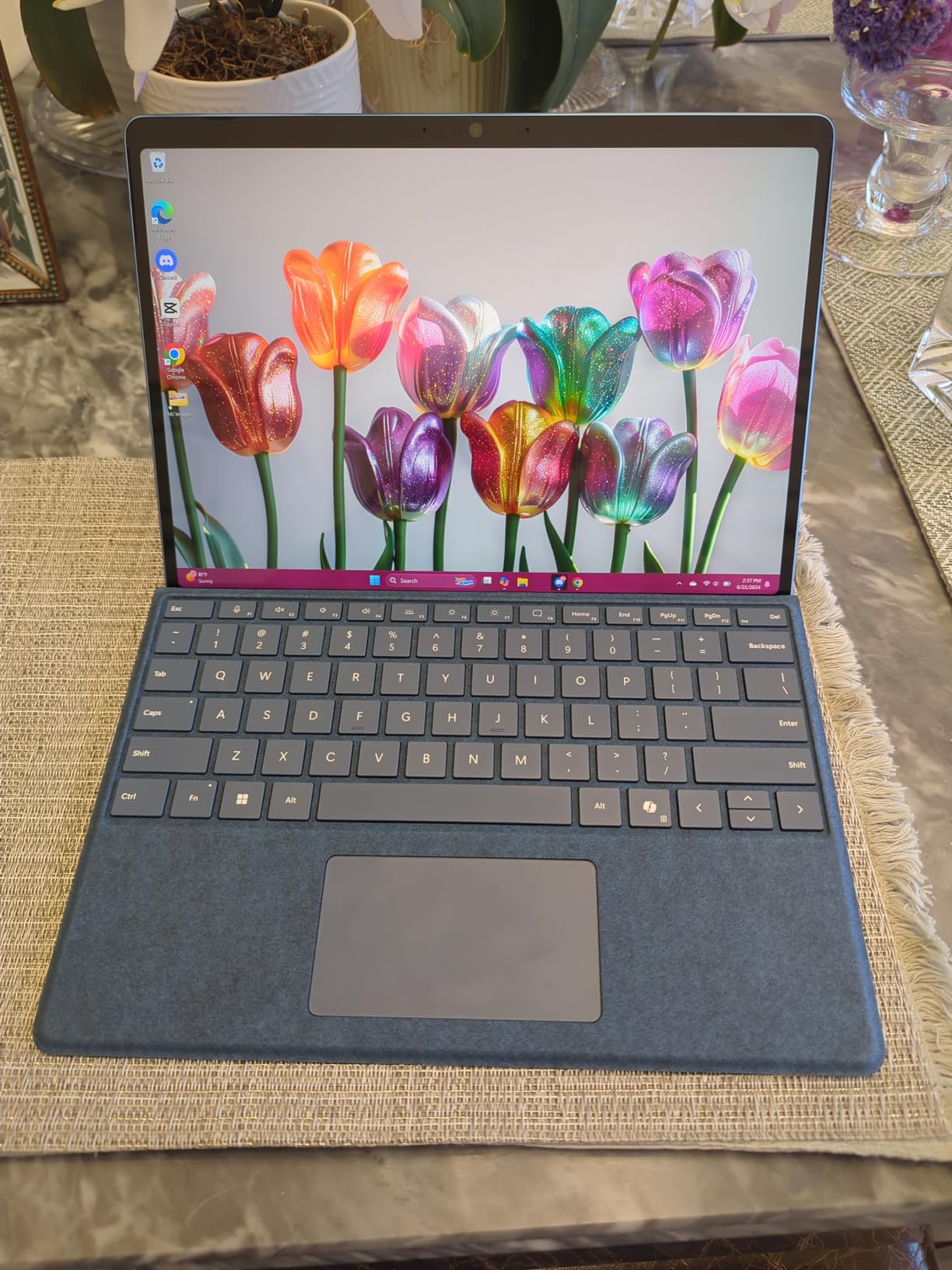
This is the pick for a student whose major assumes Windows. Engineering, data and architecture courses that require desktop-class applications run natively here in a way they never will on iPadOS or Android, and a 16GB LPDDR5X memory with a 512GB SSD is laptop-class capacity for a four-year degree.
The 13-inch 2560 x 1600 touchscreen reaches up to 600 nits, which is bright enough for a sunlit room, and the claimed battery figure of up to 14 hours covers a full teaching day. Windows 11 with Copilot+ PC capabilities adds an NPU for on-device AI features in Copilot.
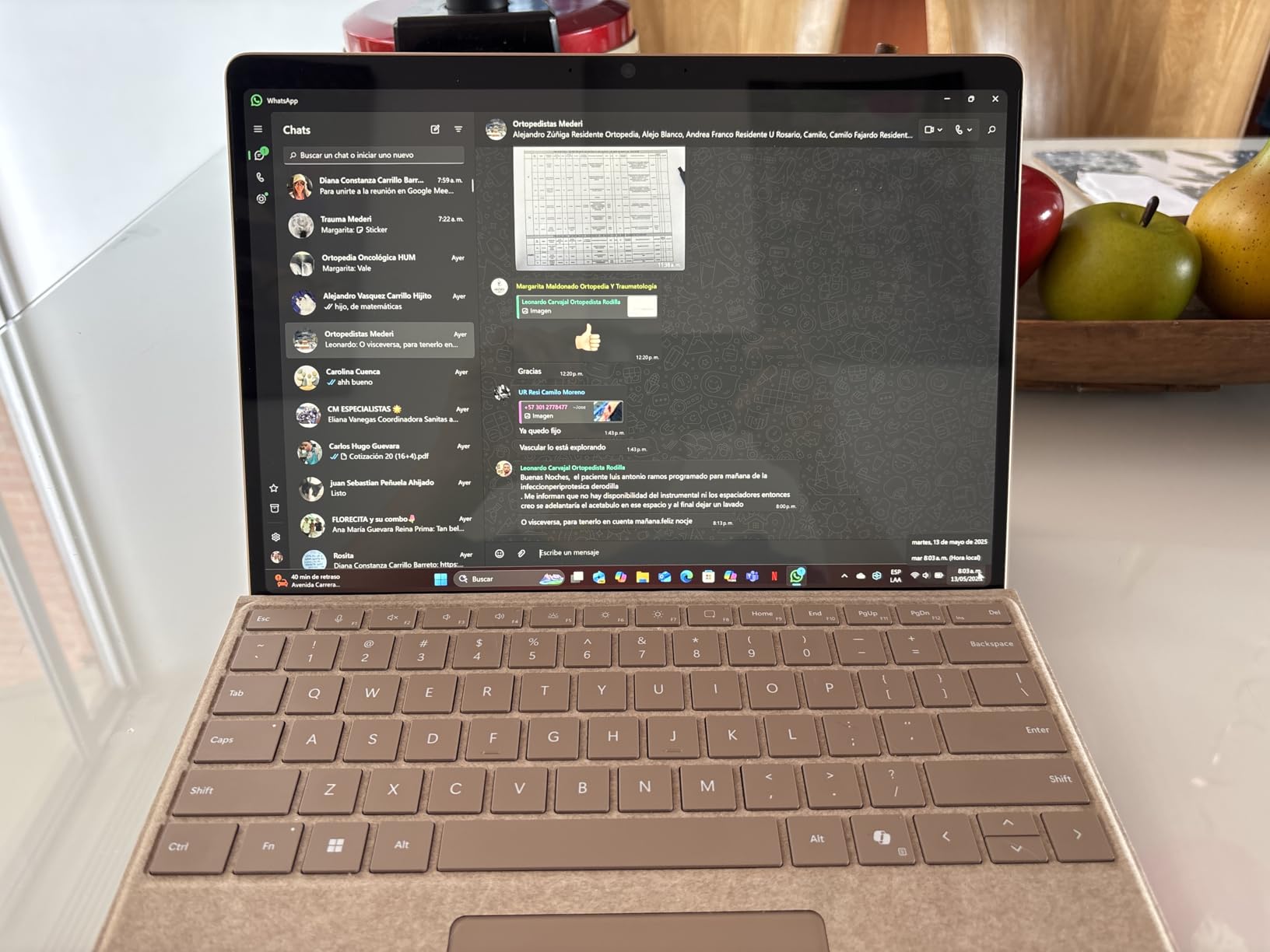
Owners value the Surface Pro as a full Windows machine in tablet form, which suits students who need desktop-grade software for assignments. The high-resolution touch display and long battery life are praised, and the kickstand design lets it shift between tablet, laptop and sketchbook use for problem sets.
USB 3.2 Gen 2 plus Thunderbolt and DisplayPort over USB-C means you can attach an external monitor for a long writing session at home, which extends the device well beyond coursework.
Who needs a Windows tablet
Engineering, computer science, data and finance students, and anyone whose syllabus names software that only runs on Windows. Medical and law students who rely on Windows-only clinical or research databases fit here too.
If you also want a laptop, this device covers both jobs and may replace both purchases. Our guide to 2-in-1 laptops for note taking covers that category in more depth.
Reasons to choose something lighter
At 2 pounds it is the heaviest device in this guide and tiring to hold one-handed through a long lecture, which defeats the point for a note-taking tablet. The Surface Pro Flex Keyboard is a separate purchase, and the 60Hz refresh rate is a step back from the 90Hz and 120Hz panels on the Android picks.
Snapdragon X Plus is ARM-based, and some desktop applications still need x86 emulation. Check that your required software runs natively before committing.
How to Choose a Tablet for College Note-Taking
Choose on seven criteria, in this order, because the first two decide whether the device works as a notebook at all.
An active stylus, not a capacitive one. An active pen reads pressure and position precisely and ignores your palm resting on the screen. A cheap capacitive stylus is a plastic stick that registers a crude touch, has no palm rejection and makes writing feel useless. If the pen is not included, price it before you buy the tablet.
Low stylus latency and palm rejection. Lag between nib and line is what ruins a writing experience faster than any missing spec. Higher refresh rates and faster chips tighten this. In a store, rest your palm on the screen and write with the other hand; if characters appear under your palm, the tablet fails.
A note app you will actually keep. iPadOS has GoodNotes, Notability and Noteful. Android has Samsung Notes, Noteshelf, Google Slides and Nebo. Windows has OneNote and the full desktop suite. Export options matter as much as the editor, because you will want your notes after graduation.
Screen size and aspect ratio. An 11-inch panel is the sweet spot for most handwriting: big enough for a full page, small enough to rest your hand on. A 4:3 ratio fits a page vertically and handles PDFs better than 16:10. Go to 12.7 or 13 inches only if you draw large diagrams or split two documents side by side.
Battery through a full class day. Look for a claimed figure of 10 hours or more, since note apps with a bright screen use more than video does. A USB-C tablet lets you top up between classes from a power bank.
Storage. 128GB is workable for text notes if you sync. Video recordings and scanned textbooks eat space quickly, so 256GB or a microSD slot removes the worry.
Software update support. A college tablet should survive four years. Devices with a shorter update window will feel dated in your final year, so check how long the platform will be supported.
iPad vs Android vs Windows vs E-Ink for Notes
The iPad versus Android debate comes down to one thing: how organised your notes need to be over four years. Here is the honest split.
iPadOS wins on note apps and stability. GoodNotes and Notability are the most capable handwriting environments available, Scribble works everywhere, and the long update window keeps an iPad useful past graduation. The cost is the accessory bill: the Apple Pencil is a separate purchase. Choose iPad if you want the least friction once set up.
Android wins on bundled value and choice. Samsung puts an S Pen in the box with no charging requirement, Lenovo ships a pen and a folio case, and microSD expansion protects students with large archives. Cleanup tools like Handwriting Assist and Math Solver are genuinely useful. Choose Android if your budget is the deciding factor or you already use a Galaxy phone.
Windows wins when your major requires desktop software. Nothing else runs the full Office and engineering toolchain, and it doubles as a laptop. Choose Windows if software compatibility is non-negotiable, and accept the extra weight.
E-ink wins for focus and battery. A Kindle Scribe or reMarkable has no social apps, no notifications and weeks of battery, with a display that behaves like paper in bright rooms. Choose e-ink if you handwrite a lot and are easily distracted, and treat it as a companion rather than a replacement.
On the size question that dominates the forum threads: choose 11-inch if you write by hand for more than about 30 minutes at a time, because your hand needs somewhere to rest and a smaller screen keeps your shoulder relaxed. Choose 12.7 or 13 inch if you mostly read PDFs, draw, or work split screen at a desk.
Best Tablet by Major and by Budget Tier
The same device suits one major brilliantly and another poorly, so match the hardware to the software.
STEM and engineering: Windows wins if you need MATLAB, CAD or simulation tools. For pure lecture capture, the Samsung Galaxy Tab S10 FE is hard to beat because Math Solver handles handwritten equations.
Medical school: An e-ink device suits long study sessions and ward use, where weeks of battery and no distractions matter more than colour. The Galaxy Tab S9 wins if you need to review colour imaging on the move.
Law: heavy PDF annotation is the workload, so a large screen and a good note archive decide it. The Apple iPad Air handles long documents and multitasking; the Lenovo Idea Tab Pro wins on canvas size if you hand-mark cases.
Art and design: colour accuracy and pressure range decide it. The Galaxy Tab S9 AMOLED panel and the Lenovo Idea Tab Pro’s 3K display are the strongest here, and our picks on the best tablets for digital artists go deeper.
Business and general studies: the base iPad or the Lenovo Idea Tab cover web apps, documents and presentations without overcomplicating things.
By budget tier, the cheapest complete setup is the Lenovo Idea Tab, since pen and case are in the box. The mid tier is the Samsung Galaxy Tab S10 FE or the base iPad once you add a stylus. The premium tier is the iPad Air for power, the Galaxy Tab S9 for display, or the Surface Pro for Windows. If you are weighing a cheaper machine against a used or previous-generation iPad, a prior-generation iPad genuinely handles a full college term of notes, and the saving goes into accessories you will use daily.
Getting Your Notes Off the Tablet Before Graduation
Forum threads show the same fear repeatedly: losing a term of work. Handle it in week one, not finals week.
Turn on automatic cloud sync on day one and confirm it works by opening a note on a second device. Keep one local backup, because sync is not backup. At the end of each term, export the archive to PDF so your notes outlive the app that stored them; the Kindle Scribe and reMarkable both export to PDF, and Samsung Notes and Google Slides export to standard formats.
Name files by course code and term rather than by date, so the archive is still searchable in year four. If your notes live in an app that may not exist in five years, keep the PDFs regardless of the device you buy next.
Frequently Asked Questions
What do most college students use to take notes?
Most college students who handwrite have moved to a tablet, and the iPad is the most common choice because of its note app ecosystem. Android Galaxy tablets are the second choice, valued for the bundled S Pen. E-ink devices like the Kindle Scribe and reMarkable serve students who want no distractions. Paper notebooks remain common in lecture halls where writing speed and course rules favour them.
What is the best tablet for studying and taking notes?
The Apple iPad 11-inch with the A16 chip is the best all-round tablet for studying and taking notes. It pairs near-zero stylus lag with full palm rejection, runs GoodNotes and Notability, has an 11-inch 4:3 Liquid Retina display sized for a full page of handwriting, and weighs 1.05 pounds. Buy the Apple Pencil separately.
What is the best tablet for university students?
University students span very different budgets, so the best pick depends on the tier. The Lenovo Idea Tab 11-inch is the best value because the pen and folio case are in the box. The Samsung Galaxy Tab S10 FE is the best mid-range option for built-in note software. The Apple iPad Air is the best choice for students who multitask heavily.
Which tablet is better for taking notes: iPad or Android?
An iPad is better for note organisation, app maturity and long software support, but the Apple Pencil costs extra. An Android tablet is better on value because Samsung and Lenovo bundle the pen in the box, and Samsung offers microSD expansion. Students who want the least setup friction should choose iPad; students on a strict budget should choose Android.
Is an iPad or Android tablet better for a tablet without a laptop?
Neither replaces a laptop for every major. An iPad handles documents, web apps, lectures and note-taking better than Android, so it covers most majors. Engineering, data and architecture students whose software only runs on Windows should pair a tablet with a laptop or choose a Windows tablet such as the Microsoft Surface Pro.
Which iPad is best for taking college notes?
The base iPad 11-inch with the A16 chip is the best value for most students taking college notes. Choose the iPad Air 11-inch with the M4 chip if you type essays often, run many apps beside your notes, or want brighter, more reflective-resistant output in a sunlit lecture hall. Both support the Apple Pencil Pro and Magic Keyboard.
Do college students need a keyboard case with a tablet?
Handwriting covers lecture capture for most majors, so a keyboard is optional in year one. Add one if you write essays, code or spreadsheets often, or if your major needs desktop software. Windows tablets such as the Microsoft Surface Pro need one to be useful as a laptop, and the keyboard is sold separately.
Final Verdict
The Apple iPad 11-inch with the A16 chip is the best tablet for note-taking in college, because nothing else combines near-zero stylus lag, full palm rejection and the deepest note app ecosystem at a weight you can hold for a whole lecture. Buy the Apple Pencil with it, set up cloud sync in week one, and you have covered the next four years.
Shop the picks above by budget: the Lenovo Idea Tab for the cheapest complete setup, the Galaxy Tab S10 FE for the best built-in note software, the Galaxy Tab S9 for the best display, and the Surface Pro when your major requires Windows. Check current pricing on each before you buy, since tablet deals move weekly.