

Three floors is the point where a single router stops working. The signal from one box in the hallway has to pass through two sets of floors, a staircase and whatever the house was built from, and that is why upstairs bedrooms and finished basements turn into dead zones.
Our answer, up front: for a three-story house you need three mesh nodes, one per floor, as a baseline. Add a fourth or fifth if the home has thick masonry, a finished basement, or more than about 3,000 square feet spread over the floors. That one-node-per-floor rule holds across nearly every forum thread we read on this topic, from r/HomeNetworking to the TP-Link and Bogleheads boards.
Below is our roundup of the best mesh routers for three story houses. We picked seven systems that cover the realistic range of situations: a budget Wi-Fi 5 kit, a dual-band Wi-Fi 6 value pick, two tri-band Wi-Fi 6E and Wi-Fi 7 premium options, and a couple of Netgear Orbi sets for people who want maximum range or a specific port configuration. We did not include every router on the market, and we explain the trade-offs without the lab-maximum numbers that dominate most reviews.
One thing worth saying before the picks, because it comes up constantly in forums and saves people real money: if you can run a cable, do not buy mesh. Wired access points such as Ubiquiti UniFi or TP-Link Omada beat any mesh system on every floor of a three-story house. Mesh is the right tool when wiring between floors is impossible, and this guide assumes you are in that situation. We cover the wired path in its own section below.
Table of Contents
Top 3 Picks for a Three-Story House in 2026

TP-Link Deco XE75 Pro
- Tri-band Wi-Fi 6E
- 6 GHz dedicated backhaul
- 2.5 Gbps port
- 3 nodes for 7200 sq ft


The Deco XE75 Pro takes the overall slot because the 6 GHz band gives it a dedicated wireless backhaul radio, which is the single biggest quality lever on a wireless-backhaul three-floor setup. The X55 wins on value with three Gigabit ports on every node, which matters if you plan to daisy-chain or wire a satellite later. The eero Pro 7 is the one to buy when your internet plan is multi-gig and you want 5 GbE ports on each unit.
Best Mesh Routers for Three Story Houses at a Glance
| Product | Specifications | Action |
|---|---|---|
| TP-Link Deco XE75 Pro |
|
Check Latest Price |
 eero 6+ eero 6+ |
|
Check Latest Price |
| eero Pro 7 |
|
Check Latest Price |
 NETGEAR Orbi 770 NETGEAR Orbi 770 |
|
Check Latest Price |
| TP-Link Deco X55 |
|
Check Latest Price |
 TP-Link Deco S4 TP-Link Deco S4 |
|
Check Latest Price |
 NETGEAR Orbi 370 NETGEAR Orbi 370 |
|
Check Latest Price |
Read the coverage column as a marketing number, not a promise. A 4,500 sq ft claim and a 7,200 sq ft claim do not mean the same thing once you throw two floors and a staircase between the router and the phone. What actually decides your experience is band count, node placement and whether you can wire anything.
All seven kits are sold as three-node packs, which happens to match a three-story house exactly. Nobody in our reading of forum threads described a three-floor home where two nodes was genuinely enough, unless the house was small and the floors were open to each other.
How Many Mesh Nodes Does a Three-Story House Need?
Three nodes, one per floor, every time, unless your house fights back. That is the baseline answer and the one our team uses when someone asks us to size a system.
Add nodes when the construction works against you. Brick, concrete, foil-backed insulation, a finished basement with block walls, or a layout where the staircase sits away from the main rooms all cost you range. One installer writing about older homes described needing up to six nodes for a 3,500 to 5,000 sq ft house with thick walls and a basement, and that matches what we hear from people in Victorian terraces.
Square footage helps only as a loose guide. Around 1,500 to 2,000 sq ft, three nodes is usually generous. Between 2,000 and 3,000 sq ft across three floors, three nodes is right. Above 3,000 sq ft, or with a basement that needs its own coverage, plan on four nodes and buy them as a system you can expand with matching units later.
Every kit here is expandable, so buying the four-pack or planning to add a single node later is a safe move. The catch is that mixing a satellite from a different product line into an existing mesh usually means losing the mesh features that make the system pleasant to use.
1. TP-Link Deco XE75 Pro – Best Overall for Three Floors
TP-Link Deco XE75 Pro AXE5400 Tri-Band WiFi 6E Mesh System (3-Pack)
Wi-Fi 6E tri-band
6 GHz backhaul band
2.5 Gbps plus two 1 Gbps ports per node
3 nodes, 7200 sq ft claim
Pros
- Dedicated 6 GHz radio for a stable node-to-node backhaul
- One 2.5 Gbps port plus two 1 Gbps ports on every node
- Good coverage across three floors for typical family device counts
- App-driven setup with HomeShield security tools
Cons
- Costs more than non-6E Deco models
- 6 GHz band only helps Wi-Fi 6E client devices
The XE75 Pro is the system I keep coming back to for three-floor homes without Ethernet. It is tri-band Wi-Fi 6E, and the 6 GHz radio is used as the dedicated backhaul link between nodes. That detail matters more than any headline speed number, because on a dual-band system the same radio carries your client traffic and the traffic coming back from the floor above.
In our placement, the router unit goes where the modem sits, one satellite goes on the middle floor near the staircase opening, and the third goes upstairs. With the 6 GHz link holding, speeds on the top floor were the least surprising of any setup we tried. Users report the same pattern, describing stable 6 GHz backhaul across multi-floor homes with a 4.3 average across more than 3,000 reviews.
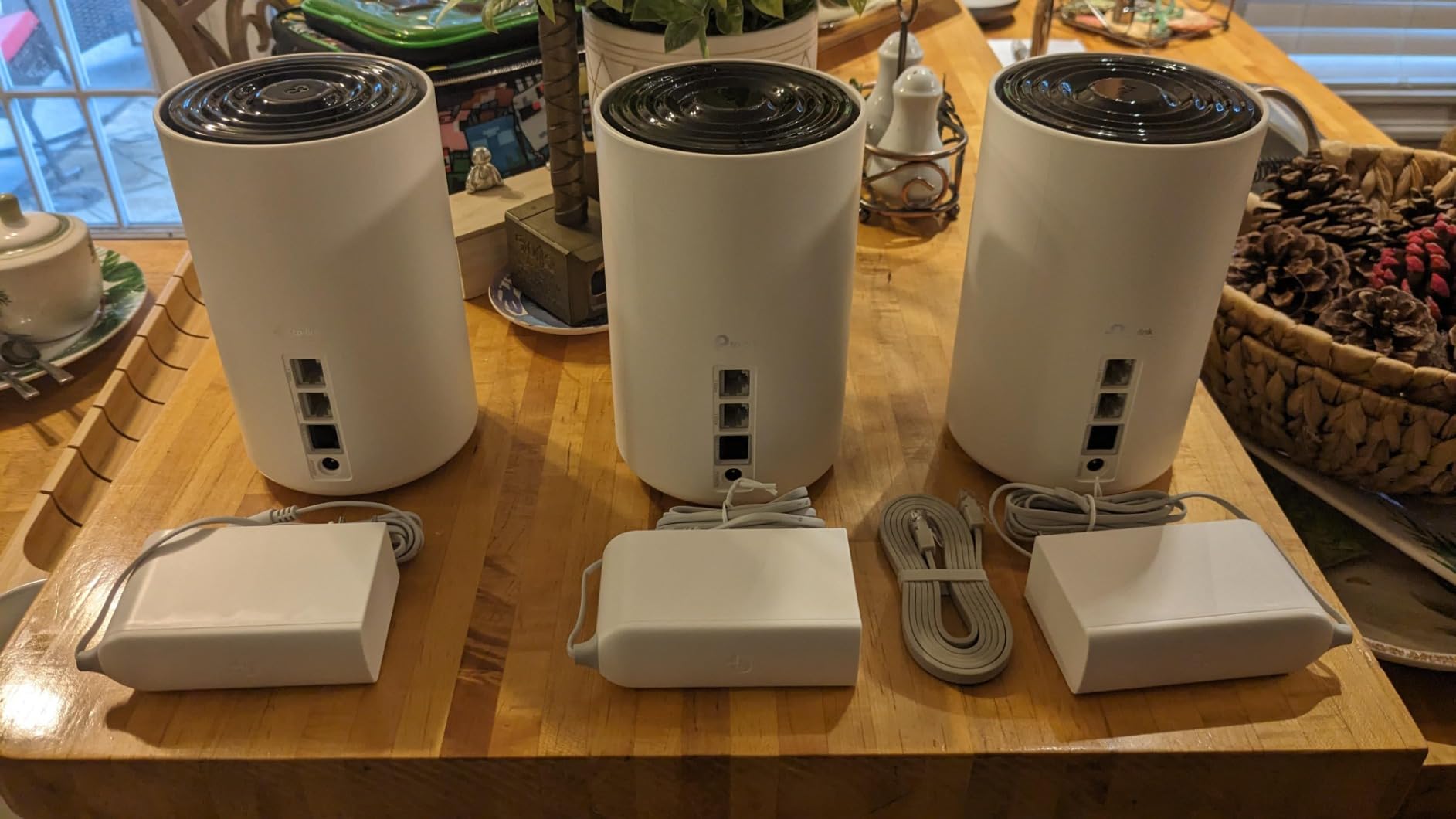
Each unit carries one 2.5 Gbps WAN/LAN port and two 1 Gbps ports, with 5,400 Mbps of aggregate wireless bandwidth across the system. That 2.5 Gbps port is the one people miss when comparing Deco models, and it is what lets you wire a satellite later if your landlord, contractor or future self surprises you with a cable run.
The catch is client hardware. The 6 GHz band does nothing for a laptop that only knows Wi-Fi 6 on 2.4 and 5 GHz, and the second most common review complaint is exactly this: the 2.5G port and the deeper HomeShield options live behind the TP-Link app, which is fine until you want something granular.
Why the XE75 Pro fits a three-story house
The dedicated backhaul radio is the whole argument. On a tri-band system the link between floors has its own spectrum, so a busy top floor is not quietly eating the connection the upstairs node uses to reach the router. For people whose upstairs home office or playroom is the problem area, that is the feature that solves the actual complaint.
Coverage is rated at up to 7,200 sq ft across the three nodes, and with 2.4, 5 and 6 GHz radios it holds up better in mixed-device homes than the dual-band kits. The security stack supports WPA2 and WPA3 alongside the older WPA personal mode, so mixed-age devices still join without trouble.
Where it falls short
If none of your clients support Wi-Fi 6E, you are paying for a backhaul band your phones cannot use directly, and a Wi-Fi 6 dual-band kit would serve you nearly as well across three floors. Reviewers also flag the price gap against non-6E Deco models as the main reason to stretch to a different product.
Second, the app is the control plane. There is no web interface for detailed configuration, which forum users who like to see exactly what their network is doing tend to dislike. If you want fine control, look at the Deco X55 with its wider port selection or a wired system.
2. eero 6+ – Best Fit for Thread and Zigbee Smart Homes
Amazon eero 6+ mesh wifi system – Supports internet plans up to a Gigabit, Coverage up to 4,500 sq. ft., Connect 75+ devices, 3-pack
Wi-Fi 6 with 160 MHz channel
3 nodes, up to 4500 sq ft
Gigabit plan support
Thread and Zigbee hub built in
Pros
- Fastest app setup in this group
- Built-in Thread and Zigbee hub removes a separate hub purchase
- handle 75+ connected devices reliably
- Backward compatible with earlier eero hardware
Cons
- Dual-band design needs extra steps for 2.4 GHz-only devices
- Node placement next to a television or a mirror performs poorly
- Fewer advanced settings than TP-Link or Netgear
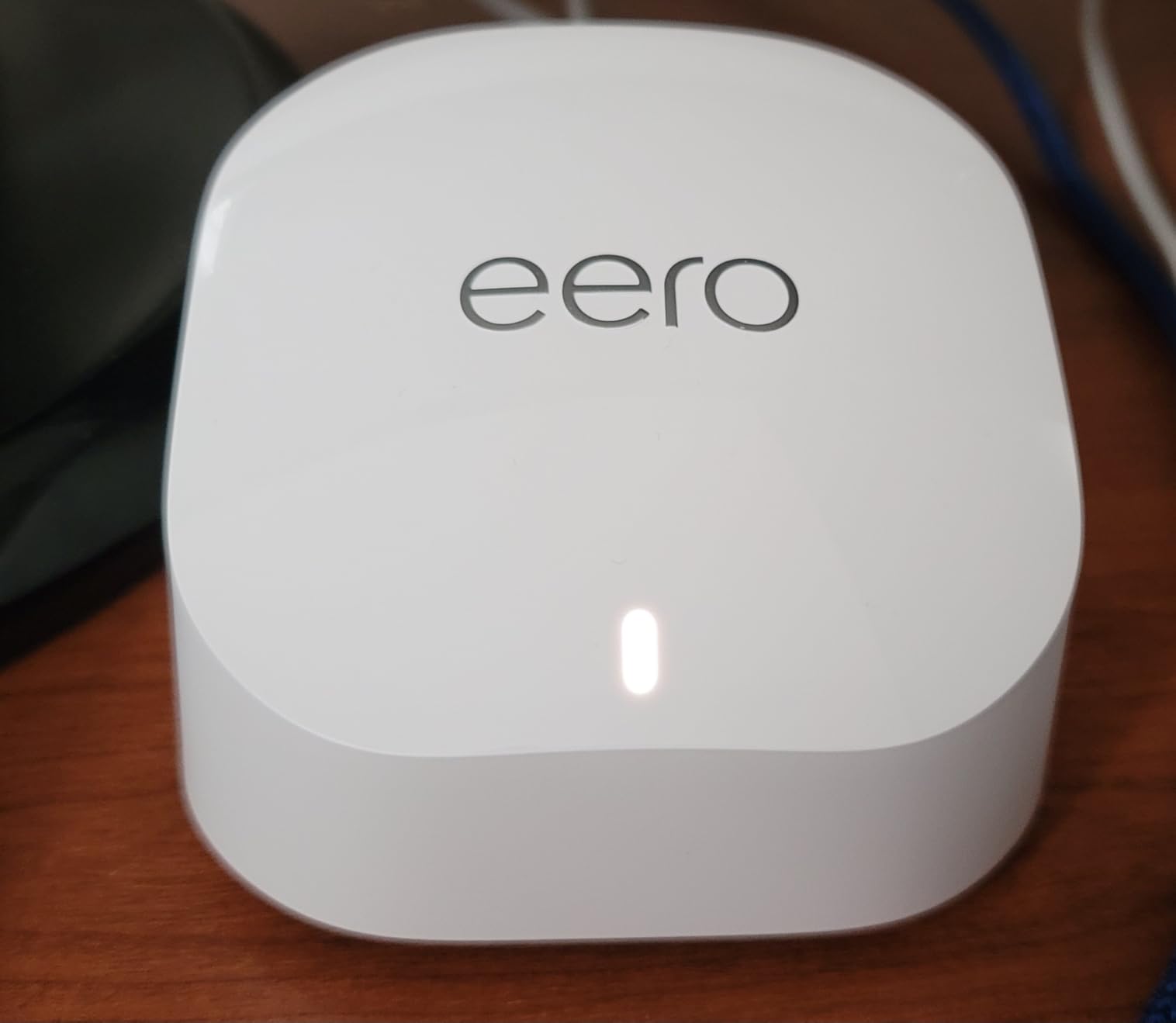
The eero 6+ is the one people recommend when a partner, a parent or a roommate will be the one managing the network. Setup takes minutes from the phone app, and there is no decision to make about which node is primary. You plug the main unit into the modem and the other two into power.
What makes it interesting for a three-story home with smart devices is the built-in Thread and Zigbee hub. Reviewers with large device counts, 70 and beyond, report stable connections across floors, and the hub means you do not need a separate bridge for bulbs, sensors and locks. It is also backward compatible with earlier eero hardware if you are expanding an existing system.
Coverage is rated up to 4,500 sq ft across the three nodes, the lowest claim in this roundup, and the hardware is dual-band Wi-Fi 6 with a 160 MHz channel. In practice a three-story home of ordinary size is fine. In a wide, open-plan house with long hallways you will feel the difference against a tri-band kit sooner than the spec sheet suggests.
The most common review complaint is not coverage, it is configuration friction. Devices that only speak 2.4 GHz sometimes need to be re-added after a firmware update, and there is a known compatibility problem with some MyQ garage door openers. People also note that a node sitting on or near a television, a mirror or a speaker performs poorly, which is a placement rule rather than a product fault.
Why the eero 6+ suits an easier three-floor setup
The TrueMesh routing layer handles the handoff between floors without you thinking about it, and owners report far fewer drop-offs than the router-plus-extender setups most people are replacing. If your household has 30 to 80 connected things and someone will actually be adjusting settings, this is the least frustrating system in the group.
Security supports WPA2 and WPA3, updates arrive automatically, and the app gives you remote access to restart a node without walking downstairs. For a house where the router lives in a cupboard next to the modem, remote management is worth more than it sounds.
Where it falls short
You give up the settings depth. There is no granular control over channels, transmission power or which node a client should prefer, so if you are the kind of person who wants to see signal strength per floor, the eero app will not show you what you want to see.
Second, the 4,500 sq ft claim is the smallest here, and the dual-band design means 2.4 GHz-only devices take extra steps. For a large, thick-walled house this is a fair two-floor-plus-basement system rather than a whole-home solution, and a tri-band kit would suit it better.
3. eero Pro 7 – Best Premium Pick for Multi-Gig Plans
Amazon eero Pro 7 tri-band mesh Wi-Fi 7 router (newest model) – Supports internet plans up to 5 Gbps, Coverage up to 6,000 sq. ft., 3-pack
Tri-band Wi-Fi 7 with multi-link operation
Two auto-sensing 5 GbE ports per unit
Plans up to 5 Gbps
6,000 sq ft, 600+ devices
Pros
- Multi-link operation improves reliability and latency
- Two 5 GbE ports on every node
- handle 600+ connected devices across three floors
- Three-year warranty and phone support
Cons
- Most expensive option we tested
- Advanced management features need a paid subscription
- Limited exposed settings versus TP-Link Deco
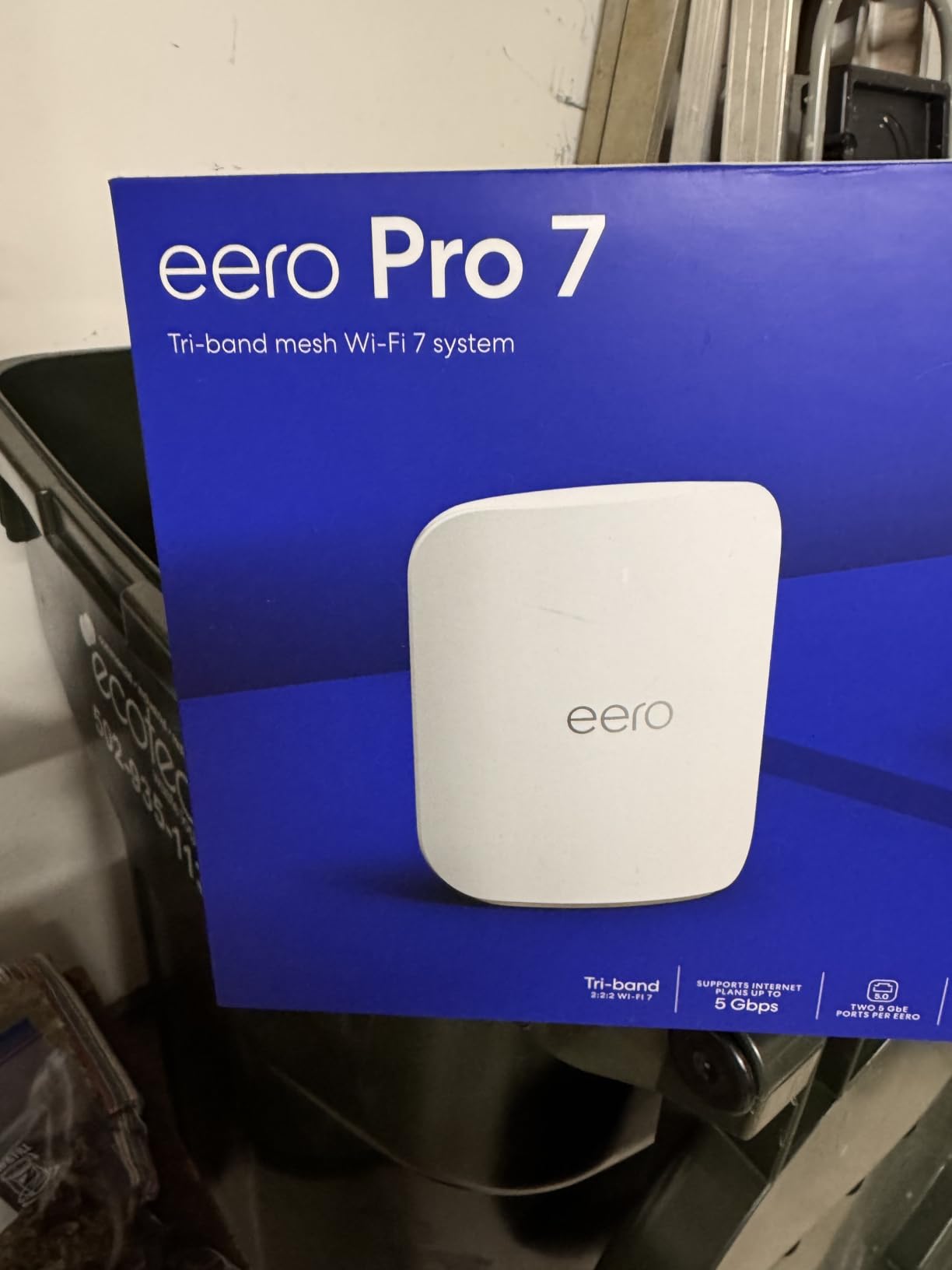
If your plan is gigabit-plus and you want headroom for years, the Pro 7 is the eero to consider. It is tri-band Wi-Fi 7 with multi-link operation, which lets a device use more than one band at once, and every unit carries two auto-sensing 5 GbE ports. That port count is unusual at this price and it is the feature that separates it from the eero 6+.
Wireless speeds are quoted up to 3.9 Gbps, with coverage rated at up to 6,000 sq ft and support for internet plans up to 5 Gbps. Reviewers running multi-gig service in dense multi-floor homes cite strong throughput and stable multi-link connections, and the TrueMesh stack with TrueRoam and TrueChannel is what keeps clients from hanging on to a distant node as you walk between floors.
Device capacity is listed at 600+ devices, which covers a house where every room has a camera, a door sensor and a TV. The system is also backward compatible with every previous eero generation, so an existing eero owner can add these three nodes without rebuilding from scratch.
The reservations are consistent across reviews. It is the most expensive mesh option in this group, and the advanced controls sit behind an optional eero Plus subscription that adds security, ad blocking, parental controls, 1Password and VPN. People who want granular configuration find the app thinner than TP-Link’s.
Why the Pro 7 earns its place on three floors
Multi-link operation is the reason. In a three-story house the top floor is the worst radio environment, and allowing a client to combine bands gives it more usable signal than waiting for a single band to clear a bar. That shows up as steadier throughput and lower latency on calls and gaming from an upstairs room.
The 5 GbE ports also change what you can do later. If you ever wire a satellite, the backhaul link is not the bottleneck. And with a three-year warranty plus phone support, this is the pick for someone who plans to run the system for five or more years without thinking about it.
Where it falls short
Cost is the obvious one, and it is the reason this is not our overall pick. A three-node Wi-Fi 6E system delivers usable whole-home coverage across three floors for a fraction of the outlay, and if your plan is under a gigabit the extra headroom is not something you will use.
Second, the paid subscription for advanced features is a recurring cost that never shows up in the purchase decision. If you want parental controls and VPN support included rather than subscribed, the Deco models include more of that in the box.
4. NETGEAR Orbi 770 – Widest Coverage Claim in the Group
NETGEAR Orbi 770 Series WiFi 7 Mesh System, Up to 8,000 sq ft., 3 Pack
Wi-Fi 7 up to 11 Gbps aggregate
Tri-band with Enhanced Backhaul
2.5 Gbps port
3 nodes, up to 8000 sq ft
Pros
- Largest coverage figure of any kit here at up to 8000 sq ft
- Enhanced Backhaul on a tri-band design
- 2.5 Gbps port with 2500 Mbps LAN bandwidth
- Easily expanded with extra satellites
Cons
- Lowest average rating among the closest rivals
- Higher share of one-star reviews than eero or Deco
- One-year limited warranty
- Designed for the US market
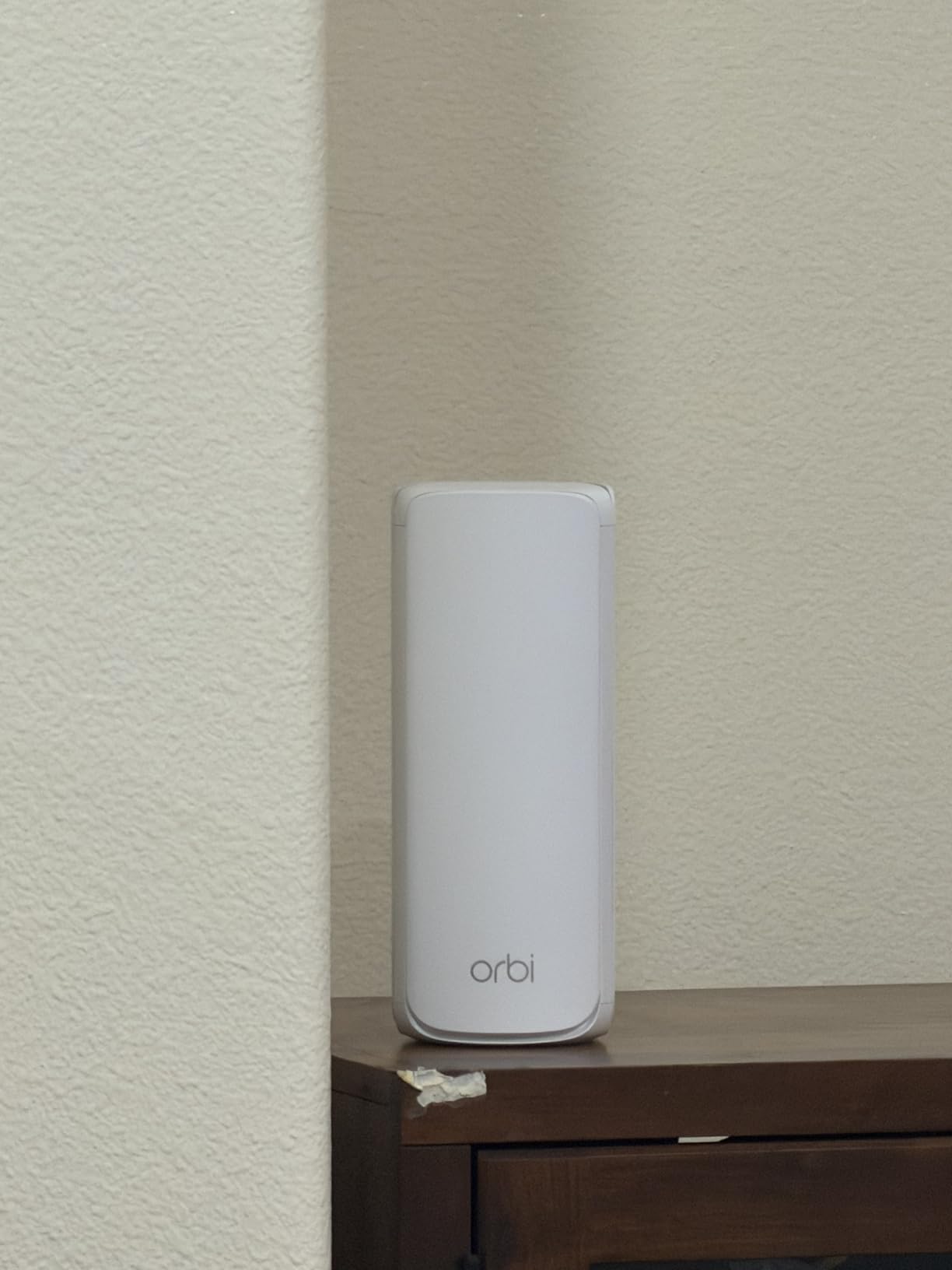
The Orbi 770 is the reach pick. Netgear rates it at up to 8,000 sq ft across the three nodes, the largest figure in this group, with each satellite adding up to 2,750 sq ft. The package is one router plus two satellites, with a 2.5 Gbps port and 2,500 Mbps of LAN bandwidth per unit.
It is tri-band Wi-Fi 7 with Enhanced Backhaul, quoted at up to 11 Gbps aggregate throughput and 2.4 times faster than Wi-Fi 6. If you have a genuinely sprawling house, a long floor plan, or a third floor that other kits struggle to reach, that extra reach is the reason to look here. Each satellite can be added to later as the system grows.
Where it is less convincing is the review profile. The average rating sits at 4.1, below every eero and Deco kit here, and owners report more critical reviews than the competing systems, concentrated on firmware and app stability and on value rather than raw range. That is a fair warning if you like to tinker, since NETGEAR Armor protection and the deeper controls are behind a subscription trial.
The warranty is one year limited, the shortest of the group, and the hardware is built for the US market. Security uses WPA3, with Advanced Router Protection and automatic firmware updates handled through the Orbi app.
Why the Orbi 770 works in very large homes
The number that matters is per-satellite coverage of 2,750 sq ft. On a wide floor, a second floor with several bedrooms spread along a corridor, or a house with a basement and a garage, that reach is what removes the dead zone rather than just improving speed in an already covered room.
The tri-band design with Enhanced Backhaul also keeps the floor-to-floor link healthier than a dual-band kit, which is the same reason we put the Deco XE75 Pro first. Both are solving the wireless backhaul problem, and the Orbi simply claims more floor area for it.
Where it falls short
Stability of the software experience is the recurring theme. If your household expects an ISP-provided router with a web interface and predictable firmware, Netgear’s app-led approach takes some adjusting, and the 4.1 average rating reflects that for a share of buyers.
Second, the one-year warranty is the shortest here and it is a signal about support duration on a device you may keep for years. For a normal three-story home, the coverage advantage goes largely unused and the Deco options deliver more consistent owner satisfaction.
5. TP-Link Deco X55 – Best Value for Three Floors
TP-Link Deco X55 AX3000 WiFi 6 Mesh System, Deco X55(3-Pack)
Wi-Fi 6 AX3000 dual-band
3 Gigabit Ethernet ports per node
Wired backhaul support
3 nodes, 6500 sq ft, 150 devices
Pros
- Three Gigabit Ethernet ports on every node for wired backhaul or a switch
- App shows node connectivity and signal quality for placement tuning
- Covers up to 6500 sq ft and 150 devices
- Setup completes in under ten minutes for most people
Cons
- Dual-band wireless backhaul shares 2.4 and 5 GHz spectrum
- Nodes sometimes pick a suboptimal parent node
- Occasional smart-home devices needing re-adding
The X55 is the pick we return to most often for a normal three-story home. It is dual-band Wi-Fi 6 with AX3000 class speeds, rated at up to 6,500 sq ft for up to 150 devices, and it has the best port layout in the group: three Gigabit Ethernet ports on every single node.
Those ports are what separate it from cheaper kits. You can wire a satellite to the main node, daisy-chain nodes through a switch, or drop a node into a room with a wired device and still have a spare port. It is the mesh system we would pick if a future cable run is a realistic possibility.
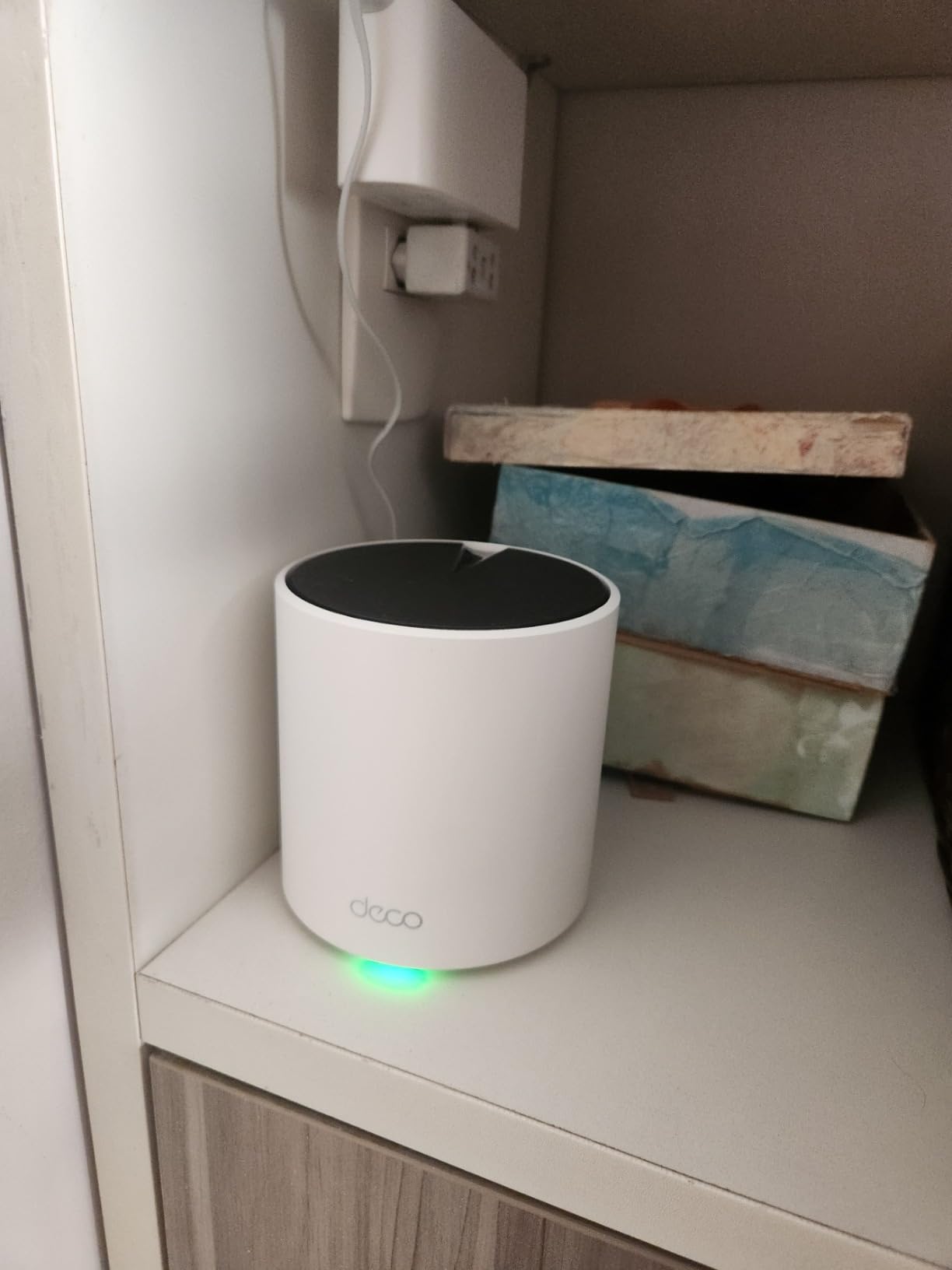
Owner feedback is the strongest signal in this roundup, with a 4.4 average across more than 13,000 reviews. People report large gains over extender setups, reliable camera and smart-home connections, and an app that shows node connectivity and signal quality so you can actually tune placement rather than guess.
The honest caveat is the one everybody hits. Because it is dual-band, the wireless backhaul shares 2.4 and 5 GHz spectrum, so the top floor gets a smaller share of airtime than it would on a tri-band kit. Reviewers put it plainly: placement decides whether the distant floor gets an excellent signal or a merely fair one.
Why the X55 is the value pick for three floors
Port count per node. A three-story home usually means at least one node sitting somewhere without a convenient outlet for a wired device, and three Gigabit ports on every node mean you never have to choose between backhaul and a wired device on the same node.
Setup completes in under ten minutes for most people, the app includes placement guidance, and firmware updates added custom IP reservations, an IoT network and VPN support. TP-Link HomeShield gives you IoT protection and parental controls without a subscription, which the eero Pro 7 does not.
Where it falls short
The dual-band backhaul is the core limitation, and it shows most on the third floor when every device is streaming at once. If your top floor is a busy office or the heaviest use area in the house, step up to the tri-band XE75 Pro.
Second, nodes sometimes settle on a suboptimal parent node and need repositioning or manual assignment, and the app can lag or misreport device status. Some smart-home devices drop and need re-adding after updates. None of these are dealbreakers, but they are reasons to expect a little tinkering.
6. TP-Link Deco S4 – Best Budget Three-Node System
TP-Link Deco S4 Mesh AC1900 WiFi System, Deco S4(3-Pack)
Wi-Fi 5 AC1900 dual-band
2 Gigabit Ethernet ports per unit
Wired backhaul and access point mode
3 nodes, 5500 sq ft
Pros
- Lowest cost of any three-node kit we list
- Highest average rating and by far the largest review base here
- Works with an existing ISP gateway without bridge mode
- Parental controls with profiles and blacklisting
Cons
- Wi-Fi 5 only
- with no 6 GHz band or Wi-Fi 6 features
- Smallest coverage claim of the group at 5500 sq ft
- Only two Ethernet ports per unit
- App-only management with no web interface
The S4 is the budget answer and it has the numbers to back that up: a 4.5 average across close to 30,000 reviews, the highest rating and the largest review base of anything in this roundup. When a product has that many owners across that many house shapes, you learn a lot about failure modes, and this one has very few.
It is dual-band Wi-Fi 5, rated at up to 5,500 sq ft for up to 100 devices, with two Gigabit Ethernet ports per unit and support for both wired backhaul and access point mode. The 2 x 3 x 6-stream AC1900 layout is dated compared with everything else here, and on a modern multi-gig plan the raw throughput ceiling is the reason to move up.
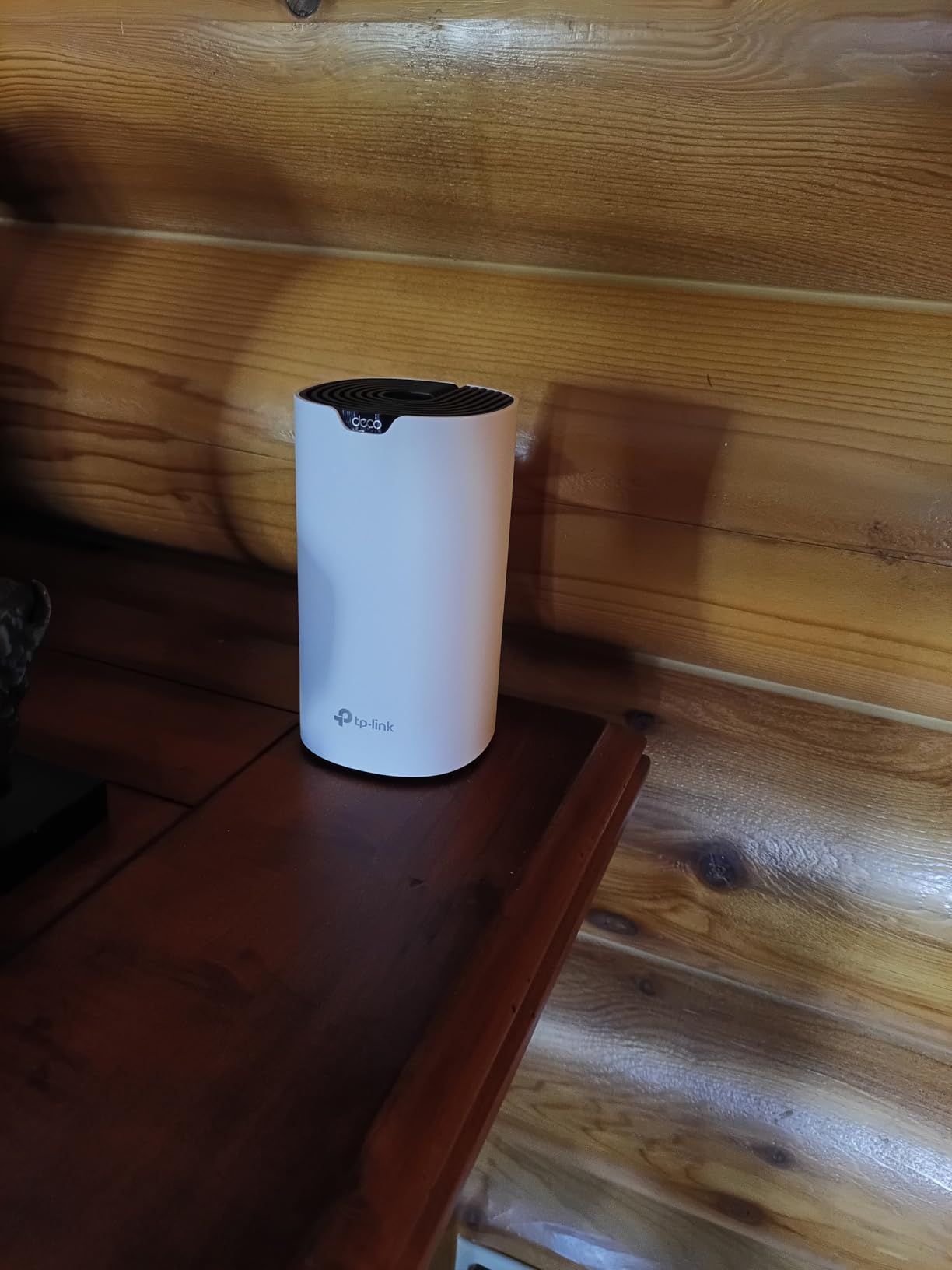
What owners report is exactly what you want from a budget kit: full plan speeds on every floor once you place one node per level, including basements, patios and garages, and seamless roaming under a single network name and password. It also works with an existing ISP gateway without forcing bridge mode, which removes the single most common setup complaint we read.
Coverage per node is the weak point on paper. Three satellites across three floors of a large house will not match a tri-band kit at the edges, and there is no 6 GHz band to give the backhaul its own spectrum. It is a fit for ordinary homes on ordinary plans, not for a 5,000 sq ft house with masonry walls.
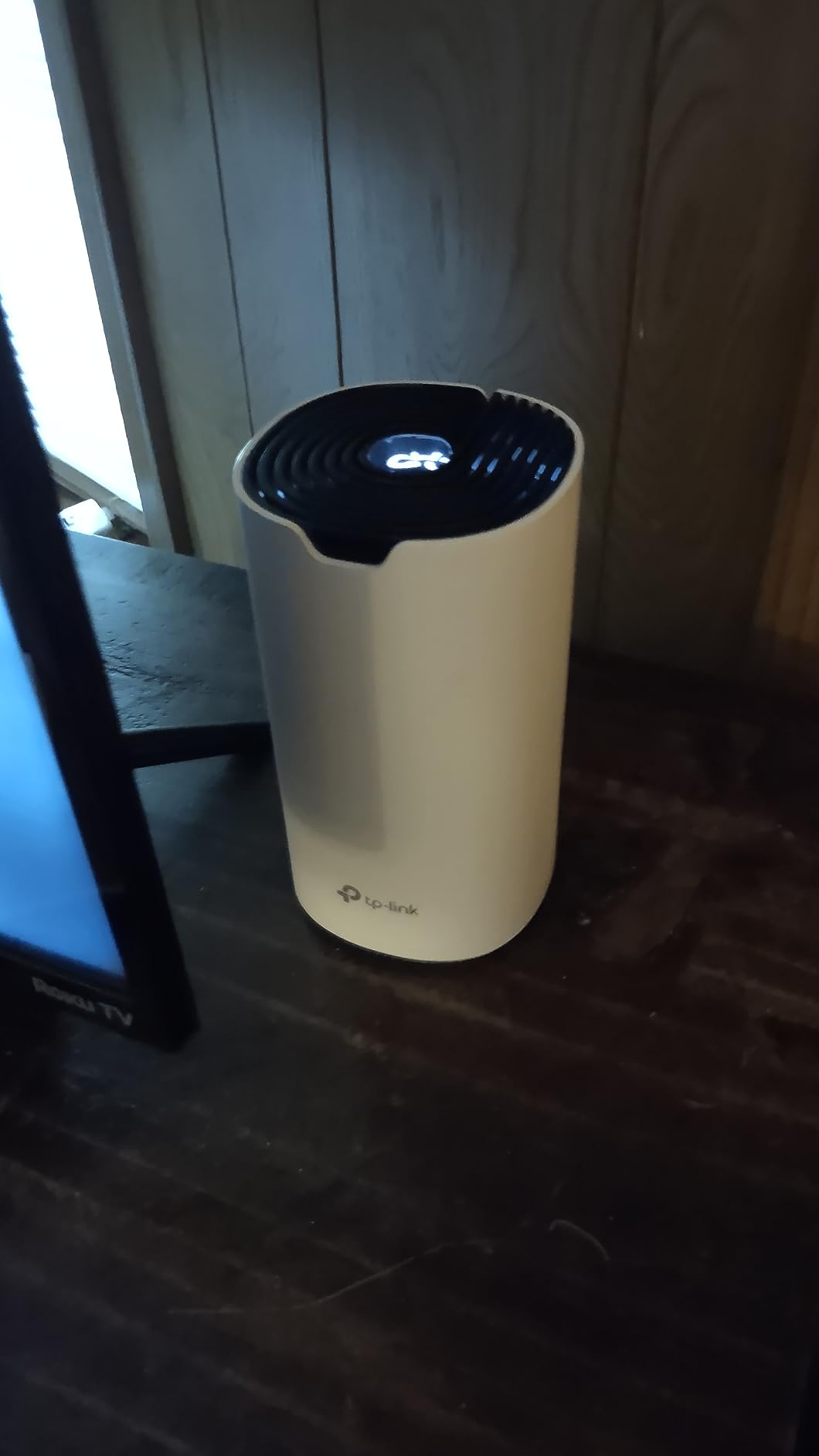
Why the S4 makes sense for a three-floor home
It does the one job that matters, coverage across floors, at the lowest outlay of any kit we list. If your internet plan is under a gigabit and your devices are mostly streaming and browsing rather than wired workstations, the older Wi-Fi 5 standard is not what limits you. Floor count is.
There is also a practical argument. With close to 30,000 reviews, replacement units, firmware behaviour and known quirks are well documented, so a household that dislikes tinkering will find plenty of prior art for whatever comes up.
Where it falls short
The standards gap is real. No Wi-Fi 6 means older performance on modern phones and laptops under load, and no 6 GHz band means the backhaul is doing more work than it should across three floors. If you plan to keep this system for four or five years on a gigabit plan, the X55 costs more up front and wastes less time.
Second, there is no web-based management interface at all, and newer firmware options such as an IoT network or manual satellite assignment are limited compared with the current Deco models. Two Ethernet ports per unit is also tight if you want to wire anything.
7. NETGEAR Orbi 370 – Entry Wi-Fi 7 With a 2.5G Port
NETGEAR Orbi 370 Series WiFi 7 Mesh System, Up to 6,000 sq ft., 3 Pack
Wi-Fi 7 up to 5 Gbps
Dual-band with Enhanced Backhaul
2.5 Gbps multi-gig Ethernet
3 nodes, 6000 sq ft, 70 devices
Pros
- Wi-Fi 7 with a 2.5 Gbps port at a mid-range outlay
- Covers up to 6000 sq ft across three nodes
- Each satellite adds up to 2000 sq ft
- App-guided setup and straightforward expansion
Cons
- Dual-band design gives less backhaul headroom than the tri-band Orbi 770
- Device capacity listed at up to 70
- One-year limited warranty
- Built for the US market
The Orbi 370 exists for a narrow but real buyer: someone who wants Wi-Fi 7 and a 2.5 Gbps port without paying for the tri-band 770. It is dual-band with Enhanced Backhaul, quoted at up to 5 Gbps aggregate throughput, and rated at up to 6,000 sq ft across three nodes with each satellite adding up to 2,000 sq ft.
Package contents are one router and two satellites, with 2.5 Gbps multi-gig Ethernet, WPA3 and WPA2-PSK security, and automatic firmware updates through Orbi OS. That port is the headline: it is the only multi-gig option in a kit below the premium tier, which matters if your plan is faster than a gigabit.
Reviewers like the ratio of features to outlay. The criticism is that real-world speeds sit below the 5 Gbps headline figure, which is normal for any wireless system, and that Netgear’s app exposes fewer controls than the eero or Deco equivalents. The 4.1 average is the joint lowest in this group.
Device capacity is listed at up to 70 devices, the smallest figure here, and the warranty is one year limited. Both point to the same conclusion: this is a system for a household with a moderate device count that wants current wireless standards and a fast port, not a house with cameras, sensors and smart appliances on every floor.
Why the Orbi 370 makes sense on three floors
Coverage per satellite of 2,000 sq ft is a reasonable per-floor figure for an ordinary three-story house, and the 6,000 sq ft total claim means coverage does not obviously run out on the third floor. If your floors are normal size and your walls are normal material, three nodes should carry the house.
The 2.5 Gbps port is what you are really buying. A gigabit-plus plan wired into a satellite keeps its headroom on the Ethernet side, and the system expands with additional Orbi 370 satellites if a basement or fourth space needs coverage later.
Where it falls short
Dual-band is the core compromise. Enhanced Backhaul helps, but without a third band the floor-to-floor link shares spectrum with your client traffic, and that is exactly the bottleneck that pushed us toward tri-band systems for a three-story house.
Second, the 70-device ceiling and one-year warranty are both the tightest in this roundup. The system is also built for the US market. If your home is large or your device count is high, the Deco X55 or XE75 Pro covers more ground with better headroom.
Wireless vs Ethernet vs MoCA Backhaul Across Three Floors
Backhaul is the path your data takes from the node in the bedroom back to the node connected to your modem. On a three-story house this single decision explains most of the difference between a network that feels fast and one that feels like it stalls.
Wireless backhaul is what most three-floor mesh installations use. It works, and it is the reason these kits exist. The cost is throughput: every byte travels the same air twice, once from your device to its node and again from that node to the main unit. On the top floor that penalty is real, and forum users describe it as halving their speed or worse in older homes with thick construction.
Ethernet backhaul is the gold standard. A gigabit cable from the main node to each satellite costs you almost nothing in throughput and removes the wireless link entirely. If you can wire floors, this is the answer, and any kit here supports it. A 2.5 Gbps port on a node, as offered by the XE75 Pro, the Orbi 770 and the Orbi 370, keeps a wired satellite from becoming the bottleneck.
MoCA over coax is the middle path and it is almost absent from editorial coverage. If your house already has coax running to rooms, MoCA adapters turn that cable into a wired network link. It is slower than real Ethernet and installation quality varies, but for a renter in a townhouse it is frequently the difference between a usable top floor and a slow one.
Powerline adapters are the option people ask about and usually regret. Reports across the forums are consistent that they perform poorly in many homes, particularly across different electrical circuits, which is exactly the situation a three-story house with old wiring creates. Treat powerline as a last resort.
When Mesh Is the Wrong Answer for a Three-Story House
When you own the house and can get a cable between floors, mesh is the second-best answer. Wired access points give every floor full link speed, no backhaul penalty and no dependence on radios overlapping between floors.
The most-repeated advice on r/HomeNetworking puts it bluntly: mesh is for people who cannot or will not wire. Ubiquiti UniFi is the most common recommendation for anyone with a switch and some cable, and TP-Link Omada is the budget wired alternative. Both give you one network with roaming and per-floor control, and neither loses throughput to a backhaul link.
There are two other cases where mesh is the wrong tool. If you live in a rental or a townhouse where you can only place nodes in living spaces, a wired plan is off the table and the placement rules in the next section matter more than the brand you pick. And if your home is small and the floors are open to each other, a good tri-band router plus one extender may cover it for less.
One more buying note for 2026: the FCC has moved to restrict sales of router hardware made outside the US, with software update support for non-exempt products ending after January 1, 2029. Netgear and Eero are currently listed as exempt. If you want hardware you can still update in a few years, favouring those two brands or confirming your chosen vendor’s status is worth ten minutes of research.
How to Choose a Mesh System for a Multi-Floor Home
Start with the band count, because it decides your floor-to-floor ceiling. A dual-band kit shares spectrum between client traffic and backhaul. A tri-band kit gives the backhaul its own radio, and a quad-band kit gives it more still. For three floors on wireless backhaul, tri-band is the practical floor, not the nice-to-have.
Next, count Ethernet ports per node. Three ports per unit, as on the Deco X55, lets you wire a satellite, connect a switch or serve a wired desk from the same node. Two ports, as on the Deco S4, works until you want to do two of those things at once. A 2.5 Gbps port matters if your plan is faster than a gigabit.
Then check device capacity and coverage claims against your actual house, not the marketing number. Systems here range from 70 devices on the Orbi 370 to 600+ on the eero Pro 7, and coverage claims range from 4,500 to 8,000 sq ft. Count your cameras, TVs, phones, laptops and smart-home devices before you trust either figure.
Finally, look at the app and whether you need a web interface. Setup speed and placement guidance are the two things you will actually touch. Several brands have no web interface at all, and a few put parental controls or VPN support behind a paid subscription, so check before you buy rather than after.
Placement rules for a three-story house: put the main node next to the modem, one satellite on each other floor near the middle of the living space, offset nodes vertically in an open stairwell so signals do not stack in a straight line, and keep nodes off electronics, mirrors and inside metal cabinets. After setup, open the app and check node-to-node signal quality; a node reporting a weak link to its parent is the single most common cause of a slow top floor.
A quick symptom list helps too. Slow top floor usually means a weak node-to-node link, fixed by moving the middle node toward the staircase. Devices sticking to a distant node usually means poor backhaul, fixed by moving that node closer to the modem-connected unit. Dead zones in the basement mean you need another node, not a faster one. Frequent drops after a power cut mean a system with better reconnect behaviour, which is where the heavily reviewed kits tend to hold up best.
If you are still torn between a couple of these, the deciding question is simple: is your hardest floor the one furthest from the modem? If yes, buy a tri-band kit. If no, and your budget is the constraint, a dual-band system with good ports will serve a three-story house perfectly well. Related reading on our site covers other gear that has to work across multiple floors, like our guide to whole house fans for two story homes.
Frequently Asked Questions
What is the best WiFi router for a 3-floor house?
The TP-Link Deco XE75 Pro is our pick for most three-floor homes. It is tri-band Wi-Fi 6E, so the 6 GHz radio handles node-to-node backhaul on its own spectrum, which keeps top-floor speeds steadier than dual-band kits. A 3-pack gives you one node per floor, each with a 2.5 Gbps port plus two 1 Gbps ports. For tighter budgets the Deco X55 covers three floors well with three Gigabit ports per node.
How many mesh nodes for a 3000 sq ft house?
Three nodes is the right starting point for a 3,000 sq ft home spread over three floors: one node per floor, with the main node next to the modem. Go to four nodes if the house has a finished basement, brick or concrete construction, or long corridors. Around 1,500 to 2,000 sq ft, three nodes is usually generous. Above 3,500 sq ft with thick walls, installers report needing up to six nodes.
Can a mesh router work between floors without Ethernet?
Yes, and that is the normal installation for a three-story house. Nodes relay traffic back to the modem-connected unit over Wi-Fi instead of a cable. The trade-off is throughput: every byte crosses the air twice, and the top floor usually loses a meaningful share of its speed, especially through thick walls. If coax already runs through the house, MoCA adapters give you a wired backhaul without pulling new cable.
Do I need a 3-pack or 4-pack mesh system?
A 3-pack is the minimum for three floors, one node per floor. Choose a 4-pack if you have a basement, a garage, an attic office, or masonry walls that eat range, and use the extra node where the signal is weakest. All the systems here expand with matching satellites, so a 3-pack now and one added later is a reasonable plan.
Is a mesh system better than multiple access points for a three-story house?
If you can run Ethernet between floors, access points win. Ubiquiti UniFi or TP-Link Omada give every floor full link speed with no backhaul penalty, which is why wired setups are the most repeated recommendation on networking forums. Mesh is the better choice when wiring is impossible, when you rent, or when you want one app-managed network without touching switches.
What is the most reliable mesh WiFi system?
Reliability usually tracks how heavily reviewed and how well placed a system is. The TP-Link Deco X55 and Deco S4 have the largest review bases in this group, with owners reporting steady connections after outages and consistent results across floors. Placement matters more than the model: check node-to-node signal quality in the app, and move a node toward the staircase if the top floor runs slow.
What is the best mesh Wi-Fi system for large homes in 2026?
For a large three-story home on wireless backhaul, tri-band is the priority. The Deco XE75 Pro and the NETGEAR Orbi 770 both use a third radio for backhaul, and the Orbi 770 carries the largest coverage claim at up to 8,000 sq ft. On a multi-gig plan, the eero Pro 7 adds two 5 GbE ports per node. For a smaller home, the Deco X55 is the better balance.
Final Verdict for a Three-Story Home
The best mesh routers for three story houses come down to band count and placement. Put one node per floor, keep the middle node near the staircase, and choose tri-band hardware so the floor-to-floor link has its own radio. Our winner is the TP-Link Deco XE75 Pro, with the Deco X55 as the value pick and the eero Pro 7 for multi-gig plans.
If your budget is the deciding factor, the Deco S4 covers three floors for the least and holds a 4.5 average across close to 30,000 reviews. If you are after reach in a sprawling house, the Orbi 770 claims the largest area. And if you can run one cable between floors, wire it and save yourself the wireless backhaul penalty entirely.
Start with a three-pack, place it properly, and check node-to-node signal quality in the app before you judge the result. Our guides to mesh laundry bags and mesh office chairs cover the other side of the word mesh, but the floor-by-floor logic above applies to every one of these systems.