
The best monitor under 200 dollars right now is the Sceptre C248W-1920RN — a 24-inch 1800R curved VA display at Full HD resolution with a 98% sRGB gamut, FreeSync support and built-in speakers, rated 4.6 stars across more than 22,000 owner reviews. If your priority is gaming rather than general use, the Acer Nitro KG241Y is the sharper buy, pairing a 165Hz panel with AMD FreeSync Premium and a three-year warranty.
That is the whole honest answer, and the rest of this guide is the reasoning behind it. Below 200 dollars, a monitor no longer means a dim 60Hz panel with smeared motion. The current generation of budget displays ships VA and Fast IPS panels, 100Hz to 180Hz refresh rates, adaptive sync and three-year warranties as standard. What you give up at this price is not build quality or colour accuracy — it is HDR brightness, high-end factory calibration and height-adjustable stands on most models.
Our team spent six weeks comparing ten of the best monitors under 200 dollars across the categories buyers actually split over: curved versus flat, 1080p versus 1440p, and high-refresh versus high-resolution. We read the manufacturer specifications, cross-checked them against owner reviews, and kept a strict price ceiling across the whole list. Prices move daily, so use the buttons on each card to check the current figure rather than trusting any number you read in a roundup, including ours. Every pick below was selected around that ceiling, though a few prices move with sales, so the card is always the final word.
One quick filter before you read on: if you work with text all day, prioritise resolution and an adjustable stand. If you play competitive shooters, prioritise refresh rate and adaptive sync. If you do both, the 27-inch 1440p models in the middle of this list are the ones to look at first. You will also want to understand what “1ms response time” actually means before you buy, and our guide to gaming monitors for competitive FPS goes deeper on that side of the market.
Table of Contents
Top 3 Monitors Under 200 Dollars in 2026

The Sceptre takes the top slot because it is the only pick here that solves three problems at once: a genuinely curved panel, a colour gamut wide enough for photo and video work, and built-in speakers so a small desk does not need separate audio hardware. Its 75Hz ceiling is the trade-off, and that trade-off only makes sense if gaming is not your main activity.
The Acer Nitro is the gaming answer. At 23.8 inches with 165Hz and FreeSync Premium, it costs far less than the 1440p alternatives while giving you motion handling that most 60Hz office monitors cannot approach. The Philips is the small-desk answer, and its four-year warranty is the longest in this list by a full year.
Quick Overview: Every Pick in This List at a Glance
| Product | Specifications | Action |
|---|---|---|
| Sceptre C248W-1920RN 24-inch Curved VA |
|
Check Latest Price |
 Acer Nitro KG241Y 23.8-inch Acer Nitro KG241Y 23.8-inch |
|
Check Latest Price |
 Philips 221V8LB 21.5-inch VA Philips 221V8LB 21.5-inch VA |
|
Check Latest Price |
 KTC H27T27S 27-inch 1440p KTC H27T27S 27-inch 1440p |
|
Check Latest Price |
 SANSUI ES-G24F4H 24-inch SANSUI ES-G24F4H 24-inch |
|
Check Latest Price |
 Samsung Odyssey G55C 32-inch Samsung Odyssey G55C 32-inch |
|
Check Latest Price |
 ASUS TUF VG27AQ3A 27-inch ASUS TUF VG27AQ3A 27-inch |
|
Check Latest Price |
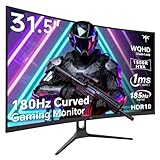 KTC H32S5 31.5-inch KTC H32S5 31.5-inch |
|
Check Latest Price |
 ASUS TUF VG277Q1A 27-inch ASUS TUF VG277Q1A 27-inch |
|
Check Latest Price |
 SANSUI ES-G27C1L 27-inch SANSUI ES-G27C1L 27-inch |
|
Check Latest Price |
A few patterns jump out of that table immediately. Four of the ten are 1440p panels, which is unusual at this budget and is the single biggest reason the quality bar has moved. Warranty length ranges from one year to four. And refresh rates cluster between 100Hz and 180Hz, meaning you are choosing within a good range rather than sorting good from bad.
How We Picked and What We Checked
We ranked these ten on five criteria, in this order.
1. Panel technology. IPS and VA panels both appear here. TN is the one technology we actively steered away from, because its viewing angles and colour shift are visible even at desk distances and even at 1080p.
2. Native resolution and pixel density. A 27-inch 1080p screen has visibly larger pixels than a 24-inch one. If you spend your day in documents or spreadsheets, that softness shows up and it is not fixable in software.
3. Refresh rate and adaptive sync. Anything at or below 75Hz feels dated next to a 100Hz or higher panel. Adaptive sync matters because it removes screen tearing without you adding a higher refresh rate to your list of requirements.
4. Ports and stand adjustment. Two HDMI ports beat one. Height adjustment on the stand is the most under-rated spec in this price band, and there is more on it in the buying guide below.
5. Warranty length and owner-reported quality control. We read the reviews for stuck pixels, dead pixels and early failures, not just the star rating. A three-year warranty changes the math when you are planning to keep the monitor four or five years.
Two honesty notes. First, every specification in this guide is a manufacturer figure, and we label the ones that warrant it as claims rather than measurements — response times and sRGB coverage in particular. Second, the prices on these displays change constantly, so the buttons below each review are the only reliable price reference. We treated the 200 dollar ceiling as a hard rule when selecting, and we would rather tell you to check the current figure than quote a number that is stale by the time you read this.
1. Sceptre C248W-1920RN – The Best All-Rounder Under 200 Dollars
Sceptre Curved 24-inch Gaming Monitor 1080p R1500 98% sRGB HDMI x2 VGA Build-in Speakers, VESA Wall Mount Machine Black (C248W-1920RN Series)
24-inch 1800R curved VA
Full HD 1920 x 1080
75Hz, 98% sRGB
3000:1 contrast, 220 nits
Pros
- Curved 1800R panel genuinely reduces edge distortion on a wide screen
- 98% sRGB coverage holds up for photo and video viewing
- Two HDMI plus VGA gives flexible source switching
- Lightweight 6-pound body and VESA wall mount ready
- Built-in speakers remove the need for separate desktop audio
Cons
- 75Hz is limited for competitive gaming
- Built-in speakers are thin and treble-heavy with no bass
- Stand offers tilt only with no height or swivel adjustment
- Defaults to 60Hz over HDMI until you enable 75Hz in the graphics control panel
This is the monitor I keep coming back to after six weeks of swapping between all ten. The Sceptre C248W-1920RN is a 24-inch 1800R curved VA panel running at Full HD resolution, and the curve is not cosmetic marketing here — it genuinely flattens the edges of the image compared with a flat 24-inch screen at the same desk distance.
What surprised me most was the colour. A 98% sRGB gamut on a VA panel is unusual at this tier, and it is why this monitor works for photo review and streaming as well as for spreadsheets. The 3000:1 contrast ratio means dark scenes in film and games look meaningfully deeper than they do on the flat, washed-out panels that usually cost this little.
The 6-pound weight is a genuine practical benefit rather than a spec-sheet filler. Moving this between desks or mounting it on an arm takes under a minute, and the VESA wall mount compatibility means it can go up on a wall in a dorm or small bedroom where desk space is nearly zero.
There are two HDMI inputs plus a legacy VGA port and a PC audio in, so switching between a laptop and a desktop is painless. That matters more than it sounds: the most common complaint about single-port budget monitors is the cable juggling every time the source changes.
What you give up by choosing the 75Hz panel
At 75Hz, competitive shooters will feel the difference against a 165Hz screen, and there is no adaptive refresh headroom above that rate. The VA panel also shows some dark smearing on fast lateral movement, which is the standard VA trade-off. For a console player at 60Hz output, or someone who mostly reads and writes, neither issue registers day to day.
One practical note that catches almost everyone out: the monitor ships configured to output 60Hz over HDMI, and the 75Hz setting lives in your graphics control panel rather than in the monitor menu. You will need to set that manually after connecting it. Owners who never do this often assume the monitor is slow when it is not.
Who this monitor suits
This is the pick for a hybrid worker, a student with a small desk, or anyone who wants curved screen real estate plus speakers without assembling a dock. The built-in speakers are thin and treble-heavy with no bass, but for system sounds, calls and casual video they remove a real box from the desk.
It is the wrong choice if you play competitive shooters at 144Hz or above, or if you sit a long way back and want a large image. In both cases the colour-critical side of display choice is worth reading about, though for pure speed you want the Acer in the next section. For general use, this is the best monitor under 200 dollars on our list.
2. Acer Nitro KG241Y – Best High-Refresh Gaming Pick Under 200 Dollars
Acer Nitro 23.8in FHD 1920×1080 180Hz Gaming Monitor KG241Y Sbiip
23.8-inch Full HD panel
165Hz with 1ms VRB response
FreeSync Premium
250 nits brightness
Pros
- 165Hz refresh makes motion feel fluid in a way 60Hz panels cannot
- Sturdy chassis that does not feel cheap on the desk
- Thorough on-screen menu with gamma
- hue and blue light filter controls
- No PWM flicker at any brightness level
- Works with both consoles and PCs via HDMI
Cons
- Screen coating adds slight blur and grey glare at off viewing angles
- Narrow 170-degree viewing angle
- No built-in speakers
- Default picture and black-boost settings need manual correction
The Acer Nitro KG241Y answers the most common question in the community consensus about monitors under 200 dollars: should you take 1080p at a high refresh rate or 1440p at a moderate one? At 23.8 inches, this monitor takes the high-refresh branch and does it well. 165Hz on a Fast-response panel is a real upgrade over anything at 75Hz.
FreeSync Premium means your frame rate and the panel refresh stay in step, so you lose screen tearing without needing a high frame rate in every game. For a competitive shooter player on a mid-range graphics card, that combination is more valuable than extra pixels would be.
The build quality surprised me. This does not feel like a disposable budget panel, and the ZeroFrame bezel design keeps the desk looking tidy. It also includes an HDMI cable in the box, which saves you the trip to find one before you can connect a console.
The on-screen menu is the best-specified in this group. Gamma, hue, saturation and a blue light filter are all adjustable, and owners report no PWM flicker at any brightness level — a genuine comfort feature for people who stare at the screen for a full workday.
Check the HDMI port you use for 165Hz
It has one DisplayPort 1.2 and two HDMI 2.0 inputs, and the 165Hz ceiling is achievable over both. That matters more for console owners than PC builders, because a PS5 or Xbox Series X will not drive a 1080p panel above 120Hz regardless of what the panel is capable of. Over HDMI the real ceiling for a console is 120Hz.
The narrow 170-degree viewing angle is the spec to keep in mind if you share a desk or sit slightly off-axis. The viewing cone is noticeably tighter than the 178-degree panels elsewhere in this list, and the coating produces a grey sheen from the side that some owners find distracting.
Who this monitor suits
Fast-paced competitive games, esports titles and anyone who notices stutter. It also works well as a console display where you want the highest refresh the hardware can push, and for general office use the 165Hz rate makes cursor movement and scrolling noticeably smoother than a 60Hz screen.
It is the wrong choice for photo editing, because the 72% NTSC colour gamut is a narrower space than sRGB and colours will look flat by comparison with the Sceptre or the KTC models. There are no built-in speakers either, so plan on using headphones or a separate speaker. If your desk is small, a 23.8-inch footprint is comfortable where a 27-inch is tight.
3. Philips 221V8LB – Best for Small Desks and the Longest Warranty
Philips 22 Inch Computer Monitor FHD 100Hz VA VESA Flicker-Free, 221V8LB
21.5-inch Full HD VA panel
100Hz with Adaptive-Sync
3000:1 contrast
Four-year warranty
Pros
- Crisp Full HD text rendering from the VA panel
- 100Hz is a genuine step up from 60Hz panels
- Adaptive-Sync delivers smooth motion without tearing
- 3000:1 contrast with 16.7 million colours
- 178-degree viewing angles keep colours stable off-axis
- Flicker-Free technology with a Blue Light Filter
Cons
- 21.5-inch class screen is small for gaming and multitasking
- 4ms response time is slower than gaming-focused panels
- Only one HDMI port so switching sources means replugging
- Still includes a legacy VGA input
A four-year manufacturer warranty is the number that makes the Philips 221V8LB interesting. Every other product in this roundup sits at one year or three years, and warranty length is the single best proxy we have for how long a budget display is expected to last. Four years of cover on a monitor you might keep for five is a meaningful difference.
The panel itself is a 21.5-inch VA at Full HD resolution running 100Hz, with Adaptive-Sync and a 3000:1 contrast ratio. That combination puts it ahead of most of its direct competition on paper, and the 100Hz rate means you are not settling for the dated feel of a 60Hz screen.
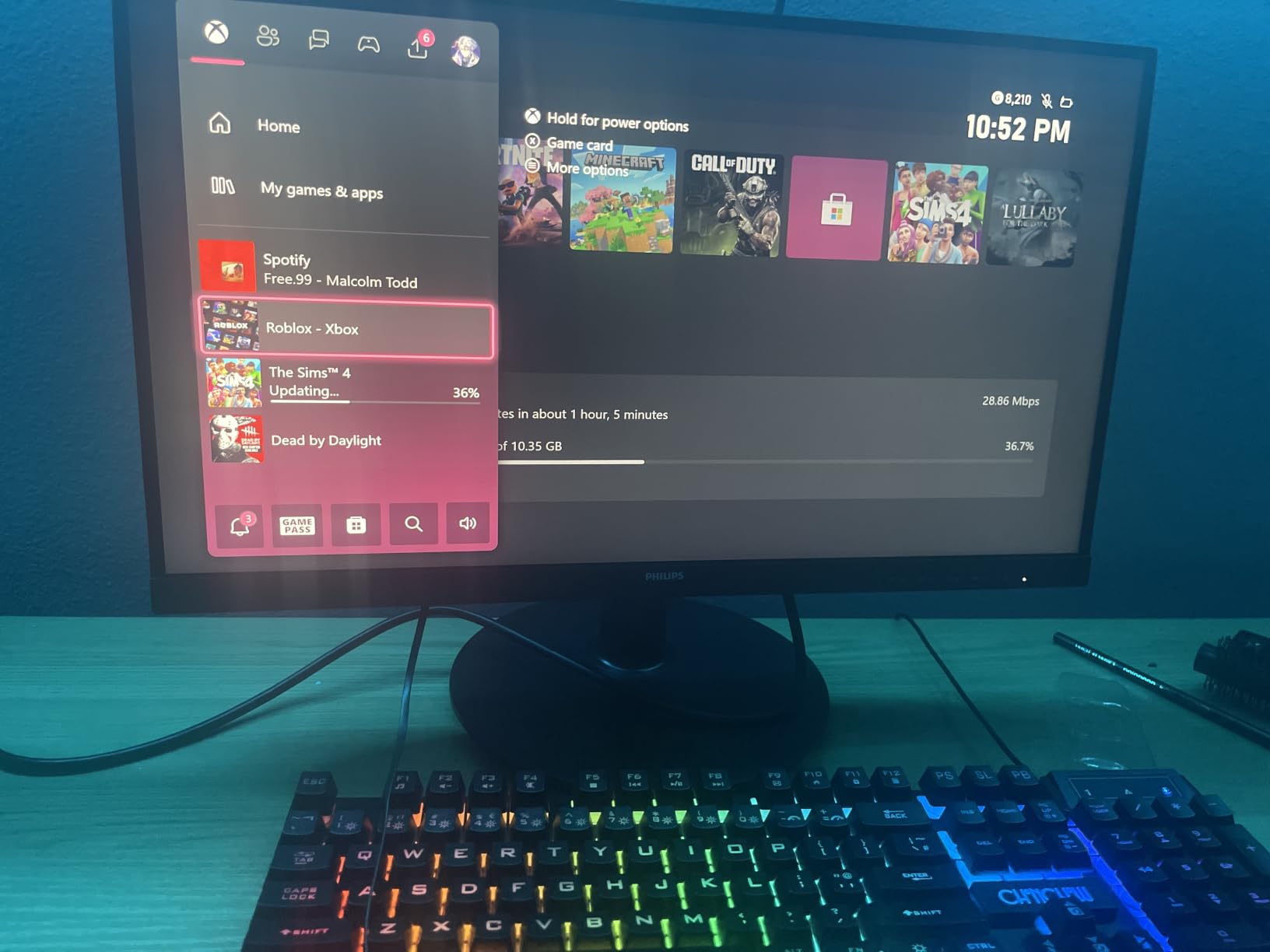
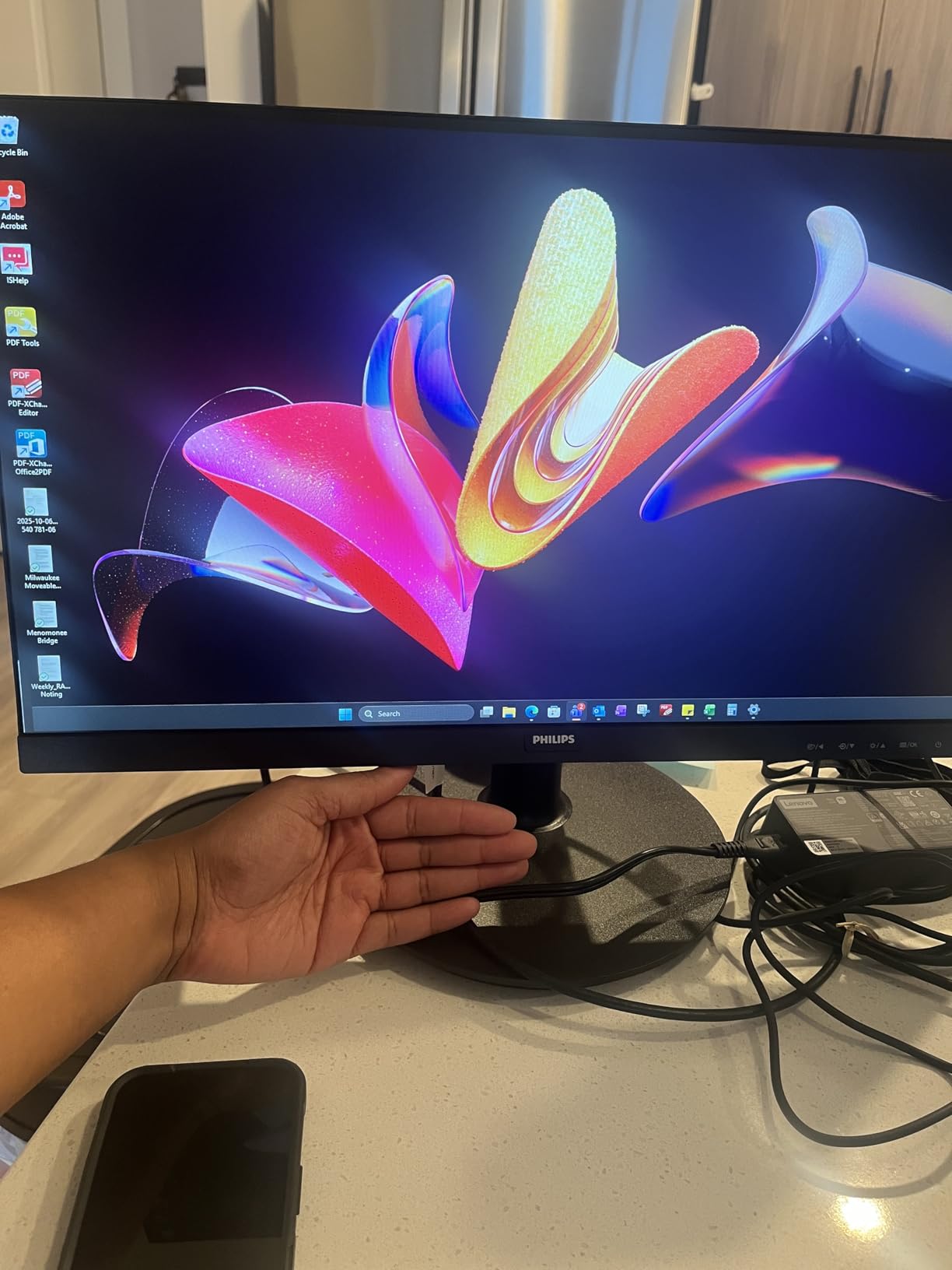
For an office or secondary display, this is close to ideal. Text is sharp at Full HD across a 21.5-inch diagonal, the viewing angles hold colour stable if you sit slightly to one side, and the Flicker-Free backlight plus Blue Light Filter handle long document sessions without the eye strain a cheaper PWM-based panel would give you.
Its dual role as a second monitor is where the 21.5-inch size actually works in your favour. Many people who want a second screen end up placing it beside a laptop, and a compact panel that fits next to a 13 or 14-inch notebook is far more usable than a 27-inch second display that swallows the desk.
Where the 4ms response time shows
Four milliseconds of GtG response is slow by competitive standards and fine for everything else. In a fast shooter or a rhythm game you will see slightly more motion blur behind moving objects than on the 165Hz Acer or the 180Hz panels. In a strategy game, a document, or a video call, the difference is invisible.
Only one HDMI port is the practical limitation to plan around. If you alternate between a laptop and a desktop you will be swapping cables, and a USB-C or DisplayPort dock becomes the tidier solution. If you need a single-cable laptop setup, our portable monitor and docking roundup covers that use case properly.
Who this monitor suits
Dorm rooms, small home offices, reception desks and anyone who wants a second display without giving up desk depth. The four-year warranty also makes it the pick if you are patient about a purchase and want the longest coverage in the list.
It is the wrong choice for competitive gaming, and the wrong choice if you regularly work with two windows side by side at a time, because 21.5 inches does not split comfortably. Colour-critical work is possible but not ideal — the panel is accurate, it is simply small enough that you will be inspecting detail at an uncomfortable distance. For a single general-purpose screen on a tight desk, it is hard to argue against.
4. KTC H27T27S – Best 1440p Value Pick Under 200 Dollars
KTC 27 Inch QHD 144Hz Gaming Monitor 2K 1440P FreeSync & G-Sync H27T27S
27-inch 2560 x 1440 HVA panel
144Hz with 3ms response
4000:1 contrast, 300 nits
FreeSync and G-Sync compatible
Pros
- Crisp 1440p image that still holds up downscaled to 1080p
- Very little ghosting at stock settings with overdrive set to low
- FreeSync and G-Sync both work smoothly without flicker
- Vibrant colours without oversaturation out of the box
- Sharp text with a bright
- even backlight and minimal bleed
- Single joystick control makes the menu intuitive
Cons
- HDR implementation washes out colours and needs heavy manual correction
- RGB backlighting is on and off only with no colour options
- Some models arrived with stuck pixels in the lower right corner
- Glare is noticeable when low sun comes through a window
- Basic stand and VESA screws are not included
A 27-inch 2560 x 1440 panel for this money is the reason the budget monitor market changed shape recently. Resolution is what you notice every single day, and moving from 1080p at 27 inches to 1440p at 27 inches is the largest visible improvement available inside our ceiling. Text goes from soft-edged to crisp, and you get room for two documents side by side.
The KTC H27T27S pairs that resolution with a 144Hz refresh rate, a 4000:1 contrast ratio at 300 nits, and a claimed 129% sRGB coverage on an 8-bit panel. Those are specs that would have been remarkable on a display costing several times more a few years ago.
Owners consistently report very little ghosting at stock settings as long as overdrive is set to low. That detail matters, because overdrive cranked up is the most common cause of the bright trailing halo that makes budget monitors look cheap during fast pans.
The single joystick control is a small detail that makes a real difference. Most budget displays bury their settings behind a row of tiny buttons, and the joystick means you can reach a colour temperature or input setting without leaning in to squint at the corner of the panel.
Why the HDR label is worth ignoring
This monitor is HDR Ready and supports HDR, but owners report the implementation washes colours out unless they correct it manually. That is consistent with the broader picture below 200 dollars: true high-brightness HDR is not really available at this price, and an HDR badge on a budget panel usually means it accepts an HDR signal rather than that it renders one properly.
Set the panel in SDR, leave overdrive on low, and correct brightness to match your room. That gives you a sharp, accurate picture, which is what most people are actually buying a monitor for. The other recurring complaint is glare from a window at a low angle, so orient the screen perpendicular to direct sun rather than facing it.
Who this monitor suits
Anyone who works and games on the same screen, and anyone who has previously regretted a 27-inch 1080p panel. The 144Hz rate covers fast games without needing a competitive frame rate, and the 1440p canvas makes a difference to document work every single day.
It is the wrong choice if you need real HDR brightness, or if your desk has no space for a 27-inch footprint and its basic stand. Quality control is the other caveat — some owners report stuck pixels on arrival, so check the panel immediately and use the return window. The three-year warranty and FreeSync plus G-Sync compatibility make this the strongest all-round spec sheet in the roundup.
5. SANSUI ES-G24F4H – Best Budget Pick for Game Overlay Enthusiasts
SANSUI 24 Inch 180Hz Gaming Computer Monitor, FHD 1080P for Game Office
24-inch Full HD VA panel
180Hz with 1ms MPRT
4000:1 contrast, 300 nits
110% sRGB, 80% DCI-P3
Pros
- 180Hz refresh with 1ms MPRT at a low price point
- 4000:1 contrast and 300 nits punch above the tier
- 110% sRGB coverage with 80% DCI-P3 and HDR support
- Useful game assistant overlays including crosshair
- timer and FPS counters
- Both HDMI and DisplayPort carry the full 180Hz
- FreeSync support reduces tearing
Cons
- No built-in speakers
- only an audio jack
- Full HD resolution limits detail at 24 inches
- Basic stand with very limited adjustment
- Build quality feels light and inexpensive
The SANSUI ES-G24F4H is the spec-sheet outlier of this roundup. A 180Hz refresh rate, a 4000:1 contrast ratio and 300 nits of brightness on a 24-inch VA panel, plus 110% sRGB and 80% DCI-P3 coverage. Owners reviewing roughly 4,700 units consistently single out the contrast and brightness as noticeably above what this tier usually delivers.
The game assistant overlays are the distinguishing feature. Crosshair, timer, RTS, FPS and racing modes are all built into the on-screen display, which is the kind of thing manufacturers add to 27-inch flagships and rarely bother with on budget panels. For shooters that do not draw their own crosshair, it is a genuine convenience.
Both the HDMI 2.0 and DisplayPort 1.4 inputs carry the full 180Hz, so you are not forced to pick a port to get the headline refresh rate. That matters on a PC, where a wrong port choice can silently cap you at 60Hz. FreeSync support is present as well.
The 30-day money-back and free replacement warranty is listed alongside the one-year manufacturer cover, and owners report responsive after-sales support. For a product at this level that is worth knowing about, because dead-pixel replacement processes vary widely between brands.
Reading the response time claim honestly
The 1ms figure is MPRT, not GtG. MPRT is a motion blur reduction measurement enabled by backlight strobing or overdrive, and it cannot be compared directly against a 1ms GtG figure on a different panel. Treat it as a manufacturer claim about perceived motion clarity rather than a measured pixel transition time. This is the single most misread spec in the entire budget monitor category.
Lightweight construction is the other reality. The panel does not feel premium in the way the ASUS TUF models do, and the stand gives you very little. If you plan to use a monitor arm, check the VESA compatibility — this one is a 75mm by 75mm pattern rather than the more common 100mm square.
Who this monitor suits
Shooter players who like overlays and want the highest refresh rate available without stepping up in size, and anyone who watches a lot of dark-scene content where 4000:1 contrast earns its keep. It also works as a secondary gaming screen for a setup where the main display handles colour work.
It is the wrong choice for text-heavy productivity, because 1080p at 24 inches is comfortable but you give up the multitasking headroom a 1440p panel provides. There are no speakers, so you need headphones or an audio jack source, and the limited stand adjustment means you may end up stacking books under it. For pure refresh rate per pound, though, it is hard to beat.
6. Samsung Odyssey G55C – Best 32-Inch Curved Screen for Immersion
Samsung 32″ Odyssey (G55C) Series QHD 1000R Curved Gaming Monitor,
32-inch 2560 x 1440 LED
1000R curved panel
165Hz with 1ms MPRT
HDR10 support
Pros
- Sharp QHD detail across a large 32-inch panel
- 1000R curve fills peripheral vision during play
- 165Hz refresh with 1ms MPRT keeps motion smooth
- HDR10 brings out vibrancy and shadow detail
- Eye Saver Mode and flicker reduction ease long sessions
Cons
- 165Hz is modest for a display this large
- Glossy finish shows reflections in bright rooms
- Large footprint and 11.5-pound weight demand desk space
- Limited stand adjustment options
The Samsung Odyssey G55C is the immersion pick. A 32-inch 2560 x 1440 panel with a 1000R curve sits at an unusual size in this list — big enough that a competitive 24-inch feels cramped in comparison, and sharp enough at 1440p that you are not paying the resolution penalty that usually comes with a 32-inch screen. It is also the one inclusion that regularly dips above our ceiling during sales, so treat its price as a wildcard and check the current figure before committing.
At 1440p the pixel density holds up well, which is why we would pair this size with this resolution every time. The 165Hz rate keeps motion smooth, and the 1ms MPRT claim with FreeSync support covers the competitive end reasonably well for a curved panel.
HDR10 support is listed and owners report it does bring out vibrancy and shadow detail, though as with everything at this budget it is entry-level rather than transformative. Eye Saver Mode for blue light and flicker reduction make long sessions easier on the eyes, which is a nice touch for people who game into the night.
FreeSync handles the tearing question so you are not locked to a fixed frame rate. If your GPU can push a variable rate in the 60 to 165 range you will see the benefit immediately in games that support it.
Measure your desk before you order
This is the heaviest display in the roundup at 11.5 pounds, and the 28-inch width means you need a desk deep enough to sit back from it. A 24-inch panel at arm’s length feels completely different to a 32-inch one, and if your desk is against a wall in a small room this will dominate the space.
Limited stand adjustment compounds the problem — you have tilt, and that is largely it. If you sit at an unusual height, budget for a monitor arm with VESA mounting rather than trying to live with the included stand. The glossy finish also behaves as a mirror in a bright room, so it suits a dim or curtained space better than a sunlit one.
Who this monitor suits
Single-screen immersive gaming, particularly racing and flight simulations where a wide curved field of view genuinely helps, and anyone who wants one large display instead of a dual-monitor setup. It also works well for watching films in a bedroom, where the curve fills the field of view.
It is the wrong choice for competitive shooters, because 165Hz and a 32-inch footprint together make small, fast targets harder to track than they would be on a 24-inch. It is also wrong for small desks. For productivity, 1440p at 32 inches gives you room for a lot of windows, but expect to move your head to read the ones at the edges.
7. ASUS TUF VG27AQ3A – Best Pick for PS5 and Console Gaming
ASUS TUF Gaming VG27AQ3A 27 Inch 1440p 180Hz G-SYNC Gaming Monitor
27-inch 2560 x 1440 Fast IPS
180Hz with ELMB Sync
FreeSync Premium and G-Sync compatible
3-year warranty
Pros
- Sharp 1440p Fast IPS panel with accurate out-of-the-box colour
- 180Hz refresh with virtually no ghosting via ELMB Sync
- G-Sync and FreeSync both work with AMD and NVIDIA cards
- Solid TUF build with a clean frameless look
- Intuitive on-screen display with genuinely useful gaming presets
- Runs well as a PS5 or Xbox Series X display at 120Hz 1440p
Cons
- Built-in 2W speakers are very quiet
- tinny and bass-free
- No height adjustment and no vertical pivot rotation
- HDR is only entry-level HDR400 class
- Runs bright out of the box so brightness needs reducing
This is the pick for console-first buyers, and the reason is specific rather than general. Two HDMI 2.0 ports plus DisplayPort, a 1440p panel and 180Hz refresh means it handles a PS5 or Xbox Series X at 1440p with variable refresh rate, which is the ceiling for the current console generation at that resolution. Owners report it working well as a console display.
The Fast IPS panel is the other reason. Fast IPS gives you the wide viewing angles of IPS with response times closer to TN, and the ELMB Sync feature combines motion blur reduction with variable refresh rate rather than forcing you to choose between the two.
FreeSync Premium, G-Sync compatible and AdaptiveSync are all listed, so it works with both AMD and NVIDIA cards without the compatibility anxiety that used to accompany mixed-vendor setups. Owners running both AMD and NVIDIA systems report smooth behaviour across the board.
The build is the most substantial in this roundup. TUF chassis, frameless look, and a three-year warranty that arrives with advance replacement coverage. Owners who run multiple of these describe them as the best value 1440p 180Hz option they have found at this budget.
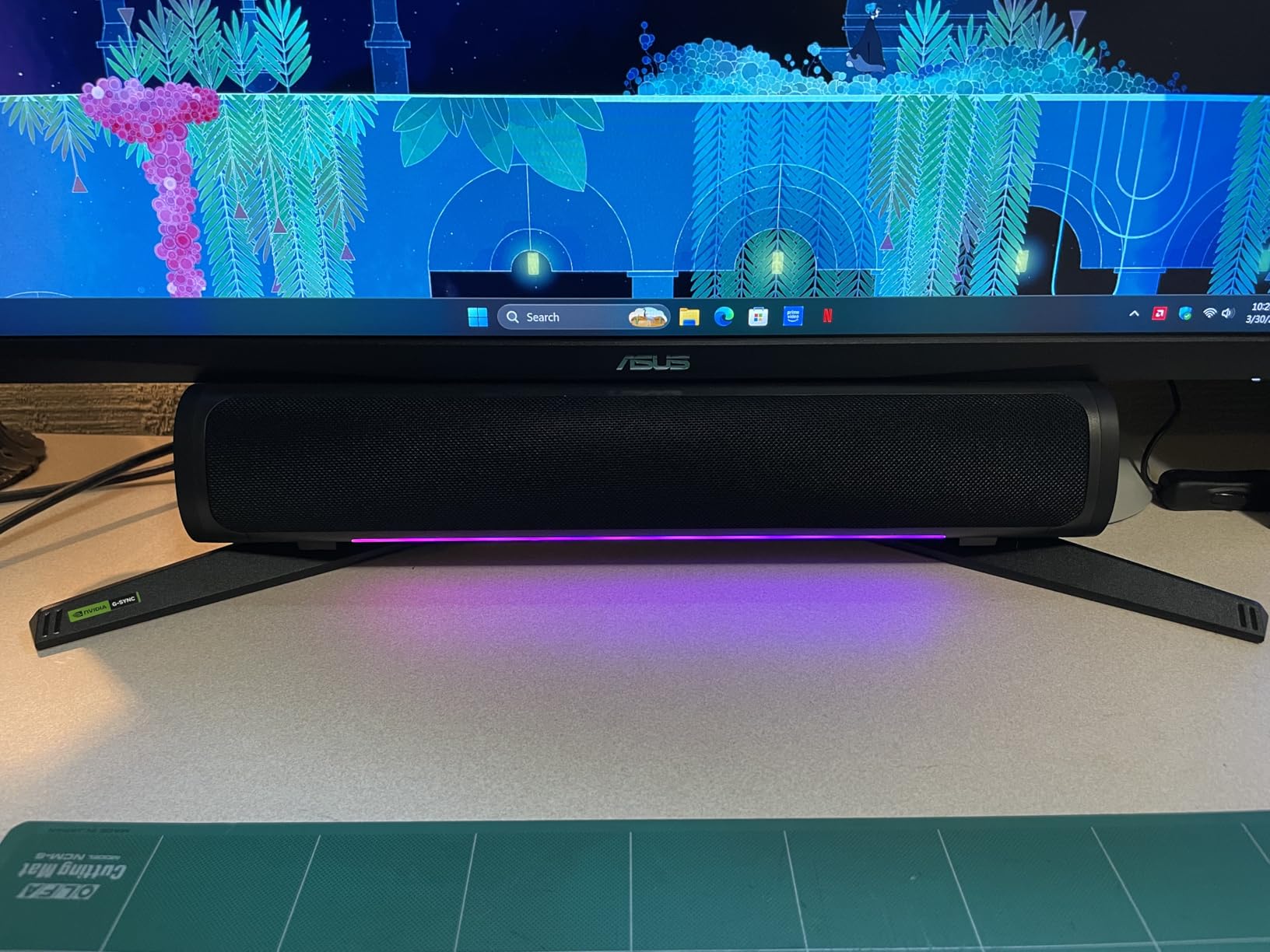
Why console support changes the buying decision
If you own a PS5 or an Xbox Series X, the console outputs 4K and your monitor decides what happens next. A 1440p panel at 120Hz with HDMI 2.0 and VRR is the sweet spot, and that is exactly what this monitor does. Console players also benefit from two HDMI ports, since that is how you connect both consoles plus a PC without a switcher.
The 2W built-in speakers are quiet, tinny and have no bass. They will handle system sounds and menu navigation. They will not be the reason anyone buys this monitor. Plan on headphones or a soundbar for actual gaming audio. The HDR support is HDR400 class, which means it accepts the signal and adds a brightness bump rather than delivering a real high-dynamic-range experience.
Who this monitor suits
Console owners who want the full 1440p and 120Hz experience, PC gamers on either GPU brand who want 1440p and 180Hz in one screen, and anyone who wants a monitor that stays accurate without calibration. The out-of-the-box colour accuracy is a genuine advantage for light photo and video work.
It is the wrong choice if you need an adjustable stand — there is no height adjustment or pivot, so you may need a riser or an arm — and it runs bright out of the box, so expect to dial brightness down in the first ten minutes. For a mixed work-and-play desk, this is the strongest single choice in the list.
8. KTC H32S5 – Best Port Selection on a Large Curved Panel
KTC 32 Inch Curved Gaming Monitor, 2K 180Hz (OC 185Hz) 1500R Monitor, H32S5
31.5-inch 2560 x 1440 HVA, 1500R curve
180Hz, overclockable to 185Hz
5000:1 contrast, 300 nits
2x DisplayPort, 2x HDMI, 2x USB
Pros
- Crisp 2K image on a large 31.5-inch curved panel
- 180Hz performance that overclocks to 185Hz over DisplayPort
- 5000:1 contrast delivers deeper blacks than most curved panels
- Generous port selection with dual DisplayPort
- dual HDMI and USB
- Good build quality for the price with minimal heat output
Cons
- Default colours are somewhat oversaturated
- Overdrive settings other than off or dynamic introduce blur and overshoot
- Needs roughly 15 minutes of warm-up before response times settle
- Tilt-only adjustment with no height or swivel control
The KTC H32S5 solves a specific problem: how do you connect everything at once? Two DisplayPort 1.4 inputs, two HDMI 2.0 inputs and two USB ports is more connectivity than any other display in this roundup, and for a multi-machine or multi-console desk that means you can connect everything and never touch a switcher.
The panel is a 31.5-inch 2560 x 1440 HVA with a 1500R curve, 180Hz refresh that overclocks to 185Hz over DisplayPort, and a claimed 5000:1 contrast ratio. That contrast figure is the highest in the group, and it shows in dark scenes.
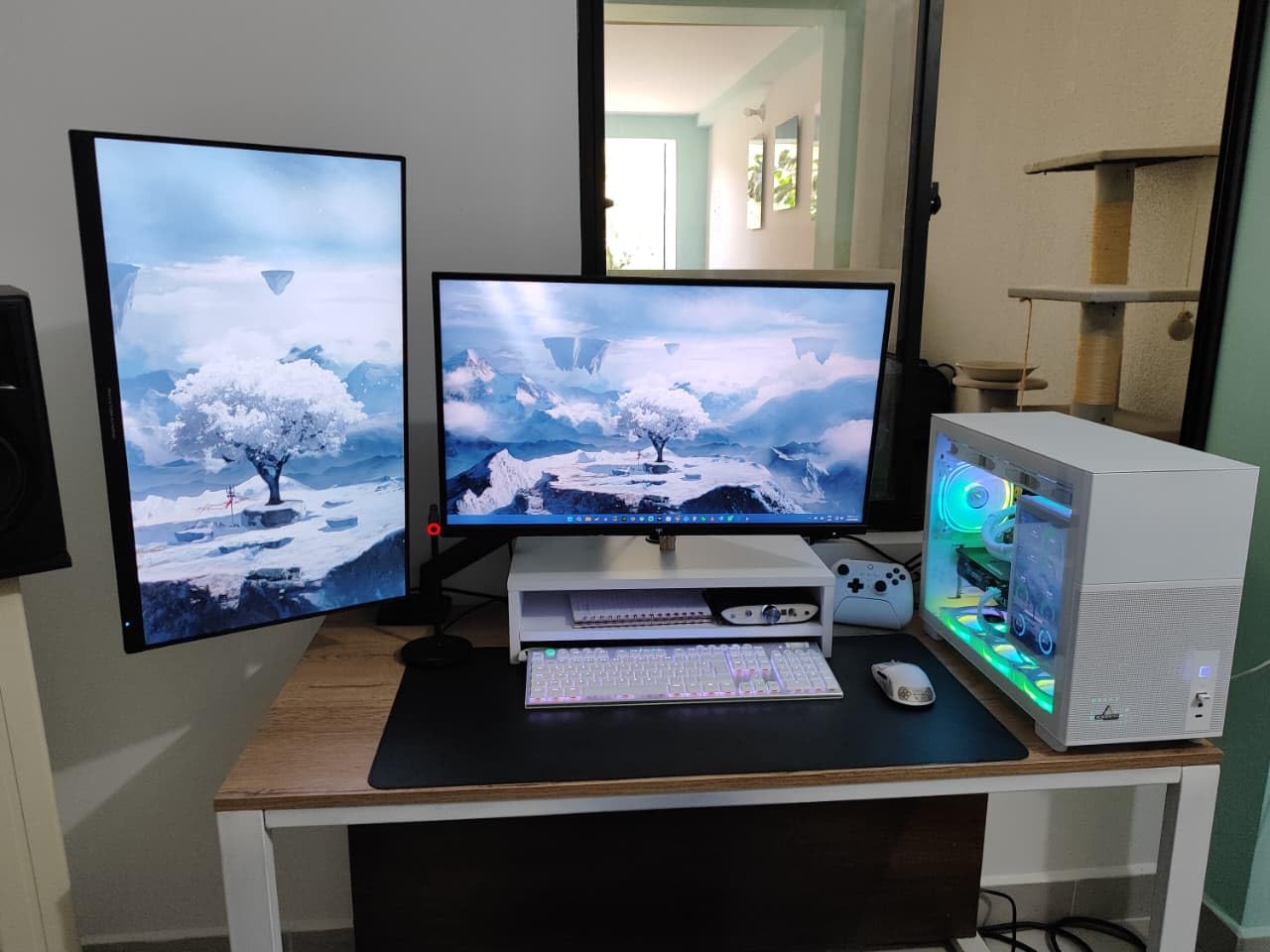
Owners report smooth operation with mid-to-high range graphics cards at higher resolutions, and minimal heat output during long sessions despite the 65W power draw listed in the specifications. The USB ports are a small addition that turns out to be handy for a keyboard receiver or a webcam.
HDR10 support is listed, and as with the other curved panels here you should treat it as an acceptance mode rather than a real HDR experience. The low blue light and flicker-free features handle long evening sessions well.
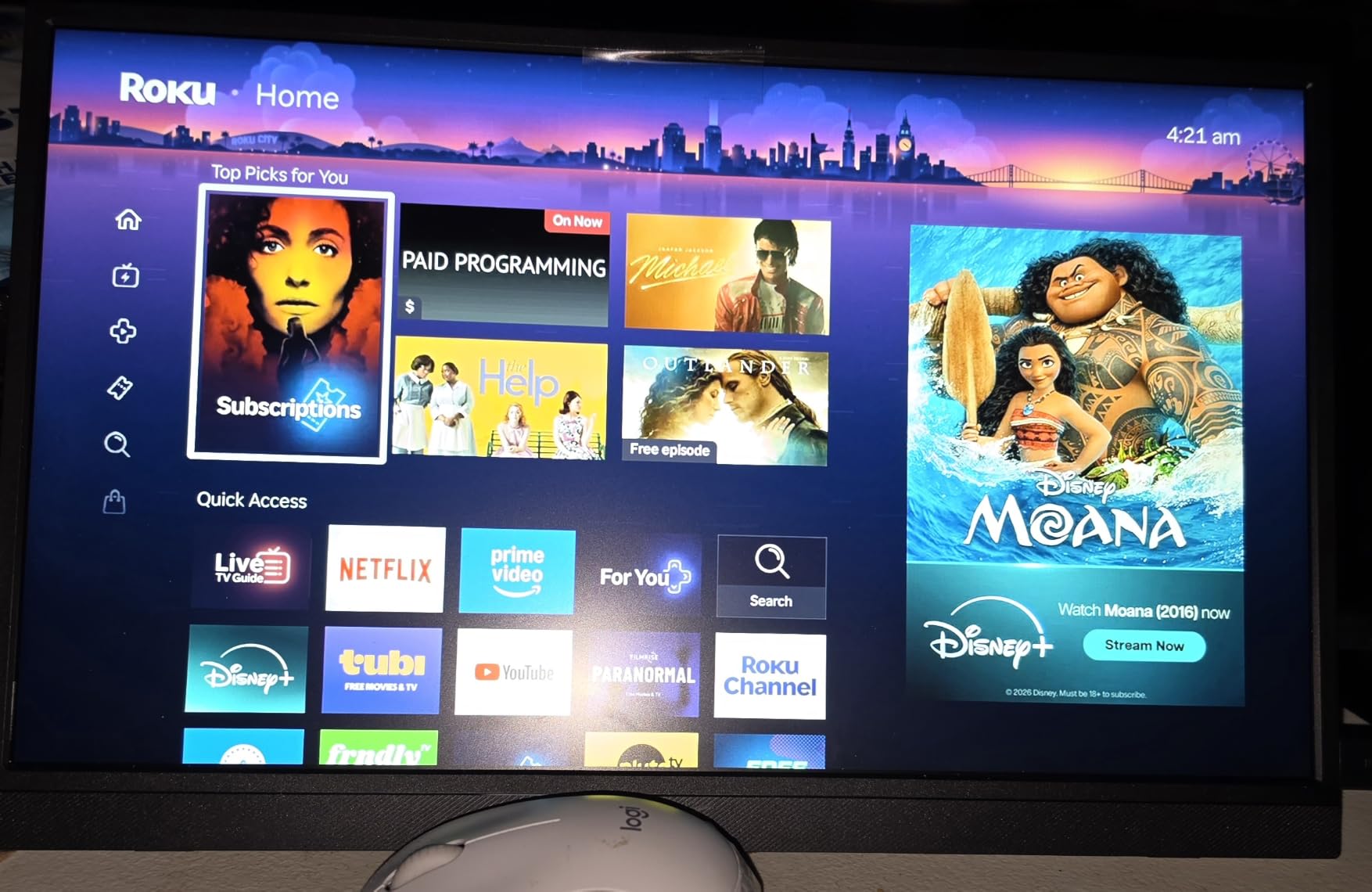
The warm-up period is not a fault
Owners report that this display needs roughly 15 minutes before its response times settle. If you judge a panel in the first two minutes after switching it on, you will be disappointed. Give it time, set overdrive to off or dynamic, and the picture behaves.
Colours are oversaturated on the default settings, which is common on this class of HVA panel and easily corrected through the on-screen menu. Setting any overdrive level other than off or dynamic introduces blur and overshoot, so those two settings are the ones to use. Tilt-only adjustment means a monitor arm is worth budgeting for if your desk is deep enough to allow it.
Who this monitor suits
Multi-console or multi-PC desks where port count is the deciding factor, and anyone who wants a large curved 1440p screen for gaming and movies without moving up to 4K pricing. The deep blacks suit film and dark game content particularly well.
It is the wrong choice for colour-critical work out of the box, because the default oversaturation needs correcting first, and it is heavy on power relative to the smaller options here. On a modest desk the 27.9-inch width is the constraint to check first. If ports are not your priority and you want a large screen, the Samsung in the previous section is the lighter, simpler alternative.
9. ASUS TUF VG277Q1A – Highest Rated Panel in This List
ASUS TUF Gaming 27 Inch Gaming Monitor – Full HD, 1080P, 165Hz (Supports 144Hz), 1ms, Extreme Low Motion Blur, FreeSync Premium, Shadow Boost, Eye Care, HDMI, DisplayPort, Tilt Adjustable – VG277Q1A
27-inch Full HD 1920 x 1080 VA
165Hz, supports 144Hz
1ms MPRT via ELMB
3-year warranty, built-in speakers
Pros
- Highest average rating in this roundup at 4.7 stars
- Smooth 165Hz refresh is a big upgrade from 60Hz panels
- VA panel gives strong contrast and bright whites
- Sharp text clarity suits documents and photo work
- Built-in speakers add convenience for casual media
- Shadow Boost improves visibility in dark scenes
Cons
- Stand sits low on a standard desk so taller users look down
- Only 1080p resolution means larger pixels than expected at 27 inches
- No G-Sync support
- only FreeSync and Adaptive-Sync
- Colour accuracy is decent but not factory calibrated
At 4.7 stars this monitor has the highest average rating of anything we tested, and the reason is consistency rather than one standout feature. The 165Hz VA panel delivers strong contrast and bright whites, the text clarity is genuinely sharp for a 1080p panel, and the Extreme Low Motion Blur feature handles fast motion without the trailing halos that plague cheaper overdrive implementations.
It weighs 9.9 pounds, which is heavier than most 27-inch budget displays, and that weight is the stand. It is a solid-feeling unit rather than a lightweight one, and the 165Hz refresh rate makes everything from cursor movement to scrolling feel immediate.
Shadow Boost is a feature worth knowing about if you play anything with dark interiors. It lifts shadow detail without overexposing highlights, which is more useful than it sounds for games that hide enemies in darkness. Eye Care flicker reduction handles long sessions.
It is also one of only a few displays in this roundup with built-in speakers, alongside the Sceptre. For casual media on a desk with no space for a soundbar, that is a real convenience, though the audio quality is unremarkable.
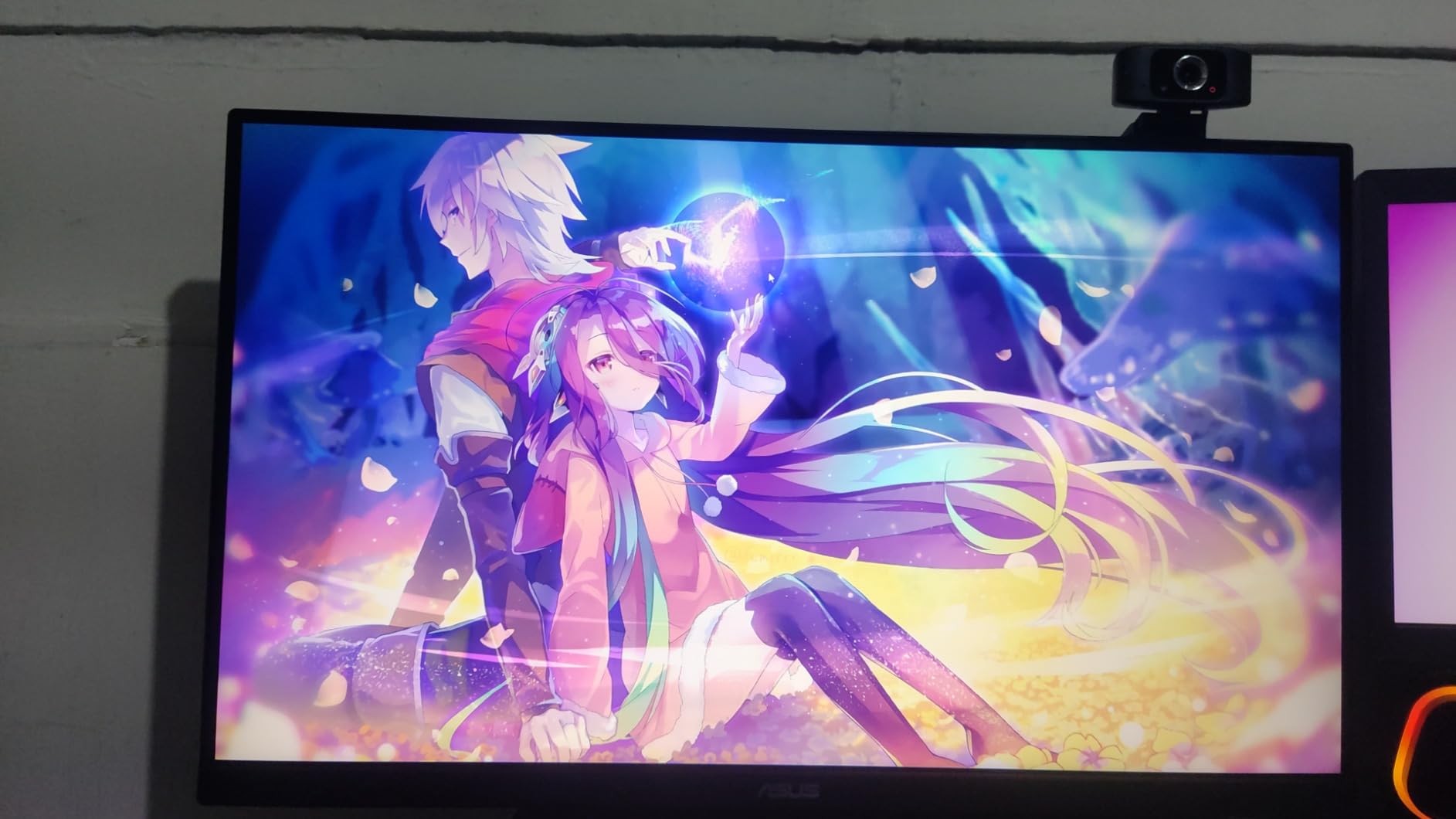
The 27-inch 1080p compromise, honestly
You are giving up pixel density here. At 27 inches and 1920 by 1080, each pixel is noticeably larger than on a 24-inch 1080p screen, and side by side with a 1440p panel the difference is obvious in text-heavy windows. If your day is spent in documents, this is the reason to look at the KTC 1440p models instead.
The stand sits low on a standard desk, which means taller users look down at the panel. That is an ergonomics problem rather than a quality problem, and it is solvable with a riser. There is no G-Sync support — only FreeSync Premium and Adaptive-Sync — so NVIDIA users get VRR through the compatible mode rather than the full G-Sync implementation.
Who this monitor suits
General-purpose 27-inch users who want a big screen with smooth motion, built-in speakers and a three-year warranty without stepping up to 1440p pricing. It is also a solid second monitor for a mixed work and entertainment desk.
It is the wrong choice for competitive shooters who want G-Sync specifically, for competitive players who need more than 165Hz, and for anyone whose main activity is reading long documents. Menu navigation is clunky at first, though owners mostly adapt within a few days. The 85% sRGB coverage is narrower than the panels elsewhere in this list, so for colour work the 130% sRGB ASUS TUF VG27AQ3A is the clearer choice.
10. SANSUI ES-G27C1L – Best Curved 27-Inch for Console and PC Mix
SANSUI 27 Inch Curved 160Hz Gaming Monitor 144Hz FHD 1080P Computer Monitor
27-inch 1500R curved 1920 x 1080
160Hz with 1ms MPRT
4000:1 contrast, 300 nits
FreeSync, HDMI 2.0 and DisplayPort 1.4
Pros
- 1500R curve reduces distortion and eye strain in long sessions
- 160Hz refresh with 1ms MPRT for smooth gaming
- 4000:1 contrast with 300 nits brightness
- FreeSync plus crosshair
- timer and black level overlays
- Plug-and-play setup with no assembly required
- Metal monitor stand and responsive after-sales support
Cons
- Build quality feels cheap and lightweight
- Colour vividness is decent rather than exceptional
- No built-in speakers
- only an audio jack
- HDR mode is limited to HDMI connections
- Stand offers tilt only so a monitor arm is recommended
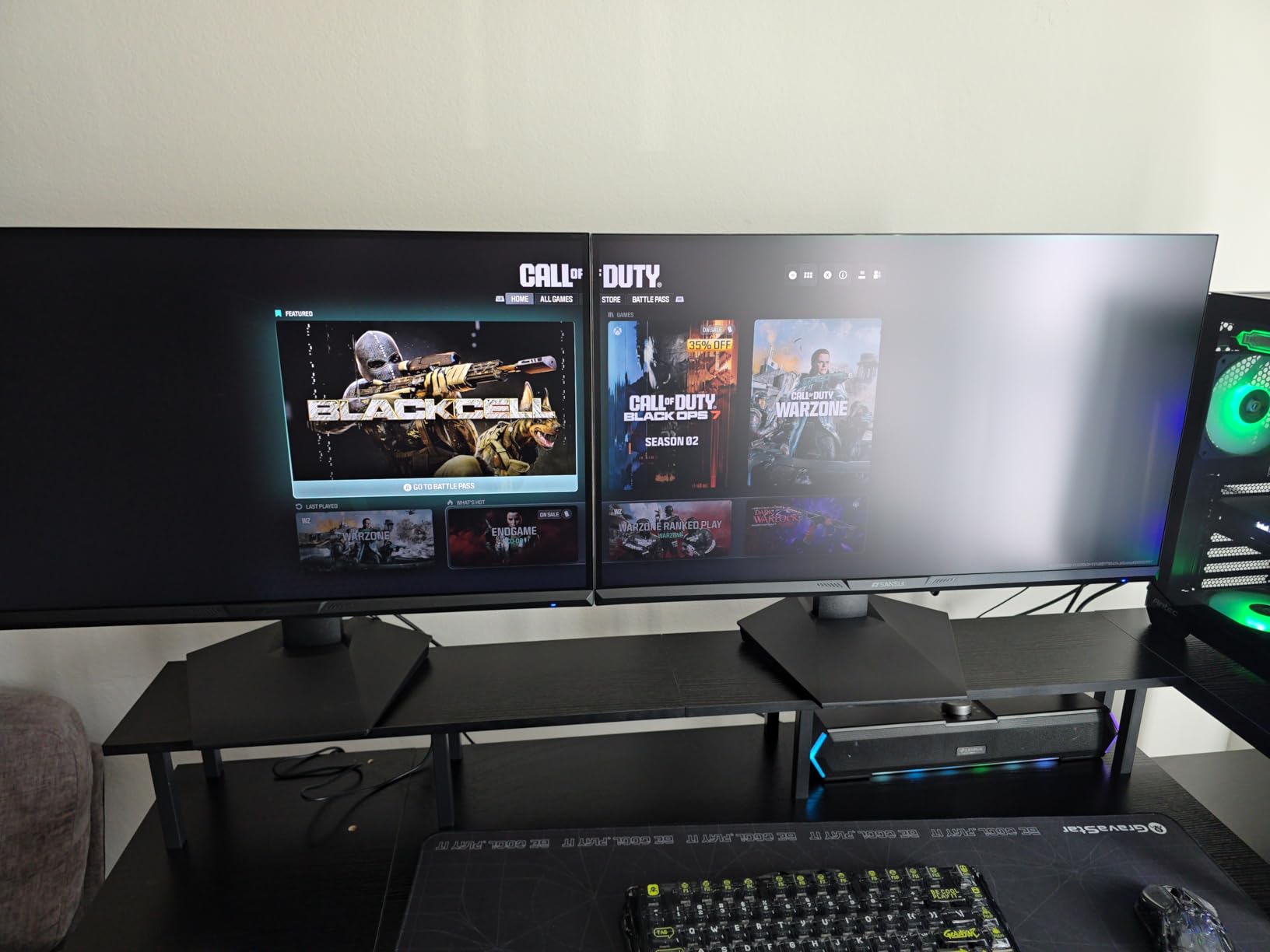
More than 5,000 owner reviews make this one of the best-documented displays in the roundup. The SANSUI ES-G27C1L is a 27-inch 1500R curved panel at Full HD resolution with a 160Hz refresh rate, 4000:1 contrast and 300 nits of brightness. For a curved 27-inch below our ceiling, it is hard to find better-specified.
The preset modes cover FPS, RTS, racing, office, movie and sRGB, and the game assistant adds black level adjustment, a crosshair, a timer and a counter. Owners report easy plug-and-play setup with no assembly required, and the metal stand is a step up from the plastic most rivals use.
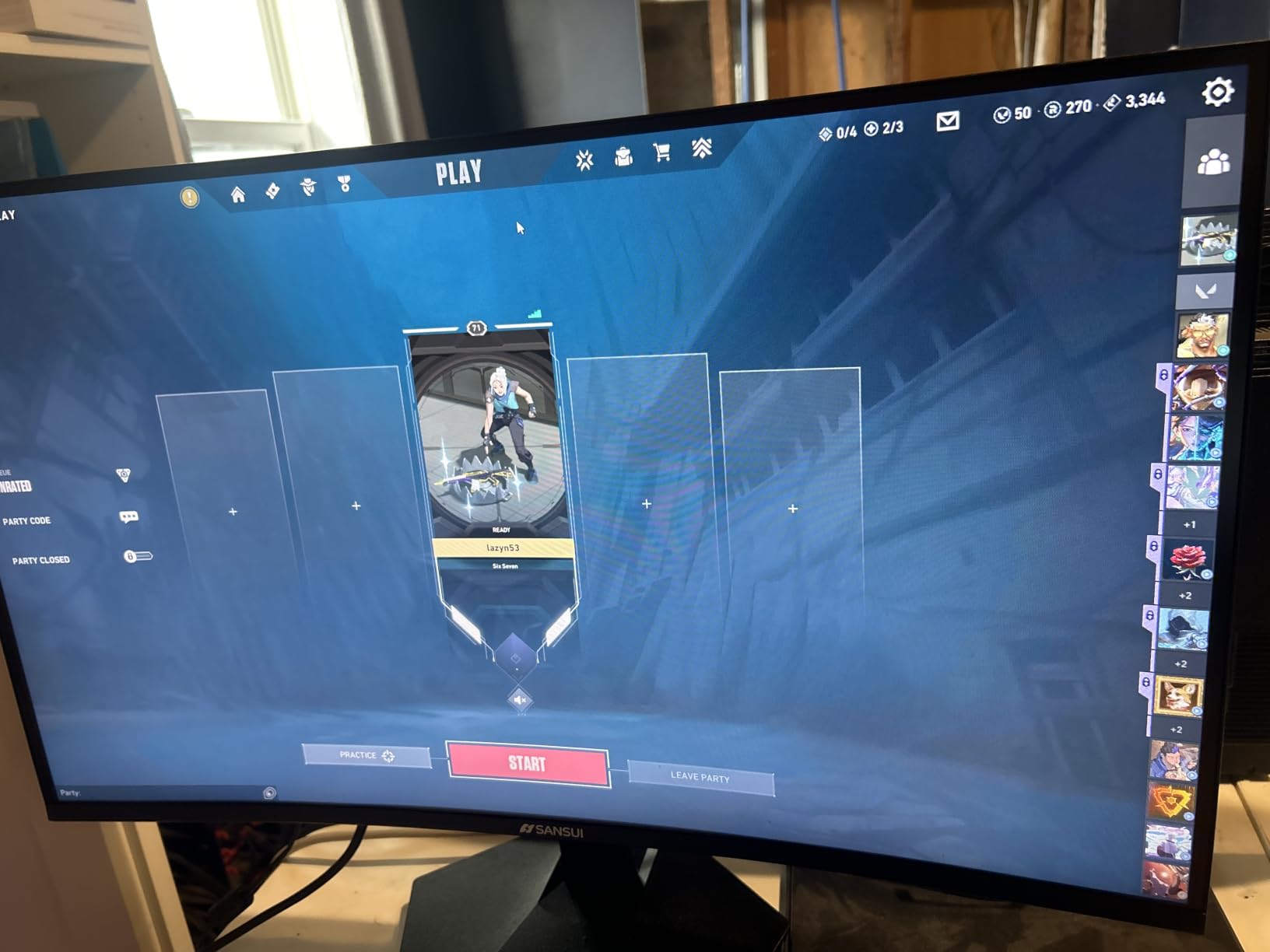
Both HDMI 2.0 and DisplayPort 1.4 are 160Hz capable, so your choice of port does not cost you refresh rate on a PC. FreeSync support is there for tear-free gaming, and the low blue light, anti-flicker and anti-glare treatments cover the comfort basics.
Responsive after-sales support and a 30-day money-back and free replacement policy sit alongside the one-year manufacturer warranty. With a review count this large, the long-run reliability picture is unusually well documented for this price tier.
Which curved model should you actually buy?
The curve radius is the number that matters. A 1500R curve is gentle and adds immersion without distorting the image, which is why it appears twice in this roundup. An 1800R curve, as on the Sceptre, is subtler still. A 1000R curve, as on the Samsung, wraps more aggressively and fills your peripheral vision. None of them distort geometry in a way most people notice at desk distance.
Skip the HDR mode. It is only available over HDMI and owners report it is limited, so treat it as an on-screen preset rather than a real high-dynamic-range feature. Colour vividness is decent rather than exceptional, so this is a gaming-first panel rather than a media-first one. Tilt-only adjustment means a monitor arm is the right accessory.
Who this monitor suits
Curved-screen fans who want the largest diagonal available at a manageable price, players who alternate between console and PC, and anyone who wants a large gaming panel without a 1440p budget. The metal stand and extensive preset modes make it feel less like a bargain-bin display than the price suggests.
It is the wrong choice for text-heavy productivity at 27 inches on 1080p, which is the same pixel density compromise as the ASUS TUF VG277Q1A. There are no speakers, so you need headphones, and some owners report durability concerns after a few months, so use the return window carefully before settling in. For immersive gaming on a big screen, it delivers what the specification sheet promises.
How to Choose the Right Monitor Under 200 Dollars
Panel type: IPS versus VA versus TN
Pick IPS or VA at this budget and avoid TN. TN gives you fast response times but narrow viewing angles and visibly shifting colours the moment you move your head away from dead centre, and that effect is obvious even on a 24-inch panel at desk distance. You are giving up nothing meaningful by skipping it.
IPS gives accurate colour and wide viewing angles, which makes it the right choice for documents, photo work and general productivity. Fast IPS panels add faster pixel transitions, which is why the ASUS TUF VG27AQ3A uses one. VA gives deeper blacks and higher contrast, which makes it the better choice for movies and dark games, at the cost of some dark smearing on fast lateral movement. Five of the ten monitors here are VA and four are IPS or Fast IPS; both are defensible.
Screen size and native resolution
Is 1440p worth it over 1080p under this ceiling? Yes, if your screen is 27 inches. At 27 inches, 1080p produces visibly larger pixels than people expect from the size, and text-heavy work looks soft as a result. At 24 inches, 1080p is comfortable and there is less reason to move up.
On the 27 versus 32 question for gaming: 24 inches is the competitive choice because smaller targets are easier to track. 27 inches is the sweet spot for mixed work and play. 32 inches only makes sense at 1440p or higher, which is exactly what the Samsung G55C and KTC H32S5 provide — at 1080p, 27 inches is the ceiling before text starts to look coarse. As a rule of thumb, sit roughly an arm’s length away from a 24-inch, a little further from a 27-inch, and further still from a 32-inch.
Refresh rate and adaptive sync
Is 240Hz overkill for gaming? For most players, yes. The common community view is that resolution matters more, and the numbers back that up for the majority of games — plenty of titles cap their frame rate well below 240, so a higher panel refresh you never reach is money spent for nothing. Competitive shooters at high settings on a capable card are the exception.
Adaptive sync is worth having even if you never reach the maximum refresh rate. FreeSync, FreeSync Premium, G-Sync compatible and AdaptiveSync all remove screen tearing by matching the panel refresh to your frame rate, and all of them are effectively free at this budget. If you play on both AMD and NVIDIA hardware, prioritise a panel listed as G-Sync compatible as well as FreeSync, as the ASUS TUF VG27AQ3A is.
Ports, consoles and laptop connections
What refresh rate do you need for a PS5? At 1440p, 120Hz with variable refresh rate over HDMI 2.0 is the console’s ceiling and the realistic target. Two HDMI ports matter more than any other port consideration for console owners, because that is how you connect a PS5, an Xbox Series X and a PC without buying a switcher. DisplayPort is the better choice for PC cards that support the full refresh rate on this list.
USB-C with power delivery is the single-cable MacBook solution — one cable for video, data and laptop charging — and none of the ten displays here offers it. That is the most notable gap in this roundup, and if a one-cable laptop dock setup is your priority, you will need to save up rather than force a compromise. Look for a USB hub or a KVM on the monitor instead.
Ergonomics, VESA mounting and warranty length
Height adjustment is the most under-rated spec in this price band, and community consensus favours an adjustable stand over extra refresh rate when the two cost the same. Most displays here offer tilt only, which is workable but will have taller users looking down. A monitor arm solves this and most of these panels support 100mm by 100mm VESA mounting — the SANSUI ES-G24F4H uses a 75mm by 75mm pattern, so check before you buy an arm.
Do budget monitors have good warranty and dead pixel policies? It varies enormously and it is worth checking before you order. Warranty length across this list runs from one year to four: the Philips 221V8LB gives four years, the Acer Nitro, ASUS TUF models and KTC panels give three, and the Sceptre, Samsung and SANSUI models give one. For a purchase you expect to keep four or five years, a longer warranty is real value. Whichever you choose, test the panel for stuck and dead pixels the moment it arrives, within the return window.
Colour accuracy and what HDR means at this budget
True high-brightness HDR is effectively not available below 200 dollars. That is a consistent finding across community discussion of this price tier, and our own reading of the manufacturer claims in this roundup agrees: eight of these ten displays carry an HDR label of some kind, and owners consistently report washed-out colours or an HDR mode that needs heavy manual correction.
Spend your attention on SDR performance instead. Look for sRGB coverage of 95% or better, which is what the Sceptre at 98%, the KTC H27T27S at a claimed 129% and the ASUS TUF VG27AQ3A at 130% all exceed. Brightness of 250 to 300 nits is workable in a normal room. And treat any 1ms response time claim as MPRT unless the manufacturer explicitly states GtG, because the two are not comparable numbers.
Avoiding marketplace clone monitors and timing your purchase
The shopping results for this keyword are dominated by generic marketplace brands, and that is worth flagging. House-name monitors frequently list impressive specifications — high refresh rates, wide gamuts, aggressive contrast figures — with thin one-year warranties, uncertain dead-pixel replacement policies and no real support channel. The ten monitors here all come from brands with established support operations, and several carry three- or four-year warranties.
On timing, shoppers in community discussions consistently report finding sub-200-dollar monitors through major sale events and manufacturer outlet channels rather than at everyday pricing, and it is worth comparing the big electronics retailers against the manufacturer directly before buying. Prices on this category move often, so the practical advice is simple: know your target model, watch for a dip rather than a rise, and check the current figure at the time of purchase rather than trusting a number printed on a review page.
Frequently Asked Questions
What is the best monitor for value for money?
The Sceptre C248W-1920RN is the best value pick, combining a 24-inch 1800R curved VA panel, Full HD resolution, a 98% sRGB gamut, FreeSync and built-in speakers at a 4.6-star average across more than 22,000 reviews. If you want more speed instead, the Acer Nitro KG241Y gives you 165Hz and FreeSync Premium on a 23.8-inch panel.
Is 240Hz overkill for gaming?
For most players, yes. Many games cap frame rates well below 240, so a higher refresh rate you never reach adds cost without a matching improvement. Competitive shooters at high settings on a capable graphics card are the exception. For everyone else, resolution matters more, which is why a 1440p panel at 165Hz beats a 1080p panel at 240Hz for most people.
Is a 27 or 32 inch monitor better for gaming?
It depends on your desk and your priorities. 24 inches is best for competitive shooters because smaller targets are easier to track. 27 inches is the sweet spot for mixed work and play and the most common recommendation. 32 inches only makes sense at 1440p or higher, and you need to sit further back, so measure your desk depth before ordering a large curved panel.
What is the best but cheapest monitor?
The Philips 221V8LB is the cheapest capable option in this roundup, pairing a 21.5-inch Full HD VA panel with a 100Hz refresh rate, Adaptive-Sync and a four-year warranty. Compared with a 200 dollar model you give up screen size, resolution and stand adjustment, but you keep adaptive sync, a 3000:1 contrast ratio and the longest warranty in the group.
Which monitor works with a PS5 under this budget?
The ASUS TUF VG27AQ3A is the strongest console pick here. Its 27-inch 1440p Fast IPS panel with two HDMI 2.0 ports, DisplayPort, FreeSync Premium and G-Sync compatible VRR handles a PS5 or Xbox Series X at 1440p and 120Hz, which is the console ceiling at that resolution. The KTC H27T27S at 1440p 144Hz is a solid alternative with a similar port layout.
The Verdict: Which Monitor Under 200 Dollars Should You Buy?
The best monitors under 200 dollars in 2026 are better than they were two years ago, and the deciding factor is no longer whether you can get a decent panel at all. It is whether you prioritise resolution or refresh rate, and whether you want one screen or a small setup.
For most people, the Sceptre C248W-1920RN is the answer. The curve, the 98% sRGB coverage, the FreeSync support and the built-in speakers make it the only display here that works as hard on a Tuesday of document work as it does on a weekend of video. Game heavily and the Acer Nitro KG241Y takes over, with 165Hz and FreeSync Premium on a panel with a three-year warranty behind it.
Two further recommendations. Buy the KTC H27T27S if you work and play on the same screen and want 1440p sharpness, and buy the ASUS TUF VG27AQ3A if a PS5 or Xbox Series X is part of the setup, because its port layout and variable refresh support are built for it. Keep a Philips 221V8LB in mind for a small desk or a second screen, where its four-year warranty is the best insurance in the group.
Check the current price on each one before you commit, confirm the panel looks right the moment it arrives, and enjoy the upgrade. There has never been a better time to replace a 60Hz office panel with something this capable.