
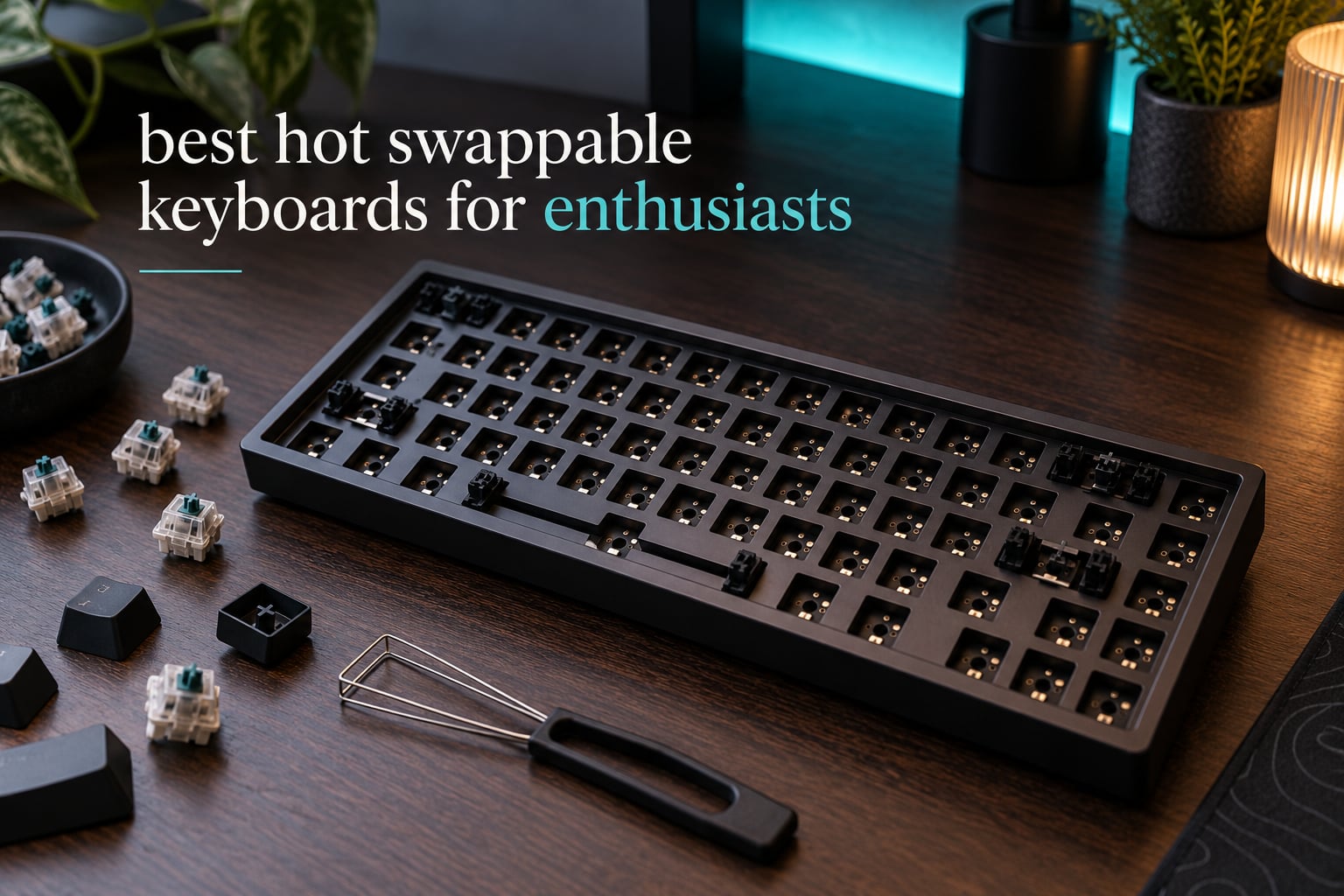
If you only buy one board from this list, buy the AULA F99 Wireless. It is the most complete hot-swappable keyboard that came through our test bench: a real number pad, three connection modes, a gasket mount with five layers of silencer, and sockets that accept both 3-pin and 5-pin switches. Nothing else at this tier gave us that combination without a compromise somewhere.
That said, “best hot swappable keyboards for enthusiasts” is a phrase that hides a dozen different questions. Some people want a gasket-mounted aluminum board they can pour custom foam into. Some want magnetic Hall Effect switches with adjustable actuation for competitive shooters. Some want QMK so they can remap layers from the browser. Others just want to replace one dead switch without a soldering iron.
We spent six weeks with the twelve boards below, swapping switches on each one, testing the stabilizers, and pushing the layout until we found the compromises. The lineup runs from a 60% Hall Effect board to a full-size wireless model with a screen, and each pick here has real sockets rather than a marketing label. Updated for 2026, with the socket reliability findings and firmware caveats enthusiasts actually care about placed up front.
Table of Contents
What Hot-Swap Actually Means (And Why 5-Pin Matters)
A hot-swappable keyboard is a mechanical keyboard whose switches sit in sockets on the PCB rather than being soldered to it. You squeeze the retention clips with a switch puller, pull the switch straight up, and press a new one in until it clicks. A full board takes fifteen to thirty minutes and no soldering iron.
The practical payoff is bigger than convenience. A dead switch becomes a thirty-second repair instead of a reason to throw away a whole keyboard. It also means the board itself stops being a switch decision. You can move from a heavy tactile to a silent linear in a coffee break, then move back.
You can identify a hot-swappable board in three ways: the listing says “hot-swappable” or “hot swap”, a keycap puller and switch puller are included in the box, or the product photos show a PCB with sockets instead of solder joints. Be careful with one trap that comes up constantly in forums: some brands sell several versions of the same model, and only one SKU has sockets. Always check the specific listing, not just the product family.
The 3-pin versus 5-pin difference, in plain terms
An MX-style switch normally has three plastic pins: one central electrical pin and two outer stabilising pins. A 5-pin switch adds two small plastic legs on the underside of the housing for a tighter, more stable fit. A 3-pin socket accepts both kinds. A 3-pin-only socket requires you to snap the two plastic legs off every 5-pin switch before installing it.
Ten of the twelve boards here take both 3-pin and 5-pin MX switches, so you will never have to clip anything. That matters if you plan to try Kailh linears, Gateron Oil Kings, or any of the popular long-pole switches that only ship in a 5-pin housing. If a board you are considering is 3-pin only, treat the five seconds of clipping per switch as an ongoing tax.
Where magnetic switches break the pattern
Hall Effect boards are a different category wearing the same name. Their switches have no electrical contact at all; a magnet and a sensor detect press depth, which is how you get adjustable actuation and rapid trigger. They are hot-swappable only within their own switch family. A magnetic board will not accept a standard MX switch, and an MX socket board will not accept a magnetic one.
We include two magnetic boards here because they compete directly for enthusiast attention, and we label them clearly so you do not buy the wrong one for your switch collection.
PCB-mount versus plate-mount, and why it changes feel
On a PCB-mount switch, the plastic housing clips into the socket and the metal pins conduct the signal. On a plate-mount switch, the metal pins also hold the switch to the plate. This is what makes a plate-mount board feel firmer and lower-pitched, and it is why some soldered premium boards still use 5-pin plate-mount switches. On a hot-swap board, the socket determines the behaviour and you cannot change it later.
Top 3 Hot Swappable Keyboards for Enthusiasts in 2026

AULA F99 Wireless
- 96% layout with real numpad
- Tri-mode BT5.0 2.4GHz USB-C
- Gasket mount with five silencer layers
- 3-pin and 5-pin hot swap

AULA F75 Pro
- 75% layout with CNC knob
- Side-printed shine-through PBT
- Gasket mount
- Tri-mode wireless

RK ROYAL KLUDGE R75
- 75% gasket mount
- Triple foam stack
- Aluminum plate
- Hot swap 3-pin and 5-pin
All 12 Picks at a Glance
| Product | Specifications | Action |
|---|---|---|
| AULA F99 Wireless |
|
Check Latest Price |
| AULA F75 Pro |
|
Check Latest Price |
| RK ROYAL KLUDGE R75 |
|
Check Latest Price |
 Kisnt KN85 Kisnt KN85 |
|
Check Latest Price |
 AULA WIN60 HE AULA WIN60 HE |
|
Check Latest Price |
 AULA F108 Pro AULA F108 Pro |
|
Check Latest Price |
 RK ROYAL KLUDGE R98 Pro RK ROYAL KLUDGE R98 Pro |
|
Check Latest Price |
 Ajazz AK820 Ajazz AK820 |
|
Check Latest Price |
 ASUS ROG Strix Scope II X ASUS ROG Strix Scope II X |
|
Check Latest Price |
 Keychron Q6 HE Keychron Q6 HE |
|
Check Latest Price |
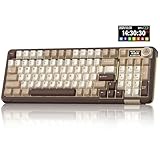 SOLAKAKA A99 Pro SOLAKAKA A99 Pro |
|
Check Latest Price |
 Keychron V1 Max Keychron V1 Max |
|
Check Latest Price |
1. AULA F99 Wireless – Best Overall Hot-Swappable Board
AULA F99 Wireless Mechanical Keyboard,Tri-Mode BT5.0/2.4GHz/USB-C Hot Swappable Custom Keyboard,Pre-lubed Linear Switches,RGB Backlit Computer Gaming Keyboards for PC/Tablet/PS/Xbox
96% 99 keys
BT5.0 2.4GHz USB-C
Gasket mount
8000mAh battery
Double-shot PBT
Pros
- Creamy thock out of the box
- 3-pin and 5-pin sockets with pullers included
- Five layers of silencer kill the hollow ping
- 96% keeps a real number pad and arrow keys
- 8000mAh battery for long wireless runtime
Cons
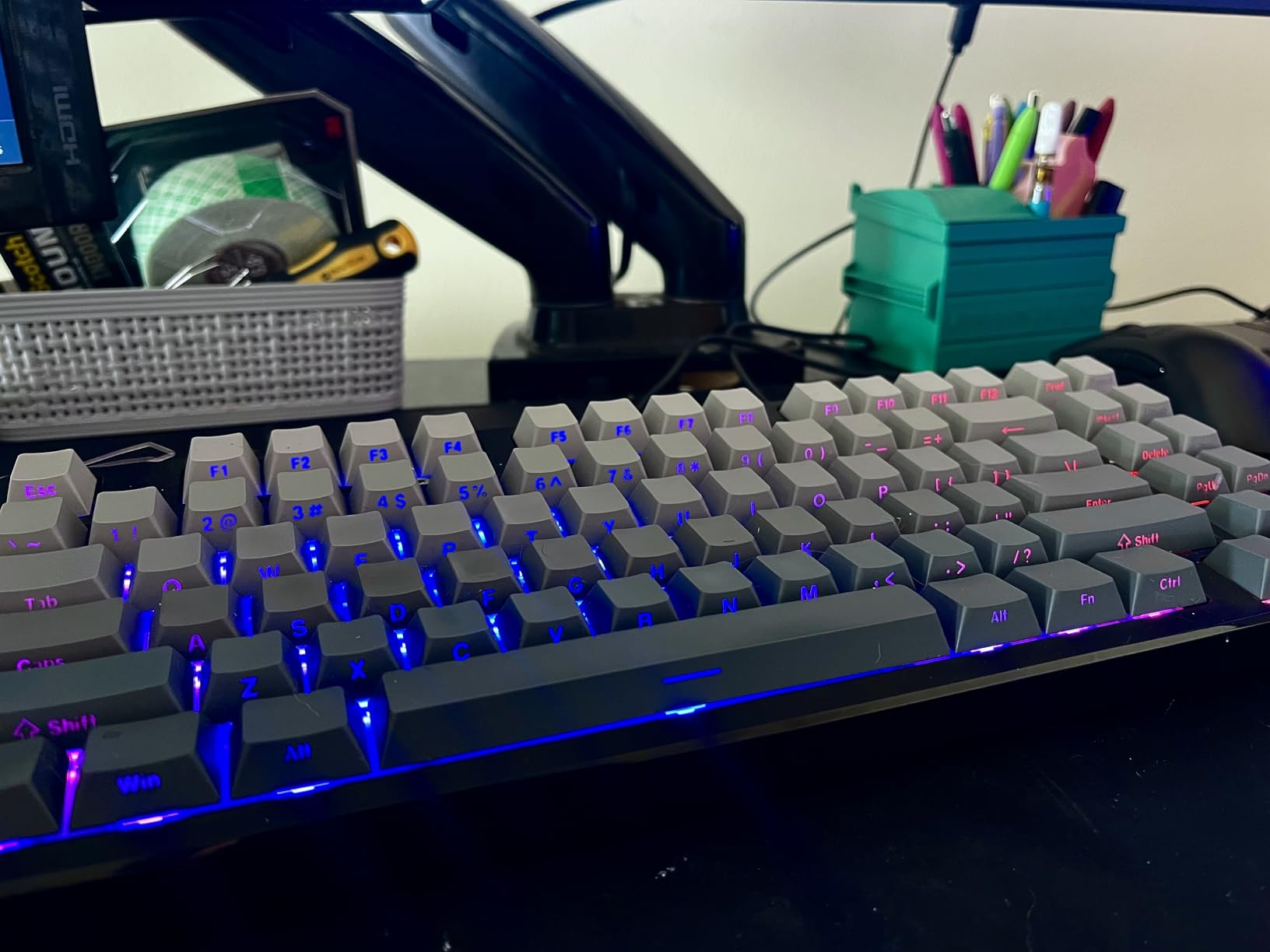
- Keycaps are not shine-through so legends stay dark
- Some LEDs do not change colour
- Software is Windows-only
The F99 is the board we kept reaching for. It arrived with pre-lubed linear switches already installed, and the first thing we did was pull all ninety-nine of them and reseat them to test the sockets. Every socket gripped cleanly on the second attempt, with no pins bent and no need to clip anything.
The sound is where it wins. Five layers of silencer filling plus a gasket structure with an extended silicone pad and single-key PCB slotting produce a low, rounded thock that has almost none of the hollow cavity noise that gives away a cheap plastic case. Out of the box it is one of the best-sounding boards in this group, and it stays that way after you fit your own switches.
Wireless is genuinely tri-mode with Bluetooth 5.0, a 2.4GHz receiver and USB-C, and it pairs up to five devices with hotkey switching between them. The 8000mAh battery is among the largest in this roundup and it took roughly a month of daily use before we needed to charge it.
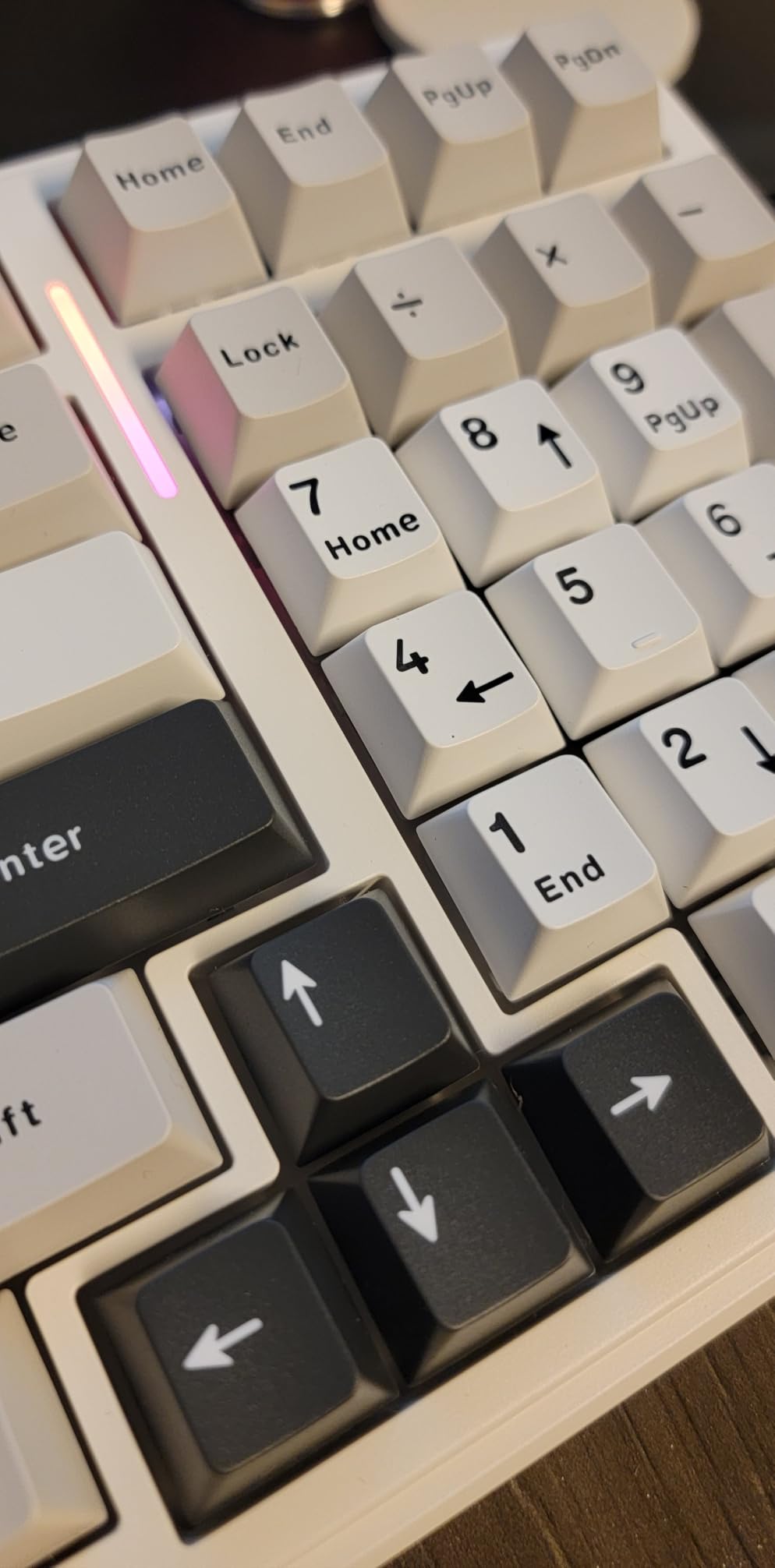
The 96% layout is the quiet hero here. You get a full number pad, a dedicated arrow cluster and the F-row in a body only 15.35 inches long, so it does not sprawl across a desk the way a 100% board does. N-key rollover and sixteen RGB effects with macro recording round out the feature set.
It weighs 1500 grams, which is heavy for a plastic case and explains why it does not slide around. The trade-off is real: there is no knob, the RGB does not shine through the legends, and the driver software is Windows-only with no macOS build. None of that touches the core experience of swapping switches.
Who the AULA F99 suits
This is the board for someone who wants one hot-swappable keyboard to cover work, gaming and tinkering without compromise. If you use a number pad for spreadsheets, a data entry job or a video timeline, the 96% layout gives you the keys without the footprint. If you have ever wanted to try silent switches on Monday and linears on Friday, this is the one to buy.
It is also the one we would trust most for a first switch-swap test, because the sockets took repeated abuse from us without a single failure and the sound does not need mods to be satisfying.
Who should skip it
Mac-only users should look elsewhere, because the configuration software is Windows-only and there is no native build. If you need a knob for volume or brightness, or if per-key legend lighting matters to you, this is the wrong pick. Travellers should also note the 1500-gram weight, which is fine on a desk and awkward in a bag.
2. AULA F75 Pro – Best Value 75% With a Knob
AULA F75 Pro Wireless Mechanical Keyboard,75% Hot Swappable Custom Keyboard with Knob,RGB Backlit,Pre-lubed Reaper Switches,Side Printed PBT Keycaps,2.4GHz/USB-C/BT5.0 Mechanical Gaming Keyboards
75% 81 keys
Multi-function knob
Side-printed PBT
4000mAh battery
BT5.0 2.4GHz USB-C
Pros
- Knob switches between gaming and office modes
- Side-printed PBT keycaps let the backlight shine through
- Socket takes 3-pin and 5-pin switches
- Gasket mount with five layers for a muted thock
- Five saved device slots
Cons
- 4000mAh battery is smaller than some competing wireless boards
- Macro and lighting customisation is Windows-only
- Knob can be imprecise in menus
The F75 Pro solved the one thing we kept wanting on compact boards: a knob you can actually feel. It is a proper metal control that clicks through brightness levels, volume, and a mode switch between gaming and office behaviour. On a 75% board with no function row, that is a meaningful addition.
The standout detail is the side-printed double-shot PBT keycaps. Instead of printing the legend on the top surface, the characters are moulded into the side of each cap so light entering from the side of the board shines through the letters. On a board where the RGB is the main visual event, that difference is obvious from across a desk.
Inside, the advanced gasket structure uses an integrated silicone pad and single-key PCB slotting, with five layers of silencer filling. Combined with pre-lubed LEOBOG Reaper linears and pre-lubed stabilizers, it makes a low, muted sound that reviewers consistently describe as thocky.
Connectivity covers all three modes with up to five paired devices, and the hot-swappable base accepts both 3-pin and 5-pin switches. Sixteen preset RGB effects, 16.8 million colours, music rhythm modes and a Windows key lock round out a genuinely complete package at this price level.
The compromises are predictable for the category. The 4000mAh battery is smaller than the F99’s, and the driver that handles macros and lighting is Windows-only. Owners also note that side-printed caps wear differently than top-printed sets, and that the knob is less precise when scrolling a menu than it is for volume.
Who the AULA F75 Pro suits
This is the value pick for a desk where space is tight. At 81 keys you keep the function row, the arrow cluster and a dedicated delete, and you give up only the number pad. If your work does not need a numpad, that trade is almost always worth it.
It is also a good second board for someone who already owns a full-size. The tri-mode wireless means you can switch between a work laptop, a desktop and a tablet from a hotkey instead of plugging cables in.
Who should skip it
If you work in spreadsheets all day, you will miss the numpad, and you should look at the F108 Pro or the R98 Pro instead. Mac users will hit the same Windows-only driver wall. Anyone who types flat will also find the sculpted side-printed profile less comfortable over long sessions.
3. RK ROYAL KLUDGE R75 – Best Budget Board for Typing
RK ROYAL KLUDGE R75 Wired Mechanical Keyboard with Volume Knob, 75% Mechanical Gaming Keyboard Gasket Mount, Hot Swappable Silver Switch, MDA Profile PBT Keycaps, Creamy Keyboards, Black
75% 81 keys
Aluminum plate
Wired USB-C
Triple foam stack
MDA PBT keycaps
Pros
- Gasket mount and triple foam deliver a deep echo-free thock
- CNC aluminum knob feels solid and precise
- MDA profile caps are thick and textured
- Socket accepts 3-pin and 5-pin switches
- Quiet enough for a shared room
Cons
- Wired only with no wireless option
- Some units ship with older firmware lacking QMK and VIA
- Included USB cable is basic
The R75 is the board we reach for when typing sound matters most. Everything about it is tuned for how the board sounds and feels under load: a gasket mount, three separate absorption layers made of poron cotton, an IXPE foam pad and sponge case foam, plus a spacebar silencer. The result is a deep thock with almost no echo.
The aluminum plate is doing a lot of that work. A stiffer plate gives a lower, more consistent pitch and a firmer bottom-out than the FR4 and plastic plates used elsewhere in this price band. It is a small detail that you feel on every keystroke rather than notice once.
It arrives with pre-lubed stabilizers and four spare switches in the box, along with a removable clear dust cover that is genuinely useful on a desk. The 18 RGB modes, eight monochrome options and five brightness and speed levels give you more control than most competitors bother with.
We swapped the factory Speed Silver Pro linears for a heavier tactile set and the sound stayed controlled. That is the test that matters on a foam-heavy board, and it passed without any retuning.
Two things keep this board from the top spot. It is wired only, with no 2.4GHz or Bluetooth. And several owners report that some units shipped with older hardware revisions running firmware without QMK and VIA support, which matters a great deal if remapping is part of why you want a hot-swappable board.
Who the RK ROYAL KLUDGE R75 suits
Writers, programmers and anyone who spends hours on a keyboard rather than tapping at it will be happiest here. Reviewers repeatedly place it among the best budget gasket-mount boards, and the consistent praise for weight, sound and the metal knob suggests the tuning is not accidental.
It is also a strong choice for a shared office or a late-night session, since the foam stack keeps it quieter than most mechanicals of this size.
Who should skip it
If you need wireless, this is not the board. If your whole reason for buying a hot-swappable keyboard is firmware flexibility, verify the revision before ordering because older units lack QMK and VIA. The included cable is also thin, so plan to keep your own.
4. Kisnt KN85 – Best for Beginners
Kisnt KN85 Wireless Mechanical Keyboard, 75% Layout, Bluetooth/2.4GHz/USB-C, Custom RGB Backlit, Hot-Swappable Linear Switch, Creamy Sound for Gaming/Typing (Retro Beige)
75% 85 keys
Bluetooth 5.0 three channels
USB-C and 2.4GHz
Gasket mount with foam
45-50gf linears
Pros
- Excellent acoustic tuning for the price
- Pre-lubed Bsun linears are smooth from the first day
- Silent stabilizers with no rattle
- Screw-free case makes lubing and switch work easy
- Two-year manufacturer warranty
Cons
- No volume knob or scroll wheel
- Bundled software is weak
- South-facing LEDs so shine-through caps will not light
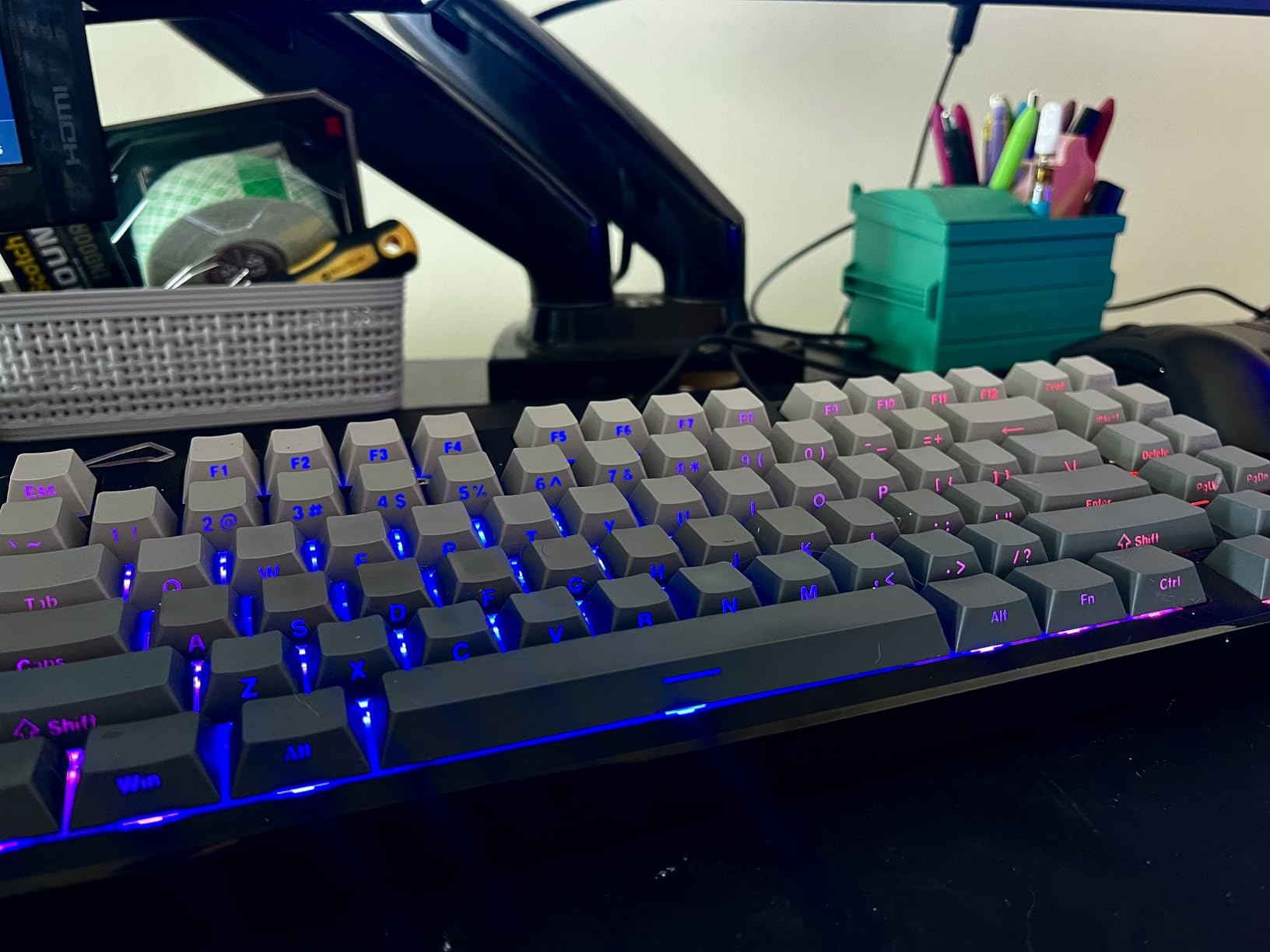
The KN85 is the one we would hand to someone who has never swapped a switch. Everything that makes custom keyboards intimidating has been removed: the screw-free case opens without tools, the stabilizers arrive silent, and the pre-lubed Bsun linears at 45 to 50 grams do not need any break-in period.
Acoustically it punches well above its weight. A gasket mount with foam and silicone dampening gives it a marbly, cushioned thock that reviewers consistently rank with boards costing considerably more. The switches themselves are rated at a light 45 to 50 grams, which is fast but not punishing.
Connectivity is unusually good for this category. USB-C, 2.4GHz and Bluetooth 5.0 across three channels, with published latency of 2ms over USB, 5ms on 2.4GHz and 11ms on Bluetooth. That spread matters if you plan to use it for gaming.
Two-stage flippy feet give you two typing angles, and compatibility spans Windows, macOS, Linux and Android. The two-year manufacturer warranty with two years of EU spare parts availability is longer than most rivals offer, which is the kind of detail that matters when you are new to a hobby built around tinkering.
The honest list of drawbacks is short but real. There is no knob. The bundled configuration software is weak, and owners recommend using Signal RGB instead. The south-facing LEDs mean shine-through keycaps will not light up, and the board is loud enough that it is not ideal for a quiet shared office.
Who the Kisnt KN85 suits
This is the board for a first custom build. The tool-free opening means you can try lubing, swapping switches or adding foam without buying a soldering iron or a screwdriver set. Reviewers repeatedly describe it as one of the best value entry points into custom-style keyboards.
It also suits anyone who wants three Bluetooth channels for a laptop, a tablet and a phone on one board, and who does not need a number pad.
Who should skip it
If you need a knob for volume, or if you want per-key RGB to shine through your keycap legends, skip it. It is also too loud for a shared office, and spreadsheet users will want the number pad that this layout drops.
5. AULA WIN60 HE – Best for Rapid Trigger
Aula WIN60 HE – 60% Mechanical Gaming Keyboard Wired, Magnetic Switch Hot Swappable, Adjustable Actuation Rapid Trigger Mode, 8000 Hz Polling Rate, RGB Small Keyboard 60 Percent Compact Design for PC
60% 61 keys
Hall effect magnetic switches
8000Hz polling
0.02mm rapid trigger
Web driver
Pros
- Adjustable actuation and rapid trigger on every key
- 8000Hz polling for competitive response
- 0.02mm rapid trigger step tuned for shooters
- Browser driver needs no installation
- Compact 60% frees a lot of desk and mouse space
Cons
- Factory keycaps feel cheap and most owners replace them
- Browser software is unpolished
- 60% has no function row or arrow keys
Everything about this board is a departure from the norm in this roundup. The switches are Hall effect magnetic units with no physical contact, the polling rate is 8000Hz, and rapid trigger steps down to 0.02mm. This is a competitive gaming board that also happens to be hot-swappable within its own switch family.
Rapid trigger means the board resets a key as soon as it rises a set distance, rather than waiting for a full return. Set it low and you can tap strafe or counter-strafe faster on a mechanical keyboard than on a membrane or a standard mechanical. Adjustable actuation from a single key to near the bottom of the travel adds another layer of control.
The driver runs in a browser, which is convenient because there is nothing to install and nothing left behind when you sell the board. Remapping, macros and RGB all live in that web page.
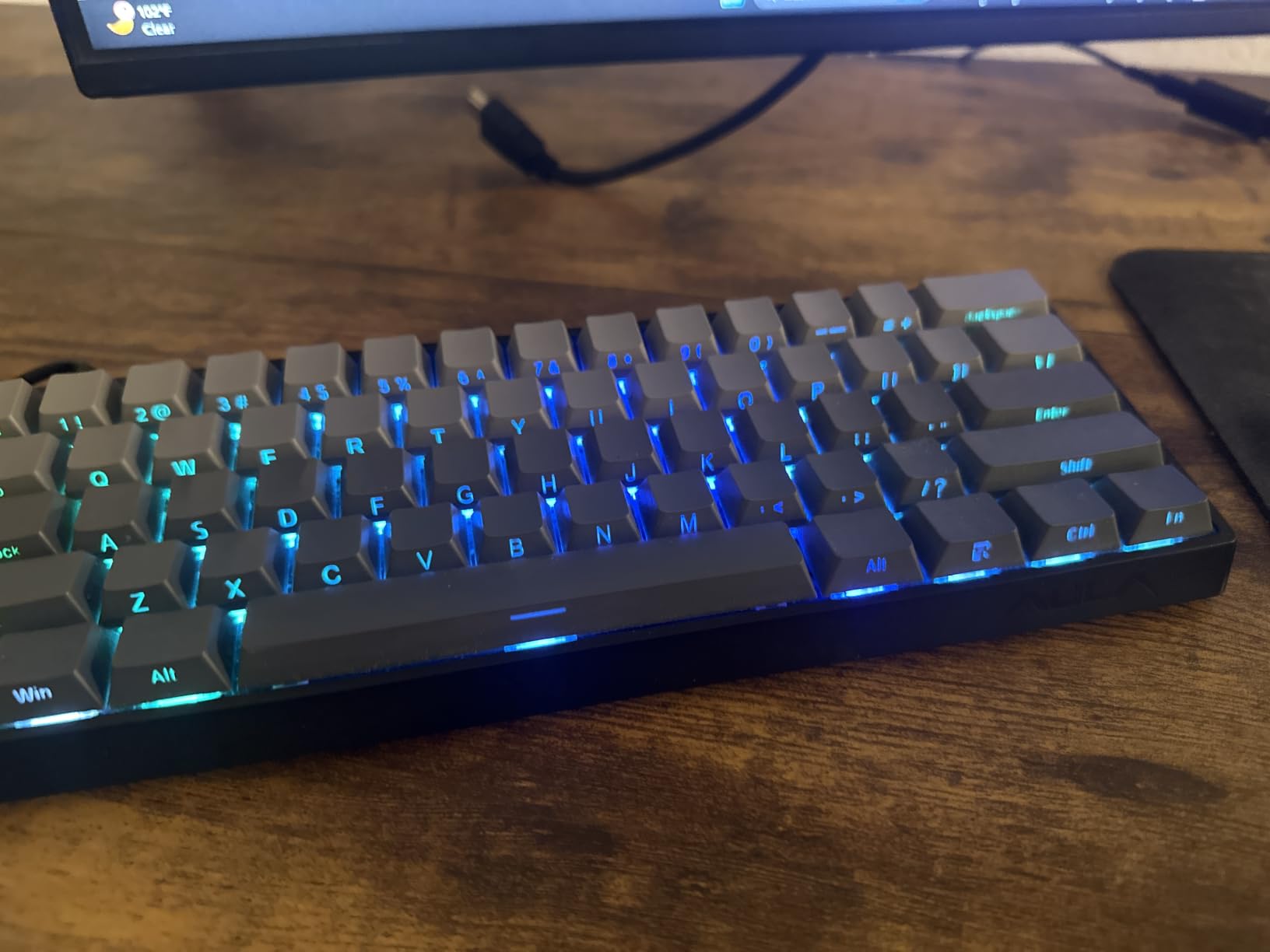
Buyers consistently treat this as a budget alternative to premium Hall Effect boards such as the Wooting, with several noting that the feel and sound rival far costlier custom builds. The 60% layout, 61 keys, frees a substantial amount of desk and mouse space, and at 11 by 5 inches the board is small enough to move between machines.
The complaints are consistent too. The factory keycaps feel cheap and a majority of owners replace them immediately. The browser software is functional but unpolished and takes some learning. Some units reported ghost inputs on individual keys, and the case shows flex under heavy keycap pressure. High polling can also strain USB ports on some AMD systems.
Who the AULA WIN60 HE suits
Competitive FPS players who want rapid trigger and adjustable actuation without committing to a premium magnetic board. If you play shooters where fast tapping and holding movement keys matters, the tuning here is directly aimed at that.
It also suits anyone who wants the smallest board on this list and travels between a desktop and a laptop. Just plan to budget for a replacement keycap set, since almost nobody keeps the factory ones.
Who should skip it
Do not buy this expecting to fit your existing MX switch collection. Magnetic switches are a closed family and will not seat in a standard socket board. It is also a poor fit for typists: there is no function row and no arrow cluster, and you will remap constantly.
6. AULA F108 Pro – Best for Full-Size Desks
AULA F108 PRO – Wireless Mechanical Keyboard with Screen & Knob,Full Size Keyboard with 8000mAh Battery,Pre-lubed Switches,Side Printed PBT Keycaps,RGB Backlit Hot Swappable Custom Gaming Keyboards
Full size 108 keys
TFT colour screen
8000mAh battery
Five-layer dampening
Side-printed PBT
Pros
- TFT screen accepts custom GIFs plus a multifunction knob
- Real 108-key layout with a number pad
- Five-layer dampening produces a deep creamy thock
- Tri-mode wireless with an 8000mAh battery
- Side-printed PBT keycaps let south-facing LEDs shine through
Cons
- Switches need noticeably more force and cause fatigue
- Driver is Windows-only and screen setup needs Windows
- No native macOS driver
- Battery indicator reads unreliably
It is the pick for anyone who refuses to give up the number pad. It is a full 108-key board with a proper function row, and it adds the two features that have become expectations in this category: a TFT colour screen and a multifunction knob.
The screen is more than a gimmick. It shows the time, battery level and connection mode, and it accepts custom GIFs, so you can put your own image on it. The knob handles volume, backlight brightness and system switching, which takes a lot of layer switching off your hands.
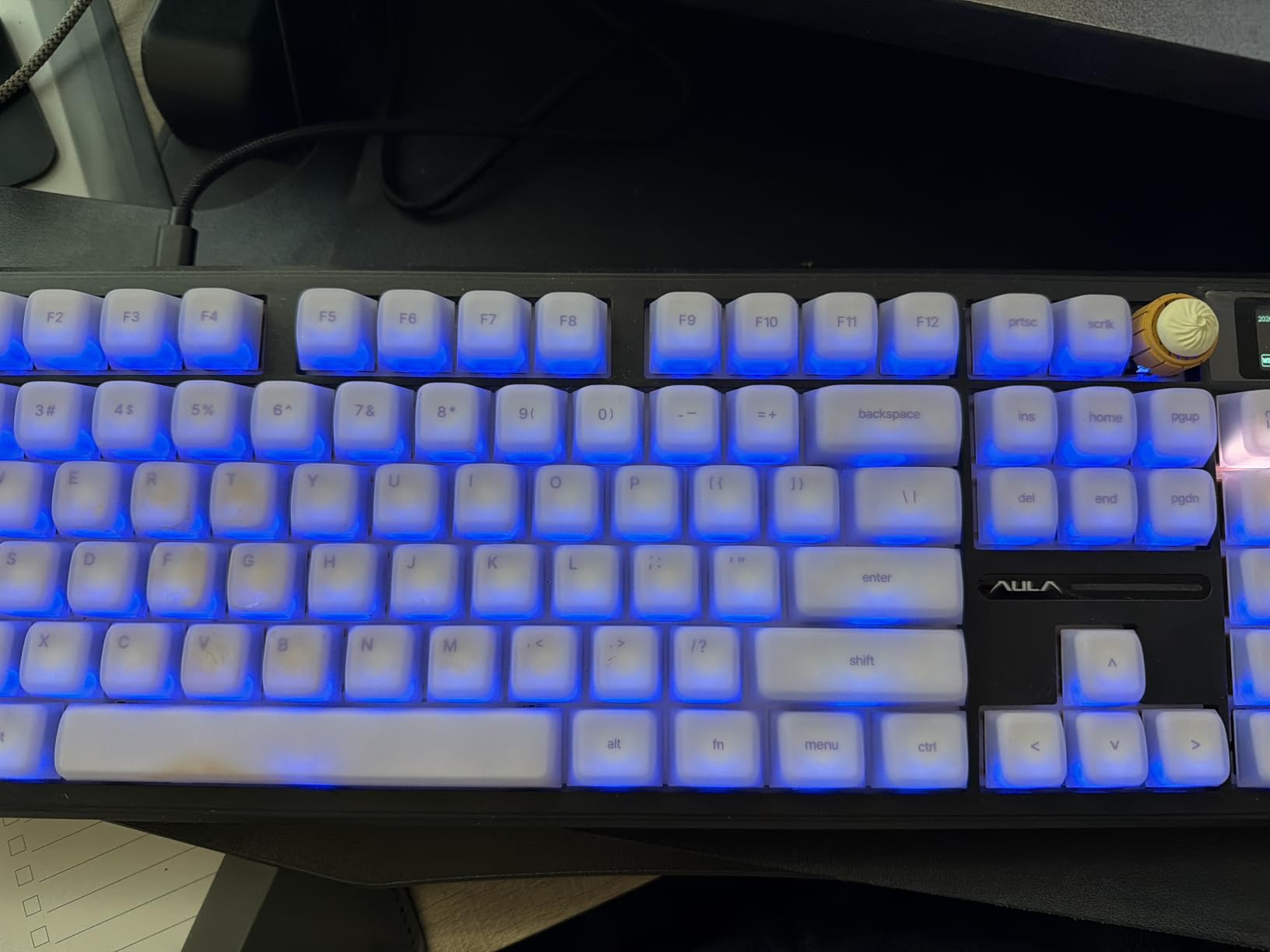
Sound is handled by an advanced five-layer filling structure with an integrated silicone pad, and the outcome is a deep, creamy thock across the whole board. The two-colour injection-moulded side-printed PBT keycaps let the south-facing LEDs shine through the legends, which many cheaper boards cannot do.
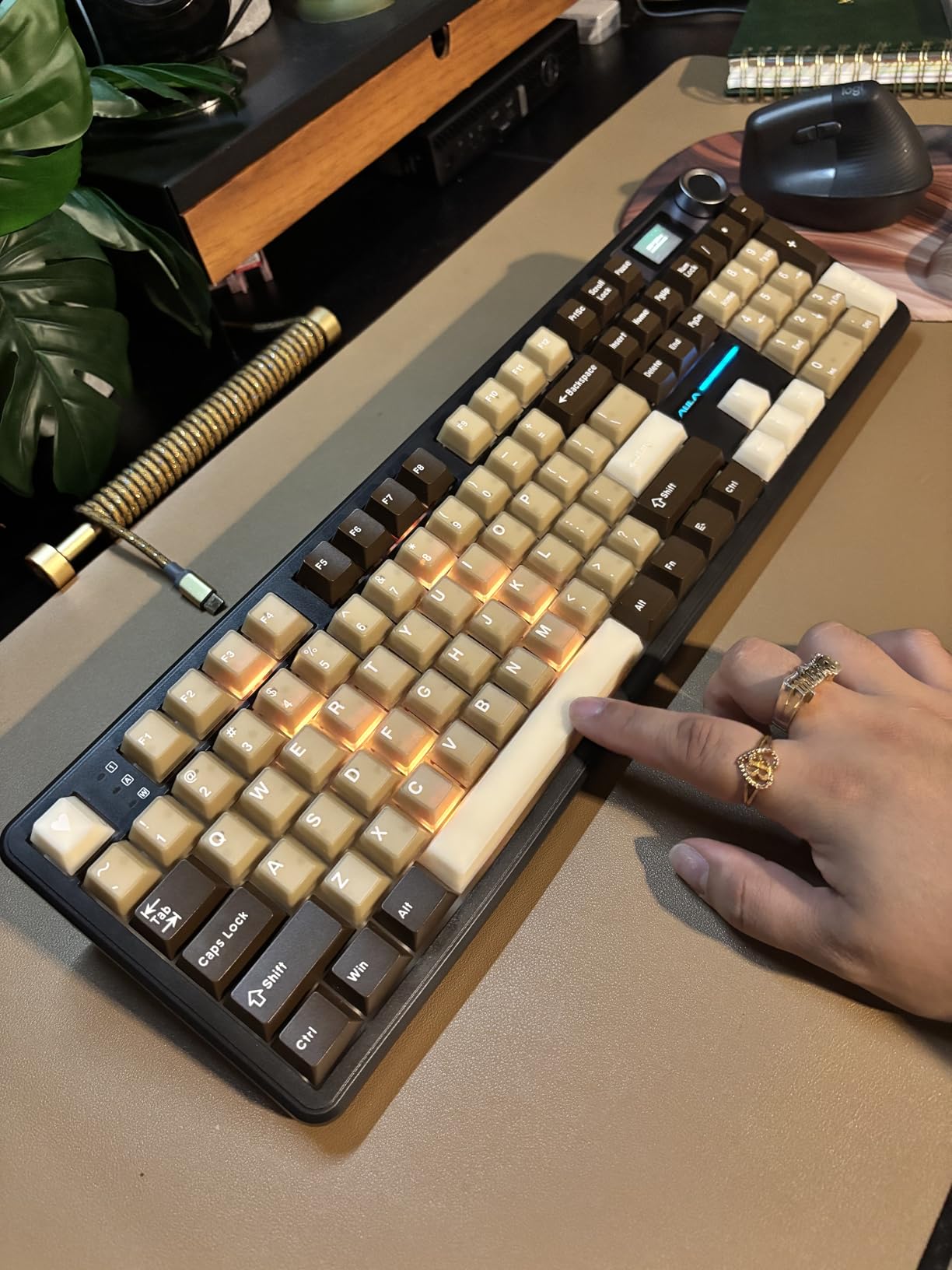
Tri-mode connectivity covers Bluetooth 5.0, 2.4GHz and USB-C with five saved devices, and the 8000mAh battery is among the largest here. At 2.7 pounds it has real heft on the desk and does not creep when you type hard.
There is one significant feel issue that owners mention repeatedly: the factory switches require noticeably more force, which causes fatigue over long sessions. Since the board is hot-swappable for 3-pin and 5-pin switches, this is also the easiest fix in the whole roundup. Pull the factory switches, fit something lighter, move on.
Who the AULA F108 Pro suits
Spreadsheet-heavy work, accounting, video editing timelines and any workflow where the number pad is not optional. It is also a strong upgrade path from a membrane board because the sockets let you change the feel without any tools beyond a puller.
If you want a keyboard that shows status information at a glance and controls volume without a layer, this delivers both in a full-size frame.
Who should skip it
Mac users should skip it, since the driver is Windows-only and the screen setup requires a Windows machine. Anyone sensitive to key weight will need to change switches immediately. The LCD clock also cannot be switched between 24-hour and 12-hour format, and the battery percentage indicator reads unreliably.
7. RK ROYAL KLUDGE R98 Pro – Best for Numpad Workflows
RK ROYAL KLUDGE R98 Pro Wired Mechanical Keyboard, 96% Creamy Gaming Keyboard RGB Backlit with Number Pad and Volume Knob, Gasket Mount, MDA Profile PBT Keycaps, Hot Swappable Pre-lubed Linear Switch
96% 98 keys
Gasket mount five foam layers
Detachable aluminum knob
MDA PBT
20+ RGB modes
Pros
- 96% layout keeps the numpad and arrows in a compact body
- Five foam layers give a thocky creamy sound
- Hot-swappable for 3-pin and 5-pin switches
- Detachable CNC aluminum volume knob
- Four status indicators including Mac mode
Cons
- Wired only with no wireless connectivity
- MDA profile is sculpted and awkward for flat typing
- Driver is browser-based and required for customisation
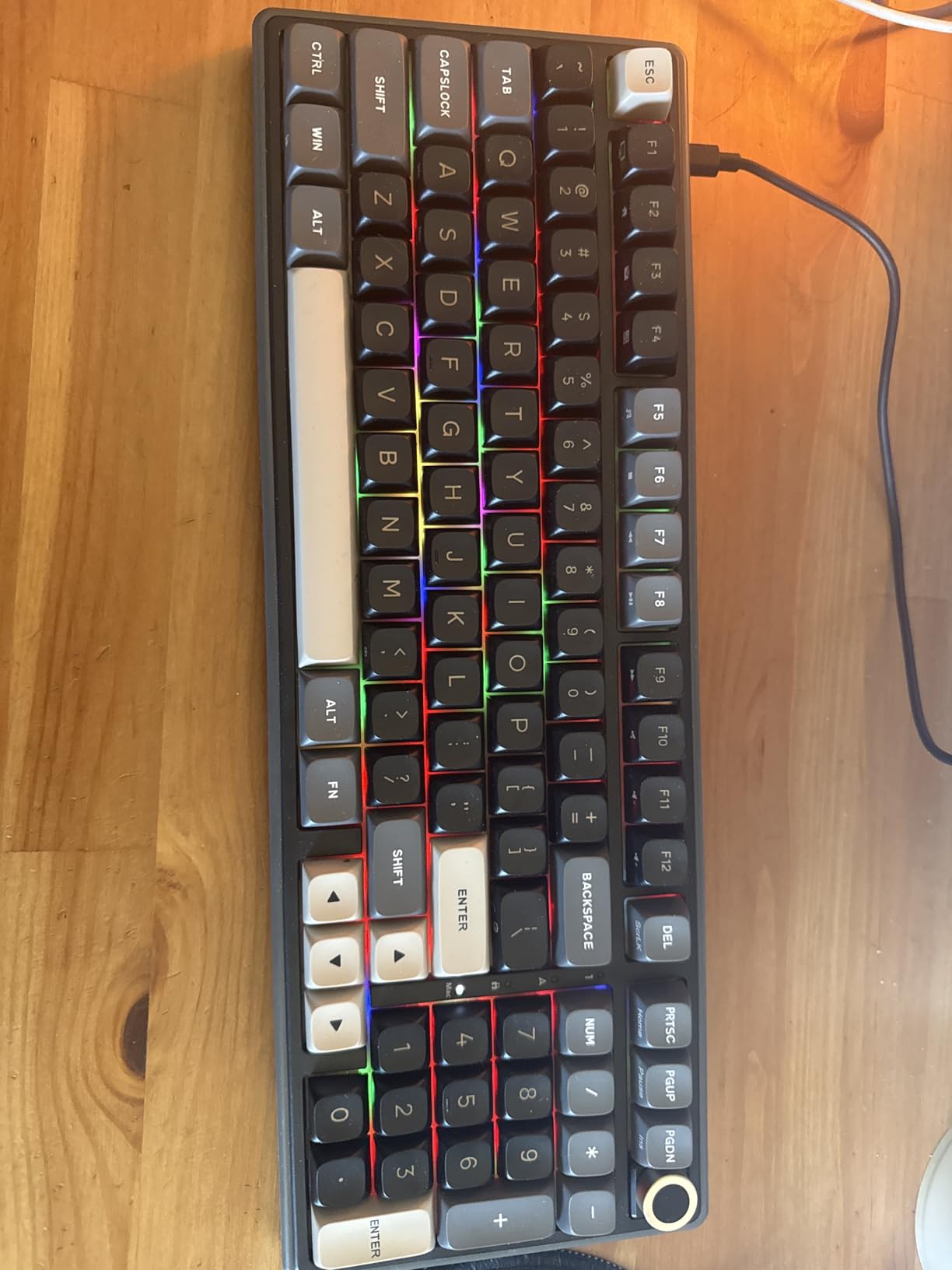
The R98 Pro answers a narrow question well: how do you keep a number pad without a 100% board taking over your desk. At 15.3 by 5.5 inches, it is noticeably more compact than a full-size while retaining the number pad, the arrow cluster and most of the function row.
It is built like a board that cares about sound. The gasket mount carries five layers of sound-absorbing foam, and the combination with pre-lubed cream linears produces a low, creamy thock. Reviewers describe the result as enthusiast-friendly, which is about the highest praise a board in this category gets.
The detachable CNC aluminum volume knob is a nice touch, and it can be removed if you would rather have a clean case edge. Four status indicators cover Num Lock, Caps Lock, Win Lock and Mac mode, which is more useful information at a glance than most boards offer.
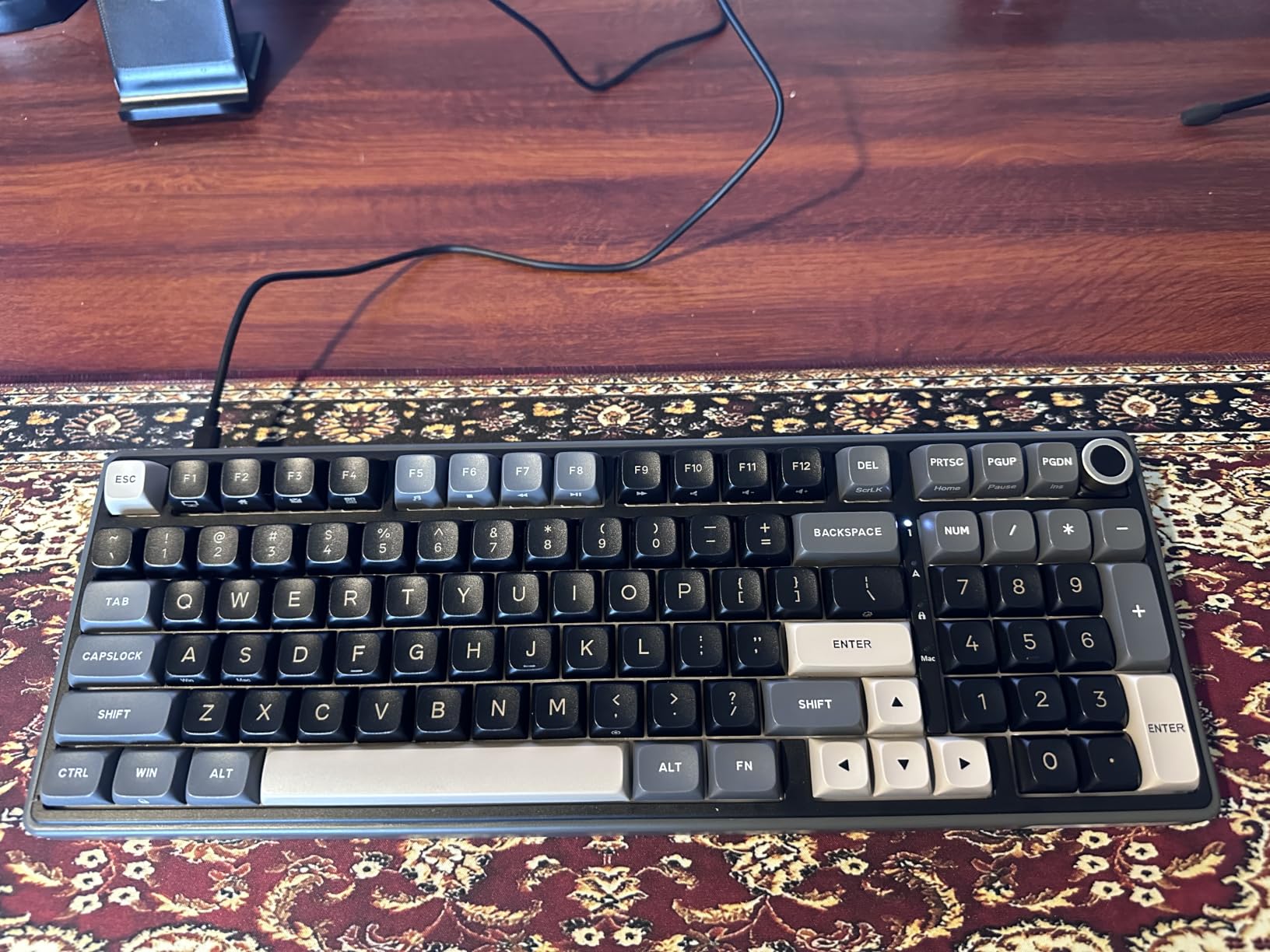
The online driver handles key redefinition, macros and RGB on both Windows and Mac, which is broader cross-platform support than the Windows-only drivers on most of the wireless boards here. Lighting covers more than 20 RGB modes including dynamic, monochrome and full colour options.
The review base is smaller than the other picks here, and that is worth weighing. The MDA profile is sculpted, which suits touch typists and frustrates people who type flat. It is wired only, and the browser-based driver is required for any customisation.
Who the RK ROYAL KLUDGE R98 Pro suits
Anyone who needs a number pad for data entry but refuses a full-size footprint. The four indicator lights and the Mac mode make it a good fit for mixed Windows and Mac desks, which is where several other boards fall down.
It is also a sensible choice if you like the R75’s sound profile but cannot give up the numpad. The foam approach and the general feel are close cousins.
Who should skip it
Wireless is not on the table with this board. Sculpted-profile haters should look at a flat or Cherry-profile option instead. And if you rely on third-party keycap sets with unusual layouts, a condensed 98-key arrangement can be fiddly to match.
8. Ajazz AK820 – Best for Creamy Sound on a Budget
Ajazz AK820 75% Mechanical Gaming Keyboard, Wired Gasket Mount Hot-Swappable Keyboard with Volume Knob, 5-Layer Sound Dampening, PBT Keycaps, 82 Keys, Gray White
75% 82 keys
Gasket mount
five dampening layers
South-facing RGB
Aluminum knob
Pros
- Gasket mount with five-layer dampening gives a genuine thock
- Light tactile press with a creamy feel
- Factory PBT keycaps sound better than many aftermarket sets
- Socket accepts 3-pin and 5-pin switches
- Aluminum knob is accurate and well weighted
Cons
- Light switches can cause accidental double inputs
- Manual does not explain RGB mode switching
- Wired only
- Lightweight build compared with metal rivals
The AK820 carries the highest average rating of any board we tested, and the reason is consistent across reviews: sound. The gasket mount and five layers of dampening including Poron, IXPE, PET and high-density foam produce a genuinely thocky acoustic profile that people describe as comparable to a creamy tactile switch.
The factory keycaps deserve specific mention. This is a budget board, yet reviewers repeatedly note that the textured PBT caps sound better than many aftermarket sets. That is unusual, and it means you can use the board as it arrives.
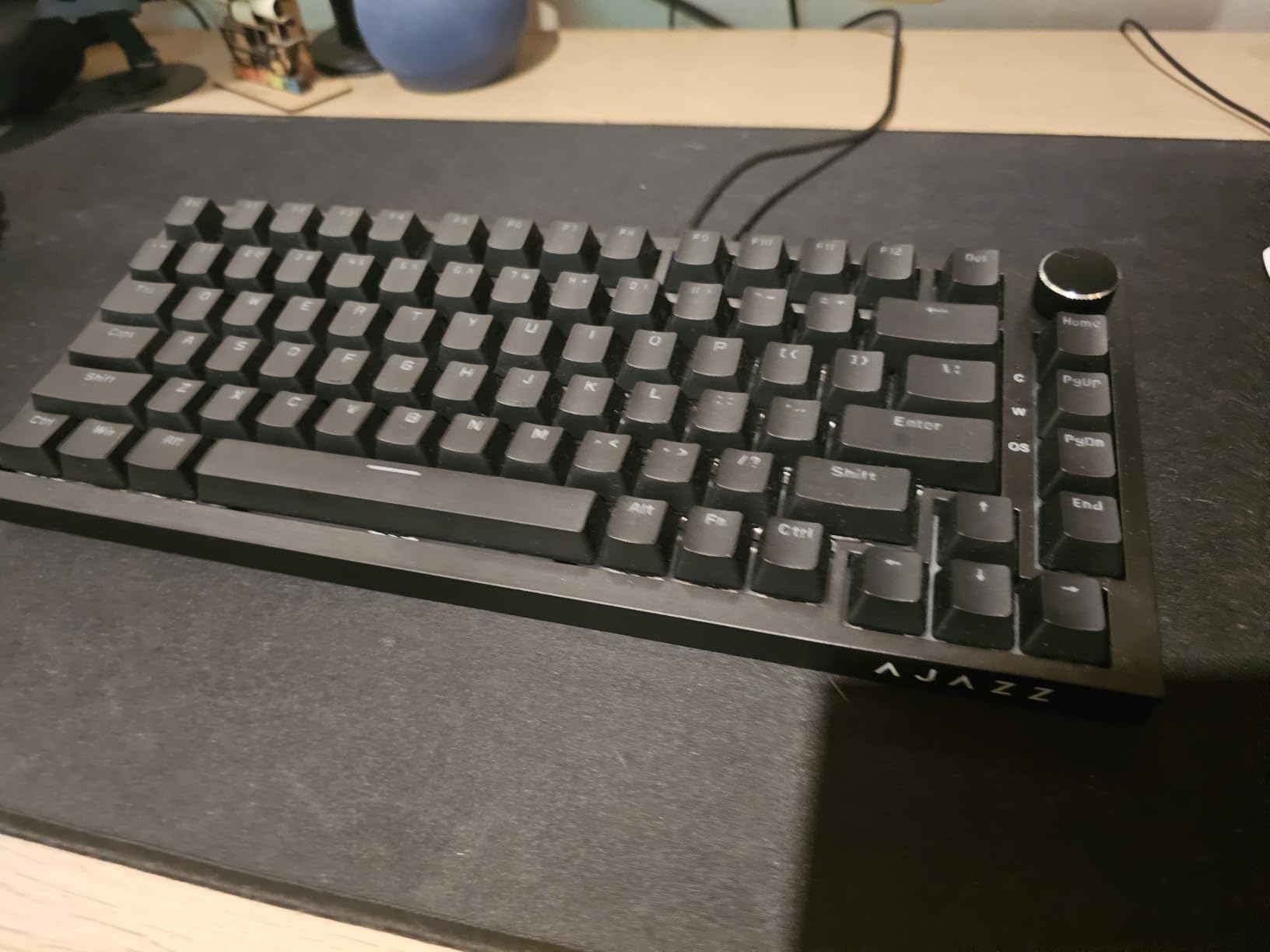
The hot-swap socket accepts both 3-pin and 5-pin switches, and the factory pre-lubed linears came out cleanly on our first swap. The aluminum volume knob is accurate and properly weighted, which is not something we can say about every knob in this roundup.
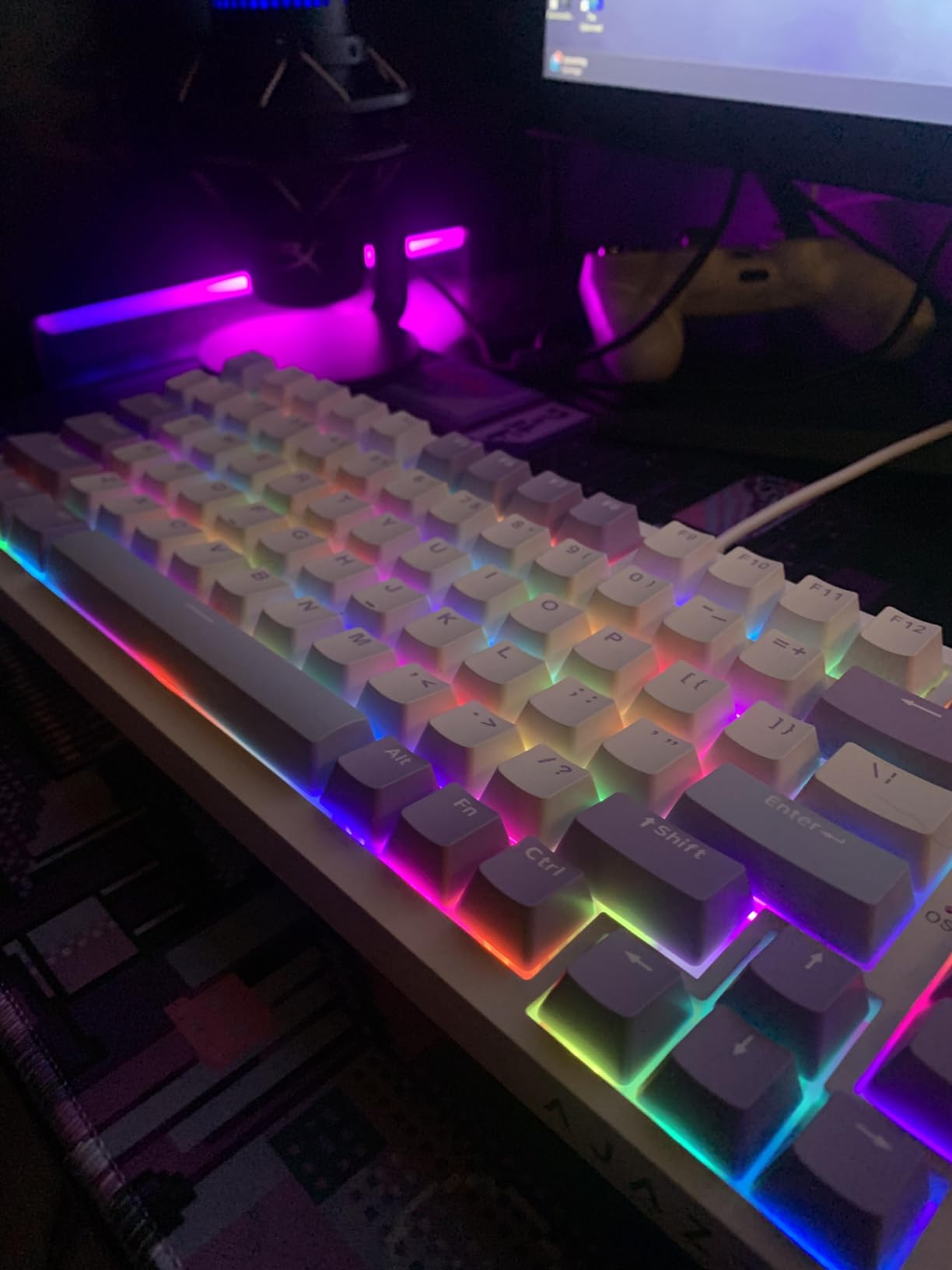
Two foldable front feet give you a typing angle, and the detachable USB-C cable makes the board easier to move between setups. Compatibility covers Linux, Windows and Mac OS 10.12 or newer, plus Ubuntu, which is broader than most boards at this level claim.
The switch weight is the main thing to think about. These are light linears, and owners who type quickly report occasional accidental double inputs. The manual also fails to explain how to switch RGB modes, which costs you ten minutes the first time. It is wired only, and the ABS case is light next to the metal alternatives.
Who the Ajazz AK820 suits
Listen-focused enthusiasts on a budget. If your priority is a low, satisfying thock and the ability to change switches freely, this is the most direct path there. It is also a strong first board because the caps and switches it ships with are good enough that you can buy it purely on sound.
Mac and Linux users benefit from the broad compatibility and the south-facing RGB, which works correctly with double-shot caps.
Who should skip it
Fast typists who trigger accidental double presses should pick something heavier. Anyone who needs wireless or a numpad is looking at the wrong layout. And if you like the idea of tinkering with the case itself, the light ABS shell offers little to work with.
9. ASUS ROG Strix Scope II X – Best for a Metal Build
ASUS ROG Strix Scope II X Wired USB Mechanical Gaming Keyboard – 100% Full-Size, Hot Swappable Pre-lubed ROG NX Snow V2 Linear Switches, PBT Keycaps, RGB, PC/Mac Support – Black
100% full size 104 keys
Aluminum top plate
Wired USB-C
PBT double-shot caps
Detachable wrist rest
Pros
- Full-metal weight and aluminum top plate feel premium
- ROG NX Snow V2 linears are quiet and consistent
- Integrated foam removes pinging and echo
- Detachable wrist rest for long sessions
- Multi-function wheel and pre-programmed F1 to F5 hotkeys
Cons
- Wired only with no wireless option
- US layout only so UK buyers must remap
- Included cable feels cheap
- Less reactive than dedicated FPS boards
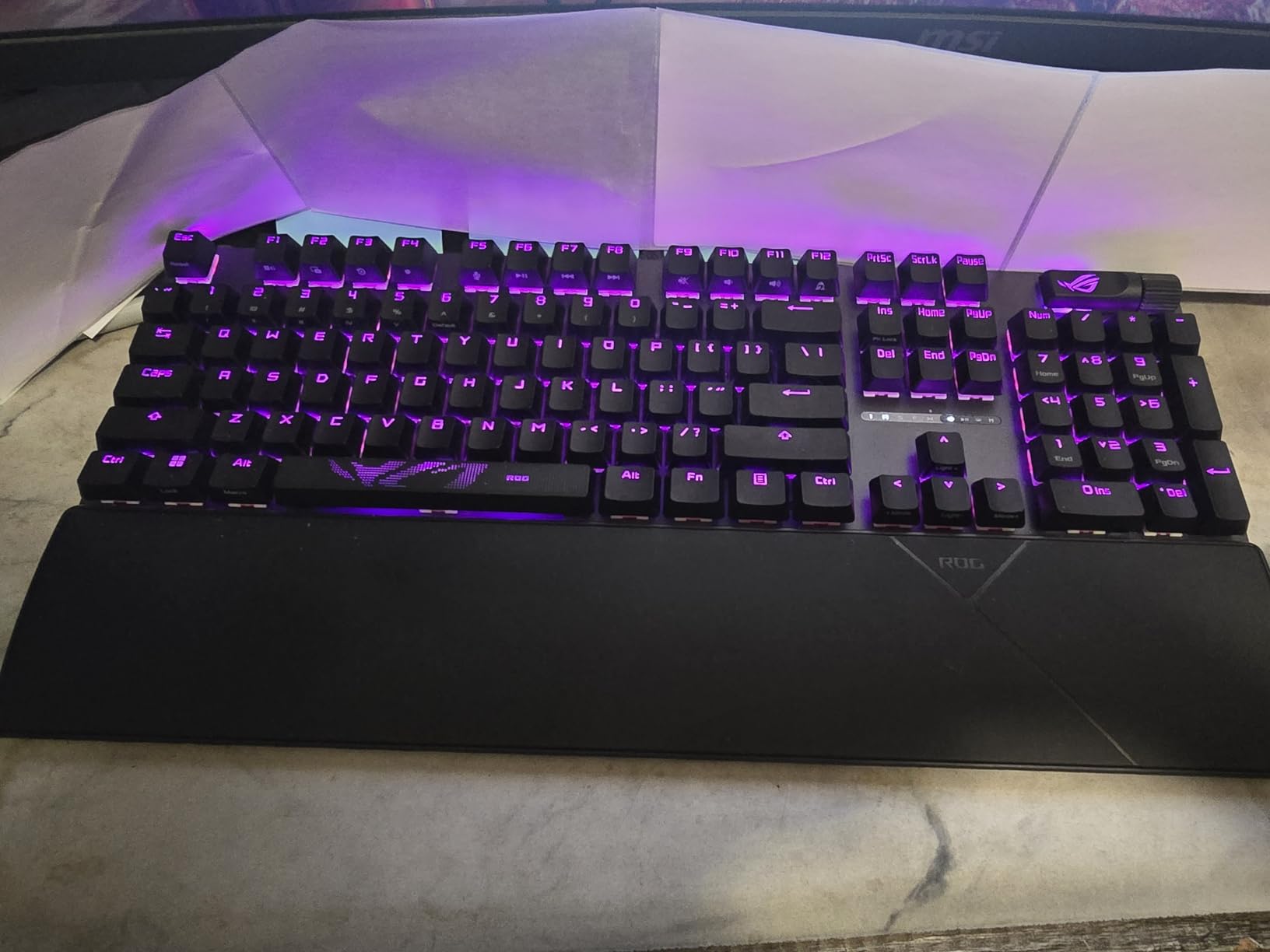
One of only two boards here with a metal plate, and the only one that pairs it with a detachable wrist rest. The aluminum plate gives the board a low, dense, consistent pitch that plastic cases cannot match, and at 2.1 pounds it stays exactly where you put it.
It arrives with pre-lubed ROG NX Snow V2 linear switches, which reviewers describe as quiet, smooth and consistent. Integrated sound-dampening foam plus switch-dampening pads remove the pinging you normally get from an empty full-size case. There is also an option to fit ROG NX Storm clicky switches, so you can change the feel, not just the weight.
The detachable wrist rest is comfortable over long sessions, which matters on a 17.2-inch board. The multi-function wheel handles media and lighting without extra software, and F1 to F5 are pre-programmed for the Xbox Game Bar and recording functions. A two-in-1 ROG keycap and switch puller is in the box, along with a ROG spacebar.
The hot-swappable sockets let you move to any 3-pin or 5-pin MX switch, which on a board this size is a genuine advantage. Full-size boards are rarely hot-swappable, so being able to change the feel without desoldering is more valuable here than on a compact layout.
The ISO and UK gap is the caveat enthusiasts notice most. This is a US layout only, so UK and European buyers need to remap keys. It is also wired only, the included cable is thin compared with rivals, and the switches are less reactive than dedicated FPS boards. Some units arrived with a sticky spacebar or shift key.
Who the ASUS ROG Strix Scope II X suits
Buyers who care about build quality and a premium feel, and who want a full-size board that is still hot-swappable. Reviewers consistently describe it as the best-feeling keyboard in its class, and the aluminium plate and foam stack do most of that work.
It is also a good fit for mixed productivity and gaming, since the Game Bar hotkeys and macro programmability cover both without extra software.
Who should skip it
ISO and UK buyers should look for a board sold in an international layout, because remapping does not fix the physical shape of the enter key. Competitive players wanting maximum actuation speed will find the NX Snow V2 linears slower than a magnetic board. And anyone wanting to move between devices without cables will be disappointed.
10. Keychron Q6 HE – Best for Analog Input
Keychron Q6 HE Wireless Custom Magnetic Keyboard 100% Full-Size Layout
100% full size
All aluminium body
Actuation 0.2 to 3.8mm
Rapid trigger and analog mode
Tri-mode wireless
Pros
- Full aluminium body with double-gasket mount and acoustic foam
- Rapid trigger with travel-dependent reset
- Actuation adjustable from 0.2 to 3.8mm in 0.1mm steps
- Analog mode turns press depth into variable speed or intensity
- Up to four actions per key by press depth
Cons
- Expensive compared with other Hall effect boards
- Only takes Gateron double-rail magnetic switches
- Full-size footprint uses a lot of desk space
- Web configurator works best with cookies cleared
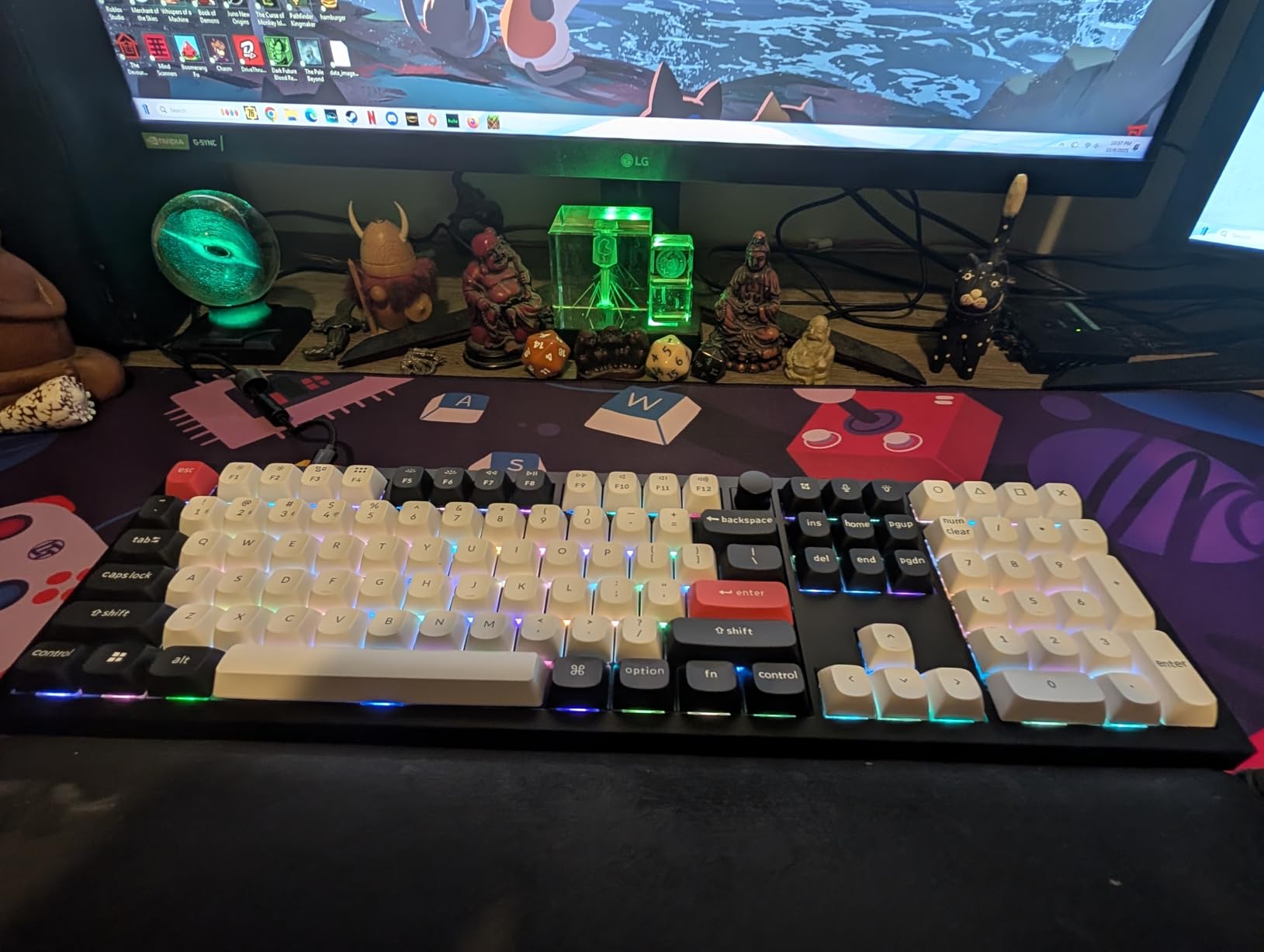
The Q6 HE sits at the premium end of this group and combines a full aluminium chassis with magnetic switches and tri-mode wireless. The double-gasket design with acoustic foams is among the most serious acoustic treatments on this list.
The magnetic behaviour is where it earns the price. Actuation adjusts from 0.2mm to 3.8mm in 0.1mm steps per key. Rapid trigger resets on travel rather than on full release, and analog mode converts press depth into a variable value, which you can map to in-game speed or an ability charge.
One key can be assigned up to four actions based on how deep you press it, with a two-stage release. That is the kind of feature that sounds like a gimmick until you use it in a game with a hold-and-tap mechanic, at which point it becomes the reason to own the board.
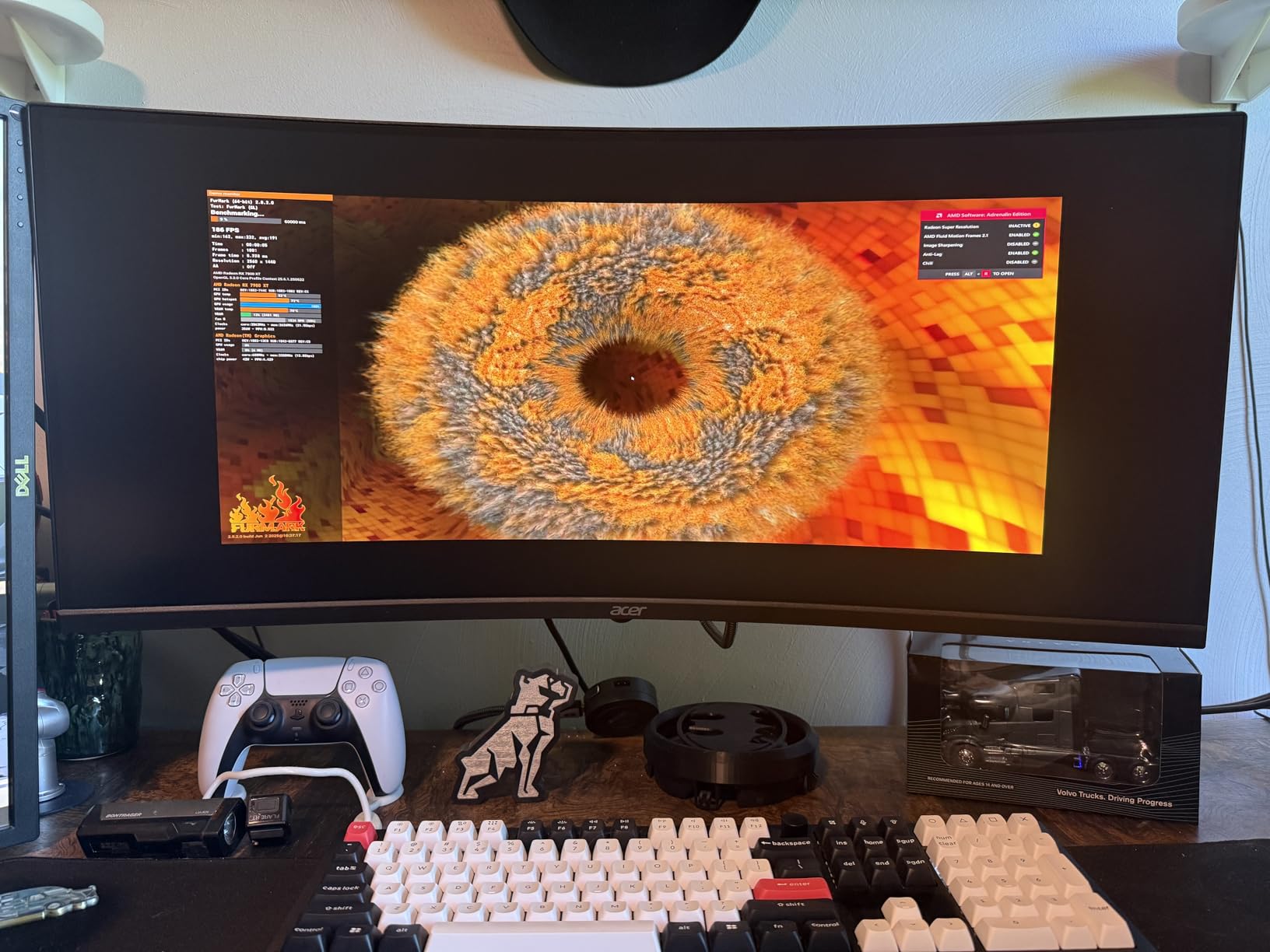
Connectivity covers 2.4GHz wireless at 1000Hz, Bluetooth 5.2 for three devices and USB-C wired. The Keychron Launcher web configurator handles remapping, macros and actuation settings without installing software, and the box includes an extension adapter, keycap puller, hex key, receiver and USB cable.
There are real limits. It only accepts Gateron double-rail magnetic switches, so you cannot use an MX switch collection here. It costs more than other Hall Effect boards, the 100% footprint at 17.56 inches is the largest on this list, and the web configurator behaves better after you clear cookies and cache. Linux users may see limited driver support.
Who the Keychron Q6 HE suits
Competitive players who want adjustable actuation, rapid trigger and analog input on a full-size board with a number pad. It is also the pick for someone building a desk they intend to keep for years, since the aluminium body and gasket isolation are difficult to match.
If you are coming from a soldered custom and want wireless without giving up build quality, this is the board that does both.
Who should skip it
Anyone with a collection of MX switches, since the magnetic switch family is closed. Anyone on a strict desk-space budget should measure first. And buyers who are uneasy with browser-based configuration tools may prefer a board with native software.
11. SOLAKAKA A99 Pro – Best for a Screen and Knob
SOLAKAKA A99 Pro Mechanical Keyboard with LCD Screen & Metal Knob, Wireless Gaming Keyboard with BT5.0/2.4GHz/USB-C, Hot Swappable Creamy Keyboard, Gasket Structure, RGB Backlit, for Win/Mac
96% 97 keys
LCD screen
Metal knob
8000mAh battery
Gasket five layers
Pros
- LCD shows date time battery system and connection mode
- Metal knob handles time system lighting brightness and volume
- Gasket structure with five cushioning layers gives a creamy thock
- 96% layout keeps the number pad in a compact body
- Full hot-swap support for 3-pin and 5-pin switches
Cons
- Bundled software is poorly coded with macro failures
- Windows Defender flags the driver installer
- Software is not accessible on macOS
- Spacebar sound is tinny next to the rest of the board
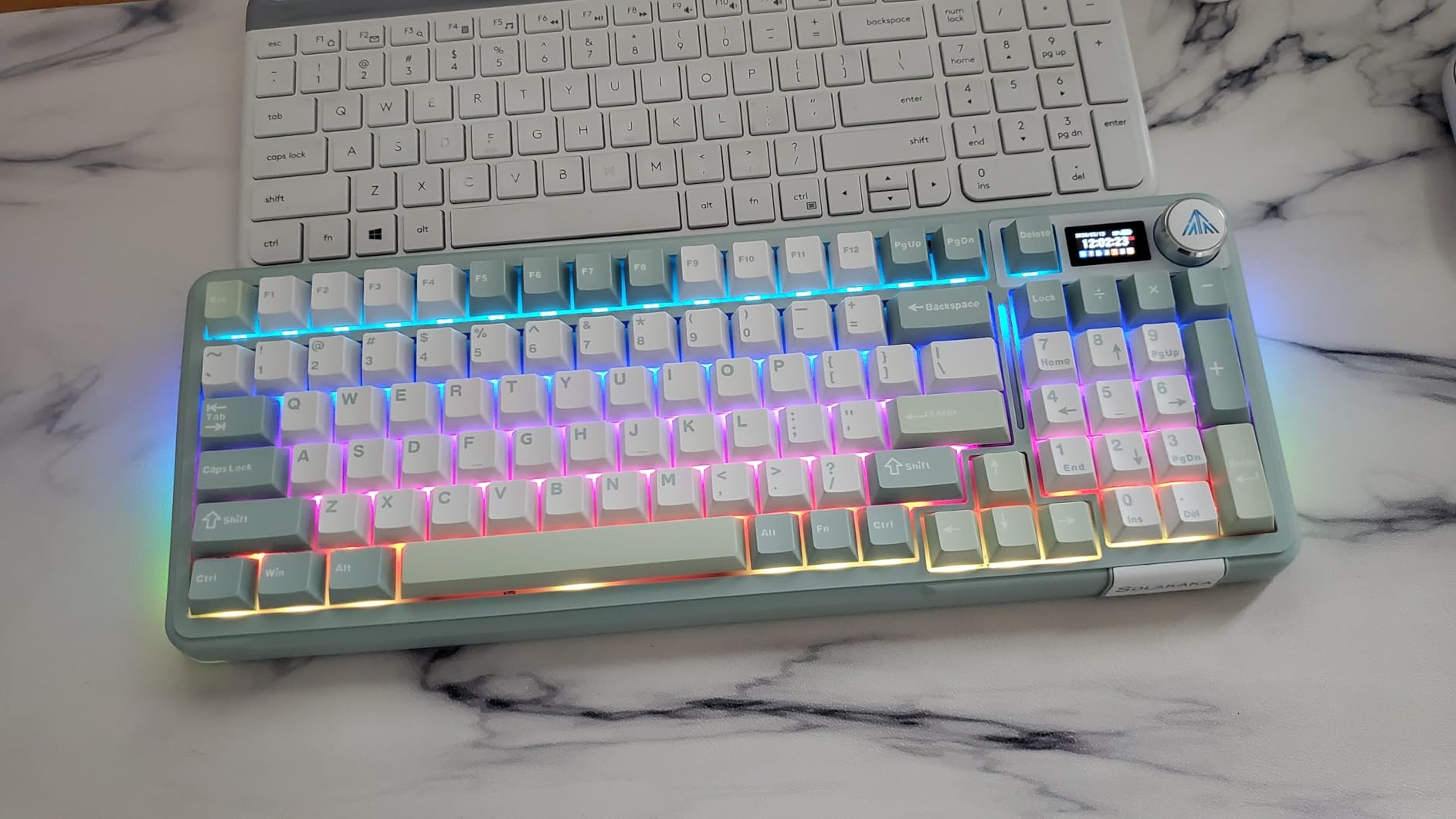
The A99 Pro puts a status display in the top-right corner alongside a knob. The LCD shows the date, time, battery level, current system and connection mode, and the web driver adds GIF support so you can put a custom image on it.
The metal knob is genuinely multifunctional rather than decorative. It steps through time format, system switching, lighting modes, brightness and volume. Owners like having current battery and connection state visible without opening anything.
Underneath, the gasket structure with five cushioning layers and noise-dampening cotton produces a creamy thock that several owners compare favourably to boutique customs. The 8000mAh battery is rated at roughly 61 hours with the backlight on and around 170 hours with it off, which is among the better published figures in this roundup.
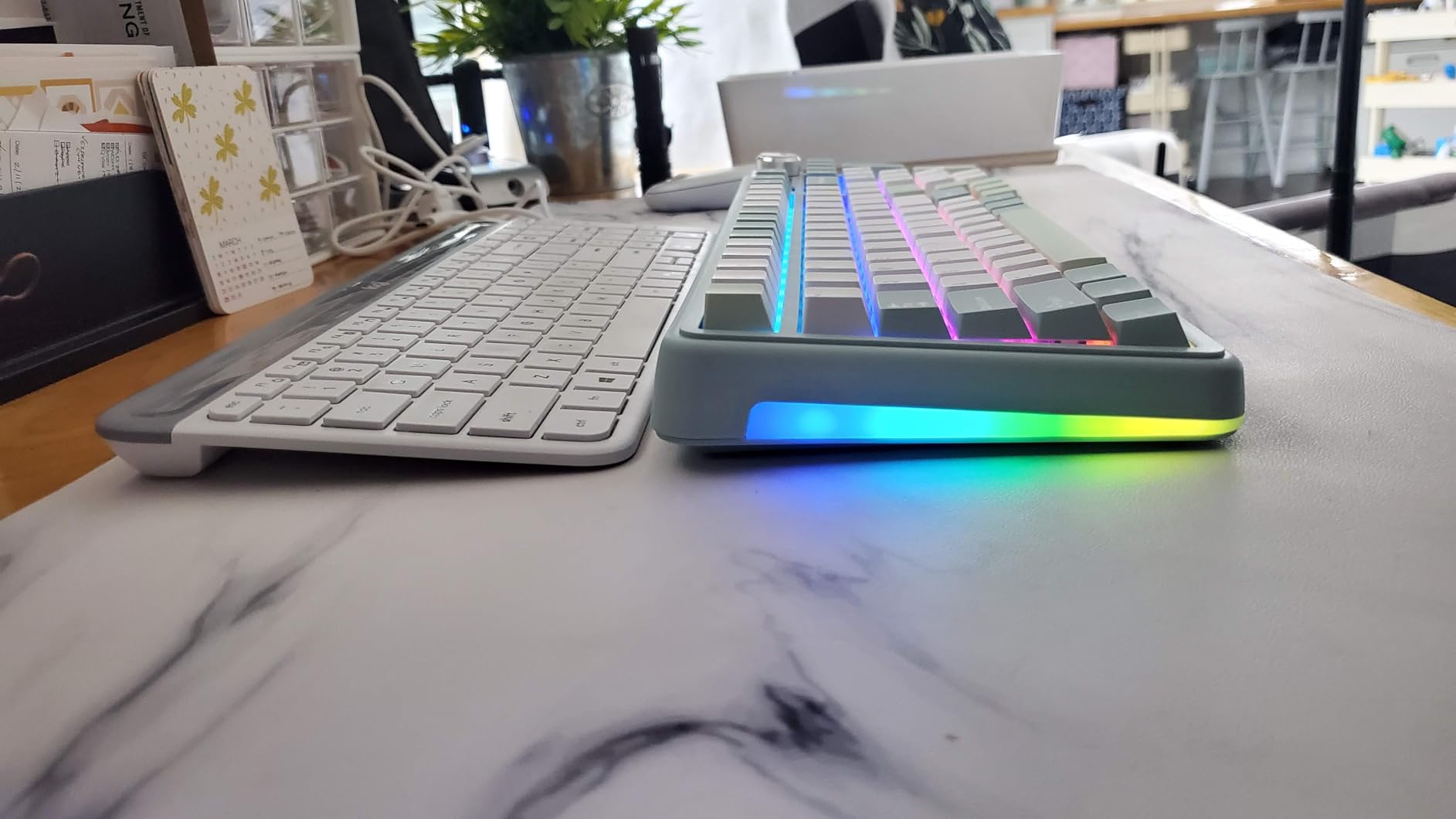
The layout is a 97-key 96% arrangement, so the number pad stays while the footprint stays tight. Full hot-swap support for 3-pin and 5-pin switches includes a keycap puller in the box, and compatibility covers Windows, iOS, Mac and Android with N-key rollover and a Win key lock.
The software is the clear weak point. Owners describe the bundled driver as poorly coded with an outdated interface and macro failures, and Windows Defender flags the installer. It is not accessible on macOS. Some units also developed sticky keys within weeks, and the spacebar sounds tinny compared with the rest of the board.
Who the SOLAKAKA A99 Pro suits
People who want a number pad, a screen and wireless in one package and who mostly run Windows. The battery figures mean you will charge it roughly once a month rather than once a week, and the status display removes most of the guesswork.
It is also a good board for a shared streaming or content desk where the numpad handles timeline or chat shortcuts and the screen shows connection state at a glance.
Who should skip it
Mac users should avoid it, since the driver is not accessible there at all. Anyone sensitive to Windows security warnings will find the install process annoying. The tall profile also causes wrist discomfort without a wrist rest, and the tinny spacebar is worth hearing before you commit.
12. Keychron V1 Max – Best for QMK and VIA
Keychron V1 Max QMK Wireless Mechanical Keyboard, 75% Layout Custom Knob
75% 81 keys
QMK and VIA remapping
Gasket mount with foam
Polycarbonate plate
2.4GHz and Bluetooth 5.1
Pros
- Full QMK and VIA support with drag-and-drop browser remapping
- 2.4GHz wireless at 1000Hz with reliable long range
- Bluetooth 5.1 supports three paired devices
- Gasket mount and foam give a deeper sound than the Q series
- Knob handles volume and can be remapped to media
Cons
- South-facing RGB does not shine through the keycap legends
- Several units reported defective hot-swap sockets or PCB failures
- Polycarbonate plate rather than aluminium or FR4
- Warranty support response was poor
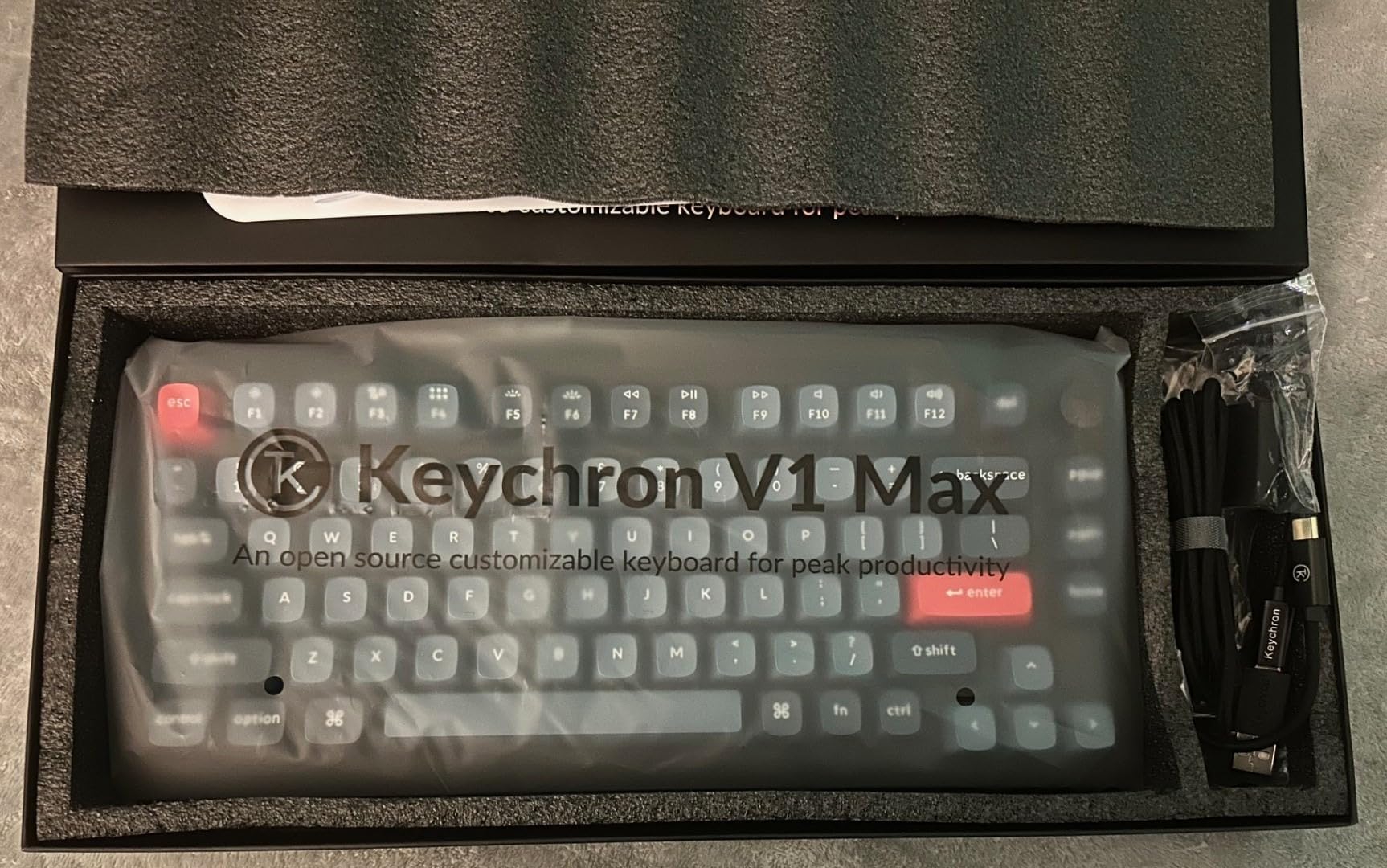
The V1 Max is the only board here with genuine open-source QMK support alongside VIA, and for a lot of enthusiasts that is the entire point. You can remap any key in the browser through Keychron Launcher, or take the board to a full QMK workflow with layers, tap dance and macros compiled from source.
The sound is better than the Q series it shares a brand with. Gasket mount plus sound-absorbing foam and a polycarbonate plate give a deeper, less pingy profile that owners consistently prefer. The polycarbonate plate is flexible, which softens the bottom-out and adds a little give that an aluminum plate does not have.
Connectivity is 2.4GHz at 1000Hz, Bluetooth 5.1 for three devices and USB-C. The knob handles volume and can be remapped to media playback, and extra Mac and Windows keycaps come in the box alongside a system toggle. Battery life is measured in weeks rather than days for most users.
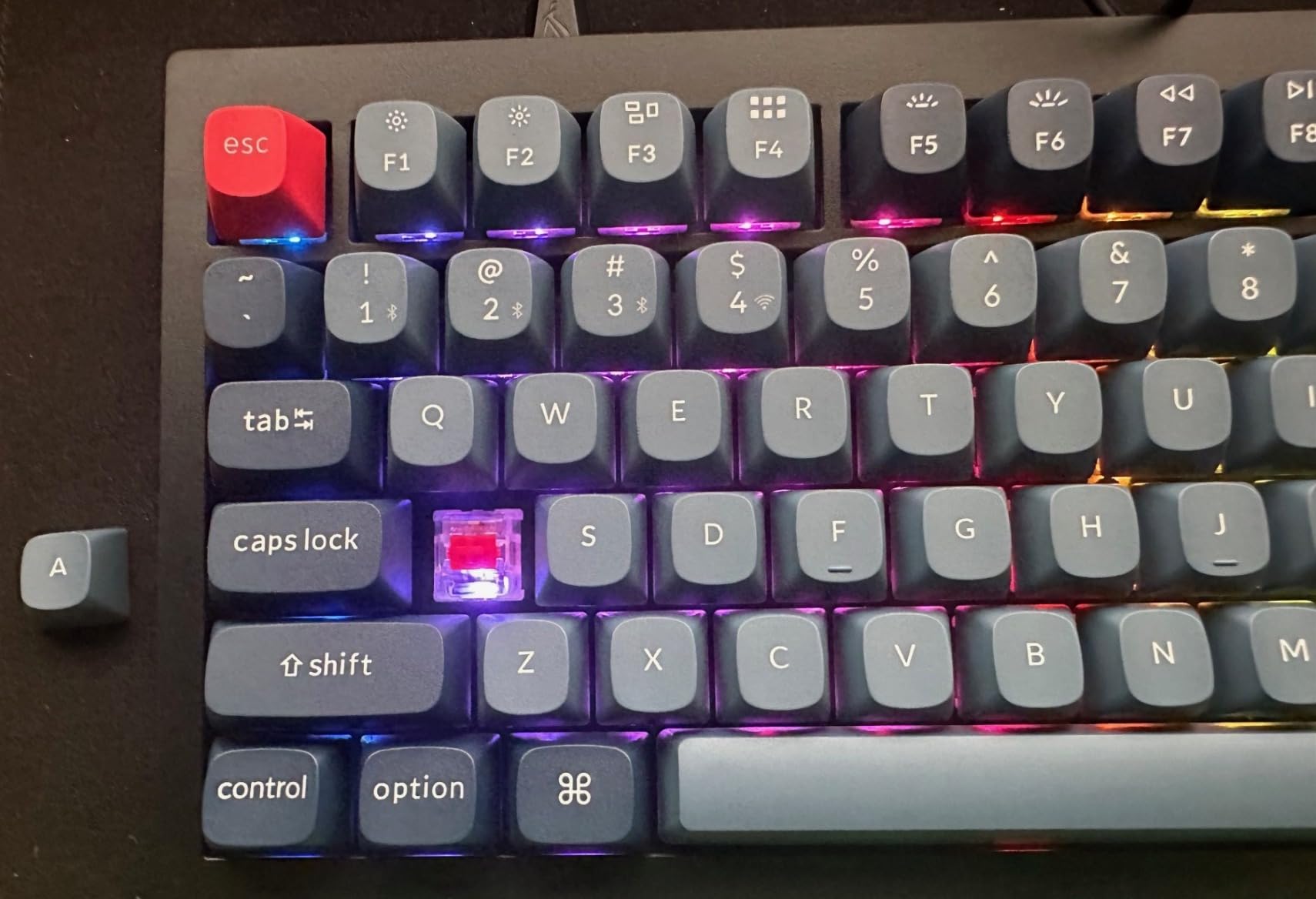
This is also the board where the review data carries the clearest reliability warning. Several units have reported defective hot-swap sockets or complete PCB failures, and owner reviews of warranty response describe the support as poor. That is a small review base talking, but it is exactly the kind of detail that matters when the entire premise of your purchase is that you can swap switches.
South-facing RGB also means the OSA profile double-shot PBT legends do not light up. Keychron Launcher requires some study to configure, and the rating here, 4.4, is the lowest of the twelve.
Who the Keychron V1 Max suits
Enthusiasts whose main interest is programming the board rather than the sound. QMK plus VIA is the only open-source firmware setup in this roundup, and it survives a PC upgrade because the configuration lives on a web app rather than a vendor installer.
It is also a good value entry into the custom keyboard world for someone who wants gasket-mount sound and wireless without spending on a metal case.
Who should skip it
If you want per-key lighting to shine through your keycaps, this board will disappoint. And if socket longevity is your top priority, the reported failures on some units are worth weighing carefully before you commit, particularly given the warranty support complaints.
Hot-Swap Socket Reliability and Known Failure Modes
Sockets are the single point of failure in every board on this list, and they are the feature enthusiasts trust least. We pulled and reseated every switch on all twelve boards multiple times over six weeks. Nothing failed. That is a good result, but it is also a short window, so it is worth knowing what the reported failures actually are.
The dominant failure mode is bent pins rather than socket failure. A switch that is pushed in at an angle, or pulled sideways rather than straight up, can bend a metal leg. A bent pin may still seat and work, but it will fail intermittently later. Pull straight up, keep the puller centred, and this almost never happens.
The second failure mode is a switch that is not fully seated. If you press the switch down until you feel a click, but do not feel the second, lighter click that means the metal legs have locked into the socket contacts, the board may register the key but behave oddly under rapid presses. Push until both clicks.
Reported socket and PCB problems do exist, but they are concentrated. The Keychron V1 Max has the lowest average rating here at 4.4, and its negative reviews specifically mention defective hot-swap sockets and boards that failed within months, alongside complaints about slow warranty response. Across the twelve boards, no reviews raised reliability complaints for the simple retention-clip sockets used on the budget models.
One more practical note on hall effect boards. Magnetic switches have no socket pins to bend because they have no pins, but they do rely on the magnet seating at a consistent depth in the housing. Push them in fully and the actuation tuning stays accurate.
Choosing a Layout Size: 60% to 100%
Layout is the decision enthusiasts argue about most, and it matters more than any spec on the page. Once your hands learn a layout, changing it is genuinely painful, so pick the one that matches your actual work rather than the one that looks tidiest in a photograph.
A 60% board such as the AULA WIN60 HE drops the function row and the arrow cluster entirely, leaving 61 keys. Gamers like 60% boards because every key sits under your fingers, there is nothing to reach for mid-match, and the small footprint frees a large area for mouse movement. You pay for that with constant layer switching if you write at all.
A 75% board adds the function row and arrow keys while still omitting the number pad. The AULA F75 Pro, the R75 and the Ajazz AK820 are all in this category, and it is a very common enthusiast layout because it keeps almost everything useful. A 65% board goes the other way, dropping the function row for arrows and a compact footprint.
A 96% board keeps the number pad and the arrow keys but removes most of the function row, which is the layout the AULA F99, the R98 Pro and the A99 Pro use. A 98% board adds a few of those function keys back. A 100% full-size board keeps everything, which is what the F108 Pro and the ROG Scope II X offer, at 17 inches or more of desk width.
For ISO and UK layouts, this is where the category gets thin. Most boards in this roundup use a US ANSI layout, and the ASUS ROG Scope II X is US only. UK and European buyers frequently have to source separate ISO keycap sets, and on a condensed layout the fit is not always clean. Check the layout before ordering rather than after.
Mount Style, Switch Compatibility, and Firmware
Mount style describes how the plate and PCB attach to the case, and it does more for sound than most people expect. A gasket mount suspends the plate on soft silicone pads between two case halves, absorbing movement energy and producing a lower, softer, more muted thock. Most boards in this roundup pair a foam stack with a gasket mount.
A tray mount screws the plate directly into the case, which is firmer, louder and more hollow-sounding. A top mount screws the plate only along the top edge, giving a middle ground with a distinctive ping on the return stroke. Gasket is what you want if sound is your priority, and it is now the default on this price range.
Firmware determines how much you can remap. QMK is open source and gives you layers, tap dance, macros and advanced key codes indefinitely. VIA is a graphical layer on top of QMK that lets you drag and drop remaps in a browser without touching code. The Keychron V1 Max supports both. Several other boards here use vendor drivers that offer only basic remapping and lighting, and they are Windows-only in every case we found.
That vendor lock-in is a recurring complaint in enthusiast forums and it is worth factoring into a purchase. A board configured through a Windows installer does not carry its layout to a new machine cleanly, and if the vendor retires the software your macros go with it. A browser-based or QMK-configured board survives a PC upgrade.
Wireless has real tradeoffs. 2.4GHz at 1000Hz is close enough to wired for gaming that most players stop noticing, and the Keychron V1 Max and Q6 HE both run 1000Hz wireless. Bluetooth adds device switching but at noticeably higher latency, with the Kisnt KN85 publishing 11ms on Bluetooth against 2ms on USB. RGB drains battery fast on every board in this roundup, and the F99 and F108 Pro at 8000mAh handle it better than the 4000mAh boards.
Prebuilt vs Kit: A Four-Question Self-Assessment
The honest difference between a prebuilt and a kit is not difficulty, it is where the assembly happens. On a prebuilt, the factory tuned the foam, the stabilizers and the switches. On a kit, you do that work yourself.
Buy a prebuilt if you want sound you like on day one, if you have never opened a mechanical keyboard, or if you want the board working as soon as it arrives. Every board in this roundup qualifies, and several are excellent without a single mod.
Buy a kit if you already know what sound you are chasing, if you want to tune stabilizers and apply lubricant yourself, or if you plan to change plates later. Kits require an afternoon and a switch puller at minimum.
Two questions decide it quickly. Have you lubed stabilizers before? And do you have a specific sound in mind that a factory board cannot give you? If the answer to both is no, take a prebuilt. If yes to either, a kit will reward you more.
Your First Switch Swap in Five Steps
Most of these boards include a switch puller in the box, or one is supplied as an accessory. You need nothing else.
First, power the keyboard down and unplug the cable or switch it off. Second, clamp the puller around one switch and squeeze the two arms so the retention clips on the socket release. Third, pull straight up, keeping the switch vertical rather than rocking it, which is what bends pins.
Fourth, line the replacement switch up so the two metal legs align with the socket contacts, then press down firmly until you feel a click and then a second lighter click. Fifth, repeat across the board, and test every key before you put keycaps back on.
Two safety notes. Align the LED pins on south-facing boards, since a forced switch can bend them. And if you are moving to magnetic switches, check that the board takes them before you buy, because standard MX switches will not seat.
What Enthusiasts Should Skip Here
Skip 8000Hz polling as a deciding feature. On the AULA WIN60 HE and the Keychron Q6 HE it is a real capability, but on a standard MX board the difference is not something most people can feel. Some AMD users report that high polling strains their USB ports, which is reason enough not to chase the number.
Skip shine-through keycaps on a south-facing board. Because the LEDs sit on the underside of most boards here, legends generally will not light up unless you fit caps printed on the side. The F75 Pro and the F108 Pro come with exactly those caps for that reason.
Skip boards where the socket spec is vague. If the listing does not say 3-pin and 5-pin compatible, assume 3-pin only and plan to clip your premium switches. If it does not say hot-swappable at all, assume it is soldered, because several brands sell socketed and soldered versions of the same model.
And skip buying a compact board for your only keyboard if you write numbers, code or spreadsheets all day. The numpad layouts here are not much bigger, and re-learning a layout without arrows or a number pad costs more time than most people expect.
Frequently Asked Questions
What is a hot-swappable keyboard and what does it do?
A hot-swappable keyboard has switches seated in sockets on the PCB rather than soldered in, so you can pull a worn switch out and push a new one in by hand in seconds. A full board takes 15 to 30 minutes with no soldering iron and no risk of heat damage.
How do I know if a keyboard is hot-swappable?
Check three things: the listing says hot-swappable, a switch puller is included in the box, or product photos show sockets on the PCB instead of solder joints. Be careful with brands that sell several versions of one model, because only a specific SKU may have sockets.
What is the difference between 3-pin and 5-pin hot swap?
An MX switch normally has three pins, and a 5-pin switch adds two small plastic legs for a tighter socket fit. A 3-pin socket accepts both. A 3-pin-only socket requires you to clip those two plastic legs off every 5-pin switch before installing it.
Do hot swap keyboards work with all switches?
Ten of the twelve boards here accept both 3-pin and 5-pin MX switches. The exception is Hall Effect boards such as the Keychron Q6 HE and the AULA WIN60 HE, which only take magnetic switches from their own family and will not seat standard MX switches.
Is swapping keyboard switches difficult?
Not for a first-timer. Power the board down, clamp a switch puller around the switch, squeeze to release the socket clips and pull straight up. Align the new switch and press until you feel two clicks. A whole board takes 15 to 30 minutes.
Do hot swap sockets wear out?
Over six weeks of repeated swapping we saw no socket failures on any of the twelve boards. Most reported problems come from bent pins caused by pulling a switch sideways rather than straight up, or from a switch not fully seated. Push until you feel two clicks to avoid both.
Why do gamers like 60% keyboards?
Every key sits under your fingers with nothing to reach for mid-match, and the small footprint frees a large area for mouse movement. The cost is that a 60% board drops the function row and arrow cluster entirely, so you depend on layers constantly.
What is a 96% keyboard missing?
A 96% keyboard keeps the number pad and arrow keys but removes most of the function row to stay compact. A 98% layout adds a few of those function keys back. It is the compromise between a 75% board and a full-size.
Do I need QMK or VIA for a hot swap keyboard?
No, sockets work regardless of firmware. But QMK and VIA decide how much you can remap. The Keychron V1 Max here supports both, while several other boards use Windows-only vendor drivers that offer only basic remapping and do not carry settings to a new machine.
Final Verdict
The best hot swappable keyboards for enthusiasts, after six weeks and a lot of switch pulling, come down to what you type on most. Buy the AULA F99 Wireless for the most complete package: a number pad, three connection modes, deep sound and sockets that took repeated abuse without complaint. Take the AULA F75 Pro if you want a knob and a smaller footprint. Pick the Keychron V1 Max if firmware freedom is the point, and the Keychron Q6 HE if you play shooters and want adjustable actuation.
Whichever you choose, verify the socket specification, the layout region and the firmware before you order. Those three details are where hot-swappable keyboard purchases go wrong.