
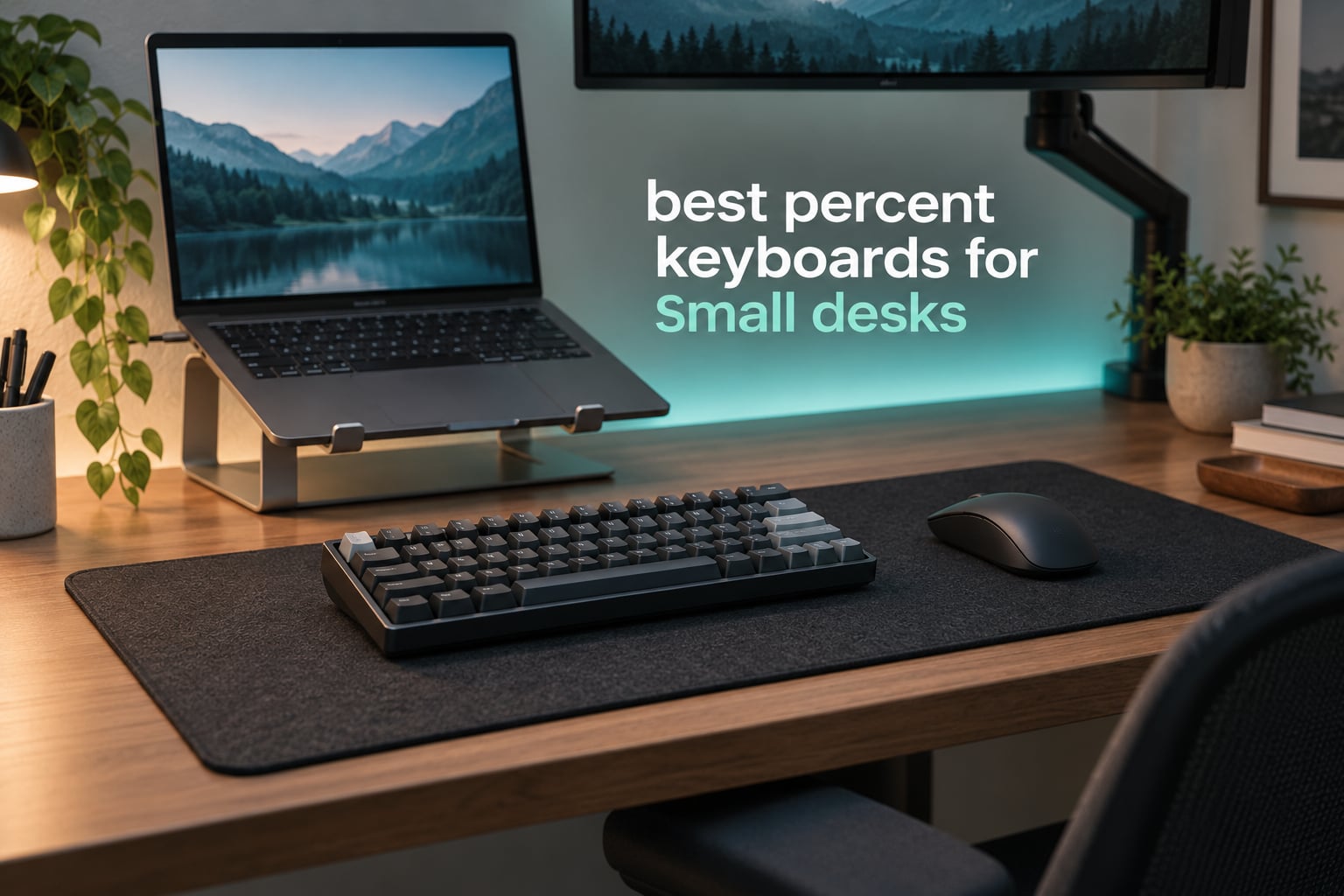
A 60% keyboard is the most reliable way to claw back desk space, and that is exactly what a small desk needs. This roundup covers the best 60 percent keyboards for small desks, ranked on the three things that actually decide the purchase: how little room the board takes up, how well it sounds and feels, and how much of the space you free goes to your mouse.
A 60% layout keeps 61 keys in the ANSI standard. It strips out the F1-F12 row, the navigation cluster, the arrow keys and the numpad, which means the board is roughly a third narrower than a full-size. Everything you lose moves onto a function layer, so a tap of the Fn key plus 1 gives you F1, and a different Fn combination gives you left, down, right and up.
That trade is worth it on a cramped desk because a full-size keyboard eats the one resource you cannot buy more of: mouse room. A large mousepad needs depth in front of the keyboard, and a 60% hands you back roughly 10 cm of it. I put every board below through the same lens, weighing footprint, weight, connectivity and the honesty of the Fn layer.
Table of Contents
Top 3 Picks for Small Desks in 2026

RK Royal Kludge RK61
- 61-key wireless layout
- Bluetooth 5.0 and 2.4GHz
- Hot-swappable PCB
- Double-shot PBT keycaps

HyperX Alloy Origins 60
- Aircraft-grade aluminum case
- Double-shot PBT keycaps
- 80M keypress switches
- RGB with NGENUITY

Redragon K617
- 61-key wired layout
- Hot-swappable socket
- 20 RGB lighting modes
- Detachable USB-C cable
The Quick Comparison for Small-Desk Buyers in 2026
Every board below is a genuine 60%-class footprint. The deciding spec column tells you the one reason to pick it over the others, and the key count tells you whether you keep arrow keys or remap them.
| Product | Specifications | Action |
|---|---|---|
| RK Royal Kludge RK61 Wireless 60% |
|
Check Latest Price |
| Redragon K617 Wired 60% |
|
Check Latest Price |
 DIERYA DK63 63-Key Wireless DIERYA DK63 63-Key Wireless |
|
Check Latest Price |
 MageGee MK-Box 68-Key MageGee MK-Box 68-Key |
|
Check Latest Price |
| HyperX Alloy Origins 60 |
|
Check Latest Price |
 CACKBIRD 61-Key Blue Switch CACKBIRD 61-Key Blue Switch |
|
Check Latest Price |
 Snpurdiri 60% Membrane Board Snpurdiri 60% Membrane Board |
|
Check Latest Price |
 AULA WIN60 HE AULA WIN60 HE |
|
Check Latest Price |
 XVX M61 Pro Wireless XVX M61 Pro Wireless |
|
Check Latest Price |
 Womier WK61 Womier WK61 |
|
Check Latest Price |
1. RK Royal Kludge RK61 Wireless 60% – Best Overall for a Small Desk
RK ROYAL KLUDGE RK61 Wireless 60% Mechanical Keyboard, Mini Portable Size
61 keys
Bluetooth 5.0, 2.4GHz, USB-C
Hot-swap 3/5-pin
Double-shot PBT
1450mAh, 200h
Pros
- Smallest footprint in this group with three wireless modes
- Hot-swappable for 3-pin and 5-pin switches
- Double-shot PBT keycaps resist shine
- Two foam layers and factory-lubed stabilizers
- Connects to three devices at once
Cons
- Single-color backlight instead of full per-key RGB
- No dedicated F-row or arrow keys until you remap
The RK61 is the board I recommend first for a cramped workspace, and it has the largest owner base of anything on this list at nearly 10,000 ratings. The footprint is the whole point: 61 keys, a slim ABS shell, and a depth shallow enough that a large mousepad fits in front of it without the keyboard pushing your forearm off the desk edge.
What separates it from other budget 60%s here is that it does not feel like a compromise on the three things that age badly. It ships with double-shot PBT keycaps, which do not develop the greasy shine that ABS caps pick up in a few months of daily typing, and the case carries two layers of silencing foam plus factory-lubed stabilizers. That combination is why the typing sound is full rather than hollow.
The triple-mode connectivity is the part that changes daily habits. Bluetooth 5.0 pairs with up to three devices at the same time, 2.4GHz handles gaming without the Bluetooth latency penalty, and USB-C is there for charging and for a zero-delay wired session. A 1450mAh battery is quoted at up to 200 hours with the lights off, so battery anxiety is rarely the issue people expect it to be.
The hot-swappable PCB is the sleeper feature. It takes 3-pin and 5-pin switches, so if the factory linear switches are not to your taste you can pull them with the included 2-in-1 keycap and switch puller and drop in anything you like, no soldering. The box also includes spare switches, a dust cover and the 2.4GHz receiver, which is unusually complete for this tier.
Why it works on a shallow desk
The most common complaint about compact boards is that freeing desk space means nothing if the mouse ends up in the same spot. On a 60 cm deep desk the RK61 sits close enough to the back edge that you still get a usable pad in front of it, and the wireless modes let you push the board further back without cable management getting in the way.
RK owners on r/MechanicalKeyboards frequently point out that once typing switches to the home row, the removed keys genuinely stop being missed. The keys you will still reach for are the arrows, which is a firmware problem rather than a hardware one, and this board remaps through RK Pro software.
Where it falls short for you
The backlight is single-color rather than per-key RGB, so if your setup is lit for streaming or you want the board to match a themed build, that is a real loss. The ABS case also flexes more than the aluminum bodies further down this list, so it will not feel as planted under a heavy hand.
Users in competitive shooters have flagged the 2.4GHz and Bluetooth modes specifically: forum discussion of the RK61 wireless tends to steer people playing ranked shooters toward the USB-C wired mode. The cable is included, so that is a free fix rather than a reason to avoid the board.
2. Redragon K617 Wired 60% – Best Value Hot-Swap Board
Redragon K617 Wired 60% Compact Hot-Swap RGB Gaming Mechanical Keyboard
61 keys
USB-C wired
Hot-swappable socket
20 RGB modes
9.6 oz
Pros
- Hot-swappable socket at a very low price point
- 20 RGB modes with adjustable brightness and flow speed
- Only 9.6 oz so it travels easily
- Detachable USB-C cable
- Switches rated for 50 million keypresses
Cons
- Factory red switches are audible and hollow-sounding
- Thin sound profile until you add foam or swap switches
- Mixed white and grey keycap colorway divides buyers
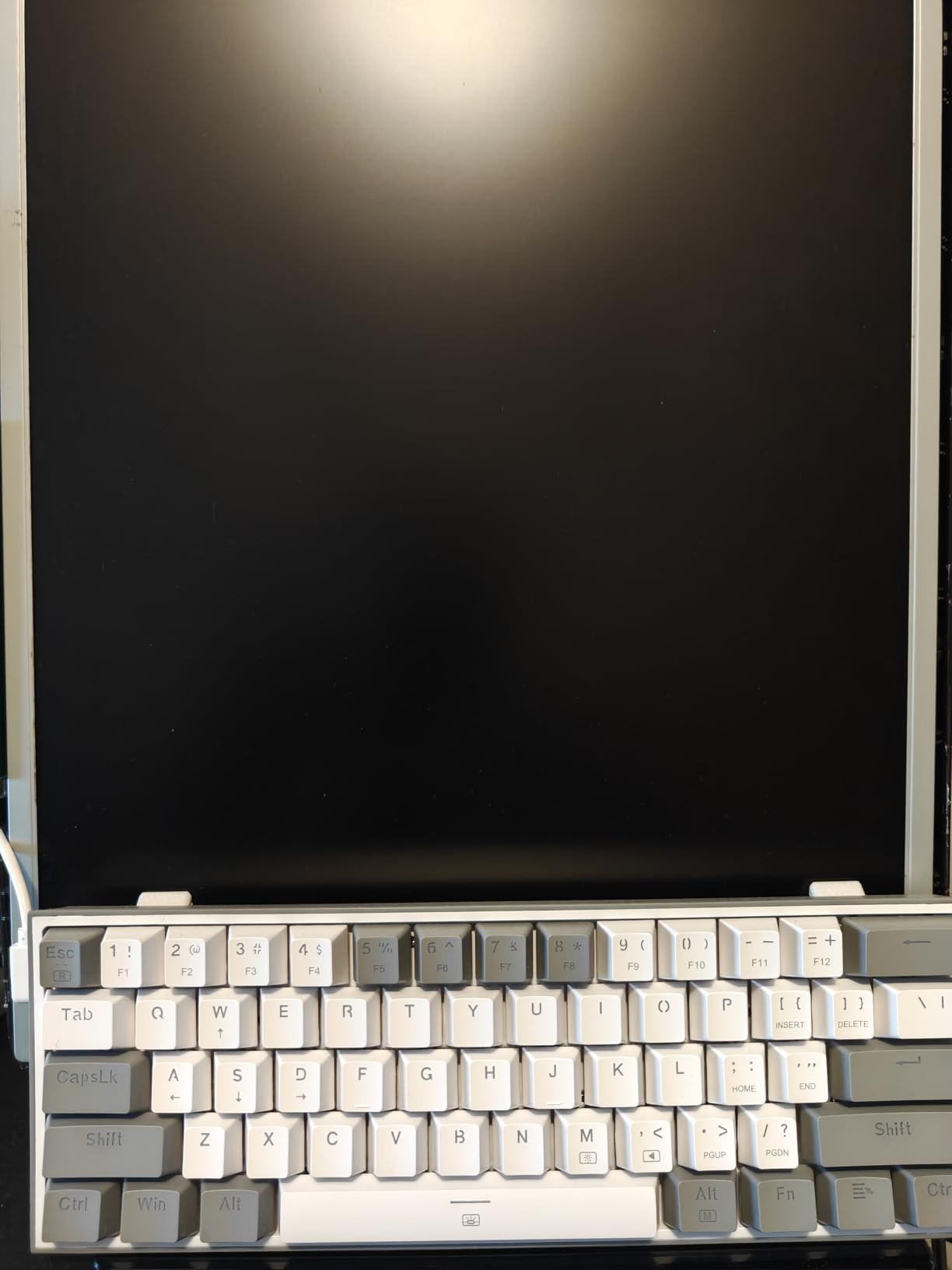
The K617 answers a simple question: how little do you have to spend to get a real hot-swappable 60% board? It weighs 9.6 ounces, measures 12.2 by 5.31 by 1.57 inches, and costs less than a month of streaming subscriptions. For a desk where every centimeter is contested, that weight and depth combination is genuinely useful.
What you get beyond the price is a wired-only design with a detachable USB-C cable, which means zero wireless latency and no battery to think about. The hot-swap socket accepts both 3-pin and 5-pin switches, so the board can grow with your preferences. Pro software handles macros, keybindings and the lighting effects.
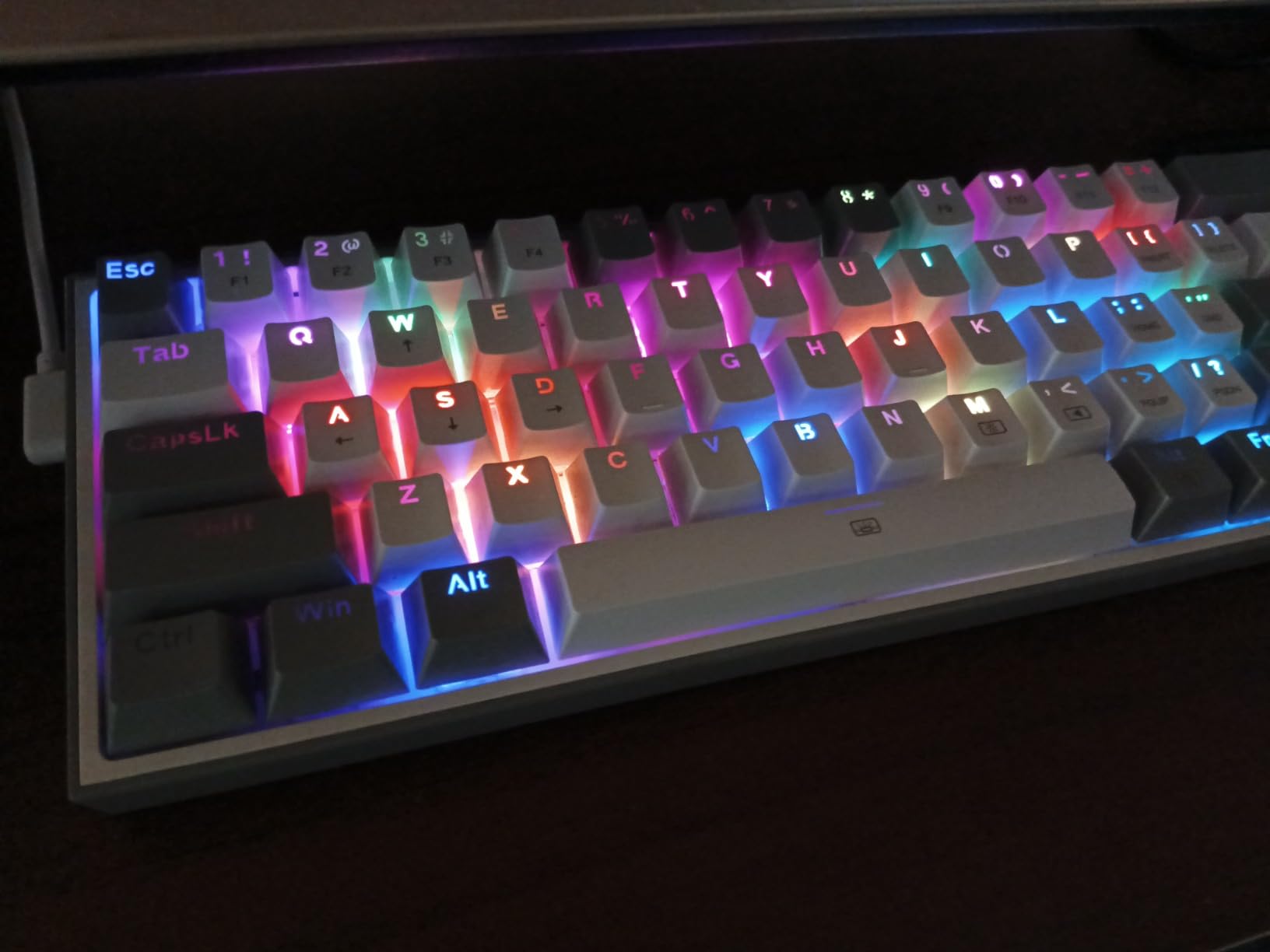
The honest weakness is sound. The factory linear reds are bright and clacky, and the case has no internal foam, so the default profile is thin and hollow compared with the RK61 or the XVX. Adding a layer of foam or swapping in quieter switches fixes most of it, and the hot-swap socket is exactly what makes that fix a two-minute job rather than a soldering project.
The RGB is the strongest on any board at this level of build, with 20 preset modes, adjustable brightness and controllable flow speed. The detachable cable exits in a convenient spot, which matters on a small desk where cable routing usually goes wrong.
Why it is the smart second purchase
If your first mechanical board was a bundled plastic thing, the K617 is the cheapest realistic step up that does not cap your ceiling. Switches, keycaps and firmware are all open, so the board you buy now is the board you keep. Nothing about it is a dead end.
For a shared desk or a dorm room, the wired-only design is another quiet win. No pairing, no channel switching, no charging, just plug it in. That is the setup most people actually want when space is the constraint rather than cable clutter.
Where it falls short for you
If you are sensitive to sound in an open-plan office or a shared apartment, the factory switches will bother you daily and there is no wireless mode to fall back on for quiet late-night work. A mouse-and-keyboard-free desk also means a permanently occupied cable, which can be awkward if you swap setups often.
Reviewers also mention that the mixed white and grey keycap colorway is polarizing, and that arrow keys feel cramped on a 61-key layout until you set up a layer. The 50 million keypress switch rating is solid but not exceptional among the boards here.
3. DIERYA DK63 63-Key Wireless – Best When You Need Real Arrow Keys
DIERYA DK63 60% Wireless Mechanical Gaming Keyboard | Bluetooth/2.4G/Wired | RGB Backlit Compact 63 Keys Mini Office Keyboard | with Red Switch | for Windows Laptop PC Gamer Typist-Black
63 keys with arrows
Bluetooth 5.0 / 2.4GHz / wired
3000mAh battery
1.4 lb
Pros
- Dedicated arrow keys in a 60% footprint
- Three connection modes
- 3000mAh battery with long standby
- 18 RGB modes and 16.8M colors
- Anti-ghosting across all keys
Cons
- Switch durability rated at 600000 presses
- Function keys routed through the Fn key
- Some users report inconsistent Bluetooth pairing
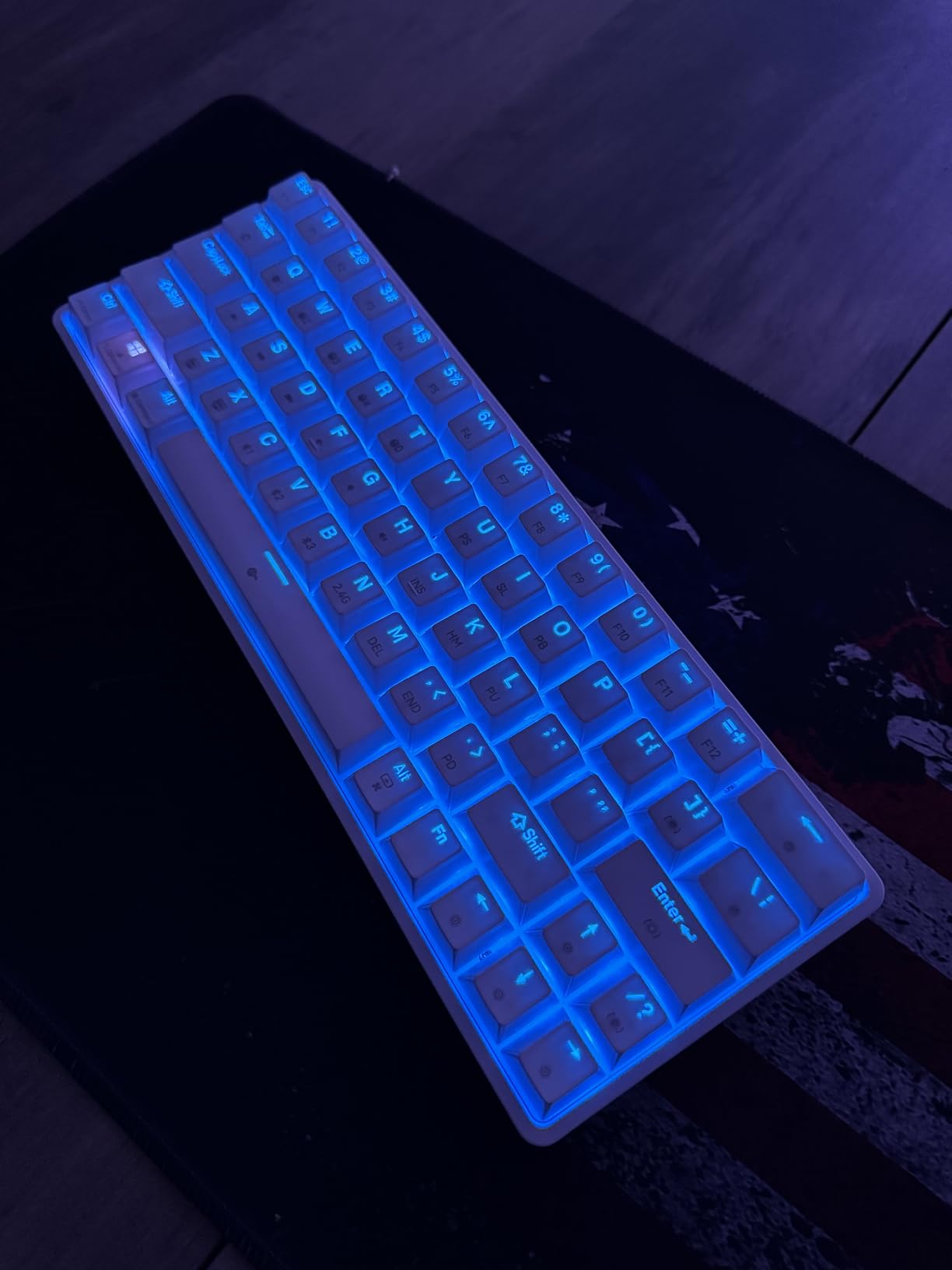
The DK63 exists because the most common objection to a 60% is the arrow keys, and this board sidesteps the argument rather than arguing against it. At 63 keys it keeps dedicated directional keys while staying inside a 60% class footprint, measuring 11.53 by 3.98 by 1.65 inches. On a small desk that is the difference between a board you adapt to and one you never have to think about.
Battery capacity is the headline spec, with 3000mAh rated at about 8 hours at maximum backlight, roughly 90 hours with the backlight off and up to 360 hours on standby. RGB-heavy users will live in that 8-hour figure, but everyone else effectively stops charging it. Connectivity covers Bluetooth 5.0, 2.4GHz and wired USB-C, and the 2.4GHz receiver hides inside the body so it does not go missing.
Typing feel comes from 45g custom red linear switches rated at approximately 40dB, which makes this one of the quieter mechanical options here. Key travel is smooth and light, and anti-ghosting is full across the board. The switches carry a 600,000 press rating, and that number is the one to watch: it is well below the 50 and 80 million ratings on the boards above and below it.
Lighting covers 18 modes with 16.8 million colors and software customization, and the board runs on Windows, macOS and Linux without special software. A keycap puller and USB cable are in the box.
Who should stop here and buy
Spreadsheet users, code editors and anyone navigating with arrow keys should stop here. You keep the compact footprint and you keep the arrows, which removes the single biggest reason people abandon 60% layouts after a month. Users in r/PcBuild threads about going 60% almost always describe the same compromise, and this is the pick that avoids it.
It is also a good fit for a student dorm desk where the occupant is still learning what they type. A first board should not add a learning curve on day one, and dedicated arrows mean the only adjustment is getting used to the missing F-row.
Where it falls short for you
The 600,000 press switch rating is the honest limit here. That is a rating figure, not a promise, but it sits well below every other mechanical board in this roundup and it is the reason this is not our top pick despite the useful layout.
Bluetooth pairing is inconsistent for a portion of owners, and the F-row is still reached through the Fn key rather than dedicated keys. If you play shooters and want to rebind constantly, the 1.4 pound weight is a little more chassis than a purely mobile board needs.
4. MageGee MK-Box 68-Key – Best When You Want the F-Row Back
MageGee Portable 60% Mechanical Gaming Keyboard, MK-Box LED Backlit Compact 68 Keys Mini Wired Office Keyboard with Red Switch for Windows Laptop PC Mac – Black/Grey
68 keys with F-row
Blue LED, 16 modes
Wired USB-C
510 g
Pros
- F1-F12 and dedicated arrows in a 60% footprint
- Full anti-ghosting on all 68 keys
- Plug and play with no drivers
- Light at 510 g
- Adjustable kickstand feet
Cons
- Single-color blue LED instead of RGB
- Switches are fixed and soldered
- Light all-plastic build
- Keycap legends can fade over time
The MageGee takes the opposite approach to the DK63 and keeps both the F-row and the arrow keys, landing at 68 keys while still measuring only 12.13 by 3.98 by 1.54 inches. The width is what matters on a small desk, and this is a narrow board with a full function row. If your objection to 60% was remapping rather than size, this is the cleanest answer.
It is also the lightest full-featured board here at 510 grams, with plug-and-play USB and no driver install, and it works on Windows, Linux and Mac. That combination makes it the least fussy pick on the list, which matters if the computer you use is not the one you set up yourself.
The trade is that the switches are fixed. There is no hot-swap socket, so the red linears are what you will be typing on for the life of the board, and the PCB is soldered. There is also no RGB, only a blue LED backlight with about 16 modes, cycled with Fn+Ins and controlled with the arrow keys for speed and brightness.
Build quality is the honest limit. It is an ABS chassis with double-color injection keycaps and adjustable dual kickstand feet, and it does not feel like the machined aluminum of the HyperX. Reviewers note legends fading after heavy long-term use, which is a normal consequence of printed rather than double-shot caps.
Why the extra keys are worth more than the extra size
Games that bind functions to keys, spreadsheets that need quick navigation, and CAD or editing software all run on the F-row. A board that keeps those keys means you can buy a 60% without also committing to a remap workflow on day one, and for a lot of small-desk buyers that is the right call.
The colorway range is also wide, and the narrow depth means a slim footprint even with the extra columns. If your desk is shallow rather than narrow, this layout wastes almost nothing on the missing numpad.
Where it falls short for you
Enthusiasts who enjoy tuning switches will rule it out immediately, since there is no socket and no way to change the feel. Single-color lighting also rules it out for anyone building around an RGB setup or streaming a lit desk.
The 4.2 rating is the lowest among the boards here, and the comments reflect that: the feature list is generous for the money, but the build is light in the hand and the keys are not the smoothest out of the box. If you want the same layout in a better chassis, the HyperX delivers it with an aluminum case.
5. HyperX Alloy Origins 60 – Top Rated Build Quality
HyperX Alloy Origins 60 – Mechanical Gaming Keyboard, Ultra Compact 60% Form Factor, Double Shot PBT Keycaps, RGB LED Backlit, NGENUITY Software Compatible – Linear HyperX Red Switch,Black
61 keys
Aircraft-grade aluminum
Double-shot PBT
RGB
970 g
2-year warranty
Pros
- Highest rating in this roundup at 4.7 stars
- Aluminum body resists flex
- Double-shot PBT caps with side-printed secondary legends
- 80 million keypress switch rating
- Two-year warranty
Cons
- Missing F-row and arrow keys frustrates games needing function keys
- NGENUITY software is basic
- 970 g is heavy for travel
The Alloy Origins 60 is the one board here that still looks and feels like a piece of equipment rather than a component. The full aircraft-grade aluminum body resists flex in a way no ABS shell on this list manages, and at 4.7 stars from 3,600-plus ratings it has the highest average rating in the group alongside the Womier.
The switches are the quiet strength. HyperX linears are rated for 80 million keypresses, the highest figure in this roundup, and reviewers consistently describe them as smooth and consistent rather than merely acceptable. That matters on a board you expect to keep for years, since switch feel is the one thing you cannot change without a hot-swap socket, which this board does not have.
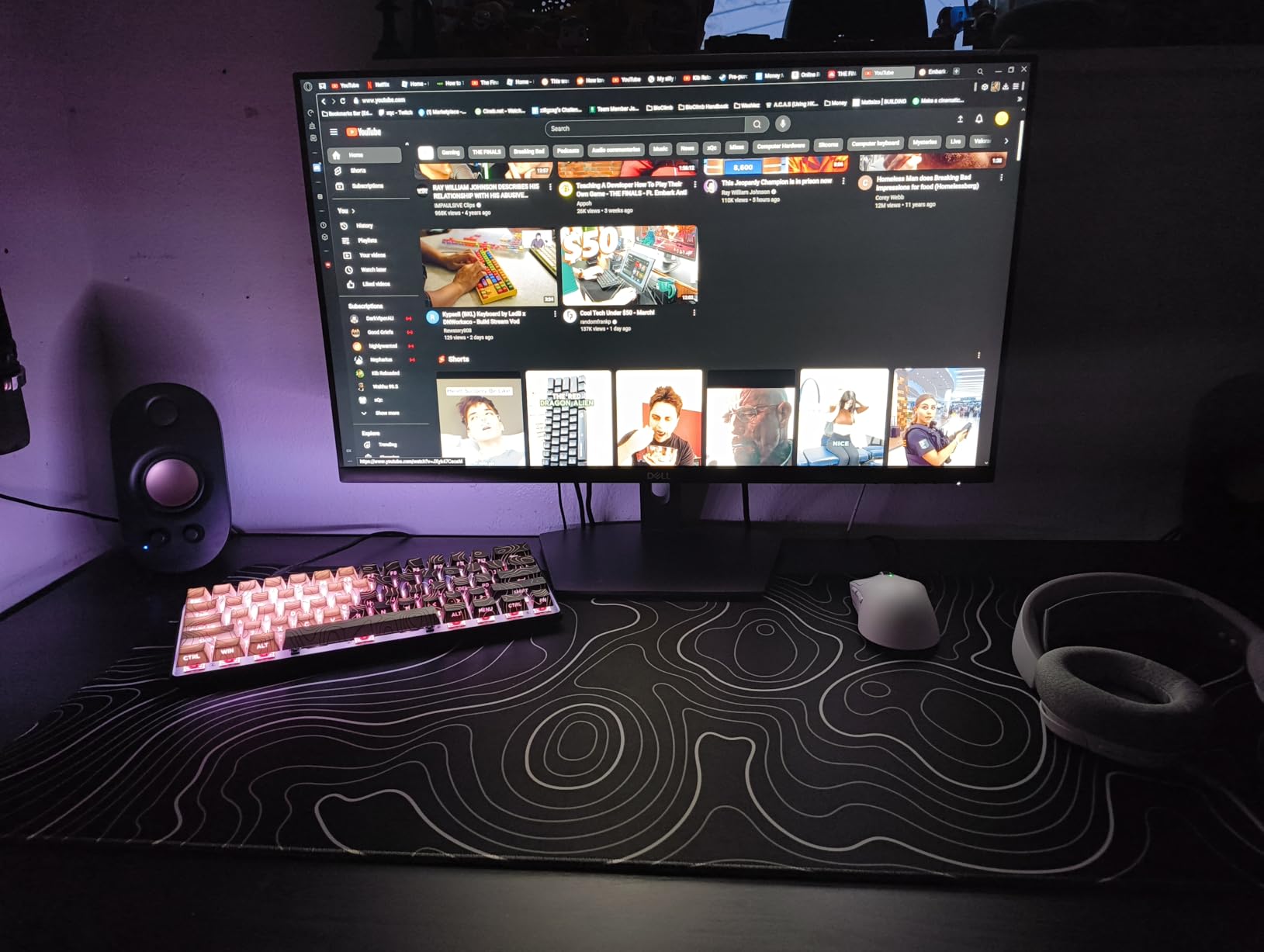
The double-shot PBT keycaps carry side-printed secondary functions, which is a thoughtful detail: the number row shows the F-row legends on the sides so you can read them while looking at the board rather than from above. RGB lighting comes from exposed LEDs in the switch housing, which is brighter and more even than diffused under-key lighting on plastic boards.
Two-step feet give three typing angles, the USB-C cable detaches for transport, and NGENUITY handles Game Mode, macros and per-key lighting. Platform support covers PC, PS5, PS4, Xbox Series X|S and Xbox One. The warranty is two years, the longest on this list. Dimensions are 11.7 by 6 by 1.5 inches at 970 grams.
Why it is worth paying more for
A small desk exposes build quality more than a large one. A board that slides when you type, or that rings hollow on every keypress, is annoying in a confined setup where everything is close, and the aluminum and the two-year warranty solve that permanently. It is a purchase you stop thinking about, which is the point.
It is also the safest pick for console gaming, since a 60% board that cannot be plugged into a controller-friendly port is a common late discovery. The two-year warranty and the established support channel matter more to buyers than raw feature counts, according to what long-term owners in keyboard communities consistently say.
Where it falls short for you
At 970 grams this is the heaviest board in the roundup. On a fixed desk that is fine and is part of why it feels planted. For a hybrid worker who carries a keyboard in a backpack every day, the lighter wireless boards here are a better fit.
NGENUITY is described by reviewers as basic next to VIA and QMK-based remapping, and the missing F-row and arrow keys still frustrate games that need function keys. Reviewers also report that the 60% layout blocks some modifier-plus-key combinations when layers are involved, so check your game’s requirements before committing.
6. CACKBIRD 61-Key Blue Switch Board – Best for Clicky Typists
60% Wired Mechanical Gaming Keyboard with Blue Switches, LED Backlit
61 keys
Clicky blue switches
Wired USB-C
18 LED modes
Steel plate
Pros
- Tactile bump and audible click that typists who like feedback notice immediately
- Fn+Space arrow layer with arrows adjacent to the Fn key
- Very small 11.4 by 3.93 inch footprint
- Plug and play with no software
- Water-resistant construction
Cons
- Clicky blue switches are very loud in shared spaces
- PCB is soldered rather than hot-swappable
- Some units report keys failing after months
- Accessibility characters need multi-key combos
The CACKBIRD is here for a specific and often-mocked preference: people who actually like the click of a blue switch. The tactile bump and audible click are the entire point, and paired with deep key travel the typing experience is more deliberate and more audible than anything else in this roundup. If you have used membrane keyboards for years and want a dramatic change, this is the most dramatic one available.
Its arrow layer design is the cleverest here. Fn+Space toggles the layer and the Fn key sits directly adjacent to the arrow cluster, so the thumb and index finger find the layer key without the hand travelling. It is a small thing that makes the missing arrows genuinely painless, and it is a better default arrangement than most competitors ship.
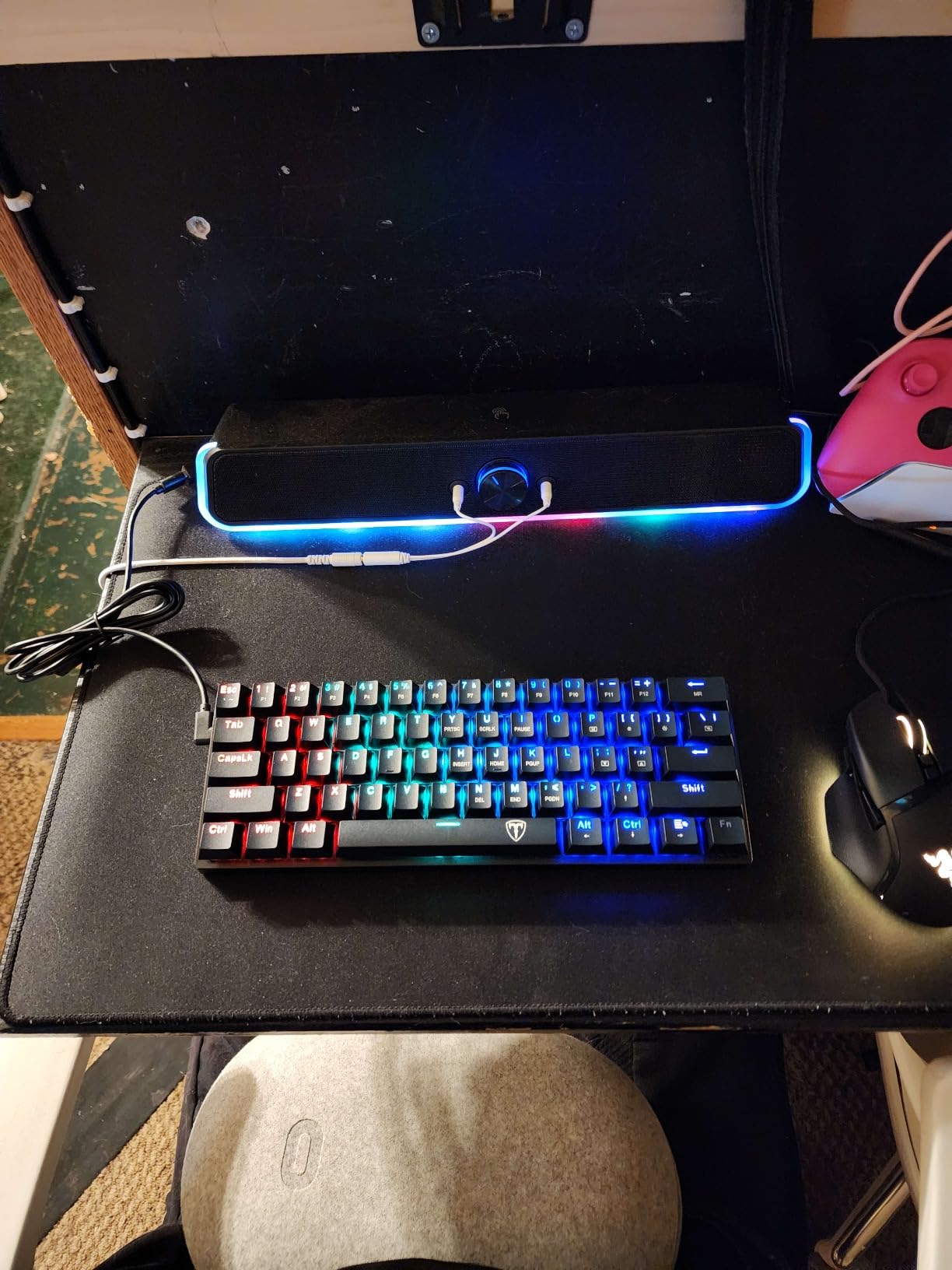
Physically it is one of the smallest boards listed, at 11.4 by 3.93 by 1.3 inches, and the water-resistant ABS and steel plate construction makes it a reasonable choice for a desk where drinks happen. The detachable USB-C cable is long and exits on the right side, and the board is plug-and-play on Windows and Mac with no drivers. Lighting runs 18 LED rainbow effects across 5 brightness levels, changed with Fn+P.
Full anti-ghosting covers every key, and the double-injection ABS keycaps transmit the backlight evenly. That is a legitimate choice for a backlit board, though the characters are the shiny type rather than PBT.
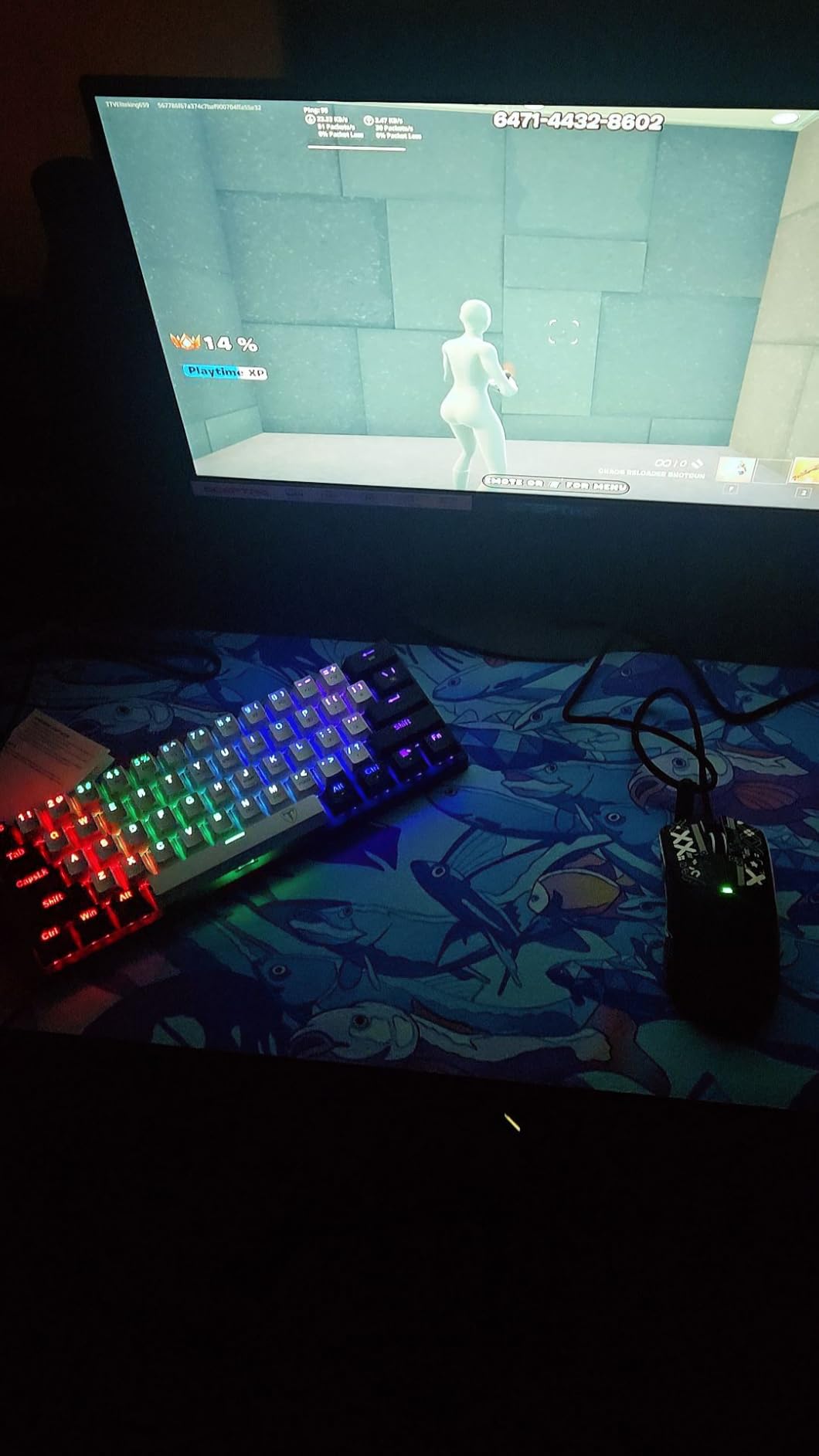
Why the Fn plus Space arrow layer matters
Most 60% owners lose the first two weeks to finding the arrow layer by feel. Placing the toggle on the spacebar and the Fn key next to the arrows means your hand never leaves its home position, which is why reviewers single out this board as one of the easier 61-key layouts to adapt to.
It also removes the accessibility friction that affects other layouts. On several compact boards the tilde and similar characters need awkward multi-key combinations, and reviewers note that this board handles them more conventionally.
Where it falls short for you
The volume. Blue clicky switches are loud, plainly so, and if you share a wall with someone who works from home or sit in an open office this board will be a daily problem with no wireless fallback to soften it.
There is no hot-swap socket even though some listings imply one, so the clicky feel is permanent. A portion of owners also report individual keys failing after several months, and with no F-row you are back to the Fn layer for function keys in games.
7. Snpurdiri 60% Membrane – Budget Pick for a Shared Desk
Snpurdiri 60% Wired Gaming Keyboard, Small RGB Backlit Membrane Gaming Keyboard, Ultra-Compact Mini Waterproof Keyboard for PC Computer Gamer White and Black
61 keys
Membrane switches
Water-resistant
Wired USB-C
14.24 oz
Pros
- Lowest cost in this roundup with a real 60% footprint
- Quiet and light compared with mechanical switches
- Water-resistant build suits a working desk
- Wired USB-C means no charging
- Works on Windows and Mac
Cons
- Membrane switches mean no hot-swap and no switch choice
- Key feel and sound trail every mechanical board here
- No F-row and no arrow keys
- Lighting customization is basic
The Snpurdiri is the honest floor of this roundup, and it exists because not every desk needs a mechanical board. At 11.5 by 4 by 1.6 inches and 14.24 ounces it is genuinely small and genuinely light, and the water-resistant acrylic construction is a practical choice for a desk where a coffee is a regular hazard.
Membrane switches deliver a mechanical-style keycap profile with a softer landing and a much lower noise floor than any mechanical board here. For a shared room, an open office or a night-shift setup where you cannot make noise, that is a feature rather than a compromise. Wired USB-C keeps transmission stable and removes battery management completely.
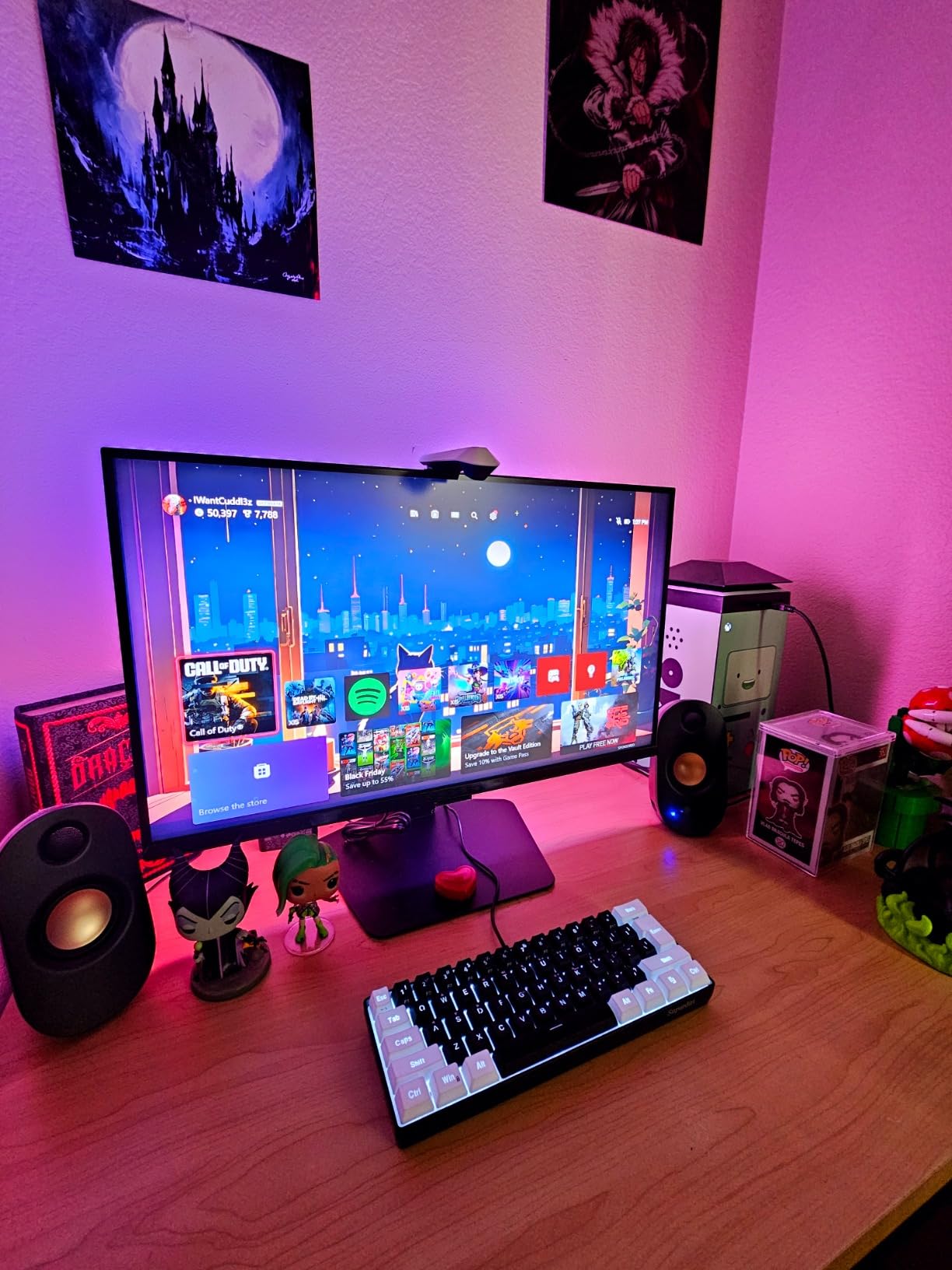
Lighting covers 6 backlight effects across 8 colors, which is modest next to the 18- and 20-mode boards above, and there is no RGB software. The board works across Windows and Mac, including older builds, and it needs no drivers. Model number is V800 and the case is acrylic.
It is also the only board here with no function row and no arrow cluster, so it is a pure 61-key layout. Everything removed is reached through the Fn layer, which means software support matters more than usual. This is the pick for a first keyboard or a secondary machine rather than a main typing setup.
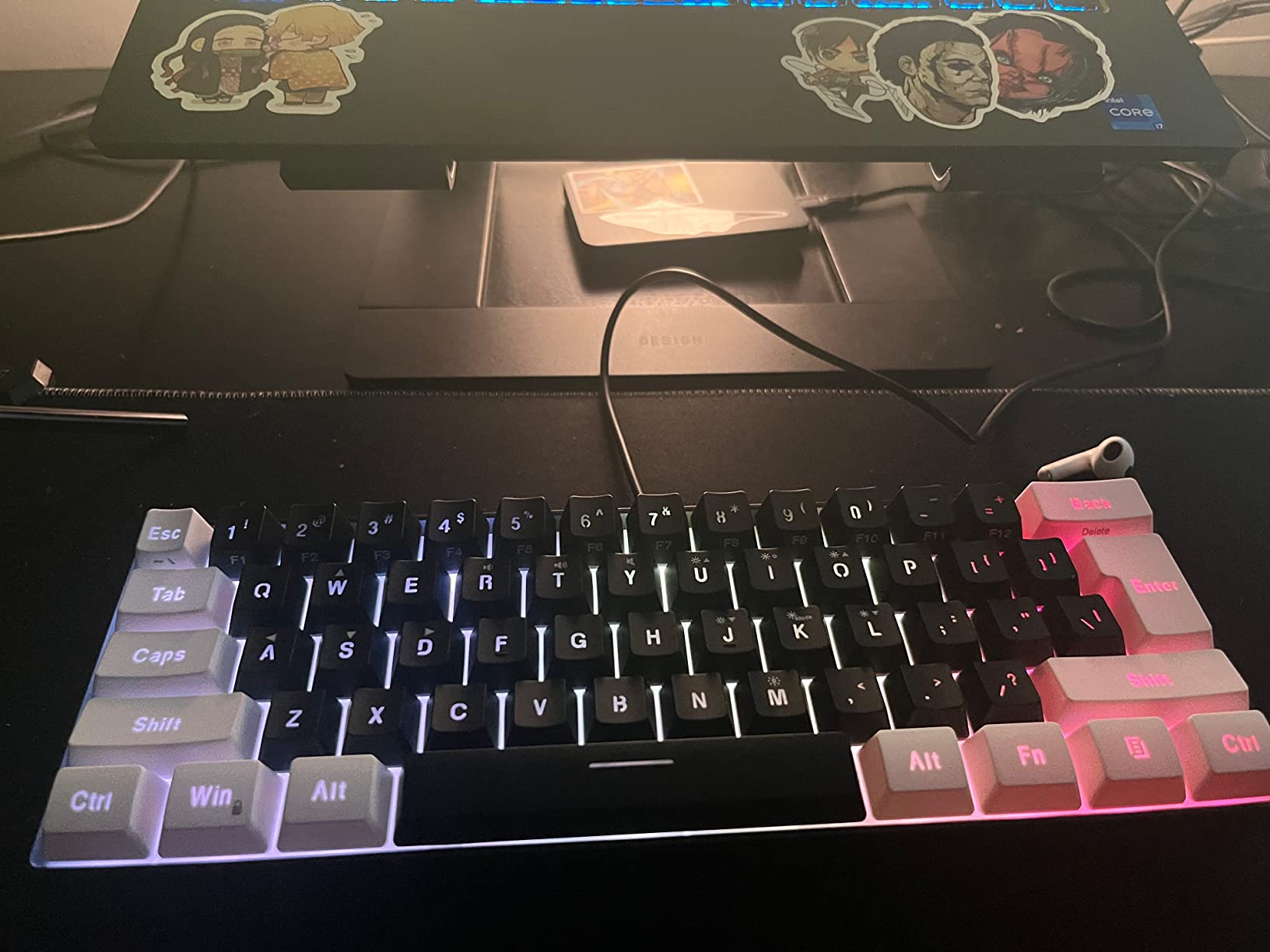
Where a membrane board still wins
Quiet wins in small shared spaces, and that is a desk problem as much as a keyboard problem. Neighbours, partners and roommates on the same surface are the most common source of friction, and a membrane board removes the argument entirely while still delivering the 60% footprint that motivated the setup.
Water resistance also matters more than people expect on a cramped desk, where cups end up closer to the electronics than they would on a large surface. There is also a lightness argument: at under 15 ounces it moves between machines without thought.
Where it falls short for you
Feel and sound. Every mechanical board above this one delivers a crisper bottom-out and a fuller acoustic profile, and reviewers who switch from a mechanical board notice the difference immediately. Membrane also means no hot-swap and no switch choice, so the feel is fixed for the life of the board.
If you type for hours, write long documents or spend your day in a code editor, the money difference between this and a hot-swappable mechanical board is small and the experience difference is large. Use this one for a secondary machine, a shared desk or a first board, not as a long-term daily driver.
8. AULA WIN60 HE – Best for FPS Gaming
Aula WIN60 HE – 60% Mechanical Gaming Keyboard Wired, Magnetic Switch Hot Swappable, Adjustable Actuation Rapid Trigger Mode, 8000 Hz Polling Rate, RGB Small Keyboard 60 Percent Compact Design for PC
61 keys
Hall effect magnetic switches
8000Hz polling
0.02mm rapid trigger
PBT keycaps
Pros
- Hall effect switches with per-key adjustable actuation
- 0.02mm rapid trigger step
- 8000Hz polling rate
- Web-based driver needs no desktop install
- Thocky sound and a compact 11 by 5 inch footprint
Cons
- Included keycaps feel cheap and many owners replace them
- Web driver is functional but unpolished
- Some users report ghost inputs needing a power cycle
- No PlayStation or Xbox support
Where every other board here uses contact-based switches, the WIN60 HE uses Hall effect magnetic switches that detect travel through a magnetic field rather than a physical contact. That is what makes adjustable actuation possible: you set how far a key must travel before it registers, per key, in software. Counter-strafe players get a genuine mechanical advantage, and rapid trigger lets you reset a key the instant it fires so a fast tap registers as a clean press.
The numbers are the reason it belongs on this list at all. The rapid trigger step distance is 0.02mm, and the polling rate is 8000Hz, which is a large step above the 1000Hz that is standard on most boards here. The switches are Graywood V3 magnetic, and the board measures 11 by 5 by 1.1 inches, so it is also one of the slimmer footprints in the group.
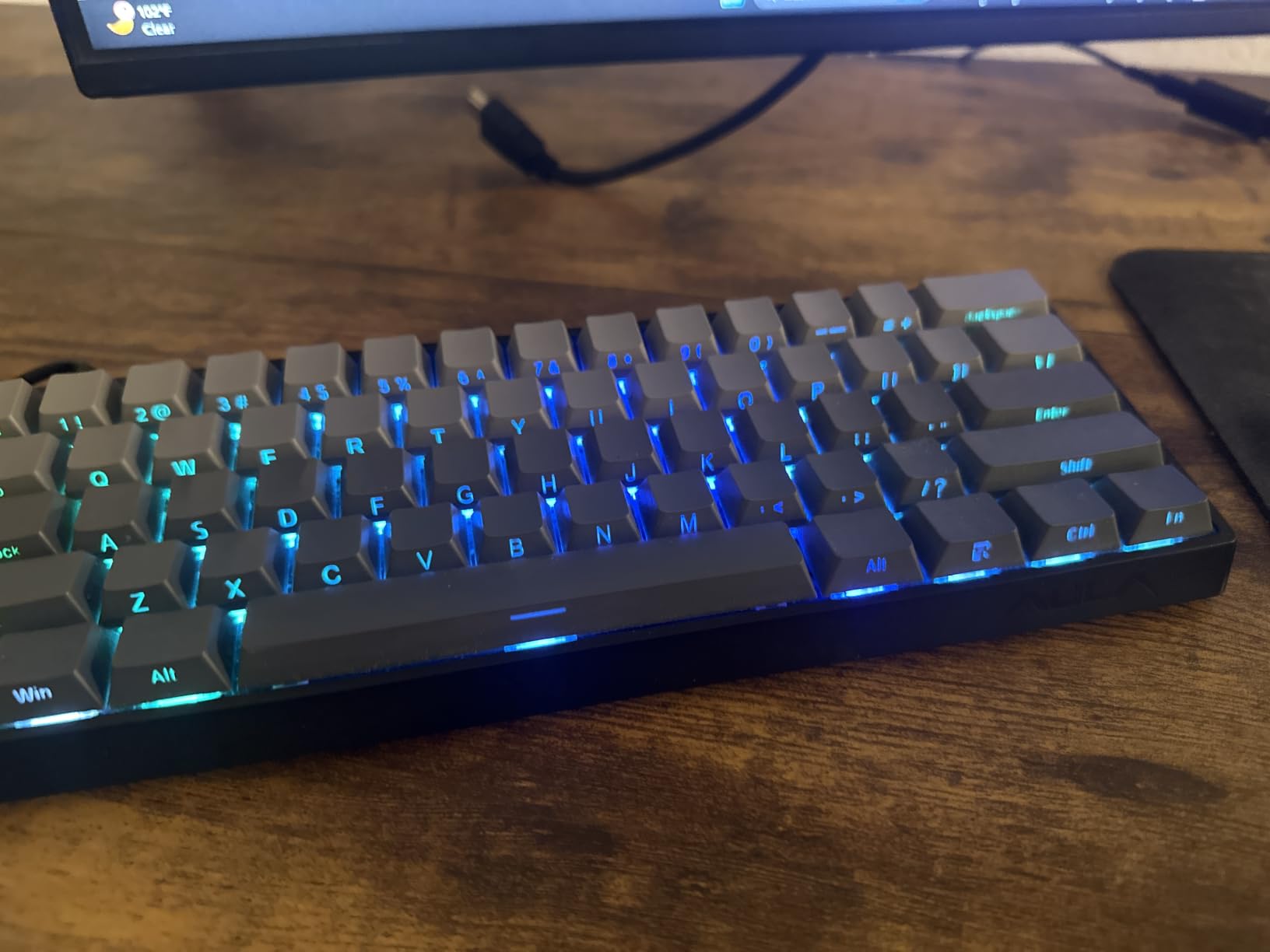
Everything runs through a web-based driver, which is a genuinely good decision for a small desk setup. You are not installing a heavyweight desktop application that runs constantly in the background, you are opening a page in a browser to set actuation points, macros and RGB. That keeps system overhead low on a compact or older machine.
RGB covers 16.8 million colors and the keycaps are PBT. The chassis is plastic but reviewers describe it as decently hefty, and some report flex when pressed firmly during a keycap swap. The warranty is six months, the shortest listed here, which is a fair caution for a first Hall effect board.
Why actuation control beats raw speed
Wireless latency is the reason many gamers avoid compact wireless boards entirely, and this one sidesteps the debate by being wired USB-C. Polling at 8000Hz means the keyboard reports key state eight times more often per second than a 1000Hz board, which reduces the gap between your action and the on-screen response.
Users in r/VALORANT and r/Rainbow6 discussions treat adjustable actuation as the feature that separates serious competitive boards from general gaming boards. A player who overshoots on counter-strafe can shorten the actuation point, and a player who wants a deliberate trigger can lengthen it. Nothing else in this roundup offers that control.
Where it falls short for you
Console support is out. The board is PC only, with no PlayStation or Xbox compatibility, so a player who moves between PC and console needs two inputs. The web driver, while convenient, is described by reviewers as functional rather than polished, and it is where the budget shows.
Some owners report ghost inputs on the D key that need a power cycle, and the included keycaps are frequently replaced. If you play MMO or strategy titles where you want a light long-travel feel rather than a fast short-travel one, magnetic switches deliver less of the cushioned bottom-out that a good mechanical board gives you.
9. XVX M61 Pro – Best for Multi-Device Wireless
XVX 60% Gaming Keyboard, RGB 3-Modes Wireless Mechanical Keyboard, Mini 60 Percent Gamer Keyboard with Hot-Swappable Pre-lubed Linear Switch for Windows & Mac (Great Wave Off Kanagawa), M61 Pro
61 keys
Bluetooth, 2.4GHz, USB-C
EVA and IXPE foam
Up to 5 devices
PBT keycaps
Pros
- Connects to up to five devices across three modes
- EVA and IXPE foam cut the hollow sound
- Pre-lubed linear switches in a hot-swap socket
- Themed PBT keycaps and case
- Two-year warranty
Cons
- No dedicated arrow keys on the 61-key layout
- Bluetooth drops into pairing mode unprompted for some users
- Legends hard to read on the dark colorway
The M61 Pro is the multi-device pick, pairing with up to five saved machines across Bluetooth 5.0, 2.4GHz and USB-C. If your small desk is also a shared desk between a work laptop, a personal laptop and a desktop, that device count removes the one-wire-at-a-time frustration that usually forces a bigger keyboard pad.
Sound is the differentiator. EVA sound-absorbing foam plus an IXPE switch pad fills the case, and the result is the fuller, creamier typing sound that owners of this board consistently describe. The switches are pre-lubed Gateron linears in a hot-swappable socket, so the good sound is out of the box rather than something you have to tune.
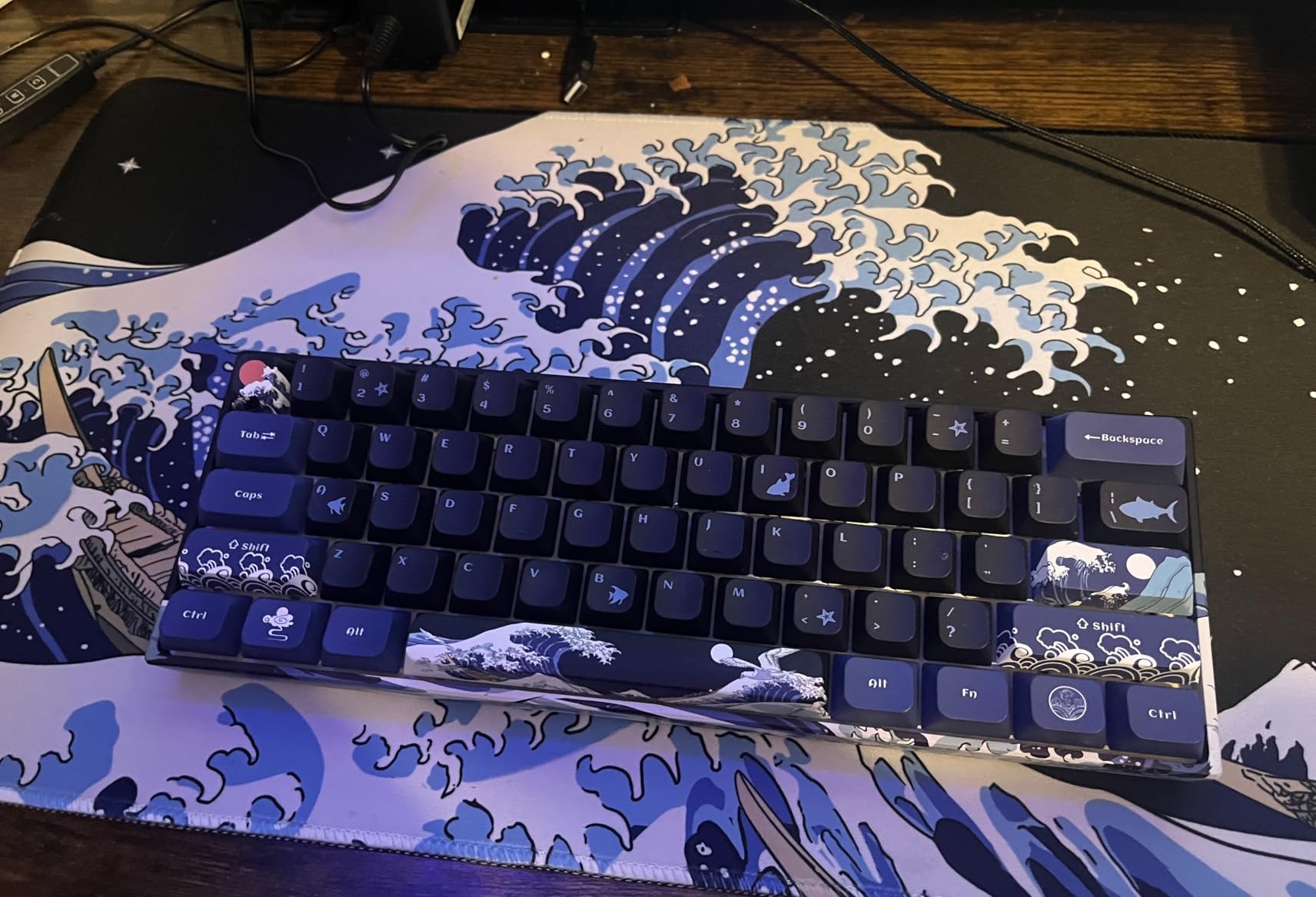
Keycaps are themed PBT with a Great Wave off Kanagawa pattern, and the case uses PBT and silicone, giving it a look and a texture that differ from the uniform black of most boards here. Lighting runs 19 modes with 9 colors and 4 brightness levels, plus music-synced effects through the Pro software. The warranty is two years.
It is also one of the heavier wireless 60% boards, which reviewers flag. For a fixed desk that weight is a plus because the board stops moving. For a keyboard you carry between machines weekly, it is worth weighing against the lighter RK61.
Why five devices changes how you work
Bluetooth pairing is the slowest part of any keyboard switch, and most wireless 60%s stop at three devices. Five covers the realistic small-desk setup: a work laptop, a personal laptop, a desktop, a tablet for reading, and a shared machine in a co-working space, all switching without pairing mode.
For hybrid workers this board is the most complete travel option in the roundup, because 2.4GHz and USB-C cover the places where Bluetooth latency is not acceptable, and the PBT keycaps and plastic case take backpack abuse better than machined metal. If you switch between machines more than a couple of times a week, our guide to the best wireless mechanical keyboards for Mac covers the pairing and battery trade-offs in more detail.
Where it falls short for you
Some users report the Bluetooth connection dropping into pairing mode unprompted during a game, which is a real disruption in a ranked match. The 61-key layout also has no dedicated arrow keys, and the dark keycap colorway makes legends hard to read for some users in low light.
The RGB is a limited red, blue and green mix rather than smooth full-spectrum color, and the Pro software is Windows-oriented and less useful on Mac. If the RGB look is the priority, the Womier further down this list glows more distinctly.
10. Womier WK61 – Best for the RGB Look
Womier 60% Percent Keyboard Gaming, Creamy Mechanical Wired Keyboard Anime
61 keys
Hot-swappable red switches
Three keycap sets
Translucent RGB case
Pros
- 4.7 star rating with 87% five-star feedback
- Multi-layer internal dampening produces a thocky sound
- Three sublimation keycap sets included and replaceable
- Translucent case diffuses RGB from every angle
- Works on PC and current consoles
Cons
- Lightweight plastic case with thin side walls
- Some keycaps feel cheap and a duplicate key is sometimes printed
- USB cable missing from some packages
- No wireless connectivity
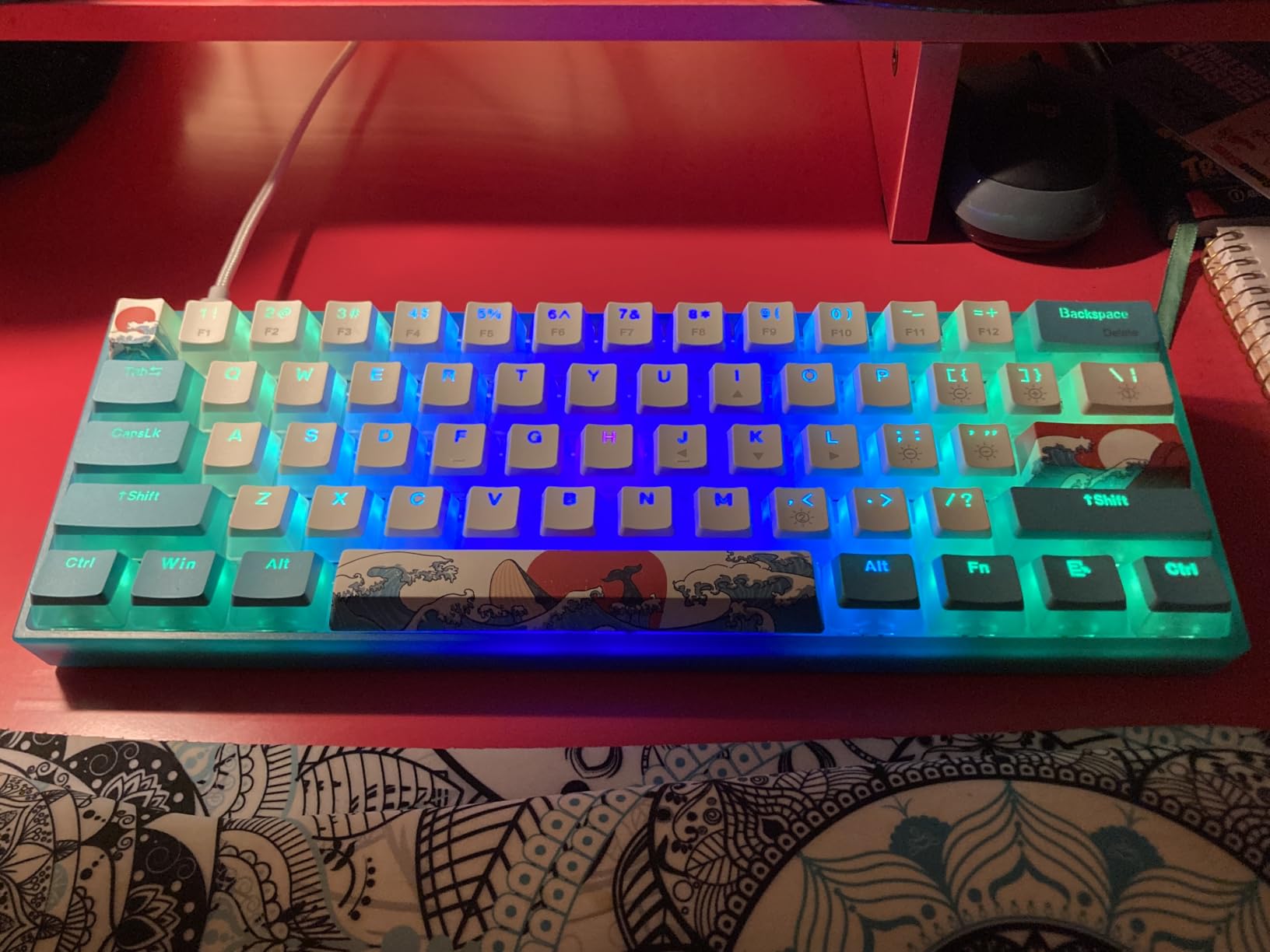
The WK61 is the board you buy when the keyboard is part of the visual setup. Its defining feature is a matte translucent bottom cover that diffuses RGB light from underneath and out through the sides, so the glow reads from any viewing angle rather than only from directly above. On a dark small desk with a monitor arm, that reads very differently from a standard under-key backlight.
The sound is the other reason it holds a 4.7 rating. Multi-layer internal dampening fill removes the hollow resonance that plagues budget plastic cases, and hot-swappable red switches rated for 50 million keypresses let you change the feel later. Three sublimation keycap sets are included and replaceable, which is a startling amount of customization for the price tier.
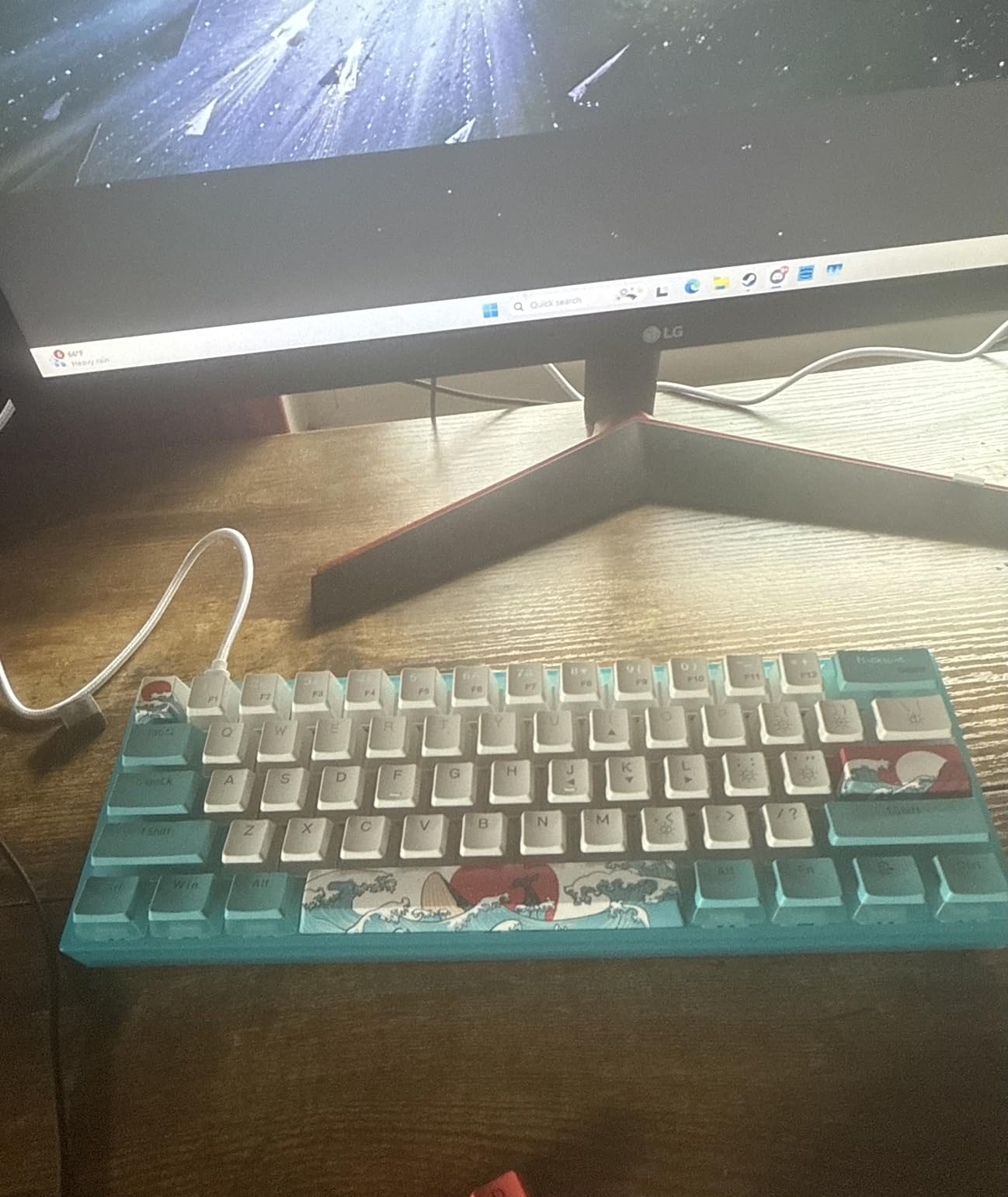
RGB rainbow backlighting runs through Womier software for custom colors and macros, and the board works on PC, PS4, Xbox Series X|S and Xbox One, so console players are covered. The listed case material is PBT and the model is WK61 V2, with a 61-key layout and a Type-C connection.
It is wired only. There is no Bluetooth and no 2.4GHz, which simplifies the setup and removes a charging routine but also fixes the board to one desk unless you carry a cable. For a small desk that is often the correct trade.
Why the translucent case changes a small desk
On a cramped surface the keyboard is often the most visible object on the desk, because there is no room to push it out of frame. A board that glows from its sides and underside turns that visual prominence into the point of the setup rather than something to design around.
The three included keycap sets also mean you can change the whole look for a different game, a stream overlay or a season change without buying anything, and the sublimation process is more resistant to wear than printed legends.
Where it falls short for you
It is a lightweight plastic chassis and reviewers describe it as less planted, with thin side walls. On a shared desk where you rest your wrists against the case, that is a tactile downgrade against the aluminum HyperX.
Some owners report a cheap feel to the keycaps and an occasional duplicate printed key in the set, and the USB cable is missing from some packages despite appearing in the specification. If you need a numpad, arrows or an F-row, this is a pure 61-key layout and none of that is available.
How to Choose a 60% Keyboard for a Small Desk
Measure before you buy. Get a tape measure and check the depth of your desk from the back edge to the front, not the width. The board is 30 cm wide at most, so width is rarely the constraint; depth is what decides whether a large mousepad fits in front of the keyboard, and that is the single most common mistake small-desk buyers make.
Then decide how much arrow-key friction you will tolerate. If you spend time in spreadsheets, a code editor or a video timeline, take the DK63 or the MageGee and keep dedicated arrows. If you type prose, play games and are willing to spend a week adapting, a true 61-key board gives you the most desk depth and the lowest weight in this roundup.
Next, choose wired or wireless deliberately. Wireless gives you cable freedom on a small desk, and 2.4GHz is much closer to wired performance than Bluetooth. For competitive shooters, the forum consensus is consistent: play on the wired cable or the 2.4GHz receiver, because Bluetooth adds enough delay to notice in a ranked match.
Switch type decides feel and noise. Linear switches are smooth and quiet and suit gaming and long typing sessions. Tactile switches add a bump without the click, which typists often prefer for feedback. Clicky switches are the loudest and are a poor choice in any shared space, which is why the CACKBIRD is a personal pick rather than a shared-desk one.
Check whether the PCB is hot-swappable. A hot-swap socket accepts 3-pin and 5-pin switches so you can change the feel in minutes without a soldering iron. If the board is soldered, the switches you are given are the switches you keep, and the switch durability rating becomes a much more important spec. Ratings here range from 600,000 presses to 80 million.
Keycap material decides how the board looks after a year. PBT is a harder plastic that resists the oil sheen ABS develops, and every board here that ships with PBT is a better long-term buy for daily typing. ABS caps feel smoother in the first month and shine sooner, which is why review threads on keycap longevity come up so often in this category.
Firmware matters most for programmers and anyone remapping. VIA and QMK let you assign layers in a graphical interface in a few minutes, so the F-row and arrow keys become a layer you reach rather than keys you miss. Boards with a single Fn combination are less flexible, so if you plan to remap heavily, weigh that above lighting.
Finally, set up the layer before you need it. Open your keyboard’s remapping tool, put F1 to F12 on the number row, put left, down, right and up on the IJKL or WASD cluster, and add a second layer for media keys. Ten minutes of setup removes the two-week adjustment period that makes most people abandon a compact layout.
Not a 60%? The 60% vs 65% vs 75% Size Ladder
A 60% is the smallest layout that still feels like a keyboard, and 65% is the most popular compact size overall. A 65% adds a dedicated arrow column and a few navigation keys to the right of the main block, typically landing around 68 keys, at the cost of roughly 3 to 4 cm of extra width and a correspondingly heavier feel.
That width difference is the whole decision. On a desk where mouse room is the problem, a true 61-key board is correct. On a desk where the problem is missing arrow keys rather than missing depth, a 65% class board like the MageGee MK-Box in this roundup is the same physical category, keeps the F-row and arrows, and still measures only 12.13 inches wide.
A 75% adds a function row on top, which means a real F1 to F12, and runs around 81 to 84 keys. It is the size to choose when you use function-key-heavy software but still want a compact footprint. It also usually stands taller, so check the depth against your desk depth before committing, and if you work at a large monitor a 75% can push the mouse out of comfortable reach.
Full-size and TKL are worth ruling out on a small desk for different reasons. TKL keeps the F-row but drops the numpad, sitting at roughly 36 cm wide. Full-size adds the numpad and runs past 45 cm, which on most small desks leaves no room for a mousepad at all. Neither is wrong, but neither solves the problem this roundup is about.
One honest counterpoint: on some desks the space argument weakens. If you already use a monitor arm and a laptop stand, a tilted full-size keyboard can push back against the monitor and still leave a workable surface. A user in r/MechanicalKeyboards made that case clearly, arguing a 40% board fit their key-usage data better than the 60% they owned. Measure before you commit, and if standing is what frees the surface rather than a keyboard, our picks for balance boards for standing desks are worth a look.
Frequently Asked Questions
Are 60% keyboards worth it?
Yes, on a small desk a 60% is usually the single most effective change you can make. Removing the numpad, the arrow cluster, the navigation keys and the F-row returns roughly a third of a full-size board’s width, which converts directly into mousepad depth. The trade is a function layer, which takes about a week of adaptation and can be set up in ten minutes with the board’s remapping software.
What are the downsides of a 60% keyboard?
The main downsides are no dedicated arrow keys, no function row, and no numpad. Spreadsheet work, code editing and video timelines are noticeably harder without arrows, and data entry without a numpad is a genuine productivity loss. The function layer also takes one to two weeks to learn, and gaming titles that bind abilities to function keys need remapping. Accessory characters such as the tilde can need multi-key combinations on some layouts.
What is the best 60% keyboard on the market?
The RK Royal Kludge RK61 is the best all-round 60% for small desks, with the largest owner base in this group, double-shot PBT keycaps, hot-swappable switches, two layers of internal foam and Bluetooth, 2.4GHz and USB-C connectivity. If you want the best build rather than the best value, the HyperX Alloy Origins 60 leads on aluminum construction and switch durability. The best board depends more on your arrow-key tolerance than on any spec.
Is a 60% keyboard small?
Yes. A standard 60% layout has 61 keys and measures roughly 29 to 31 cm wide and 11 to 13 cm deep, against roughly 45 cm wide for a full-size board. On a 100 cm wide desk the board takes about a third of the surface, and on a 60 cm deep desk the freed width becomes usable mousepad depth rather than empty space.
Do pros use 60% keyboards?
Yes, 60% boards are common in competitive FPS settings because a compact layout frees the mouse to travel further, and that is worth more than any single keyboard spec in a shooter. What professional players tend to favor is adjustable actuation and fast polling, which is why magnetic Hall effect boards have become popular in that scene. The boards here that target competitive play are wired or 2.4GHz, because Bluetooth adds perceptible delay.
Should I get a 60% or 65% keyboard for a small desk?
Get a 60% if mouse room is your real constraint, and get a 65% class board if missing arrow keys bother you. A 65% adds roughly 3 to 4 cm of width for dedicated arrows and a function row, so it is worth it on a desk that is short on width but not on depth. If your desk is genuinely cramped in both directions, the wider 65% board in this roundup still measures only 12.13 inches across.
Final Verdict: Which 60% Keyboard Wins
The RK Royal Kludge RK61 wins this roundup of the best 60 percent keyboards for small desks. It is the only board in the group that combines the three things a small workspace needs at once: a genuinely narrow 61-key footprint, materials that do not degrade quickly in daily use, and three connectivity modes so the desk stays cable-free when you want it and zero-delay when you do not.
Buy the HyperX Alloy Origins 60 instead if you want the best build and will sit at the same desk every day. Buy the DIERYA DK63 or the MageGee MK-Box if arrow keys are non-negotiable, and the AULA WIN60 HE if you play competitive shooters and want adjustable actuation.
Whatever you choose, measure the desk depth first, set up the function layer on day one, and make sure the space you free actually goes to the mousepad. A keyboard that gives back ten centimeters is worth nothing if the mouse ends up on the same square of desk. If the desk itself is the limit, our picks for compact workstations in standing desks for small spaces and writing desks for small bedrooms are worth a look before you spend on hardware.