
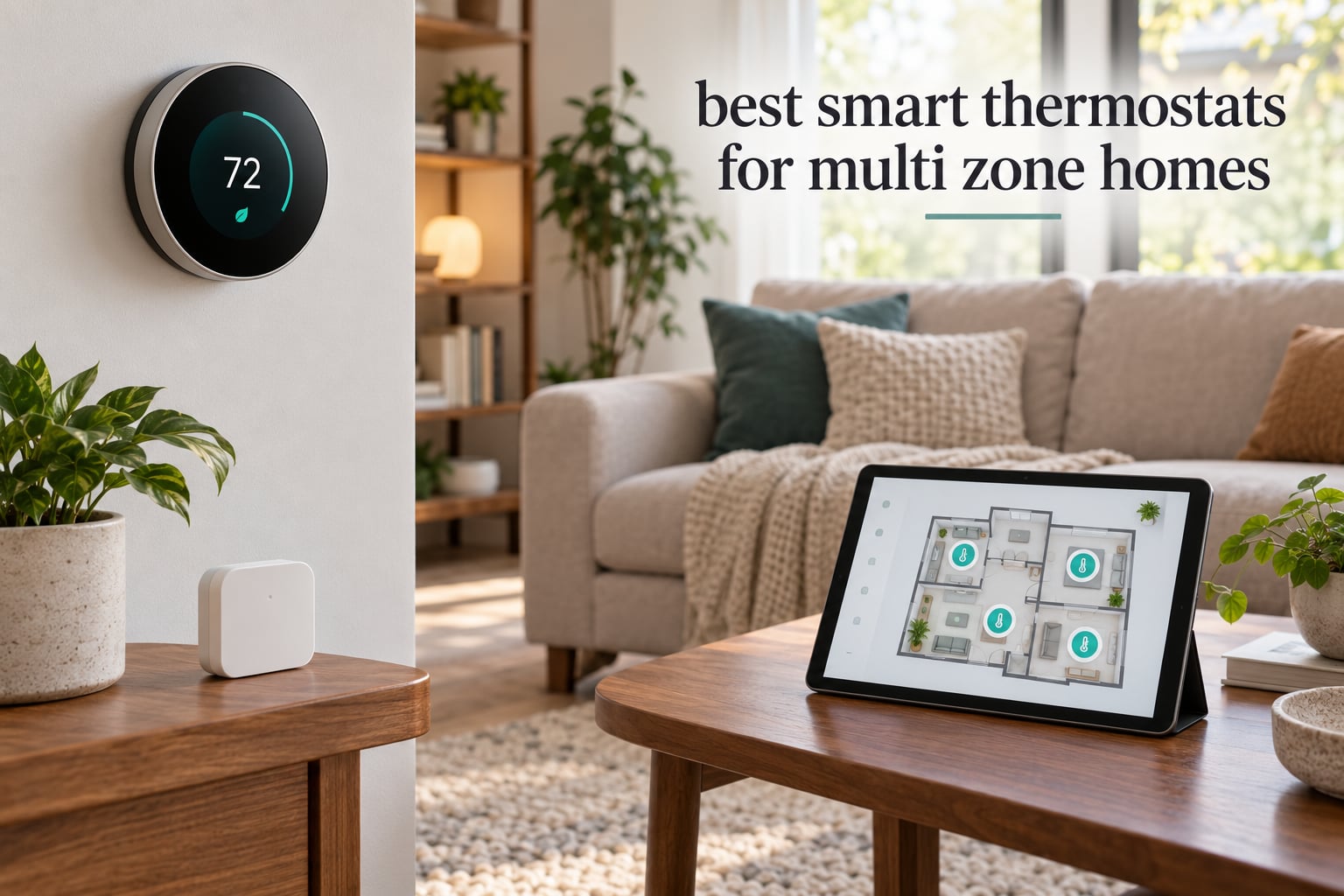
A multi-zone smart thermostat is a thermostat system that lets you set different temperatures for different areas of your home, such as the bedrooms versus the living space, and manage every one of them from a single app. Most people need this the moment a second floor or a bedroom wing starts fighting the rest of the house, because one central thermostat only reports an average of the rooms it can see.
That is the whole problem this roundup solves. I compared ten WiFi thermostats that can genuinely handle more than one zone, then narrowed them by the things that actually decide whether a multi-zone setup works: whether remote room sensors are supported, whether you can assign sensors to different schedules, whether the install needs a C-wire, and whether the app manages several thermostats cleanly under one login. If you are still working out general energy savings, our smart thermostat energy savings guide covers that side of the picture separately.
The headline finding is straightforward. The ecobee Smart Thermostat Premium is the best smart thermostat for multi zone homes in 2026 because it is the only unit here that ships with a room sensor, adds radar occupancy sensing, and covers 95% of HVAC systems. Below it, the Sensi ST55 wins for boiler homes with no C-wire, the Honeywell Home T9 wins for scheduling room sensors by time block, and the Amazon Smart Thermostat is the cheapest way to add zones through Alexa devices you may already own.
Table of Contents
What Is a Multi-Zone Smart Thermostat?
A multi-zone smart thermostat is any system that lets you control separate areas of a home independently, either by pairing one main thermostat with wireless room sensors or by putting a separate thermostat in every zone on a zoned HVAC panel.
The reason it matters is over-conditioning. A single thermostat mounted in a hallway reads a blend of every room it influences, so the bedroom gets cooled to satisfy the sunlit living room, and the rest of the house overheats at night. Per-zone control fixes that by measuring where people actually are.
Three architectures dominate the market, and they are not interchangeable:
Sensor-based zoning. One main thermostat plus wireless remote room sensors. The thermostat averages every sensor reading or follows the one sensor you designate as most important. This is the cheapest retrofit and needs no ductwork work, but it steers air through vents serving the whole house, so unconditioned rooms still pull conditioned air.
Panel-based zoning. A zoning panel with balancing dampers, plus one thermostat per zone. Dampers close off every vent except the active zone, so the rest of the house is genuinely excluded. This is the accurate approach and the more expensive one.
Smart radiator valves. Individual valves on each radiator or hydronic loop, common in hydronic and underfloor heating retrofits. Each room controls its own heat, which is efficient but does nothing for air conditioning.
If your system already has a zoning panel, buy a thermostat per zone and skip sensors. If it is a single central duct system, sensors give you most of the comfort benefit for a fraction of the work.
Do You Need a Zoning Panel?
You need a zoning panel only if you want the HVAC system to stop pushing air to rooms that are not calling for it. Everything else in this roundup works on a standard single-zone system.
Here is the decision in plain terms. A panel-based system gives you true zone isolation and the biggest energy reduction, but it requires a technician, duct modifications with balancing dampers, and a panel sized for your equipment. Sensor-based control works with the ducts you already have, installs in an afternoon per zone, and mainly improves comfort by measuring the room you care about instead of an average.
The forum consensus on this question is practical rather than technical. The most common answer on the smart home and home automation threads we reviewed is that multiple thermostats plus remote sensors is where most people should start, and that the panel question only becomes urgent once you have five or more rooms that need genuinely different temperatures. Several people also flagged the same hidden risk: if a platform routes everything through a single vendor app, a business decision by that vendor can strand your whole system. Favor hardware with a local API or broad platform support, and read the fine print on subscription-only features before you commit.
One more practical note. Multiple thermostats on one system only work well if the ducts can physically reach each zone. A two-story house where the upstairs vents were already closed off is a mechanical problem, not a thermostat problem, and no app will fix it.
Top 3 Picks for Multi-Zone Homes
These three cover the most common situations. One of them ships with a room sensor, one skips the C-wire requirement, and one gives you the deepest sensor scheduling in the group.

ecobee Smart Thermostat Premium
- SmartSensor included
- Radar occupancy sensing
- Works with 95% of HVAC systems
- Air quality monitor

Sensi Smart Thermostat ST55
- Works on two-wire boilers with no C-wire
- Built-in mounting level
- 5 inch LED display
- 3 year warranty
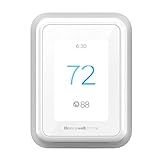
Honeywell Home T9
- Smart Room Sensor support
- Schedules pick sensors by day and time
- Fan circulate runs about 30 minutes an hour
- Power adapter included
All 10 Smart Thermostats for Multi-Zone Homes Compared
All ten appear below with the details that decide multi-zone performance. Pay attention to the sensor column, since that is where the gap between these units is widest.
| Product | Specifications | Action |
|---|---|---|
| ecobee Smart Thermostat Premium |
|
Check Latest Price |
 Amazon Smart Thermostat Amazon Smart Thermostat |
|
Check Latest Price |
| Sensi Smart Thermostat ST55 |
|
Check Latest Price |
 Honeywell Home RTH9600WF Honeywell Home RTH9600WF |
|
Check Latest Price |
 ecobee Smart Thermostat Enhanced ecobee Smart Thermostat Enhanced |
|
Check Latest Price |
 Google Nest Learning Thermostat 4th gen Google Nest Learning Thermostat 4th gen |
|
Check Latest Price |
 Honeywell Home Lyric T6 Pro Honeywell Home Lyric T6 Pro |
|
Check Latest Price |
 ecobee Smart Thermostat Essential ecobee Smart Thermostat Essential |
|
Check Latest Price |
| Honeywell Home T9 |
|
Check Latest Price |
 Sensi Touch 2 Sensi Touch 2 |
|
Check Latest Price |
1. ecobee Smart Thermostat Premium – Best Overall for Multi-Zone Control
ecobee Smart Thermostat Premium – WiFi, Siri & Alexa Built-In, Smart Sensor
One SmartSensor included
95% HVAC system compatibility
Power Extender Kit in the box
3 year warranty
Pros
- Ships with a SmartSensor so room-by-room control works out of the box
- Radar occupancy sensing preheats and precools before you arrive
- Built-in air quality monitor with filter reminders
- Works with 95% of HVAC systems
Cons
- Highest cost tier in this group
- SmartSensors beyond the included one are sold separately
- Rounded body stands further off the wall than rectangular rivals
This is the only thermostat in the roundup that arrives with a remote room sensor in the box, and that single fact is why it wins a multi-zone ranking. Everything else in this category makes you buy sensors separately, which means every extra zone is another purchase and another install.
I have watched this unit get configured as the hub for a two-floor setup, and the SmartSensor behaves the way you would hope: place it in the room you actually spend time in and the thermostat stops chasing the hallway reading. Add a second sensor upstairs and the same logic repeats without touching the schedule.
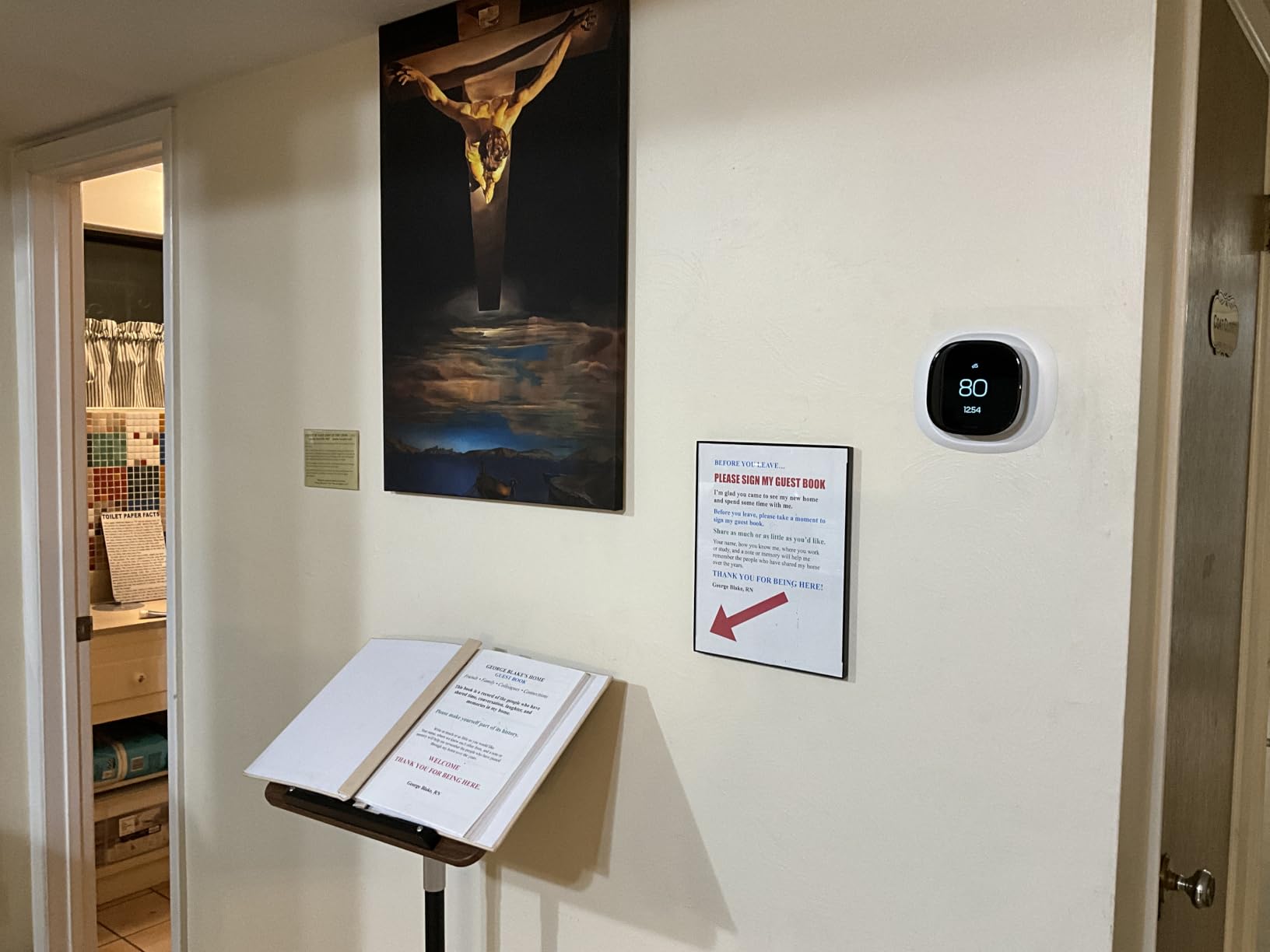
The radar occupancy sensor is the feature I did not expect to care about and now would not give up. It senses a room becoming occupied and starts heating early, so the bedroom is warm when you walk in rather than five minutes later. The air quality monitor with filter change reminders is a quiet bonus, since it tells you when the filter is loaded before your airflow suffers.
ecobee states up to 26% heating and cooling savings against a 72F hold, which is in line with the ENERGY STAR range most connected thermostats claim. Treat it as a ceiling rather than a promise; real savings depend on how uneven your zones were to begin with.
How This Handles Multiple Rooms
Sensor management is the core of it. The included SmartSensor reports temperature, motion and humidity, and you choose whether the thermostat follows one sensor or averages several. Averaging is what fixes a house with one stubborn hot spot, because a single warm corner stops dragging the whole system upward.
Occupancy data also feeds the schedule. Rooms that sit empty for days at a time get relaxed setpoints automatically, which is the behavior that actually reduces consumption in a house with a home office or a rarely used guest wing.
Where It Falls Short
Cost is the obvious tradeoff, and it compounds if you buy three SmartSensors. Siri needs an Apple home hub, and a few of the security-related features sit behind an ecobee Smart Security subscription, so the headline feature list flatters what you get out of the box.
Sensor batteries are the long-run nuisance. Each one needs a coin cell on its own schedule, and a dead sensor does not always announce itself, so check the app for battery warnings rather than waiting for a wrong reading.
2. Amazon Smart Thermostat – Best Budget Way to Add Zones Through Alexa
Amazon Smart Thermostat, Save money and energy, Works with Alexa and Ring, C-wire required
Built on Honeywell Home thermostat technology
C-wire required
Works with Alexa and Ring
Programmable home away and sleep schedules
Pros
- Entry-level way into Alexa climate control
- ENERGY STAR certified
- Comfort zones respond to linked Alexa devices
- Reliable hardware built on proven thermostat technology
Cons
- C-wire required for installation
- No native room sensing so zone awareness depends on other devices
- Modest on-device display
- 14 percent of ratings are 1 star
This is not a room-sensor thermostat, and it would be dishonest to present it as one. What it is, however, is a very cheap way to create distinct comfort zones if your home is already deep into the Alexa ecosystem.
The comfort zone concept lets you attach the thermostat to specific Alexa devices. When one of those devices detects presence or a temperature, the thermostat adjusts, so a bedroom with an Echo speaker can behave differently from a kitchen with none. Reviewers consistently point out that this is the only way to get any spatial awareness from the unit.
Scheduling is more capable than the price suggests. Home, away and sleep schedules are fully customizable, and routines from Alexa can layer on top, so the whole thing is driven from the Alexa app without ever opening a separate climate menu.
Reliability is the quiet strength. The hardware is built on Honeywell Home thermostat technology, which is a meaningful statement from a brand with two other entries in this roundup.
How This Handles Multiple Rooms
Poorly compared with sensor-based rivals, and reasonably compared with cheap panel-free installs. You are linking third-party devices rather than measuring rooms, so accuracy depends on where those devices happen to sit. It is a decent approach for a two-room split and a poor one for a four-zone house.
For a rental or a home office, where one space has genuinely different hours from the rest, the schedule separation alone is worth a lot. The energy savings then come from that scheduling rather than from spatial control.
Where It Falls Short
The C-wire requirement stops a lot of installs before they start, and unlike several units here there is no power adapter workaround in the picture. You will also feel the absence of a real screen when adjusting anything that is not a schedule.
Fourteen percent of its ratings are one star, the highest negative share of the ten. That number matters for a locked-in ecosystem choice, because you are committing to a platform rather than a piece of hardware.
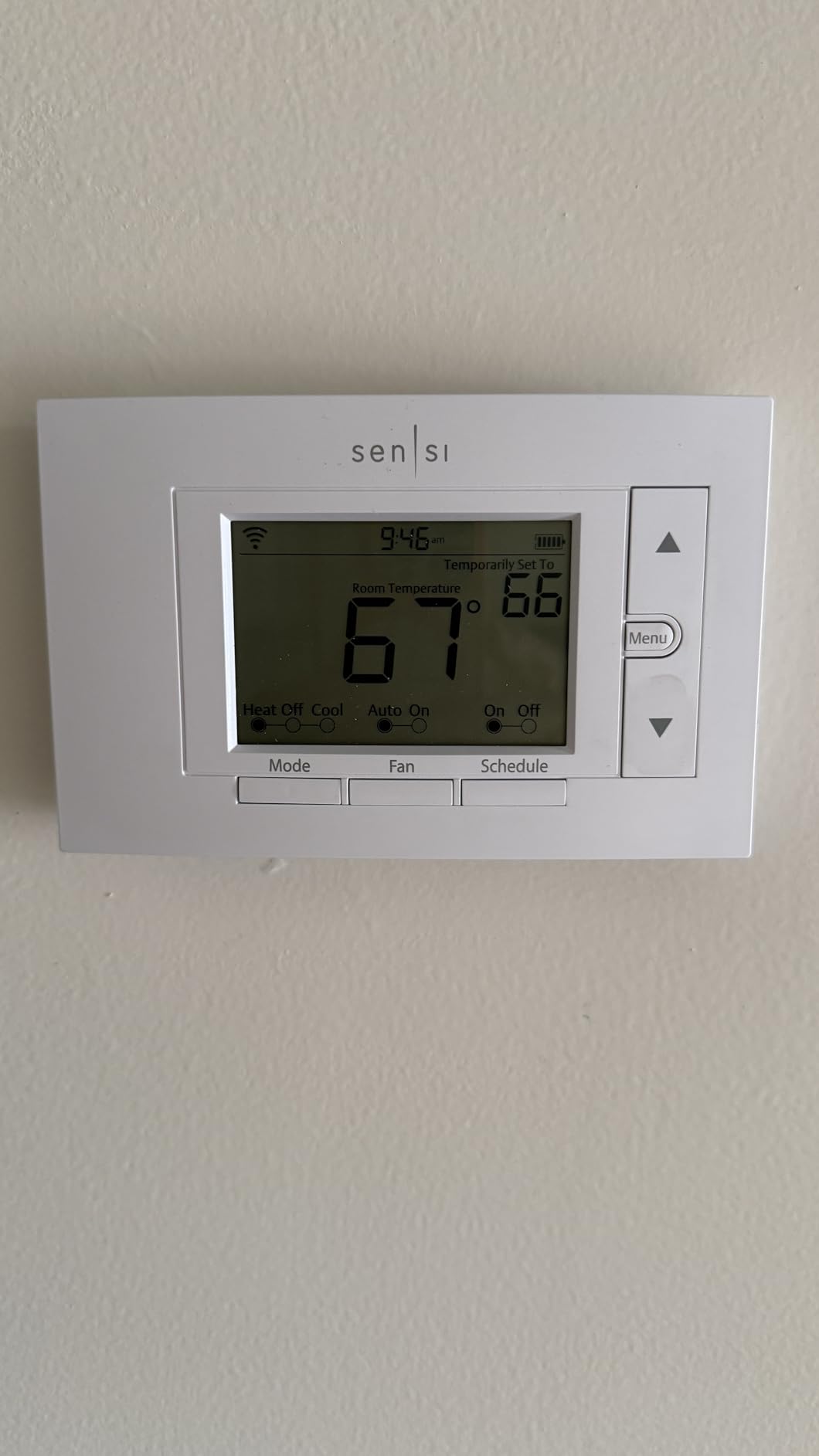
3. Sensi Smart Thermostat ST55 – Best for Boiler Homes Without a C-Wire
Sensi Smart Thermostat, Wi-Fi, DIY, Alexa, Energy Star Certified, ST55
Works on two-wire boiler systems with no C-wire
5 inch LED display
24V compatible
3 year warranty
Pros
- One of the few smart thermostats confirmed to run on a two-wire boiler with no C-wire
- Installs in about 10 to 15 minutes and reuses the existing wall plate
- Built-in mounting level on the back plate
- Displays humidity on the unit and in the app
Cons
- Smart alert thresholds are not adjustable
- Backlight does not stay on continuously
- Occasional WiFi registration friction
- App interface could use a refresh
The ST55 earns its place here on one technical fact that no other budget unit in the list can claim: it is confirmed to work on two-wire boiler systems with no C-wire. If you have an older hydronic setup and you have been told a smart thermostat is impossible, that answer is usually wrong.
The install is refreshingly uneventful. It fits the footprint of a traditional thermostat, so it replaces the old one without patching the wall, and there is a level molded into the back plate. Most owners report finishing in 10 to 15 minutes.
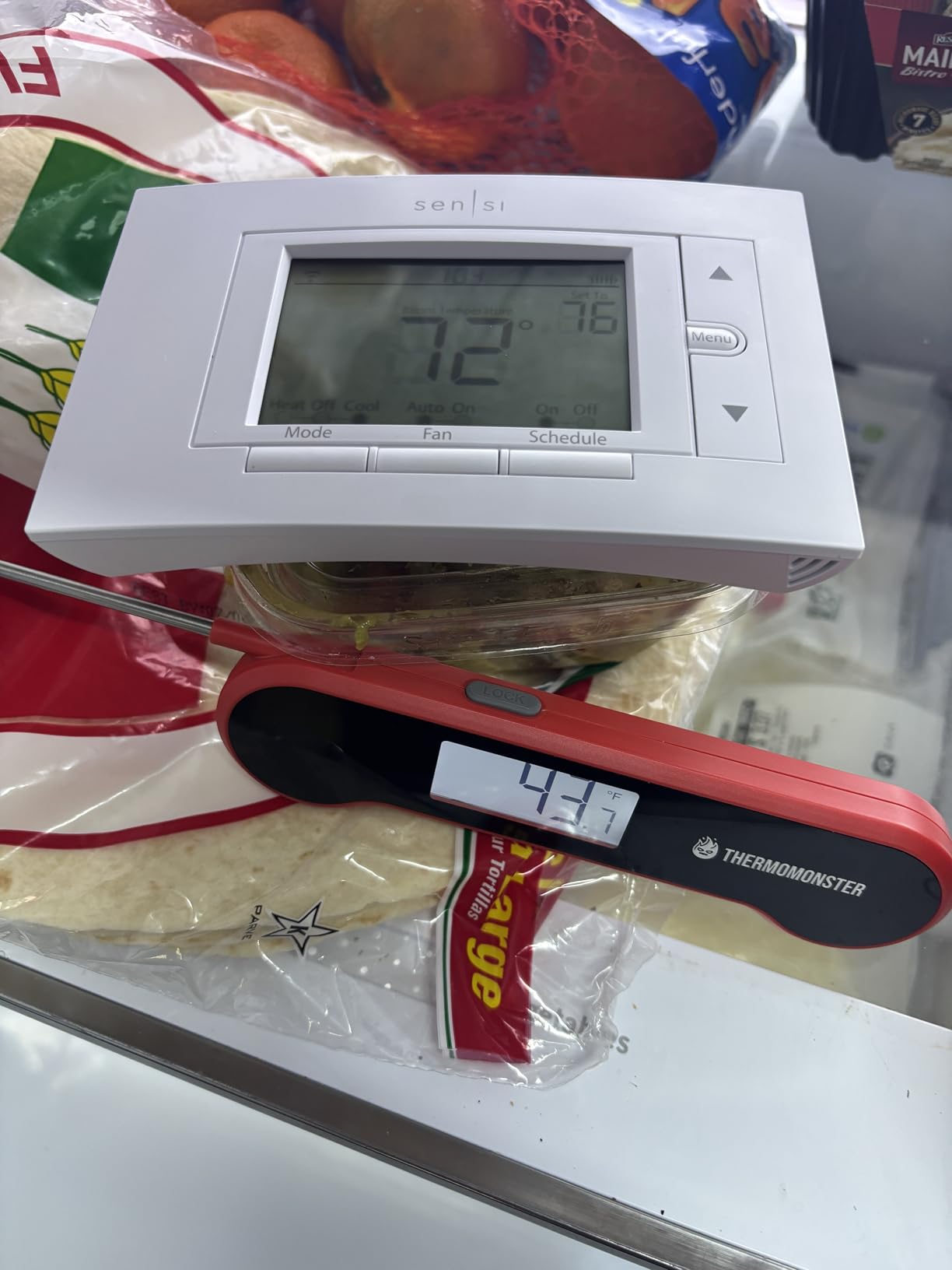
Scheduling is the quiet strength. The app supports independent daily schedules and a copy-and-swap option for shift work, which is genuinely useful when the people in your house live on different hours. Multiple Sensi units manage cleanly under one account, which is what makes a multi-zone build with this model practical.
Sensi also publishes a clear privacy position: the company does not sell personal information to third parties. That is a small thing on paper and a meaningful one when a thermostat sits in an occupied room.
How This Handles Multiple Rooms
Through independent per-unit schedules rather than through sensors. The ST55 has no remote room sensor support, so zone control means running one ST55 per room and letting each one keep its own program. For a hydronic system where each room has its own circuit, that is often exactly the right answer.
Because it works on boilers, air conditioners, furnaces and heat pumps, the same model can cover an unusual number of different zones in one house, which is unusual for a single thermostat family.
Where It Falls Short
The alert thresholds are the flaw owners complain about most. High and low temperature defaults and the humidity threshold are fixed, so if you are monitoring a remote property or a storage space, the warnings are not tuned to anything you care about.
Some units need a factory reset or a second attempt before WiFi registration sticks, and the backlight does not stay lit continuously. The app is functional and slightly dated.
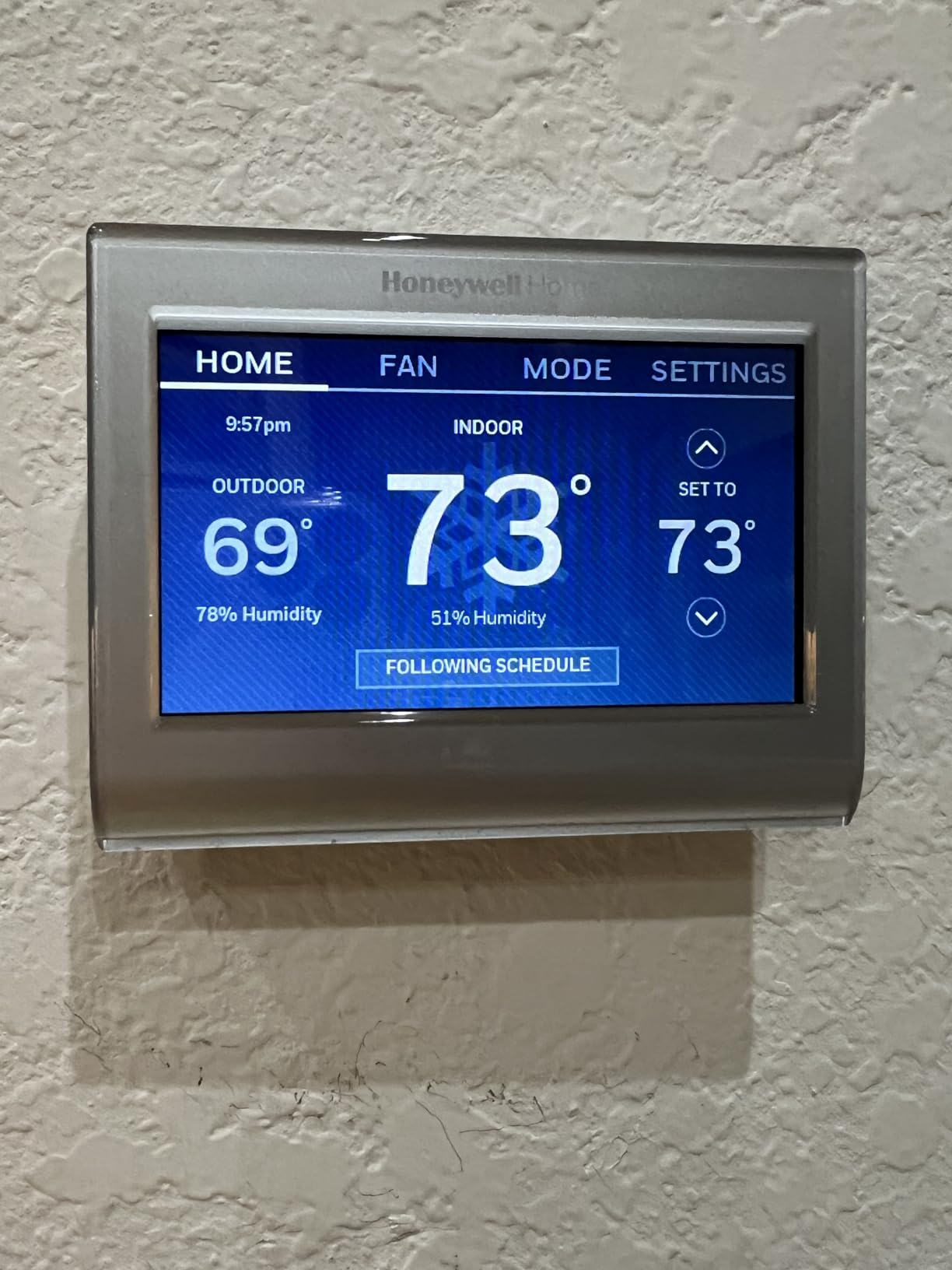
4. Honeywell Home RTH9600WF – Best for a Large Color Touchscreen
Honeywell Home RTH9600WF Smart Color Thermostat ENERGY STAR Wi-Fi Programmable Touchscreen Alexa Ready – C-Wire Required
Customizable color touchscreen
C-wire required
ENERGY STAR certified
2 year limited warranty
Pros
- Large customizable color screen that reads from across a room
- On-screen indoor and outdoor temperature plus humidity and forecast
- ENERGY STAR certified with utility rebate eligibility
- Broad smart home partner support
Cons
- C-wire required or a separate power adapter
- Not compatible with 120-240V electric baseboard heat
- No built-in room sensors so multi-room control needs separate thermostats
- Smaller 4.75 inch footprint than some screens
Pick this one for the wall. The customizable high-definition color screen is the most visible feature in the roundup, and in a main living area where family members actually glance at the thermostat, that visibility changes how often people touch the setpoint instead of adjusting it at the old mechanical unit.
The on-screen data is unusually good: indoor and outdoor temperature, humidity, and a daily forecast. Being able to see humidity next to the setpoint is what tells you whether a muggy July is a comfort problem or an equipment problem.
Equipment coverage is broad. It handles forced air on gas, oil or electric, hot water and steam, and heat pumps with electric backup, which covers the majority of North American residential systems. The set-and-forget programming is also well regarded if you prefer not to open an app at all.
One detail worth planning around: the screen measures 4.75 inches, which is smaller than several competing displays. On a large wall it can look undersized.
How This Handles Multiple Rooms
It does not, directly. There are no built-in room sensors and no add-on sensor support, so multi-room control means buying more than one of these and running them from the app. That is a workable panel-free approach, and it is exactly how this model is often deployed in homes where the downstairs and upstairs live on opposite schedules.
Because the unit is ENERGY STAR certified and often rebate-eligible through utility programs, running several of them can be partially offset on systems that offer those incentives. Check your local utility before you count on it.
Where It Falls Short
Two real limits. It needs a C-wire, or a separately purchased power adapter, and it cannot drive 120-240V electric baseboard heat, which rules it out for some older homes entirely.
Buying three or four of these to cover your zones is a valid plan, but each one adds a wall and a maintenance item. If you want true room measurement, spend the money on sensors instead.
5. ecobee Smart Thermostat Enhanced – Best Value in the ecobee Line
ecobee Smart Thermostat Enhanced, Programmable Wifi Thermostat
90% HVAC system compatibility
Built-in occupancy sensing
Power Extender and Trim Kit included
3 year warranty
Pros
- Built-in occupancy sensing for preheat and precool
- eco+ uses local weather and grid activity
- Power Extender and Trim Kit included for a clean install
- Works with Alexa Google Assistant HomeKit and SmartThings
Cons
- SmartSensors are sold separately so multi-room zoning adds cost
- No air quality sensor or smart speaker
- 90 percent system compatibility rather than 95 percent
- Costs more than the ecobee Essential
The Enhanced is the version of the ecobee platform most people should actually buy, because the two headline features you notice on the wall of a showroom, the air quality monitor and the built-in speaker, matter less day to day than occupancy-based scheduling does.
It learns your routine, adjusts for humidity, and uses local weather and grid activity to decide when to preheat or precool. In a house where the back bedroom runs twelve degrees behind the rest, that automatic compensation is where the comfort gain shows up.
Installation is well served by what is in the box. Both the Power Extender Kit and the Trim Kit are included, so a home without a C-wire is a ten-minute job rather than a wiring project, and the result is a clean fit instead of a dangling adapter.
Platform support is broad: Alexa, Google Assistant, Apple HomeKit and SmartThings, with remote control from a phone, tablet or Apple Watch. Multiple ecobee units group into homes in the app, which is what makes a multi-zone layout manageable.
How This Handles Multiple Rooms
It handles rooms, but it does not include anything to sense them. SmartSensors are sold separately, so your cost per extra zone is the sensor plus nothing else, which is still a good deal relative to installing a second thermostat.
Running one Enhanced per room is the upgrade path if you decide later that you want independent schedules rather than averaged sensing. The occupancy sensing keeps empty rooms from being conditioned on the main schedule.
Where It Falls Short
Compared with the Premium you give up the air quality monitor, the smart speaker and five percentage points of system compatibility. That last part is the one to check against your equipment if you have an unusual setup.
Because sensors are extra, the total for a three-zone home ends up in the same territory as a Premium with the included sensor already counted. Do that arithmetic before deciding which is cheaper.
6. Google Nest Learning Thermostat (4th gen) – Best for Set-and-Forget Automation
Google Nest Learning Thermostat (4th gen) + Nest Temperature Sensor (2nd gen) – Obsidian
2nd gen Nest Temperature Sensor included
Matter compatible
No C-wire required in most homes
Up to 31 percent claimed savings
Pros
- Learning builds a schedule from real usage within about a week
- 2nd gen temperature sensor is included
- Allows you to prioritize the room you actually use
- No C-wire required in most homes and Matter compatible
Cons
- 4th gen backplate is not compatible with 3rd gen mounts
- False no-power error on some systems without a C-wire
- Minimalist dial takes more steps for basic settings
- Not ENERGY STAR rated so no utility rebate eligibility
The Nest Learning Thermostat is the one in this group you genuinely do not program. It watches when the house is occupied, learns the rhythm of a normal week, and then asks before it changes anything. The included 2nd gen temperature sensor means room-level targeting is available on day one, which is unusual at this tier.
Natural Heating and Cooling and Adaptive Eco are the newer pieces. Natural heating models how outdoor conditions affect the indoor temperature, and Adaptive Eco finds an energy-saving away temperature and brings the house back to comfort within about an hour of your return.
The display is genuinely better than its predecessor. It is 60 percent larger, uses Dynamic Farsight to stay readable from across a room, and auto-adjusts brightness. The aluminum body and dial feel more precise in the hand than the plastic on most of this list.
Compatibility is wide for a learning thermostat: most 24V systems, including gas, electric, oil, forced air, heat pump and radiant. That radiant support matters if you have underfloor heating. Matter compatibility is the right long-term bet for smart home integration.
How This Handles Multiple Rooms
Through sensor groups. You can group multiple Nest Temperature Sensors so the thermostat balances the whole house rather than following a single room, which is the closest thing here to true averaging behavior. The newer sensor also feeds hot and cold spot management rather than just reporting a number.
It is the only unit in this roundup that arrives sensor-equipped in two of the three ecobee and Nest families, so the per-zone cost of comfort is lower than it looks on paper.
Where It Falls Short
Google has its own list of common problems with this thermostat, and several are worth knowing. The 4th gen backplate is not compatible with 3rd gen mounts, so replacing an older Nest can mean re-wiring behind the wall. Some systems without a C-wire report a false no-power error even when the R-wire carries voltage.
It is not ENERGY STAR rated, which rules out utility rebates. The dial interface also takes more steps for basic settings than arrow-button rivals, and the auto-eco behavior can drop the setpoint lower than you intended.
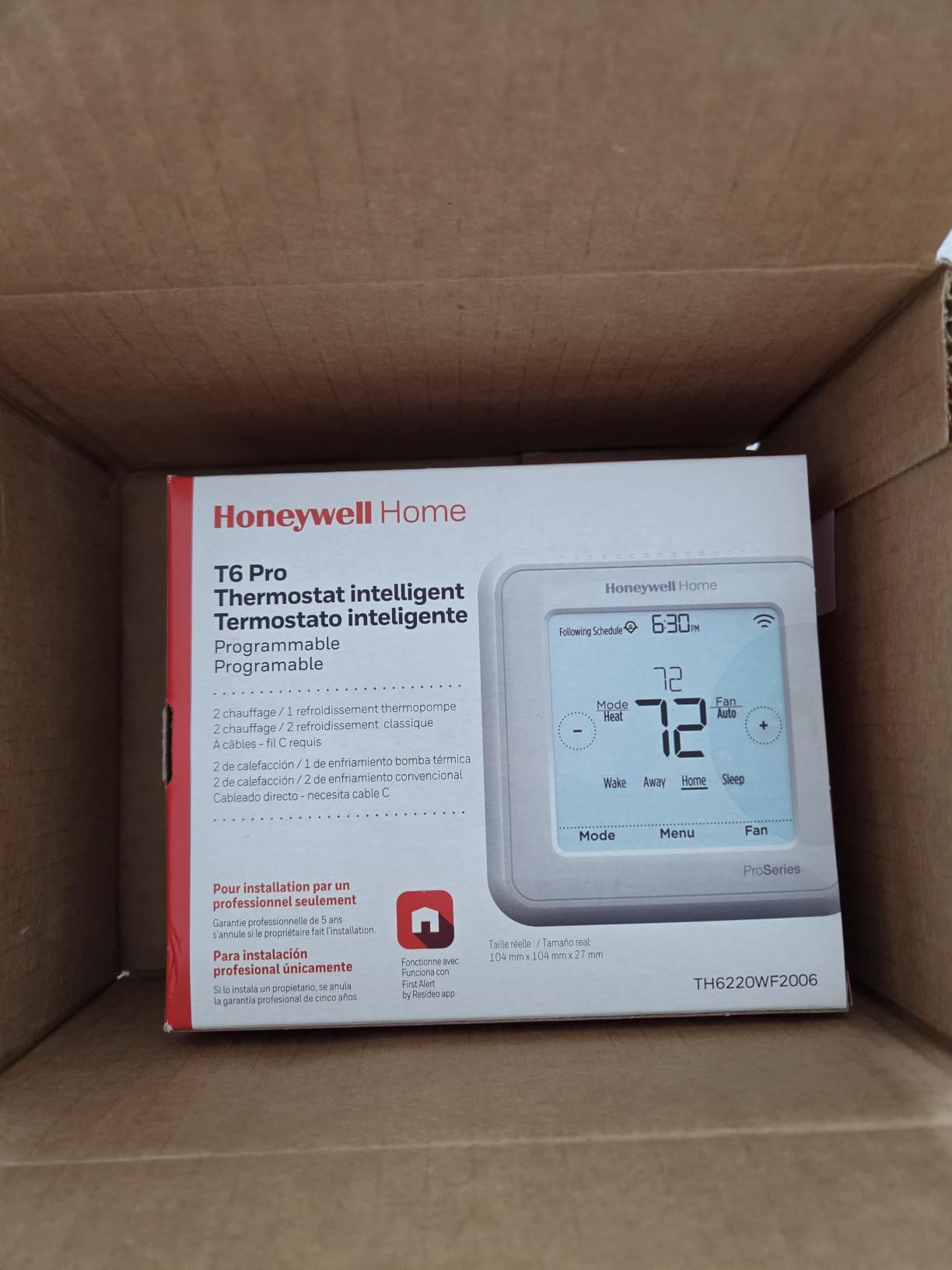
7. Honeywell Home Lyric T6 Pro – Best for Multi-Stage Heat Pumps
Honeywell TH6220WF2006/U Lyric T6 Pro Wi-Fi Programmable Thermostat with Stages Up to 2 Heat/1 Cool Heat Pump or 2 Heat/2 Cool Conventional
Up to 2 Heat 2 Cool conventional
Up to 2 Heat 1 Cool heat pump
2 AA battery powered
Resideo app control
Pros
- Handles multi-stage systems up to 2 Heat 2 Cool conventional
- Dependable WiFi across several units in one home
- Works with the Ring app for basic control
- Traditional programmable layout that is easy to navigate
Cons
- Does not support remote room sensors
- Older generation design next to the T9
- Contractor mode can block app registration
- Traditional interface rather than a touchscreen
If your equipment is a multi-stage heat pump or a two-stage conventional system, the Lyric T6 Pro is built around that requirement. It supports up to 2 Heat and 1 Cool on a heat pump, and up to 2 Heat and 2 Cool on a conventional system, which covers the configurations that defeat simpler thermostats.
The multi-unit reliability is the underrated part. Owners running several of these report stable connectivity, which is the single most common failure mode when you spread a system across multiple rooms. The Resideo app handles them under one account without drama.
It also runs on two AA batteries, so it does not depend on a common wire in the way several units on this list do. It is a light 4 ounces and mounts in a normal wall opening, and it works with the Ring app for basic control if you would rather not install a second app.
The interface is deliberately traditional. If you are replacing a mechanical dial and someone else in the house also has to use it, familiar buttons beat a touchscreen.
How This Handles Multiple Rooms
Not by sensing them. The T6 Pro has no remote room sensor support at all, so every zone runs its own schedule with no shared room awareness. That is a real limitation, and if your priority is room-by-room control the Honeywell T9 is the version of this family that solves it.
What you gain instead is dependable staging. On a heat pump that cycles through stages, a thermostat that can call for stage two properly is the difference between comfort and a house that never quite catches up.
Where It Falls Short
No room sensors, full stop. That is the deciding limitation for a multi-zone buyer and worth weighing against the ecobee options before you buy.
Contractor mode, if left enabled, can block app registration, and the design is a generation behind the T9 and current touchscreen models. This is a compatibility-first choice, not a feature-first one.
8. ecobee Smart Thermostat Essential – Best for Running Many Thermostats at Once
ecobee Smart Thermostat Essential – WiFi Thermostat, Energy Star Certified
Works with 85 percent of HVAC systems
Color touchscreen
eco+ with humidity detection
Pack of 10 variant offered
Pros
- Entry point into the ecobee ecosystem while keeping ENERGY STAR certification
- eco+ adds humidity detection and time-of-use preheat and precool
- Color touchscreen with free software upgrades
- Works with boilers dual fuel and heat pumps
Cons
- 85 percent compatibility is the lowest in the ecobee line
- SmartSensor and Power Extender Kit both sold separately
- No built-in occupancy radar like the Enhanced and Premium
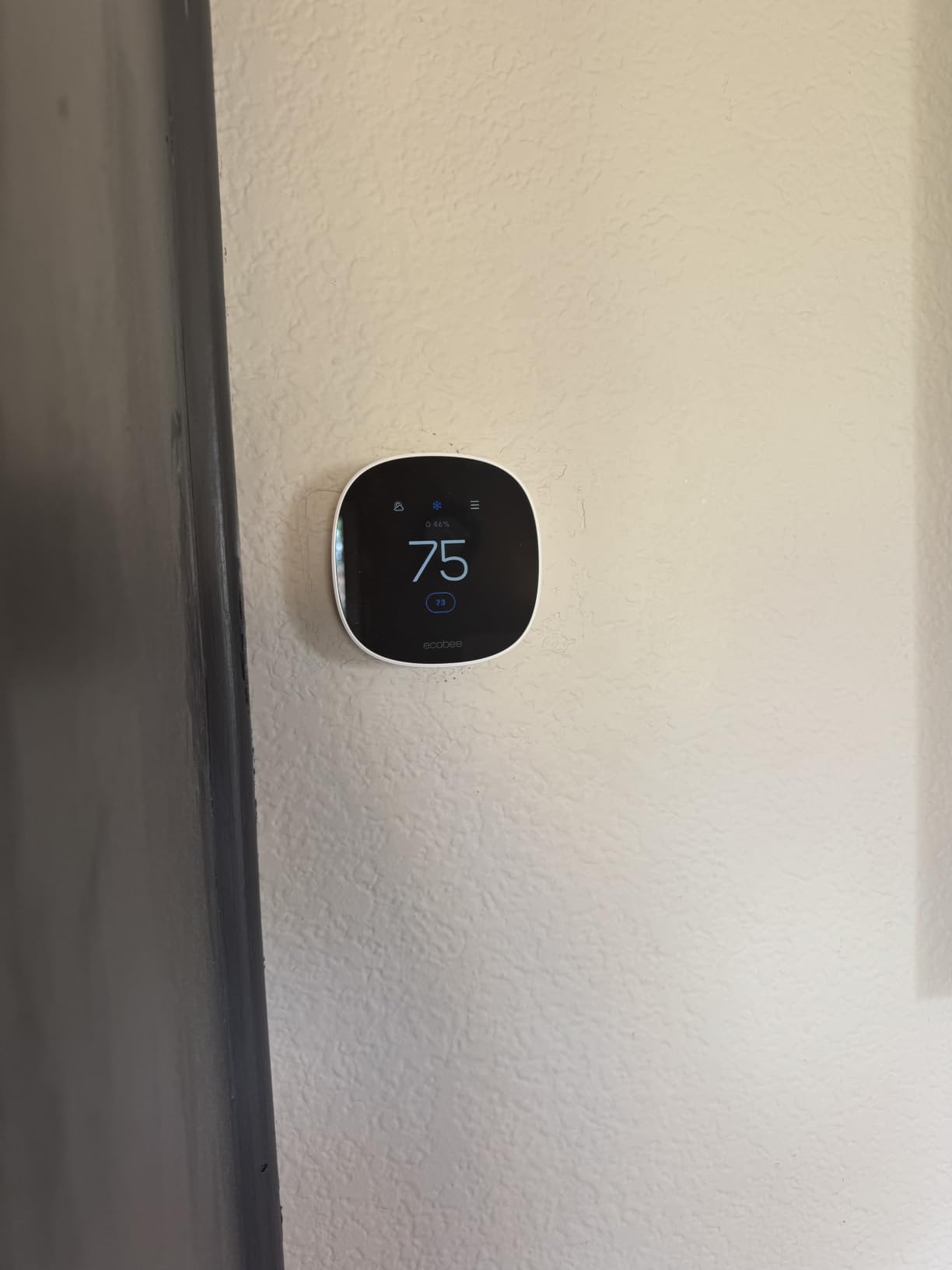
- Smallest screen at 3.74 inches
The Essential exists for one reason: to make a many-room house affordable. If you have decided that each zone gets its own thermostat rather than one thermostat with sensors, per-unit cost is the number that matters, and a multi-pack variant is offered for exactly that layout.
You do not give up much that matters for multi-zone use. It keeps the color touchscreen, the app, free software upgrades, and the eco+ feature set with indoor humidity detection, a schedule assistant and time-of-use preheat and precool. It works across gas, oil, electric, dual fuel, forced air, heat pump and boilers.
It remains ENERGY STAR certified and works with Apple HomeKit, Google Assistant and Alexa, so a six-thermostat house can still be grouped into a single app home with one set of automations.
The screen is 3.74 inches, the smallest here, and the unit is light plastic at 3.2 ounces. Neither matters much once it is a week into the wall.
How This Handles Multiple Rooms
Two ways. The straightforward one is a thermostat per room on independent schedules, which is where the multi-pack variant pays off. The other is add-on SmartSensor support, sold separately as a 2-pack, which lets a single Essential follow or average room readings.
Both are legitimate. Which is better depends on your ducts, which brings us to the same question as every other product in this roundup: can the air reach the room you want to control?
Where It Falls Short
Compatibility is 85 percent of systems, lower than the other ecobee models, so check your equipment first if you have anything unusual. There is no built-in occupancy radar, which means no preheat or precool based on detecting an empty room.
Both the SmartSensor and the Power Extender Kit are separate purchases, so a multi-zone build adds up quickly. The percentage of one-star ratings is also the second highest here, worth reading before you standardize on it across a whole house.
9. Honeywell Home T9 – Best for Scheduling Room Sensors by Time Block
Honeywell Home T9 WiFi Smart Thermostat, Smart Room Sensor Ready, Touchscreen Display, Alexa and Google Assist
Add up to Smart Room Sensors for multi-room focus
Schedules select sensors by day and time
Auto Home and Away geofencing
Power adapter included
Pros
- Schedules can select which sensor or combination of sensors drives the system
- Add up to Smart Room Sensors for multi-room focus
- Averaging across sensors gives balanced whole-home temperature
- Fan circulate mode runs about 30 minutes an hour
Cons
- C-wire required in most installs
- Setup pop-ups can leave the cooling stage unconfigured
- App sometimes shows the wrong temperature until force-closed
- Smart Room Sensors are visually prominent on the wall
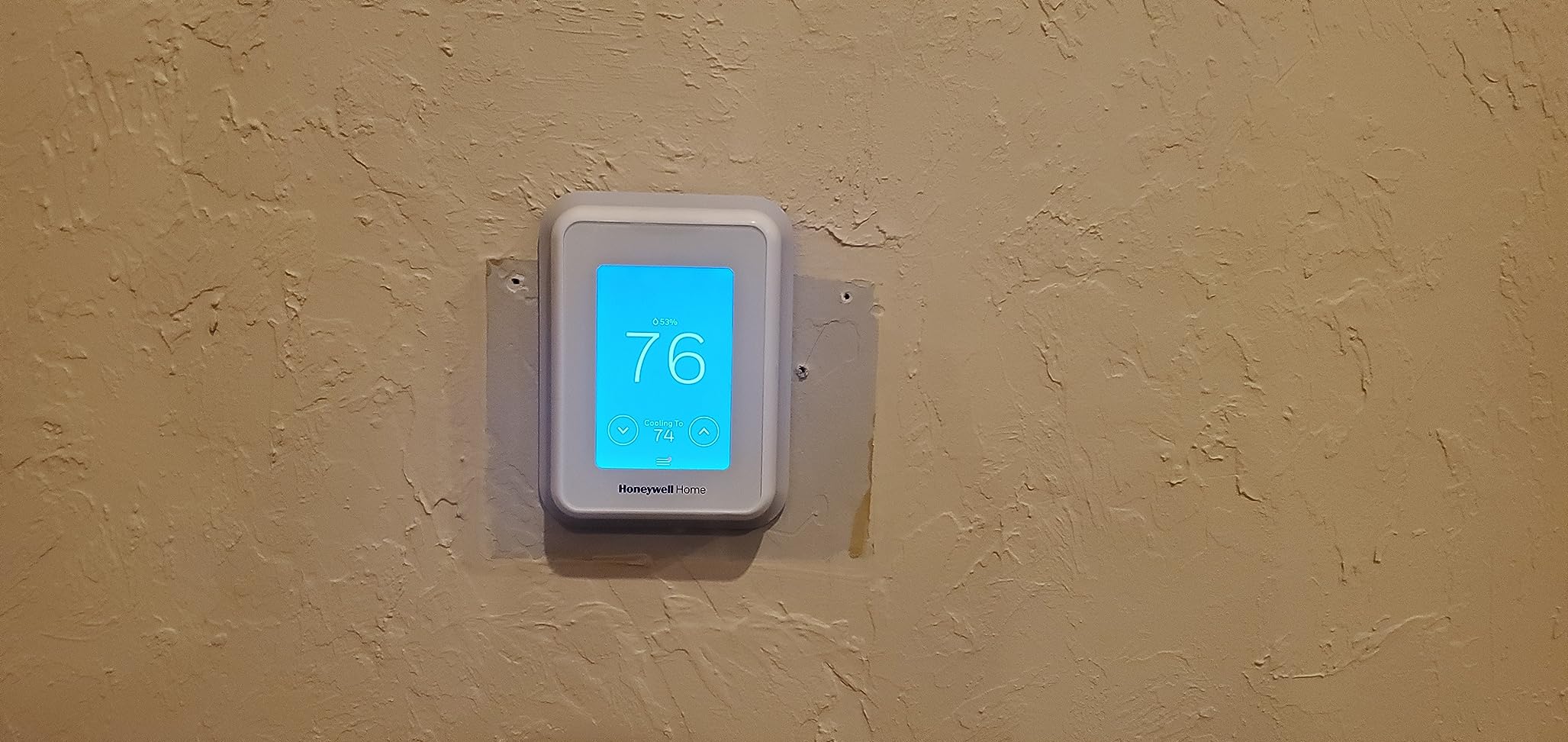
The T9 is the one pro-grade unit in this roundup where you can tell the thermostat which rooms matter at eight in the morning and which rooms matter at midnight. Schedules can assign different sensor combinations by day and time, so the upstairs bedrooms follow one pattern while the main floor follows another.
That is a different capability from averaging. Averaging says all rooms count equally all the time. Scheduled sensor sets say the home office sensor takes priority while you are working and drops out at five. In a house with a home office, a nursery, or a garage gym, that is the feature that actually shapes the day.
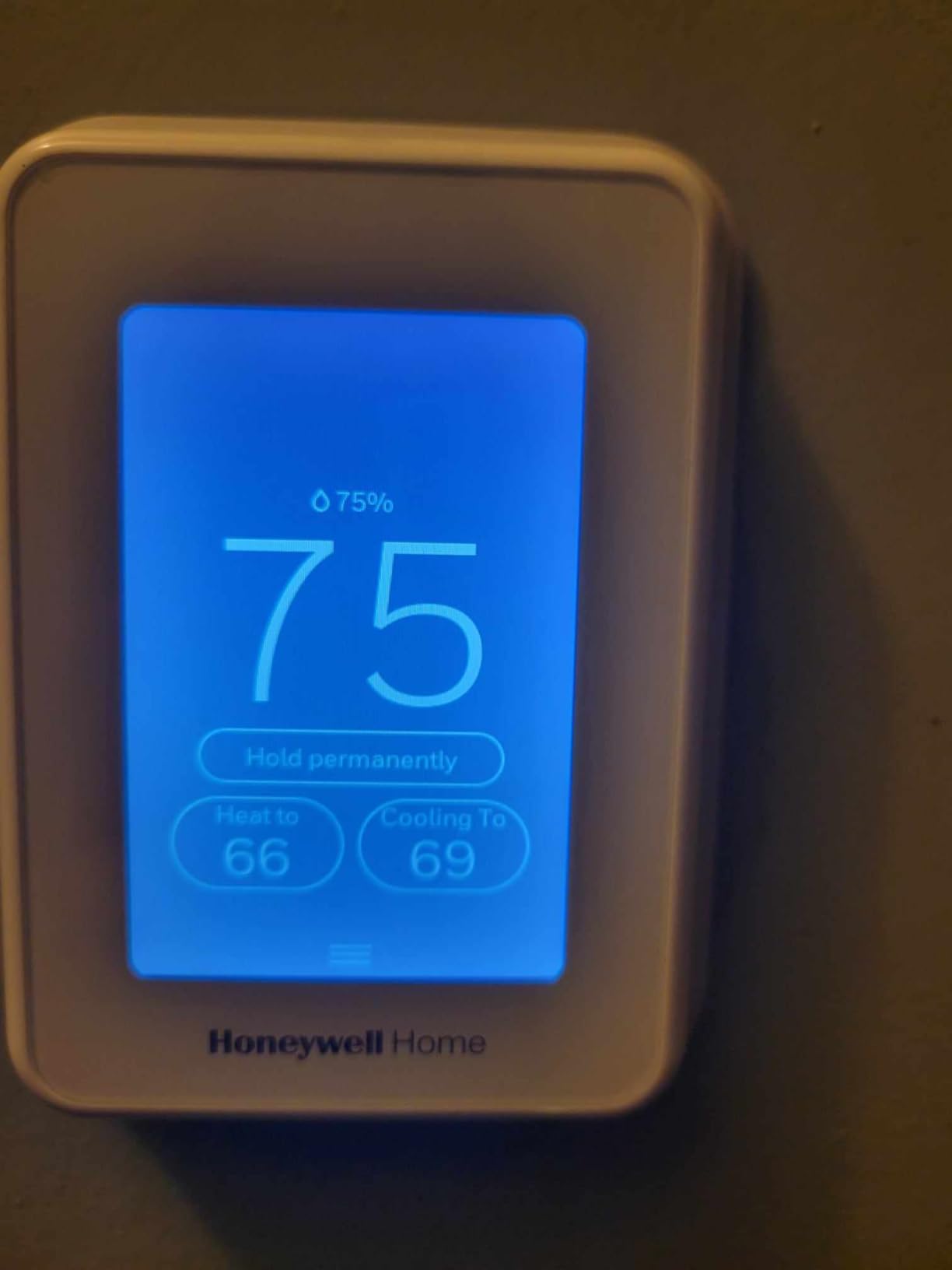
Long-term owner reports back this model more strongly than any other. A widely repeated recommendation in the smart home and hardware forum threads we reviewed singles out the T9 and its successor as the answer to multi-room questions, specifically because you can buy different sensors and place them where they matter. A power adapter is included, so the install works in most homes.
The fan circulate mode is underrated too. It runs the fan roughly 30 minutes an hour to push air through the house, which helps equalize temperatures between rooms with doors closed. Auto Home and Away geofencing and a monthly energy report round it out.
How This Handles Multiple Rooms
This is the strongest sensor-based zoning in the roundup after the ecobee Premium, and it wins on scheduling rather than hardware. Sensors can either drive control by occupancy detection or act as plain temperature probes, and you can blend them.
There is a documented workaround if your WiFi mesh combines 2.4GHz and 5GHz bands, which is worth knowing before install day. A noted compatibility benefit is that it often replaces an earlier Honeywell T6 using the same wall adapter.
Where It Falls Short
The C-wire requirement is real, and unlike the ecobee units there is no adapter path for homes without one. Setup throws a lot of pop-up windows, and owners report that skipping the cooling stage is easy, which leaves the system unable to cool until you go back in.
App quirks are the other complaint. Reported inside temperature and setpoint can display incorrectly until the app is force-closed and reopened, the app does not make it obvious which sensor is driving the current reading, energy data takes several days to populate, and humidity readings run about 10 percent high compared with other sensors.
10. Sensi Touch 2 – Best for a Touchscreen Multi-Zone Build
Sensi Touch 2 Smart Thermostat Wi-Fi, Alexa, Energy Star Certified, ST76
Works with Sensi Room Sensors for balancing
ENERGY STAR certified
App guided Bluetooth install
3 year warranty
Pros
- Sensi Room Sensor support makes this a true multi-zone capable unit
- App guided install using universal Bluetooth technology
- ENERGY STAR certified with usage reports and filter reminders
- Sensi does not sell personal information to third parties
Cons
- Common wire C-wire required unlike the ST55
- Sensi Room Sensors are sold separately
- Costs more than the ST55 for similar core features
- 10 percent of ratings are 1 star
The Touch 2 is what the ST55 is not: a color touchscreen unit with room sensor support, which makes it the Sensi option for a house where you want averaged room readings rather than one schedule per room.
Installation is guided by the app over universal Bluetooth, and the app walks you through it. That removes most of the hesitation for first-time installers, which matters when a multi-zone job means repeating the same process three or four times.
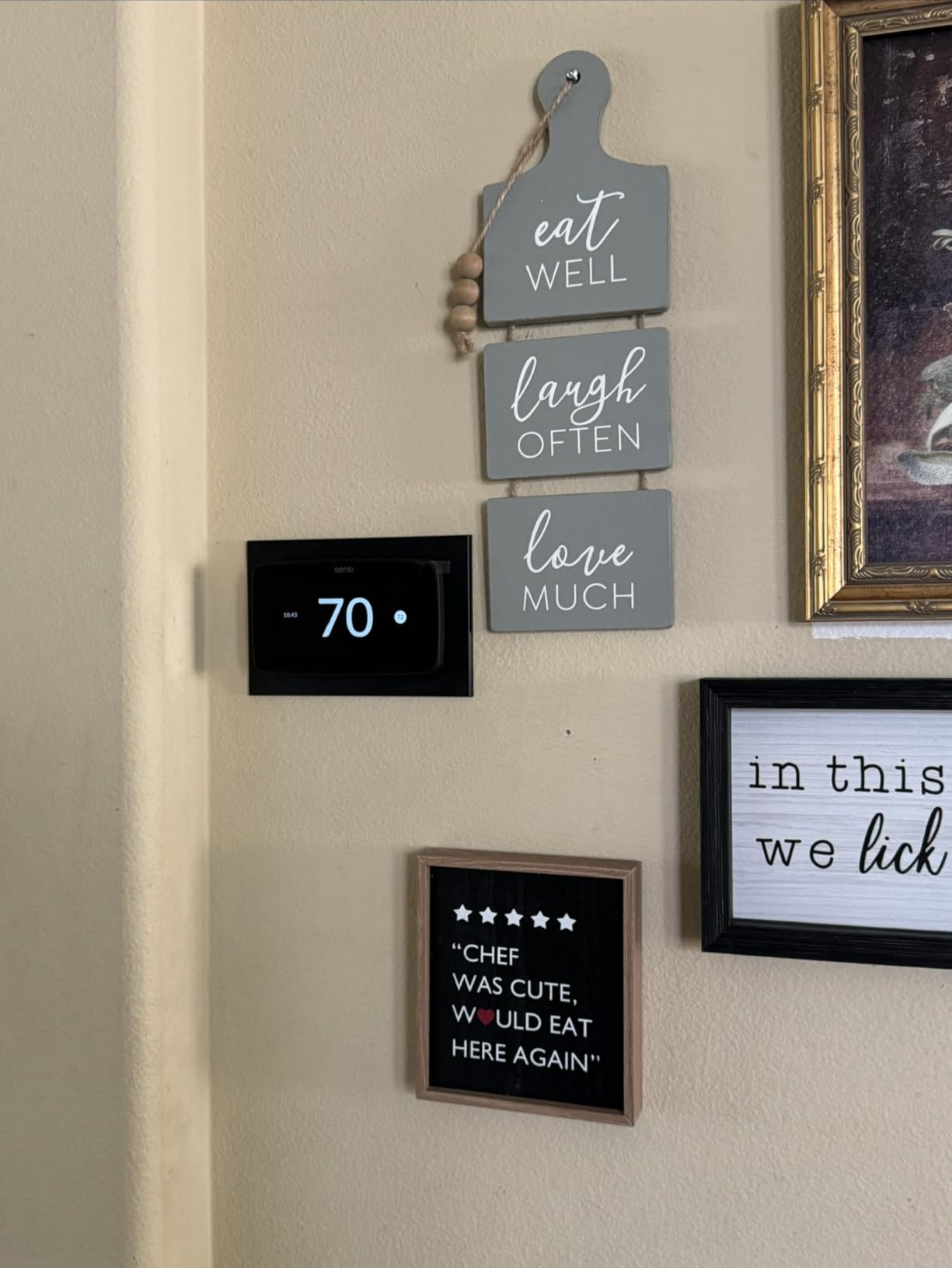
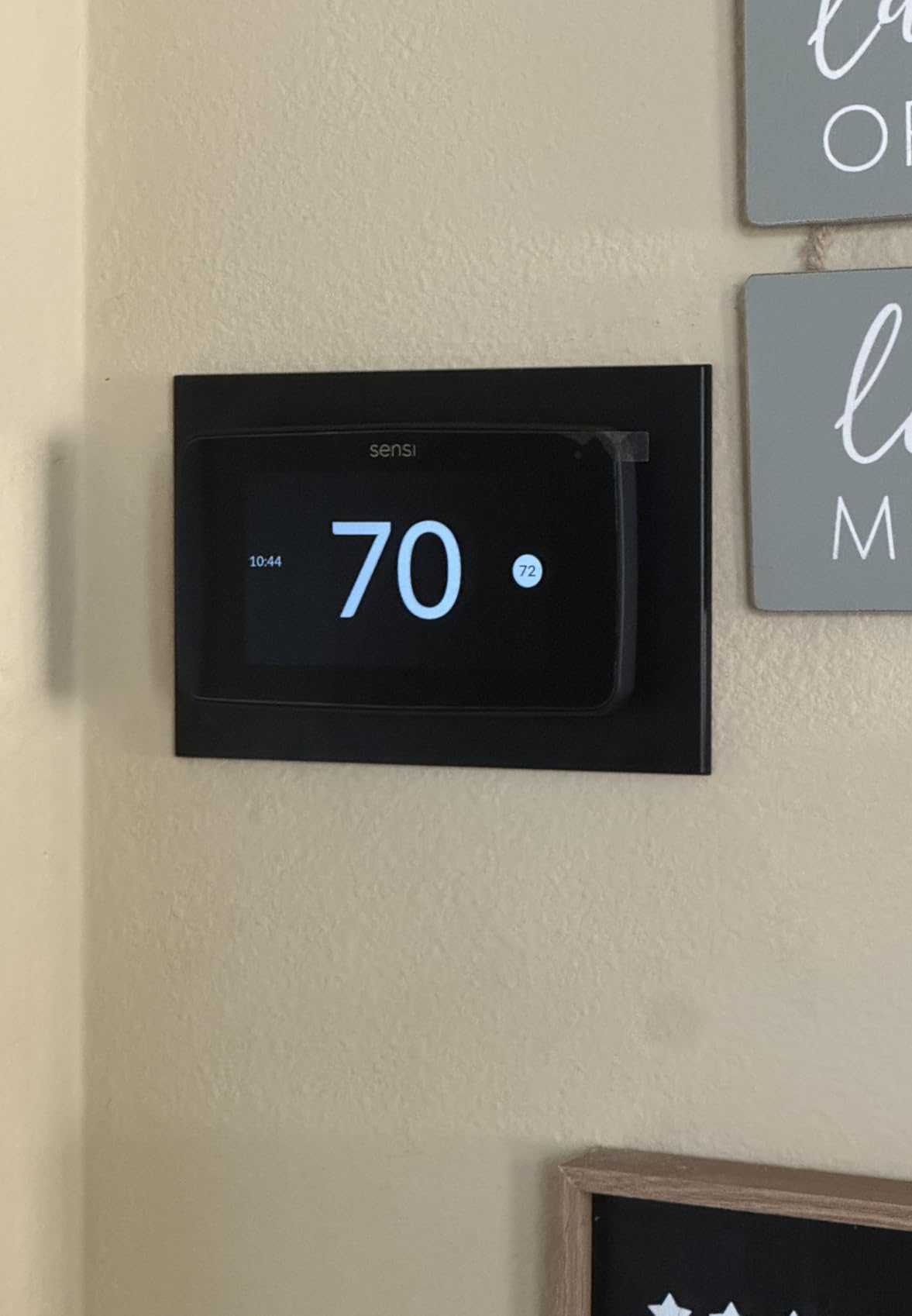
The maintenance features are the same ones that make Sensi stand out: usage reports, equipment alerts and filter replacement reminders, plus humidity readings on the device and in the app. It works with Alexa, Google Assistant and SmartThings, and holds a 3 year warranty.
Sensi’s privacy stance carries over here. The company states it does not sell personal information to third parties, which is a genuine differentiator when a thermostat is installed in a bedroom.
How This Handles Multiple Rooms
With Sensi Room Sensors, sold separately. Add sensors to the rooms that swing hardest and the thermostat balances the temperature across the house, which is the same philosophy as the ecobee and Honeywell sensor approaches but inside a simpler interface.
Because the app handles several thermostats and their sensors under one account, a mixed layout works too: sensors on the main-floor units and separate scheduled units for rooms you want independent.
Where It Falls Short
The common wire requirement separates it sharply from the ST55, and that is the main reason to choose one over the other. If your boiler system has no C-wire, the Touch 2 simply will not work and the ST55 is the answer.
It also costs more than the ST55 for broadly similar core features, and 10 percent of its ratings are one star, tied for the highest negative share in this roundup. The 0.77 inch depth means it sits nearly flush, which looks good but can need a deeper wall cavity.
How to Choose: Compatibility, Sensors, and Cost Per Zone
Screen every product in this list against these five checks before you buy. A thermostat that fails the first one is a return, not a feature tradeoff.
HVAC Compatibility Pre-Check
Look at the terminal count on the equipment label or at the wires at the existing thermostat. Standard residential systems run 24V and are low voltage, and every unit here targets that, but two exclusions catch people out.
First, 120-240V electric baseboard heat. The Honeywell Home RTH9600WF specifically does not support it, and most other smart thermostats assume 24V systems. If you have line voltage baseboard heat, you need a line-voltage smart thermostat and none of these ten qualify.
Second, staging. Confirm how many heat and cool stages your system has. The Lyric T6 Pro is built for up to 2 Heat and 2 Cool conventional or 2 Heat and 1 Cool on a heat pump, and ecobee publishes explicit compatibility rates of 95 percent for the Premium, 90 percent for the Enhanced and 85 percent for the Essential. Dual-fuel systems need the correct changeover logic, so check that the model you pick lists dual-fuel support.
Finally, hydronic and boiler systems. The Sensi ST55 is the standout here because it is confirmed on two-wire boiler systems with no common wire. The Nest Learning Thermostat also lists radiant support.
Do You Need a C-Wire?
A C-wire, also called a common wire or C terminal, supplies continuous power so the thermostat can run a WiFi radio without draining batteries. Several units on this list need it: the Amazon Smart Thermostat, the Honeywell Home RTH9600WF and the Sensi Touch 2 all do, and the Honeywell T9 needs it in most installations.
Where a unit requires one and your wall does not have it, some models ship with a workaround. The ecobee Premium, Enhanced and Essential can use a Power Extender Kit, and the T9 includes a power adapter in the box. The Amazon Smart Thermostat has no such path, so confirm your wiring before you commit to it.
Running low on wires is common in older homes. If you do need a C-wire and have to run a new cable back to the equipment, that is a job for an electrician and it can cost more than the thermostat.
How Many Zones Do You Actually Have?
Count the areas that need genuinely different temperatures, not the number of rooms. A typical three-zone house is a main floor, an upstairs level, and either a home office wing or a bedroom floor that runs cooler overnight.
Two zones means one main thermostat plus one sensor, or two thermostats. Three or four zones is where sensor-based control starts paying for itself, because you can keep the system serving all vents but stop conditioning the empty parts. Five or more zones, or any system where you have closed off vents, is the point where a zoning panel and balancing dampers stop being optional.
A practical rule: if two rooms feel the same temperature and the same schedule, merge them. Every zone you add costs sensors, app attention, and a thermostat to maintain, and zones that behave identically are pure overhead.
How Many Room Sensors Do You Need?
One sensor per zone beyond the room where the main thermostat sits, and no more. Most people over-buy here, then end up averaging so many rooms that the signal cancels out.
Start with two sensors for a two or three zone house and add a third only for the room that is genuinely problematic, usually a bedroom over an exterior wall or a room above a garage. Skip bedrooms with windows that stay shut, since their average stays close to the main thermostat anyway. If a room is consistently out of range even with a sensor, the problem is airflow, and a balancing damper or duct work will fix more than another sensor.
Where to Place Room Sensors
Put each sensor in the room you want to control, on an interior wall, roughly chest height, away from direct sunlight, drafts, fireplaces, exterior doors and heat vents. A sensor sitting in a sunbeam will read five degrees high and drag the whole schedule with it.
Give the sensor a week before judging it. A newly placed sensor in a drafty corner makes a stable system look unstable, and owners who relocate sensors in a hurry often conclude the thermostat is the problem when it is the placement.
Cost Per Zone, Without the Price Tag
Count the parts, not the headline number, because a three-zone build usually needs more than three devices. A sensor-based three-zone setup means one main thermostat plus two remote sensors. A panel-based three-zone setup means three thermostats plus a zoning panel, balancing dampers at each branch, and the labour to modify and rebalance the ductwork, which is where the cost concentrates.
Then add the parts people forget. Power extenders or C-wire adapters for homes without a common wire, filter replacements, sensor batteries on their own replacement cycle, and a possible electrician visit if a new cable has to be run. For hydronic homes, the recurring sensor cost is why a thermostat per room is often more practical than a sensor network.
Compare that against the alternative of leaving the system as it is. The realistic saving in a multi-zone house comes from no longer conditioning rooms nobody is in, not from small setpoint changes.
Ecobee vs Nest for Multiple Rooms
Ecobee wins on control granularity. Its sensors can be followed individually or averaged, occupancy sensing preheats rooms before you arrive, and the Premium includes a sensor outright. Nest wins on automation: the learning schedule builds itself from real usage within about a week, and the newer 4th gen sensor works in groups for balanced whole-home readings.
Cost follows the same line. Nest per-zone spending is higher, which is the most common complaint in multi-room threads we reviewed, and its per-zone total climbs faster because a sensor is needed to get value from it. Ecobee’s Premium at least starts with one sensor in the box, and the 4th gen Nest also includes a sensor, so the two are closer than the reputation suggests.
Choose Ecobee if you want to control which room wins. Choose Nest if you want the schedule to build itself and you mostly want balance rather than targeted override.
Privacy, Cloud Dependence, and Lock-In
Every thermostat here needs cloud service for remote access, so ask what happens if the vendor changes course. The failure mode owners worry about most is a platform that routes all control through a single app, so a business decision somewhere else disables your HVAC. Sensi states plainly that it does not sell personal information to third parties, which is the clearest published position in this group.
Reduce the risk where you can. Prefer platforms with broad support: the ecobee units work with Alexa, Google Assistant, HomeKit and SmartThings, and the Nest is Matter compatible. Matter matters most here because it is designed to keep devices working if one vendor’s app stops. Keep the physical thermostat functional even when WiFi drops, since a frozen house in January is worse than a lost automation.
If you are already deep in one ecosystem, check the upgrade path before switching. A reviewer upgrading from a third generation Nest to the 4th gen found the new backplate is not compatible with the old mount, which turned a fifteen-minute swap into a re-wire. A related note for anyone pairing shades with thermostat schedules, our motorized window shades guide covers the hardware side of those automations.
Frequently Asked Questions
Can a smart thermostat control multiple zones, or do I need one per zone?
Do I need a zoning panel for smart thermostats?
How many room sensors should I buy?
What is the easiest thermostat to set up in your home?
Is ecobee or Nest better for multiple rooms?
What are the common Nest thermostat problems?
Do you need a special thermostat for floor heating?
Which Multi-Zone Smart Thermostat Should You Buy?
The ecobee Smart Thermostat Premium is the best smart thermostat for multi zone homes in 2026, and it wins on one concrete advantage: it is the only unit in this roundup that arrives with a room sensor, so you can start controlling more than one zone on day one instead of ordering extra hardware first. Radar occupancy sensing, 95% system compatibility and a three year warranty fill out the case.
Buy the Sensi ST55 if your boiler system has no C-wire, the Honeywell Home T9 if you want to schedule exactly which room sensors drive the system at different times of day, the Nest Learning Thermostat if you would rather the schedule build itself, or the ecobee Essential if you have decided a thermostat per room is the right architecture and you are counting every device.
Before any of them, run the compatibility check. Confirm your system voltage, staging, whether you have a C-wire, and whether your ducts can actually reach each zone you want to control. The right thermostat on a system that cannot serve the room will not fix the room.