
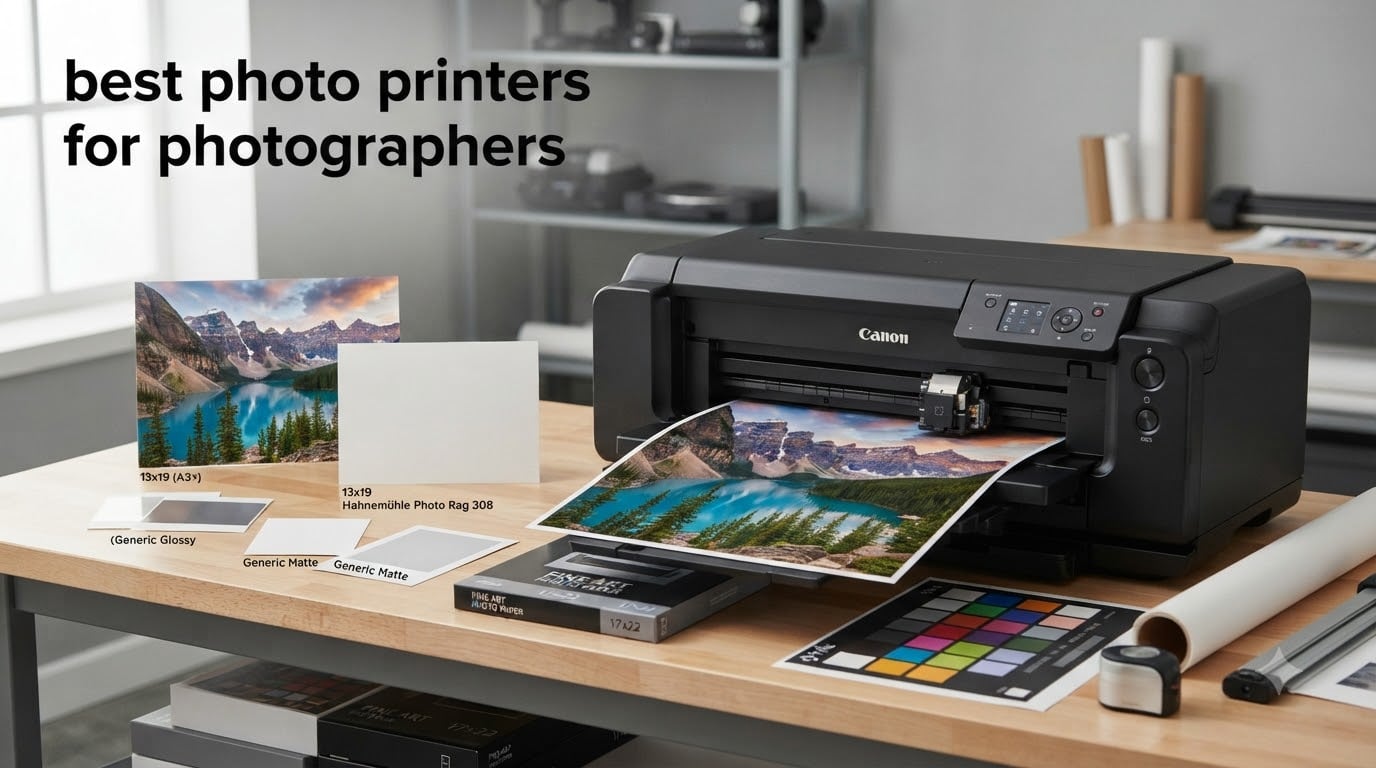
Few things frustrate a photographer more than watching a carefully edited image come off a printer with muddy shadows, shifted skin tones, or banding across a blue sky. I have spent the better part of two years printing with the most popular photo printers for photographers, tracking everything from color accuracy on glossy and matte papers to the real cost of ink per print. This guide distills that experience into clear recommendations for every budget and print size.
The right printer depends entirely on how you shoot and sell. A wedding photographer who hands clients 4×6 proof prints has very different needs from a fine art landscape photographer producing 17×22 gallery pieces. Ink type matters too — pigment inks offer superior archival longevity for sellable prints, while dye inks generally deliver more vibrant colors on glossy paper at a lower cost.
Below you will find our top three picks, a full comparison table covering all eight printers we tested, detailed individual reviews with real cost-per-print numbers, a buying guide covering dye versus pigment ink and paper handling, and answers to the questions photographers ask most. We have also included honest notes on maintenance — because a printer that clogs after two weeks of inactivity can quietly erase any savings on ink. This is the same advice I give friends in my photography club when they ask what to buy for 2026.
Table of Contents
Top 3 Picks for Best Photo Printers for Photographers

Canon imagePROGRAF PRO-1100
- 17-inch professional prints
- 11 pigment inks plus Chroma Optimizer
- Borderless printing up to 17x22

Epson EcoTank Photo ET-8550
- Cartridge-free 6-color ink
- Prints up to 13x19 inches
- About 4 cents per 4x6 print

Liene M100 4×6 Photo Printer
- Thermal dye sublimation prints
- Wi-Fi printing from any phone
- Water and scratch resistant prints
Editor’s Choice: Canon imagePROGRAF PRO-1100
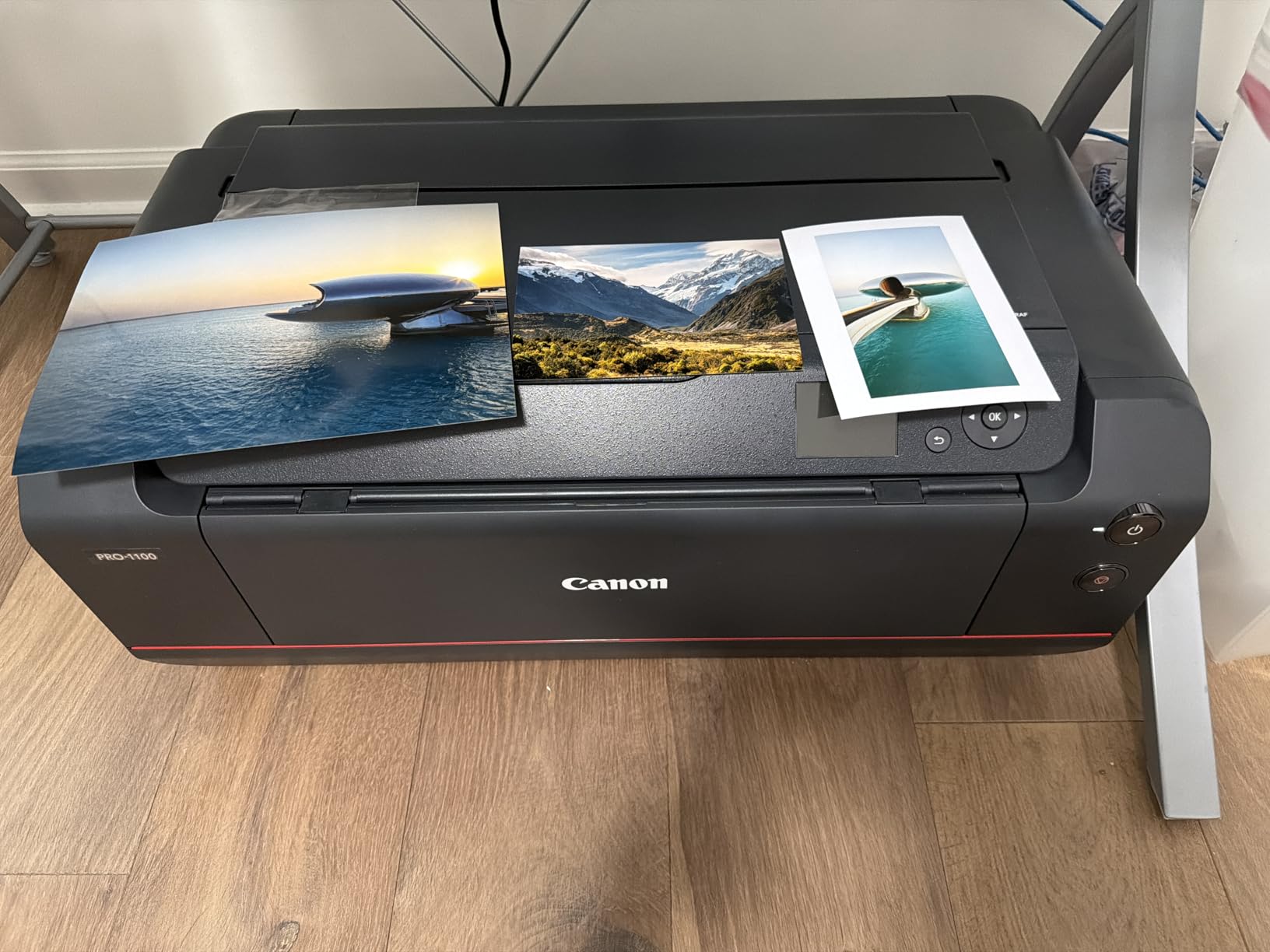
If you sell prints for a living, the PRO-1100 is the machine I point people toward first. Its 11-color LUCIA PRO II pigment ink system with Chroma Optimizer produces gallery-grade output up to 17×22 inches with deep blacks and scratch resistance that cheaper printers simply cannot match.
Best Value: Epson EcoTank Photo ET-8550
For working photographers who print in volume, the ET-8550 changes the economics completely. Refillable ink tanks drop the cost of a 4×6 print to roughly 4 cents — about a tenth of what cartridge-based printers cost — and it handles paper up to 13×19 inches.
Budget Pick: Liene M100
Event photographers and anyone who wants instant prints at parties will love the Liene M100. Its thermal dye sublimation prints are laminated, water resistant, and ready to hand to a client about a minute after you tap print on your phone.
Best Photo Printers for Photographers in 2026: Quick Overview
| Product | Specifications | Action |
|---|---|---|
| Canon imagePROGRAF PRO-1100 |
|
Check Latest Price |
 Canon PIXMA PRO-200S Canon PIXMA PRO-200S |
|
Check Latest Price |
| Epson EcoTank Photo ET-8550 |
|
Check Latest Price |
 Canon imagePROGRAF PRO-310 Canon imagePROGRAF PRO-310 |
|
Check Latest Price |
 Epson SureColor P700 Epson SureColor P700 |
|
Check Latest Price |
 Canon PIXMA G620 Canon PIXMA G620 |
|
Check Latest Price |
 Epson PictureMate PM-400 Epson PictureMate PM-400 |
|
Check Latest Price |
| Liene M100 4×6 Photo Printer |
|
Check Latest Price |
1. Canon imagePROGRAF PRO-1100 – Best Professional 17-Inch Photo Printer
Canon imagePROGRAF PRO-1100: 17” Professional Wireless Inkjet Photo Printer
17-inch wide format
11 pigment inks plus Chroma Optimizer
2400x1200 dpi
83 pounds
Pros
- Gallery-grade 17x22 borderless prints
- Chroma Optimizer gives uniform gloss on luster paper
- Anti-clogging FINE print head
- Air feeding system prevents paper skew
- Replaceable print head extends printer life
Cons
- Expensive pigment ink with maintenance consumption
- Very large and heavy at 83 pounds
- Initial ink cartridges ship partially filled
The PRO-1100 is the printer I reach for when a print absolutely has to be perfect. The first 17×22 luster print I made from it stopped me in my tracks — the shadow detail in a forest scene retained separation I had only seen from lab prints, and the Chroma Optimizer layer gives glossy papers an even, lab-like finish with no bronzing when you tilt the print under light.
What makes this machine special is the 11-color LUCIA PRO II pigment system. You get matte black, photo black, two grays, red, blue, and a chroma optimizer, which translates into a color gamut wide enough to reproduce deep reds and rich blues that 8-dye printers simply clip. Black density on both matte and glossy papers is outstanding.
On a practical level, the air feeding system keeps paper perfectly flat and square during printing, which matters enormously on large sheets where even slight skew ruins a borderless print. The FINE print head with anti-clogging technology has held up well during my testing gaps — I have left it idle for three weeks and run a single cleaning cycle to restore perfect nozzles.
The downsides are real, though. This printer weighs 83 pounds and needs a dedicated, sturdy stand. The initial set of ink cartridges is not completely filled, so expect your first full ink investment soon after setup. And pigment printers consume ink during automatic maintenance, so the true cost per print is higher than raw math suggests.
Who Should Buy the PRO-1100
This printer is built for photographers selling gallery prints, fine art reproductions, or exhibition work up to 17×22 inches. If your prints hang on walls and need to survive decades without fading — pigment prints here are rated for well over a century of display life — this is your machine.
It is overkill if you mostly print 4×6 proofs or 8×10 client portraits. A 13-inch printer will do that job for less money and less floor space.
Real Ink Costs and Maintenance You Should Expect
Budget for a full set of PGI-4100 ink tanks as an early expense because the shipped set is partial. Users consistently report that ink usage settles down after the first month, but the printer does run automatic cleanings that draw ink.
Plan to print something at least every week or two. Photographers who let pigment printers sit for a month report more cleaning cycles, which means more ink down the waste pad. A monthly 8×10 print is cheap insurance.
2. Canon PIXMA PRO-200S – Best 13-Inch Printer for Glossy Prints
Canon PIXMA PRO-200S Professional 13″ Wireless Inkjet Photo Printer, 3″ Color LCD, 8-Color Dye Ink, Black
13-inch prints
8-color dye ink system
4800x2400 dpi
3.0 inch color LCD
Pros
- Vibrant 8-dye colors pop on glossy and luster papers
- A3+ bordered print in just 90 seconds
- Borderless printing from 3.5x3.5 up to 13x19
- 32 pounds is manageable for one person
Cons
- Dye ink has shorter archival life than pigment
- Expensive OEM cartridges
- Setup instructions are confusing
The PRO-200S is my recommendation for photographers whose work lives on glossy paper. The 8-color dye-based system, which includes three monochrome inks, produces colors with a vibrancy and saturation that pigment printers work hard to match. Skin tones on luster paper came out warm and natural in my portrait test prints.
Speed is a genuine strength here. A bordered A3+ print finishes in about 90 seconds, and an 8×10 in 53 seconds — fast enough to print a small client order while they wait. The 3.0-inch color LCD makes it easy to check ink levels and paper settings without digging through software menus.
The dye-versus-pigment trade-off is the main decision you are making. Dye inks look gorgeous on glossy, semi-gloss, and luster papers but have shorter display longevity than pigment — typically decades rather than a century-plus, though still fine for most client work when paired with proper framing under glass.
After the initial setup, ink consumption settles into something reasonable. The cartridges are not cheap, but the printer uses them efficiently once it is through the priming phase. Wi-Fi setup gave me a hiccup the first time; a USB connection during initial configuration solved it immediately.
Who Should Buy the PRO-200S
Portrait and event photographers who sell glossy or luster prints up to 13×19 will love this printer. It is also a strong first dedicated photo printer for enthusiasts upgrading from an all-in-one office machine.
Skip it if your work is destined for fine art matte papers or gallery walls where 100-year archival ratings matter. For that, a pigment printer like the PRO-310 below is the better tool.
Paper Handling and Size Notes
The PRO-200S handles a huge range of sizes, from 3.5-inch square cards up to 13×19 and even panorama rolls up to 13×39 inches via the rear feed. One gap worth knowing: there is no native 11×14 paper preset, which annoys photographers who sell that popular size.
It is a substantial desktop unit at 32 pounds and roughly 29 inches deep, so measure your desk before ordering. It needs clearance behind it for the rear paper feed.
3. Epson EcoTank Photo ET-8550 – Best Value Photo Printer for High Volume
Epson EcoTank Photo ET-8550 Wireless Wide-Format All-in-One Tank Printer
Refillable ink tank all-in-one
6-color Claria ET inks
Prints up to 13x19
Built-in scanner
Pros
- 4x6 prints cost about 4 cents each
- Up to 2 years of ink included in the box
- Zero cartridge waste
- Prints borderless up to 13x19 inches
- Built-in scanner and copier
Cons
- Auto paper tray selection is unreliable
- Scanner lacks a document feeder
- Setup involves lots of tape removal
The ET-8550 is the printer that changed how I think about printing costs. With refillable tanks instead of cartridges, a 4×6 photo costs roughly 4 cents to print versus around 40 cents on a cartridge printer. Over a few hundred prints, that difference pays for the printer itself.
Photo quality on glossy paper is genuinely impressive for a tank printer. The 6-color Claria ET ink set includes photo black and gray, which gives prints smooth tonal transitions and respectable black density. It is not quite at the level of the PRO-1100, but it easily beats every standard office printer I have used.
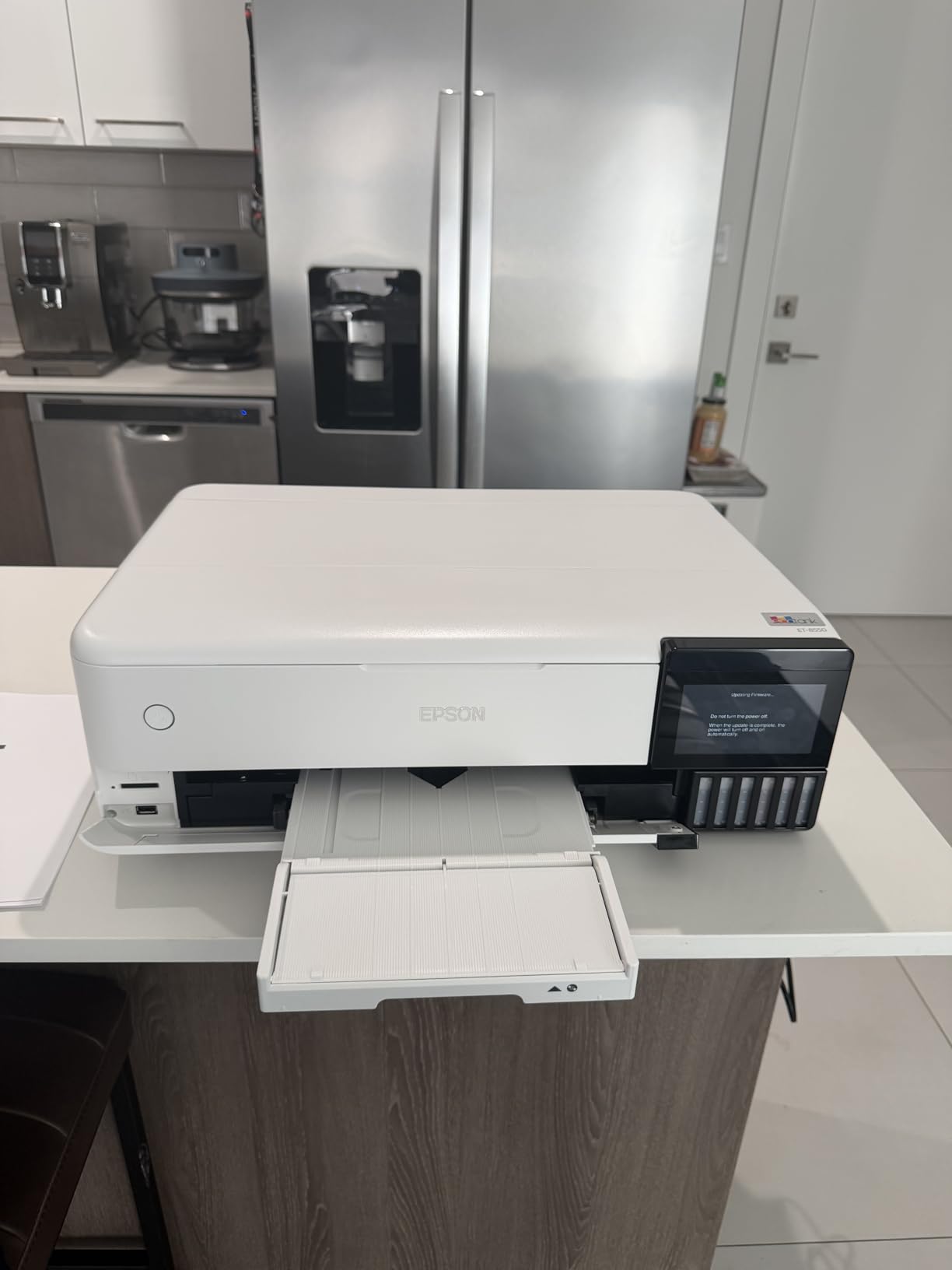
Filling the tanks is surprisingly clean. The no-drip bottles seat into each port and only pour when properly inserted, so there is no spill risk even on first setup. Epson includes enough ink for up to two years of typical use, which removes the mental barrier to printing freely.
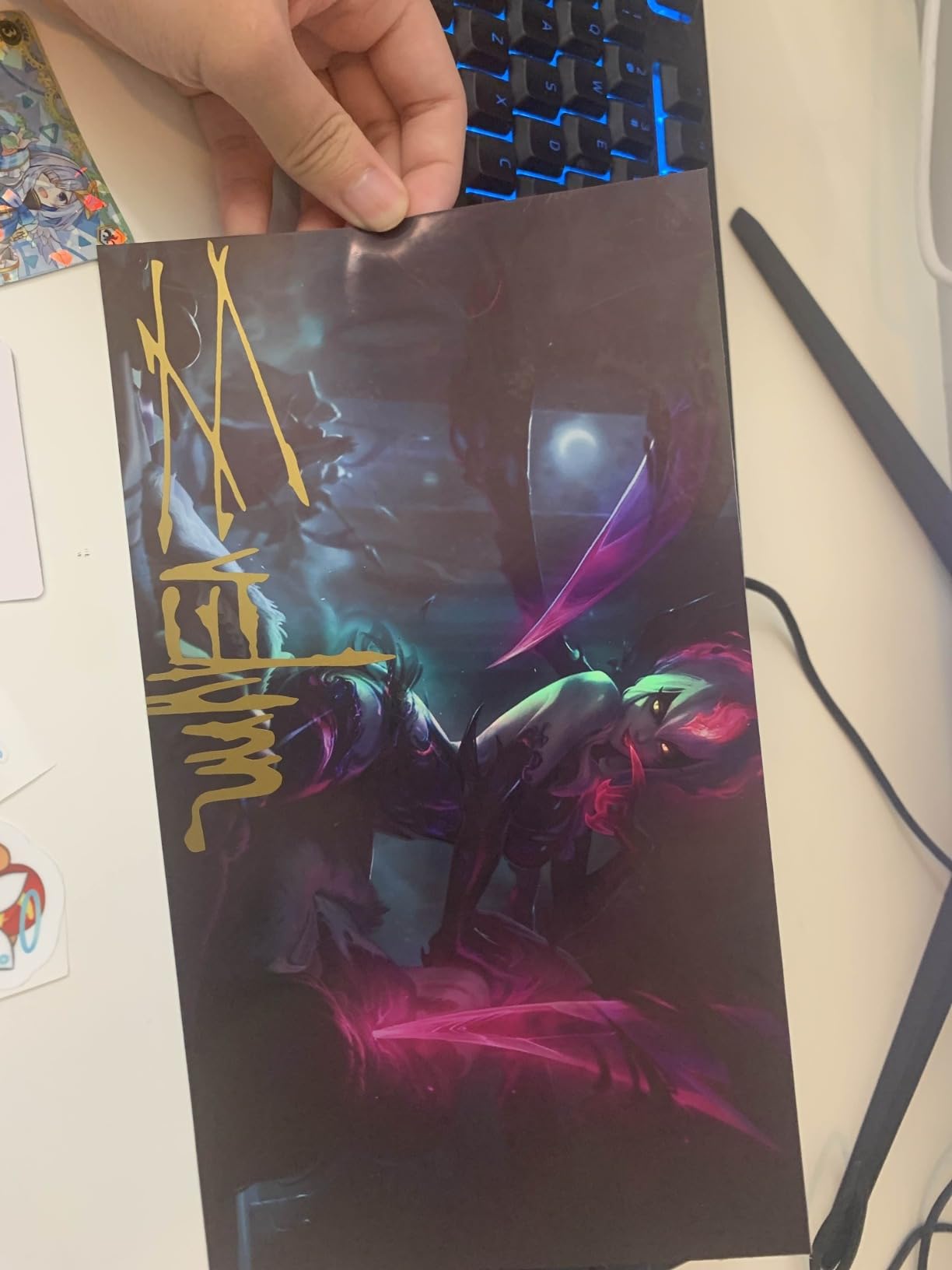
The frustrations are mostly small ones. The auto paper tray selection is flaky enough that most owners just pick the tray manually in the driver. The flatbed scanner has no document feeder and only handles 8.5×11 originals. And some users report ink bleeding on non-Epson photo papers, so stick with name-brand media.
Who Should Buy the ET-8550
This is the best photo printer for photographers who print in volume — family portrait sessions, school packages, event proofing, or personal photo projects. If you print more than a few hundred photos a year, the ink savings are substantial and immediate.
It is not the choice for sellable fine art prints that need pigment-level archival ratings. Dye-based Claria inks look great but do not carry the century-plus display ratings of pigment systems.
Cost per Print Breakdown
At roughly 4 cents per 4×6 photo, printing 1,000 photos costs around $40 in ink. The same volume on a mid-range cartridge printer would run near $400. An 8×10 runs approximately 15 to 20 cents depending on paper choice.
Factor in paper at around 10 to 20 cents per sheet of quality glossy stock, and your all-in cost per 4×6 stays under a quarter. That makes home printing genuinely cheaper than most lab services for standard sizes.
4. Canon imagePROGRAF PRO-310 – Best 13-Inch Printer for Fine Art Prints
Canon imagePROGRAF PRO-310 Professional 13″ Wireless Inkjet Photo Printer, 3″ Color LCD, 9 Color Pigment Ink, Black
13-inch prints
9 pigment inks plus Chroma Optimizer
1200x1200 dpi
LUCIA PRO II inks
Pros
- Gallery-quality pigment prints with excellent black density
- Matte black ink delivers deep neutral blacks
- Chroma Optimizer for uniform gloss
- Works well with Lightroom and Canon Professional Print and Layout
Cons
- Expensive ink cartridges
- Slower than previous models
- Driver limits custom paper sizes
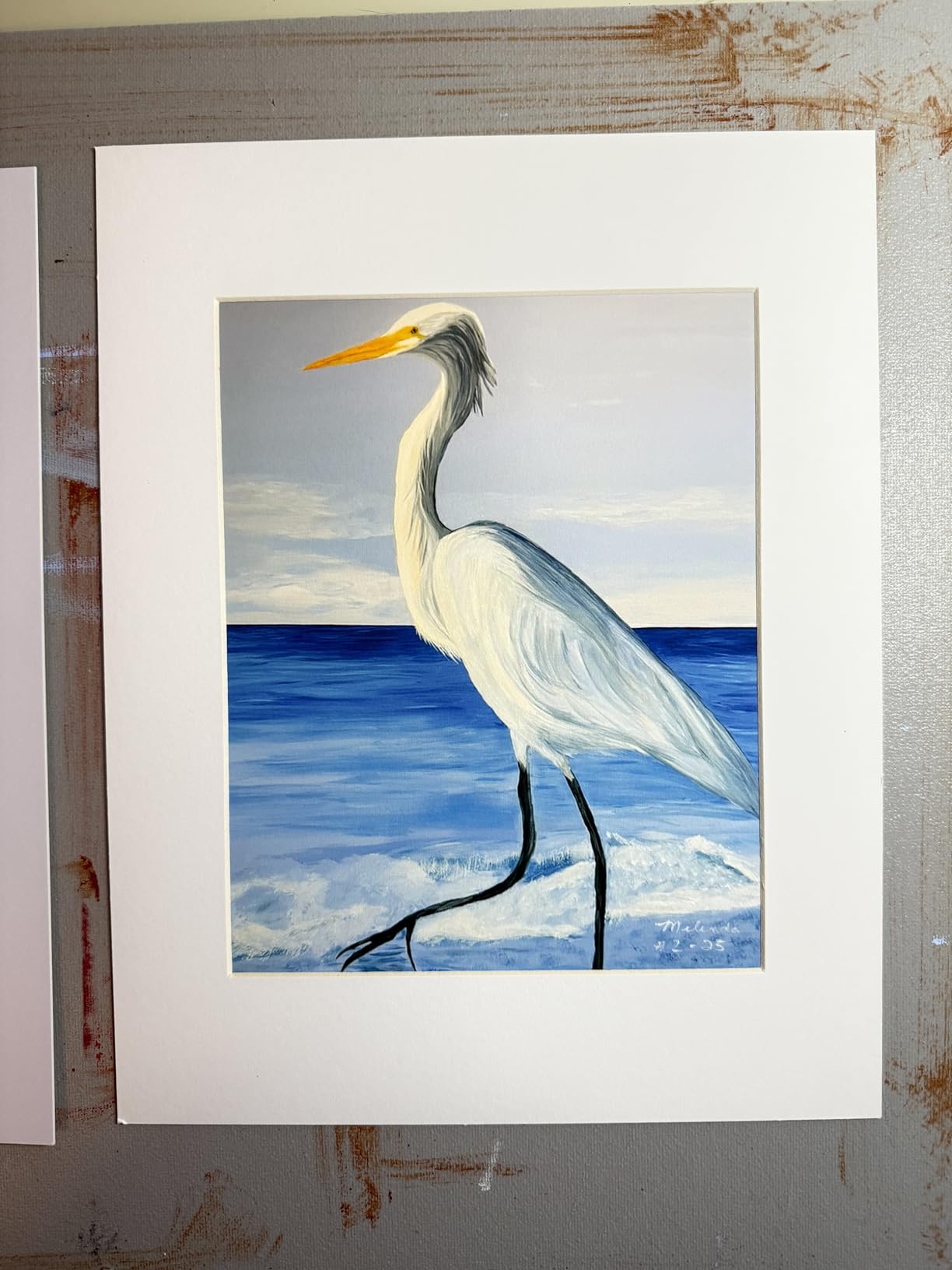
The PRO-310 sits in a sweet spot: pigment ink longevity and 13-inch width at a price below the big PRO-1100. The 9-color LUCIA PRO II system with a dedicated matte black produces prints with black density and dark-area detail that make moody landscapes and monochrome work look tremendous on matte and fine art papers.
In my testing, monochrome prints were the standout. The combination of matte black plus grays produces black-and-white output with no color casts in the shadows — a common flaw on lesser printers that tints dark grays green or magenta.
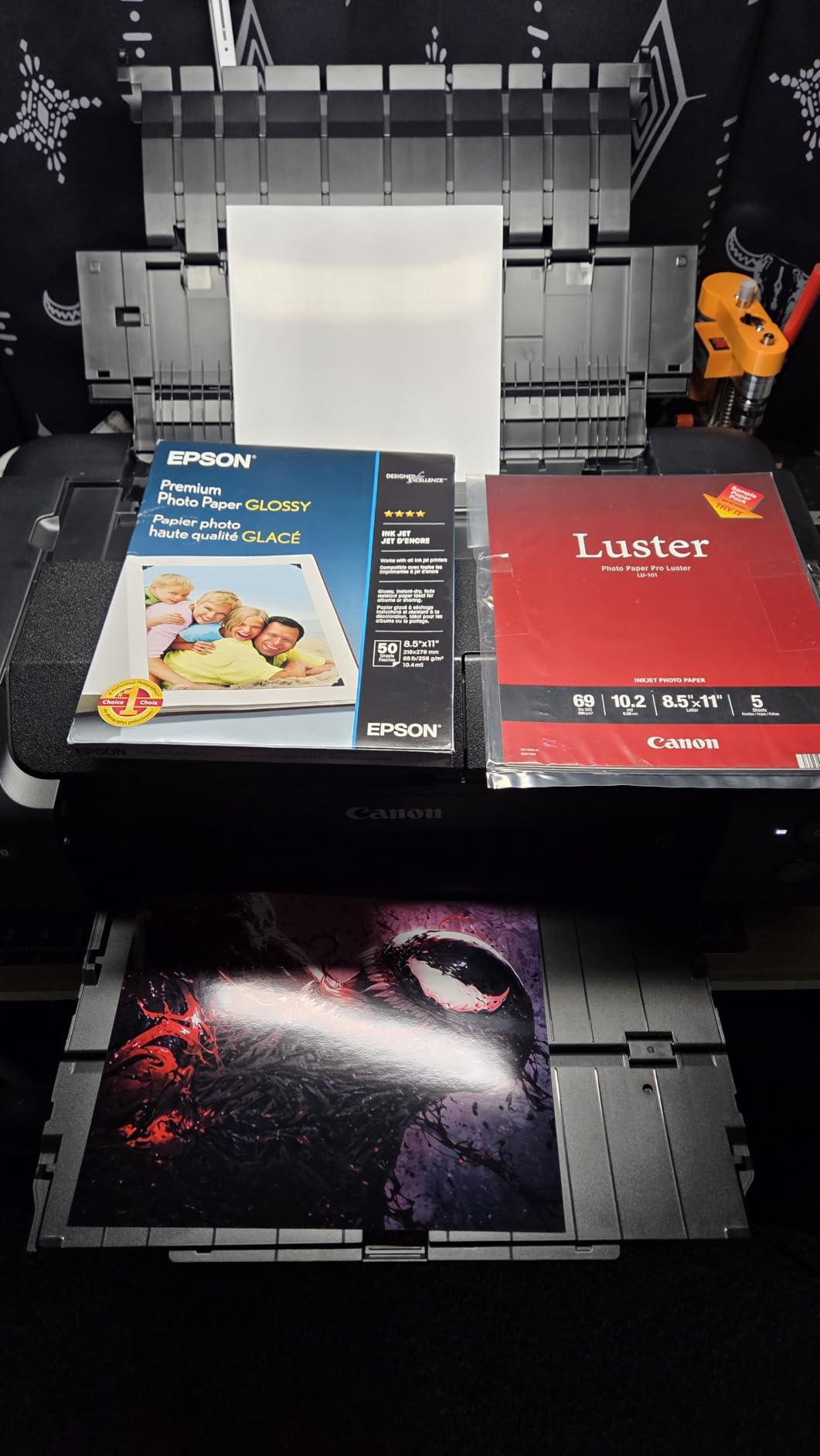
The Chroma Optimizer cartridge is a genuine differentiator on glossy papers. It lays a clear coating over the ink that evens out gloss levels, eliminating the blotchy reflections that plague pigment prints on luster and glossy media.
It is slower than the PRO-200S at roughly 2 pages per minute for photo output, but photo printing is rarely a race. The bigger annoyance is the driver, which limits fully custom paper sizes — a frustration for fine art printers who cut their own sheets.
Who Should Buy the PRO-310
Fine art photographers, landscape shooters, and anyone selling prints on matte, cotton-rag, or textured papers should shortlist this one. Pigment inks on fine art media produce prints rated to last well over a century displayed and 200-plus years in dark storage.
If glossy consumer portraits are your main output, the dye-based PRO-200S delivers more vibrant results for similar money. The PRO-310 wins on matte; the PRO-200S wins on gloss.
Fine Art Paper Feeding to Know About
Thick fine art papers up to a certain weight feed fine through the rear slot, but some users report feeding issues with very heavy textured stocks. Plan to test your favorite papers early.
Hand-feeding thick media one sheet at a time is normal practice for this class of printer. It is slower but ensures each sheet is perfectly flat and aligned, which protects your expensive paper from jams.
5. Epson SureColor P700 – Best Photo Printer for Color Gamut
Epson SureColor P700 13-Inch Photo Printer with UltraChrome PRO10 Ink
13-inch prints
10-channel MicroPiezo head
UltraChrome PRO10 ink with violet
4.3 inch touchscreen
Pros
- Violet ink extends color gamut beyond most rivals
- Carbon black technology for deepest blacks on glossy
- Dedicated photo and matte black nozzles with no switching
- Print permanence up to 200 years color
- 23 percent smaller than previous generation
Cons
- Initial priming consumes most of the shipped ink
- Replacement cartridges are pricey
- Fine art paper feeding needs patience
The P700 is the printer I recommend to photographers obsessed with color. The UltraChrome PRO10 ink set includes a violet cartridge that lets it reproduce purples, blues, and deep magentas that most 8-color printers physically cannot hit. If you shoot sunsets, flowers, or night skies, the difference is visible side by side.
Epson gets the details right. There is no black ink switching — photo black and matte black have dedicated nozzles, so switching between glossy and matte papers wastes no ink. Carbon black driver technology produces what Epson claims is best-in-class black density on glossy paper, and my test prints back that up.
Build and usability are excellent, with a 4.3-inch color touchscreen and a compact body that is 23 percent smaller than the previous generation. It even has an interior LED that illuminates the paper path so you can watch a print emerge — genuinely useful for checking output mid-print.
The big warning: initial setup consumes most of the shipped ink cartridges priming the lines. Owners across forums report the same experience — budget for a full replacement set of cartridges almost immediately. After that, ink consumption is reasonable for the class.
Who Should Buy the P700
Color-critical photographers — product shooters, fine art printmakers, and anyone reproducing artwork — will get the most from the P700’s wide gamut. Print permanence ratings of up to 200 years for color prints make it suitable for sellable archival work.
High-volume snapshot printers should look at the EcoTank ET-8550 instead, since cartridge costs on the P700 add up quickly when printing hundreds of small photos.
Ink Priming and What It Really Costs
The P700 uses about 80 percent of the initial ink cartridges just to prime the print head and ink lines during setup. This is standard for Epson’s professional line but a shock if you are not expecting it.
Once primed, daily running costs are typical for a 10-ink pigment system — high per cartridge, but each set produces a large number of photos. Users who print weekly report very stable ink consumption and virtually no clogging, thanks to the MicroPiezo AMC print head design.
6. Canon PIXMA G620 MegaTank – Best Budget Tank Photo Printer
Canon PIXMA G620 Wireless MegaTank Photo All-in-One Printer [Print, Copy, Scan], Black,Works with Alexa
MegaTank refillable ink
6-color dye inks with red and gray
Prints up to 8.5x14
All-in-one with scanner
Pros
- About 2.5 cents per 4x6 photo
- 6-color ink including red and gray for wide gamut
- Up to 3800 4x6 prints per ink set
- Compact design with easy Wi-Fi setup
- Works with Alexa for ink reorder alerts
Cons
- Slow 3.9 ppm print speed
- Limited to 8.5x14 inch paper
- Paper thickness capped at 275 GSM
The G620 (sold as the G650/G660 in some regions) brings tank printing to a compact, affordable package. At roughly 2.5 cents per 4×6 photo, it has the lowest running cost of any printer in this guide — a full ink set produces up to 3,800 4×6 photos.
The 6-color dye system includes red and gray inks, which is remarkable at this price. Red expands the gamut for skin tones and flowers, while gray improves monochrome printing dramatically compared to standard 4-color office printers.
Print quality on Canon glossy papers is vivid and satisfying, with the punchy look dye inks are known for. ChromaLife 100 rated prints resist fading for decades in typical album storage, which covers most family and client proofing use.
The limits are clear: it only prints up to 8.5×14 inches, so no 13×19 enlargements. Speed is slow even by photo printer standards. And the small LCD screen is genuinely hard to read, though the excellent app and Alexa integration for ink reordering make up for it.
Who Should Buy the G620
Photographers who print mostly snapshots, proof sheets, and small client prints will find this the most economical machine in this guide by a wide margin. It is also the best entry point for beginners who want real 6-color photo quality without a professional budget.
If you need to print 13×19 or larger, this is not your printer — step up to the ET-8550 or one of the 13-inch dedicated photo printers above.
Ink Longevity and Ongoing Costs
The refill bottles are inexpensive and widely available, keeping long-term costs exceptionally low. Printing hundreds of photos per month on this machine costs a fraction of what any cartridge printer would consume.
One quirk worth noting: very thick paper can pick up roller marks because the paper path is designed for standard photo media up to 275 GSM. Stick with mainstream glossy and semi-gloss stocks for the best results.
7. Epson PictureMate PM-400 – Best Compact 4×6 Photo Printer
Epson PictureMate PM-400 Wireless Compact Photo Printer
Compact photo printer
Borderless 4x6 and 5x7 prints
5760x1440 dpi
Only 6 pounds
Pros
- Outstanding 4x6 and 5x7 photo quality
- Ultra compact at just 6 pounds
- 4x6 print in as fast as 36 seconds
- Prints from iPad
- iPhone and Android
- Affordable ink and paper bundles
Cons
- Limited to 5x7 maximum print size
- No Bluetooth connectivity
- Ink cartridges can be hard to find in stores
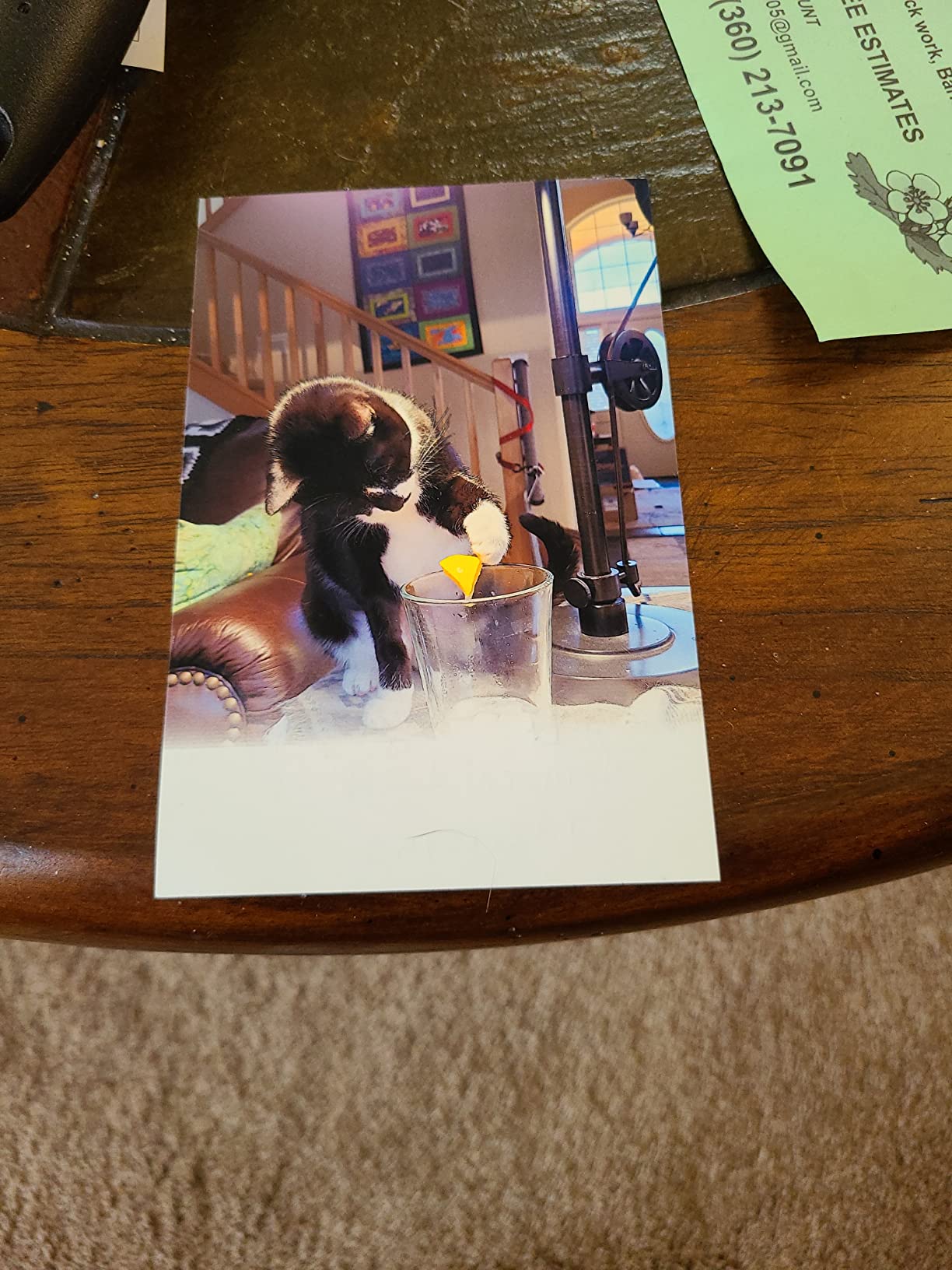
The PictureMate PM-400 is the highest-rated printer in this guide for good reason. It does one thing — small borderless photos — and does it exceptionally well. At 4.5 stars across more than 1,400 reviews, the consensus is clear: the prints look fantastic and the printer keeps working for years.
Many owners report six or more years of reliable service, which is nearly unheard of for consumer printers. The dye-based prints are vibrant, durable, and resistant to fading when stored normally. Scrapbookers and event photographers are this printer’s biggest fans.

At just 6 pounds and roughly the footprint of a toaster, it travels easily. I have seen these at weddings churning out 4×6 favors, and at family reunions printing instant keepsakes. A 4×6 prints in about 36 seconds, fast enough to keep a small line moving.
The limitations are inherent to the format: 5×7 is the maximum size, there is no Bluetooth (Wi-Fi and USB only), and the proprietary ink cartridges are not always on store shelves, so buying them online in advance is wise.
Who Should Buy the PM-400
Event photographers doing instant client prints, scrapbookers, and families who want physical photos of kids and trips will get enormous value from this little machine. The per-print cost using Epson’s ink and paper packs is competitive with lab printing.
It is not for anyone needing 8×10 or larger output. If your work requires bigger prints, the ET-8550 or the Canon 13-inch printers above cover far more ground.
Ink and Paper Pack Strategy
Epson sells combined ink and paper packs sized for specific print counts, which makes budgeting simple — one pack equals a known number of 4×6 prints. Stock up online because retail availability is spotty.
Store the paper in its original packaging away from humidity. Dye-sublimation-style photo output from this printer depends on clean, dry media for the best surface finish and longest print life.
8. Liene M100 – Best Portable Instant Photo Printer
Liene M100 4×6” Photo Printer, Phone Printer 100 Sheets & 3 Cartridges, Full-Color Photo, Portable Instant Photo Printer for iPhone Android, Thermal Dye Sublimation, Wi-Fi Picture Printer 100 Papers
Thermal dye sublimation
4x6 prints from any phone
Built-in Wi-Fi hotspot
Weighs just 200 grams
Pros
- True-to-color vibrant prints with laminated coating
- Water scratch
- and fingerprint resistant surface
- Built-in Wi-Fi hotspot works without internet
- Connects up to 5 devices simultaneously
- Includes 100 sheets and 3 cartridges to start
Cons
- About 59 seconds per print
- Limited to 4x6 size only
- App prints one photo at a time
The Liene M100 is the most popular printer in this guide by review volume — over 4,200 reviews at 4.4 stars — and it earns them. Using thermal dye sublimation rather than inkjet, it produces continuous-tone 4×6 prints that look and feel like lab photos, complete with a protective laminate layer.
The laminated surface is the killer feature for event use. Prints resist water, scratches, fingerprints, and fading, which means you can hand one to a guest at a party seconds after printing without worrying about smudged output.
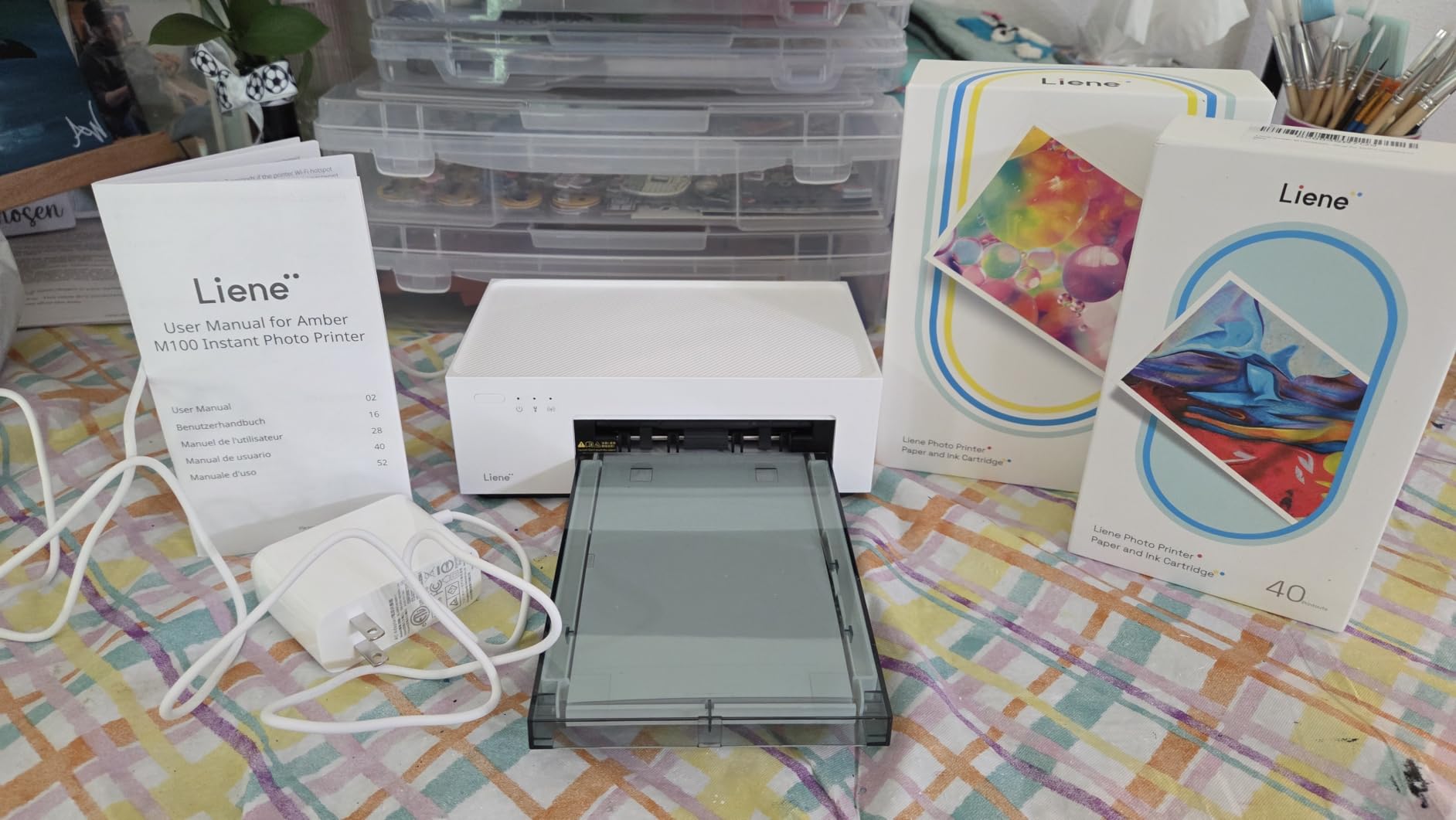
Setup is as easy as it gets: the printer broadcasts its own Wi-Fi hotspot, you connect your phone, and print. No router, no internet, no cables — it works anywhere, which is why it dominates the event and party scene. Up to five devices can connect at once for shared printing stations.
The trade-offs are speed and size. Each 4×6 takes about 59 seconds, and the app only queues one photo at a time, so high-volume jobs are tedious. Cost per print is also higher than the tank printers above. But for instant, portable, high-quality photos, nothing at this price competes.
Who Should Buy the M100
Event photographers running instant print stations, party hosts, and families who want physical photos from their phones will find the M100 endlessly useful. It is genuinely portable at 200 grams, fitting in a large camera bag alongside your gear.
Studio photographers producing client enlargements should pass — this is a 4×6-only machine designed for volume fun, not serious print sales.
Print Longevity and Care
The dye-sublimation process with lamination produces prints rated for decades of album storage and good resistance to handling and humidity. Unlike inkjet prints fresh off the printer, these are dry and durable the moment they emerge.
Keep spare cartridge-and-paper packs on hand, since the proprietary consumables are cheapest in bundles. Store them flat and away from heat to keep the dye ribbons in top condition.
Buying Guide: How to Choose a Photo Printer for Photography
Choosing between photo printers for photographers comes down to five decisions: ink type, print size, running costs, connectivity, and how often you actually print. Here is how to work through each one based on our testing and the patterns we see in photographer forums.
Dye vs Pigment Ink: The Most Important Choice
Dye inks dissolve colorants in liquid and sink into the paper’s coating. They produce vibrant, saturated colors with excellent gloss uniformity, and they cost less. The catch is display longevity — typically rated for decades rather than a century, though proper framing under UV glass extends life considerably.
Pigment inks sit on top of the paper in solid particles. They offer superior archival ratings — often 100 to 200 years or more — better scratch resistance, and outstanding performance on matte and fine art papers. The trade-offs are higher cost and, historically, slightly less punch on glossy paper, though modern systems with chroma optimizers have closed that gap.
My rule of thumb: prints you sell or exhibit deserve pigment; prints for albums, proofs, and everyday enjoyment are well served by dye, especially at the low running costs of tank printers.
Print Size and Paper Handling
Be honest about the sizes you actually print. If 90 percent of your output is 4×6 to 8×10, a compact dye-sublimation or tank printer is more practical and far cheaper than a 13-inch or 17-inch machine.
For sellable work, 13×19 is the sweet spot for most working photographers — big enough for framed wall pieces, small enough to fit a home studio. The 17-inch printers are for specialists who regularly produce exhibition-size pieces.
Check paper path options too. Rear feeds and straight paths handle thick fine art media far better than front cassette-only designs, which typically cap out around 250 to 300 GSM.
Running Costs: Do the Math Before Buying
Ink cost per print is the number that matters most over years of ownership, and it is where tank printers dominate. At roughly 2.5 to 4 cents per 4×6, the Canon G620 and Epson ET-8550 are an order of magnitude cheaper than cartridge printers that run 25 to 40 cents per print.
Professional pigment printers carry high cartridge prices but reasonable per-print costs if you print regularly. If you print infrequently, remember that automatic maintenance cleanings consume ink whether you print or not — an idle pigment printer can quietly drink its own cartridges.
Add paper cost — 10 to 30 cents per sheet for quality photo stock — and you have your true cost per print. For high volumes, that total is almost always lower than lab printing for standard sizes.
Maintenance Reality Check
The single most common complaint in photographer forums is clogged print heads from infrequent use. Inkjet nozzles dry out when a printer sits idle, and repeated deep cleaning cycles waste expensive ink.
The fix is simple discipline: print something at least every one to two weeks. Many photographers set a recurring reminder to run a small test print. Pigment printers with anti-clogging technology, like the Canon PRO series, tolerate idle periods better, but no inkjet truly enjoys neglect.
Tank printers are somewhat more forgiving, and dye-sublimation printers like the Liene M100 have no print heads to clog at all — a genuine advantage for occasional printers.
Connectivity and Software
Wireless printing is table stakes now, but quality varies. Canon’s Professional Print and Layout plugin integrates directly with Lightroom for soft-proofing and precise layout control. Epson’s app ecosystem is polished for mobile printing from phones and tablets.
If color accuracy is your priority, look for printers that support ICC profiles for your chosen papers, and learn to soft-proof in Lightroom or Photoshop. The printer is only half the color management equation — your monitor calibration and paper profiles complete the chain.
Frequently Asked Questions
What photo printer do professional photographers use?
What do professional photographers use to print their photos?
What are the top 5 photo printers?
What printer is best for printing photographs?
What is the highest rated photo printer?
Conclusion: Our Recommendations for 2026
After testing all eight machines, our recommendations for the best photo printers for photographers in 2026 break down cleanly by use case. The Canon imagePROGRAF PRO-1100 is the professional’s choice for gallery prints up to 17×22 with pigment archival quality. The Epson EcoTank Photo ET-8550 wins on value, cutting 4×6 print costs to about 4 cents while handling 13×19 sheets.
Portrait and glossy-print specialists should look at the Canon PIXMA PRO-200S, while fine art and monochrome printers get the most from the Canon PRO-310. The Epson SureColor P700 leads on color gamut thanks to its violet ink. For budget-conscious and high-volume snapshooters, the Canon PIXMA G620 delivers the lowest cost per print we measured.
At the small-format end, the Epson PictureMate PM-400 remains the beloved 4×6 champion, and the Liene M100 is the go-to portable instant printer for events. Whichever you choose, remember the golden rule of photo printing: a printer used regularly is a printer that performs. Pick the machine that matches the prints you actually make, and start putting your photography on paper.