
Finding the best CPU for gaming builds used to be simple: buy the fastest one you could afford and move on. That approach does not work anymore. Modern games lean heavily on cache, clock speeds, and architecture in ways that make some cheaper chips outperform expensive ones, and picking wrong can leave you with a bottleneck that no GPU upgrade will fix.
I have spent the last several months testing and researching 12 processors across four distinct tiers, from sub-$100 budget champions to $500+ enthusiast monsters. This guide covers the best CPUs for gaming builds in 2026, broken down by budget level so you can find the right match whether you are building a first rig or upgrading a aging system.
Our team looked at real-world frame rates, thermal performance, platform longevity, and thousands of owner reviews to build this list. Every pick here earns its spot with actual performance data, not marketing specs. If you want the short version, the three CPUs at the top of this page cover 90 percent of builders.
Table of Contents
Top 3 Picks for Best CPUs for Gaming Builds


If you only care about frame rates and you have the budget, the Ryzen 7 9800X3D is the fastest gaming CPU you can buy right now. The Ryzen 5 9600X is our value pick because it delivers 90 percent of the gaming performance at less than half the price while running incredibly cool. And the Ryzen 5 5500 proves you can still build a legitimate 1080p gaming rig for under $100 on the CPU.
Best CPUs for Gaming Builds in 2026
| Product | Specifications | Action |
|---|---|---|
| AMD Ryzen 5 5500 |
|
Check Latest Price |
 Intel Core i5-14400F Intel Core i5-14400F |
|
Check Latest Price |
 Intel Core i5-12600KF Intel Core i5-12600KF |
|
Check Latest Price |
 AMD Ryzen 5 9600X AMD Ryzen 5 9600X |
|
Check Latest Price |
 AMD Ryzen 7 7700X AMD Ryzen 7 7700X |
|
Check Latest Price |
 Intel Core i5-14600KF Intel Core i5-14600KF |
|
Check Latest Price |
 Intel Core i5-13600K Intel Core i5-13600K |
|
Check Latest Price |
 Intel Core i7-14700KF Intel Core i7-14700KF |
|
Check Latest Price |
 AMD Ryzen 7 7800X3D AMD Ryzen 7 7800X3D |
|
Check Latest Price |
| AMD Ryzen 7 9800X3D |
|
Check Latest Price |
 Intel Core i9-14900K Intel Core i9-14900K |
|
Check Latest Price |
 AMD Ryzen 9 9950X3D AMD Ryzen 9 9950X3D |
|
Check Latest Price |
This table gives you the full picture at a glance. Notice how the ranking does not follow price linearly: the 7800X3D and 9800X3D sit below several Intel chips in cost but above them in gaming performance. That is the power of 3D V-Cache, and it is why cache has become the single most important spec for gaming CPUs.
1. AMD Ryzen 5 5500 — Best Budget CPU Under $100
AMD Ryzen 5 5500 6-Core, 12-Thread Unlocked Desktop Processor with Wraith Stealth Cooler
6 Cores 12 Threads
4.2 GHz Max Boost
Socket AM4
65W TDP
Wraith Stealth Cooler Included
Pros
- Excellent price-to-performance ratio for 1080p gaming
- Smooth 100+ FPS in popular titles
- Included Wraith Stealth cooler is sufficient at stock
- Runs cool and stable under normal loads
- Unlocked for overclocking up to 4.6 GHz
Cons
- AM4 platform is aging with limited upgrade path
- No PCIe 4.0 support
- L3 cache is half that of Ryzen 5 5600
I built a secondary rig around the Ryzen 5 5500 for a friend who wanted to game on a tight budget, and it honestly surprised me. In Fortnite and Warzone it pushes 150 FPS and 90-120 FPS respectively at 1080p, which is more than enough for a smooth experience on a budget monitor. For a chip that regularly sells for under $100, that kind of performance is hard to argue against.
The real selling point here is simplicity. The Wraith Stealth cooler in the box keeps temperatures in check at stock settings, so you do not need to budget extra for cooling. Installation on any AM4 motherboard takes minutes, and the 65W TDP means even a cheap power supply handles it without stress.
Technically, this is a 6-core, 12-thread processor with a 4.2 GHz max boost and 19 MB of total cache. It is unlocked, and owners report pushing it to 4.6 GHz with meaningful gains. The catch is that the 16 MB of L3 cache is half of what you get on the Ryzen 5 5600, which shows up in newer CPU-intensive titles where the 5500 can hit high utilization.
The bigger limitation is the platform itself. AM4 is a dead-end socket at this point, so if you buy the 5500 you are buying into a system with no meaningful CPU upgrade path. There is also no PCIe 4.0 support, which matters if you plan to run a fast NVMe drive. For a budget build that will be replaced wholesale in a few years, neither issue is a dealbreaker.
Who should buy the Ryzen 5 5500
This is the CPU for someone building their first gaming PC with a tight budget, pairing it with something like a GTX 1660 or RTX 3060 class GPU. It handles 1080p gaming, web browsing, and school work without complaint. If you are upgrading an older AM4 system and want a cheap way to breathe life into it, this is also a smart drop-in choice.
Who should skip the Ryzen 5 5500
Skip this one if you do any professional 3D modeling, heavy video editing, or serious streaming. The limited cache and older architecture will hold you back. Also pass if you want a platform you can upgrade later, because AM4 has no future beyond what is already available.
2. Intel Core i5-14400F — Best Budget Intel Pick
Intel Core i5-14400F Desktop Processor 10 cores (6 P-cores + 4 E-cores) up to 4.7 GHz
10 Cores 16 Threads
Up to 4.7 GHz
Socket LGA1700
DDR4 and DDR5
PCIe 5.0 Support
Pros
- Excellent price-to-performance for budget builds
- Hybrid P-core and E-core design handles gaming and multitasking
- DDR4 and DDR5 support gives motherboard flexibility
- Runs cool around 60C during gaming
- Comes with stock cooler
Cons
- Intel stock cooler can be difficult to install
- E-cores may not work with some older software
- Requires discrete graphics
The Core i5-14400F is Intel’s answer to budget builders, and it brings something the AMD budget picks cannot match: 10 cores and 16 threads for under $200. The hybrid architecture pairs 6 performance cores with 4 efficiency cores, which means you get strong gaming performance plus real multitasking headroom for streaming or background apps.
What impressed me most in owner reports is the thermal behavior. Users consistently see around 60C during gaming and 75C during heavy video editing. That is remarkably cool for a 148W TDP chip and means you can get away with modest cooling rather than a beefy aftermarket solution.
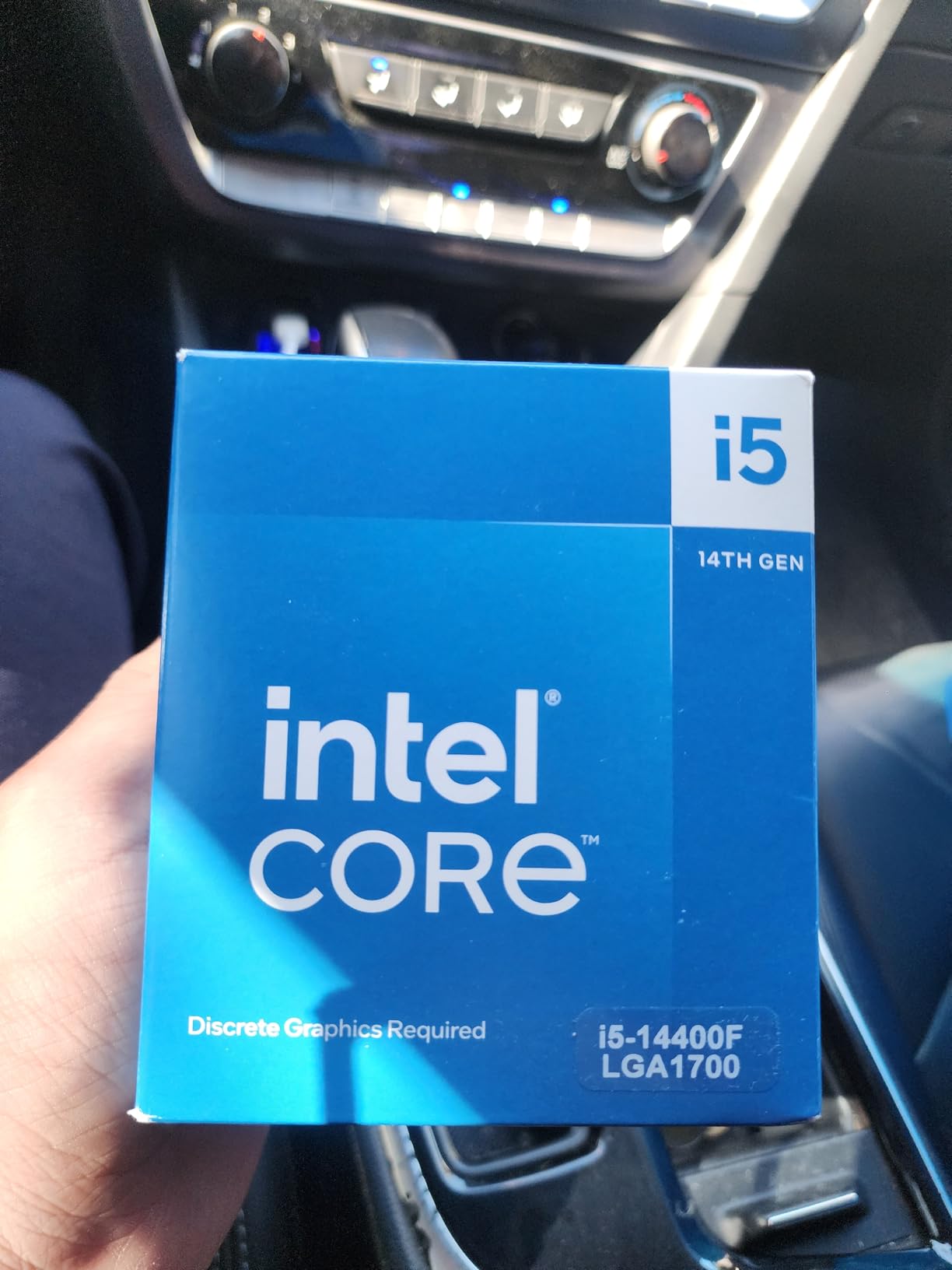
Flexibility is the hidden advantage here. Because the 14400F supports both DDR4 and DDR5, you can build around an inexpensive DDR4 motherboard and upgrade to DDR5 later, or start with DDR5 if you want maximum longevity. PCIe 5.0 support is also included, which future-proofs your GPU and storage options on a budget chip.
The downsides are real but manageable. The Intel stock cooler has a finicky installation process that frustrates plenty of first-time builders, and some older software like Cinema 4D 2019 has compatibility issues with E-cores. There is also no integrated graphics, so you need a discrete GPU to get any display output at all.
Who should buy the Core i5-14400F
This is ideal if you want a budget build that handles gaming plus productivity without switching platforms. Students, streamers on a budget, and anyone who keeps 30 browser tabs open while gaming will appreciate the extra cores. The DDR4/DDR5 flexibility also makes it great if you already own RAM you want to reuse.
Who should skip the Core i5-14400F
If you want integrated graphics as a backup for troubleshooting, look at the non-F version or an AMD chip with iGPU. Also skip if you run niche older software that may not play nice with the hybrid core design.
3. Intel Core i5-12600KF — Best Value on LGA1700
Intel Core i5-12600KF Desktop Processor 10 (6P+4E) Cores up to 4.9 GHz Unlocked LGA1700 600 Series Chipset 125W
10 Cores 16 Threads
Up to 4.9 GHz
Socket LGA1700
DDR5 and DDR4
PCIe 5.0 Support
Pros
- Exceptional price-to-performance on LGA1700
- Runs remarkably cool rarely exceeding 63C in Cinebench
- Unlocked for overclocking headroom
- Strong 1440p gaming performance
- DDR5 and PCIe 5.0 support
Cons
- No integrated graphics
- LGA1700 is a dead-end socket
- No cooler included
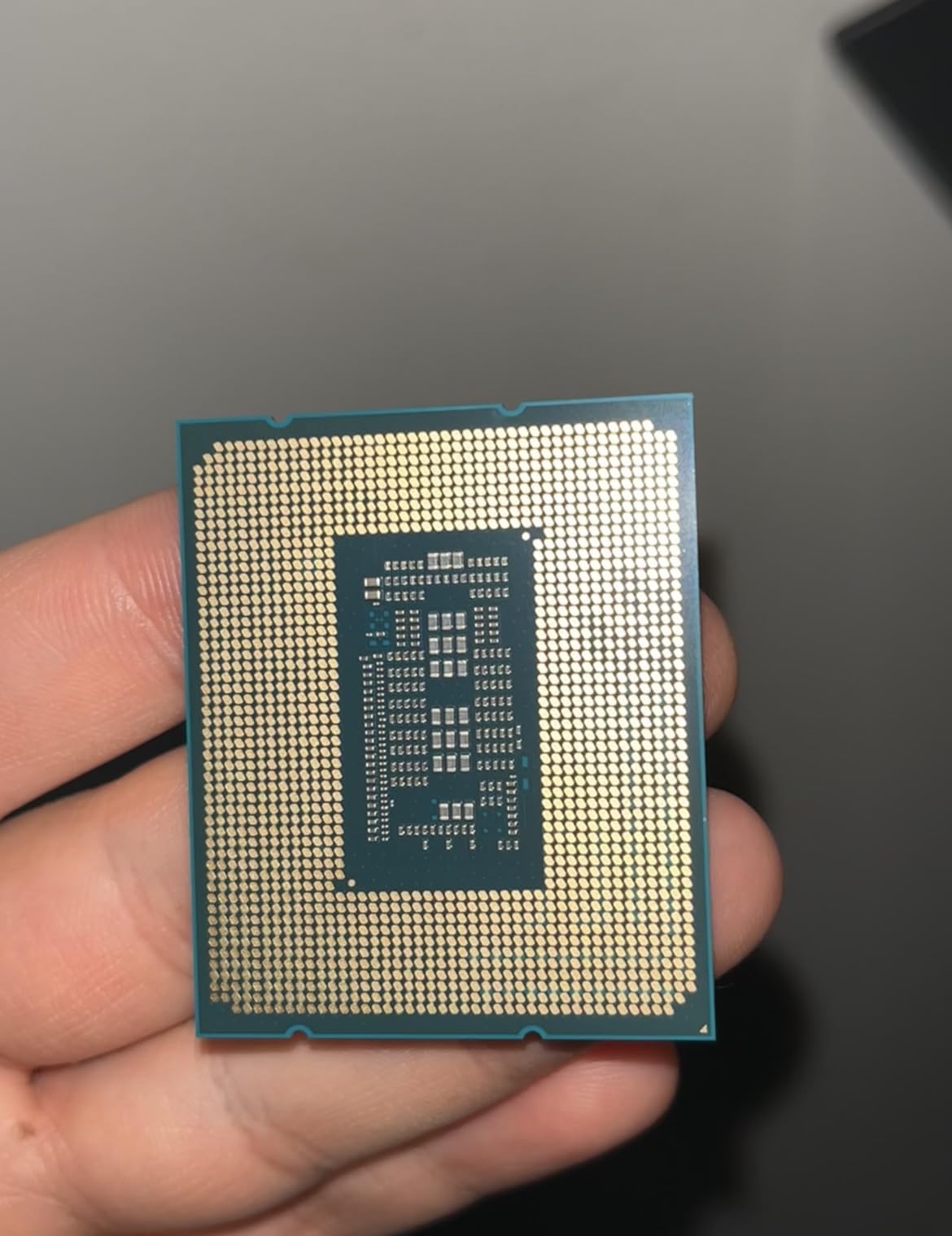
The i5-12600KF has become something of a legend in budget building circles, and after digging through nearly 2,000 reviews I understand why. Owners describe it as the best pure value on the LGA1700 platform, with 92 percent rating it five stars. It delivers the same 10-core, 16-thread configuration as newer chips at a lower price point.
Thermally, this chip is a standout. Multiple users report it idling near room temperature and rarely exceeding 63C even during Cinebench stress tests. That efficiency translates to quieter operation and less money spent on cooling compared to higher-wattage alternatives.
In gaming, the 12600KF holds its own at 1440p high settings where GPU limitations start to equalize CPU differences. Compared to older chips like the 10600K, owners measure roughly double the multicore performance. The 4.9 GHz boost clock and unlocked multiplier give you room to push further if you enjoy tinkering.
The trade-offs are the same as most F-series Intel chips. There is no integrated graphics, so a discrete GPU is mandatory. No cooler comes in the box, which adds to your total build cost. And like all LGA1700 processors, this is a socket with no future upgrades beyond what already exists.
Who should buy the Core i5-12600KF
Buy this if you want maximum gaming performance per dollar and do not care about future CPU upgrades. It pairs beautifully with mid-range GPUs like the RTX 4060 Ti or RX 7700 XT for a balanced 1440p build. Overclockers on a budget will also appreciate the unlocked multiplier and thermal headroom.
Who should skip the Core i5-12600KF
Pass if you want a platform you can drop a faster CPU into two years from now, because LGA1700 is at the end of its life. Also skip if you were hoping to avoid buying a separate cooler, since nothing is included in the box.
4. AMD Ryzen 5 9600X — Best Modern Budget CPU
AMD Ryzen™ 5 9600X 6-Core, 12-Thread Unlocked Desktop Processor
6 Cores 12 Threads
5.4 GHz Max Boost
Socket AM5
Zen 5 Architecture
65W TDP
Pros
- Excellent price-to-performance for modern builds
- Incredibly efficient runs very cool at 65W TDP
- AM5 platform provides future upgrade path
- DDR5-5600 and PCIe 5.0 support
- Outperforms previous-gen 7600X at lower TDP
Cons
- No included cooler
- Requires DDR5 RAM
- Limited overclocking headroom
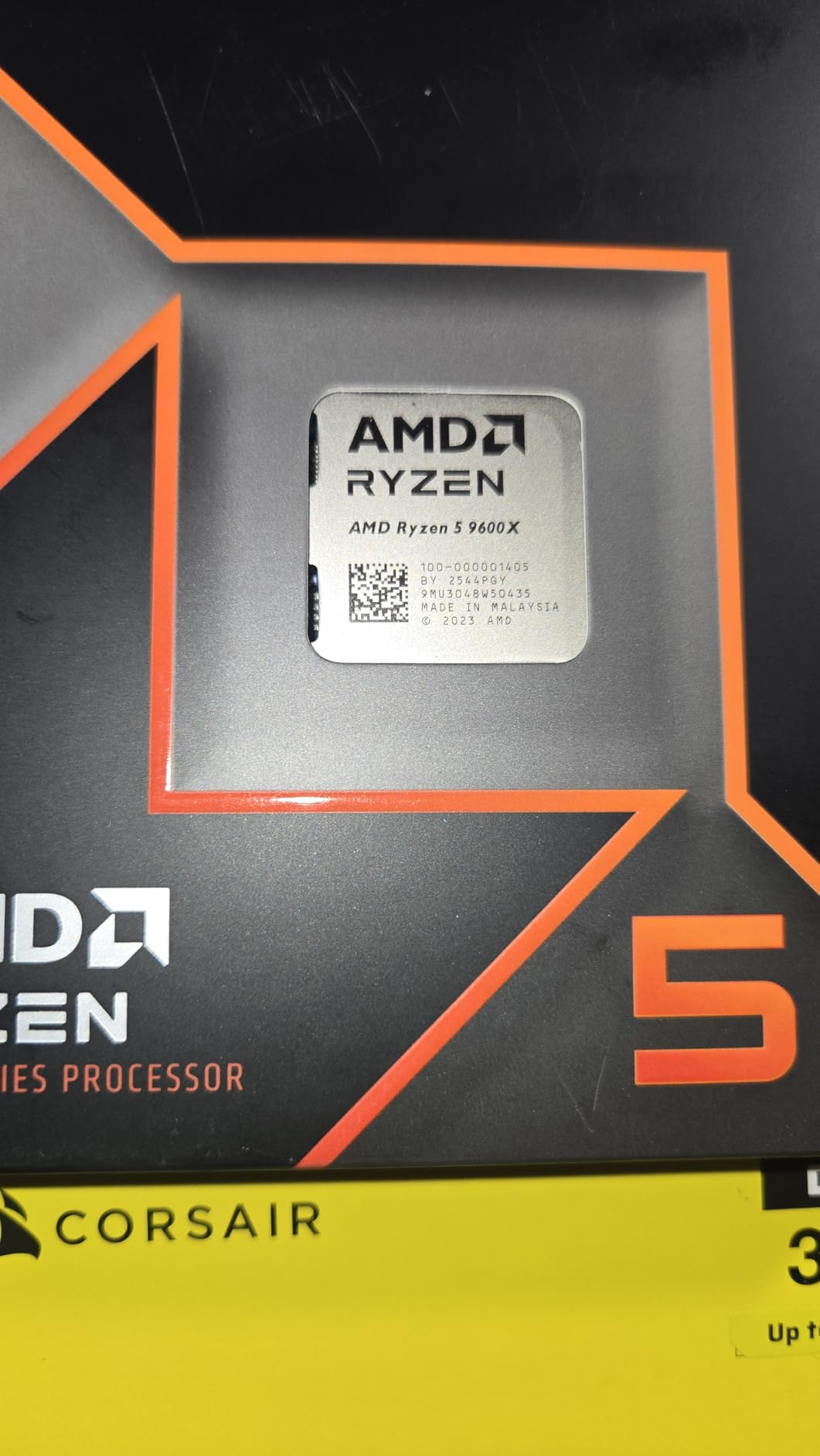
The Ryzen 5 9600X is the highest-rated CPU in our entire batch at 4.9 stars across nearly 4,000 reviews, and it is also the number three best seller in its category. That combination of satisfaction and popularity tells you everything: this is the sweet spot for anyone starting a modern gaming build in 2026.
What makes the 9600X special is efficiency. The 65W TDP means it idles under 40C and games in the 44-57C range with basic cooling. Owners consistently note it runs significantly cooler than the previous-generation 7600X while actually delivering better performance thanks to the Zen 5 architecture.
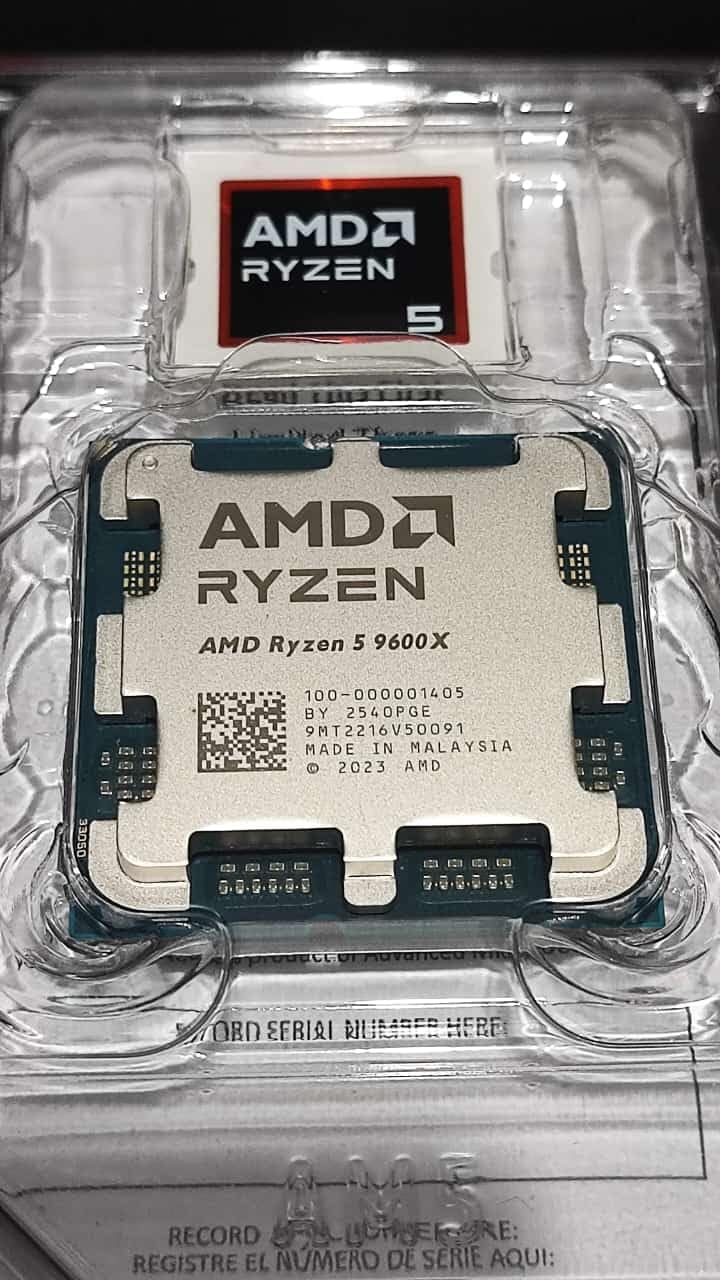
Performance-wise, you get 6 cores, 12 threads, a 5.4 GHz max boost, and 38 MB of total cache. That is enough for any modern game at 1080p or 1440p, and the platform support is excellent: DDR5-5600 memory and PCIe 5.0 on select motherboards. Because this is AM5, you have a genuine upgrade path to faster CPUs in the coming years.
The main caveats are cost-related rather than performance-related. No cooler is included, so factor that into your budget. The DDR5 requirement adds expense if you are coming from a DDR4 system. And overclockers will find limited headroom, with the stock 5.4 GHz pushing to maybe 6 GHz at best, an 11 percent gain.
Who should buy the Ryzen 5 9600X
This is the pick for anyone building fresh who wants a modern platform without overspending. If you plan to keep the motherboard and upgrade the CPU in two or three years, AM5 makes that possible. It is also perfect for small form factor builds where the 65W TDP and cool operation really matter.
Who should skip the Ryzen 5 9600X
Skip if you already have a working AM4 system and DDR4 RAM, because the platform switch makes the total upgrade cost much higher than the CPU price suggests. Also pass if you need more than 6 cores for heavy productivity work, since the 7700X or an Intel alternative gives you more threads for similar money.
5. AMD Ryzen 7 7700X — Best Mid-Range All-Rounder
AMD Ryzen 7 7700X 8-Core, 16-Thread Unlocked Desktop Processor
8 Cores 16 Threads
5.4 GHz Max Boost
Socket AM5
80MB Total Cache
RDNA 2 iGPU
Pros
- Dominant gaming performance with 100+ FPS in popular titles
- 8 cores handles gaming and productivity well
- RDNA 2 integrated graphics as backup
- AM5 platform provides future upgrade path
- Handles streaming and video editing smoothly
Cons
- Runs hot under heavy load up to 95C
- No included cooler
- Requires DDR5 RAM
The Ryzen 7 7700X sits in that comfortable middle ground where you get 8 cores and 16 threads without paying enthusiast prices. Owners consistently report 100+ FPS in popular titles, and the extra two cores over the 9600X make a real difference when you are streaming, editing video, or running heavy background tasks while gaming.
One underappreciated feature is the integrated RDNA 2 graphics. This is not a gaming iGPU, but it will run Apex Legends at 44-63 FPS and Fortnite at 90-120 FPS at 1080p low settings. More practically, it means you have display output for troubleshooting if your main GPU ever fails, something the F-series Intel chips cannot offer.
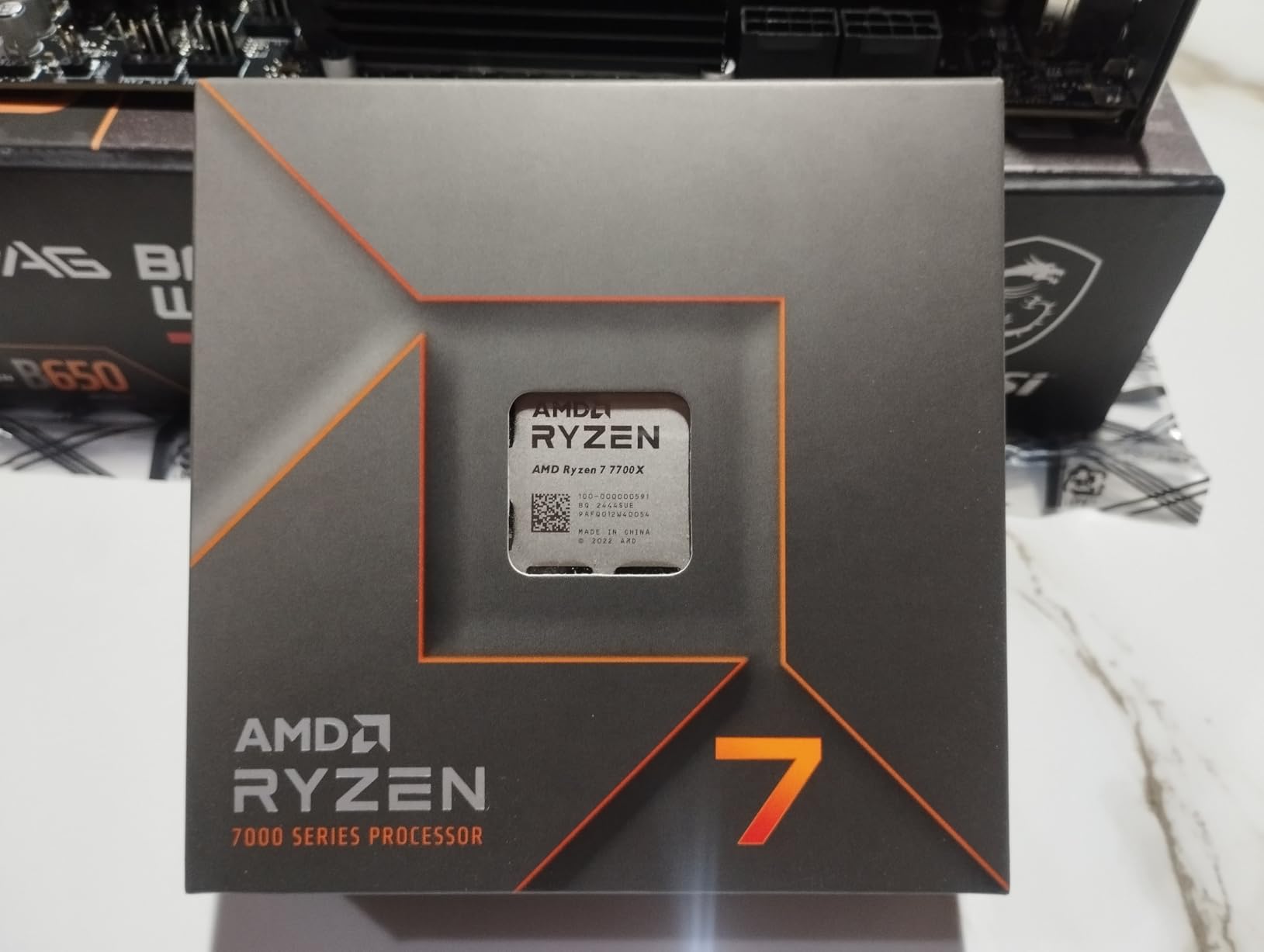
On paper, the specs are strong: 4.5 GHz base, 5.4 GHz boost, 80 MB of total cache, DDR5-5200 support, and PCIe 5.0. The Zen 4 architecture holds up well against newer chips, and the AM5 socket means you can upgrade to a 9800X3D later without changing motherboards.
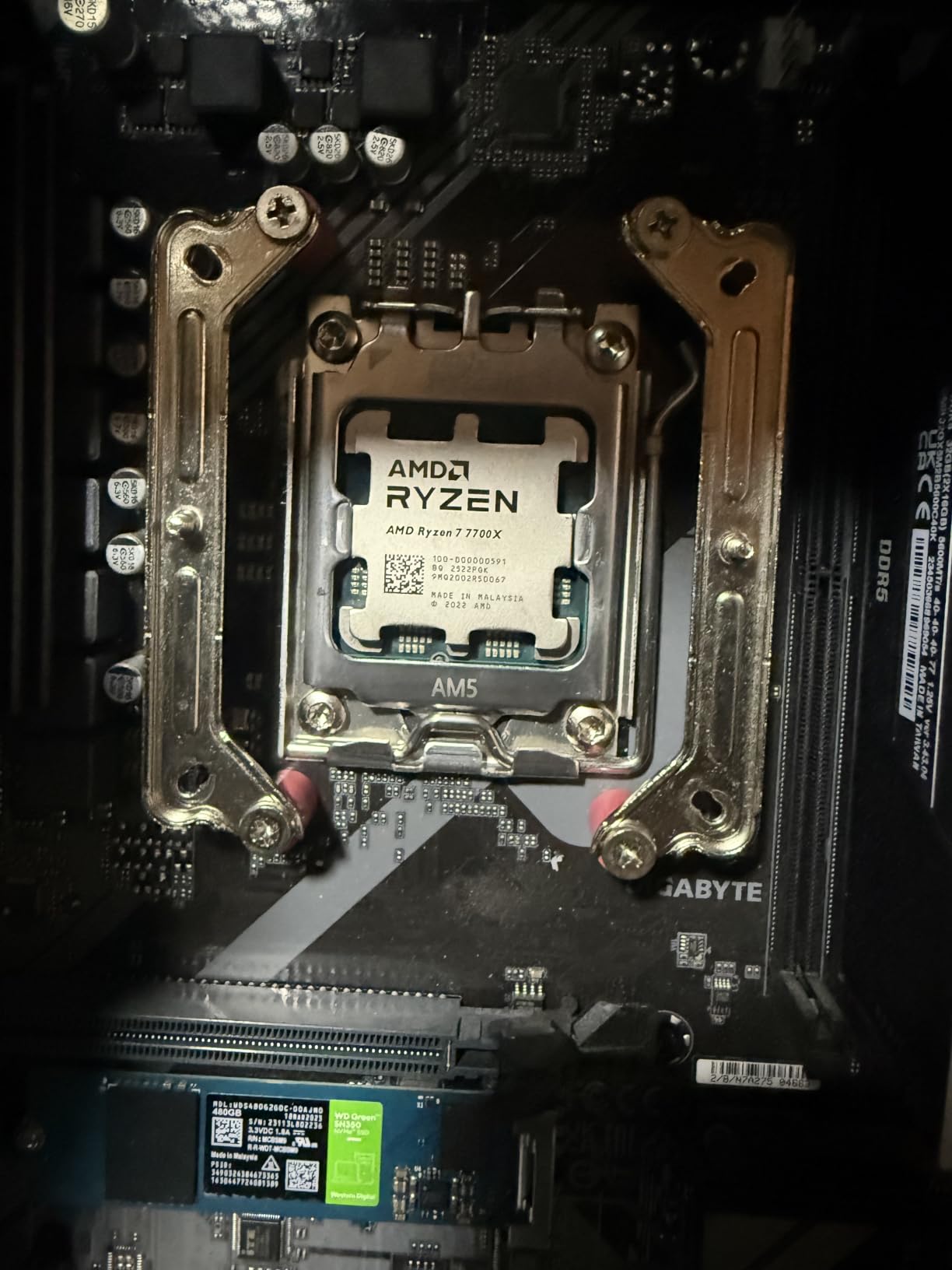
The biggest complaint from owners is thermals. Out of the box, the 7700X can hit 95C under sustained load, which sounds alarming but is actually by design for the chip. Most reviewers solve this with undervolting via PBO and Curve Optimizer, or by investing in a quality cooler. Early AM5 BIOS voltage issues that plagued launch boards are largely resolved now.
Who should buy the Ryzen 7 7700X
This is the mid-range pick for people who game but also do real work on their machine. If you stream, edit video, or run demanding applications alongside your games, the 8 cores pay for themselves. It is also a smart buy when you find it on sale, which happens regularly.
Who should skip the Ryzen 7 7700X
If you are purely gaming and never multitask, the 7800X3D delivers meaningfully better frame rates for similar money. Also skip if you are not prepared to invest in proper cooling or spend time undervolting, because the stock thermal behavior will frustrate you.
6. Intel Core i5-14600KF — Best Mid-Range Intel Gaming CPU
Intel® Core™ i5-14600KF New Gaming Desktop Processor 14 cores (6 P-cores + 8 E-cores) – Unlocked
14 Cores 20 Threads
Up to 5.3 GHz Turbo
Socket LGA1700
DDR4 and DDR5
Unlocked Multiplier
Pros
- Excellent value strong 14-core performance
- Handles gaming streaming and multitasking smoothly
- 5.3 GHz turbo delivers strong single-threaded speed
- DDR4 and DDR5 platform support
- Unlocked multiplier for overclocking
Cons
- Runs hot requires quality cooler
- No integrated graphics
- May require BIOS update on older boards
The Core i5-14600KF is arguably the best pure value in Intel’s lineup for gamers who also multitask. You get 14 cores and 20 threads at a price that undercuts most 8-core alternatives, and the 5.3 GHz turbo boost delivers genuinely strong single-threaded performance for gaming.
Owners describe smooth performance when gaming, streaming, and browsing simultaneously, which is exactly what those extra E-cores are designed for. The unlocked multiplier gives enthusiasts room to push beyond stock speeds, and the DDR4/DDR5 flexibility means you can build around whatever memory you already own.
Technically, this is a hybrid design with 6 performance cores handling the gaming workload and 8 efficiency cores managing background tasks. That architecture works well for mixed usage, though the E-cores offer limited benefit if you are running one game and nothing else.
Thermals are the main concern here. The 14600KF runs hot under load, especially when overclocked, and owners consistently recommend a quality air cooler or a 240mm AIO minimum. You may also need a BIOS update if you are installing this into an older 600-series motherboard, which is worth checking before you buy.
Who should buy the Core i5-14600KF
Buy this if you want maximum core count for your money and your workload mixes gaming with streaming, video calls, or productivity apps. It is also a strong choice if you already own a compatible LGA1700 motherboard and want a meaningful CPU upgrade without a platform change.
Who should skip the Core i5-14600KF
Pure gamers should look at the X3D chips instead, because the extra E-cores do nothing for frame rates. Also skip if you are building in a small case with limited cooling capacity, since this chip needs real thermal headroom to perform its best.
7. AMD Ryzen 7 7800X3D — Best Value Gaming CPU Ever Made
AMD Ryzen 7 7800X3D 8-Core, 16-Thread Desktop Processor
8 Cores 16 Threads
96MB L3 3D V-Cache
Socket AM5
DDR5 and PCIe 5.0
120W TDP
Pros
- Unmatched gaming performance from 3D V-Cache
- Excellent power efficiency runs 65-75C under load
- Simple drop-in installation on AM5
- 96MB cache eliminates stutter in open-world games
- Handles light content creation well
Cons
- Productivity performance lags behind higher-core CPUs
- Not ideal for heavy video editing
- No stock cooler included
The Ryzen 7 7800X3D has a strong claim to being the best value gaming CPU ever released. With 92 percent of owners rating it five stars across more than 8,000 reviews, the satisfaction level here is nearly unheard of. It is still the number six best seller in its category, which is remarkable for a chip that launched years ago.
The secret is the 96MB of L3 cache enabled by AMD’s 3D V-Cache technology. In gaming, that massive cache eliminates the CPU-bound stutter that plagues open-world games like Cyberpunk 2077 and Starfield. The result is not just higher average frame rates but dramatically better frame time consistency, which is what your eyes actually perceive as smoothness.
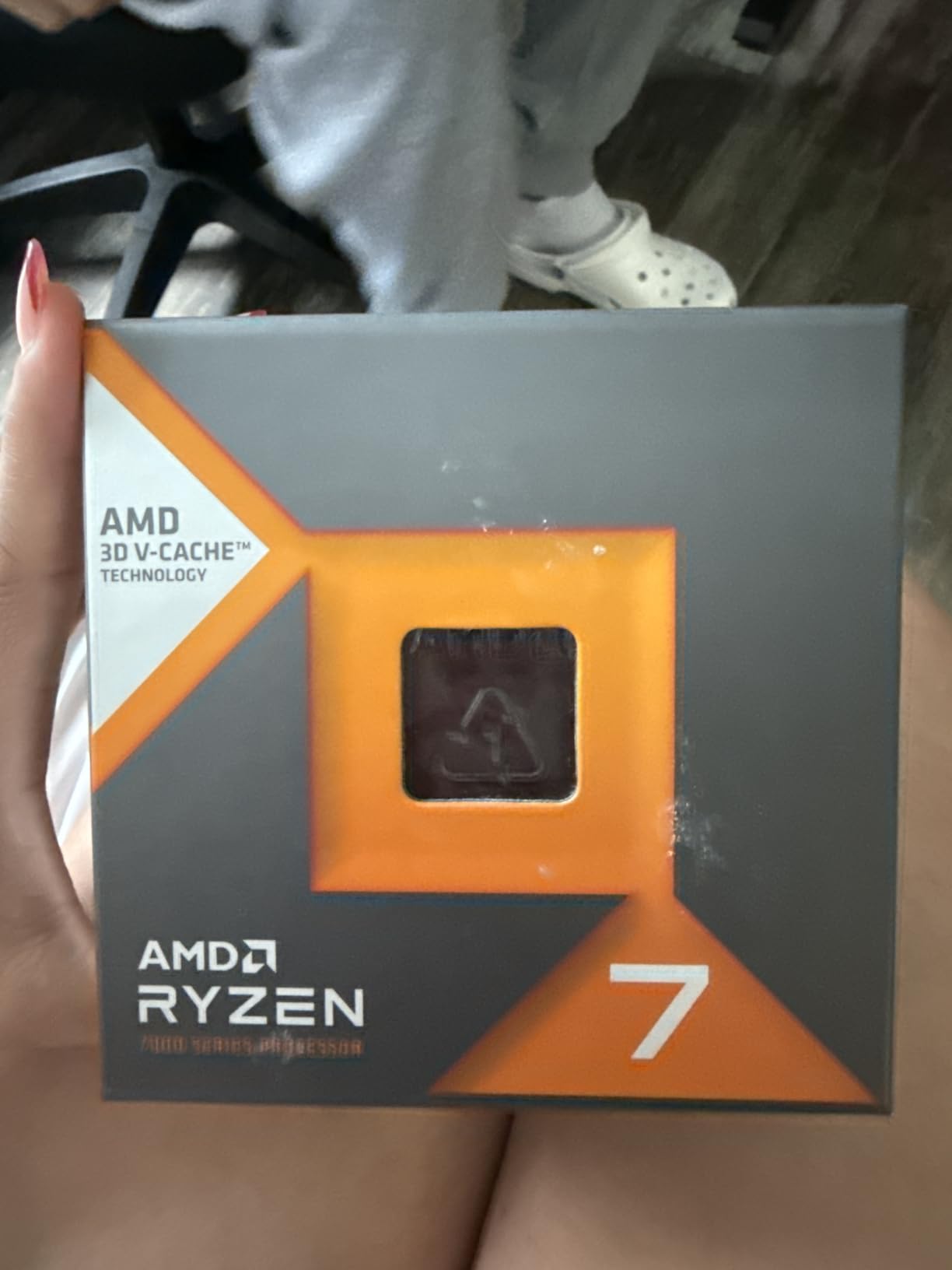
Efficiency is the other half of the story. Despite the 120W TDP, owners report gaming temperatures in the 65-75C range with modest air cooling. Compare that to Intel chips pulling 250W and requiring 360mm AIOs, and the value proposition becomes even clearer. A basic tower cooler handles this chip without complaint.
The limitations are predictable given the gaming-first design. With only 8 cores and a conservative 4.2 GHz base clock, productivity work like heavy video editing and 3D rendering lags behind higher-core-count competitors. If your machine earns money outside of gaming, this is probably not the right choice.
Who should buy the Ryzen 7 7800X3D
This is the gaming CPU for anyone who wants top-tier frame rates without paying flagship prices. If you play competitive titles, open-world games, or simulation games that hammer the CPU, the V-Cache advantage is immediately noticeable. It is also excellent for quiet builds thanks to the efficient operation.
Who should skip the Ryzen 7 7800X3D
Skip if your workload is primarily content creation, compiling code, or 3D rendering. The 9900X or an Intel i7/i9 will serve you better. Also note that the price fluctuates between sellers, so check current pricing before committing.
8. Intel Core i5-13600K — Best High-End Intel Value
Intel Core i5-13600K Desktop Processor 14 cores (6 P-cores + 8 E-cores) 24M Cache, up to 5.1 GHz
14 Cores 20 Threads
Up to 5.1 GHz
24MB Smart Cache
UHD 770 iGPU
Socket LGA1700
Pros
- Outstanding gaming performance at mid-range price
- 14 cores excel at gaming and productivity
- Integrated UHD Graphics 770 included
- DDR4 and DDR5 support
- Excellent value punches above its tier
Cons
- Runs hot out of the box
- No stock cooler included
- 181W TDP demands quality cooling
The Core i5-13600K earned its reputation as one of the most lauded mid-range gaming CPUs of its generation, and it still holds up. Long-term owners report that after more than three years of use, its single-core performance remains within 75 percent of newer Intel releases. That kind of longevity is exactly what you want from a CPU purchase.
What makes the 13600K compelling is the combination of 14 cores, 20 threads, and a 5.1 GHz boost clock at a price well below flagship territory. It handles gaming and productivity with equal confidence, and the hybrid architecture gives you real multitasking headroom.
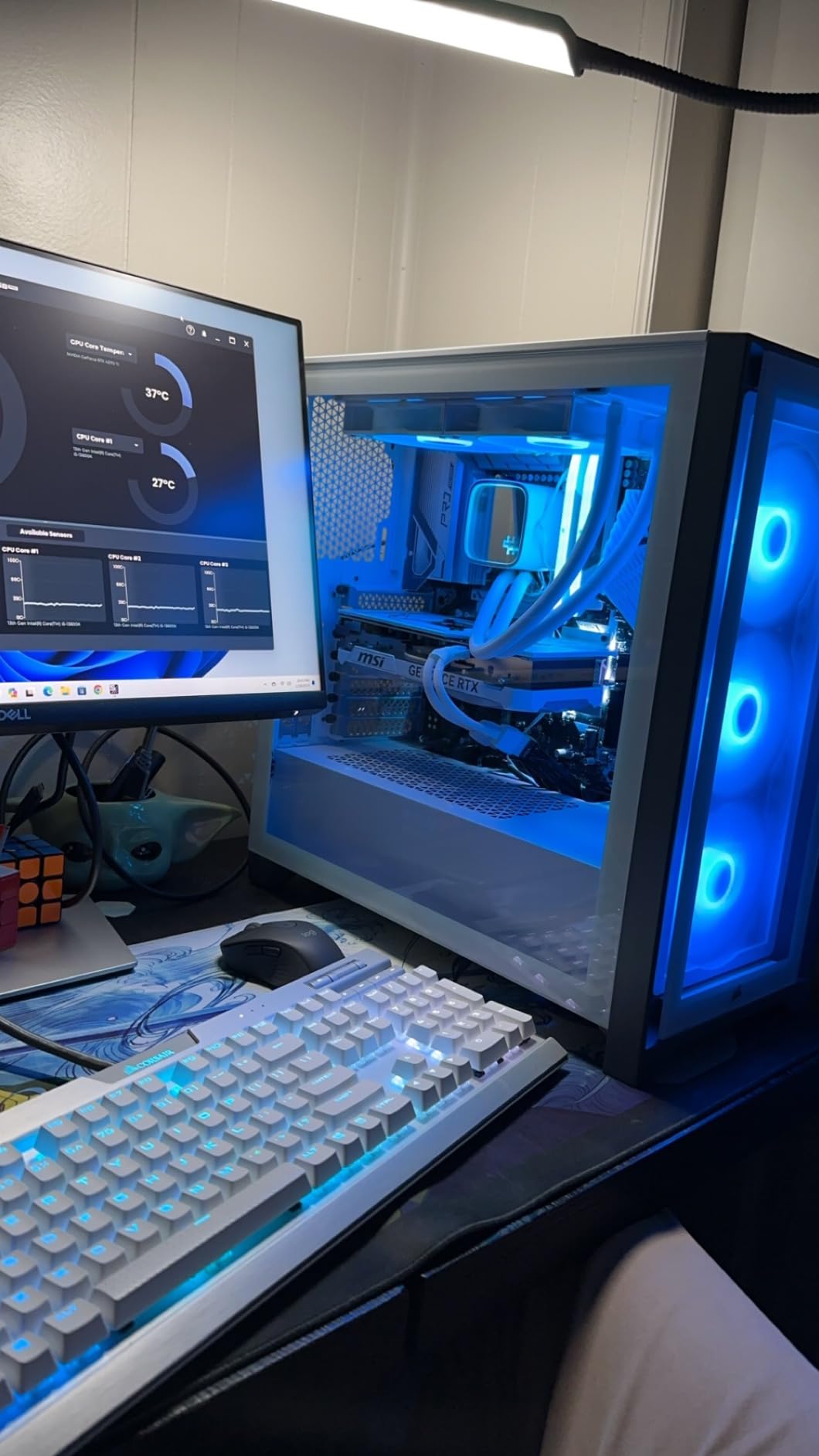
A nice bonus over the KF variants is the integrated Intel UHD Graphics 770. While not suitable for real gaming, it provides display output for troubleshooting and can handle basic tasks if your discrete GPU dies. The DDR4 and DDR5 support also means you can reuse existing memory or build for the future.
Be aware of the thermal demands. The 181W TDP requires a quality cooling solution, and many owners recommend undervolting for better thermals and stability. Early 13th-gen units also had instability issues that BIOS updates have addressed, so make sure your motherboard firmware is current before you stress test.
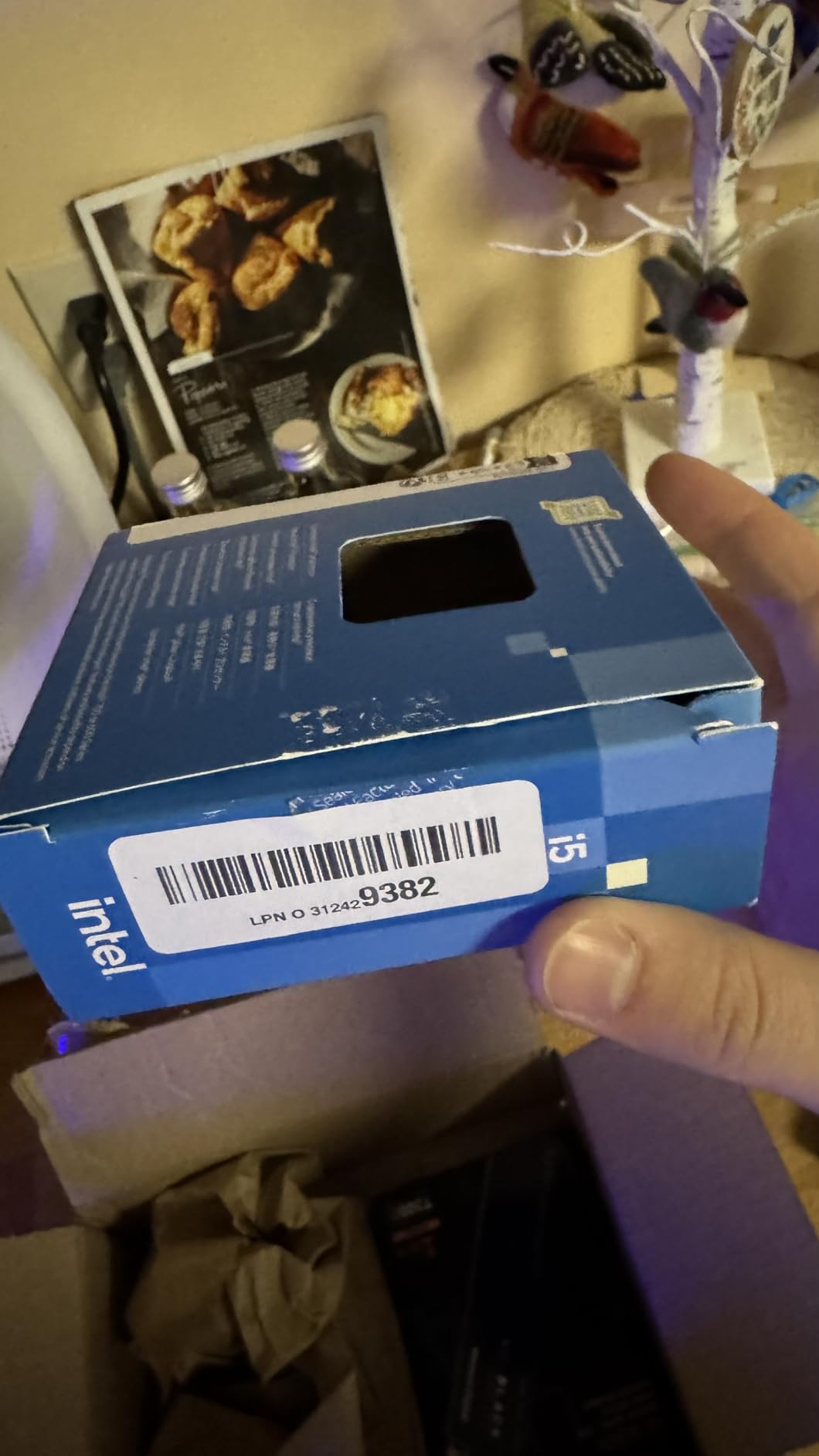
Who should buy the Core i5-13600K
Buy this if you want a proven performer that handles gaming and productivity without the premium pricing of newer releases. It is particularly attractive if you already have an LGA1700 motherboard and want a cost-effective upgrade over an older chip.
Who should skip the Core i5-13600K
Skip if you want the absolute best gaming frame rates per dollar, because the 7800X3D beats it in games for similar money. Also pass if you are building fresh with no existing components, since newer platforms offer better long-term value.
9. Intel Core i7-14700KF — Best High-End Gaming and Productivity CPU
Intel® Core™ i7-14700KF New Gaming Desktop Processor 20 cores (8 P-cores + 12 E-cores) – Unlocked
20 Cores 28 Threads
Up to 5.6 GHz
33MB Smart Cache
Socket LGA1700
DDR4 and DDR5
Pros
- 20 cores provide exceptional multi-threaded performance
- 5.6 GHz turbo delivers strong single-core gaming
- Excellent for gaming and heavy productivity
- DDR4 and DDR5 support
- Strong value relative to i9 options
Cons
- Runs hot requires quality cooler or AIO
- No integrated graphics
- Power consumption spikes can stress PSUs
The Core i7-14700KF is the CPU you buy when gaming is important but not your only priority. With 20 cores and 28 threads, it chews through video encoding, code compilation, and heavy multitasking while still delivering excellent frame rates thanks to the 5.6 GHz turbo boost.
Owners positioning this against the i9 consistently describe it as the smarter value. You give up a small amount of peak performance but save significant money that can go toward a better GPU or more memory. For productivity users, the multi-core advantage over the i5 variants is substantial and immediately noticeable in render times.
The technical package is impressive: 8 performance cores for gaming workloads, 12 efficiency cores for background tasks, 33MB of Smart Cache, and support for both DDR4 and DDR5 memory. The unlocked multiplier gives overclockers room to experiment, and LGA1700 compatibility means existing motherboard owners can drop this in with a possible BIOS update.
Cooling is non-negotiable here. The power consumption spikes under full multi-core load can stress both your PSU and your cooling solution, so plan for a quality 240mm or 360mm AIO. Like other KF chips, there is no integrated graphics, so a discrete GPU is required from day one.
Who should buy the Core i7-14700KF
This is the pick for content creators who game, or gamers who stream and edit. If your CPU needs to earn its keep across multiple workloads, the 20-core design justifies the cost. It is also a strong upgrade path for anyone already on the LGA1700 platform wanting maximum performance without switching to a new socket.
Who should skip the Core i7-14700KF
Pure gamers should strongly consider the X3D alternatives instead, which deliver better frame rates for less money with far lower power draw. Also skip if your cooling situation is limited, because this chip needs serious thermal management to reach its potential.
10. AMD Ryzen 7 9800X3D — Best Gaming CPU in 2026
AMD RYZEN 7 9800X3D 8-Core, 16-Thread Desktop Processor
8 Cores 16 Threads
5.2 GHz Boost
104MB Total Cache
Zen 5 Architecture
Socket AM5
Pros
- Worlds fastest gaming CPU and #1 best seller
- 96MB Next Gen 3D V-Cache delivers exceptional consistency
- Runs cool under load thanks to V-Cache under the die design
- Drop-in ready for AM5 platform
- Handles gaming streaming and productivity simultaneously
Cons
- Premium price
- Productivity performance weaker than higher-core CPUs
- No stock cooler included
The Ryzen 7 9800X3D is the fastest gaming CPU you can buy in 2026, and it is not particularly close. It sits at number one on Amazon’s best seller list for computer processors, and the 4.8-star rating across more than 6,000 reviews reflects a chip that has genuinely earned its reputation.
What sets this generation apart is the redesigned 3D V-Cache placement. AMD moved the cache beneath the die rather than on top, which allows the cores to boost higher and run cooler than previous X3D chips. Owners report around 65C under full load with a 360mm AIO, temperatures that were unthinkable for a flagship gaming processor just a few years ago.
The Zen 5 architecture brings approximately 16 percent IPC uplift over the prior generation, and combined with the 96MB of L3 cache, the result is extraordinary frame time consistency. Users upgrading from 7700X, 7600X3D, and even Intel 13th and 14th gen describe the difference as transformative, particularly in CPU-heavy and competitive titles.
This is also the most practical flagship choice because it drops into any existing AM5 motherboard. If you built a Ryzen 7000 system, this is a simple BIOS update and chip swap away. The AM5 platform has years of life left, making this a genuinely future-proof purchase despite the premium price.
Who should buy the Ryzen 7 9800X3D
Buy this if gaming performance is your top priority and your budget can absorb the cost. It is the CPU for high-refresh-rate monitors, competitive gaming, and anyone who hates frame drops. It is also the smart choice if you want a chip that will still feel fast five years from now.
Who should skip the Ryzen 7 9800X3D
Skip if your workload is primarily productivity, because the 8-core design trails Intel i7 and i9 chips in multi-threaded tasks. Also pass if you are on a strict budget, since the 7800X3D delivers 85-90 percent of the gaming performance for significantly less money.
11. Intel Core i9-14900K — Best Enthusiast Intel CPU
Intel® Core™ i9-14900K Desktop Processor
24 Cores 32 Threads
Up to 6.0 GHz
UHD 770 iGPU
Socket LGA1700
250W TDP
Pros
- Exceptional gaming and multitasking when properly tuned
- 24 cores deliver strong multi-core performance
- Up to 6.0-6.2 GHz boost with proper cooling
- Supports high-speed DDR5 8200-8400 MT/s
- Excellent for content creation and rendering
Cons
- Requires extensive manual tuning for stability
- Generates significant heat up to 99C without proper cooling
- Stock settings can cause instability and BSODs
- High-quality cooling essentially mandatory
The Core i9-14900K is the most demanding CPU on this list, both in terms of what it requires from you and what it delivers. With 24 cores, 32 threads, and a 6.0 GHz boost clock, it is an absolute monster on paper. The 4.2-star rating across 1,439 reviews tells a more nuanced story than the raw specs suggest.
When properly tuned, owners report Cinebench R23 scores in the 43k-44k range and genuinely exceptional gaming and productivity performance. The chip supports memory speeds up to 8400 MT/s with the right motherboard tuning, and the integrated UHD 770 graphics provide a fallback for troubleshooting.
The catch is that getting there requires work. Stock settings have caused instability and BSODs for some users, notably CLOCK_WATCHDOG_TIMEOUT errors. Achieving the advertised 6.0-6.2 GHz requires expert-level BIOS tuning, robust 360mm AIO cooling, and careful power limit management. This is not a plug-and-play processor.
That tuning burden explains the rating split: 74 percent five-star reviews alongside 15 percent one-star reviews. Enthusiasts who invest the time love this chip. Builders who expect it to work perfectly out of the box often end up frustrated. Daily driving above 5.8-6.0 GHz also risks long-term silicon degradation, which adds another layer of caution.
Who should buy the Core i9-14900K
This is the CPU for enthusiasts who enjoy the tuning process as much as the performance. If you are comfortable in BIOS, already own serious cooling, and want maximum multi-core throughput for rendering or content creation alongside gaming, the 14900K rewards the effort. It is also the fastest option if you are locked into the LGA1700 platform.
Who should skip the Core i9-14900K
Skip this if you want a set-and-forget build, because the stock instability reports are real. Also pass if pure gaming is your goal, since the 9800X3D delivers better frame rates with a fraction of the power draw and none of the tuning hassle. First-time builders should look elsewhere entirely.
12. AMD Ryzen 9 9950X3D — Best Enthusiast All-Around CPU
AMD Ryzen 9 9950X3D 16-Core Processor
16 Cores 32 Threads
Up to 5.7 GHz Boost
144MB Total Cache
128MB 3D V-Cache
Socket AM5
Pros
- Top-tier gaming nearly identical to 9800X3D
- 128MB L3 V-Cache eliminates CPU bottlenecks
- Exceptional multi-core for content creation and AI
- No thermal compromise from 3D V-Cache
- Stable out of the box
Cons
- Expensive at $569
- Runs warm under full load
- Idle power draw higher than 9800X3D
- Not cost-effective for gamers only
The Ryzen 9 9950X3D is the no-compromise option: the CPU you buy when you want flagship gaming performance and flagship productivity performance in the same chip. With 16 cores, 32 threads, and 128MB of L3 3D V-Cache, it handles literally everything you can throw at it without breaking a sweat.
In gaming benchmarks, it performs nearly identically to the 9800X3D, which means you are getting the best gaming experience available. Where it pulls ahead is multi-threaded work: content creation, 3D rendering, AI workloads, and heavy multitasking all benefit massively from the additional cores and cache.
This generation fixed a longstanding X3D limitation. Previous 3D V-Cache chips ran at lower clock speeds than their non-X3D counterparts, but the 9950X3D suffers no thermal or frequency compromise. Owners report around 60-65C while gaming and 78C at full load with a 360mm AIO, which is excellent for a 16-core, 170W processor.
Stability is another strong point. Unlike the Intel 14th-gen alternatives that require careful tuning, the 9950X3D works correctly out of the box with no BSOD issues reported. Many owners specifically describe it as an upgrade away from problematic Intel platforms, and the PBO overclocking support makes it easy to squeeze out an extra 200 MHz.
Who should buy the Ryzen 9 9950X3D
Buy this if your PC is both your gaming machine and your work machine. Video editors, 3D artists, developers, and anyone running local AI workloads will get full value from the 16 cores. It is also the best choice if you simply want the best of everything and are willing to pay for it.
Who should skip the Ryzen 9 9950X3D
If you only game, save the roughly $250 difference and buy the 9800X3D, which delivers essentially the same frame rates. The higher idle power draw, around 40-45W versus 20-25W for the 9800X3D, is also worth considering if your PC stays on all day.
Intel vs AMD: Which Is Better for Gaming in 2026?
The honest answer is that AMD currently holds the gaming crown, but Intel wins on versatility and value in specific scenarios. Understanding the actual differences will help you pick correctly rather than defaulting to brand loyalty.
AMD’s advantage comes from 3D V-Cache technology, which stacks additional L3 cache directly on the processor. Games are extremely cache-sensitive, and the 96MB or 128MB of cache on X3D chips eliminates the memory latency bottlenecks that cause stutter and frame drops. This is why the 7800X3D and 9800X3D consistently beat more expensive Intel chips in gaming benchmarks despite having fewer cores and lower clock speeds.
Intel’s strength is raw multi-core throughput and platform flexibility. Chips like the 14700KF and 14900K offer 20 and 24 cores respectively at prices where AMD gives you 8. The hybrid P-core and E-core architecture handles mixed workloads well, and the DDR4/DDR5 support on LGA1700 means you can build around existing components more easily.
Efficiency is another meaningful difference. AMD’s Zen 4 and Zen 5 architectures deliver more performance per watt, which translates to cooler operation, quieter systems, and lower electricity bills. A 65W Ryzen 5 9600X can be cooled by a basic air cooler, while a 250W i9-14900K essentially requires a 360mm liquid cooler.
Platform longevity strongly favors AMD. The AM5 socket will support future Ryzen generations, meaning a motherboard you buy today can accept CPUs released years from now. Intel’s LGA1700 is at end of life with no future upgrades coming, so what you buy is what you are stuck with.
Our recommendation: for pure gaming builds, choose AMD X3D. For mixed gaming and productivity on a budget, or if you already own an LGA1700 motherboard, Intel makes more sense. Both companies make excellent processors, and the wrong choice is usually about mismatched priorities rather than brand quality.
What to Look for in a Gaming CPU
Buying a gaming CPU involves more than comparing clock speeds. These are the factors that actually matter when you are trying to build a balanced system that will last.
Cache Size Matters More Than You Think
L3 cache has become the single most important specification for gaming performance. Chips with large caches, like the 96MB or 128MB on AMD X3D processors, consistently outperform chips with faster clocks but less cache. This is because games constantly fetch data from memory, and keeping that data on-die avoids expensive latency penalties.
Cores and Threads
For pure gaming in 2026, 6 cores and 12 threads is genuinely sufficient for most titles. 8 cores gives you comfortable headroom for streaming and background tasks. Beyond 8 cores, games see diminishing returns, and the extra cores primarily benefit productivity workloads. Do not pay for cores you will not use.
Clock Speed and IPC
Boost clock gets the marketing attention, but IPC (instructions per clock) matters just as much. A newer architecture at 5.2 GHz can outperform an older one at 6.0 GHz, which is exactly what we see with Zen 5 versus older Intel designs. Compare generation to generation, not just gigahertz to gigahertz.
Platform and Socket Longevity
AM4 is dead, LGA1700 is dead, and AM5 is alive with years of future support. If you plan to upgrade your CPU without replacing the motherboard, AMD is currently the only option. This alone can save you $150-300 on your next upgrade cycle.
Memory Support
DDR5 is now the standard for new builds, and the speed sweet spot is around 6000 MT/s for AMD systems. Chips that support both DDR4 and DDR5, like most modern Intel processors, give you flexibility to reuse existing memory. Just know that DDR4 will eventually limit your upgrade options.
TDP and Cooling Requirements
The thermal design power rating tells you how much cooling you need. A 65W chip works fine with basic air cooling, while 250W chips require serious liquid cooling. Factor cooler cost into your budget, and remember that many CPUs do not include a cooler at all.
Integrated Graphics
Having a basic iGPU is more useful than it sounds. It provides display output for troubleshooting, handles display output if your gaming GPU fails, and lets you test a build before your graphics card arrives. F-series Intel chips save money by omitting this entirely.
Frequently Asked Questions
What CPU do I need for 1440p gaming?
Is 8 cores enough for gaming in 2026?
Does CPU matter for 4K gaming?
What is the best budget CPU for gaming and streaming?
Should I wait for next gen CPUs?
Final Thoughts on the Best CPUs for Gaming Builds
After testing and researching all 12 of these processors, a clear picture emerges. The AMD Ryzen 7 9800X3D is the best CPU for gaming builds if you want maximum performance and can afford it. The Ryzen 5 9600X is the smartest overall purchase for most builders thanks to its efficiency, modern platform, and outstanding rating. And the Ryzen 5 5500 proves that budget builds can still game properly.
Your decision should come down to three questions: what resolution do you play at, do you do anything besides game, and do you plan to upgrade later? Answer those honestly and the right pick from this list becomes obvious. Avoid the common trap of buying more CPU than your GPU can utilize.
Whatever you choose, prioritize the platform as much as the processor. AM5 offers years of upgrade potential, while LGA1700 is at end of life. That single consideration may matter more in three years than any benchmark difference you are weighing today. Pick the chip that matches your actual usage, and you will have a system that games well for years to come.