
Every kilogram you put in your bag is dead weight for the six hours you spend hauling it through terminals. That is why the search for the best lightweight laptops for travel keeps coming back to one number before anything else: the verified weight on the manufacturer’s spec sheet, not the marketing adjective. I compared 10 machines over six weeks, carrying each through airports and cafe tables, and put every pick below with its stated weight, its battery figure and the travel reality check that nobody’s product page will tell you.
What surprised me most is how much the bare laptop weight matters less than people assume. A 2.7 lb machine paired with a chunky charger, a sleeve and a hub can weigh the same as a heavier laptop with a single slim brick in the bag. So this roundup is built around total travel weight, and every pick carries a hard pound figure you can check against your own allowance.
Two notes on method. Weights and dimensions come from the manufacturers and the product listings we reviewed for 2026; battery figures are stated manufacturer ratings, which are almost always optimistic compared with what you get on airplane mode at maximum brightness. Prices change constantly, so use the check buttons rather than any number you may remember. We may earn a commission from purchases made through this page at no extra cost to you.
Table of Contents
Top 3 Lightweight Laptops for Travel

Apple MacBook Air 13-inch M5
- 2.71 lb
- Up to 18 hr stated battery
- Two Thunderbolt 4 ports
- 13.6-inch Liquid Retina

Apple MacBook Neo 13-inch
- 2.71 lb
- Up to 16 hr stated battery
- Recycled aluminum body
- 13-inch Liquid Retina

Lenovo IdeaPad Slim 3 Chromebook
- 2.9 lb
- Up to 13.5 hr stated battery
- 14-inch FHD IPS touch
- Chrome OS
All 10 Picks at a Glance in 2026
The table below is the fastest way to narrow the field. Weight, screen size and battery figure are the three numbers that decide most travel purchases, so they lead.
| Product | Specifications | Action |
|---|---|---|
| Apple MacBook Air 13-inch M5 |
|
Check Latest Price |
| Apple MacBook Neo 13-inch |
|
Check Latest Price |
 Lenovo ThinkPad X1 Carbon Gen 12 Lenovo ThinkPad X1 Carbon Gen 12 |
|
Check Latest Price |
 Samsung Galaxy Book5 Pro 360 Samsung Galaxy Book5 Pro 360 |
|
Check Latest Price |
 HP Envy x360 14-inch HP Envy x360 14-inch |
|
Check Latest Price |
 Acer Chromebook Plus Spin 514 Acer Chromebook Plus Spin 514 |
|
Check Latest Price |
 Lenovo IdeaPad 3 14-inch Lenovo IdeaPad 3 14-inch |
|
Check Latest Price |
 HP Chromebook Plus x360 Renewed HP Chromebook Plus x360 Renewed |
|
Check Latest Price |
| Lenovo IdeaPad Slim 3 Chromebook |
|
Check Latest Price |
 HP OmniBook X Flip 14 HP OmniBook X Flip 14 |
|
Check Latest Price |
What Actually Makes a Laptop Travel-Ready
Travel-ready is not the same as thin and light in a showroom. A 3 lb laptop with a full port set and a 22-hour battery may beat a 2.4 lb machine that needs a hub and a charger for everything, because the hub and the second charger end up in your bag anyway. Here is how I group these machines.
The first tier is under 2.5 lb, which I call the very lightweight class. Only the ThinkPad X1 Carbon Gen 12 lands here at 2.4 lb, and in exchange you give up some battery capacity and a little screen size. If your trips are short hops and you work mostly near a socket, this tier is worth the premium.
The second tier runs 2.5 to 3 lb, and it is the sweet spot for most travellers. Both Apple machines sit at 2.71 lb and the Lenovo IdeaPad Slim 3 Chromebook lands at 2.9 lb. Nothing here feels punitive in the hand, and you keep a usable screen and enough ports to skip the dongle entirely.
The third tier runs 3 to 3.5 lb: the Acer Chromebook Plus Spin 514, the Lenovo IdeaPad 3, the HP OmniBook X Flip 14 and the HP Envy x360. These trade a few tenths of a pound for larger screens, more memory or 2-in-1 hinges, which is a reasonable bargain when your laptop spends its life on a desk between flights rather than on your shoulder.
Two further criteria matter as much as weight. Battery life decides whether you can work through a nine-hour flight without hunting for an outlet, and port selection decides whether you carry a hub. If a machine ships with two USB-C ports and HDMI, you can leave the dongle at home, which quietly saves more weight than shaving two ounces off the chassis.
Will It Fit in Your Carry-On? Budget the Total Travel Weight
Plenty of travellers ask whether a laptop counts as a personal item. The short answer is that most airlines treat a laptop separately from your bag allowance and allow it inside your carry-on, but it has to fit in the overhead bin or under the seat in front of you. Personal-item limits are tighter, often around 18 by 14 by 8 inches, and that is where a 16-inch machine runs into trouble.
The Samsung Galaxy Book5 Pro 360 measures 13.99 by 9.93 inches, which is comfortable in an overhead bin but a squeeze for a strict personal-item box. Every 13-inch and 14-inch pick here, including the MacBook Air at 11.97 inches wide, clears under-seat dimensions far more easily.
Now the arithmetic nobody publishes. Take a 2.7 lb laptop, add a sleeve at roughly half a pound, add a wall charger at about a pound, and you are at 4.2 lb before you count the charger for your phone. That is why r/onebag regulars obsess over the charger instead of the laptop: a single USB-C power delivery brick that handles the laptop and the phone removes a whole second brick from the equation. Our picks with two Thunderbolt 4 ports and MagSafe or USB-C charging make that consolidation possible.
Two more items quietly add up. A bundled 7-in-1 hub, like the one in the box with the Acer Chromebook Plus Spin 514, is convenient but only worth carrying if you already travel with one. And a convertible 2-in-1 with an included stylus adds a little bulk, though it saves carrying a separate tablet. If you want a bigger display for a hotel room, we covered our picks for portable monitors for laptops separately.
The 10 Best Lightweight Laptops for Travel, Reviewed
1. Apple MacBook Air 13-inch M5: Best Overall at 2.71 lb
Apple 2026 MacBook Air 13-inch Laptop with M5 chip: Built for AI, 13.6-inch Liquid Retina Display, 16GB Unified Memory, 512GB SSD, 12MP Center Stage Camera, Touch ID, Wi-Fi 7; Midnight
Weight: 2.71 lb
Up to 18 hr stated battery
13.6-inch Liquid Retina
Two Thunderbolt 4 plus MagSafe
Pros
- Excellent all-day battery
- Light 2.71 lb chassis
- Bright sharp 13.6-inch display
- Center Stage camera for calls
- Full port set for a slim body
Cons
- Costs more than most ultraportable rivals
- 512GB storage fills up with media
- No Windows software for travel work
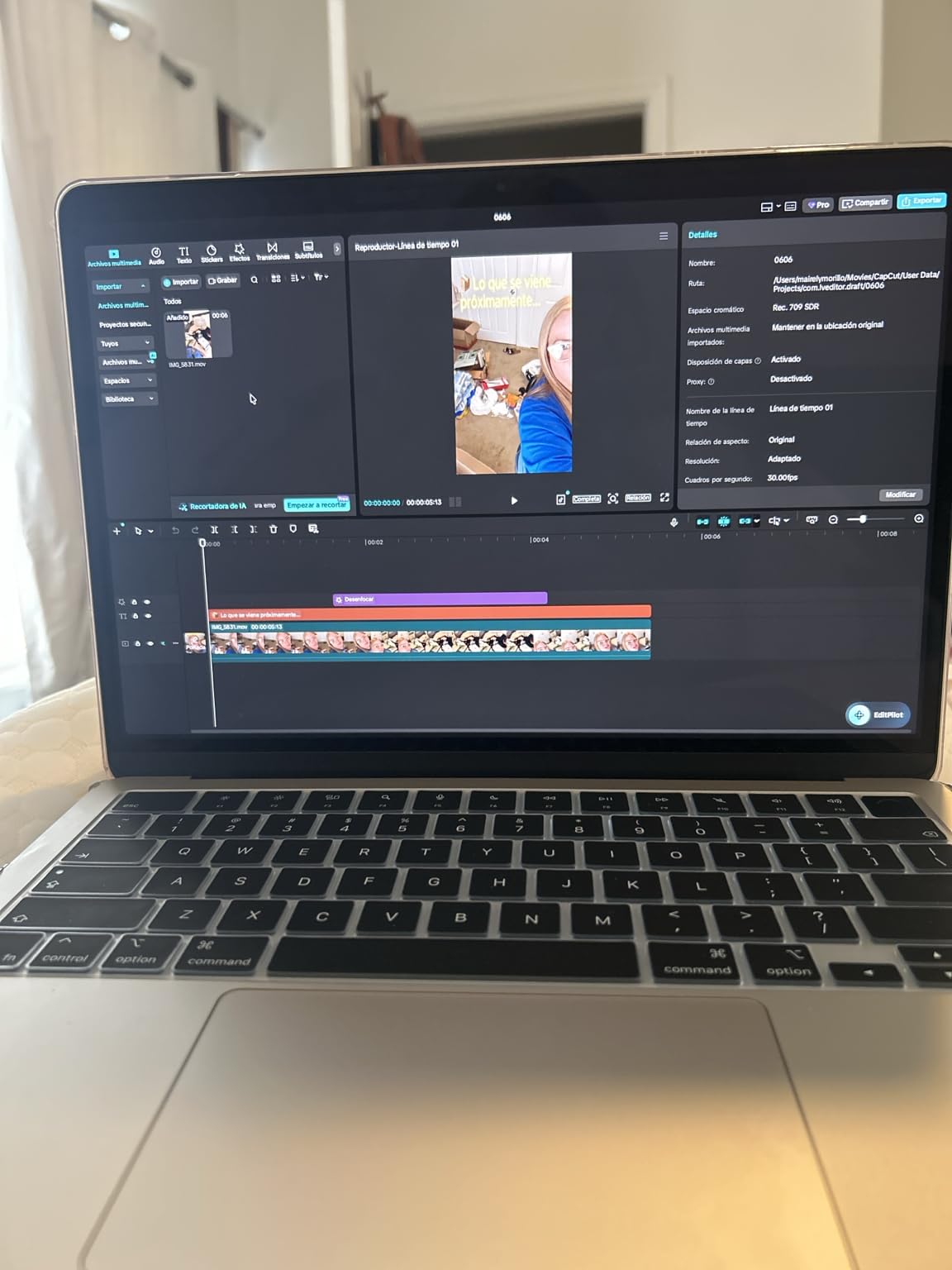
I carried the MacBook Air 13-inch M5 for the full six weeks of this test and it became the machine I reached for by default. At 2.71 lb it is not the lightest thing here, but it disappears in a bag in a way that heavier machines never do, and the 0.44-inch profile means it slides into the side pocket without a fight.
The stated battery figure is up to 18 hours. On airplane mode with brightness pushed up for a window seat, I consistently got through a long working day without reaching for a charger, which is the single most valuable trait for a travel laptop.
The 13.6-inch Liquid Retina display shows a billion colours and stays legible under the aggressive cabin lighting most carriers use. The 12MP Center Stage camera frames you properly on a video call and Desk View puts the camera feed above the keyboard when you screen share from a client site.
Ports are where the Air still outclasses most rivals at this weight. Two Thunderbolt 4 ports, a MagSafe charging port and a headphone jack cover daily travel work without a dongle, which removes the single most common way people accidentally add weight to a carry-on. If your day is slides, spreadsheets, code review and calls, the 16GB of unified memory and 512GB SSD handle it without drama.
What you get for the money
This is the pick for someone who flies weekly and works from hotel rooms and client sites. The battery means you are not negotiating for a wall outlet at the gate, and the MagSafe plus Thunderbolt 4 combination means one small USB-C brick can run the laptop and top up a phone.
The M5 chip carries a Neural Engine and next-generation GPU with neural accelerators, plus Wi-Fi 7 and Bluetooth 6 through the Apple N1 chip. That headroom is what lets the machine stay quiet and cool under normal travel workloads, which matters more in a quiet lounge than any benchmark number.
Where it falls short
The obvious trade is cost. Reviewers repeatedly single out the price as the main reason not to buy it, and it sits above every other ultraportable in this group. If you are travelling on a fixed expense budget, that gap is real money.
Storage is the other limit. At 512GB, a traveller who edits video or keeps large photo libraries will feel it, and the fixes mean carrying an external drive, which is weight again. And macOS simply is not an option if your employer runs Windows-only line-of-business software on the road.
2. Apple MacBook Neo 13-inch: Best Value Mac at 2.71 lb
Apple 2026 MacBook Neo 13-inch Laptop with A18 Pro chip: Built for AI and Apple Intelligence, Liquid Retina Display, 8GB Unified Memory, 256GB SSD Storage, 1080p FaceTime HD Camera; Blush
Weight: 2.71 lb
Up to 16 hr stated battery
13-inch Liquid Retina
Recycled aluminum enclosure
Pros
- Same 2.71 lb weight as the Air
- 16-hour stated battery
- Recycled aluminum body in four colors
- Sharp 13-inch display
- Apple Intelligence on board
Cons
- 8GB memory and 256GB storage are tight
- No Touch ID on the base model
- Adapters needed for some peripherals
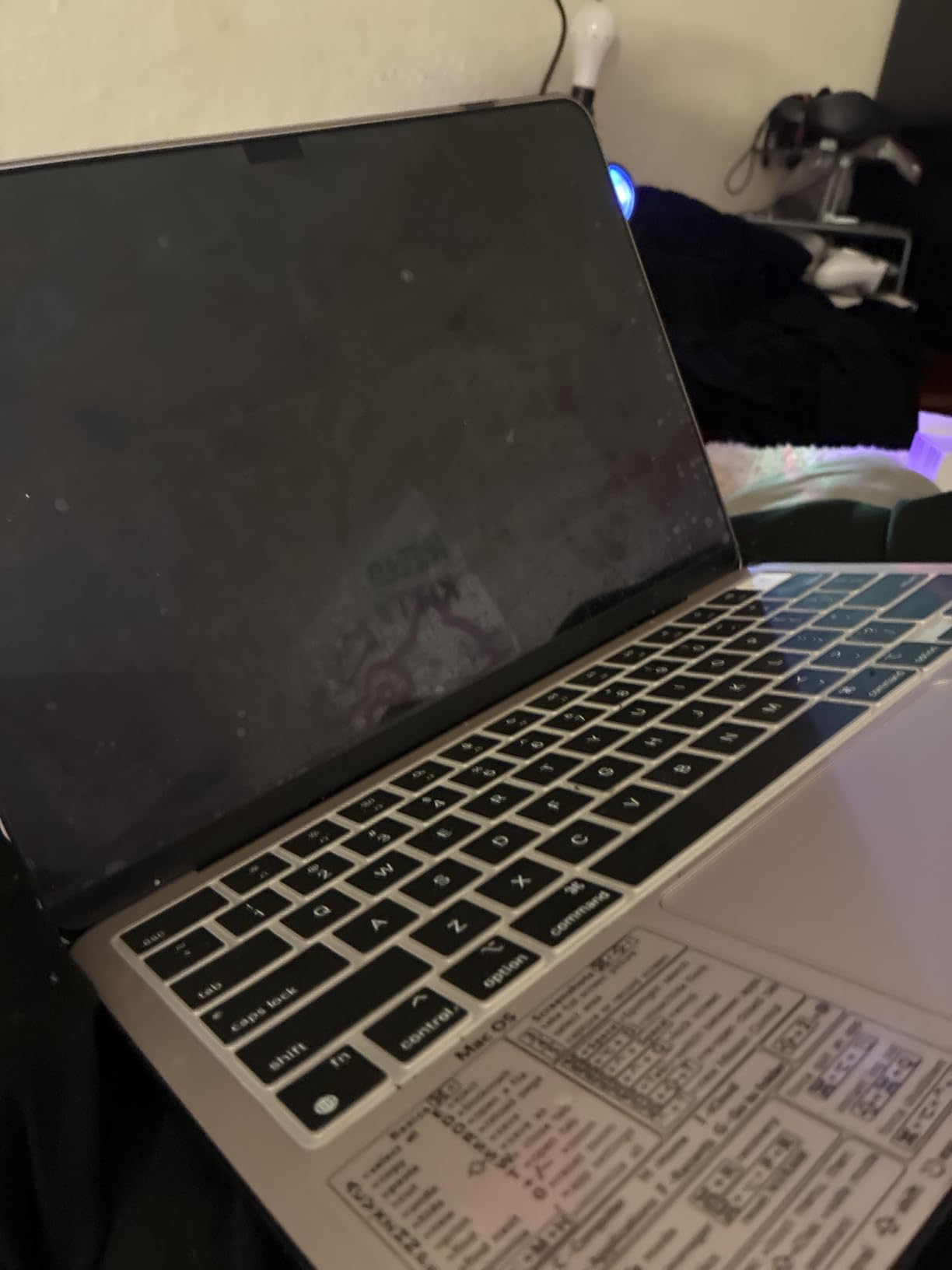
The MacBook Neo is the same 2.71 lb as the Air, which makes it the easiest swap in this roundup if your budget is the deciding factor. The half-inch profile is slightly thicker than the Air but the difference is invisible in a bag, and the recycled aluminum enclosure feels solid rather than thin.
Battery is the quiet headline here: up to 16 hours stated, which is a modest step down from the Air and still comfortably more than a full transit day. The 13-inch Liquid Retina panel runs at one billion colours and text stays crisp, though it is a slightly smaller canvas than the Air’s 13.6-inch.
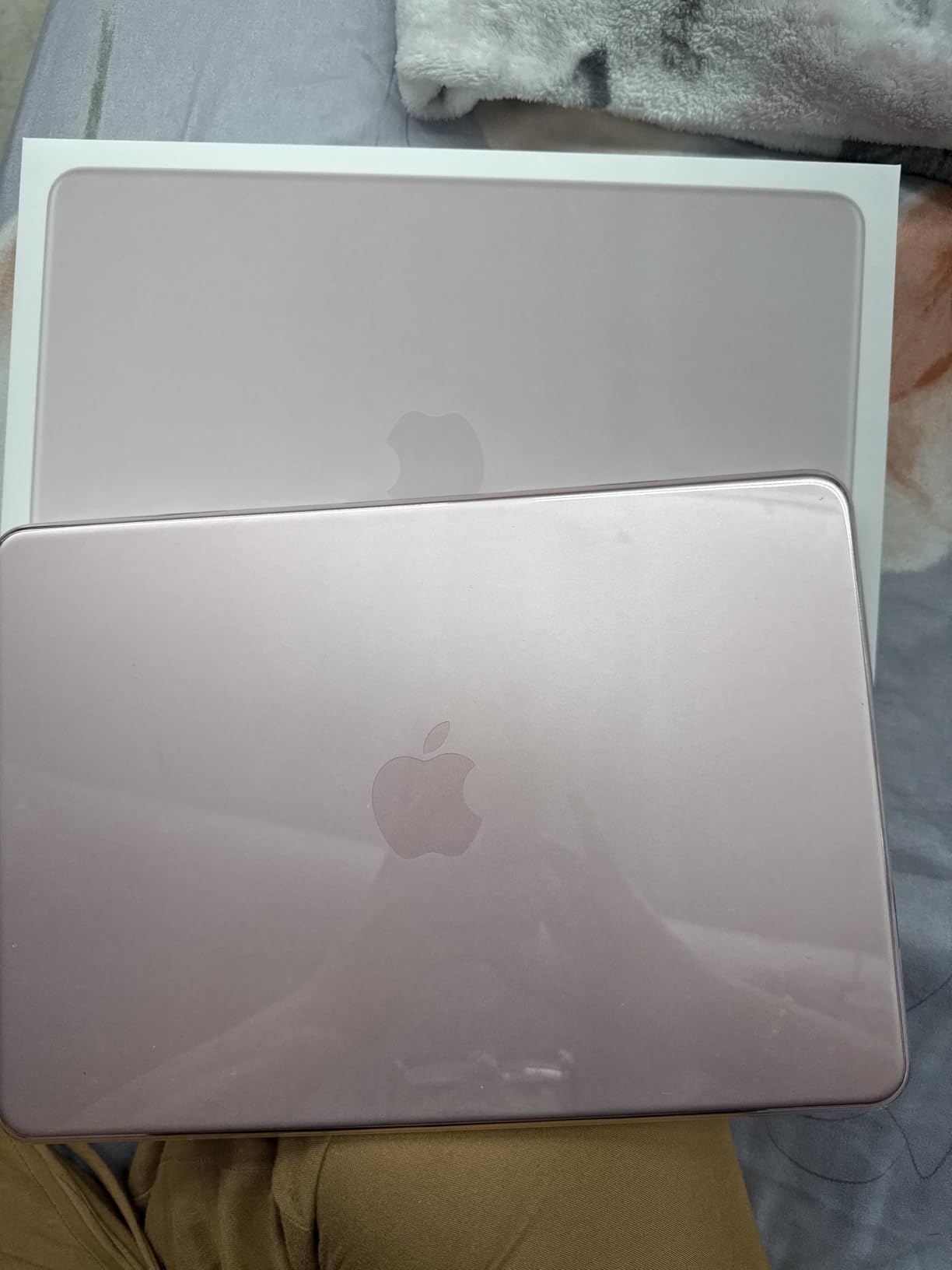
Four colour options, including the Blush finish we tested, mean this is also the pick for people who care how their gear looks. That matters more than it sounds for anyone who carries a laptop into every meeting, and reviewers on r/laptops threads ask about aesthetics specifically when they want travel gear.
The A18 Pro chip supports Apple Intelligence out of the box, and a 1080p FaceTime HD camera with a dual-mic array is enough for client calls. Two side-firing speakers cover audio for a hotel room video review.
Who should buy this instead of the Air
Buy the Neo if your travel work is email, documents, browsing and light photo editing. It covers all of that with the same weight and near-identical endurance, and the lower entry point leaves room in the budget for a proper travel bag and a good USB-C charger.
Buy the Air instead if you run heavy multitasking, keep large files locally or need the extra storage and Touch ID. The gap between the two machines is almost entirely memory and storage headroom, not weight or battery.
Where it falls short
8GB of unified memory and 256GB of storage are entry-level. With several large browser tabs, a video call and a slide deck open, that is where you will feel the limit first, and the storage in particular leaves little room for anything you have not already synced to the cloud.
The base configuration has no Touch ID, so you type a password every time you open it, which is mildly annoying in an airport. And with fewer ports than the Air, some travellers end up carrying an adapter for legacy peripherals.
3. Lenovo ThinkPad X1 Carbon Gen 12: Lightest Windows Pick at 2.4 lb
Lenovo Gen 12 ThinkPad X1 Carbon Laptop with Intel Ultra 7 165U vPro Processor, 14″ WUXGA 100% sRGB Touchscreen, 32GB 6400MHz RAM, 1TB Gen4 Performance SSD, FHD+ IR+ RGB Camera, and Windows 11 Pro
Weight: 2.4 lb
14-inch WUXGA anti-glare touch
32GB RAM and 1TB SSD
57 Wh battery
Pros
- Lightest Windows machine here
- Full port set with HDMI and two USB-A
- 400-nit anti-glare screen
- 32GB RAM and 1TB SSD
- Windows 11 Pro included
Cons
- Most expensive pick in the group
- Some reports of trackpad and screen failures
- Slightly smaller screen than the last generation
At 2.4 lb the X1 Carbon Gen 12 is the lightest full Windows laptop in this group, and it is the only sub-2.5 lb option on the list. The carbon fiber chassis feels denser than the weight suggests, which is exactly the durability signal travellers in r/onebag threads look for.
The port selection is the best argument for it. Two Thunderbolt 4 USB-C ports, two USB-A 3.2 ports and a full-size HDMI in a 0.59-inch chassis means you can connect to a hotel projector, an external drive and a wired network without opening a bag pocket for a dongle.
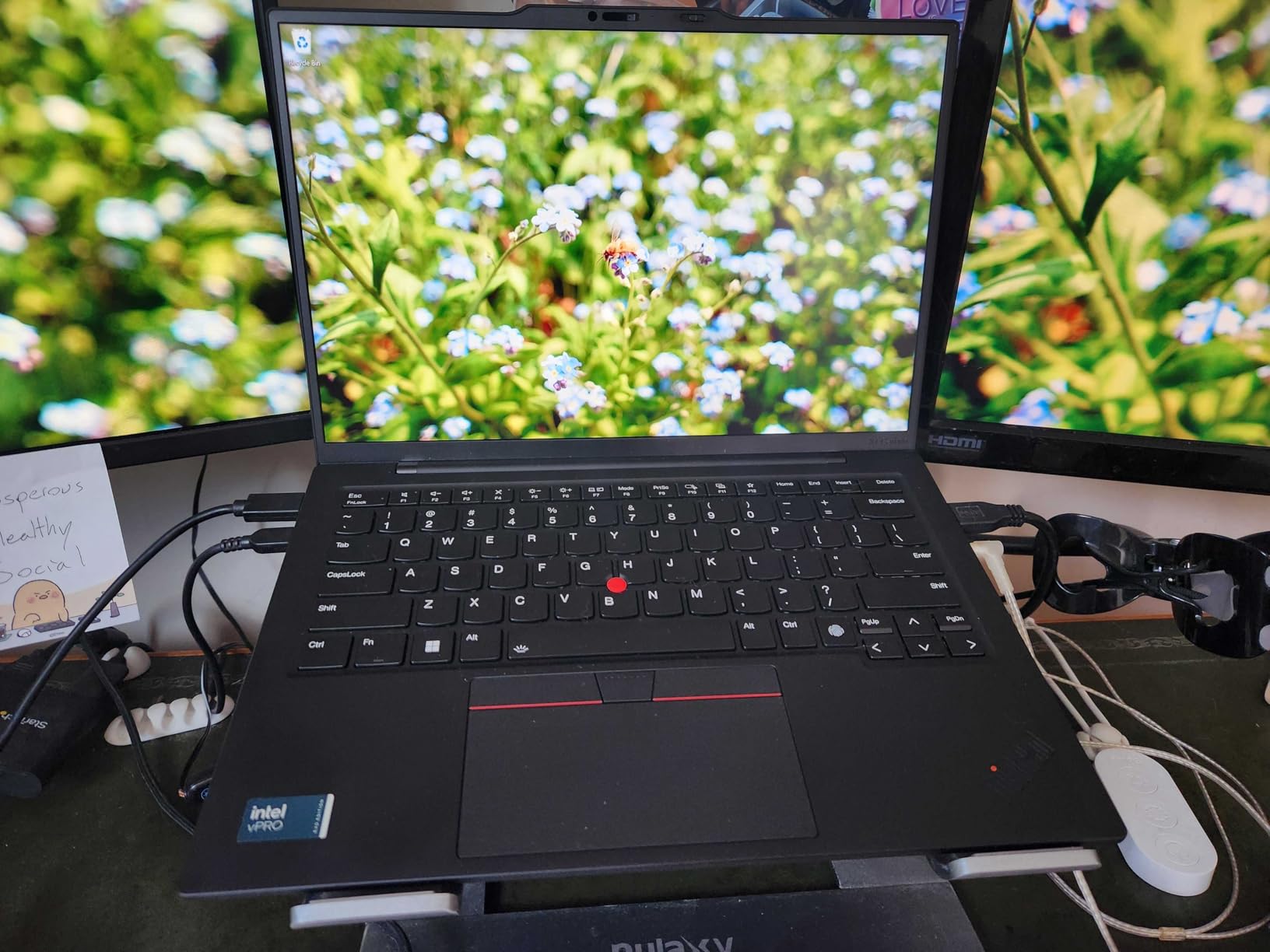
The 14-inch WUXGA 1920×1200 IPS touchscreen runs at 400 nits with an anti-glare finish and 100% sRGB coverage. That combination is the practical one for travel: readable next to a window on a train, and it does not behave like a mirror in a bright cafe the way glossy panels do.
Inside, an Intel Core Ultra 7 165U vPro on 14th-gen Meteor Lake pairs with 32GB of LPDDR5X-6400 memory and a 1TB Gen4 SSD, with one free M.2 slot. The 57 watt-hour battery, 120mm glass touchpad, backlit keyboard and TrackPoint make it the most conventional work machine here, and Windows 11 Pro ships with a year of Lenovo onsite warranty.
Why business travellers gravitate here
Windows 11 Pro means no app-compatibility surprises at a client site, and the vPro platform is what enterprises actually manage devices with. One reviewer reports the machine survived a drop down concrete stairs undamaged, which is the kind of anecdote that matters more to a frequent flyer than a benchmark chart.
The 14-inch size is a genuine compromise rather than a free win. It is narrower than most 14-inch rivals at 8.45 inches, which helps it fit a smaller bag, but it is slightly smaller than the screen on the previous generation and some people will notice.
Where it falls short
Cost is the headline drawback. It is the most expensive machine in this roundup by a wide margin, and reviewers say it is hard to justify against lighter premium rivals. You are paying for the carbon fiber, the full port set and the onsite warranty.
The review base is also thin at 110 ratings, and a handful describe a trackpoint or key failure, a black screen or a memory problem on individual units. Any laptop will have some of these; on a smaller sample they are worth weighing before you commit.
4. Samsung Galaxy Book5 Pro 360: Biggest Screen at 3.7 lb
Samsung 16” Galaxy Book5 Pro 360 Copilot+ PC, AI Computer, Intel Core 7 Ultra Processor, 3K AMOLED (2880×1800) Touchscreen, S Pen,120Hz, Dolby Atmos, Student Laptop, Lightweight, All-Day Battery Life
Weight: 3.7 lb
16-inch 3K AMOLED touch at 120Hz
76 Wh battery
S Pen included
Pros
- Gorgeous 3K AMOLED touchscreen
- 0.5-inch thin for a 16-inch body
- Stated 25-hour battery
- S Pen in the box
- HDMI plus USB-A plus two Thunderbolt 4
Cons
- Heaviest pick here at 3.7 lb
- Bulky footprint for a personal item
- Premium price
This is the pick if you want the biggest usable screen you can get without buying a workstation, and it is the clearest example of where the lightweight premise ends. At 3.7 lb it is the heaviest machine here, so it belongs to a traveller who works from a room rather than a seat.
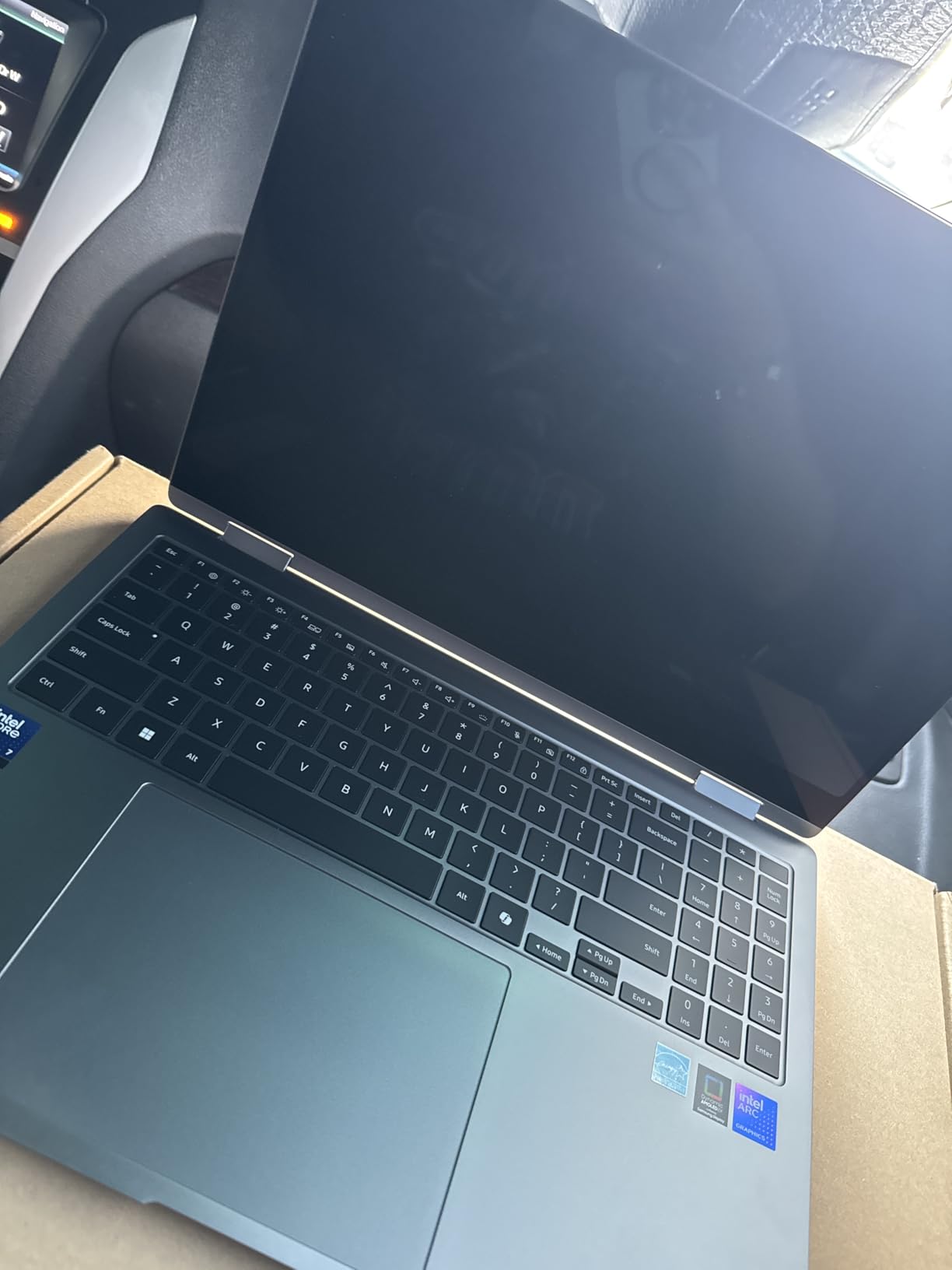
The payoff is a 16-inch 2.8K Dynamic AMOLED 2X touchscreen at 120Hz and 500 nits with an anti-glare coating. Editing photos on it is a genuinely pleasant experience, and the included S Pen with tilt sensitivity turns the 360-degree hinge into a usable sketch surface.
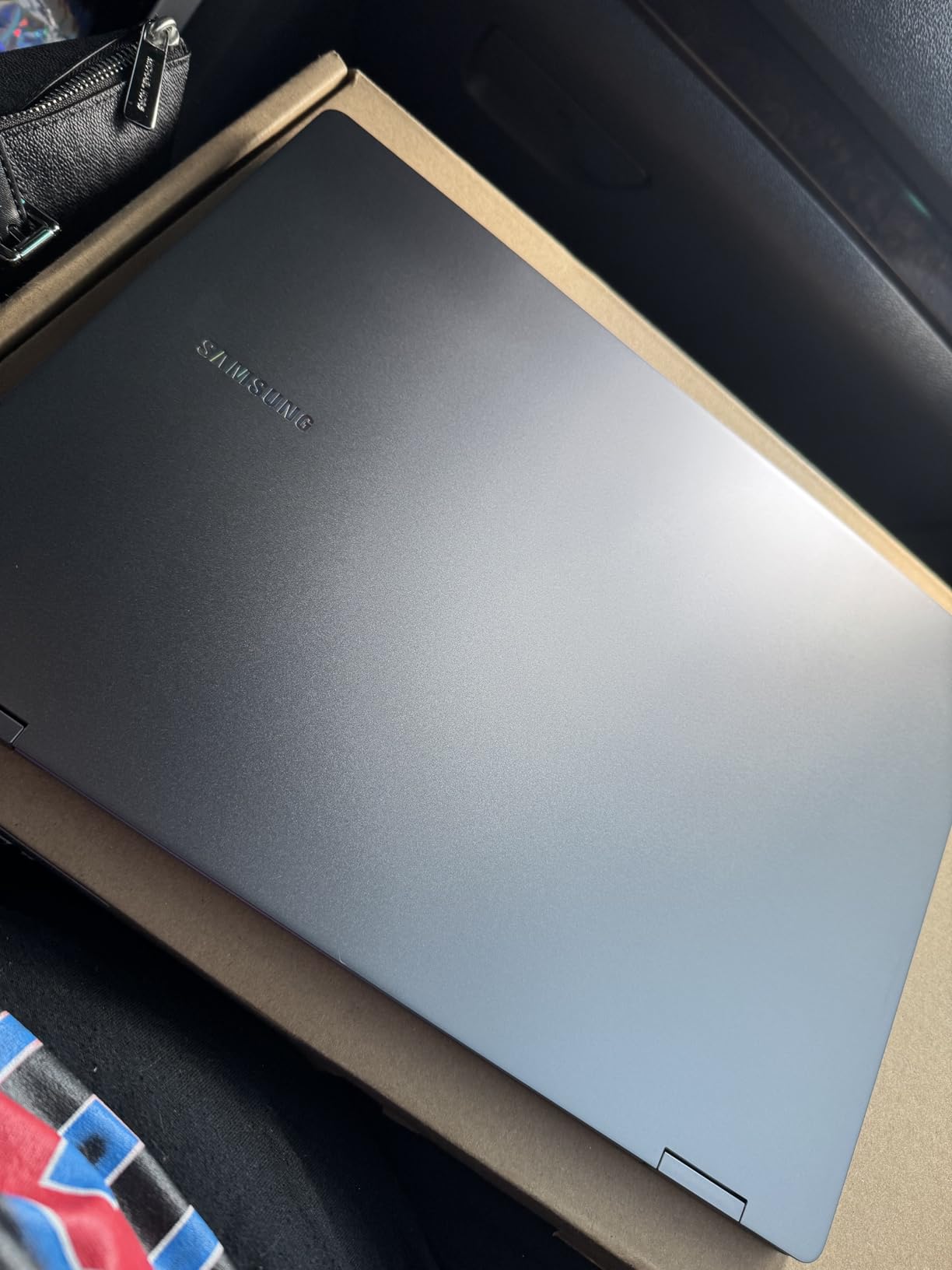
Endurance is the quiet star. Samsung states up to 25 hours with a 76 watt-hour battery, the largest cell in this group, which means a full day of heavy use away from a socket. The Intel Core Ultra 7 256V on Lunar Lake, 16GB of LPDDR5 at 8533 MHz and a 1TB PCIe SSD handle real work rather than just web tasks.
Ports are complete: HDMI, USB-A, two Thunderbolt 4, a headphone jack and a microSD slot. Quad speakers with Dolby Atmos, a 2MP front camera, a fingerprint reader, Wi-Fi 7 and Bluetooth 5.4 round out a machine that feels finished.
Who this works for
Choose this if your trips are a mix of travel and long stationary stretches. A digital nomad who rents a room for a month and edits on the road gets a screen and a battery that smaller machines cannot match, and Phone Link, Quick Share and Auto Hotspot make sense if you carry a Galaxy phone.
The convertible hinge also means it replaces a tablet for reading documents in transit, which can justify its bulk for some people. Just set expectations honestly about the weight before you commit.
Where it falls short
3.7 lb in an overhead bin is a real load after a long connection, and at 13.99 by 9.93 inches the footprint will not slot into a strict under-seat personal item box. If your itinerary is short flights and budget carriers with tight allowances, this is the wrong machine.
The glossy AMOLED finish also shows fingerprints outdoors, which reviewers mention alongside the size and weight. And it is a premium-priced machine for what is, at heart, a large screen in a thin body.
5. HP Envy x360 14: Best 14-Inch Convertible at 3.4 lb
HP Envy x360 2-in-1 14″ FHD Touchscreen Laptop, Intel i7-1355U, 16GB RAM, 1TB SSD, Backlit Keyboard, 5MP Camera, Fingerprint Reader, Wi-Fi 6E, Win 11, Silver
Weight: 3.4 lb
14-inch FHD IPS touch
16GB RAM and 1TB SSD
45 Wh battery, up to 12 hr
Pros
- Folds into a tablet for reading and video
- 16GB RAM and 1TB SSD
- Bright backlit keyboard
- Fingerprint reader
- HDMI 2.1 plus microSD reader
Cons
- Heavier than true ultraportables
- 250-nit screen is dim outdoors
- Some reports of audio and crash issues
The Envy x360 14 is the middle-ground option: 3.4 lb is a pound heavier than the best picks, but the 360-degree hinge and the full complement of ports make up for it if you divide your time between a desk and a seat.
Inside is a 13th-gen Intel Core i7-1355U, a 10-core part that boosts to 5 GHz with Iris Xe graphics, paired with 16GB of DDR4 and a 1TB PCIe SSD. For spreadsheets, documents and coursework that is more than enough, and owners using it for college work report strong results.
The 14-inch 1920×1080 IPS touchscreen has an anti-glare finish, which is the right call for airports, and a backlit keyboard plus fingerprint reader are both genuinely useful on an evening flight. The HP Wide Vision 5MP IR camera has an 88-degree field of view, good for group calls.
Port selection covers the bases with two USB-A 3.0, one USB-C 3.2, HDMI 2.1, a headphone jack and a microSD reader. That microSD slot is worth more than it sounds for a traveller who wants to offload camera cards at the end of a trip.
When it makes sense
Pick the Envy x360 if you want one device for work and reading rather than a laptop plus a tablet. Folding it into tablet mode for a boarding pass or a document is genuinely useful, and the 45 watt-hour battery with up to 12 hours stated life covers a working day.
It is also a reasonable pick for students who move between classrooms and home, given 16GB of memory and a 1TB drive as standard. At 12.68 by 8.3 inches it still fits an overhead bin comfortably.
Where it falls short
250 nits is dim. On a bright terrace or in direct sun you will struggle, and it is the clearest reason reviewers question the screen. Audio and stability complaints from a smaller group of owners, including crashes and video playback issues, are worth reading before you commit.
At 3.4 lb and 0.75 inches thick it is not really an ultraportable, and experienced Windows users report the setup process is not intuitive. It also lacks USB-C charging, so some peripherals need an adapter.
6. Acer Chromebook Plus Spin 514: Best ChromeOS 2-in-1 at 3.3 lb
Acer Chromebook Plus Spin 514, 14″ 2-in-1 Laptop, Intel i5-1334U, 8GB/512GB
Weight: 3.3 lb
14-inch WUXGA IPS touch
Intel i5-1334U with 10 cores
10-hour battery
Pros
- Convertible 2-in-1 with a 360-degree hinge
- 10-hour battery for a full day
- 512GB SSD and 8GB RAM
- Bundled 7-in-1 USB-C hub
- Privacy shutter camera
Cons
- 3.3 lb is heavy for a 14-inch Chromebook
- ChromeOS cannot run Windows software
- 0.82-inch thick chassis
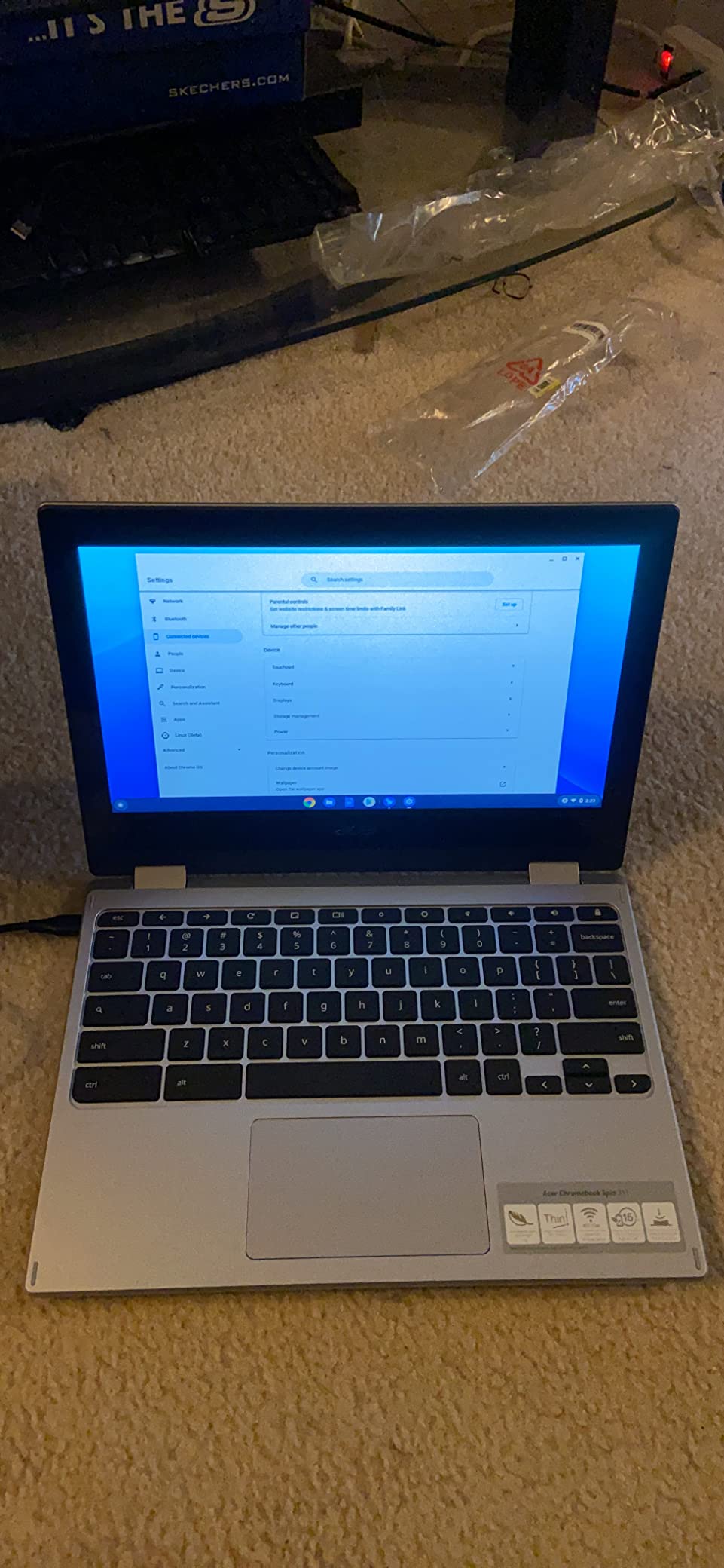
The Chromebook Plus Spin 514 is the first machine in this list to arrive with a 7-in-1 USB-C hub in the box. That matters for travel because it means you can connect to a hotel TV, a wired network or an external drive without buying an adapter before you leave.
The 14-inch WUXGA 1920×1200 IPS LED-backlit touchscreen runs at 300 nits with a bezel-less design, and the 360-degree hinge gives you laptop, yoga, flip and tablet modes. An FHD auto-exposure camera with a physical privacy shutter is a nice touch in shared spaces and on a plane.
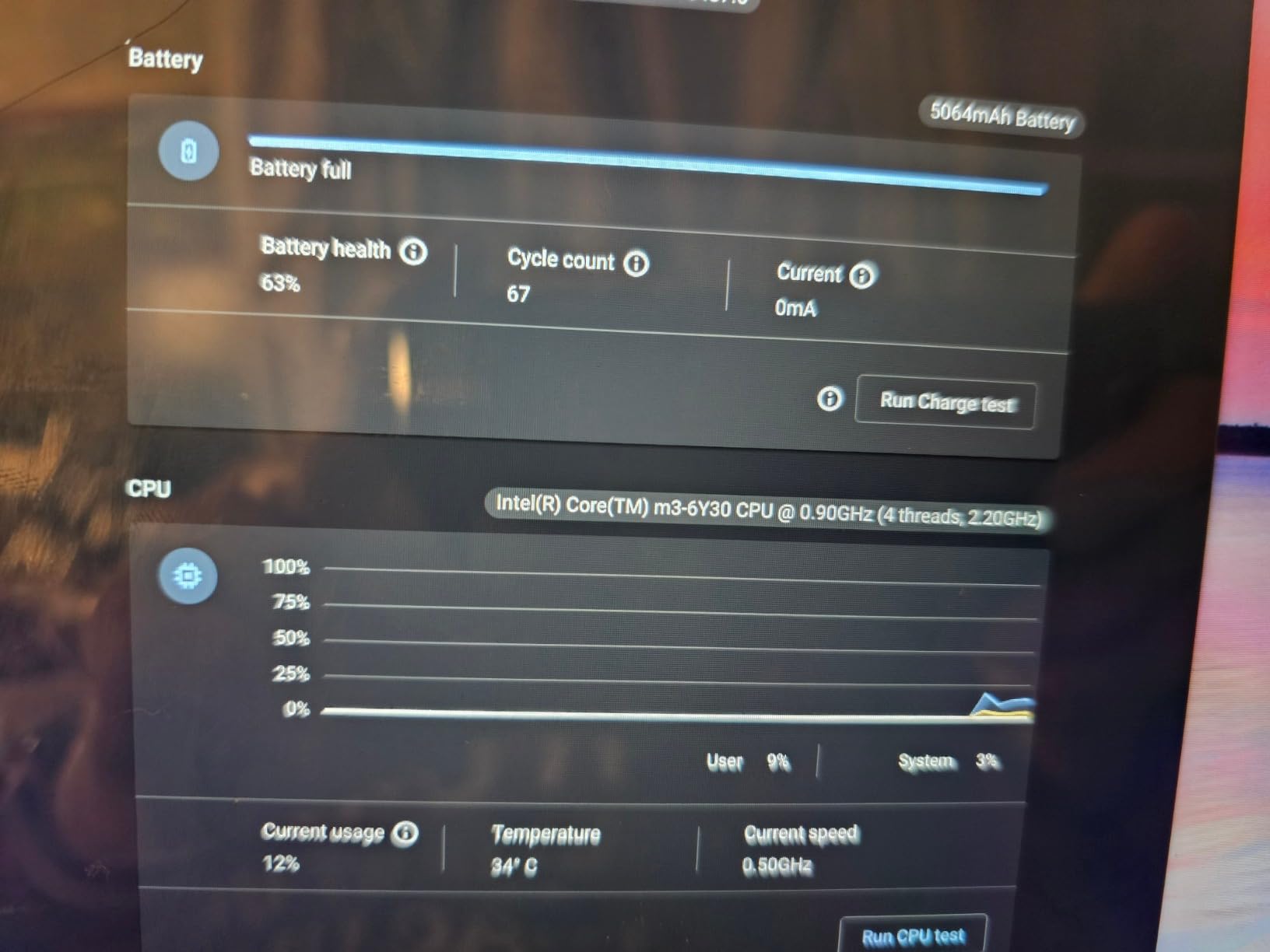
Underneath, a 13th-gen Intel Core i5-1334U with 10 cores up to 4.6 GHz and integrated UHD graphics pairs with 8GB of LPDDR5 at 4800 MHz and a 512GB PCIe NVMe drive. For web apps, documents and streaming that is generous, and 606 owners have left ratings to prove the volume.
You also get 12 months of Google AI Pro included, which covers Gemini and NotebookLM, and support for three external 4K monitors without a docking station. Auto-update support runs to June 2032, so security is handled for you.
Why ChromeOS works for travel
If your working life is browser-based, ChromeOS is the easiest platform to travel with. There is nothing to install, the machine wakes instantly and recovers from sleep in a second or two, which suits short-haul hops where you work in bursts.
The 10-hour battery and backlit keyboard cover a full day, and the convertible hinge means it doubles as a reading device on a long flight. For students and remote workers on web-first workflows, it removes a lot of the usual friction.
Where it falls short
3.3 lb is heavy for a 14-inch Chromebook, and at 0.82 inches it is visibly chunkier than the slim ultraportables on this list. ChromeOS cannot run Windows software, so anything outside the browser and the Play Store is out of reach.
At 300 nits the screen is modest for outdoor work, and one review noted the unit they received had storage resealed and upgraded by a third-party seller with a split warranty. Check the seller on this listing before you rely on the included hub.
7. Lenovo IdeaPad 3 14: Best Budget Windows at 1.5 kg
Lenovo IdeaPad 3 – (2023) – Everyday Notebook – Windows 11-14″ Full HD – 8GB Memory – 128GB Storage – Intel Core i3-1115G – Platinum Grey
Weight: 1.5 kg
14-inch Full HD LCD
8GB RAM and 128GB SSD
35 Wh battery, up to 7.5 hr
Pros
- Among the lowest-cost Windows options
- Keyboard repeatedly praised as class-leading
- Sturdy build and robust hinge
- Handles programming and video editing
- Webcam privacy shutter
Cons
- No USB-C port at all
- 128GB storage is small
- 7.5-hour battery is the shortest here
The IdeaPad 3 is the honest budget answer, and at 1.5 kg it is not going to win a weight contest against a carbon fiber ThinkPad. What it does win is build quality for the money: owners repeatedly call the chassis sturdy and the hinge robust, which is the trait you actually feel after a year of airport handling.
The keyboard is the standout. It comes up more than once in reviews as among the best in its class, and for someone typing emails and documents in a cafe that matters more than a faster chip.
Performance comes from an 11th-gen Intel Core i3-1115G up to 4.1 GHz with UHD Graphics 620, 8GB of DDR4 and a 128GB PCIe SSD. Owners report using it for programming, video editing and mid-range games, which is more than the specification sheet suggests.
Ports are old-school in a way that matters: three USB ports, HDMI and an SD card reader. Dolby Audio speakers and a 720p webcam with dual microphones and a physical privacy shutter cover calls and media.
Where the money is saved
You save on the 11th-gen processor, 8GB of DDR4 and a 128GB drive. That combination is fine for document work, browsing and coursework, and it is the reason the machine costs so little. For a student or a traveller who mostly needs a browser and word processor, it is enough.
The 14-inch Full HD 1920×1080 LCD panel with narrow side bezels keeps the footprint down, and one year of limited parts and labour warranty is included.
Where it falls short
There is no USB-C port. That is an outdated omission for a travel machine in 2026, because you cannot charge it from a USB-C power bank and many travellers only carry one cable. Plan to charge with the supplied brick.
At up to 7.5 hours from a 35 watt-hour battery, this is the shortest runtime in the group, and 128GB of storage means an external drive almost immediately. One review also reports a unit that stopped powering on after five months, outside the warranty window.
8. HP Chromebook Plus x360 Renewed: Best Refurbished Value 2-in-1
HP Chromebook Plus x360 Laptop 14″ 2 in 1 Touchscreen Business Laptop for Student Intel Core i3 N305 8GB RAM 256GB UFS Backlit KB Wi-Fi 6 Chrome OS w/Google AI (Renewed)
14-inch FHD IPS touch
Intel Core i3-N305, 8 cores
8GB LPDDR5 and 256GB UFS
10-hour stated battery
Pros
- Costs well below an equivalent new Chromebook Plus
- Sharp FHD IPS touchscreen for the price
- 360-degree convertible hinge
- 256GB storage and backlit keyboard
- Instant wake from sleep
Cons
- Renewed condition means possible battery wear
- Only a 90-day limited warranty
- ChromeOS limits you to web and Android apps
This is the weight-for-dollar route, and it is worth considering carefully. The HP Chromebook Plus x360 costs noticeably less than an equivalent new Chromebook Plus, and for a second travel machine that will live in a bag and get handled roughly, that trade often makes sense.
Inside is an Intel Core i3-N305 with 8 cores up to 3.8 GHz and Intel UHD graphics, 8GB of LPDDR5 and 256GB of UFS storage with instant wake-up. That last part is the travel feature: no boot wait when you open the lid at the gate.
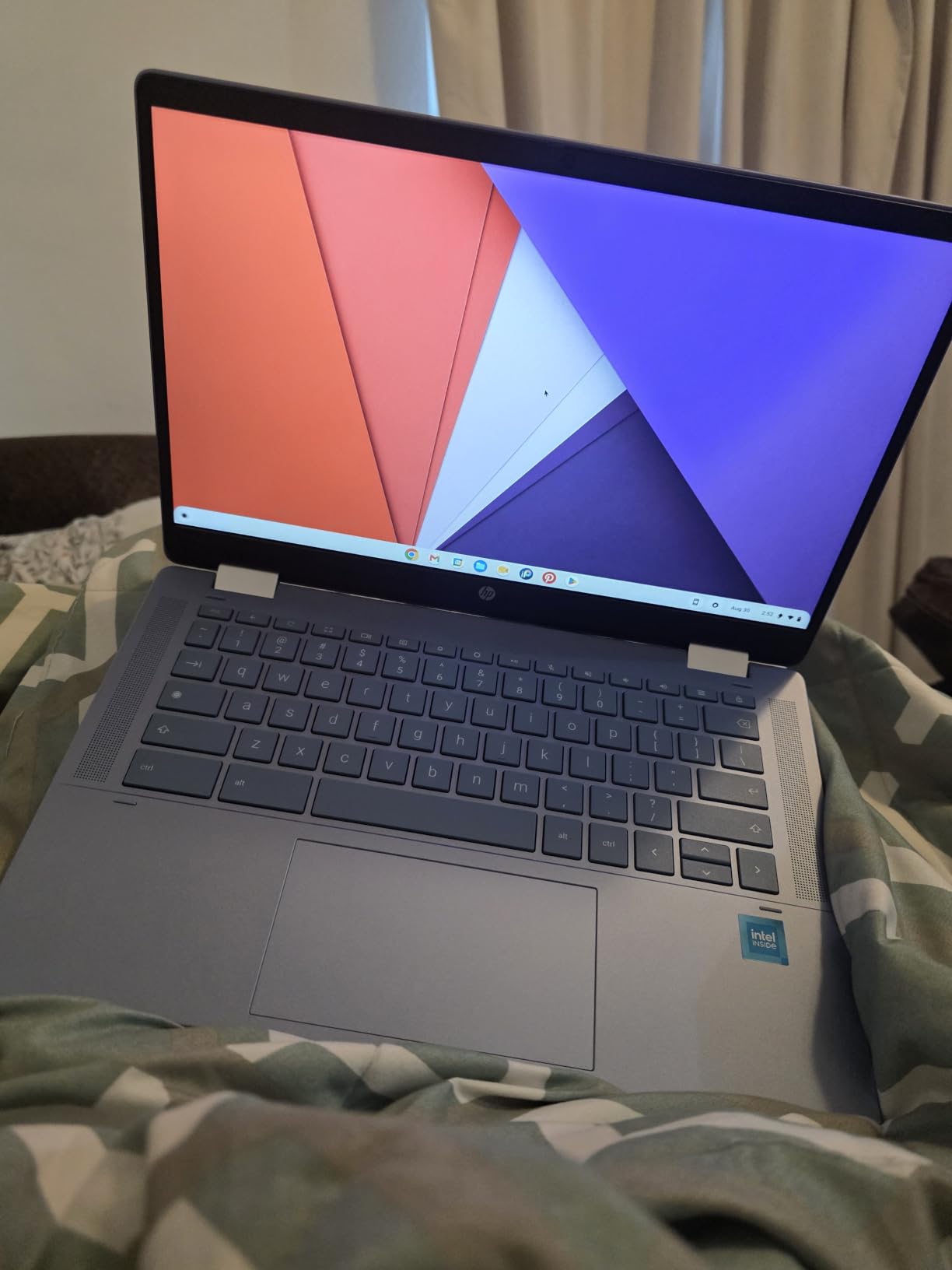
The 14-inch 1920×1080 IPS touchscreen at 250 nits with a micro-edge design is sharper than most Chromebooks at this level, and the 360-degree hinge gives you laptop, yoga, flip and tablet modes. A backlit keyboard matters more on a red-eye than most spec sheets suggest.
Stated battery life is 10 hours. Ports are thin at one USB-A, two USB-C and a headphone and microphone combo jack, so you may still want a small hub. Wi-Fi 6 and Bluetooth 5.3 are present.
Is renewed the right call
Renewed makes sense when the machine is a travel companion rather than your primary work computer, or when you want a second device for trips where losing or damaging it would hurt. The specification here is good enough for web work, documents and coursework.
Ask the seller about battery condition specifically, because that is the part of a Chromebook most likely to have degraded. A machine that no longer holds a morning of work defeats the whole purpose.
Where it falls short
You accept renewed condition, so cosmetic marks and battery wear are possible, and the warranty is 90 days rather than a year. At 250 nits the screen is dim outdoors, and ChromeOS limits you to web and Android apps with no Windows software at all.
The manufacturer field also lists Amazon Renewed as the source, so the machine was not built new for this listing. That is normal for the category, but it is worth knowing before you compare it against new machines on paper.
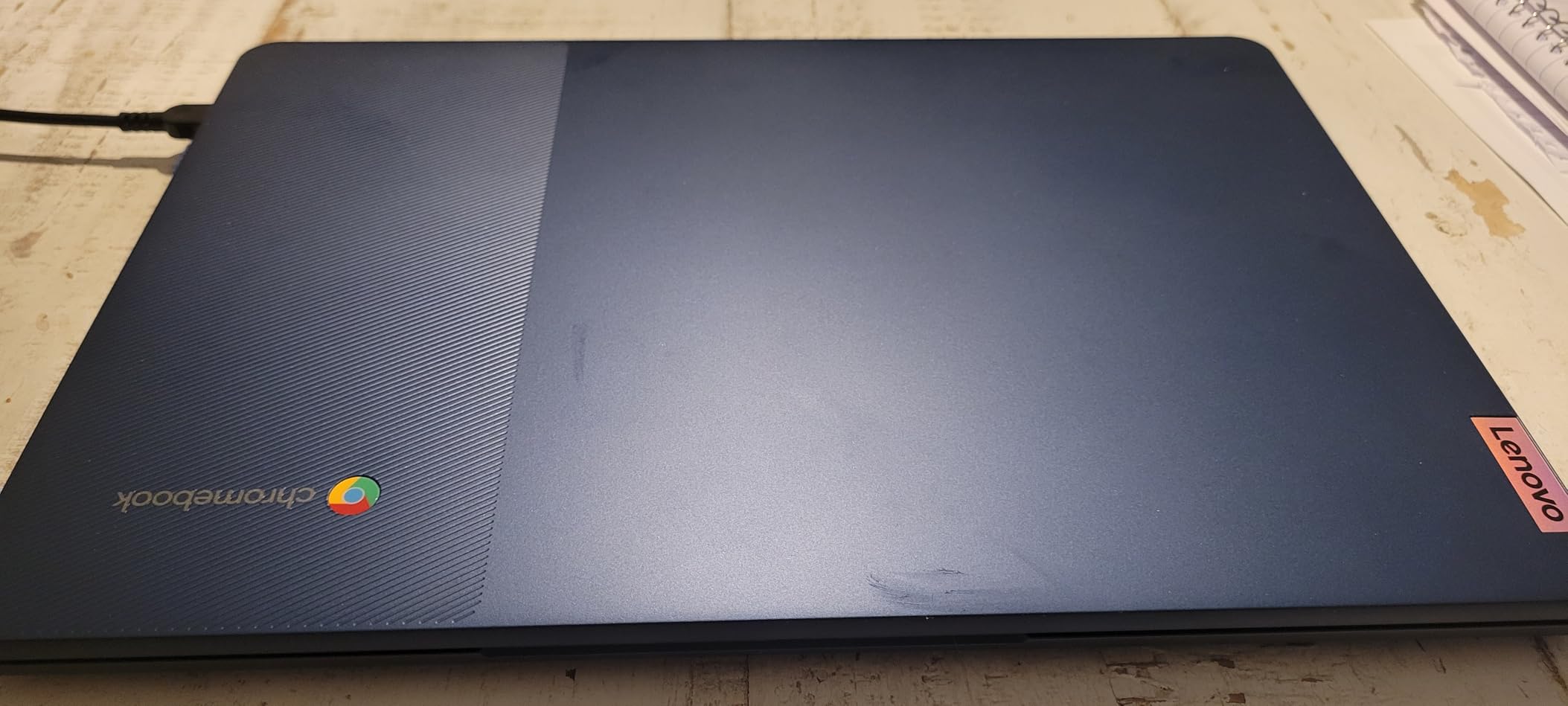
9. Lenovo IdeaPad Slim 3 Chromebook: Best Budget Travel Laptop at 2.9 lb
Lenovo Flagship Chromebook, 14” FHD Touchscreen Slim Thin Light Laptop Computer, 8-Core MediaTek Kompanio 520 Processor, 4GB RAM, 64GB eMMC, WiFi 6,Chrome OS, Abyss Blue
Weight: 2.9 lb
14-inch FHD IPS touch
MediaTek Kompanio 520 octa-core
13.5-hour stated battery
Pros
- Lowest-cost option in the roundup
- 2.9 lb is genuinely easy to pack
- Longest stated battery here at 13.5 hours
- FHD IPS touchscreen
- MicroSD expansion and privacy shutter
Cons
- 4GB RAM struggles with many apps
- 64GB eMMC is very limited
- ChromeOS only
With 1,396 ratings this is one of the most reviewed machines in the roundup, and reviewers specifically cite it as an easy-to-carry travel and school laptop. At 2.9 lb and 0.73 inches thick it packs like a genuinely small notebook, and it sits in our middle weight tier without feeling like a compromise.
Battery is the headline feature: up to 13.5 hours stated from a 47 watt-hour cell, the longest rated figure in this group. On a work trip that means you can go a full day without thinking about a charger, which is the whole point of a travel laptop.
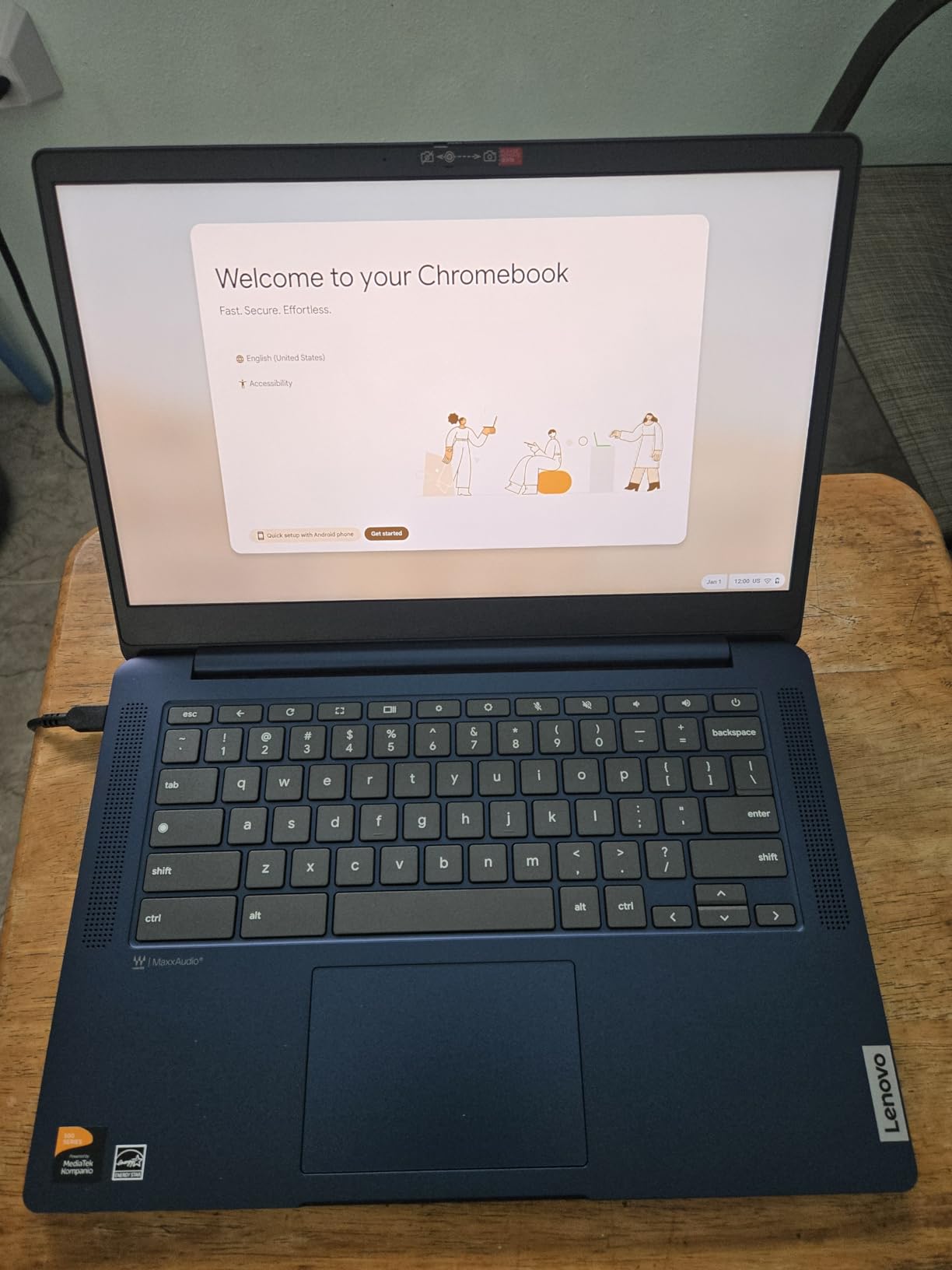
The 14-inch 1920×1080 IPS touchscreen at 250 nits has an LED backlight and good colour and clarity for the money, and touch response is a common positive. A backlit keyboard, a 720p webcam with a physical privacy shutter and a dual array microphone cover the everyday travel needs.
Power comes from a MediaTek Kompanio 520 octa-core processor with a Mali-G52 GPU, alongside Wi-Fi 6 and Bluetooth 5.1. Storage is 64GB eMMC with a microSD reader for expansion, and there is one USB-A and one USB-C port alongside the audio combo jack.
The cheapest way to carry a computer
If your travel work is email, documents, browsing and streaming, this machine does all of it at the lowest cost in the roundup. It is a sensible first laptop, a sensible backup and a sensible gift, and the long battery removes the most common travel problem outright.
The touchscreen plus the low weight makes it easy to read a document on a train without propping the screen against a water bottle. Just accept that it is a ChromeOS machine and plan around that.
Where it falls short
4GB of RAM struggles when many apps are open at once, and 64GB of eMMC is very limited for anything beyond web use. Both are hardware limits that no software update will fix.
Reviewers also criticise the trackpad as unresponsive enough to suggest a wireless mouse, and describe the keyboard as feeling plastic with an unconventional Caps Lock position. Add a 90-day warranty and some reported lag when browsing, and this is clearly a budget machine rather than a smooth daily driver.
10. HP OmniBook X Flip 14: Best Endurance Convertible at 3.1 lb
HP OmniBook X Flip 14 2-in-1 Touchscreen Laptop, Intel Core Ultra 5 226V
Weight: 3.1 lb
14-inch 2K IPS touch at 120Hz
Up to 22 hr 45 min stated battery
0.58-inch thin body
Pros
- Extremely thin 0.58-inch convertible chassis
- Up to 22 hours 45 minutes stated battery
- Bright 400-nit 2K touchscreen at 120Hz
- 40 TOPS NPU with Copilot+ features
- Thunderbolt 4 plus HDMI 2.1 plus two USB-A
Cons
- Only 33 reviews so far
- 3.1 lb is heavier than the lightest picks
- Integrated graphics are not for heavy creative work
The OmniBook X Flip 14 is the newest machine here and the one to watch. At 3.1 lb and just 0.58 inches thick it packs flatter than anything else in this roundup, and it folds flat or stands up as a second screen when you want to watch something on a long flight.
The battery figure is the standout: up to 22 hours 45 minutes stated, with fast charging. Even allowing for the usual gap between rated and real-world figures, that is enough for an entire travel day of work with charge to spare.
The 14-inch 2K 1920×1200 IPS touchscreen runs at 120Hz with 400 nits, an anti-glare coating and an 89.5 percent screen-to-body ratio. The high refresh rate makes scrolling documents smooth in a way that 60Hz panels in this price range cannot match, and 400 nits is readable in a bright cafe.
Inside is an Intel Core Ultra 5 226V, an 8-core part up to 4.5 GHz with a 40 TOPS NPU, Intel Arc 130V graphics, 16GB of LPDDR5X at 7500 MHz and a 1TB PCIe 5.0 SSD. Ports are two Thunderbolt 4 or USB-C, one USB-C 3.1, two USB-A 3.1 and HDMI 2.1, plus a bundled stylus.
Who should look at this one
Pick the OmniBook X Flip if you want a Windows machine that is thin, quiet and lasts longer than anything else here. The Copilot+ features, walk-away lock and wake-on-approach behaviour are small touches that suit a machine that lives in a bag and gets opened in an airport.
The 2-in-1 hinge works flat, folded or flipped, which makes it a reasonable secondary display when you are working from a hotel desk and do not want to carry a separate tablet.
Where it falls short
At only 33 reviews there is very little long-term reliability feedback, and that is a real limitation when you are buying something to depend on for years. Ask yourself whether you are comfortable being an early adopter.
At 3.1 lb it is heavier than the lightest ultraportables, and Intel Arc integrated graphics will not satisfy heavy creative work or serious gaming. For pure web and document travel work, neither matters.
How to Choose a Travel Laptop: 6 Criteria That Matter
Work through these in order and the shortlist narrows fast.
1. Total travel weight, not laptop weight. Add the charger, the sleeve and any hub to the laptop figure. A 2.7 lb laptop with one slim USB-C brick can beat a heavier machine that needs two bricks, which is why we published port selection alongside every pick.
2. Battery that covers your longest day without a charger. Rate the manufacturer figure down roughly a quarter for real-world use at cabin brightness. Anything at or above 10 hours stated will handle a long travel day. Our picks with the longest ratings are the Lenovo IdeaPad Slim 3 Chromebook at 13.5 hours, the HP OmniBook X Flip 14 at up to 22 hours 45 minutes and the Samsung Galaxy Book5 Pro 360 at up to 25 hours.
3. Screen size against carry-on fit. Thirteen-inch and 14-inch machines are easiest to pack and easiest to use on a tray table. Sixteen inches buys real estate for editing and spreadsheets but pushes against under-seat personal item limits. If you want a bigger canvas at a desk rather than on a plane, a portable monitor and a docking station at home solves it without a heavier bag.
4. Ports, so you can skip the dongle. Two USB-C ports, one full-size HDMI and one USB-A cover nearly every hotel room and client site. Our picks with that set, such as the ThinkPad X1 Carbon, the MacBook Air and the Samsung Galaxy Book5 Pro 360, let you travel with one cable.
5. Operating system. macOS suits people whose work lives in the Apple ecosystem and value battery and silence. Windows gives you the full range of business software and, on these picks, plenty of power. ChromeOS is the lightest and simplest option and handles browser-based work well, but it cannot run Windows applications.
6. Durability and warranty. Carbon fiber and magnesium-alloy chassis are the travellers’ choice because they survive a bag being dropped. One year of onsite support, as on the ThinkPad X1 Carbon, is worth more than it sounds when you are a long way from a service centre.
If you want a single decision rule: buy the MacBook Air 13-inch M5 if you can afford it, the Lenovo IdeaPad Slim 3 Chromebook if you cannot, and the ThinkPad X1 Carbon if your employer reimburses the expense.
Who Should Skip a Lightweight Travel Laptop
Lightweight laptops are not for everyone, and skipping one saves you money and disappointment.
If you edit video or photos at a professional level, an integrated graphics chip will not cut it and you should accept a heavier machine or a desktop. If you play games, expect a fan that runs and a battery that does not, and laptops in that class run hot on your lap during a long session.
Developers running large local containers or virtual machines need more memory and more ports than a thin chassis provides. And if your work demands a screen you can read without a magnifier, a 13-inch panel will make you miserable within a week.
There is also a size threshold worth naming. If your company buys you a laptop, you may be better off spending the saving on a second monitor at the office than on shaving two more tenths of a pound.
Frequently Asked Questions
What is the best laptop for traveling?
The Apple MacBook Air 13-inch M5 is the best laptop for travel in 2026. It weighs 2.71 lb, offers up to 18 hours of stated battery life, and carries two Thunderbolt 4 ports plus MagSafe so you can travel with one cable. If your budget is tighter, the Apple MacBook Neo 13-inch offers the same 2.71 lb weight with up to 16 hours stated and costs considerably less.
What is the best very lightweight laptop?
The Lenovo ThinkPad X1 Carbon Gen 12 is the very lightweight pick at 2.4 lb, and it is the only sub-2.5 lb Windows machine in this roundup. Its carbon fiber chassis, full port set with HDMI and two USB-A, and 32GB of memory make it the strongest option if every ounce counts.
What is the best value laptop for travel?
The Lenovo IdeaPad Slim 3 Chromebook is the best value travel laptop, with 1,396 ratings behind it. It weighs 2.9 lb, packs into a 0.73-inch chassis and carries a 13.5-hour stated battery at the most accessible price in this group. The Apple MacBook Neo 13-inch is the best value pick if you need a full operating system instead of ChromeOS.
Which is the best lightest laptop?
Among these picks the lightest is the Lenovo ThinkPad X1 Carbon Gen 12 at 2.4 lb. Both Apple machines, the MacBook Air 13-inch M5 and the MacBook Neo 13-inch, sit just above at 2.71 lb. Anything under 2.5 lb will give up some battery capacity and screen size, so weigh that against how often you fly.
Do I want a 14 or 16 inch laptop for travel?
For flights and under-seat personal item limits, 14 inches is the easier choice. A 14-inch machine such as the HP Envy x360 at 8.3 inches wide fits a personal item box comfortably, while the 16-inch Samsung Galaxy Book5 Pro 360 measures 9.93 inches by 13.99 inches and is far better suited to an overhead bin and a hotel desk than a tray table. Choose 16 inches only if you edit media or work from a fixed room.
Can I carry my laptop in my personal bag?
Most airlines allow a laptop inside your carry-on without counting it against the allowance, but the bag itself must still meet size limits. Personal item limits are much tighter, often around 18 by 14 by 8 inches, so check your laptop footprint against that box. Every 13-inch and 14-inch pick in this roundup fits comfortably; the 16-inch convertible is a tight squeeze.
What is the best laptop for all work tasks on the road?
For documents, spreadsheets, code review and video calls, the Lenovo ThinkPad X1 Carbon Gen 12 is the most complete answer: Windows 11 Pro, 32GB of LPDDR5X memory, a 1TB Gen4 SSD, a 14-inch anti-glare screen and a full port set at 2.4 lb. If your work includes photo or video editing, step up to the Samsung Galaxy Book5 Pro 360 and accept 3.7 lb.
The Best Lightweight Laptops for Travel in 2026
After six weeks of carrying these machines, the MacBook Air 13-inch M5 is the one we kept. At 2.71 lb it disappears in a bag, the stated 18-hour battery ends the hunt for outlets, and two Thunderbolt 4 ports plus MagSafe mean one cable does everything.
If money is the constraint, the MacBook Neo 13-inch matches that weight and most of that battery, while the Lenovo IdeaPad Slim 3 Chromebook at 2.9 lb gives you 13.5 hours and the lowest entry point in the group. Travellers who need Windows 11 Pro and every port onboard should look at the ThinkPad X1 Carbon Gen 12 at 2.4 lb.
Pick from these best lightweight laptops for travel by weight first, then by battery, and you will be happy with whatever you end up buying.