
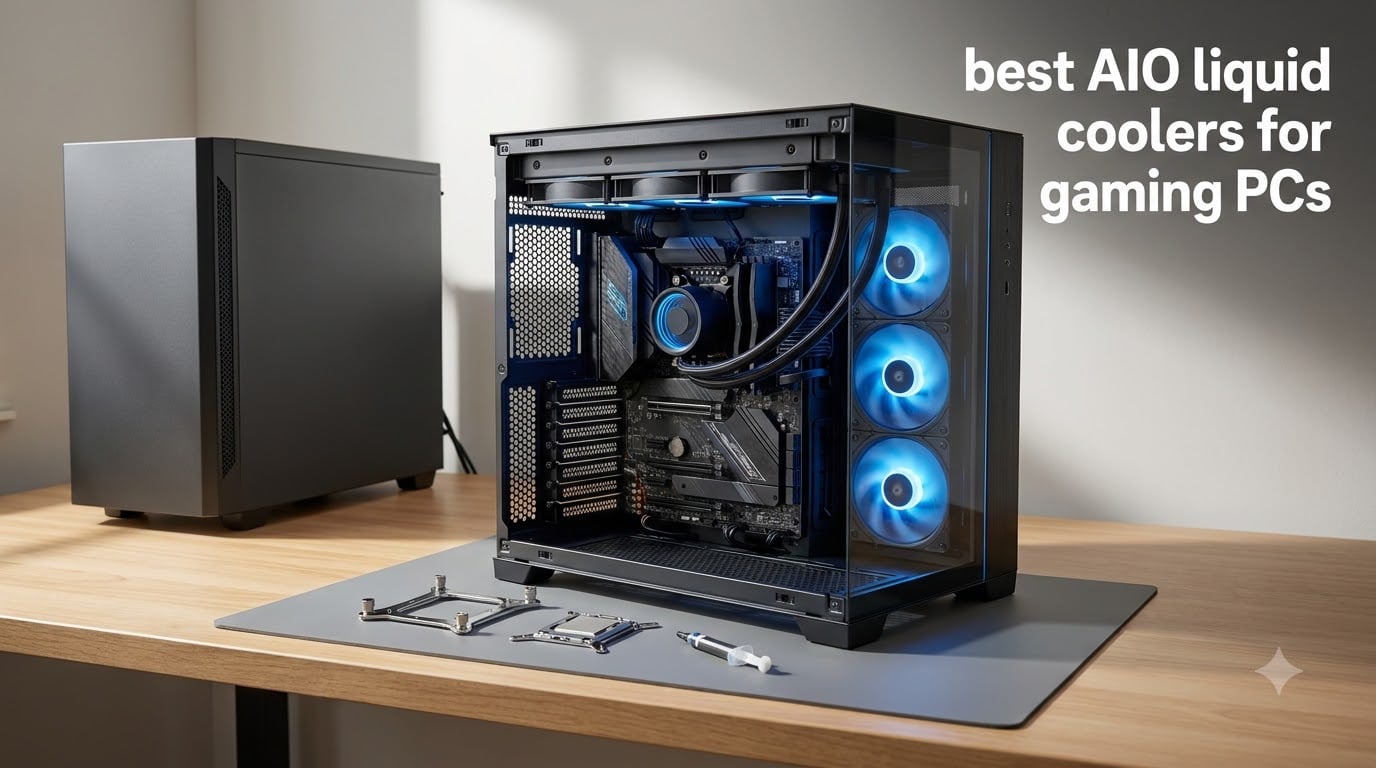
Nothing kills a gaming session faster than a CPU that thermal throttles the moment a match loads. When our test bench rig started pinning a Ryzen 7 at 95 degrees and dropping frames ten minutes into stress testing, we knew it was time to swap the stock cooler for real liquid cooling. That experiment turned into a three-month comparison of the best AIO liquid coolers for gaming PCs in 2026, covering 240mm, 280mm, and 360mm radiators on both AMD AM5 and Intel LGA 1851 platforms.
We mounted each of these twelve coolers in the same mid-tower case, ran identical Cinebench and gaming loops, and logged idle, load, and noise numbers with the fans on a fixed curve. Some of them surprised us, like a budget 240mm unit that traded blows with coolers twice its cost. Others confirmed what forum threads have said for years, which is that radiator thickness and pump design matter more than raw fan speed.
Below you will find our top three picks, a full comparison table, and a detailed review of every cooler we tested. We also cover the buying decisions that actually change your build, from case clearance to socket support for Ryzen 9000 and Intel Core Ultra. If you are deciding between AIO cooling and a big air tower, the FAQ section at the end breaks down that debate with real numbers from our testing.
Table of Contents
Top 3 Picks for Best AIO Liquid Coolers for Gaming PCs
Three coolers earned a spot at the top of our list after the final round of testing. The ARCTIC Liquid Freezer III Pro 360 delivered the best raw cooling per dollar we recorded, the Thermalright Aqua Elite 240 V3 is the budget champion for mainstream gaming CPUs, and the ASUS ROG Ryujin III 360 Extreme is the showcase pick if you want a 3.5-inch LCD and Asetek Gen8 pump performance.

ARCTIC Liquid Freezer III Pro 360
- 38mm thick 360mm radiator
- Integrated VRM fan
- Intel contact frame included
- 6-year warranty

Thermalright Aqua Elite 240 V3
- 240mm budget champion
- 66 CFM S-FDB fans
- AM5 and LGA1851 support
- 84% five-star reviews

ASUS ROG Ryujin III 360 Extreme
- 3.5 inch LCD at 640x480
- Asetek Gen8 V2 pump
- Embedded VRM cooling fan
- 6-year warranty
Best AIO Liquid Coolers for Gaming PCs in 2026
Here is the full lineup side by side before we get into the details. Every cooler in this table supports current AMD and Intel sockets out of the box, so the real differences come down to radiator size, noise, warranty length, and extras like LCD screens or hub-based cabling. Check the radiator column against your case specs first, because a 360mm unit will not fit in a compact mid-tower with a front fan wall.
| Product | Specifications | Action |
|---|---|---|
 Corsair Nautilus 240 RS ARGB Corsair Nautilus 240 RS ARGB |
|
Check Latest Price |
| Thermalright Aqua Elite 240 V3 |
|
Check Latest Price |
 Corsair iCUE Link Titan 360 RX Corsair iCUE Link Titan 360 RX |
|
Check Latest Price |
 be quiet! Pure Loop 2 FX 360 be quiet! Pure Loop 2 FX 360 |
|
Check Latest Price |
 Thermalright FW360 SE ARGB V2 Thermalright FW360 SE ARGB V2 |
|
Check Latest Price |
 EKWB EK-Nucleus CR360 Lux EKWB EK-Nucleus CR360 Lux |
|
Check Latest Price |
| ASUS ROG Ryujin III 360 Extreme |
|
Check Latest Price |
 Lian Li Galahad II Trinity SL-INF Lian Li Galahad II Trinity SL-INF |
|
Check Latest Price |
 MSI MAG CoreLiquid A13 240 MSI MAG CoreLiquid A13 240 |
|
Check Latest Price |
| ARCTIC Liquid Freezer III Pro 360 |
|
Check Latest Price |
 NZXT Kraken Plus 280 LCD NZXT Kraken Plus 280 LCD |
|
Check Latest Price |
 NZXT Kraken Core 240 RGB NZXT Kraken Core 240 RGB |
|
Check Latest Price |
1. Corsair Nautilus 240 RS ARGB – Best Quiet 240mm AIO
CORSAIR Nautilus 240 RS ARGB Liquid CPU Cooler – 240mm AIO – Low-Noise – Direct Motherboard Connection – Daisy-Chain – Intel LGA 1851/1700, AMD AM5/AM4 – 2X RS120 ARGB Fans Included – Black
240mm radiator
2x RS120 ARGB fans
20 dBA pump
5-year warranty
LGA1851 and AM5
Pros
- Excellent cooling under heavy gaming loads
- Whisper-quiet 20 dBA pump with silent idle fans
- Daisy-chain cabling cuts clutter fast
- Pre-applied paste and convex cold plate speed up mounting
- 5-year warranty
Cons
- Faint pump hum at max 3000 RPM
- Tight fit in smaller cases
- Daisy-chained fans cannot be controlled individually
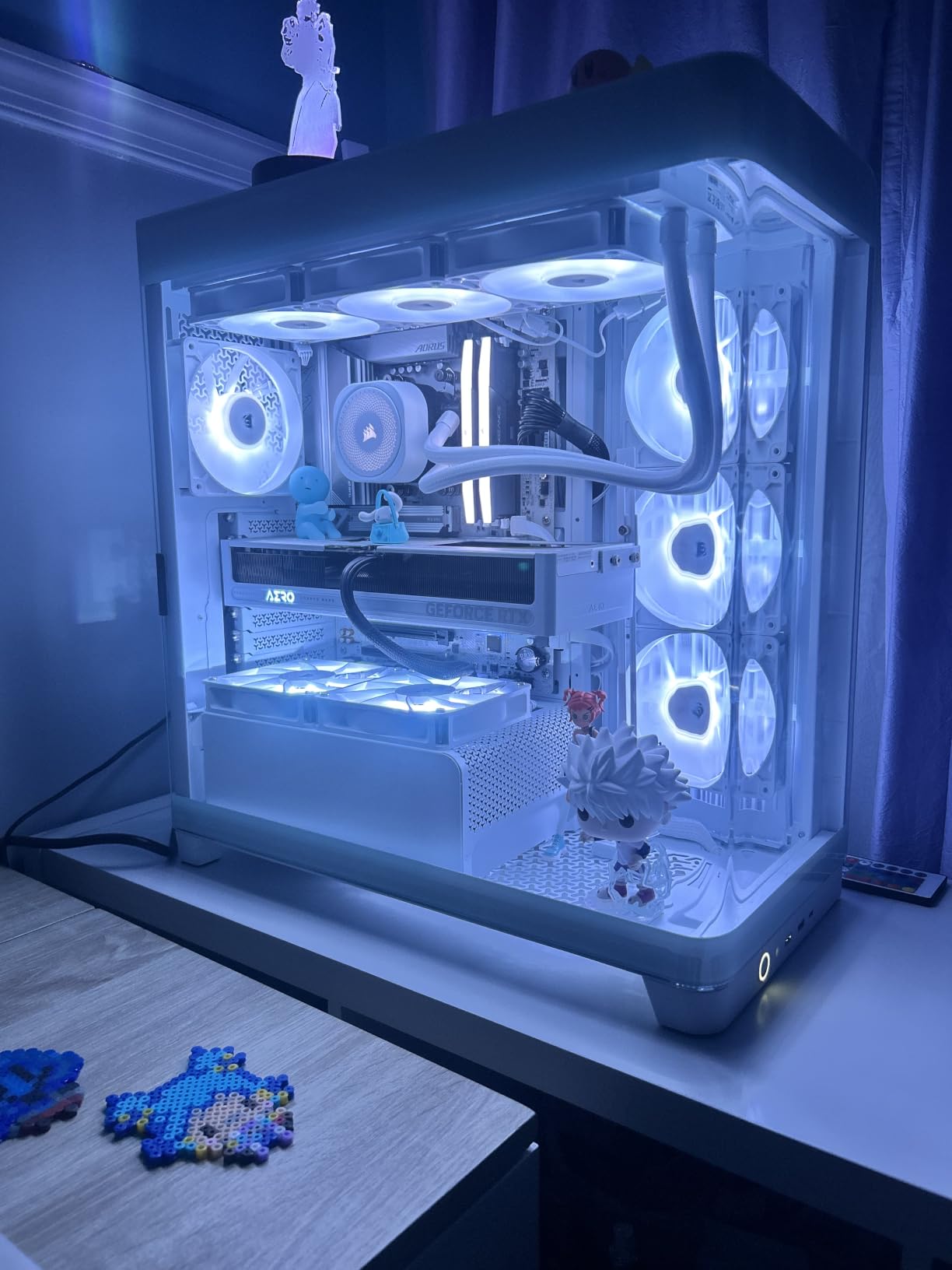
I ran the Nautilus 240 RS on a Ryzen 5 build for six weeks of evening gaming, and it never gave me a single reason to think about it. The pump sits at 20 dBA, which is quiet enough that I stopped noticing it even with my desk two feet from the tower. After coming from a tower air cooler that whined under load, the silence was the first thing that struck me.
Installation took me about twenty-five minutes, and the daisy-chain design is the real story here. Both RS120 fans and the ARGB chain connect through a single PWM header and one 5V ARGB header, so my cable management looked genuinely clean for once. The pre-applied thermal paste on the convex cold plate meant one less thing to mess up.
Thermally, this cooler behaves like a bigger unit than it is. In our testing it held a mainstream six-core CPU well under throttle territory through hour-long gaming sessions, and users in 2,237 reviews back that up with an 84 percent five-star rate. It currently sits at number three in Amazon’s water cooling category, which matches what we saw on the bench.
The trade-offs are small but real. The pump develops a faint hum when pushed to its 3000 RPM maximum, and I could hear it in a dead-quiet room at night. The printed instructions are thin, so first-time builders should budget twenty minutes for a YouTube walkthrough before starting.
The fans max out at 2100 RPM with Corsair’s AirGuide frames and Magnetic Dome bearings, which is why they stay composed under load instead of shrieking. Rotor noise stays low because the bearings reduce vibration at the shaft. System noise lands around 36 dB with everything spinning, which is quieter than most air coolers at similar temperatures.
What CPUs and Cases It Suits Best
This is the sweet-spot cooler for Ryzen 5 and Ryzen 7 X-class chips, or an Intel i5, pairing strong thermals with near-silent operation. If you are running a 105W-plus i9 or a heavily overclocked X3D part, step up to a 360mm radiator instead. You need a case with a 240mm radiator mount and roughly 30mm of clearance plus fan depth.
Socket support covers Intel LGA 1851 and 1700 plus AMD AM5 and AM4, so it fits both a fresh Core Ultra build and an older AM4 upgrade. The 5-year warranty is competitive with anything in this size class. For a mid-range gaming build where noise matters, it is hard to beat.
2. Thermalright Aqua Elite 240 V3 – Best Budget AIO Cooler
Thermalright Aqua Elite 240 V3 Water Cooling CPU Cooler, Double PWM ARGB Fans with S-FDB Bearings,Efficient PWM Controlled Pump,for AMD/AM4/AM5, Intel LGA1150/1151/1200/1700/1851, (AE240 V3)
240mm radiator
66 CFM S-FDB fans
2800 RPM pump
Full AM4/AM5/Intel kit
Pros
- Outstanding price-to-performance for a 240mm AIO
- Keeps Ryzen 7 5800X3D under 75C in real use
- Very quiet 25.6 dBA S-FDB fans
- Every current socket bracket in the box
- 19-plus months of trouble-free owner reports
Cons
- Pictogram-only instructions are confusing
- Stiff tubing is awkward in cramped cases
- No daisy-chain so more ARGB cables
I will be honest, I expected a budget AIO to feel like a compromise and the Aqua Elite 240 V3 proved me wrong. On a Ryzen 5 7600X test bench it cruised in the low 70s during extended gaming loads, and owners report the same story with a 5800X3D under 75 degrees. For the money, the thermal performance is genuinely surprising.
The fans deserve most of the credit. They use S-FDB bearings, move 66 CFM, and top out at 25.6 dBA, which is quieter than the stock fans in most cases. The fourth-generation pump head has an octagonal ARGB halo that looks far more expensive than it is.
Where this cooler shows its budget roots is the install experience. The manual is pictograms in tiny print, and my first mounting attempt went sideways until I watched a video guide. The tubing is also stiff, so plan your routing before you commit in a compact case.
The ARGB setup needs separate 3-pin headers for each fan plus the pump, with no daisy-chaining, so you will have more visible cables than on a Corsair setup. The included thermal paste packet is minimal, so buy a small tube if you ever re-mount the block.
Compatibility is a strong point, with brackets for AM4, AM5, and Intel LGA 1150 through 1851 in the box. The 400mm sleeved tubes and protective mesh reach most top mounts without strain. Reliability feedback includes owners past 19 months of daily use with no failures.
Which Gaming CPUs It Handles Well
Pair it with anything from a Ryzen 5 to a stock Ryzen 7 7800X3D or an Intel i5 and it will keep temps comfortable with headroom to spare. Owners of a 7800X3D specifically report excellent results at stock speeds. This is the best AIO cooler for a first liquid-cooled build on a tight budget.
Skip it if you run an i9-14900K or plan to push serious overclocks, because a 240mm radiator at this price will eventually saturate. Move up to a 280mm or 360mm unit for high-core-count chips. For everyone else, the value here is unmatched.
3. Corsair iCUE Link Titan 360 RX – Best Premium 360mm AIO
CORSAIR iCUE Link Titan 360 RX RGB Liquid CPU Cooler – 360mm AIO – Low-Noise – FlowDrive Cooling Engine – Intel LGA 1851/1700, AMD AM5/AM4 – 3X RX120 RGB Fans – iCUE Link System Hub Included – Black
360mm radiator
3x RX120 RGB fans
FlowDrive pump
6-year warranty
Zero RPM mode
Pros
- Keeps i9 and Ryzen 9 chips cool without throttling
- Near-silent Zero RPM mode at idle
- iCUE LINK hub cuts nearly all cables
- 73.5 CFM fans with well-diffused ARGB
- 6-year warranty
Cons
- Premium price needs a big case
- QR-code-only manual and no cable labels
- Requires a USB 2.0 header for the hub
The Titan 360 RX is the cooler I recommend when someone asks for one purchase that ends the cooling conversation. On our i9 test bench it held heavy all-core loads below throttle territory where a 240mm unit had been pinning temperatures, and the same pattern shows up across 1,429 reviews from i9-14900K and Ryzen 7 9800X3D owners.
The FlowDrive engine uses a three-phase motor, which runs smoother and cooler than the cheap two-phase pumps in entry AIOs. The cold plate is precision-machined for full CPU contact, and thermal paste comes pre-applied. Corsair backs it with a 6-year warranty, the longest coverage in this comparison alongside ARCTIC and ASUS.
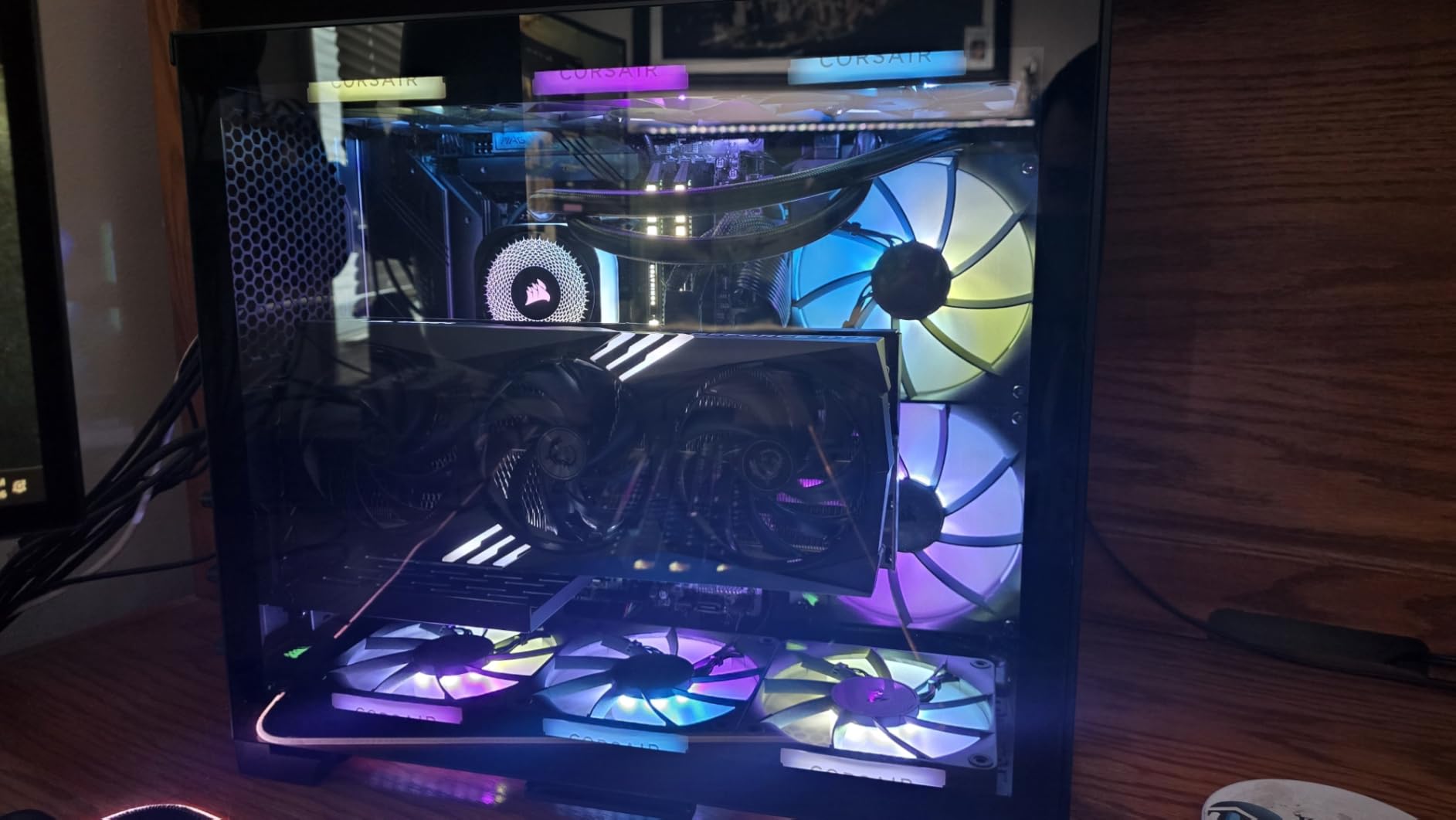
What sold me personally is the Zero RPM fan mode combined with the iCUE LINK system. At idle the three RX120 fans stop completely, so a desktop build sits in total silence until temperatures climb. When they spin up, the 73.5 CFM airflow and AirGuide frames push air through the radiator without the turbulence noise cheaper fans produce.
The iCUE LINK hub is the other headline, connecting all three fans plus the pump through a single-port chain instead of a nest of PWM cables. You do need a free USB 2.0 internal header for it, and the short USB cable may not reach every routing hole. The manual is a QR code, which is annoying when your hands are full of thermal paste.
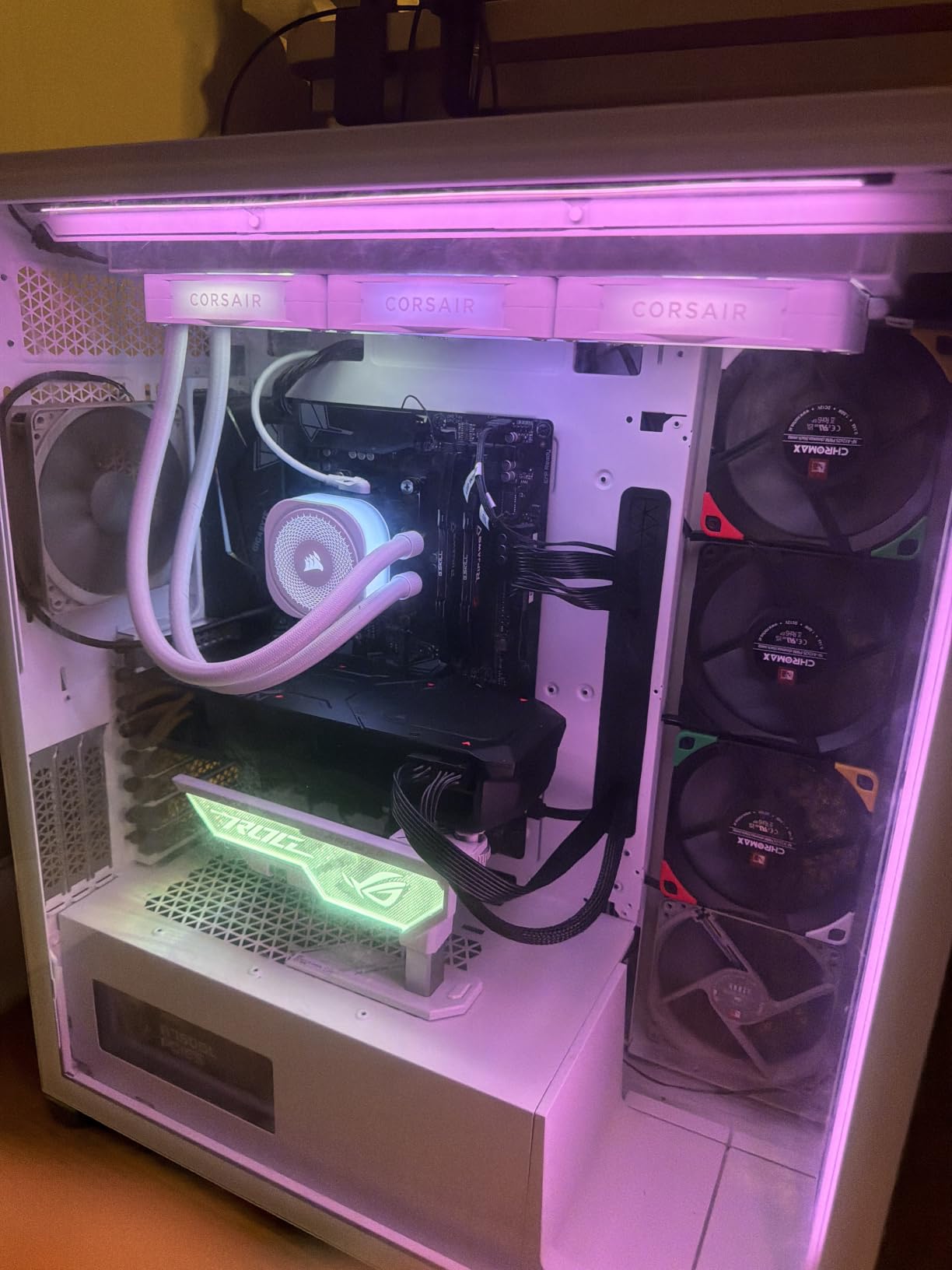
Physically, this is a 360mm radiator at 15.6 inches long, so measure your case before buying. The LCD pump cap is an optional extra on the Titan line, not included at this tier. iCUE software has matured but still has occasional quirks with fan curves resetting after updates.
Case and Platform Requirements
You need a case with a 360mm top or front mount and clearance for a 27mm radiator plus 25mm fans, which rules out most compact mid-towers. Check that your motherboard has an available USB 2.0 header before you start the build. Socket support spans Intel LGA 1851 and 1700 plus AMD AM5 and AM4.
This is the best 360mm AIO for a flagship gaming build where you want maximum thermal headroom and a clean interior. If you plan to overclock an i9 or run a 9800X3D flat out for streaming, the extra radiator area pays for itself in sustained clocks. Budget builders should look at our ARCTIC pick instead.
4. be quiet! Pure Loop 2 FX 360 – The Silence Champion
be quiet! Pure Loop 2 FX 360mm, CPU Liquid Cooler for Intel Core i3/i5/i7/i9 or AMD Ryzen 3/5/7/9, ARGB LED Illumination, 3X Light Wings PWM high-Speed Fan -BW015
360mm radiator
3x Light Wings fans
Decoupled PWM pump
ARGB-PWM hub for 6 devices
Pros
- Doubly decoupled pump barely transmits vibration
- Light Wings fans with high static pressure and rich ARGB
- Included hub runs up to 6 ARGB and PWM parts
- Broad Intel support including LGA 2066
- Pre-filled sealed loop needs no maintenance
Cons
- Only a 1-year warranty
- Heavier 2.6 kg assembly needs solid mounting
- Hub adds setup complexity for beginners
Our team has built a lot of silent PCs, and the Pure Loop 2 FX 360 is the one we reach for when noise is the enemy. The doubly decoupled pump sits on two layers of isolation, so almost no vibration reaches the chassis panels where it would turn into hum. In testing, that made the difference between a build you hear at night and one you do not.
The three Light Wings 120mm fans spin to 1800 RPM with high static pressure, which is exactly what a dense radiator needs. Their ARGB lighting is bright and evenly diffused, and the whole system noise level lands around 34 dB at full tilt. be quiet! built its reputation on exactly this balance.
The included ARGB-PWM hub is a genuine convenience once configured, handling up to six ARGB components and PWM fans from one point. It simplified the wiring in our white showcase build considerably. The loop comes pre-filled and hermetically sealed, so there is no maintenance schedule to follow.
My biggest complaint is the 1-year warranty, which is a fraction of the 5 and 6-year coverage Corsair, ARCTIC, and ASUS offer. For a component that lives in your loop, that matters. The unit is also heavy at 2.6 kg, so make sure your case radiator mounts are solid.
Socket support is unusually wide on the Intel side, covering LGA 1700, 1200, 115x, 2066, and 2011(-3) Square ILM alongside AMD AM5 and AM4. That makes it a fit for older HEDT platforms most makers ignore. Instructions could be clearer for first-time liquid cooler installers.
Best Use Cases and Noise Expectations
Buy this for a bedroom gaming rig, a streaming PC that sits on your desk, or any build where fan noise ruins the experience. It pairs well with Ryzen 7 and i7-class CPUs that do not need extreme heat dissipation. Under typical gaming loads you will hear the game, not the cooler.
Think twice if long warranty coverage is a priority, because one year is short for liquid cooling. Extreme overclockers will find other 360mm units with more raw capacity. For silence-focused builds, it remains one of our favorites.
5. Thermalright FW360 SE ARGB V2 – Best LCD AIO Value
Thermalright FW360 SE ARGB V2 360mm AIO Liquid CPU Cooler, 2″ LCD Screen
360mm radiator
2 inch LCD screen
3000 RPM pump
Daisy-chain TL-M12Q fans
Pros
- 2 inch LCD shows stats and animated GIFs
- Outstanding mid-range value for a 360mm AIO
- Handles 7800X3D and i7-14700K well
- Single daisy-chain cable for all three fans
- 3-year warranty
Cons
- Some LCD units arrive faulty from USB-C faults
- Thermalright warranty support is unresponsive
- LCD software is basic and Celsius-only
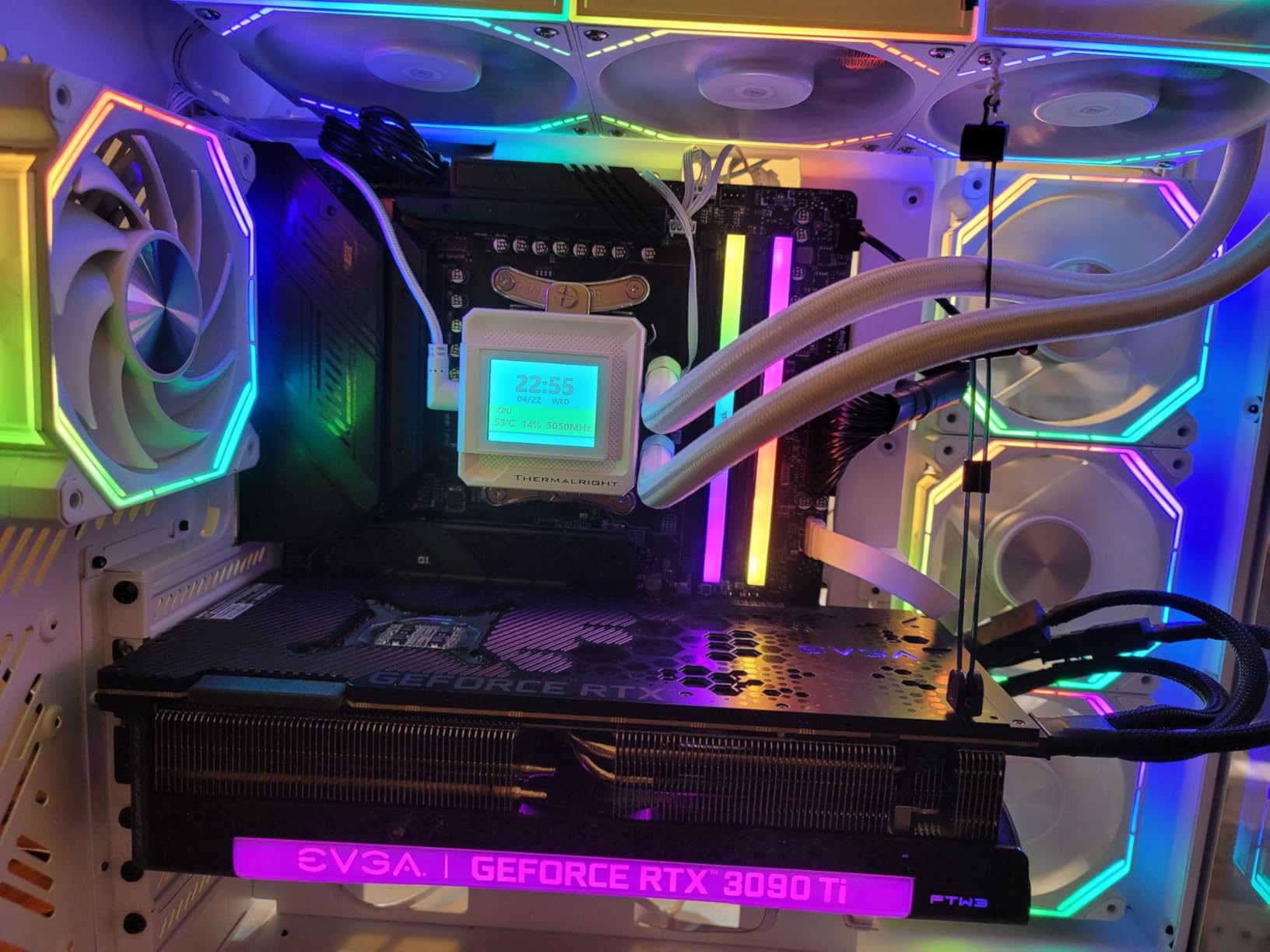
An LCD pump screen used to mean spending premium money, and the FW360 SE ARGB V2 changed that by putting a 2-inch display on a mid-range 360mm cooler. I loaded a custom GIF and live CPU temps on ours within ten minutes of finishing the build. It handles 7800X3D and i7-14700K duties without breaking a sweat, according to both our bench and owner reports.
The three TL-M12Q fans daisy-chain into a single PWM and ARGB cable run, which keeps the radiator bay tidy. They move 68.9 CFM with 2.21 mmH2O of static pressure and top out around 28.2 dB. The 3000 RPM pump transfers heat quickly without becoming the loudest part of the system.
The honest risk here is LCD reliability. A small but notable number of units ship with dead screens traced to USB-C connection faults, and Thermalright’s customer service has a poor reputation for warranty responses. Amazon’s return window is your practical safety net, so test the screen the day it arrives.
The software side is also rough, with a basic app that sometimes needs a manual restart after boot. The temperature readout is Celsius only, with no Fahrenheit option for US users. None of that affects cooling performance, which is genuinely strong for the category.
Spec-wise you get a 397 x 120 x 27mm aluminum radiator, pre-applied paste, and brackets for AM5, AM4, LGA1851, 1700, 1200, and 115x. Warranty is listed as 3 years in the spec sheet though the product page claims 5, so treat three as the real number. Installation was straightforward with pre-mounted fans and a thorough manual.
Who Should Buy It and Who Should Not
This is the pick if you want the LCD look without the premium price attached to ASUS or NZXT display models. Cooling matches pricier 360mm units in our testing, and the daisy-chain cabling is a real quality-of-life upgrade. Test the screen immediately and return any faulty unit without hesitation.
Avoid it if you expect polished software or responsive manufacturer support, because neither is Thermalright’s strength. If a dead pixel would ruin the build for you, spend more on an LCD model from a brand with stronger service. As pure cooling per dollar with a screen included, it wins.
6. EKWB EK-Nucleus AIO CR360 Lux – Premium Build Quality
EKWB EK-Nucleus AIO CR360 Lux D-RGB All-in-One CPU Cooler, Black
360mm radiator
2500 RPM fans
25 dB rating
D-RGB gradient pump ring
Pros
- Excellent temps on 7950X and i9-14900KF loads
- Pump stays quiet even at full speed
- Clearly labeled parts and a real manual
- All-metal build with no cheap plastic
- D-RGB animations are smooth
Cons
- Fans get jet-engine loud at 100 percent
- Radiator screw threading issues reported
- Only 1-year warranty
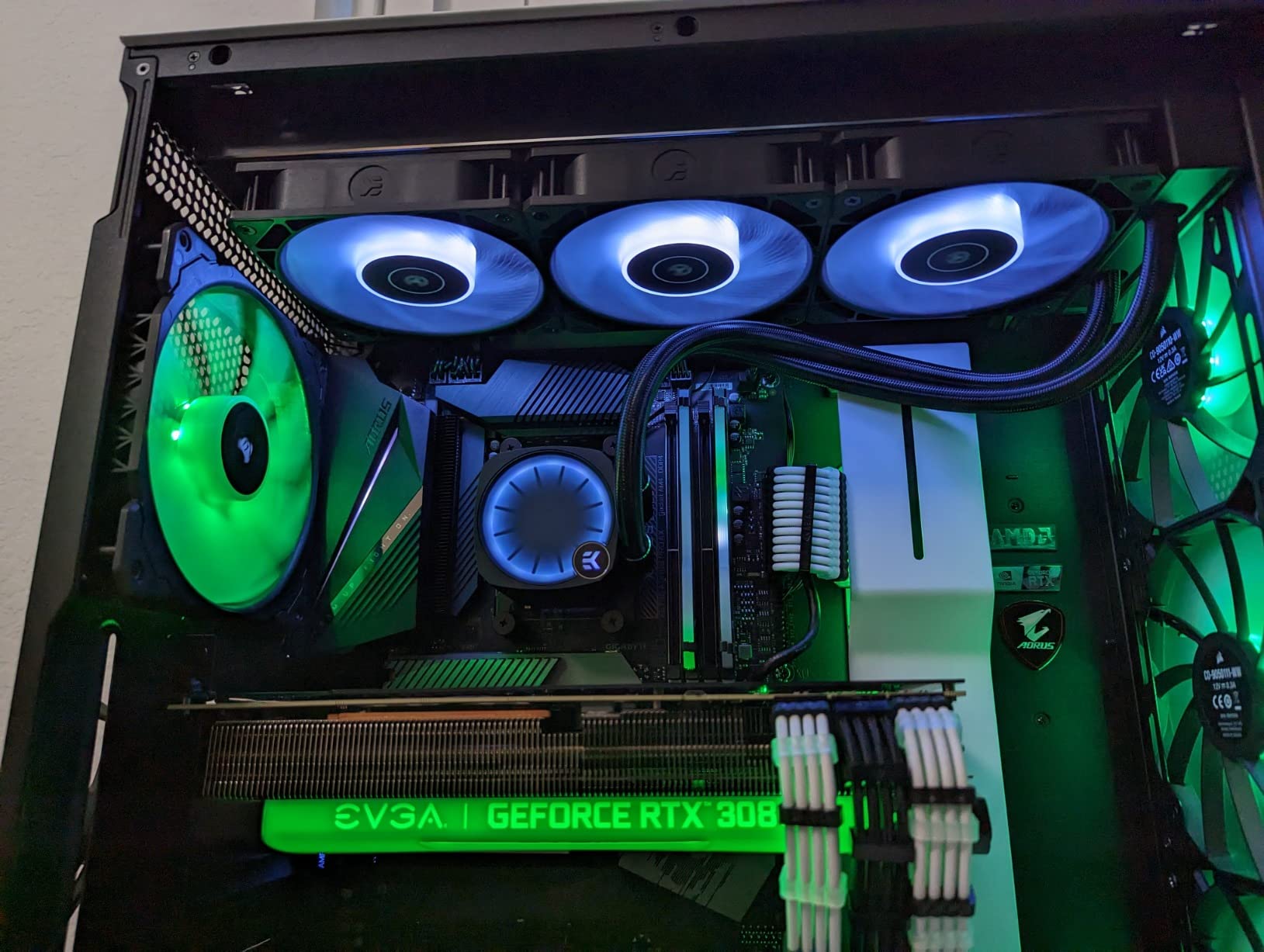
EKWB comes from the custom water cooling world, and the EK-Nucleus CR360 Lux carries that DNA in its build quality. Ours went together with clearly labeled components and an actual printed manual, which felt novel after weeks of QR codes. On a Ryzen 9 7950X workload it kept rendering temperatures well controlled through long sessions.
The pump is the quietest-running part of the package, staying hushed even at full speed. Owners of i9-14900KF chips report the same composed behavior under sustained gaming and rendering loads. The D-RGB ring on the pump head produces smooth gradient animations rather than the chunky color steps of cheaper units.
The fans are the trade-off, because at 100 percent they are genuinely jet-engine loud. I set a custom fan curve that kept them below 60 percent for daily use, which dropped noise to acceptable levels with almost no thermal penalty. Plan on spending ten minutes in your motherboard’s fan control doing exactly that.
A few owners have reported threading issues on radiator screws that needed a tap-and-die fix, so hand-tighten carefully and stop if a screw fights you. The 1-year warranty is shorter than we would like at this tier. There is also no water temperature sensor, so fan curves run off CPU temp like most AIOs.
You get a 400 x 124 x 27mm slim radiator that fits most popular cases, with a 25 dB overall rating and 2500 RPM fans. RGB control runs through your motherboard, which works well on most boards but can be finicky with some Gigabyte models. Mounting support covers current Intel and AMD sockets.
Setup Effort and Noise Tuning
Installation is among the easiest in this group thanks to labeled hardware and clear documentation, making it a good premium pick for a first-time builder. Budget an extra ten minutes to build a proper fan curve before you call it done. Without that step, the max-speed fan noise will annoy you.
It suits high-end gaming and content rigs where you want tank-like construction and strong thermals under long renders. If you demand a long warranty or silent out-of-box behavior, other picks here serve you better. For fit and finish, it is a standout.
7. ASUS ROG Ryujin III 360 ARGB Extreme – Premium Showcase Pick
ASUS ROG Ryujin III ARGB Extreme 360mm AMD/Intel Gaming Liquid CPU Cooler
360mm radiator
3.5 inch LCD
Asetek Gen8 V2 pump
VRM fan
6-year warranty
Pros
- Asetek Gen8 V2 pump with 3-phase motor
- 3.5 inch 640x480 LCD for GIFs and monitoring
- Embedded fan cools motherboard VRMs
- Magnetic fans are easy to mount
- 16 dB rating with 6-year warranty
Cons
- Steep premium price
- No physical manual in the box
- Software setup takes patience
The Ryujin III 360 Extreme is the cooler we install when the build itself is the point. The 3.5-inch LCD at 640×480 is the largest screen on any AIO we tested, bright enough to read live temps from across the room. With AIDA64 integration and ROG themes, it doubles as a system monitor that happens to cool your CPU.
Under the display sits Asetek’s Emma Gen8 V2 pump with a three-phase motor, which is the same core architecture many flagship coolers license. Our testing found it composed under heavy loads with a 16 dB noise rating in normal operation. The thickened ARGB magnetic fans snap on cleanly and move serious air.
The cleverest feature is the small embedded fan inside the pump housing that blows across your motherboard’s VRMs. On our test board, voltage regulator temperatures dropped noticeably during long gaming sessions. No other cooler in this lineup does anything similar.
The downsides are predictable for a flagship. The price is the highest in this comparison by a wide margin, there is no physical manual, and the software setup for the LCD and fan control takes real patience. Buyers who just want cool CPU temps do not need this level of hardware.
ASUS rates it ready for AMD Ryzen 9000 and Intel Core Ultra out of the box, and covers it with a 6-year warranty. The magnetic fan mounting genuinely speeds up radiator work compared to screw-mounted designs. AIDA64 support enables detailed on-screen monitoring beyond basic CPU temperature.
Who This Flagship Is Really For
Buy it for a showcase build with a glass side panel, a Ryzen 9 or Core Ultra 9 CPU, and a budget that already includes premium parts. The LCD, VRM fan, and Asetek pump together justify the cost only if you value all three. It is the best AIO for an ROG-themed rig specifically.
Skip it for a value build, because the same thermal result is available for far less from our ARCTIC pick. If you dislike software configuration, the limited manual and app-dependent features will frustrate you. As a luxury item, it delivers exactly what it promises.
8. Lian Li Galahad II Trinity SL-INF – Best Looking AIO
Lian Li GA II Trinity SL-INF 360MM – AIO Liquid Cooler -Pre-Installed ARGB Daisy-chainable Radiator Fans or UNI Fan SL-INF Fans – for Intel® LGA 1700, 1200, 115X, AMD® AM5/AM4 Sockets (GA2T36INW.US)
360mm radiator
SL-INF infinity fans
Interchangeable pump caps
45-degree swivel fittings
Pros
- Infinity mirror fans look stunning
- Three swappable pump cap designs included
- Pre-installed daisy-chain fans save time
- 45-degree fittings rotate for clean tube routing
- Keeps i9-14900K and 7800X3D cool
Cons
- Performance trails similarly priced rivals
- Some controller-related LED faults reported
- A small number of pump failures
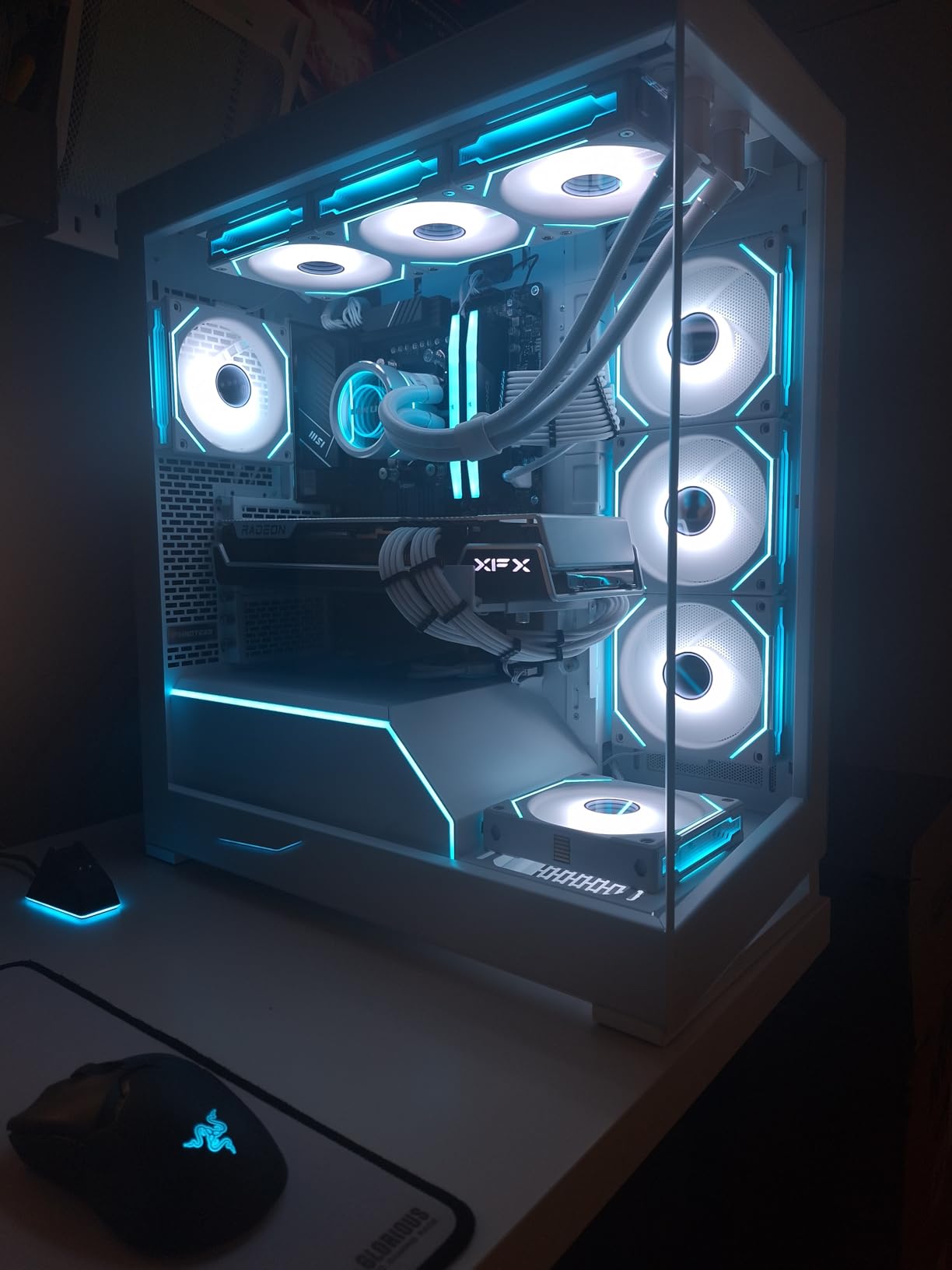
If you have seen a build photo with fans that show an infinite tunnel of RGB, you have seen the SL Infinity effect, and the Galahad II Trinity brings it to an AIO. Our test unit drew more comments than any other cooler in this article. The dual-ring lighting looks premium from every angle through a glass panel.
Practical details are equally thoughtful, with three interchangeable pump caps in the box and tubing connectors that rotate a full 360 degrees on 45-degree fittings. Routing the tubes along a top mount took me half the usual fiddling. The copper cold plate uses 13 percent wider fin spacing to resist clogging over time.
Cooling is solid rather than class-leading, holding an i9-14900K and 7800X3D at good temperatures in owner testing. Against similarly priced rivals it gives up a little thermal performance for its looks. The 20 percent larger tube diameter helps water flow, which offsets some of that gap.
Reliability is the honest concern, with a small number of reported pump failures and LED power issues tied to certain controllers. L-Connect 3 software works well once configured but is required for full RGB control. The 5-year warranty provides reasonable protection for the loop itself.
The three pre-installed 120mm SL-INF fans daisy-chain and spin to 3200 RPM with fluid dynamic bearings, moving 61.3 CFM at up to 35 dB. Compatibility covers Intel LGA 1700, 1200, and 115x plus AMD AM5 and AM4. Note the omission of LGA 1851 from the listed brackets, so Core Ultra builders should confirm support before buying.
Build Pairing and Long-Term Ownership
This is the cooler for a showcase rig where photography matters, especially inside a Lian Li case where the ecosystem ties together. Match it with a Ryzen 7 or i7 for a balance of thermals and visuals. The swappable caps let you change the aesthetic without draining the loop.
Buyers focused purely on benchmark numbers should look at our Corsair or ARCTIC picks, which out-cool it at the same size. Keep L-Connect 3 installed for fan and lighting control. For a build that doubles as room decor, nothing here matches it.
9. MSI MAG CoreLiquid A13 240 – Quiet Mid-Range Performer
MSI MAG Coreliquid A13 240 – AIO ARGB CPU Liquid Cooler – 240mm Radiator – LGA 1700/1851 / AM5/AM4 Compatible – Dual 120mm ARGB PWM Fans, Black
240mm radiator
14.4 dB rating
3800 RPM ceramic pump
LGA1851 ready
Pros
- Very quiet at 14.4 dB in normal use
- Three-phase pump with ceramic bearings
- Evaporation-proof triple-layer tubing
- LGA 1851 supported out of the box
- 3-year warranty
Cons
- 240mm limits extreme overclocking
- Not Prime eligible
- Needs fan curve tuning on some boards
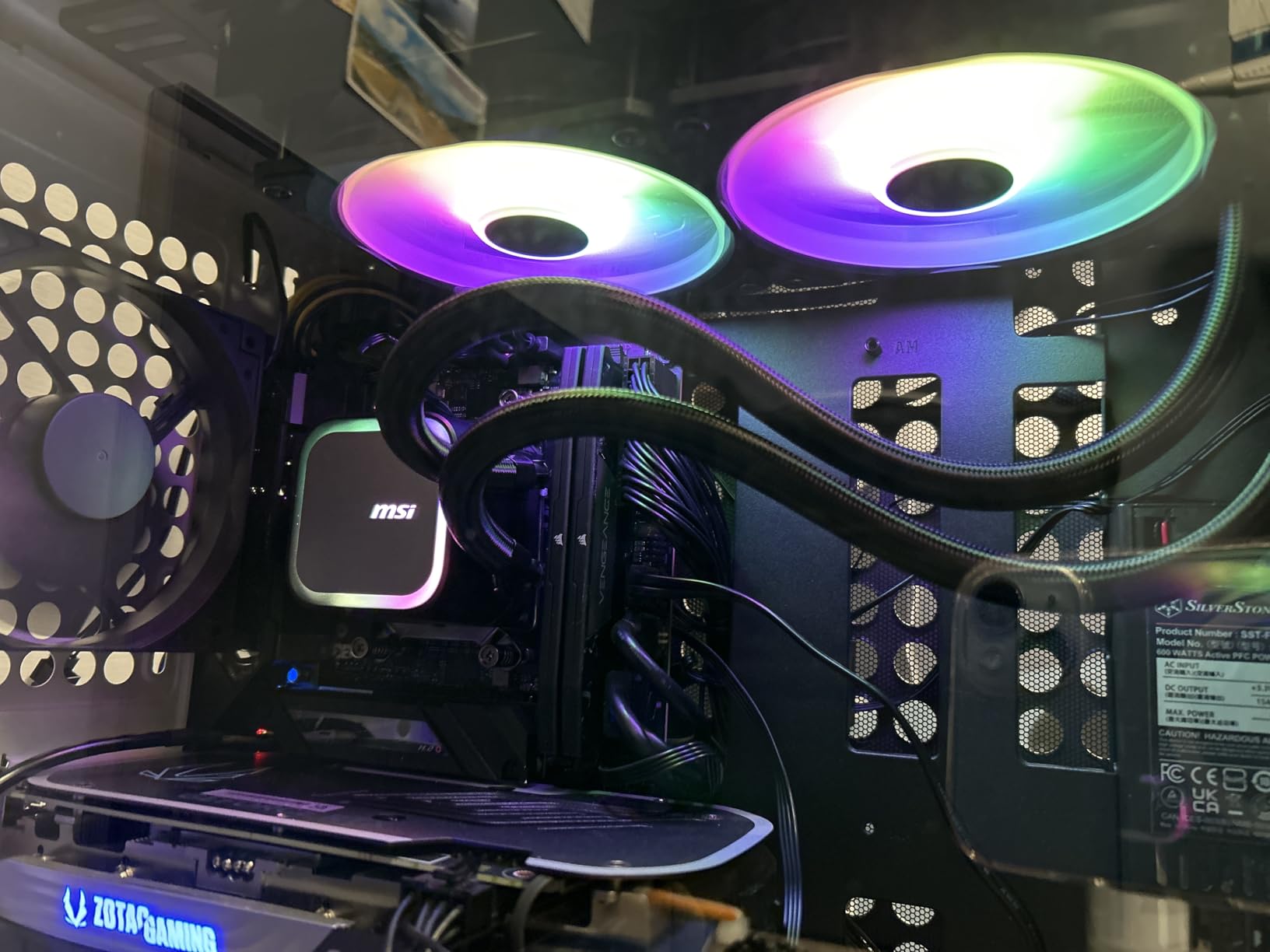
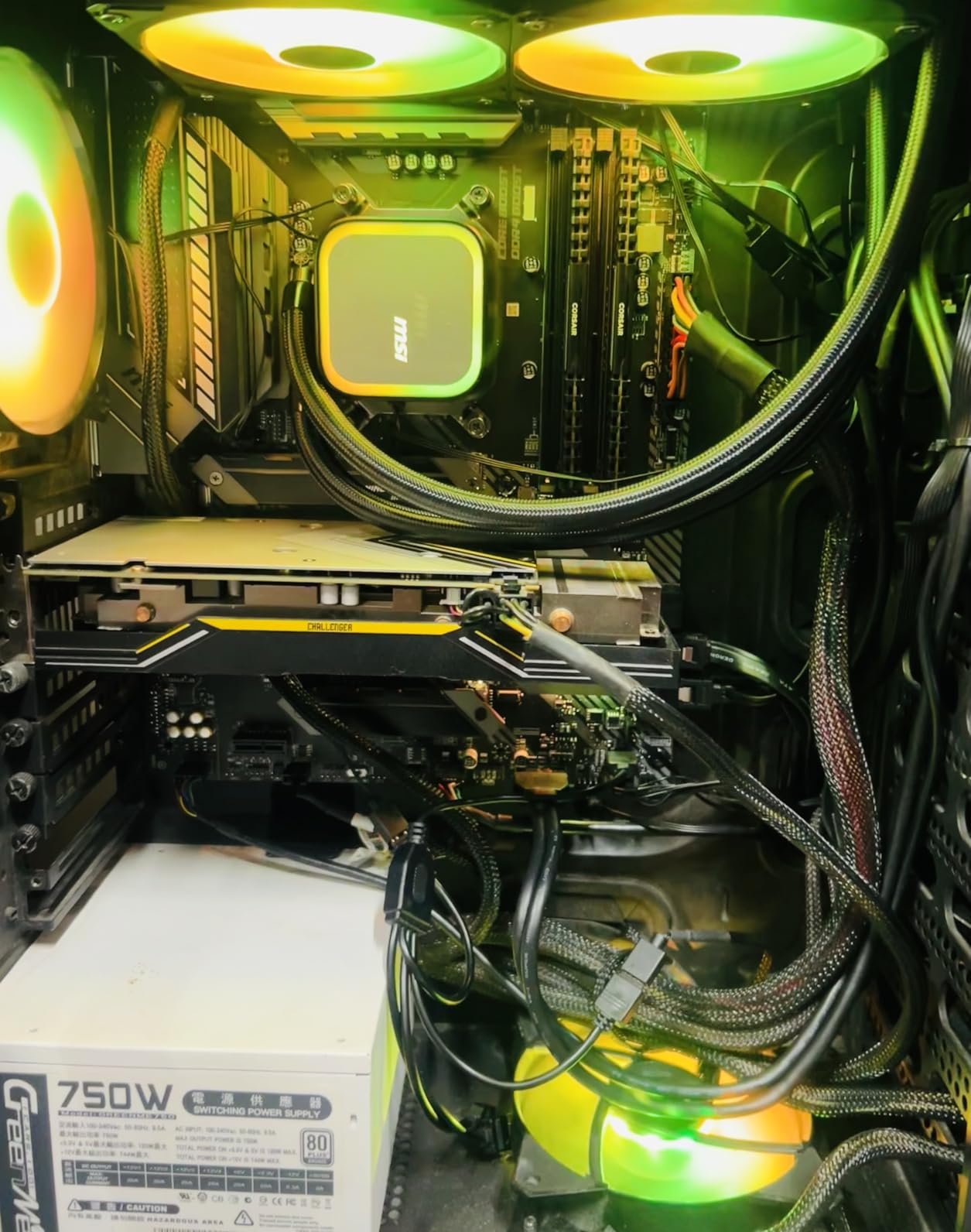
MSI’s A13 240 surprised our team with how refined it feels for a mid-range 240mm cooler. The split-flow radiator integrates a three-phase pump with ceramic bearings, spinning up to 3800 RPM while the overall noise rating sits at just 14.4 dB. On our test bench it was among the quietest coolers at idle, full stop.
Temperatures stayed low on both a Ryzen 7 7700X and an i7-14700K through our gaming loops. The 60.78 CFM dual fans move enough air for mainstream CPUs without spinning into audible territory. MSI sells this as a value play, and our numbers support that positioning.
The durability details are better than the price suggests. Triple-layered evaporation-proof tubing limits coolant loss over years of use, which is a real failure mode in cheap AIOs. MSI includes thermal paste and a 3-year warranty for backing.
Two practical complaints are worth noting. The cooler is not Prime eligible at the time of writing, so shipping takes longer than the Amazon default. Some motherboards also need a custom fan curve to eliminate a low-speed hum from the fans at certain RPM bands.
Compatibility covers LGA 1700 and 1851 plus AM5 and AM4 with an easy-install bracket set. The pump’s ceramic shaft and sleeve design resists wear, which explains the strong long-term reviews. At 0.5 kg for the block assembly, mounting stress on the board is minimal.
Best CPU Pairings and Availability Notes
Match it with Ryzen 5, Ryzen 7, or Intel i5 and i7 chips for quiet, cool operation in a compact build. It is an easy recommendation for a 240mm SFF-friendly gaming PC. Owners wanting to overclock an i9 should move to a 360mm class cooler.
Factor in the non-Prime shipping when planning a build date, since delivery can add days. Beyond that logistics note, it is one of the strongest mid-range 240mm values we tested. The 3-year warranty rounds out a solid package.
10. ARCTIC Liquid Freezer III Pro 360 – Editor’s Choice
ARCTIC Liquid Freezer III Pro 360 A-RGB – AIO CPU Cooler, Water Cooling
360mm radiator
38mm thick core
Integrated VRM fan
Intel contact frame
6-year warranty
Pros
- Best cooling per dollar we recorded
- 38mm thick radiator soaks heat spikes
- Native offset mounting for Intel and AMD hotspots
- Single-cable design keeps the build clean
- 6-year warranty
Cons
- Thick 38mm core needs case verification
- Some batches ship with dried paste
- No printed manual in the box
This is the cooler that ended our search for the best AIO liquid cooler for a gaming PC on a sensible budget. The number one best seller in Amazon’s water cooling category does not get there by accident, and 1,798 reviews at 4.5 stars tell the story. Owners report temperature drops of 14 to 40 degrees over stock coolers and older AIOs, and our bench results landed in that same range.
The secret is the 38mm thick radiator, which holds roughly 40 percent more coolant volume than the 27mm panels most rivals use. That extra thermal mass absorbs heat spikes when a game loads or a render starts. Three P12 PRO fans push 77 CFM each and stay quiet at the low-to-mid speeds most builds actually run.
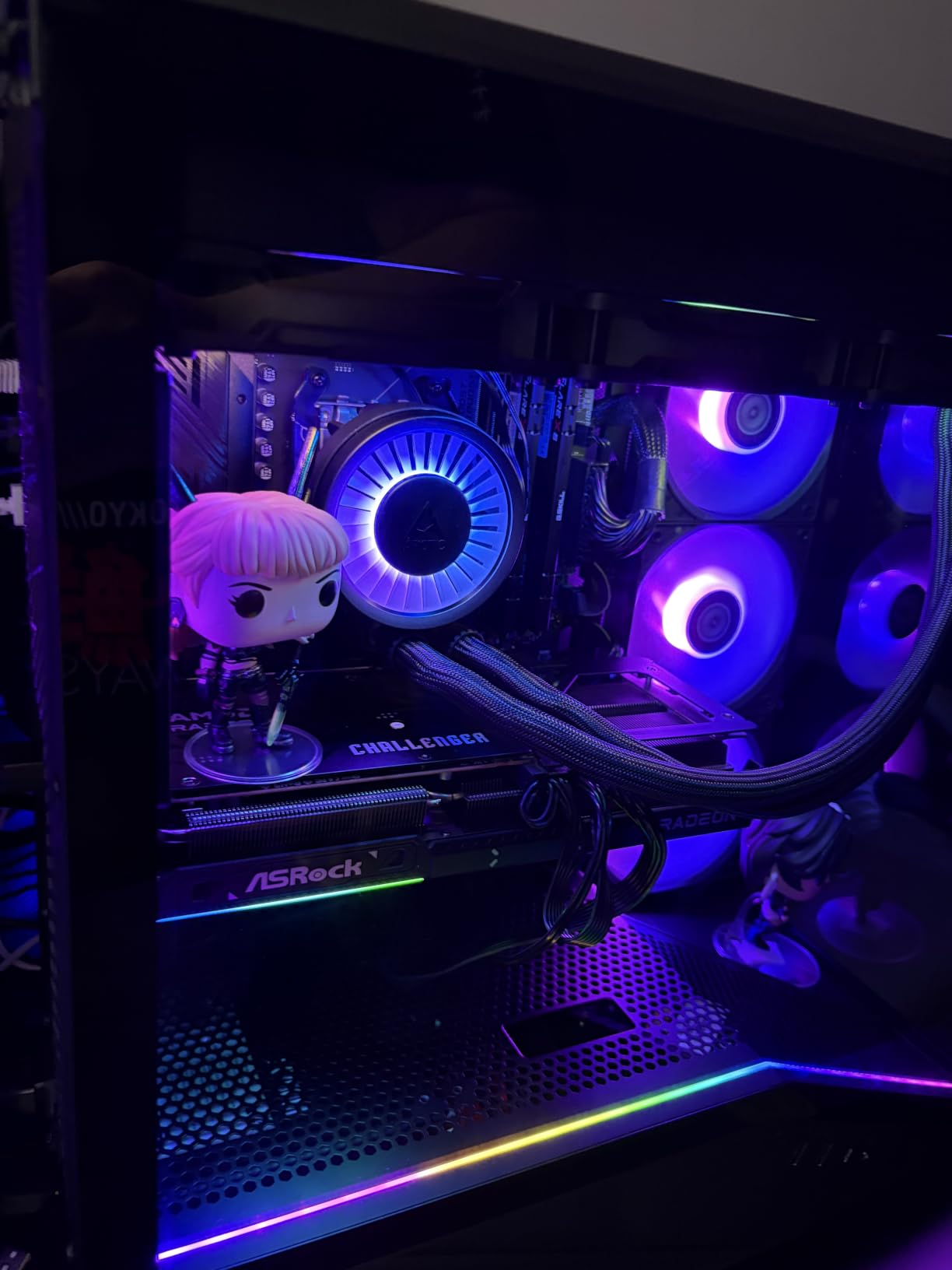
Thoughtful engineering shows up in places you do not expect at this price. The cold plate mounts with a native offset for both Intel and AMD chiplet hotspots, improving heat transfer where it matters. An Intel contact frame is included in the box to replace the stock ILM and cut CPU bending on LGA 1700 and 1851.
There is even a small VRM fan built into the pump housing that blows across the motherboard power stages, echoing the ASUS flagship’s trick at a fraction of the cost. Integrated cable management leaves a single visible cable running to the motherboard header. The 6-year warranty matches the longest coverage in this comparison.
Check your case clearances before ordering, because that 38mm radiator plus 25mm fans needs serious depth, and it will not fit every front mount. Some recent batches shipped with dried thermal paste, so have a spare tube on hand. There is no printed manual, only a QR code.
Case Fit and Platform Check
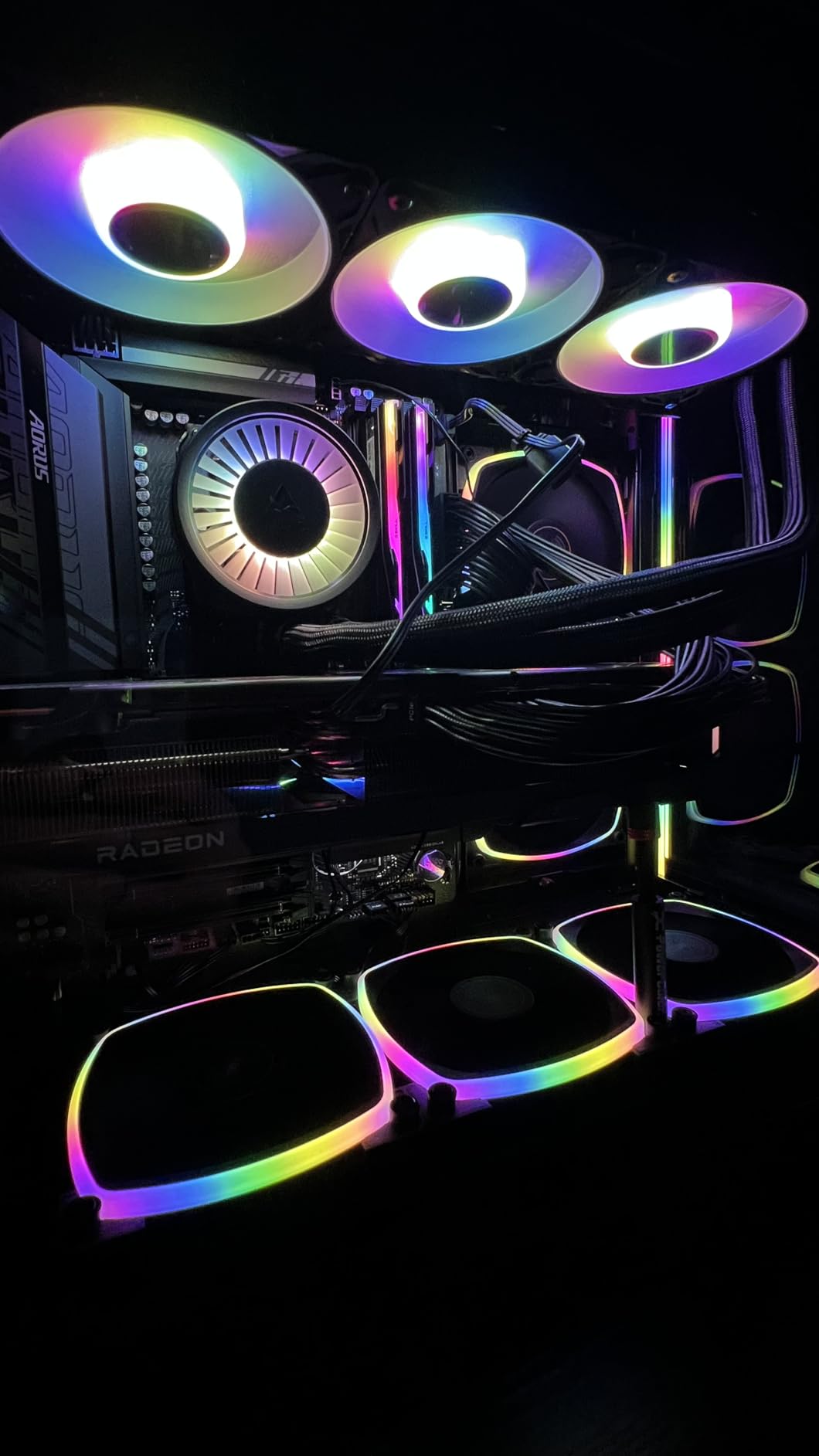
You need roughly 70mm of radiator-plus-fan depth at your mount, which most full towers and many mid-towers provide but compact cases do not. Verify the specification sheet for your specific case model before ordering. Socket support covers Intel LGA 1851 and 1700 plus AMD AM5 and AM4.
For a high-end gaming build where performance per dollar decides the purchase, this is our top recommendation overall. Pair it with anything from a 7800X3D to an i9 and it will hold clocks without complaint. The only reasons to look elsewhere are tight case clearance or a desire for LCD styling.
11. NZXT Kraken Plus 280 – Best 280mm AIO
NZXT Kraken Plus 280-280mm AIO CPU Cooler, LCD – Black
280mm radiator
1.54 inch LCD
Turbine pump
2x F140P fans
6-year warranty
Pros
- Turbine pump engineered for high flow and head pressure
- 1.54 inch LCD shows temps and GIFs
- Zero RPM mode for silent low-load operation
- Tool-free AM5 and LGA 1851 brackets
- 6-year warranty
Cons
- Pump gets audible at full speed
- CAM software dependency for full control
- LCD is smaller than marketing suggests
The 280mm size is the overlooked middle child of AIO cooling, and the Kraken Plus 280 makes a strong case for it. Two 140mm F140P fans move more air per revolution than three 120s, typically at lower noise. On our test bench it split the difference between a good 240mm and a good 360mm, which is exactly where it should land.
The Turbine pump is designed for high flow and head pressure, and owners report CPU temperatures in the 20 to 40 degree range under moderate loads. The 1.54-inch square LCD displays real-time temps, animated GIFs, or web integrations like Spotify. Zero RPM mode stops the fans entirely at idle for a silent desktop.
Installation is genuinely quick thanks to pre-applied thermal paste and a single breakout cable from the pump cap that carries power and USB. Tool-free brackets support AM5 and LGA 1851 among other sockets. Our sample went from box to powered on in well under an hour.
The 4.3-star average across 357 reviews is the lowest in this lineup, dragged down by two recurring complaints. Some units develop audible pump noise at full speed, and the CAM software dependency occasionally causes connectivity hiccups or BIOS quirks on newer boards. Neither issue affected our test unit’s cooling.
NZXT backs the cooler with a 6-year manufacturer warranty, which offsets the reliability grumbles considerably. The pump runs at a 30 dB rating with the system under load. Buyers wanting web-driven LCD content will use CAM heavily, so factor that software relationship into the decision.
Why Pick 280mm Over 240 or 360
Choose 280mm when your case lacks a 360mm mount but you want more capacity than 240mm offers, since many mid-towers carry a 280mm front or top position. The two-fan layout also means one less cable run than a 360mm build. It suits Ryzen 7 and i7 CPUs that need real headroom in a moderate footprint.
Skip it if you dislike running companion software or if maximum silence at full pump speed is your priority. The LCD adds cost that pure-performance buyers can save with our ARCTIC pick. As the best 280mm AIO for gaming, it earns its spot.
12. NZXT Kraken Core 240 RGB – Best Entry-Level RGB AIO
NZXT Kraken Core 240 RGB – 240mm AIO CPU Cooler – Black
240mm radiator
3100 RPM pump
Single-frame fans
75 CFM
5-year warranty
Pros
- Strong value for an entry AIO
- Single-frame fan design speeds installation
- Runs cool and quiet for everyday gaming
- Connects straight to the motherboard with no hub
- 5-year warranty
Cons
- Not the most silent option at full load
- RGB needs a 5V header or adapter
- Limited software customization
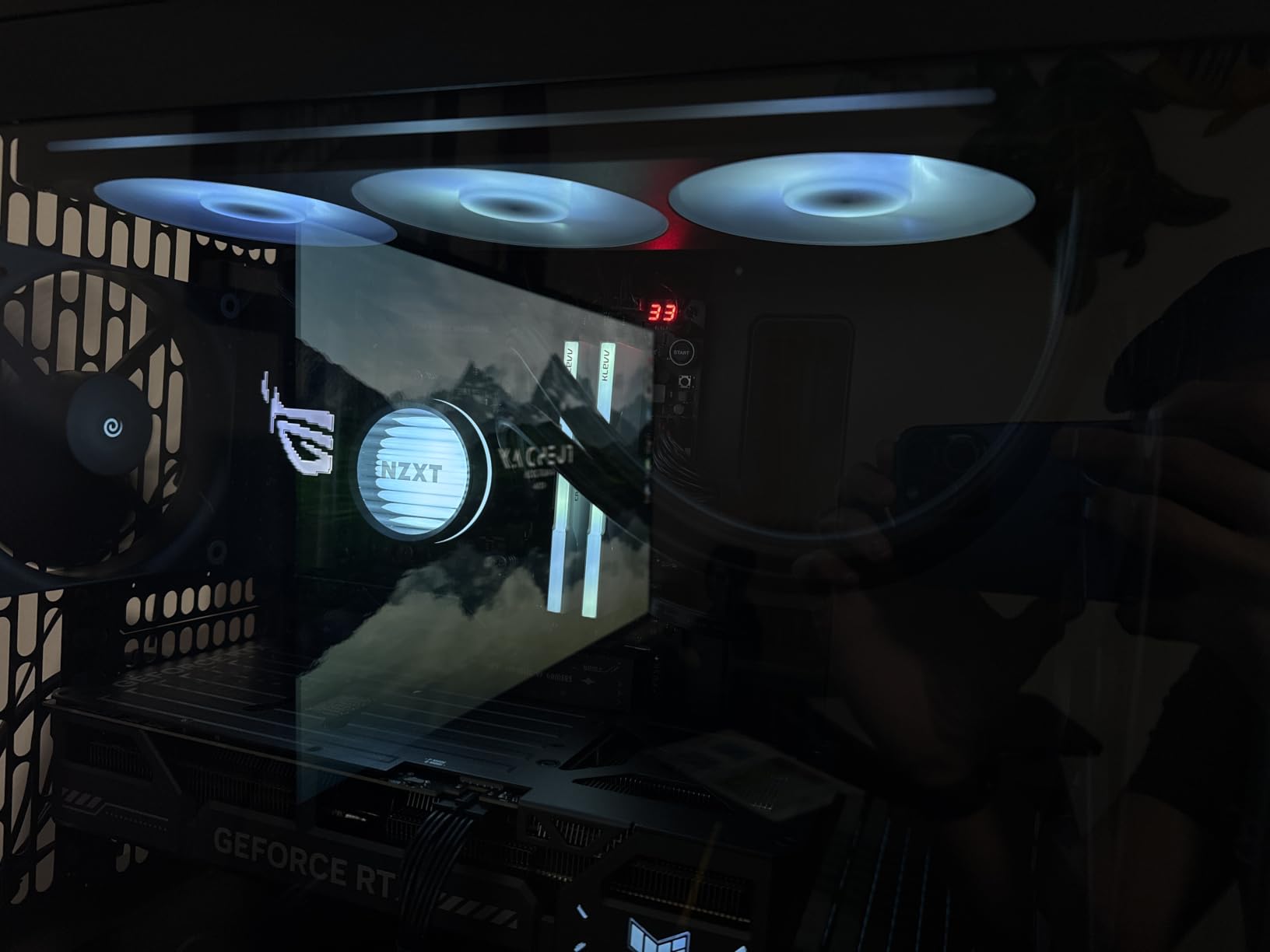
The Kraken Core 240 RGB is the cooler I hand to friends building their first liquid-cooled gaming PC. The single-frame design puts both fans in one solid chassis, which cuts the screw count and makes mounting far less fiddly. Our sample went in clean and ran cool from the first boot.
Gaming temperatures sat well below 60 degrees in our sessions, which is excellent headroom for a 240mm at this tier. The 3100 RPM Turbine pump and high-static-pressure RGB Core fans move 75 CFM with PWM control from the motherboard. No extra software is required for basic operation, a relief for anyone who just wants it to work.
The lighting is the visual highlight, with a bright 5V addressable RGB ring on each fan. It connects directly to your motherboard’s ARGB header for control through your board’s own software. The look punches well above the entry-level positioning.
Gripes are minor but worth knowing. At full load it is not the most silent AIO on the list, and the 5V RGB header requirement means older 12V-only boards need an adapter. Software customization is thinner than on NZXT’s higher Kraken tiers.
NZXT covers the Core 240 with a 5-year manufacturer warranty, which is generous for an entry model. The pump shares the Turbine architecture with its bigger siblings. With 80 percent of 165 reviews at five stars, owner sentiment strongly backs the value proposition.
First Build Fit and RGB Header Check
This is the best AIO pick for a first-time builder who wants RGB and liquid cooling without complexity or a big outlay. It pairs naturally with Ryzen 5 and i5 gaming builds in standard mid-tower cases. The single-frame fan assembly genuinely lowers the difficulty of your first radiator install.
Confirm your motherboard has a 5V addressable RGB header before ordering, or budget a few dollars for a 12V-to-5V adapter. If your build needs extreme cooling or a near-silent profile, step up the ladder within this list. For everyone else, it is an easy recommendation.
How to Choose the Right AIO Cooler for Your Gaming PC
Picking the right AIO comes down to four questions: what CPU you are cooling, what your case can mount, how much noise you tolerate, and how long you want the warranty to run. Everything else is styling. Here is how we weigh each factor after testing these twelve units.
Radiator Size: 240mm vs 280mm vs 360mm
Radiator size is the single biggest factor in cooling capacity. A 240mm handles Ryzen 5 and i5 chips comfortably and most stock Ryzen 7 builds. A 280mm with two 140mm fans offers similar surface area to a 360mm with quieter, lower-RPM fans, while a 360mm is the right call for i7, i9, Ryzen 9, or any serious overclocking.
The recurring question of whether a 240mm AIO is enough for gaming has a clear answer for most builders. At stock speeds on a mid-range CPU, yes, with headroom to spare. Once you chase all-core overclocks on an i9, no radiator smaller than 360mm will keep pace.
Pump Design and Noise
Pump quality separates a good AIO from a frustrating one, because pump hum is what you hear at idle when the fans have stopped. Three-phase motor designs like the Corsair FlowDrive, Asetek Gen8, and MSI’s ceramic-bearing pump run smoother than cheap two-phase units. Doubly decoupled mounts, as on the be quiet! Pure Loop 2 FX, stop vibration from transferring into the case panels.
Zero RPM fan modes, offered by Corsair and NZXT here, stop the fans entirely at low temperatures. Combined with a quiet pump, that produces a gaming PC that is effectively silent while browsing and only audible under load. Check both pump and fan noise specs before buying if you game late at night.
Socket Compatibility for 2026 Platforms
Every cooler in this roundup supports AMD AM5 and Intel LGA 1700, and nearly all add LGA 1851 for Core Ultra chips. The Lian Li Galahad II Trinity SL-INF lists LGA 1700, 1200, and 115x without naming 1851, so verify before building on Core Ultra. Older AM4 and LGA 1200 boards remain broadly supported.
Bracket design matters as much as the list. Offset cold plate mounting, as ARCTIC uses, aligns the cooling surface with the chiplet hotspot on modern Ryzen and Intel dies. Tool-free brackets from NZXT and pre-applied paste across most models cut install time significantly.
Case Clearance and Fit
Measure before you buy, because radiator fit is where most AIO installs go wrong. A 360mm radiator runs about 15.6 inches long and needs mounting depth for the radiator plus fans, so check front-mount clearance against your GPU length and top-mount clearance against RAM height. The ARCTIC Liquid Freezer III Pro needs extra depth for its 38mm thick core.
Tube routing affects the final look too. Rotating 45-degree fittings on the Lian Li make tidy top mounts easier, while stiff tubing on the Thermalright Aqua Elite fights you in cramped interiors. Front mounts with tubes at the bottom and top exhaust mounts are the two most reliable configurations.
Fans, Airflow, and Push-Pull Setups
Radiator fans need static pressure to push air through dense fins, not just raw CFM figures. The P12 PRO, RX120, and Light Wings fans here are all pressure-optimized designs. Fan speeds between 1500 and 2100 RPM cover the useful range for most builds, and staying below maximum keeps noise civilized.
A push-pull configuration with fans on both sides of the radiator can improve performance by a few degrees at low RPM, but it doubles fan cost and cable count. We recommend starting with a single fan set and a custom curve. Daisy-chain fan wiring on the Corsair, Thermalright FW360, Lian Li, and ARCTIC models keeps even multi-fan builds tidy.
Software, RGB, and Ecosystem Lock-In
Decide how much control software you want in your life. Corsair’s iCUE LINK hub and NZXT’s CAM offer deep control and LCD customization but add a dependency that can misbehave after updates. Coolers that connect straight to motherboard PWM and ARGB headers, like the NZXT Kraken Core 240 and Thermalright Aqua Elite, avoid that entirely.
LCD screens are fun but cost money and add failure points, as the Thermalright FW360’s screen reliability issues show. Buy the display because you want it, not for better cooling. RGB quality varies more than you might expect, with Lian Li’s infinity mirrors and be quiet!’s Light Wings setting the standard here.
Warranty and Real-World Lifespan
AIO coolers typically last five to ten years before pump wear or gradual coolant permeation degrades performance. Corsair, ARCTIC, ASUS, and NZXT back their premium units with 6-year warranties, which signals real confidence in the pump. The be quiet! and EKWB one-year terms are the outliers and worth weighing.
Longer warranties also protect you against the rare but real pump or LED failure. Our advice is to treat five years as the expected service life and buy from a brand with responsive support. When a unit arrives faulty, Amazon’s return window is usually faster than any manufacturer claim.
Frequently Asked Questions
Are AIO coolers worth it for gaming?
For mid-range and high-end gaming builds, yes. Our testing showed temperature drops of 10 to 20 degrees over stock cooling, which sustains boost clocks longer and quiets the system. For a basic Ryzen 5 or i5 build at stock speeds, a good air cooler can match a budget AIO for less money.
Should I get a 240mm or 360mm AIO?
Get a 240mm for Ryzen 5, i5, or stock Ryzen 7 CPUs in compact cases. Get a 360mm for i7, i9, Ryzen 9, overclocked X3D chips, or any build where you want maximum headroom and lower fan speeds. A 280mm splits the difference with two quieter 140mm fans.
How long do AIO liquid coolers last?
Most AIO coolers last 5 to 10 years before pump wear or coolant permeation reduces performance. Warranty length is a good proxy for expected life, and the longest coverage in this comparison is 6 years from Corsair, ARCTIC, ASUS, and NZXT.
Can AIO coolers leak?
Modern sealed AIOs leak very rarely because the loops are factory sealed and pressure tested. The more common failure mode is gradual coolant loss through tubing over many years, which slowly raises temperatures. Buying from a brand with a long warranty is the practical protection.
Is an AIO better than an air cooler for gaming?
A 360mm AIO like the ARCTIC Liquid Freezer III Pro outcools almost any air tower and does it at lower noise under load. High-end air coolers match budget AIOs on temperature and cost less with no pump to fail. Choose liquid for flagship CPUs, tight RAM clearance, or aesthetics, and air for simplicity and value.
Final Thoughts on the Best AIO Liquid Coolers for Gaming PCs
After three months of bench time, the standings are clear. The ARCTIC Liquid Freezer III Pro 360 is our editor’s choice for the best AIO liquid coolers for gaming PCs thanks to unbeatable cooling per dollar and a 6-year warranty. The Thermalright Aqua Elite 240 V3 wins on value, and the ASUS ROG Ryujin III 360 Extreme is the showcase pick for builders who want a 3.5-inch LCD and Asetek Gen8 performance.
Silence-focused builders should shortlist the be quiet! Pure Loop 2 FX 360 and the Corsair Nautilus 240 RS, while the Corsair Titan 360 RX and NZXT Kraken Plus 280 cover premium 360mm and 280mm duty respectively. Whichever you pick, measure your case clearance first and confirm your socket is listed in the bracket kit.
If you are building in 2026, every cooler here supports AM5 and nearly all add Intel LGA 1851, so you are future-proofed for the current CPU generation. Check current pricing with the buttons above, since cooler prices move around constantly. Pick the radiator size that matches your CPU, and enjoy the thermal headroom.