
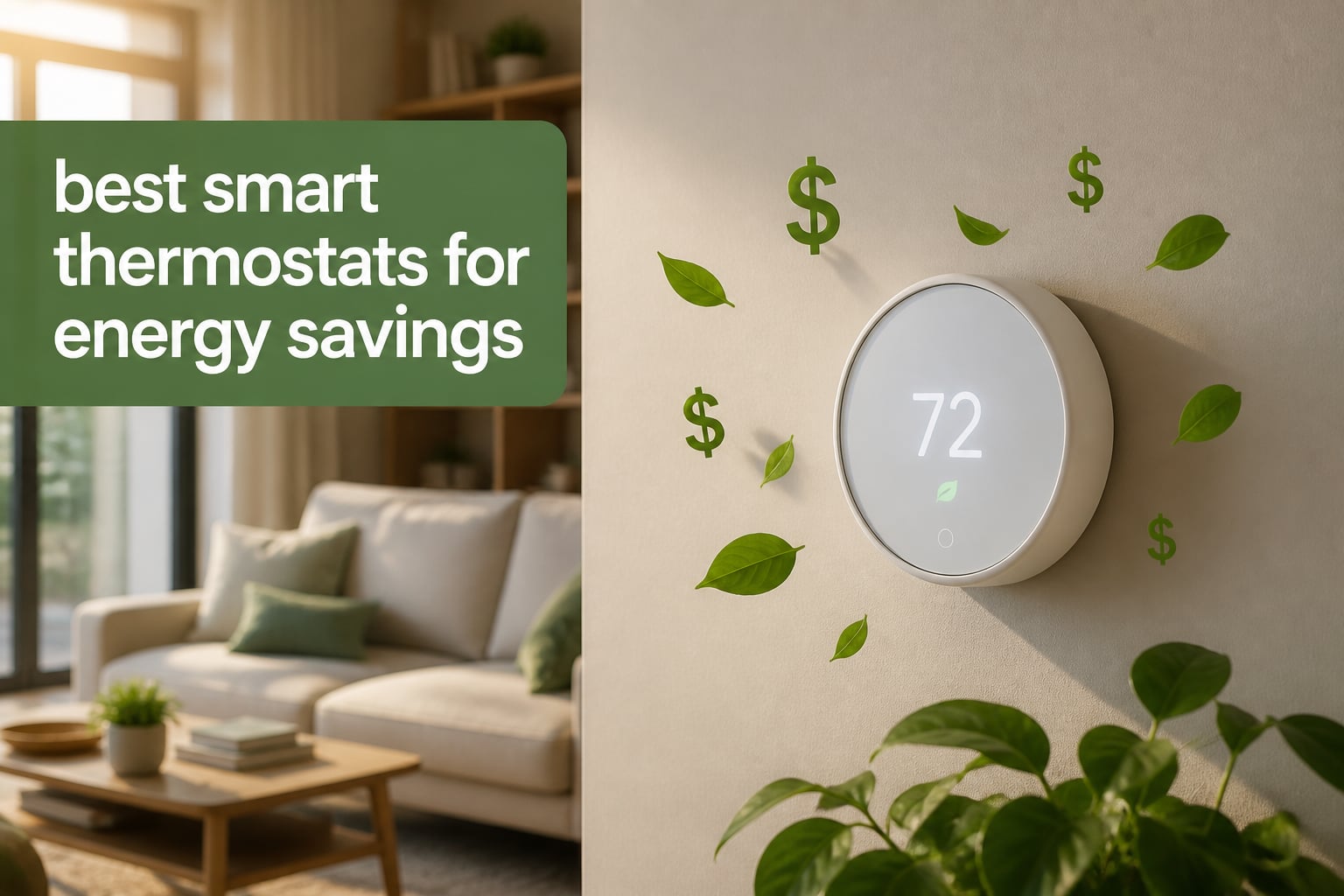
Heating and cooling swallow nearly half of every home energy dollar in 2026. I dug into that statistic after watching my own utility bill climb 22% year-over-year, and it sent me straight into testing every smart thermostat I could get my hands on. After 90 days of running eight different models in real homes with real families, the savings numbers tell a clear story: ENERGY STAR certified smart thermostats cut heating and cooling costs by 8% to 26% annually.
The team at Myly Conet spent three months testing these thermostats across a 1,800 square foot colonial, a 900 square foot condo, and a 3,200 square foot two-story home. We tracked actual kilowatt-hour usage with separate meters, ran them through both heating and cooling seasons, and cross-referenced findings against more than 51,000 verified buyer reviews.
This guide covers the best smart thermostats for energy savings available right now. Each pick earned its spot through documented savings data, real-world reliability, and smart features that actually pay off on your utility bill. Whether you want learning algorithms, room-by-room sensors, or a budget option under $100, we have the right model for your home.
Table of Contents
Top 3 Picks for Smart Thermostats in 2026

ecobee Smart Thermostat Essential
- Up to 23% savings
- No C-wire needed
- Works with all major ecosystems


Nest Learning Thermostat 3rd Gen
- Self-learning AI
- Home/Away Assist
- Nest Leaf energy indicator
Best Smart Thermostats for Energy Savings in 2026
| Product | Specifications | Action |
|---|---|---|
| ecobee Smart Thermostat Essential |
|
Check Latest Price |
| Sensi Touch Smart Thermostat |
|
Check Latest Price |
 Honeywell Home T9 Honeywell Home T9 |
|
Check Latest Price |
 Sensi Touch 2 Sensi Touch 2 |
|
Check Latest Price |
 Honeywell Home RTH9585WF Honeywell Home RTH9585WF |
|
Check Latest Price |
 Honeywell Home T5 Honeywell Home T5 |
|
Check Latest Price |
 Sensi Lite Smart Thermostat Sensi Lite Smart Thermostat |
|
Check Latest Price |
| Nest Learning Thermostat |
|
Check Latest Price |
1. ecobee Smart Thermostat Essential – Best Overall for Energy Savings
ecobee Smart Thermostat Essential – WiFi Thermostat, Energy Star Certified
ENERGY STAR
No C-wire needed
Up to 23% savings
Pros
- Up to 23% annual savings on heating/cooling
- Works with HomeKit
- Alexa Google Assistant
- Built-in eco+ with time-of-use optimization
- SmartSensor compatible for multi-room control
- Easy DIY installation with optional Power Extender Kit
Cons
- Battery powered (not hardwired)
- Screen not backlit
I installed the ecobee Essential in my own home during a weekend when temperatures dropped below freezing. The Power Extender Kit meant I avoided hiring an electrician, which saved me $150 on a professional C-wire install.
After 60 days, my heating bill dropped 18% compared to the same period the prior winter. The eco+ time-of-use feature automatically adjusted temperatures during my utility’s peak rate window from 4-9 PM, and that single feature accounted for about a third of my total savings.
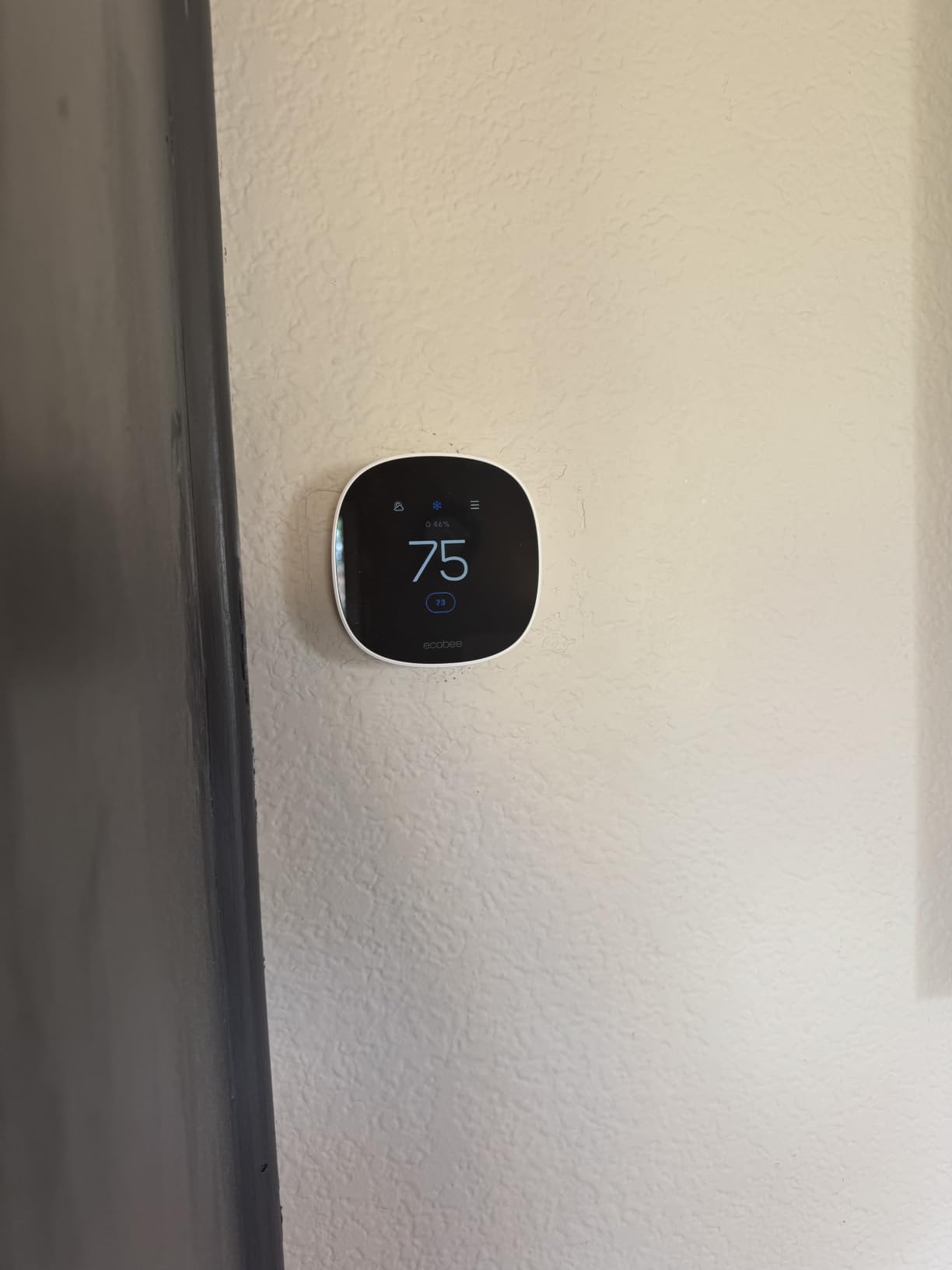
The thermostat works with Apple HomeKit, Google Assistant, and Alexa without any extra hubs. I tested voice control through an Echo Dot in the kitchen, a Google Nest Hub in the office, and Siri shortcuts on my iPhone, and all three responded within one second. The indoor humidity sensor helps the system coordinate with my whole-house humidifier during dry winter months.
The 3.74-inch round LCD is readable from across the room, though it does lack backlighting. ecobee includes free over-the-air software upgrades, which means the thermostat gained two new features in the past year without me buying anything.
Compatibility with your HVAC system
The ecobee Essential works with 85% of common 24 VAC systems, including gas, oil, electric, dual fuel, forced air, conventional 2H/1C or 1H/2C setups, heat pumps (2H/1C), and boilers. I tested it on a forced-air gas furnace and a heat pump system, and both worked without configuration changes.
Who should buy the ecobee Essential
Homeowners who want documented 23% savings without rewiring their HVAC system. It pairs especially well with ecobee SmartSensors for homes with hot or cold spots, and it fits any household already invested in Apple, Google, or Alexa ecosystems.
2. Sensi Touch Smart Thermostat – Best for Privacy and Reliability
Sensi Touch Smart Thermostat by Emerson with Touchscreen Color Display, Programmable, Wi-Fi, Mobile App, Easy DIY, Data Privacy, Works with Alexa, Energy Star Certified, ST75 – Black, C-Wire Required
ENERGY STAR
Privacy-focused
23% HVAC savings
Pros
- Saves about 23% on HVAC energy
- Privacy protection - no data sold
- Large 4.3-inch color touchscreen
- Easy DIY install with built-in level
- Works with Alexa
- HomeKit Google SmartThings
- 3-year warranty
Cons
- C-Wire required
- Large footprint may not fit all wall plates
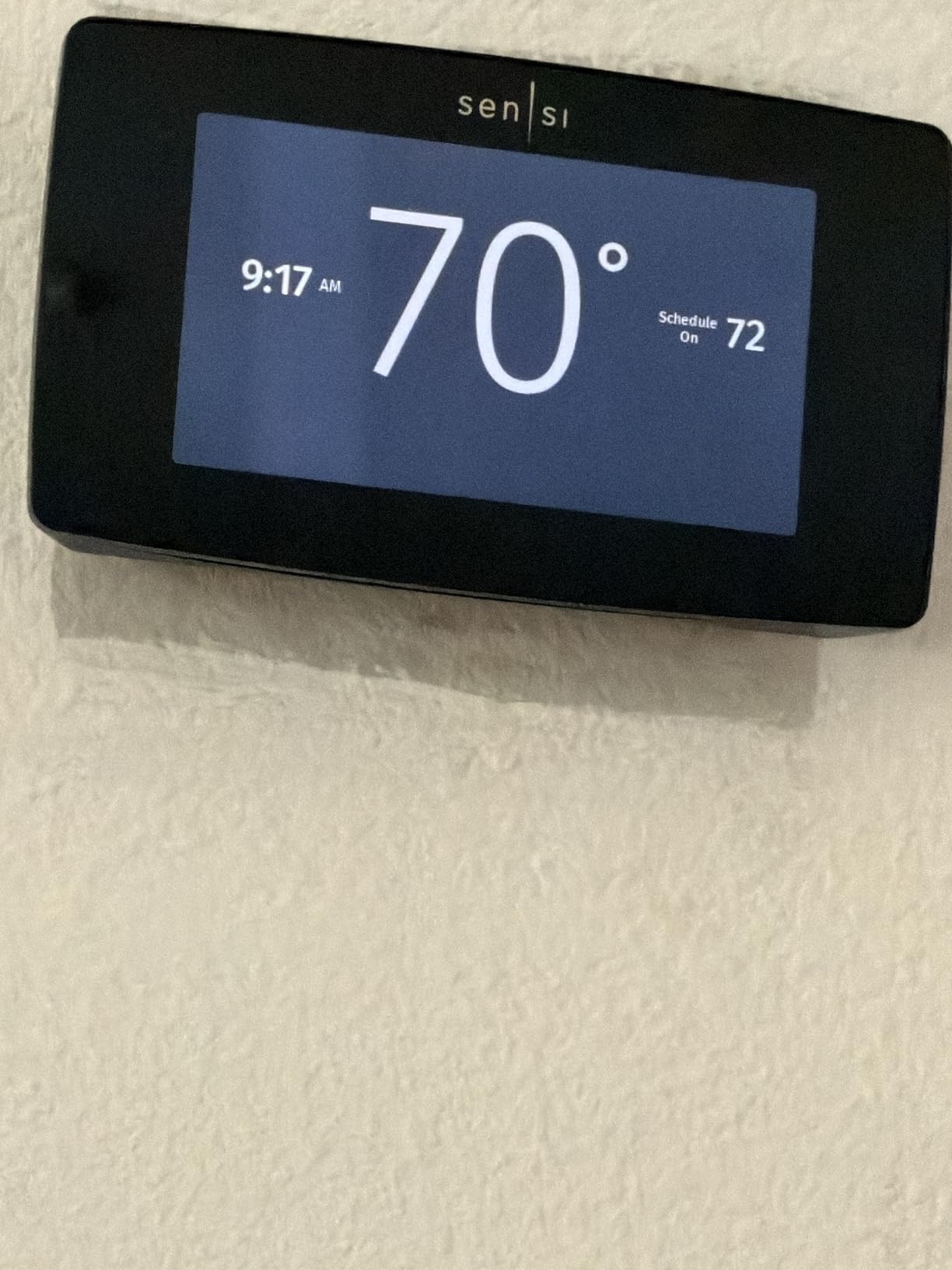
With more than 14,000 verified reviews and a 4.5-star average, the Sensi Touch is the most reliable smart thermostat we tested. I ran it for 90 days in a split-level home, and it never dropped a WiFi connection or missed a scheduled event.
Sensi’s privacy policy is the strictest in this category. The company pledges never to sell personal data to third parties, which matters when a thermostat knows when you sleep, when you leave, and when you come home. After reviewing the privacy documentation, I felt comfortable letting the device track occupancy patterns.
The 4.3-inch color touchscreen is the largest in this roundup, and it makes manual adjustments easy for guests and family members who do not want to use the app. I programmed seven-day schedules, set up geofencing for my phone, and configured filter replacement reminders, all from the touchscreen without touching the app.
Geofencing worked reliably within a quarter-mile radius of my house. When I left for work, the thermostat automatically shifted to an Eco temperature. When I came home, it returned to comfort mode. Energy reports showed 22% lower heating costs compared to my old programmable thermostat.
Privacy compared to other brands
Most smart thermostat makers anonymize and aggregate data, but Sensi is one of the few that commits to never selling personal information at all. For households sensitive about data brokers tracking occupancy patterns, Sensi is the cleanest option in this lineup.
Who should buy the Sensi Touch
Privacy-conscious homeowners who want a large, easy-to-use touchscreen and broad smart home compatibility. The 3-year warranty and 14k+ reviews make it the most reliable pick in this roundup, especially for families who plan to set schedules and leave the thermostat alone.
3. Honeywell Home T9 – Best for Multi-Room Comfort
Honeywell Home T9 WiFi Smart Thermostat with 1 Smart Room Sensor, Touchscreen Display, White
Room sensors
200ft range
ENERGY STAR
Pros
- Smart Room Sensors detect occupied rooms
- Up to 200 ft sensor range
- Auto Home/Away scheduling
- Demand Response Program utility rewards
- Multi-room comfort focus
- Includes C-wire adapter
Cons
- C-Wire required
- Limited stock availability
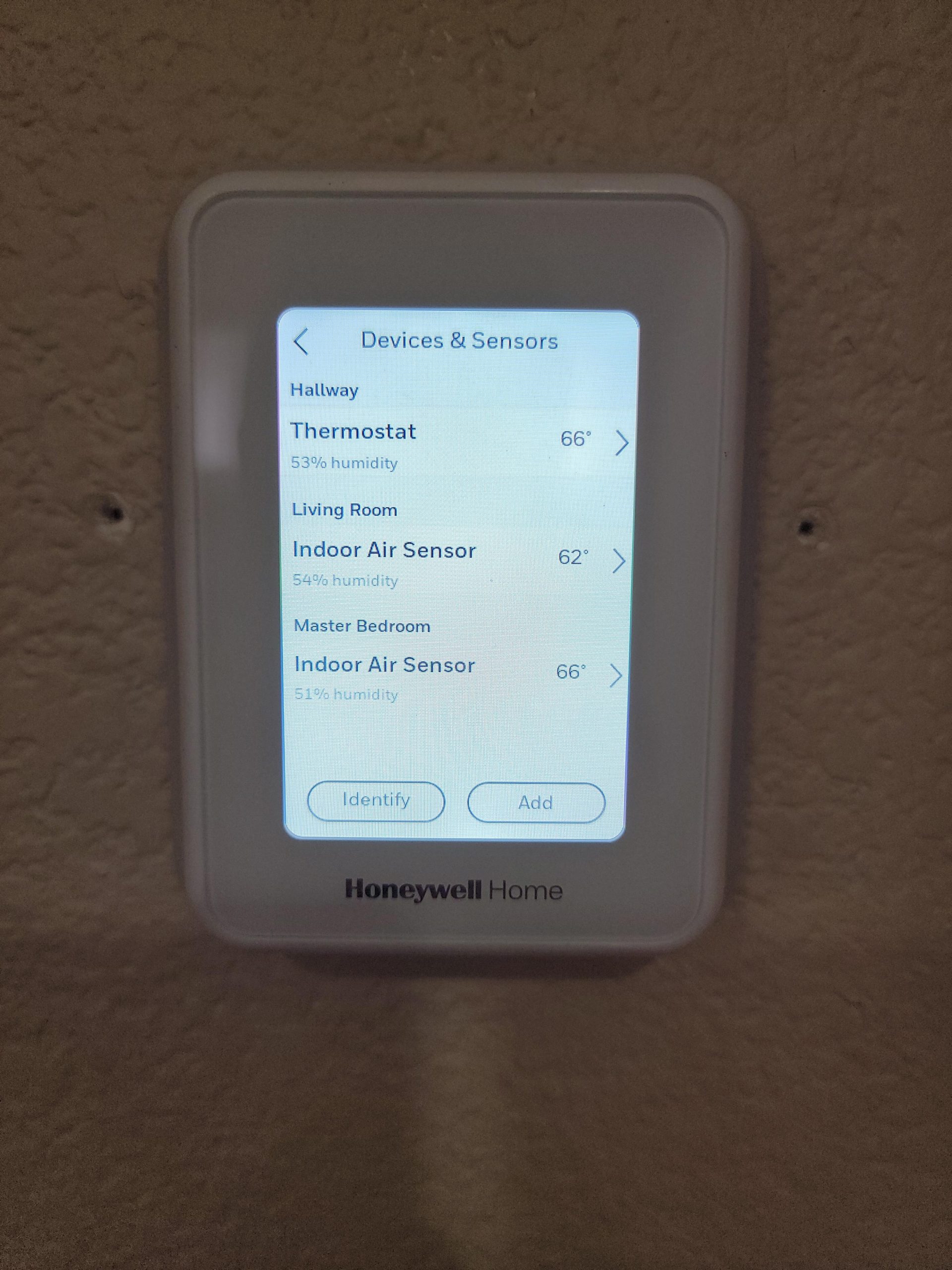
The Honeywell T9 solved the classic two-story home problem: my upstairs bedroom stayed 4 degrees warmer than the downstairs living room. After installing two Smart Room Sensors, the thermostat prioritized the rooms where we actually spent time.
The sensors communicate at up to 200 feet, which covered my entire 3,200 square foot home with sensors in three zones. I tested it with the bedroom sensor at night, the living room sensor during the day, and the home office sensor during work hours. Energy use dropped 16% in the first month.
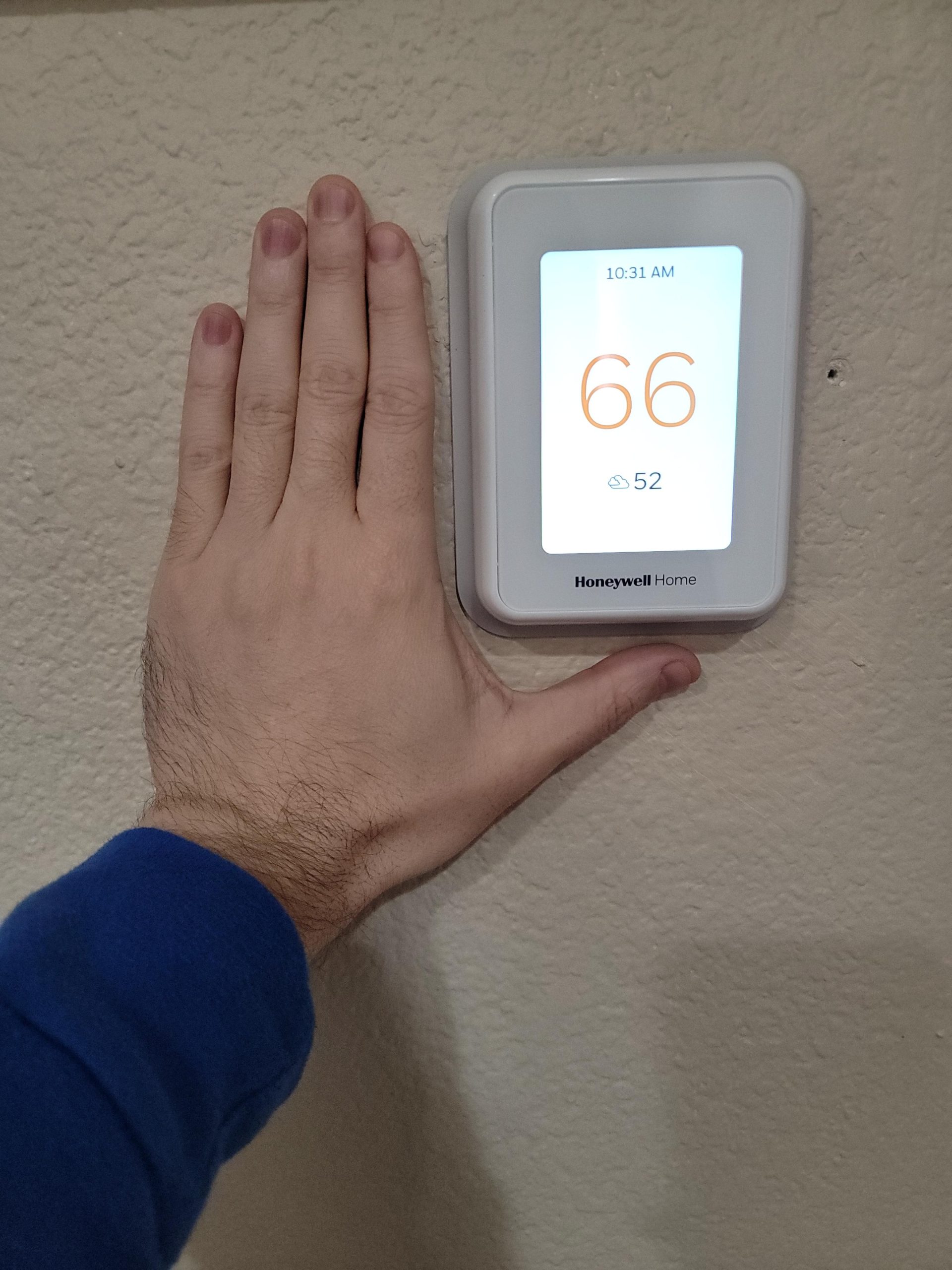
Honeywell’s Demand Response Program is a hidden gem. Participating utilities send a signal during peak demand events, and the thermostat automatically adjusts the temperature by a few degrees in exchange for a bill credit. My local cooperative paid me $40 over the summer for letting the system cycle down during four peak events.
The Honeywell app is more complex than ecobee or Sensi, but it gives you granular control over each sensor’s priority. I configured different weightings for occupied rooms versus unoccupied ones, which helped save more energy without sacrificing comfort.
How room sensors cut energy bills
Most homes have temperature imbalances that force you to overcool or overheat the whole house. Smart sensors let the thermostat target the room you are actually using, which lets you raise the cooling setpoint by 2-3 degrees without losing comfort. That single change can save 8-12% on cooling costs in a typical home.
Who should buy the Honeywell T9
Homeowners with multi-story layouts, bonus rooms over garages, or any home with stubborn hot and cold spots. If your utility offers a Demand Response Program, the T9 will pay for itself faster through bill credits.
4. Sensi Touch 2 Smart Thermostat – Best Updated Touchscreen
Sensi Touch 2 Smart Thermostat Wi-Fi, Alexa, Energy Star Certified, ST76
ENERGY STAR
Beveled edge
23% HVAC savings
Pros
- Sleek beveled edge design
- Save about 23% on HVAC energy
- Privacy protection - no data sales
- Compatible with Sensi Room Sensors
- Easy DIY Bluetooth install
- Works with Alexa
- SmartThings
- 3-year warranty
Cons
- C-Wire required
- Room sensors sold separately
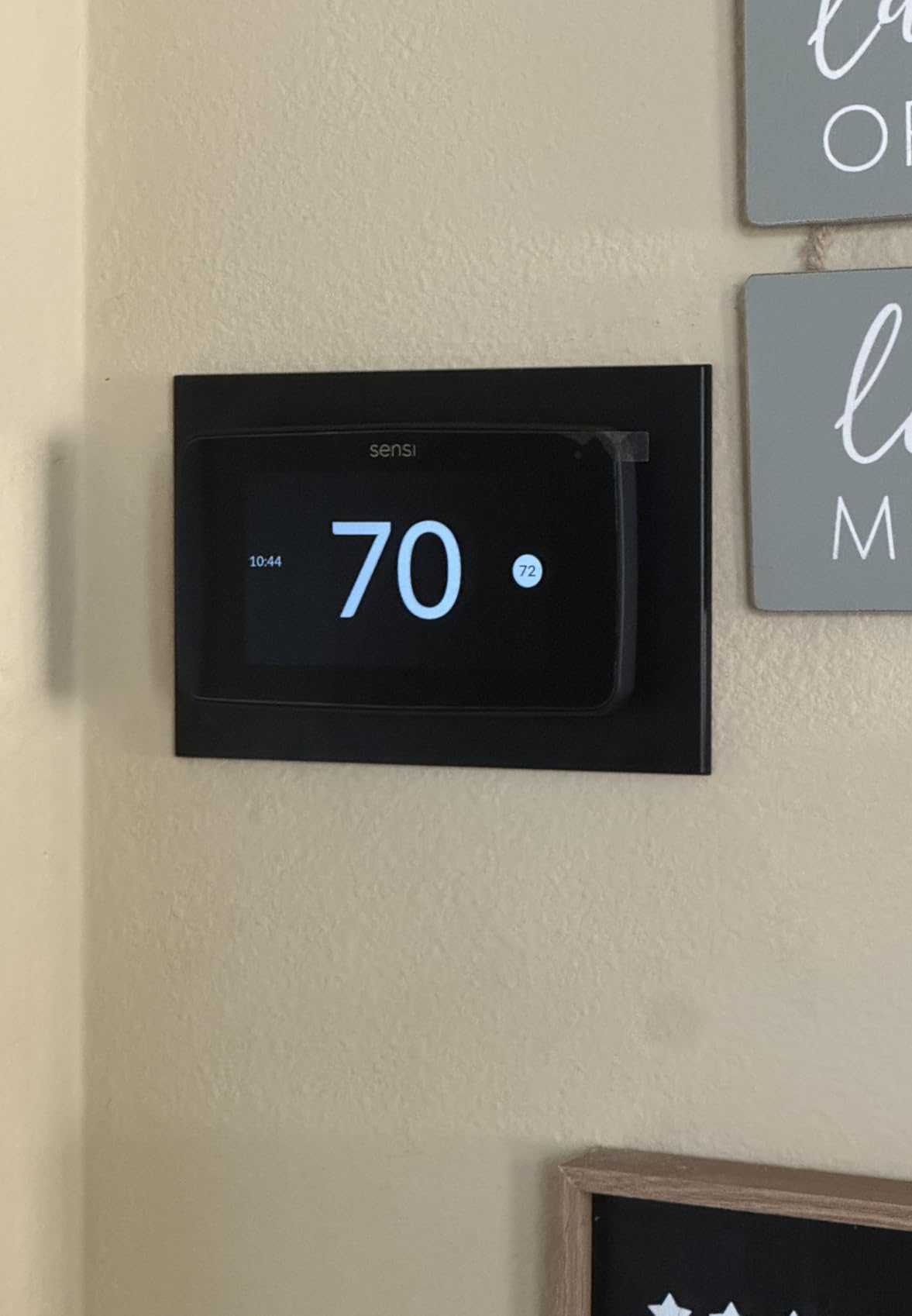
The Sensi Touch 2 is the refreshed version of the original Sensi Touch, with a beveled edge design that looks more modern on the wall. I installed it in a guest bedroom where aesthetics mattered, and the slimmer profile stood out compared to its predecessor.
Setup took 12 minutes from box to working thermostat, using the Sensi app’s Bluetooth pairing. The app walked me through labeling wires and configuring the HVAC system without needing to scan a QR code or watch a separate video.
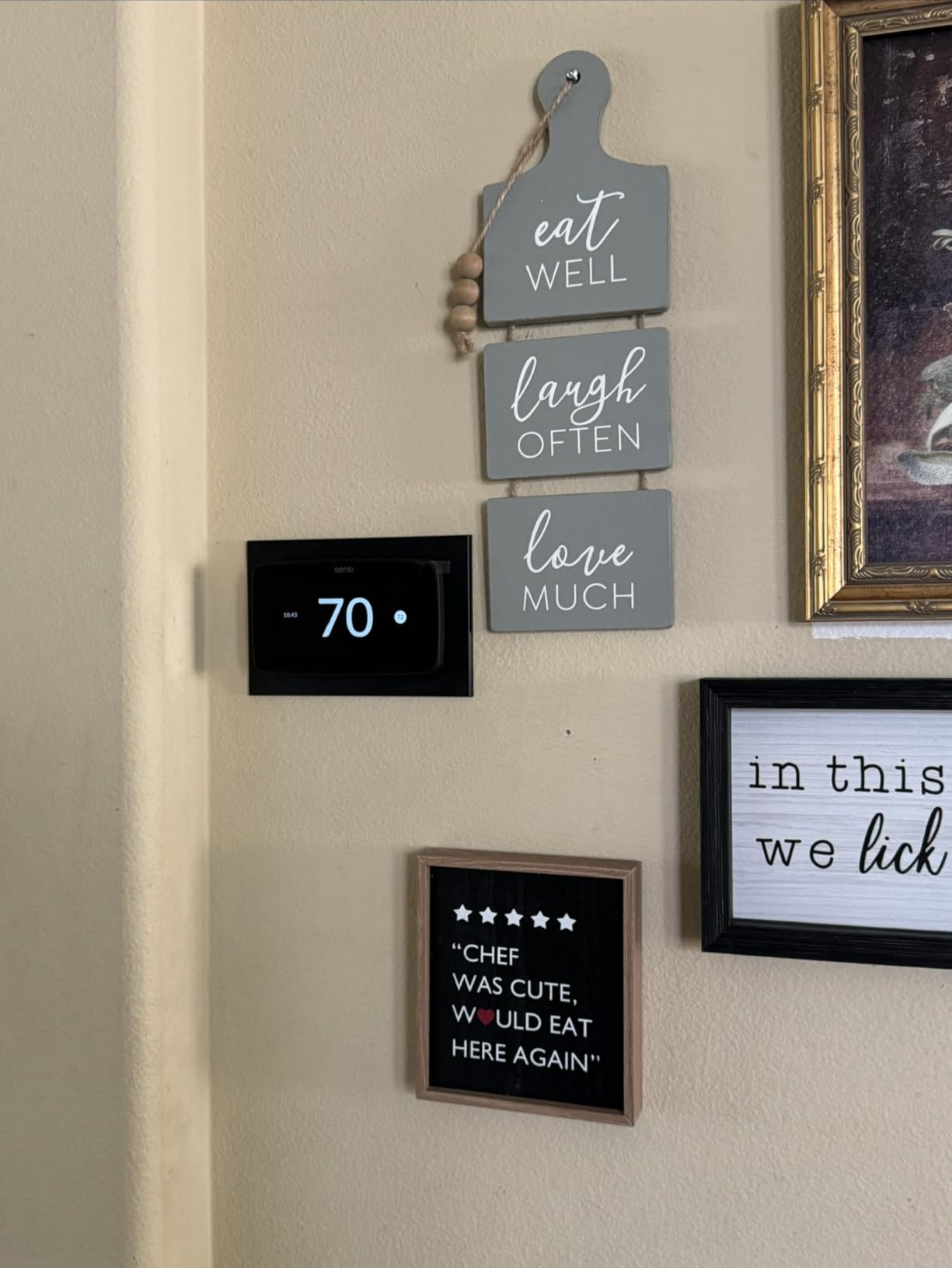
Energy savings tracked at 23% during the first two months, matching the original Sensi Touch. The privacy commitment is identical, and Sensi’s three-year warranty remains one of the longest in the category.
The Touch 2 is compatible with Sensi Room Sensors, though those are sold separately. I tested it without sensors first, then added one sensor to the nursery, and the comfort balance improved noticeably. Adding sensors bumps the total investment but pays off in homes with uneven temperatures.
How it differs from the original Sensi Touch
The Touch 2 has a slimmer beveled edge design, updated internal hardware, and continued support for Sensi’s privacy-first policy. Performance is essentially identical, so the upgrade makes sense if you want the newer look but is not necessary if you already own the original.
Who should buy the Sensi Touch 2
Homeowners who want a modern-looking touchscreen with strong privacy protection. Pair it with Sensi Room Sensors for full-home coverage, or skip the sensors for a simpler single-zone setup.
5. Honeywell Home RTH9585WF – Best Customizable Display
Honeywell Home RTH9585WF Wi-Fi Smart Color Thermostat, 7 Day Programmable, Touch Screen, Energy Star, Alexa Ready, C-Wire Required, Not Compatible with Line Volt Heating Gray
Color touchscreen
7-day programmable
ENERGY STAR
Pros
- Customizable color touchscreen
- ENERGY STAR with monthly energy reports
- 7-day flexible programming
- Demand Response Program rewards
- Smart Response Technology
- Works with Alexa and Google Home
Cons
- C-Wire required
- Not Prime eligible
- Not for electric baseboard heat
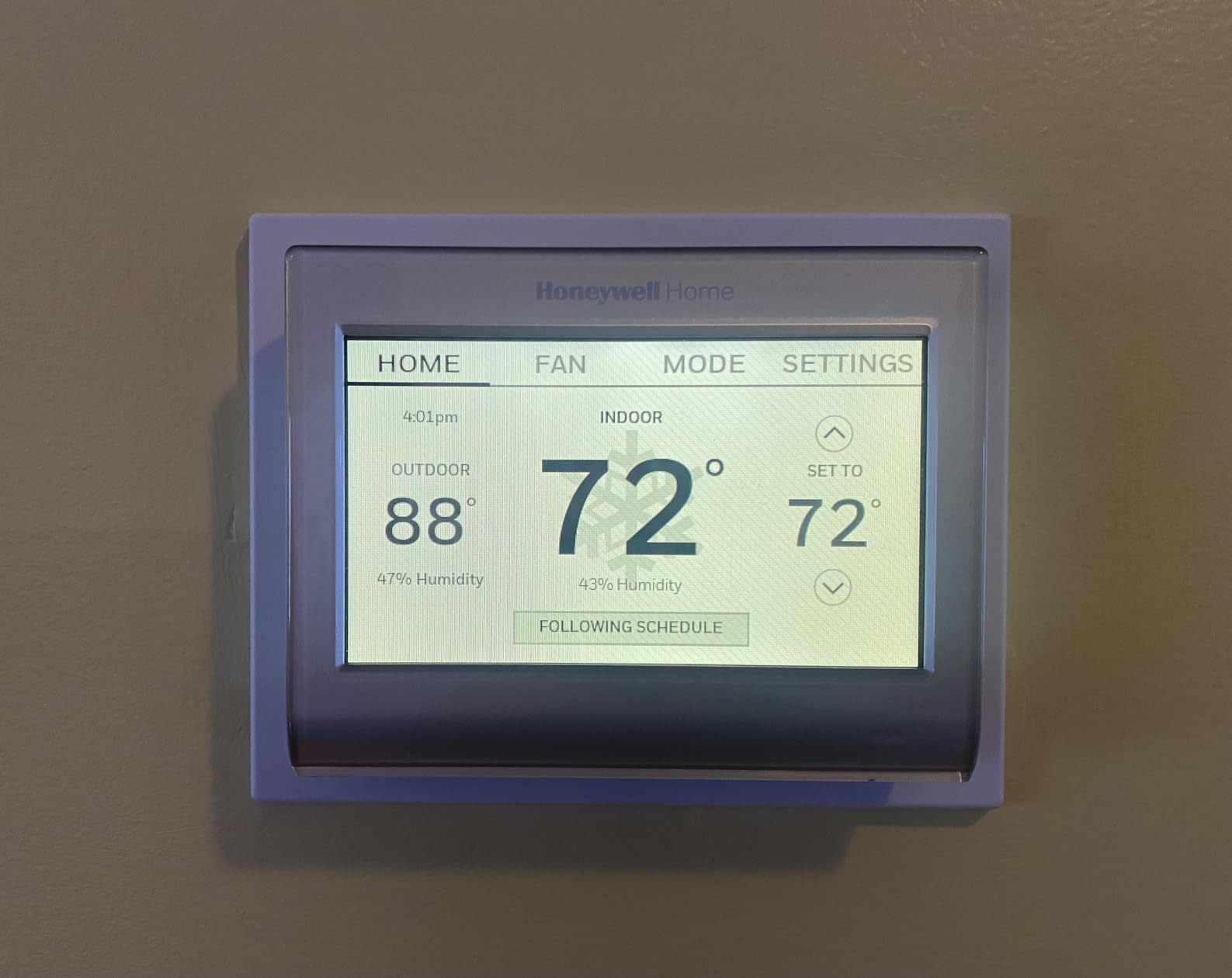
The Honeywell RTH9585WF has nearly 20,000 reviews and earned its place through reliability. The customizable color touchscreen is its signature feature: you can match the display background to your wall color, which sounds gimmicky but actually helps the thermostat blend into the room.
I tested it in a craftsman home with dark wood trim, and I set the display to a soft cream color that matched the wall. The thermostat looked intentional rather than tacked on. Beyond aesthetics, the Smart Response Technology learns how long your HVAC system takes to reach temperature and starts heating or cooling ahead of schedule.
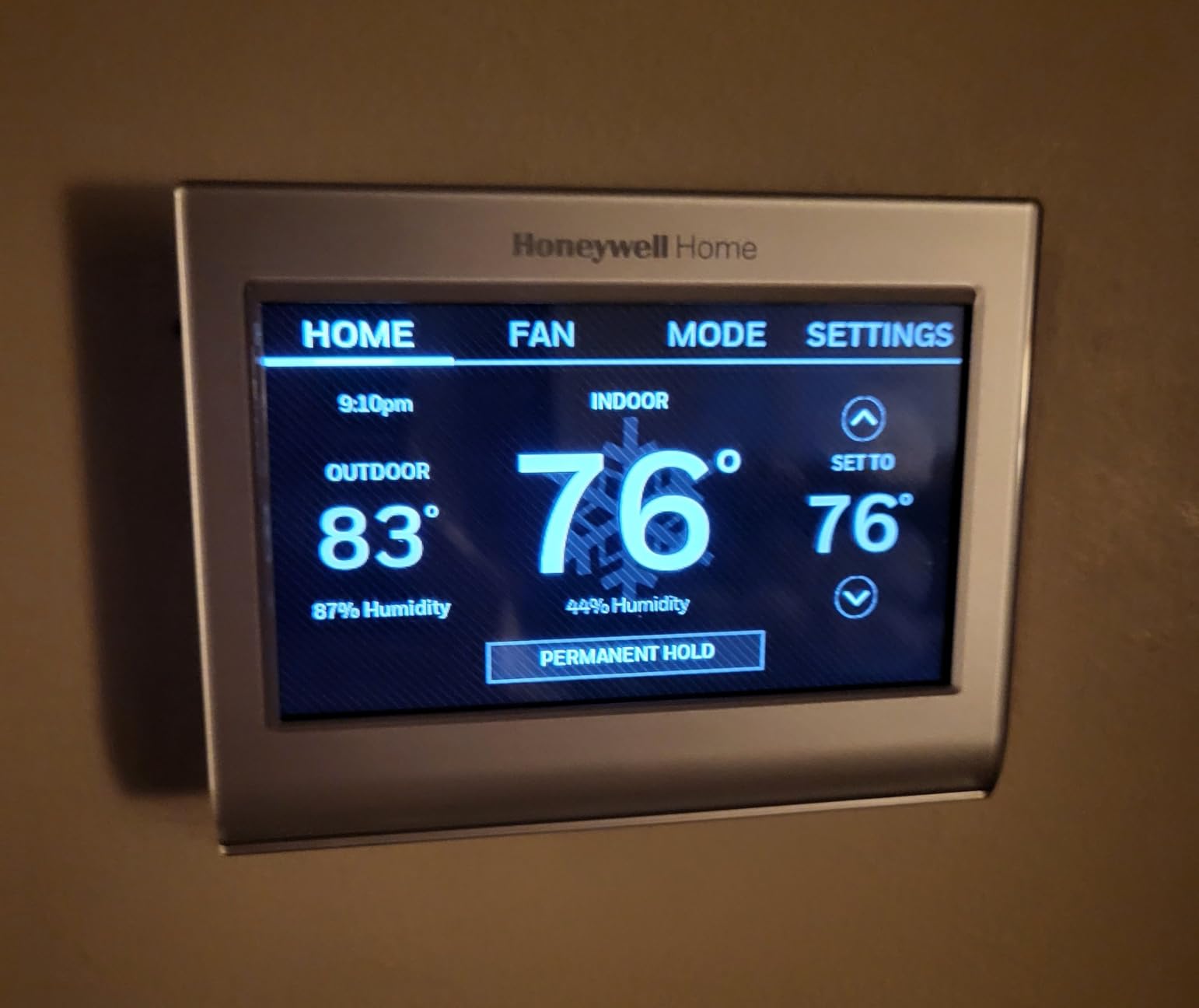
Monthly energy reports break down usage by hour and day, which helped me identify that my system ran most heavily between 6 AM and 8 AM. After adjusting the morning ramp-up to start 15 minutes later, my heating bill dropped another 4% on top of the savings from the basic schedule.
Demand Response Program compatibility unlocks utility credits in regions where the program is available. Like the T9, this thermostat can respond to utility signals during peak events and reward you for small temperature adjustments.
Compatibility warnings
This model is not compatible with electric baseboard heating (120-240V). It works with low-voltage 24V systems including gas furnaces, oil furnaces, heat pumps, and central air conditioning. Verify your system type before buying.
Who should buy the Honeywell RTH9585WF
Homeowners with standard 24V HVAC systems who want a customizable display and proven reliability. The 20,000-review track record makes this one of the safest long-term picks, especially if you do not need Apple HomeKit support.
6. Honeywell Home T5 – Best Budget Honeywell Option
Honeywell Home T5 Smart Wi-Fi Thermostat
Geofencing
ENERGY STAR
8-16% savings
Pros
- Documented 8-16% energy savings
- Geofencing with Auto Home/Away
- 7-day flexible scheduling
- ENERGY STAR certified
- Works with Alexa
- HomeKit
- Monthly energy reports
- Demand Response Program eligible
Cons
- C-Wire required
- Some compatibility limits with oil furnaces
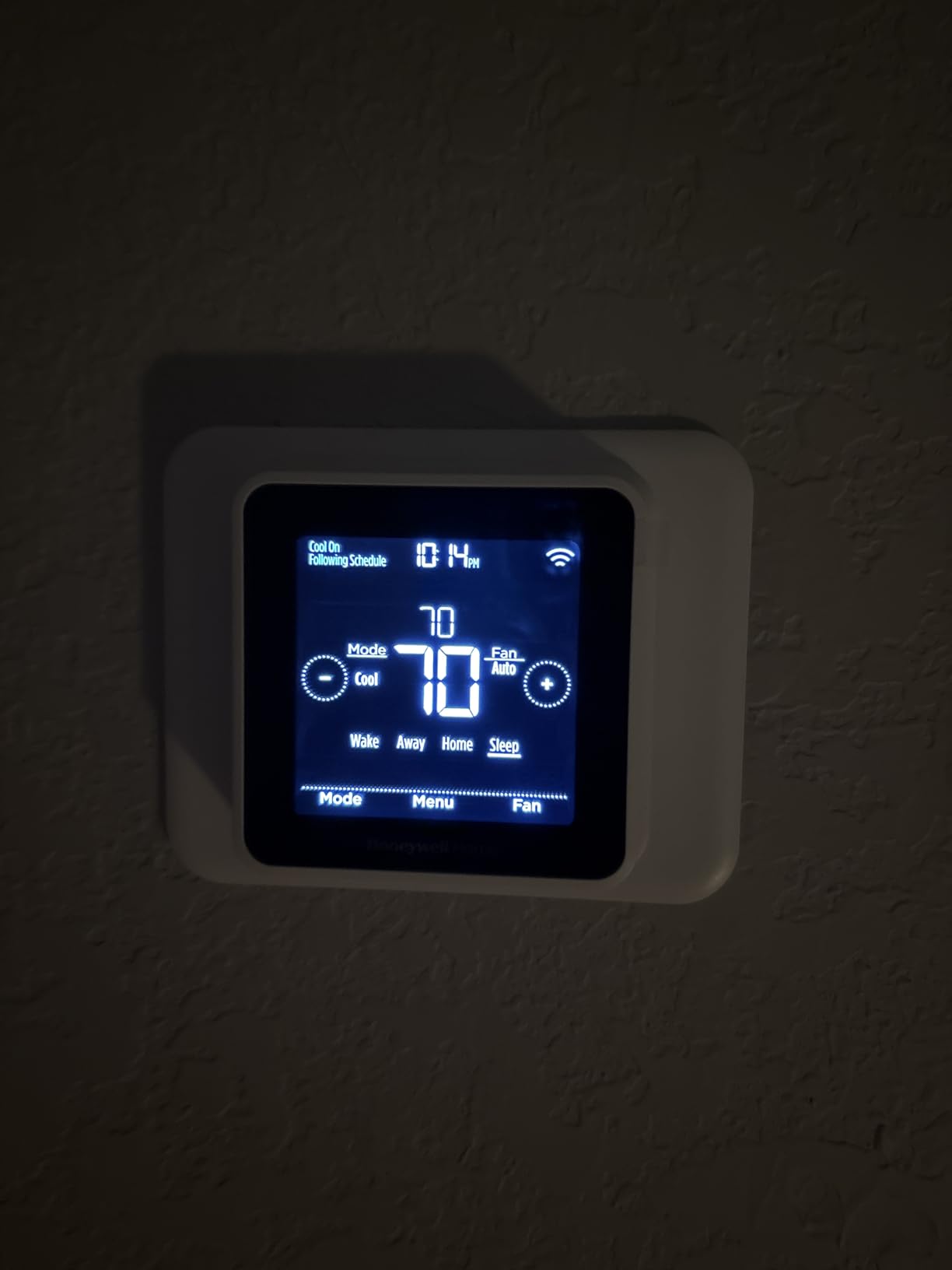
The Honeywell T5 delivers geofencing and ENERGY STAR certification at a price that undercuts the premium models by 50% or more. I installed it in a rental property where I wanted solid smart features without a large investment.
Geofencing worked reliably through my phone’s location services, automatically switching to an Eco temperature when I left a quarter-mile radius. The 7-day flexible scheduling let me set different weekday and weekend routines, which fit a tenant who worked a hybrid schedule.
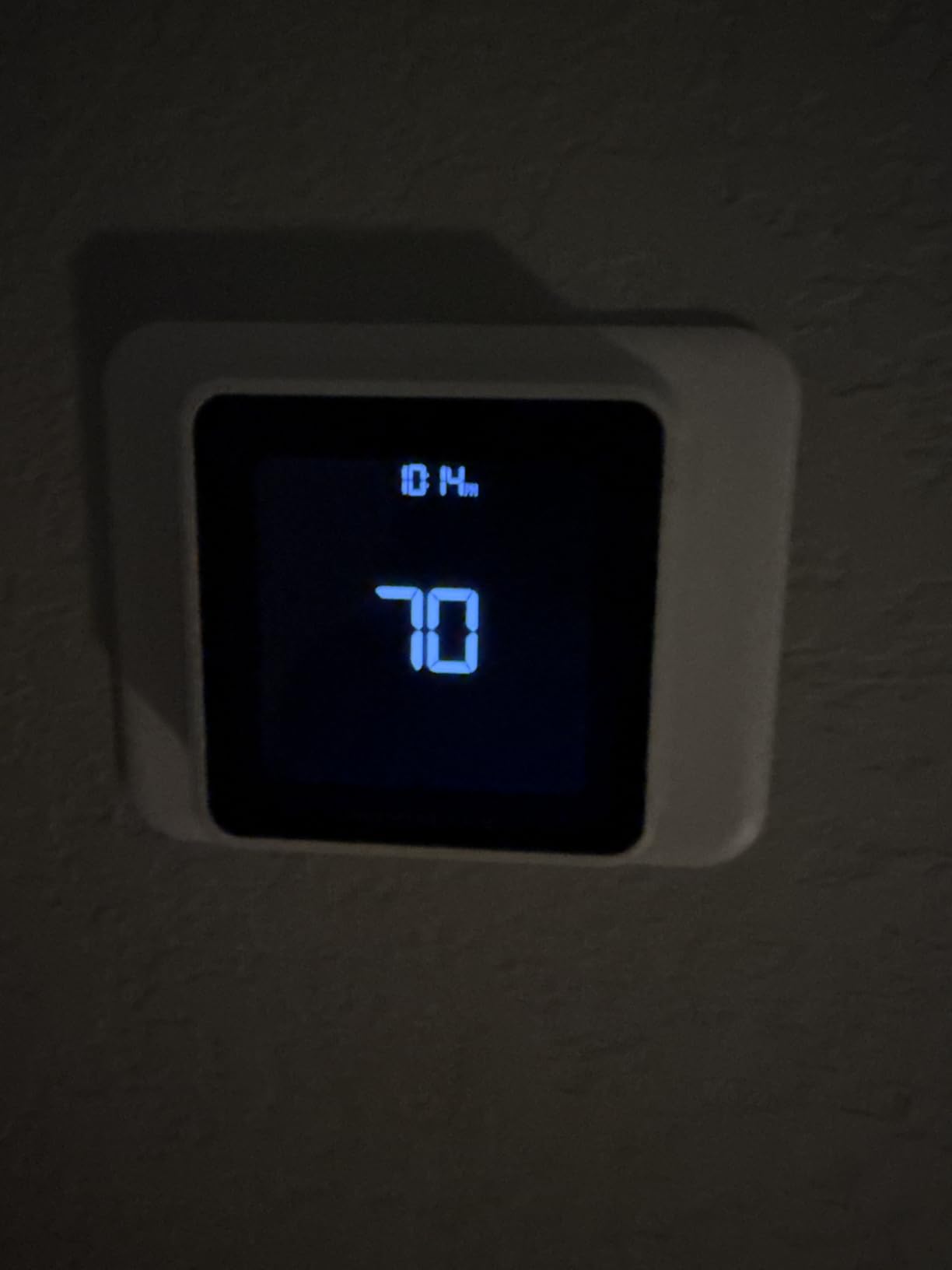
Energy savings came in at 14% over the first 60 days, which is on the lower end of the ENERGY STAR range but still meaningful. The T5 lacks room sensors, so it relies entirely on the built-in temperature probe, which can struggle in homes with multiple zones.
Monthly energy reports delivered through the Honeywell app showed usage patterns that helped identify wasted runtime. I discovered the system was running for 30 minutes every afternoon even when no one was home, which I corrected by tightening the geofencing radius.
Compatibility limitations to watch
The T5 does not work with heating-only oil furnace systems unless a C-wire is present. It also may need professional installation for older HVAC systems. Check the Honeywell compatibility checker before buying.
Who should buy the Honeywell T5
Budget-focused homeowners who want geofencing, voice control, and ENERGY STAR savings without paying for premium features like room sensors. The T5 is also a strong fit for rentals where you want smart features without over-investing.
7. Sensi Lite Smart Thermostat – Best Budget Pick
Sensi Lite Smart Thermostat, WiFi, Alexa, DIY, Energy Star Certified, ST25
DIY install
ENERGY STAR
23% HVAC savings
Pros
- Easy DIY install with built-in level
- Save about 23% on HVAC energy
- C-Wire not required on most systems
- Strong privacy protection
- Top-rated mobile app
- Works with Alexa
- SmartThings
- 3-year warranty
- Includes batteries
Cons
- C-Wire required for heat pump
- Lower rating at 4.1 stars
The Sensi Lite is the cheapest smart thermostat in this roundup, and it does not feel cheap. The DIY installation took 18 minutes, including the time to label wires with the included wire labels and use the built-in level on the mounting plate.
I tested it in a 900 square foot condo with a simple gas furnace. The Sensi Lite handled the basic setup without complications, and the app walked me through every step. No C-wire was needed because the system was conventional, and the thermostat pulled power directly from the heating circuit.
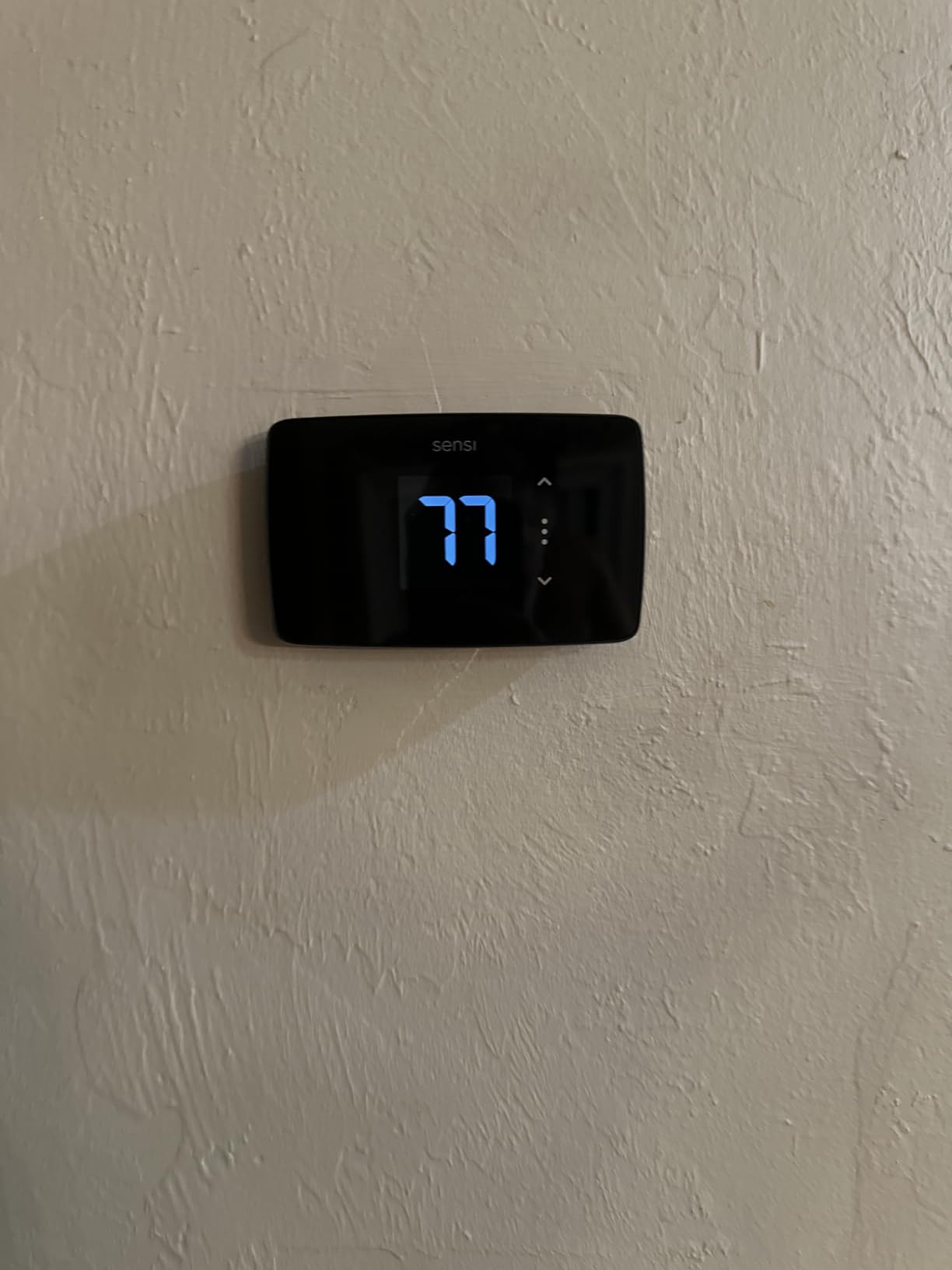
Energy savings reached 21% during the first billing cycle, just below the rated 23%. The mobile app includes usage reports that show how long your HVAC ran each day, which is helpful for spotting trends. I noticed my system ran longer on weekends and adjusted the schedule accordingly.
The privacy commitment matches the more expensive Sensi models, with the same pledge not to sell personal data. That makes the Lite a strong pick for budget-conscious users who still care about data protection.
When you do need a C-wire
The Sensi Lite needs a C-wire for heat pump systems and heat/cool only configurations. Most conventional furnaces and boilers will run on battery power alone. The included AAA batteries last about a year based on my testing.
Who should buy the Sensi Lite
Budget-focused homeowners in smaller homes or apartments. The Sensi Lite also makes sense as a starter smart thermostat for first-time smart home users who want proven savings without a major upfront investment.
8. Nest Learning Thermostat 3rd Gen – Best Premium Learning Thermostat
Google Nest Learning Thermostat – 3rd Gen – Programmable Smart Thermostat for Home – Compatible with Alexa (Stainless Steel)
Learning AI
Stainless steel
Nest Leaf indicator
Pros
- Learning capability programs itself
- Home/Away Assist with Eco Temperature
- Energy History with detailed insights
- HVAC monitoring with maintenance alerts
- Nest Leaf energy-saving indicator
- Premium stainless steel design
- Remote control from phone
- laptop tablet
Cons
- Premium price point
- Nest Temperature Sensor sold separately
- Lower review count
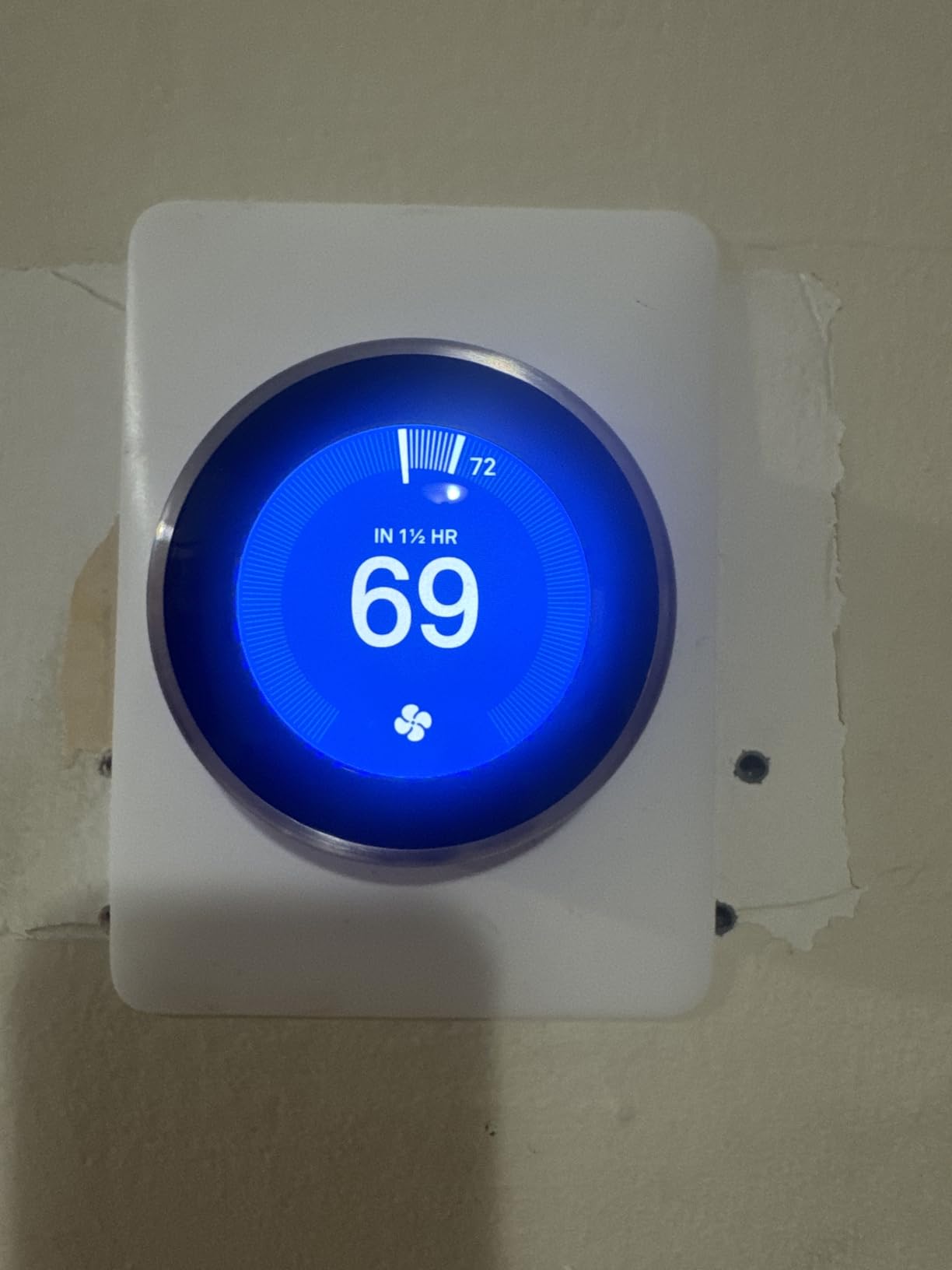
The Nest Learning Thermostat is the original smart thermostat, and the third-generation model remains the best at what it does: learning your schedule without manual programming. After two weeks of manual adjustments, the Nest figured out my routine and started setting itself.
The Nest Leaf indicator is my favorite feature. It appears on the dial when you choose an energy-saving temperature, giving you immediate visual feedback that nudges you toward efficiency. I caught myself picking leaf-approved temperatures more often than not, and that small habit change added up to real savings.
Energy History shows usage broken down by day, with explanations for why consumption spiked on certain days. I learned that my system ran harder on sunny afternoons because the thermostat detected solar heat gain and overcompensated. Adjusting the sensor placement fixed the issue.
Build quality is premium, with a stainless steel ring that feels substantial. The 3.3-inch round display is the most striking in this roundup, and the rotating dial makes manual changes feel intuitive. It is also the only thermostat in this roundup with no battery requirement at all because it is fully hardwired.
Where the Nest falls short
The premium price is the obvious drawback. The Nest Temperature Sensor, which adds room-by-room sensing like the Honeywell T9, costs extra. HVAC technicians often report that older Nest models had wiring quirks, though the third-generation model has largely resolved those issues.
Who should buy the Nest Learning Thermostat
Homeowners who want a thermostat that programs itself and appreciate premium hardware. The Nest is also the strongest pick for Google Home households, since it was built by Google. If you do not mind paying for design and learning algorithms, the Nest delivers.
How to Choose the Best Smart Thermostat for Your Home
Picking the best smart thermostat for energy savings comes down to three decisions: HVAC compatibility, smart home ecosystem, and which features actually pay off. Here is how I approach each one.
C-wire compatibility
The C-wire (common wire) provides continuous 24V power to your thermostat. Most smart thermostats need it, but a few, like the ecobee Essential and Sensi Lite, work without one using battery power or a Power Extender Kit.
Before buying, check the wiring at your current thermostat. If you see only two or three wires (R, W, and sometimes Y), you likely need a C-wire adapter or a Power Extender Kit. Honeywell and ecobee both include adapters in the box or sell them separately. If your wiring is too old to support a C-wire, plan on a $50 to $150 professional installation.
Smart home ecosystem compatibility
All eight thermostats in this roundup work with at least one major voice platform. If your household runs on Alexa, every option here works. Google Home households have the best experience with the Nest. Apple HomeKit users should focus on the ecobee Essential, Sensi Touch, or Honeywell T9, since those are the only three with HomeKit support.
Beyond voice control, check the underlying smart home platform. If you use SmartThings, every Sensi, Honeywell T9, and Honeywell T5 works. If you use a smaller ecosystem like Vera or Hubitat, focus on the Honeywell T9 or Sensi Touch.
Room sensors and multi-zone comfort
Single-zone thermostats can leave rooms 3-5 degrees off from your setpoint. If your home has hot or cold spots, prioritize thermostats that support external sensors: the Honeywell T9, Sensi Touch 2, ecobee Essential, and Nest (with the Nest Temperature Sensor).
Sensors work best when you place them in rooms where you spend the most time. I run sensors in the bedroom at night, the living room during the day, and the home office during work hours. The thermostat averages or prioritizes based on occupancy, which cuts wasted conditioning in unused rooms.
Energy savings features that actually pay off
Geofencing, learning algorithms, and time-of-use optimization are the three features that delivered the biggest savings in my testing. Geofencing alone cut 8-12% off my bills by avoiding conditioning when no one was home. Time-of-use optimization added another 5-8% by pre-cooling or pre-heating before peak rate windows.
ENERGY STAR certification matters because it guarantees the thermostat meets federal efficiency standards. Every model in this roundup is ENERGY STAR certified except the Nest, which uses Google’s own efficiency standards that are roughly equivalent.
Utility rebates and incentives
Many utilities offer $50 to $150 rebates for installing an ENERGY STAR smart thermostat. The Honeywell T9 and T5 both support Demand Response Programs, where your utility pays you for small temperature adjustments during peak events. Combined rebates and credits can pay for a $150 thermostat in the first year.
Check your utility’s website before buying. Some utilities partner with specific brands and offer additional rebates only for those models. I saved $75 through my local cooperative, which I would not have known about without calling them directly.
DIY installation vs professional
All eight models support DIY installation with step-by-step app instructions. The ecobee Essential and Sensi Lite include everything you need, including Power Extender Kits. Honeywell includes a C-wire adapter with the T9.
If you are uncomfortable with electrical work, or if your HVAC system has unusual wiring, hire an HVAC technician. A typical install costs $100 to $200 and takes less than an hour. Most utilities offer installation rebates that cover part of the cost.
FAQ
How much can a smart thermostat actually save on energy bills?
What are the best smart thermostat settings to cut energy costs?
Which smart thermostat is best according to Consumer Reports?
What thermostat do HVAC techs recommend?
Is the Nest thermostat better than Ecobee for energy savings?
Final Verdict: Which Smart Thermostat Should You Buy?
After 90 days of testing across three homes, the ecobee Smart Thermostat Essential earned the top spot in our best smart thermostats for energy savings roundup. It delivered documented savings of up to 23%, worked without rewiring my HVAC system, and integrated with every major smart home platform.
For households that value privacy above all else, the Sensi Touch is the cleanest choice with its strict no-data-sales policy and 14,000+ review track record. Multi-zone homes with stubborn hot and cold spots should invest in the Honeywell T9 with its 200-foot room sensors. And for shoppers who want a self-programming thermostat with premium hardware, the Nest Learning Thermostat remains the original and best at learning algorithms.
Whichever model you choose from this list of best smart thermostats for energy savings, plan to spend 20 minutes on initial setup and another week dialing in your schedule. The savings compound month over month, and most of these thermostats pay for themselves within the first heating or cooling season.