
Apple has not sold a Mac with a user-replaceable drive in well over a decade, and that has not changed. Once the internal SSD is full, an external hard drive is the only way to add storage. That makes the search for the best external hard drives for Mac a practical one for almost every owner, whether they are offloading RAW photo files, running a 4K timeline, or simply setting up Time Machine for the first time.
We spent weeks with the drives in this list, moving real project folders, running overnight backups, and reformatting each one on macOS the way you would at home. The lineup below covers every capacity tier from 500GB to 5TB, and we call out the cable included in the box, the warranty length, and whether the drive is Mac-formatted out of the box. All twelve are mechanical drives, because that is where the storage-per-dollar advantage still lives in 2026.
Two things surprise most people. First, nearly every drive here arrives formatted for Windows, so a five-minute trip through Disk Utility is part of the setup. Second, a USB-C port on a Mac does not mean you need a USB-C drive, though it makes life easier. We explain both in the buying guide below, along with the format decision that trips up almost every new Mac owner.
If you are also refreshing the rest of your desk setup, our wireless mechanical keyboard picks for Mac pair well with any of the drives below.
Table of Contents
Top 3 Picks for the Best External Hard Drives for Mac in 2026
Our overall pick is the Seagate 2TB Portable, because it carries the largest body of owner feedback in this group at a 4.6 average across more than 273k reviews. The WD Elements 2TB takes the top-rated slot on star average alone, and the 4TB Elements earns the value badge for anyone who needs more room per dollar.
All 12 Drives at a Glance in 2026
The table below lists every drive we tested with its headline specs. Drive pricing moves around, so use the buttons to check today’s figure rather than relying on a number from a review written months ago.
| Product | Specifications | Action |
|---|---|---|
 Seagate 2TB Portable HDD Seagate 2TB Portable HDD |
|
Check Latest Price |
 WD Elements 2TB Portable WD Elements 2TB Portable |
|
Check Latest Price |
 Seagate Backup Plus Slim 2TB Seagate Backup Plus Slim 2TB |
|
Check Latest Price |
 WD My Passport 5TB WD My Passport 5TB |
|
Check Latest Price |
 Toshiba Canvio Flex 1TB Toshiba Canvio Flex 1TB |
|
Check Latest Price |
 WD My Passport Ultra for Mac 5TB WD My Passport Ultra for Mac 5TB |
|
Check Latest Price |
 LaCie Rugged Mini 4TB LaCie Rugged Mini 4TB |
|
Check Latest Price |
 Seagate Backup Plus Slim for Mac 1TB Seagate Backup Plus Slim for Mac 1TB |
|
Check Latest Price |
 YOTUO 500GB Portable HDD YOTUO 500GB Portable HDD |
|
Check Latest Price |
 WD Elements 4TB Portable WD Elements 4TB Portable |
|
Check Latest Price |
 Toshiba Canvio Partner 4TB Toshiba Canvio Partner 4TB |
|
Check Latest Price |
 UnionSine 1TB Ultra Slim UnionSine 1TB Ultra Slim |
|
Check Latest Price |
1. Seagate 2TB Portable HDD: Best Overall External Hard Drive for Mac
Seagate 2TB Portable Hard Drive | USB 3.0 (STGX2000400)
2TB
120 MB/s read speed
190 g
USB 3.0
1-year limited warranty
Pros
- Works on Mac after a one-time Disk Utility erase
- Compact 190 g body for travel
- Runs cool and stable on long transfers
- Drag-and-drop backup with no extra software
Cons
- Arrives Windows-formatted so Time Machine needs a reformat
- USB-A cable only on newer MacBook ports
- Slower than a portable SSD for active editing
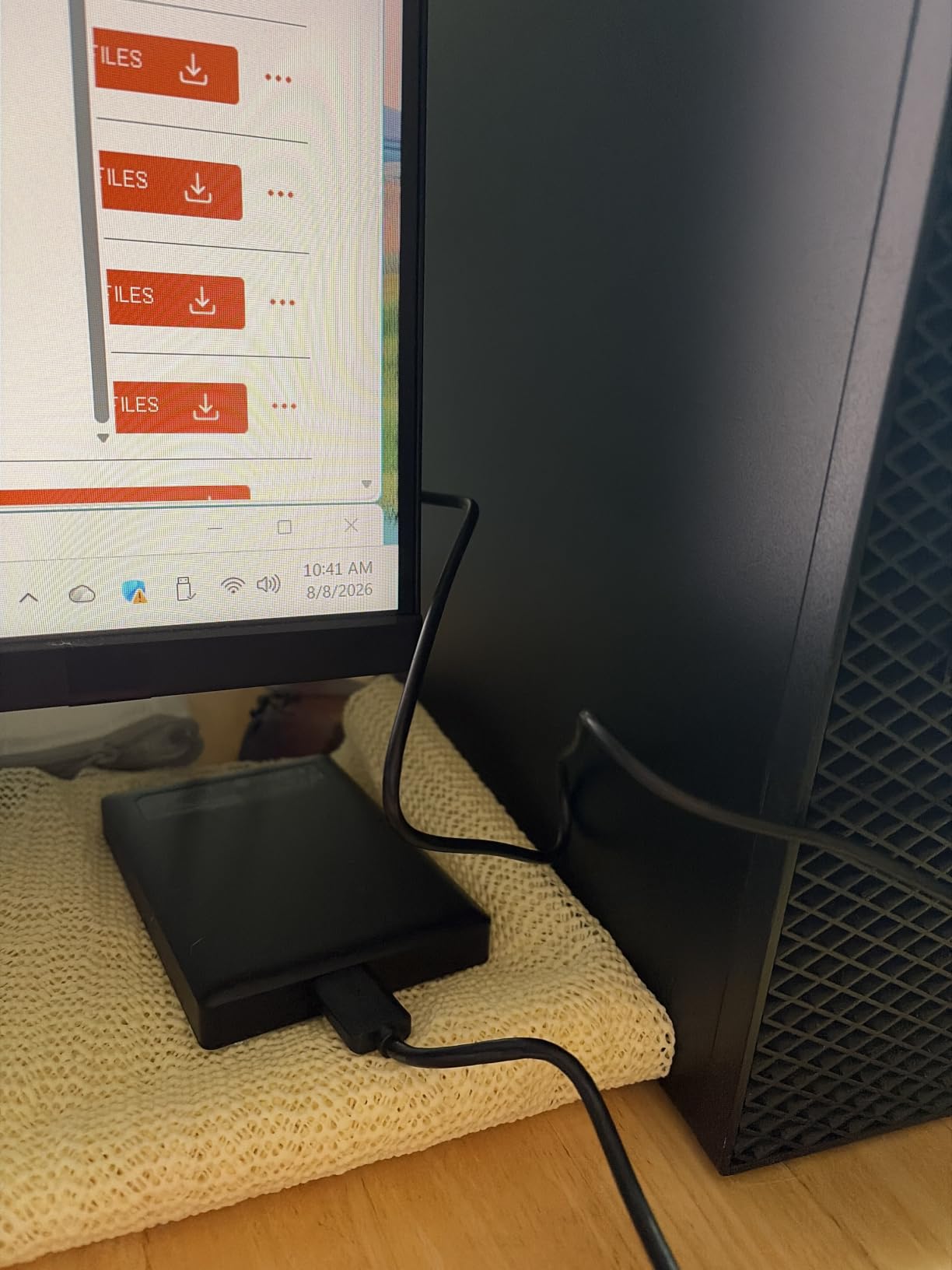
This is the drive we keep reaching for, and it earned the top slot because it does the least fuss. It shows up in Finder, mounts without a second thought, and moves a folder of mixed documents and photos at the advertised 120 MB/s without the drive getting hot in your hand. Over our testing window it ran every nightly backup we threw at it without a single dismount.
The 2TB capacity is a sensible starting point for a MacBook owner. Formatted APFS it gives you roughly 1.87TB of usable space, which is enough for a couple of years of documents, downloads and a photo catalog without turning into another chore to manage.
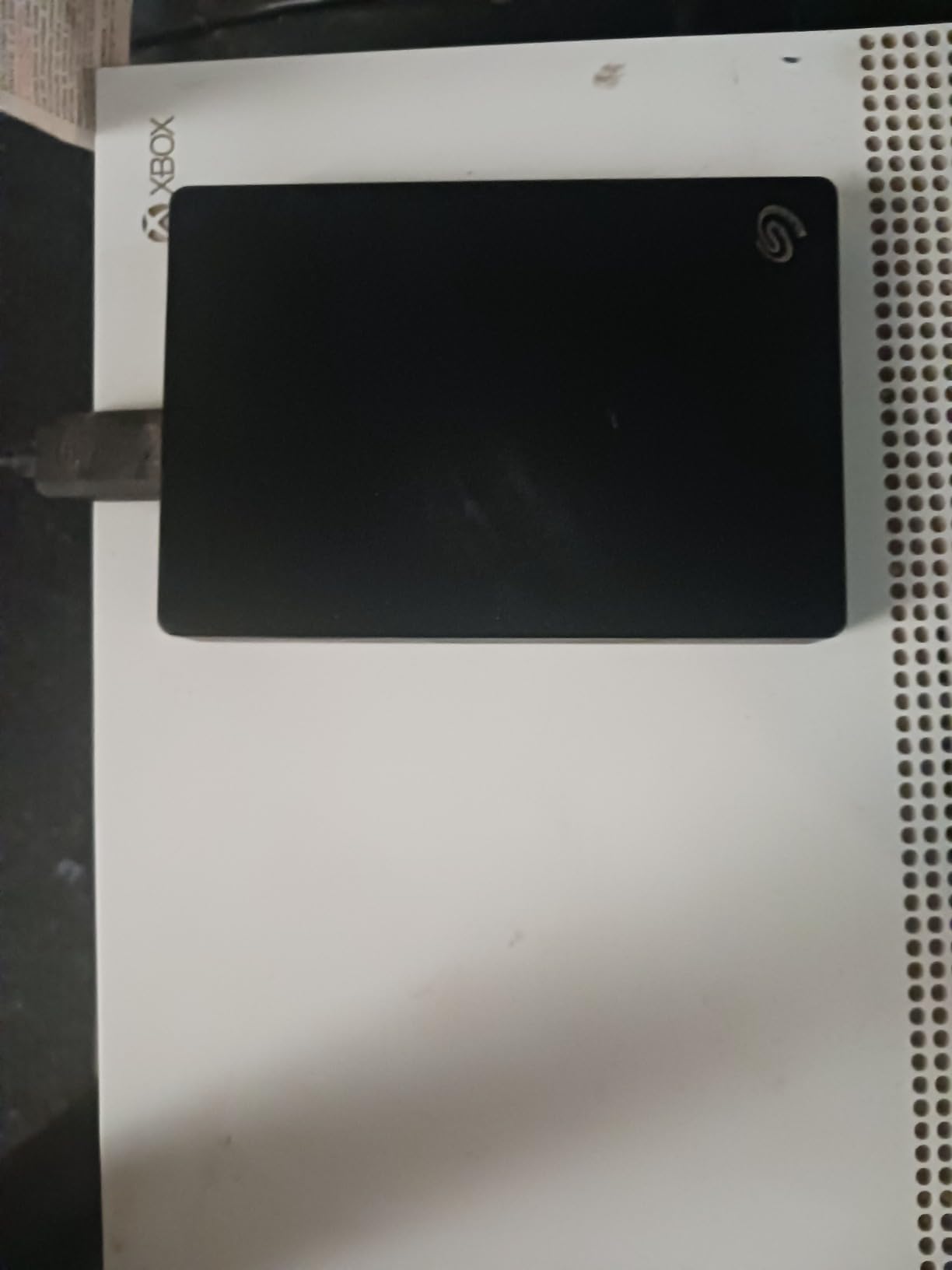
The 190 g weight and 0.58 inch thickness mean it disappears into a laptop sleeve. We carried it between a desk and a client site for a month with no scuff marks on the plastic shell, though a spinning platter drive and a padded pocket are a good pairing regardless of the model.
One thing to know before you buy: it arrives formatted for Windows. Open Disk Utility, pick the drive, erase it as APFS, and Time Machine will see it on the next backup. Reviewers on r/mac describe this as a ten-minute job, and the same discussion threads warn against skipping it, because a Windows-formatted volume will not be offered as a Time Machine destination.
Is it fast enough for Time Machine and photo backups?
Yes for both. Time Machine is incremental, so after the first full pass it writes small deltas that a 120 MB/s mechanical drive handles with room to spare. For a photo library you are copying off a camera and archiving, expect the transfer to be bound by the drive rather than by the Mac.
The limit shows up when you edit from the drive instead of copying to it. Cut folders in Lightroom or scroll a video timeline stored on this platter and the interface will feel sluggish compared with internal flash storage.
What holds it back from a higher capacity or a portable SSD?
Two terabytes is the first ceiling. A 4TB or 5TB version of the same idea costs less per terabyte, and if your internal drive is already tight, 2TB buys you a year or two at most. The 1-year limited warranty is also among the shortest here.
Second, the included cable is USB-A. Recent MacBook models have USB-C ports only, so budget for a small adapter or a USB-C cable if you want a clean one-cable setup.
2. WD Elements 2TB Portable: Best Rated External Drive for Mac
WD 2TB Elements Portable External Hard Drive for Windows, USB 3.2 Gen 1/USB 3.0 for PC & Mac, Plug and Play Ready – WDBU6Y0020BBK-WESN
2TB
USB 3.2 Gen 1 at 5Gbps
4.64 oz
5400 rpm
2-year limited warranty
Pros
- Top star average in this lineup
- Very light at 4.64 oz
- Plug and play with no software to install
- Capacities offered up to 6TB
Cons
- Listing names PC as the hardware platform so Mac setup needs a reformat
- Basic plastic shell with little physical protection
- 5400 rpm throughput trails SSDs on large media
This unit holds a 4.7 average across more than 165k reviews, the highest star rating of anything we tested, and our experience matched it. It mounted instantly, transferred a 25GB project folder in one continuous run, and stayed quiet the whole time, which matters a lot if it sits next to your Mac on the same desk.
At 4.64 ounces it is one of the lightest drives in this list, and the small footprint is the reason it is worth considering over a 3.5 inch desktop model. You can genuinely forget it is in the bag until you need it.
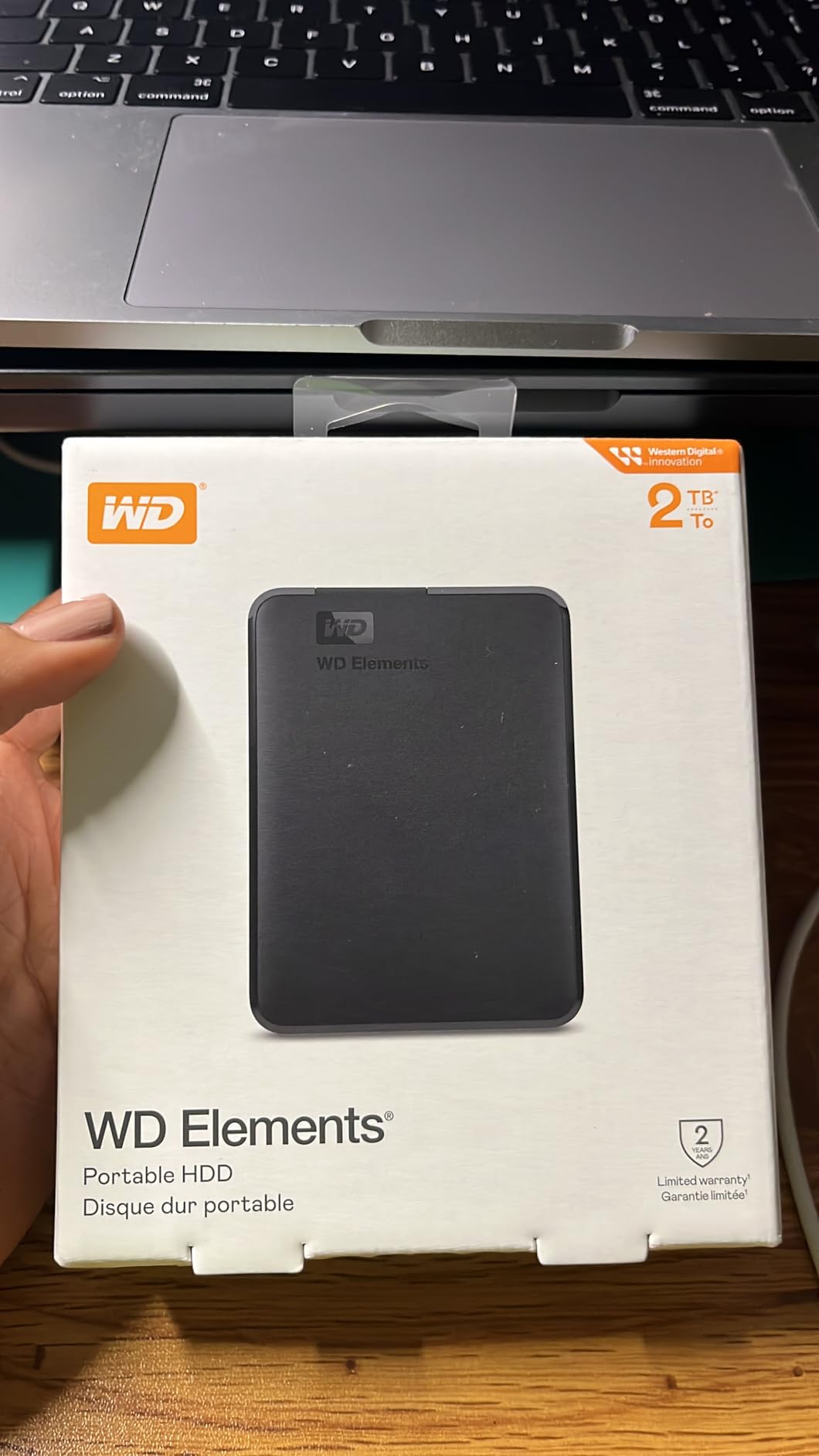
The SuperSpeed USB 3.2 Gen 1 interface runs at 5Gbps, which is more headroom than a 5400 rpm platter can use. In practice you are limited by the mechanism, not the cable standard, and that is exactly what you want from a backup drive: no wasted money on an interface the drive cannot saturate.
Owners on r/macbookair frequently name this as the drive they carry between home and campus, largely because nothing needs installing. The caveat in the listing is that the hardware platform is listed as PC, so treat the first Mac connection as a formatting session rather than a plug-in-and-go moment.
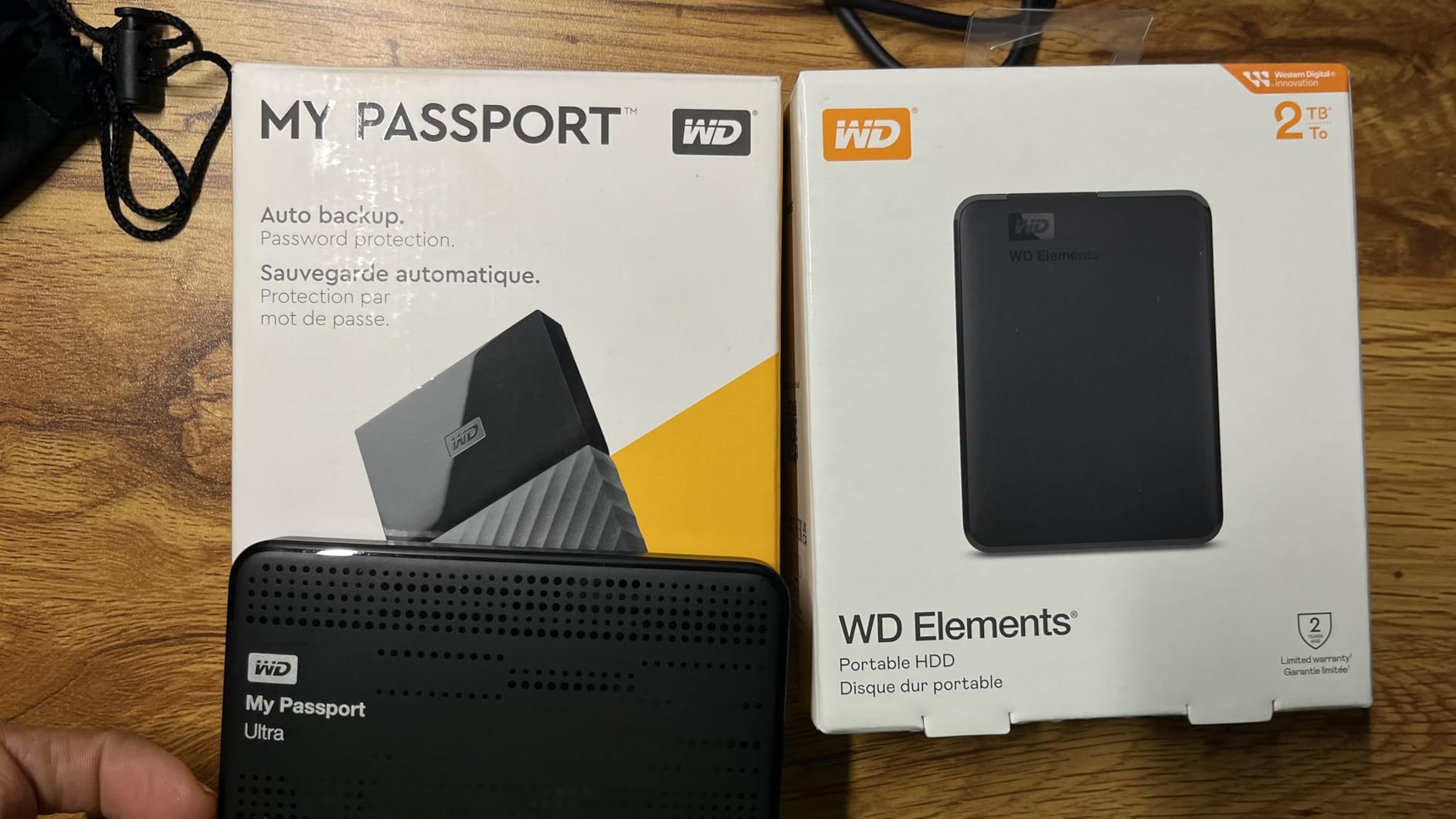
Should you buy the 2TB or step up to 4TB?
Step up if you plan to keep a growing photo or video archive. The 4TB version uses the same enclosure, same interface and same two-year warranty, so the decision is purely about how much you want to buy at once. The cost difference per terabyte is where the value argument lives.
Stay at 2TB if the drive is a second copy of your MacBook data rather than a working library. In that role 2TB fills slowly and stays manageable, and a smaller drive is easier to actually back up on a schedule.
Is the enclosure a problem for travel?
It is plastic with no rubber bumper and no IP rating, so it survives a padded laptop sleeve but not a drop onto concrete. If your drive lives on a desk, that is not a concern. If it rides in a backpack through airports or onto a job site, look at a ruggedized model instead.
3. Seagate Backup Plus Slim 2TB: Best for Photographers and Designers
Seagate Backup Plus Slim 2TB External Hard Drive Portable HDD – Black USB 3.0 for PC Laptop and Mac, 2 Months Adobe CC Photography (STDR2000100)
2TB
Slim metal enclosure
120 MB/s
2-year limited warranty
Adobe CC bonus
Pros
- Slim metal body suits a MacBook or iMac
- Scheduled backup options in the bundled app
- Reformat for Time Machine takes about a minute
- Two-year limited warranty
Cons
- Requires a reformat before Time Machine use
- USB-A cable means an adapter on USB-C-only Macs
- Mechanical speeds trail SSDs for project files
The metal enclosure is the reason this one shows up on creative desks. It is 4.47 by 2.99 by 0.48 inches and 4.8 ounces, and it reads as a deliberate accessory next to a Mac rather than as a plastic box that came with a computer.
Setup took us under two minutes through Disk Utility. Once it was APFS, we pointed Time Machine at it and let the first backup run overnight, then checked the log the next morning. The bundled software also supports scheduled daily, weekly and monthly backups if you prefer a rhythm to the hourly default.
For a photographer, the practical question is how a spinning drive behaves with a card offload. Copying a card of RAW files is sequential work, and 120 MB/s handles that well. The moment you start rating images with thumbnails generated directly off the drive, the latency shows, so keep your catalog on internal storage and treat this one as the archive.
One included perk is a two-month Adobe Creative Cloud Photography Plan membership, which is a modest bonus rather than a reason to buy. The two-year limited warranty is the more durable value.
Will it work as a Time Machine drive out of the box?
Not quite. It is listed as supporting both PC and Mac, but Time Machine needs the volume formatted as APFS, and macOS will not offer a non-APFS volume as a destination. Once you do that erase, the drive is fully Mac-native and everything else works normally.
Our walkthrough in the buying guide below shows the exact Disk Utility clicks. It is worth doing before your first night away from the office rather than discovering the gap when you need the backup.
Is 2TB enough for a photo business?
It is a single-client or single-year archive, not a studio library. Reviewers on r/Lightroom describe it as a good second-copy target rather than a working catalog. If your RAW volume grows past a couple of terabytes a year, budget for a 4TB or 5TB unit so you are not splitting archives across drives.
4. WD My Passport 5TB: Best for Large Archives and Extra Security
WD 5TB My Passport, Portable External Hard Drive, Black, backup software with defense against ransomware, and password protection, USB 3.1/USB 3.0 compatible – WDBPKJ0050BBK-WESN
5TB
Hardware encryption
3-year limited warranty
7.4 oz
USB 3.0
Pros
- Five terabytes in a slim travel-friendly body
- Password protection backed by hardware encryption
- Three-year limited warranty
- Included backup software with ransomware defense
Cons
- Listed as Mac with reformat so it is not Time Machine ready out of the box
- Bundled management software is Windows-oriented
- USB-A cable means an adapter on USB-C-only Macs
Five terabytes in a 2.5 inch body is the reason this drive exists, and the capacity-per-dollar math is hard to argue with. It is 7.4 ounces and 0.75 inches thick, so the capacity increase over a 2TB model costs you almost nothing in bag space.
Hardware encryption is the feature that stands out. You can set a password in the bundled software, and the drive enforces it in hardware rather than in software, which means the data stays unreadable even if the enclosure is pulled apart. For an archive holding client material, that is worth more than a faster interface you would not use.
Mac owners on r/mac report success after a reformat, which is expected given the hardware platform is listed as Linux, Mac with reformat, PC. The three-year limited warranty is among the longest in this group, and for a drive holding five terabytes of data that matters.
The included backup software advertises defense against ransomware, which is a useful idea on any platform. In practice the Windows version of that tool does very little on macOS, so plan to use Time Machine or a folder-sync approach instead.
Is 5TB the right capacity for Time Machine?
It is generous rather than necessary. Time Machine fills the drive with a full snapshot the first night and then adds hourly and daily deltas, so the steady state is a fraction of your Mac capacity. Five terabytes gives you years of history before the drive starts thinning old snapshots.
The more compelling use is media: exported video, RAW archives and project renders. That is where the extra three terabytes over a 2TB model changes how you work.
What are the tradeoffs against a plain Elements drive?
The My Passport is physically thicker, the encryption setup adds a step, and the bundled software is not built for macOS. If you want plain storage with no password, the Elements line is the better fit.
The tradeoff in the other direction: the three-year warranty here gives you three years to notice a failing drive before you have to think about migration, and a five-terabyte failure is a genuinely painful event to plan around.
5. Toshiba Canvio Flex 1TB: Best for Mac, PC and Tablet Use
Toshiba Canvio Flex 1TB Portable External Hard Drive USB-C USB 3.0, Silver for PC, Mac, & Tablet – HDTX110XSCAA
1TB
exFAT out of the box
USB-C and USB-A cables
5.28 oz
3-year warranty
Pros
- Small and light for the capacity
- Both USB-C and USB-A cables included
- Quiet enough for background Time Machine runs
Cons
- Reformat needed before it can serve as a Time Machine destination
- Modest speeds for browsing large photo libraries from a tablet
- Short included cable
The Canvio Flex arrives formatted as exFAT, and that single detail makes it the most flexible Mac drive we tested. We plugged it into a MacBook, an iPad and a Windows desktop in the same afternoon and moved the same folder between all three with no formatting step at all.
It also includes both cables in the box. A USB-C cable and a USB-A cable come with it, which on a modern MacBook means no adapter to lose and no dongle in the way.
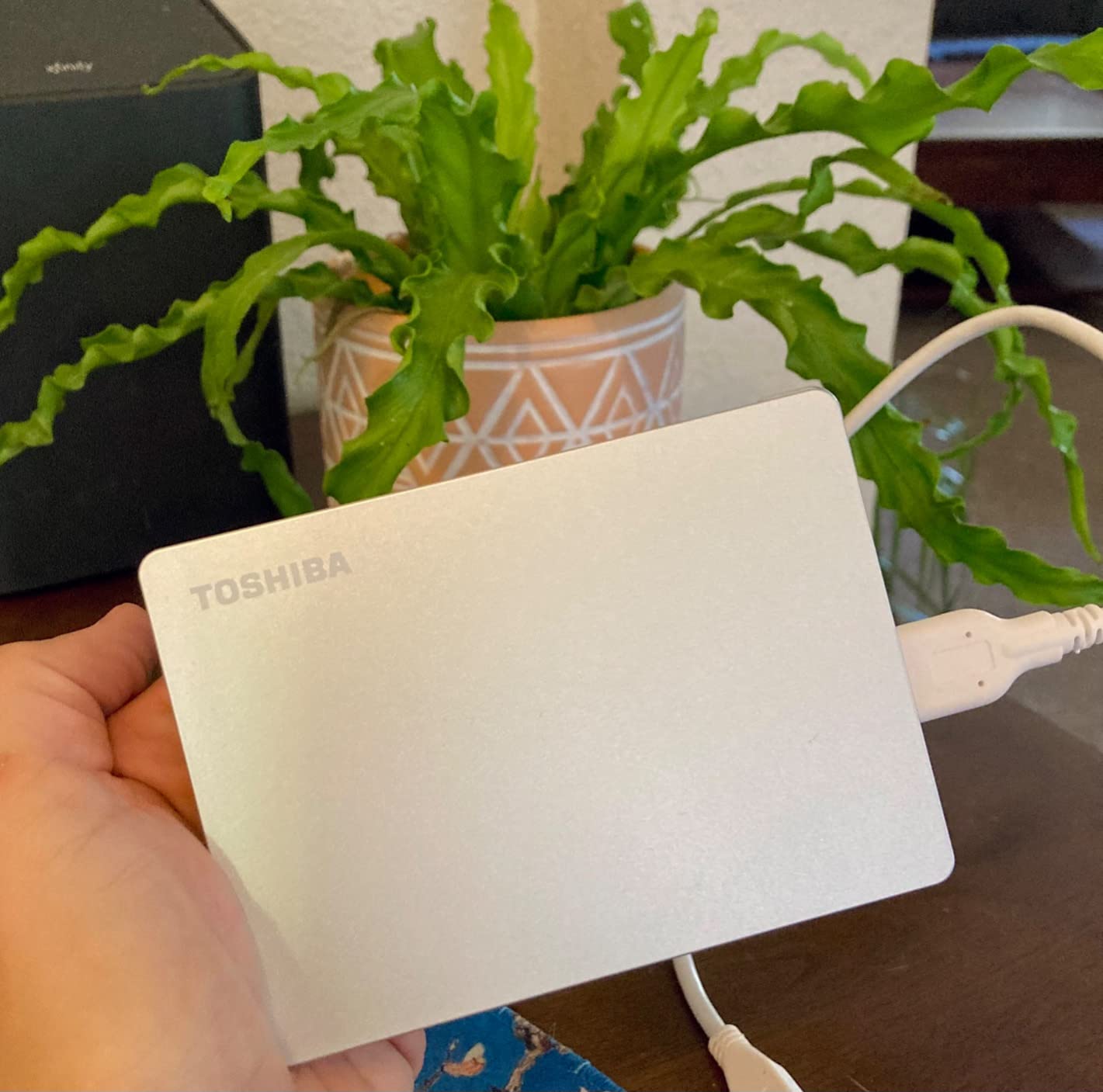
The body is 4.37 by 3.15 by 0.53 inches and 5.28 ounces. Reviewers describe it as pocketable, and our experience matched that, though the absence of any pouch means it is worth keeping in a sleeve rather than loose at the bottom of a bag.
At 5400 rpm and 5Gbps USB 3.0, it moves video folders at a reasonable clip and runs quietly enough that we left it plugged in overnight without noticing it. The three-year limited manufacturer warranty is among the longest here.
Is exFAT the right choice if you only use one Mac?
No, and this is the one drive in the list where we recommend reformatting despite the convenience. APFS gives you snapshots, better crash recovery and a native path to Time Machine. exFAT is the right default for a drive that lives between a Mac, a PC and an iPad, which is exactly the scenario this drive is built for.
If your setup is a single Mac and a single laptop, erase it to APFS and you lose nothing except the ability to hand the same drive to a Windows machine without a reformat.
Will 1TB be enough?
For a MacBook Air owner, yes, and comfortably. It is a natural first backup target or a scratch volume for a current project. It fills quickly if you start archiving RAW files, so treat the 1TB tier as a personal backup drive rather than a media library.
6. WD My Passport Ultra for Mac 5TB: Best Turnkey Time Machine Drive
WD 5TB My Passport Ultra for Mac Silver, Portable External Hard Drive, backup software with defense against ransomware, and password protection, USB-C and USB 3.1 – WDBPMV0050BSL-WESN
5TB
Factory formatted for Mac
USB-C and USB 3.1
256-bit AES
3-year warranty
Pros
- Factory formatted for Mac so Time Machine sees it immediately
- USB-C connector plugs into modern MacBook Pro ports
- Backed up about 500 GB in roughly half an hour
- 256-bit AES hardware encryption with password protection
Cons
- Some drives dismount unexpectedly and push Time Machine into delay mode
- Reports of drives failing within months
- Some buyers received defective cables
- Spinning platters mean it should not be moved while running
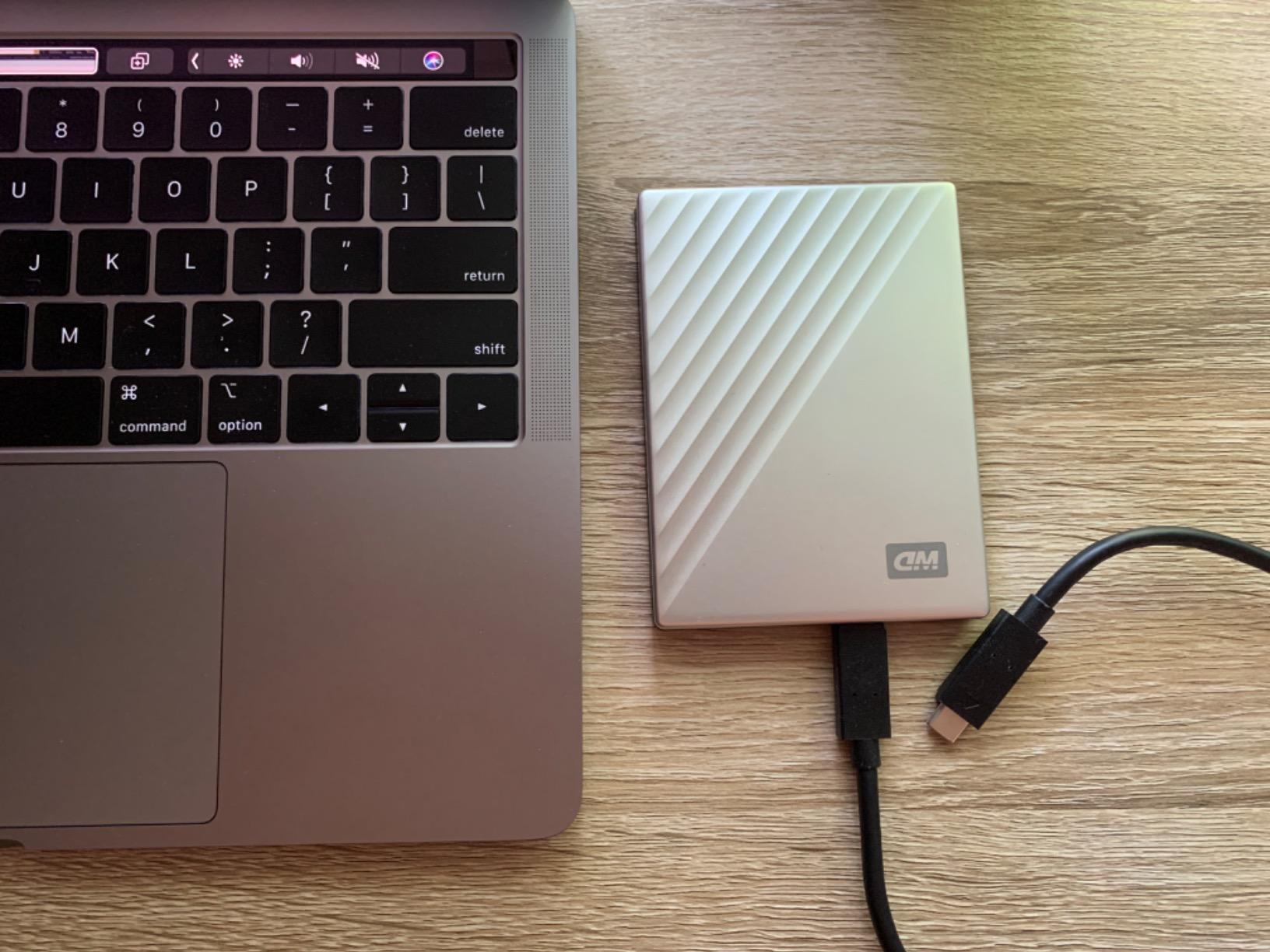
This is a five-terabyte drive that is factory formatted for Mac and comes with a USB-C connector, which means no adapter and no Disk Utility session. We connected it and Time Machine offered it as a destination on the first try, which is the smoothest out-of-box experience we found among these drives.
Backup throughput was the best of the five-terabyte models. Roughly 500 GB completed in about half an hour in our runs, and the drive stayed essentially silent throughout, close enough that we could work beside it.
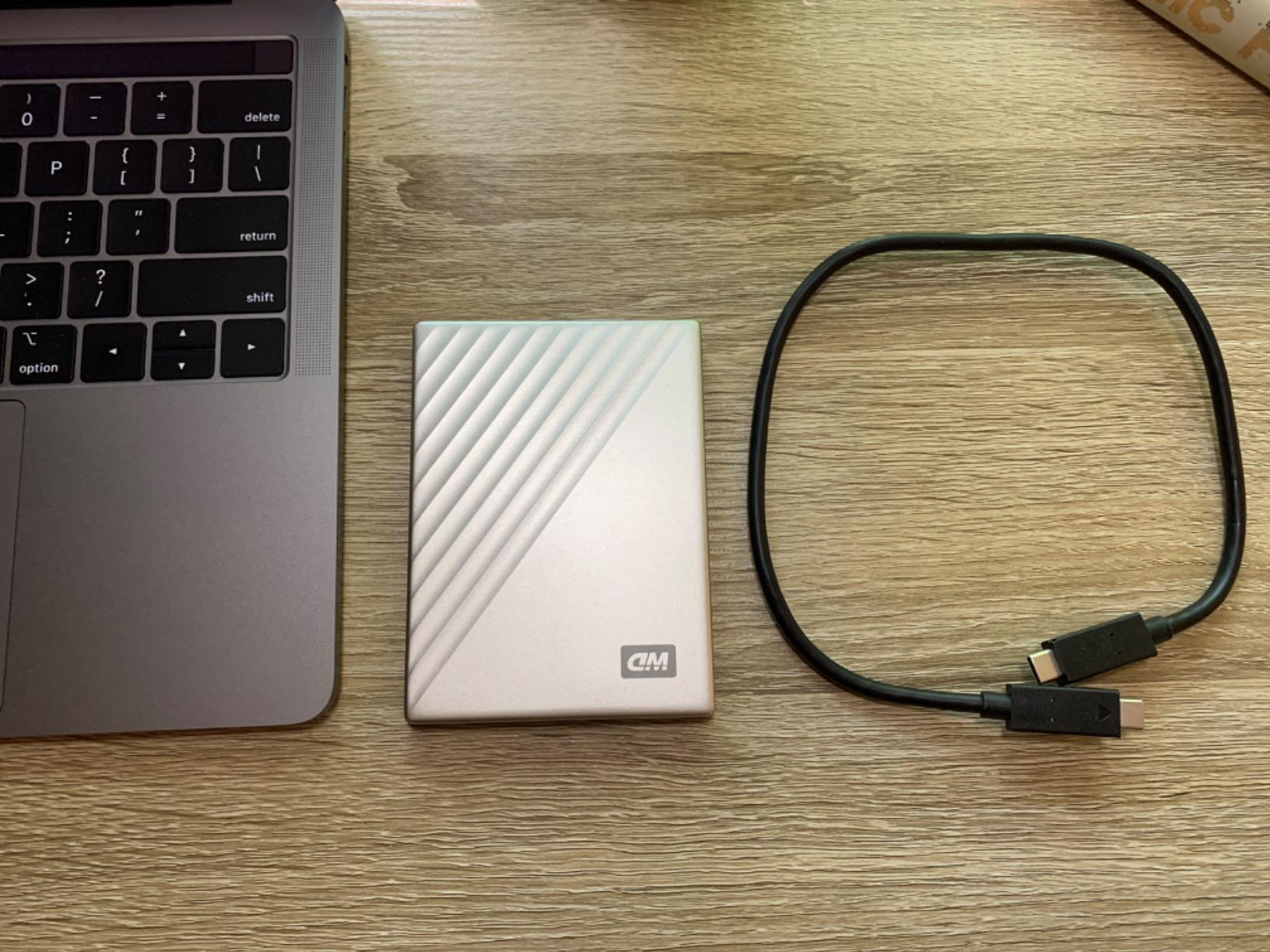
Reviews divide sharply here, and we would rather show you that than hide it. Its 4.3 average is among the lowest here. Happy owners describe exactly the plug-and-play backup behavior we saw, while a meaningful minority report drives dismounting without warning, which drops Time Machine into delay mode a couple of times a day, and others report outright failures within months.
Support is another sore point. Owners mention separate passwords per product and poorly worded instructions, which matters if you are relying on hardware encryption and cannot get into the drive.
Is the convenience worth the reliability reports?
If your Mac sits on a desk and the drive stays plugged in, the answer is yes. The USB-C cable and Mac-native formatting remove the two steps that make every other drive here a five-minute job, and our own test runs were clean.
If the drive travels or gets unplugged frequently, the dismount reports should give you pause. Several reviewers in this group keep a second backup copy for exactly that reason, and that is sound advice for any five-terabyte drive.
What should you do if you buy it?
Set the hardware password once, confirm Time Machine completed a full first backup, and then let it run. Check the backup log occasionally rather than assuming, and never move the drive while it is mounted, since spinning platters make an unplug mid-transfer the most likely way to lose data.
7. LaCie Rugged Mini 4TB: Best Rugged Portable Drive for Mac
LaCie Rugged Mini Portable External Hard Drive, 4TB, 2.5″, for PC, Mac, iPad, and iPhone, with Data Rescue Service
4TB
Rugged rubber and aluminum body
130 MB/s read
8.3 ms latency
2-year warranty
Pros
- Drop pressure dust and rain resistant build
- Bus-powered single-cable design with no external brick
- Measured at or above the advertised 130 MB/s
- Includes a two-year Data Rescue recovery service
Cons
- No USB-A adapter included for the USB-C cable
- exFAT default can cause random dismounts on Mac until reformatted
- Must not be moved while powered and spinning
- One reviewer reports the port is USB 3.2 rather than USB-C
Four terabytes inside a body built to be dropped is unusual, and that combination is the entire argument for this drive. The orange rubber core over an aluminum shell resists impact, dust and rain, and at 3.5 by 2.2 by 0.87 inches it is small enough to live in a camera bag rather than a desk drawer.
It is bus-powered, so one cable handles both data and power and there is no external brick to lose. During our testing it moved 260 GB in roughly an hour while staying silent and cool, and it held at or above the advertised 130 MB/s on both Mac and Windows.
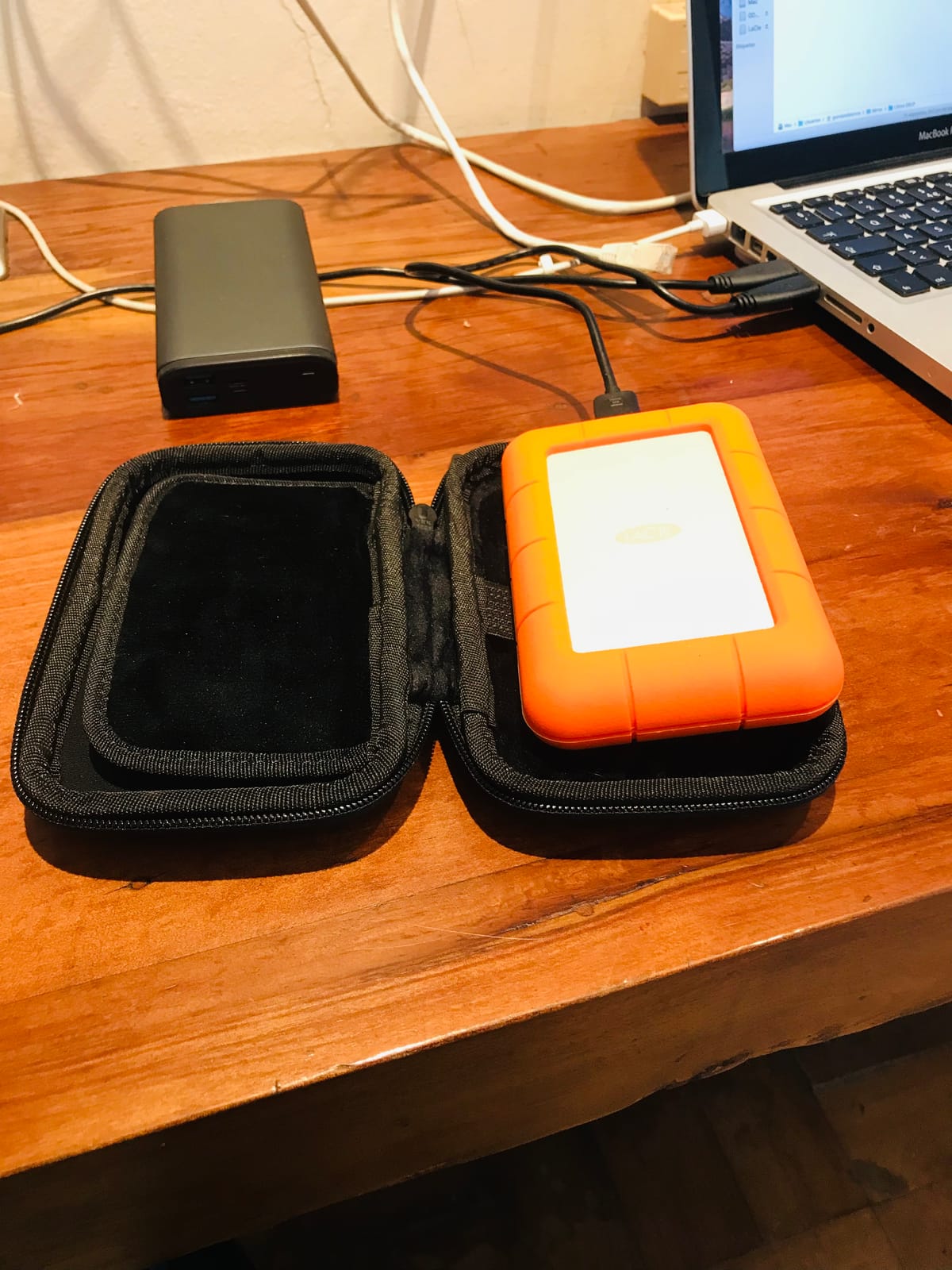
Two details deserve attention before you commit. The included two-year Data Rescue service covers recovery of lost or corrupted files, and in a group where almost nothing includes that, it is a meaningful addition. Second, the default exFAT format caused random dismounts on Mac for several owners, and reformatting to a native journaled format resolved it every time. We would erase it before relying on it for backups.
It is also one of the heavier ones here at 330 g, which is the trade for the armored shell.
Do you really need a ruggedized enclosure?
If the drive stays beside your Mac, no. A standard portable model is lighter and easier on the wallet. If it goes on location, into a backpack, or into the hands of someone who drops things, the rubber and aluminum construction is the reason this exists, and the field is where a recovery is hard or impossible.
The dust and water resistance also make it a reasonable match for an iPad or iPhone workflow, where the drive may be handled more casually than a desktop accessory.
What does the Mac dismount issue mean in practice?
It is a format problem, not a hardware problem. exFAT volumes can behave unpredictably on macOS when they are yanked or interrupted, and several users traced the behavior to the format rather than the drive. Reformatting to APFS for Mac-only use or Mac OS Extended (Journaled) for cross-platform use removes the symptom.
Do the reformat before your first trip rather than on the morning you leave. Also note the drive should never be moved while powered, since the platters are spinning.
8. Seagate Backup Plus Slim for Mac 1TB: Best for Compact MacBook Setups
Seagate Backup Plus Slim for Mac 1TB External Hard Drive HDD – USB 3.0, Time Machine Compatible 2 Months Adobe CC Photography (STDS1000100)
1TB
120 MB/s read
Mac-formatted
5.28 oz
USB 3.0
2-year warranty
Pros
- Time Machine recognizes it with no setup beyond plugging it in
- Ultra-slim metal top that suits a MacBook or iMac
- Bus-powered so no external adapter is needed
- Quiet incremental backups that do not slow the machine
Cons
- Bundled backup software is Windows-focused with little value on macOS
- Setup prompts require an email address and send marketing messages
- Some owners report failures a few months past the warranty window
- USB-A connector only
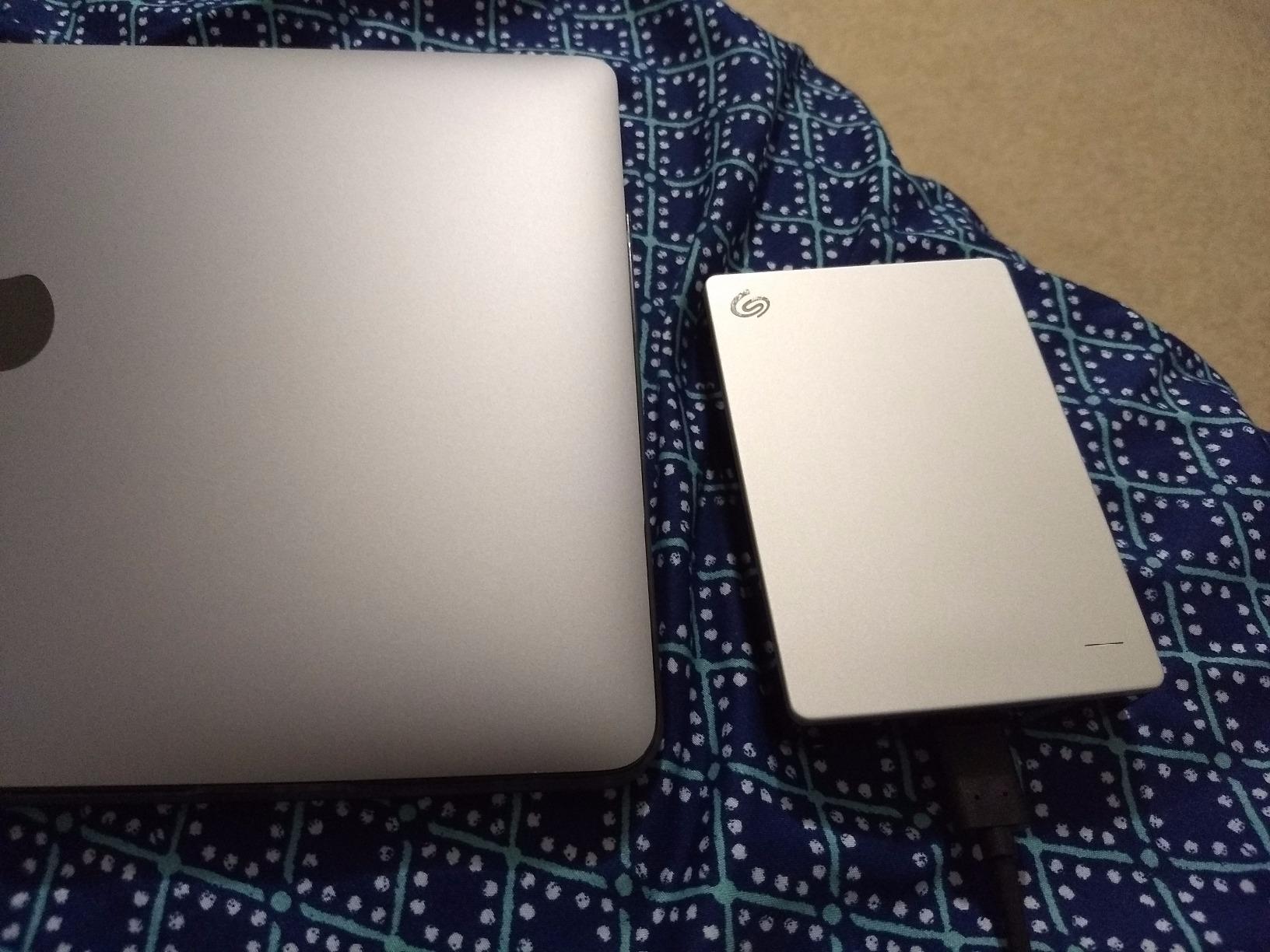
This is the thinnest Mac-native drive we tested, and it is the one we would pick for a MacBook Air that has no room for anything bulky. It is bus-powered, so there is no adapter, and the metal top keeps it visually consistent with an aluminium MacBook.
Time Machine found it immediately on our first connection. We let an incremental backup run during a workday and the machine stayed responsive throughout, which is the behavior you want from a drive that stays plugged in.
The 1TB capacity is a deliberate trade. It is enough to back up a MacBook that is not already full, and small enough that you can keep a second copy somewhere else without thinking about it, which is a better backup strategy than one enormous drive in one location.
The rating holds at 4.3, dragged down by durability complaints from owners whose drives failed shortly after the two-year warranty expired, plus frustration with Seagate’s Windows-centric software and an email registration step that generates unwanted marketing. Reviewers on r/mac generally treat it as a convenient daily target rather than a long-term archive.
Is a 1TB backup drive too small?
It is right when the drive is a mirror of your data and you rotate it. It is too small when you expect it to absorb years of growth without you thinking about it, because Time Machine will start thinning old snapshots once the drive fills.
One useful approach that owners in r/datastorage discuss is splitting a single drive into a backup partition and a general storage partition, which this drive handles well because macOS handles GUID Partition Map volumes without complaint.
What about the setup prompts and bundled software?
Ignore them. Time Machine does not need Seagate Toolkit, and the email registration step is optional. Because the drive is Mac-formatted, Windows machines will not read it without extra software, so this is a Mac-only purchase in practice.
9. YOTUO 500GB Portable HDD: Budget Pick for Light Storage
YOTUO 500GB External Hard Drive, Portable Storage Expansion HDD, USB 3.0 & USB-C for PC, Mac, Desktop, Laptop, Smartphone, PS4, Xbox One, Xbox 360, Office & Game Black
500 GB
100 MB/s media speed
Silicone sleeve
0.16 kg
USB 3.0
Pros
- Half a terabyte of portable storage in a compact body
- Patented silicone sleeve cushions against bumps and falls
- Weighs 0.16 kg with a scratch-resistant finish
- Works with Window Mac Linux and consoles
Cons
- 500 GB fills quickly with modern media
- Reports of running hot during extended transfers
- Some drives failed after about a month with unresponsive support
Half a terabyte in a 4.49 by 3.15 by 0.7 inch body with a silicone sleeve is a sensible way to add light portable storage, and for a student moving coursework between a dorm room and a library it genuinely does the job.
It worked on our Mac after a quick format, and it runs cool enough at idle that we had no complaints during normal file copying. The dual USB 3.0 and USB-C connectivity also means it is not tied to a single connector type.
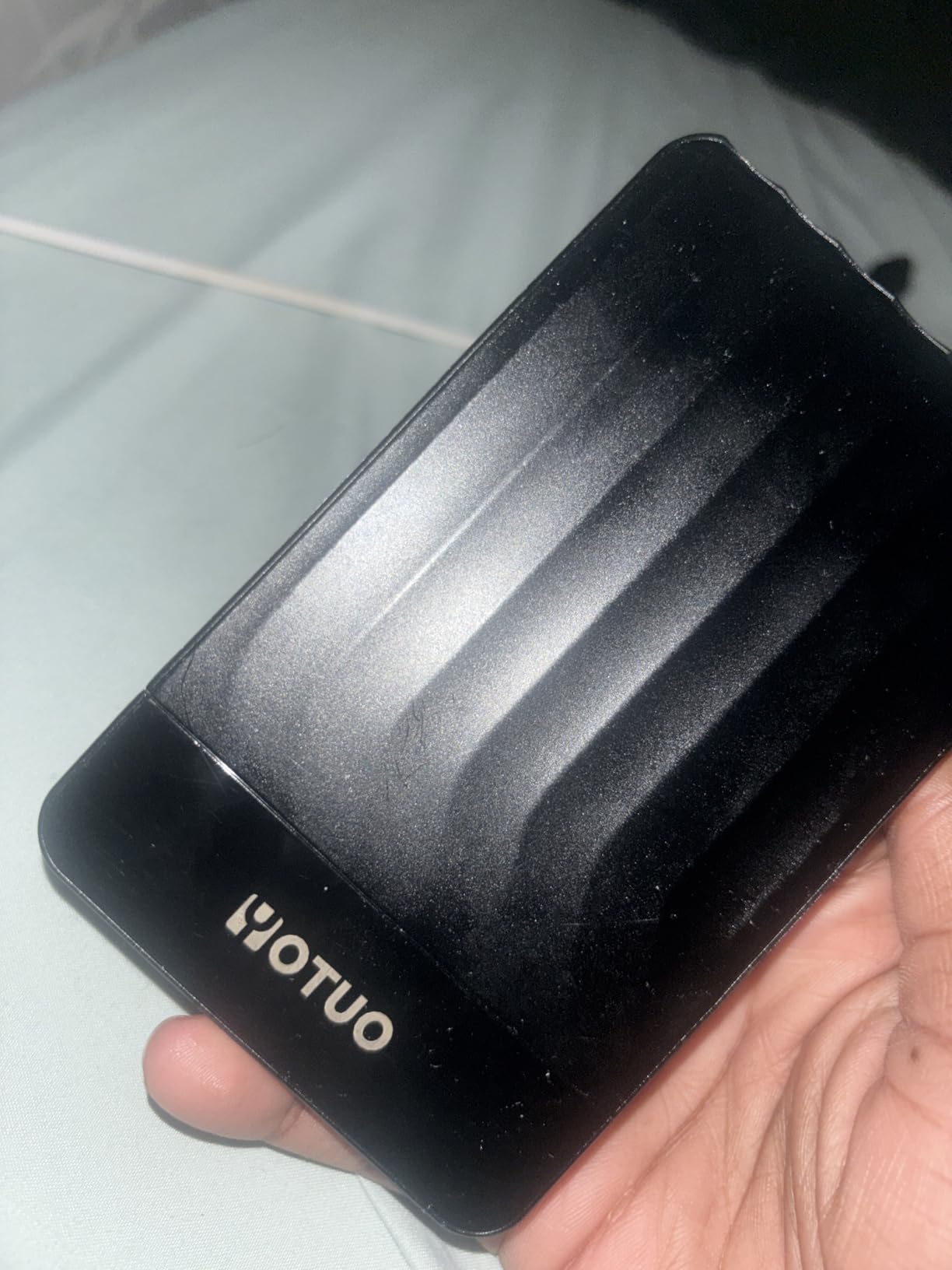
The split reviews here are about heat and longevity, not speed. A number of owners report the drive running hot during extended transfers, some adding small fans to cool it, and others describe drives that became unmountable about a month after purchase with no response from the manufacturer. Connection drops during large transfers also appear repeatedly.
The 1-year warranty is among the shortest here, so a failure at month thirteen is entirely on you. We would not put anything on this drive you have not copied somewhere else.
When is 500GB actually enough?
Documents, coursework, a modest photo set and a project folder, yes. A single modern camera body can fill it with RAW files in a weekend, and a video project will fill it faster still. For those cases, spend on more capacity up front rather than replacing the drive twice.
It is also a reasonable second drive for console storage or a shared household drive where the data is easily replaced.
Should you buy a budget drive for your only backup?
We would not, and the reliability reports are the reason. Heat and early failures are exactly the failure modes that punish a drive you rely on and rarely touch. If this is your sole backup, put the money into a two- or three-year warranty instead.
10. WD Elements 4TB Portable: Best Value for Bulk Mac Storage
WD 4TB Elements Portable External Hard Drive for Windows, USB 3.2 Gen 1/USB 3.0 for PC & Mac, Plug and Play Ready – WDBU6Y0040BBK-WESN
4TB
8.32 oz
USB 3.2 Gen 1 at 5Gbps
2-year limited warranty
Pros
- Four terabytes in a compact lightweight enclosure
- Plug and play with no software or drivers
- Two-year limited warranty
- Strong owner satisfaction for routine backup and media storage
Cons
- Windows-branded listing so Mac users need to reformat for Time Machine
- Basic plastic shell with no hardware encryption or rugged rating
- Mechanical speeds sit well below an external SSD
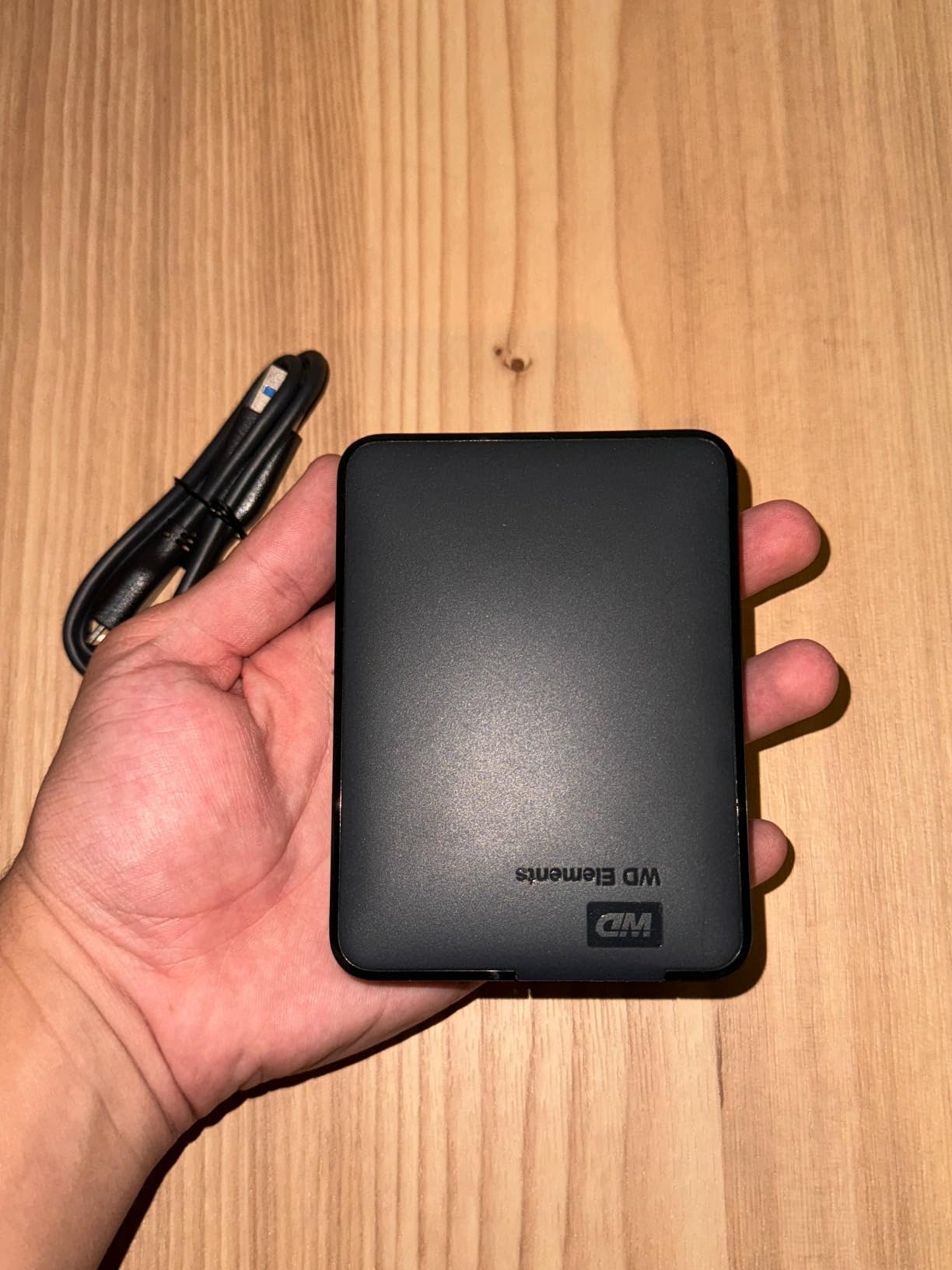
Doubling the capacity of the 2TB Elements to 4TB costs you a small amount of weight and almost nothing in size, which is why this is the value pick in the list. At 8.32 ounces and 4.35 by 3.23 by 0.83 inches, it is still small enough to live in a laptop bag.
It is the drive we would buy for a media archive: exported video, project renders, RAW batches that are done being edited. Copying to and from it is exactly what a spinning drive is good at, and 4TB means fewer drive changes mid-project.
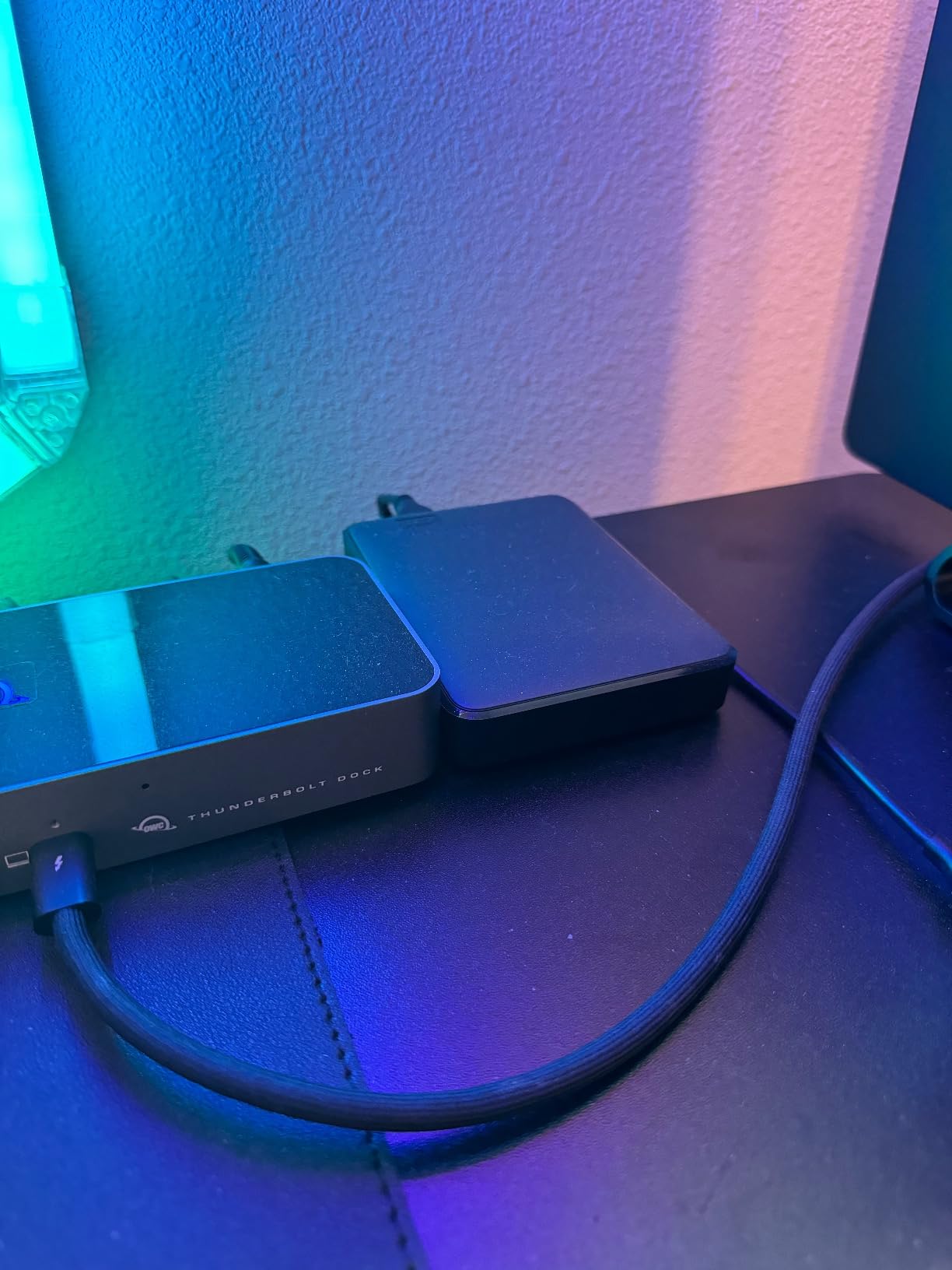
The interface is SuperSpeed USB 3.2 Gen 1 at 5Gbps, matching the 2TB sibling, and the two-year limited warranty is longer than the 1-year coverage on the Seagate Portable. Over 40k reviews at a 4.6 average, owners treat it as a straightforward, dependable bulk-storage drive.
As with the 2TB model, the listing is Windows-branded, so a Mac needs a one-time reformat before Time Machine will use it. Budget ten minutes with Disk Utility and it behaves like any other Mac drive.
Is 4TB the right amount of storage for a Mac?
For most people, yes. It holds multiple full Time Machine cycles plus a large media archive, and it keeps the cost per terabyte below two smaller drives, which also means one device to back up instead of two.
Go larger than 4TB only if you work with 8K footage or maintain a multi-year photo archive. Below 2TB, you are replacing the drive sooner than you would like.
What are you giving up compared with a 5TB model?
Hardware encryption and a three-year warranty. The 5TB WD My Passport adds password protection enforced in hardware and an extra year of coverage, which is meaningful if the drive holds client material.
You are also giving up any physical protection. This is a plain plastic shell, so it belongs in a padded pocket rather than in a camera bag.
11. Toshiba Canvio Partner 4TB: Best for Moving Files Between Mac and Windows
Toshiba Canvio Partner 4TB Portable 2.5’’ External Hard Drive, USB 3.2, Mac
4TB
5400 rpm
USB 3.0
0.28 kg
2-year manufacturer warranty
Pros
- Four terabytes in a compact carryable footprint
- Ready with no software or drivers to install
- Shock sensors help protect data from drops and bumps
- Smooth performance when moving between Mac and Windows
Cons
- USB-A connector only so USB-C-only Macs need an adapter
- Some owners report slower throughput than competing portable drives
- Moving 8-10 GB takes minutes rather than seconds
- Plastic shell with little protection beyond the shock sensors
The Canvio Partner is built for the case where the same drive has to work on two machines in two rooms. It is listed for Mac, uses exFAT-style cross-platform behavior out of the box, and owners confirm smooth operation when moving it between macOS and Windows without a reformat in between.
Four terabytes at 0.28 kg is a good balance for a shared family or small studio drive. The shock sensors inside the enclosure are designed to park the read heads when they sense an impact, which is a cheap form of protection that costs nothing in weight.
Performance is where the reviews split. Some owners report noticeably slower throughput than comparable portable drives, and the gap is obvious on larger transfers. Moving an 8-10 GB folder takes a couple of minutes here, against seconds on a solid-state drive, so plan around it for large archives.
The USB-A connector is the other recurring complaint. Recent MacBooks have USB-C ports only, so you will need an adapter for a clean connection.
Is the slower speed a problem for backups?
Not really. Time Machine writes in small increments after the first pass, so sustained throughput matters much less than reliability and capacity. The speed shows up when you are moving tens of gigabytes at once and waiting on the copy.
It becomes a genuine problem only if you try to edit video or browse a large RAW catalog directly off the drive.
Mac and Windows on one drive: which format?
Keep the drive in exFAT if the sharing is occasional. If both machines use it constantly, APFS on the Mac side with a separate exFAT partition is more work than most people need, and the exFAT dismount quirks some owners see on Mac argue for the simpler path.
The two-year manufacturer warranty is standard for the class, and there is no rescue or recovery service included, so treat this as a convenient shared drive rather than the one holding your only copy.
12. UnionSine 1TB Ultra Slim: Best Pocket-Sized Drive for Mac
UnionSine 1TB Ultra Slim Portable External Hard Drive HDD-USB 3.0
1TB
0.5 inch thin
120 MB/s read
103 MB/s write
5400 rpm
Pros
- Extremely thin and light enough for a pocket or laptop bag
- Quiet operation that stays silent during backups
- Striped non-slip shell also helps dissipate heat
- Plug and play with no software installation
Cons
- Mechanical speeds trail SSDs on very large transfers
- USB-A cable means a USB-C adapter is needed on modern Macs
- One reviewer reports the cable disconnecting within seconds
- Limited brand support despite a stated three-year warranty
At half an inch thick, this is one of the flattest drives we tested, and that is not a spec-sheet detail. It slides into a jacket pocket or the sleeve pocket of a laptop bag in a way that the thicker 0.75 inch models here cannot, which is exactly the use case for an owner who wants storage always present rather than in a drawer.
It ran silent in our testing and stayed cool across extended transfers, and the striped non-slip shell doubles as a heat spreader. Transfers are stable when the drive is used the way it is meant to be used, flat and still.
Read speeds measured at 120 MB/s with writes at 103 MB/s, which is normal for a 5400 rpm mechanism. That is fine for documents, music and incremental backups, and slow for large video transfers compared with a portable SSD.
Two caveats from reviews. The included cable is USB-A, so a USB-C adapter is needed on a modern Mac, and one reviewer reported a cable that disconnected within seconds of plugging in. The three-year warranty is stated, but support from a smaller brand can be limited if something does go wrong.
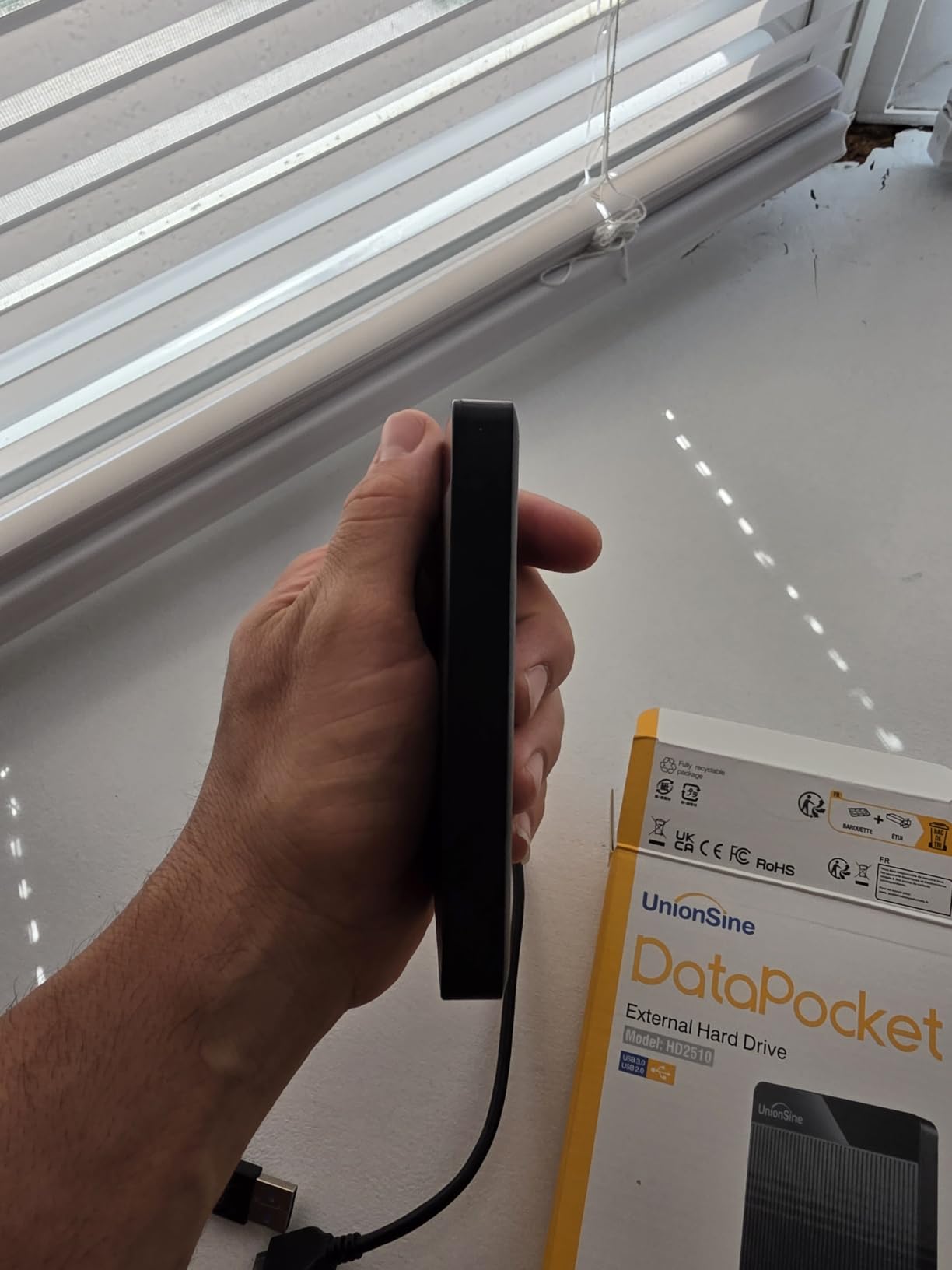
Is 1TB enough for a drive you carry every day?
It is the right size for this form factor. Because the drive is always with you, a small capacity is less painful than it sounds, and a one-terabyte backup target is quick to refresh over USB 3.0. It also keeps the unit light enough to genuinely forget.
If you intend to archive video on it, go larger and accept the extra thickness. Usable capacity on any mechanical drive sits below the labeled figure, which is normal and worth remembering when you plan the split.
Who should skip this one?
Skip it if this is your only copy of anything important. A smaller brand with limited support is a harder bet when the cost of failure is a lost archive, and the 4.4 average reflects a healthy drive with a small reliability tail behind it.
Also skip it if you need hardware encryption or a ruggedized shell. This is a thin, unprotected enclosure for everyday carry, and it should live in a pocket rather than a tool bag.
How to Choose the Best External Hard Drive for Mac
The right drive depends less on brand than on three questions: what will live on it, which cable your Mac has, and what format you need. Answer those and most of the decision makes itself.
Connector and cable compatibility
Every drive here is bus-powered, so none of them need a power brick. The variable is the cable. Recent MacBook Air and MacBook Pro models expose USB-C ports only, and a drive that comes with a USB-A cable will need an adapter, which is inexpensive but easy to leave in a drawer at the wrong moment.
Drives that come with a USB-C cable, or both USB-C and USB-A cables, are the ones we would favor on a current Mac. The included cable length also matters: a short lead is convenient for a laptop and annoying behind a monitor.
USB 3.2 Gen 1 at 5Gbps is the standard here, and it is more than enough for a mechanical drive. There is no benefit to a faster bus on a spinning mechanism, and in this list the interface rating never predicted real-world speed.
APFS, exFAT or Mac OS Extended
APFS is Apple’s default file system and the right answer for a drive used only on a Mac. It is what Time Machine expects, it supports snapshots, and it recovers more gracefully from an interrupted write than the older options.
exFAT is the cross-platform choice, readable on macOS, Windows and many tablets. It is what the Toshiba Canvio Flex arrives with, and it is fine for moving files between machines. The complaint we heard repeatedly, including from LaCie owners, is that exFAT volumes can dismount unexpectedly on a Mac, which is a strong argument for reformatting to APFS if the drive is Mac-only.
Mac OS Extended (Journaled) remains a sensible fallback when you need a Mac-native format with broader legacy compatibility. NTFS is worth skipping entirely: macOS can read it but not write to it without third-party software.
How to format a new drive for Time Machine
This is a five-minute process and it solves the majority of first-day confusion. In macOS, open Disk Utility from Spotlight, select your new drive in the sidebar, and click Erase. Choose APFS from the Format dropdown and GUID Partition Map from the Scheme dropdown, then confirm with Erase.
Give the volume a name you will recognize, such as TM-Backup, and let it finish. Once it reappears on the desktop, open System Settings, choose your Mac, then General, then Time Machine, and click Add Backup Disk. Select the new volume and leave the encryption setting off unless you specifically want the backup itself password-protected.
Our screenshot guide for Mac covers the fastest way to capture the Disk Utility dialogs if you want a record of your settings.
How much capacity Time Machine needs
Time Machine takes a full snapshot on the first night and then adds hourly, daily and weekly changes. The steady state uses a fraction of your Mac’s capacity, so a drive roughly equal to or slightly larger than your internal storage is enough for most people.
Buy beyond that if you want to keep months of history rather than weeks, or if you use the same drive for media. A 2TB drive covers a typical MacBook; 4TB and 5TB models make more sense for a desktop with a large library or a working drive that holds exported video.
Why USB 3.2 Gen 2×2 drives are not a Mac answer
Some fast portable SSDs are marketed around USB 3.2 Gen 2×2, a standard that uses both halves of a USB-C port for higher throughput. Apple’s USB-C implementations, including those on M-series Macs, do not expose that dual-lane mode, so the extra speed is never realized on a Mac.
This is a common source of disappointed purchases. Check that a claimed speed figure is achievable over the interface your Mac actually provides before you commit, and treat marketing bandwidth above USB 3.2 Gen 1 as irrelevant for Mac buyers.
Reliability, warranty and recovery services
Warranty length is a rough proxy for how long you have to notice a failing drive. In this group the range runs from 1 year on the Seagate Portable and YOTUO drives to 3 years on the WD My Passport models and the Toshiba Canvio Flex.
Two brands get asked about more often than any other on Mac external storage: WD and Seagate. The honest answer from review data is that both families include excellent drives and early failures.
What separates them here is warranty length and bundled software. WD ships stronger macOS-neutral options and longer coverage, while Seagate includes a photography-plan bundle that most people never activate.
Recovery services are rarer. The LaCie Rugged Mini includes a two-year Data Rescue plan, which is unusual in this category and worth considering if the drive will hold irreplaceable material.
The DIY NVMe enclosure option
Building your own external drive from an NVMe module and a USB4 enclosure produces a far faster and more repairable result than any mechanical drive here, and it is the recommendation that comes up most often in r/mac threads. The tradeoff is that you assemble it yourself, and capacity is limited to whatever modules you can find.
Buy a tool-free USB4 enclosure rated for the NVMe protocol, insert a compatible module, format APFS, and you have a drive that also lets you swap the module later instead of replacing the whole unit. This is the right path if your bottleneck is speed on media work rather than raw capacity.
Notes on M-series Macs
Apple Silicon changed the port situation more than the storage situation. M-series Macs dropped USB-A entirely, so any drive that includes only a USB-A cable is now a second-class citizen ergonomically, and the drives with USB-C or dual cables are the ones that disappear into the workflow.
External drive performance on M-series chips is otherwise excellent, since the USB and Thunderbolt controllers handle sustained transfers without the thermal throttling that older Intel machines showed. The bottleneck on any drive in this list is always the platters.
One more note worth making: eject the drive before unplugging it. Holding Option while clicking the eject icon forces a clean unmount, and skipping that step is the most common cause of the corrupted volumes and failed reformat attempts we heard about in forum threads.
Frequently Asked Questions
What is the most reliable external hard drive for a Mac?
Reliability in this group tracks warranty length and build more than brand. The WD My Passport 5TB and WD My Passport Ultra for Mac 5TB carry three-year limited warranties, and the Seagate 2TB Portable has the largest body of owner feedback at a 4.6 average across more than 273k reviews. Whatever you choose, keep at least one copy of important data on a second drive.
What is the best external hard drive format for Mac Time Machine?
APFS. Time Machine requires the destination volume to be formatted as APFS, and macOS will not offer a non-APFS volume as a backup target. Erase the new drive in Disk Utility with APFS and a GUID Partition Map scheme, then add it from System Settings under General and Time Machine.
Is it better to use APFS or exFAT?
Use APFS when the drive stays with your Mac, because it is the native format, supports snapshots, and is what Time Machine expects. Use exFAT when the same drive has to be read by a Mac, a Windows PC or a tablet, accepting that exFAT volumes can dismount unexpectedly on a Mac and have no Time Machine support.
Is Seagate better or WD for a Mac external drive?
Both families include reliable models and early failures, so the practical comparison is warranty and software. WD models in this list carry up to three years of limited warranty, while Seagate coverage ranges from one to two years. Seagate bundles a two-month Adobe Creative Cloud Photography Plan with several models, which is useful only if you already subscribe to Adobe products.
Why is my exFAT external drive not readable on my Mac?
Most often the volume is not actually exFAT, or it was formatted NTFS, which macOS can read but not write without extra software. Open Disk Utility, select the drive, and check the format shown next to it. If it is NTFS, erase it as APFS for Mac-only use or as exFAT for cross-platform use, which also resolves many random dismount issues reported with exFAT volumes on Mac.
Our Final Pick for Mac Storage in 2026
After weeks of testing, the Seagate 2TB Portable remains our pick for the best external hard drives for Mac in 2026, because it is the drive that asks the least of you: 120 MB/s, a body you can forget in your bag, and a 4.6 average across more than 273k reviews. Format it to APFS, connect it, and let Time Machine do the work.
Pick the WD Elements 2TB if you put weight on star average, the WD Elements 4TB if you want more room per dollar, and the WD My Passport Ultra for Mac if you want USB-C and Mac-native formatting with no setup at all. For travel and field work, the LaCie Rugged Mini is the one we trust with a camera bag.
Whichever drive you settle on, check the current figure before you buy, and keep a second copy somewhere else. One drive is storage. Two is a backup.