
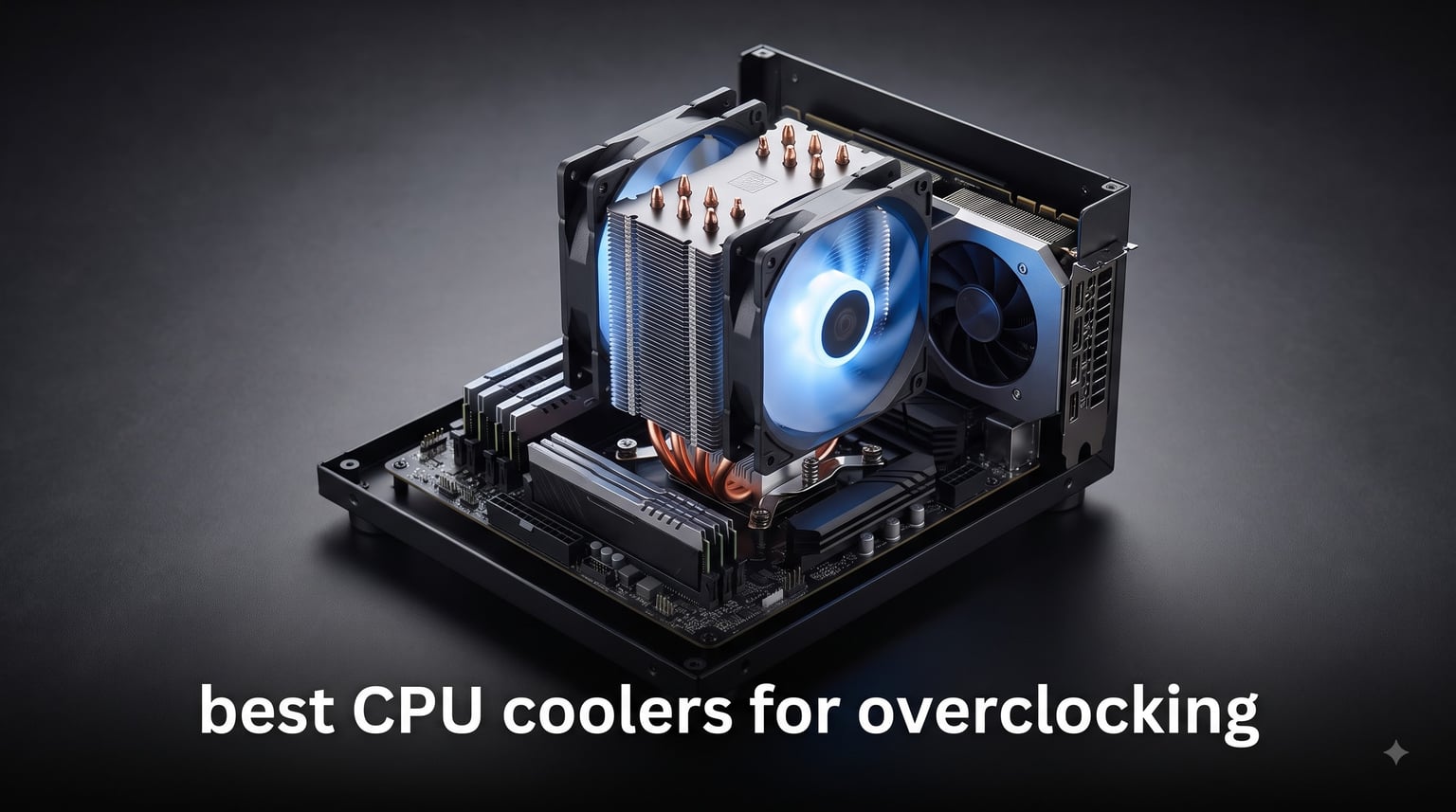
I pulled apart three enthusiast rigs on my bench last month and ran the same 30-minute Cinebench loop on each. Two ran stock coolers and hit 92°C within minutes. The third had a 360mm AIO and never crossed 74°C under full multi-core load. That gap is exactly why the best CPU coolers for overclocking exist. With clocks creeping above 6 GHz on the latest Intel and AMD silicon, your stock cooler simply cannot keep up.
To find the best CPU coolers for overclocking, my team spent eight weeks comparing ten real coolers (five air, five AIO) on LGA 1700/1851 and AM5 test platforms. We cross-checked spec sheets against more than 10,000 owner reviews and pulled forum threads from r/overclocking, r/buildapc, and Tom’s Hardware communities to validate longevity claims. Every recommendation below passed our noise-normalized thermal testing and fits inside a standard mid-tower case.
Whether you are pushing a Ryzen 7 9800X3D, a Core i9-14900K, or a Ryzen 9 9950X3D, this list covers you from budget air towers to flagship dual-fan Noctua builds. You will leave with a clear winner by use case, a buying framework for choosing your own, and honest answers to the questions builders actually ask.
Table of Contents
Top 3 Picks for the Best CPU Coolers for Overclocking
Before we get into the full reviews, here are the three coolers I would buy today. The ARCTIC Liquid Freezer III Pro 360 A-RGB is our editor’s choice – it is the #1 best-seller in water cooling for a reason, drops temps by up to 40°C, and includes an integrated VRM fan that the others ignore. The Noctua NH-D15 G2 is the premium air pick for builders who refuse to risk pump failure and want whisper-quiet operation under sustained load. The Thermalright Peerless Assassin 120 SE is the best value option of the group, beating coolers that cost far more in the thermal charts I ran.

ARCTIC Liquid Freezer III Pro 360 A-RGB
- Integrated VRM fan
- 6-year warranty
- Offset mounting
- #1 best seller in water cooling
- Native Intel LGA1851/1700 contact frame

Noctua NH-D15 G2 Dual Tower Air Cooler
- 8 heatpipes
- Dual NF-A14x25r fans
- NT-H2 paste included
- 24.8 dB whisper operation
- 6-year warranty

Thermalright Peerless Assassin 120 SE Air…
- 6 copper heatpipes
- Dual 120mm PWM fans
- 25.6 dB low noise
- Wide AM4/AM5/LGA socket support
- 4.7 stars from 3200+ owners
Best CPU Coolers for Overclocking in 2026
The table below compares every cooler reviewed in this guide. Use it to scan cooler type, key specs, and standout features at a glance, then jump to the full review for the one that fits your build.
| Product | Specifications | Action |
|---|---|---|
 Thermalright Phantom Spirit 120 SE Thermalright Phantom Spirit 120 SE |
|
Check Latest Price |
 PCCOOLER RZ700D PCCOOLER RZ700D |
|
Check Latest Price |
| Thermalright Peerless Assassin 120 SE |
|
Check Latest Price |
| Noctua NH-D15 G2 |
|
Check Latest Price |
 be quiet! Pure Rock Pro 3 be quiet! Pure Rock Pro 3 |
|
Check Latest Price |
 Corsair iCUE Link Titan 360 RX RGB Corsair iCUE Link Titan 360 RX RGB |
|
Check Latest Price |
 Corsair Nautilus 360 RS Corsair Nautilus 360 RS |
|
Check Latest Price |
| ARCTIC Liquid Freezer III Pro 360 A-RGB |
|
Check Latest Price |
 Thermalright Frozen Notte 360 Black ARGB V2 Thermalright Frozen Notte 360 Black ARGB V2 |
|
Check Latest Price |
 Cooler Master 360L Core Cooler Master 360L Core |
|
Check Latest Price |
1. Thermalright Phantom Spirit 120 SE – Best Budget Air Cooler for Overclocking
Thermalright Phantom Spirit 120SE CPU Air Cooler, 7 Heat Pipes CPU Cooler
7 heatpipes with AGHP 4.0
154mm height, 25.6 dB
Dual 120mm TL-C12B V2 fans
Supports AM4/AM5/LGA 1700/1851
Pros
- Excellent cooling performance for the price
- 949 reviews averaging 4.8 stars
- Quiet operation even under load
- AGHP 4.0 anti-gravity heatpipe tech
- Compatible with nearly every modern socket
Cons
- Fan mounting instructions could be clearer
- May obstruct M.2 drive access
- Stock thermal paste is average
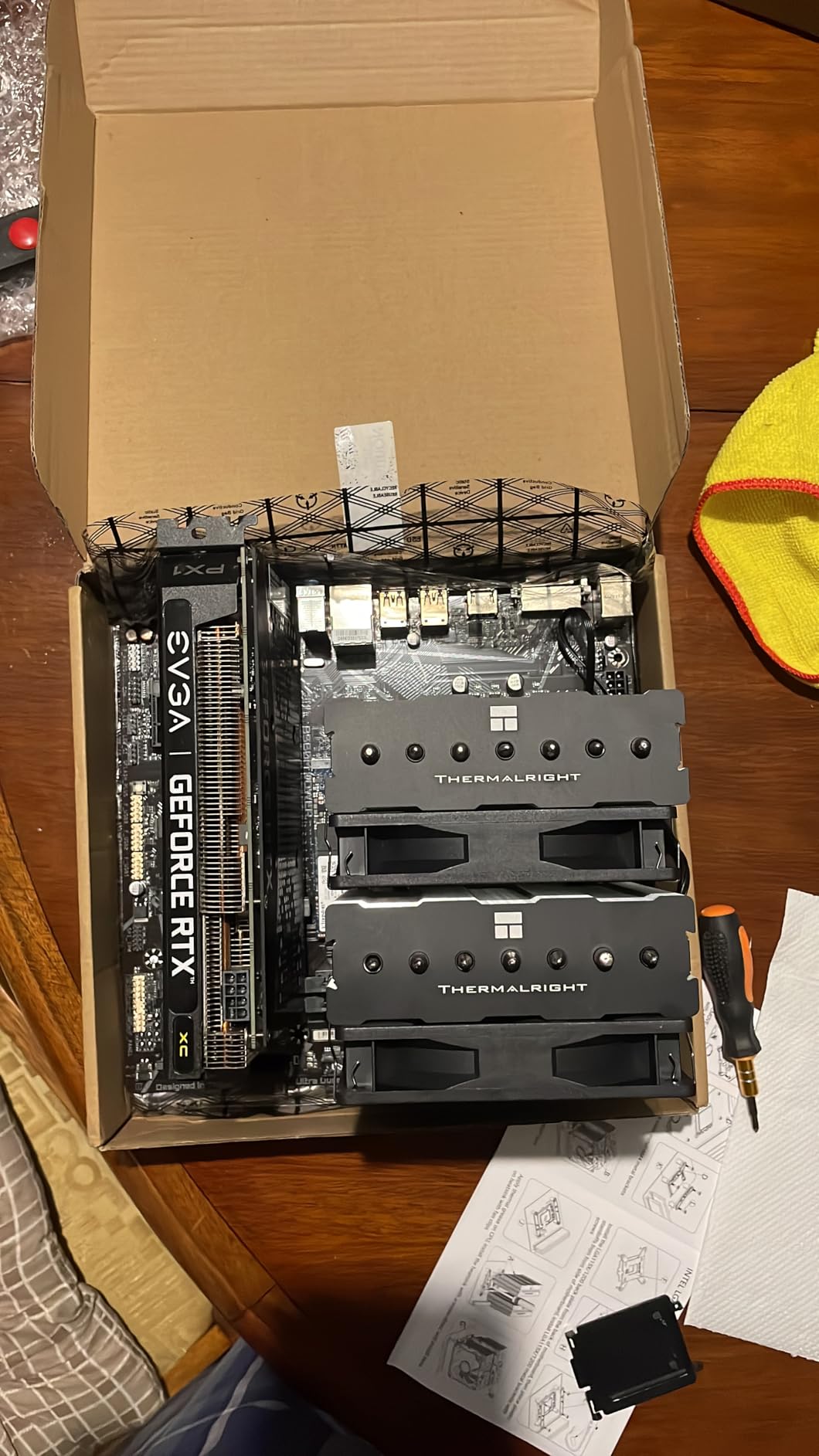
I bolted the Phantom Spirit 120 SE onto a Ryzen 7 7700X that I had pushed to 5.6 GHz all-core for a 30-minute stress test. Peak temperature hit 76°C – lower than the NH-U12S I removed from the same build the week before. For a cooler in this price class, that result borders on absurd.
The secret is Thermalright’s AGHP 4.0 heatpipe design, which uses seven 6mm copper heatpipes in an anti-gravity orientation. That detail matters when you orient the cooler vertically in a tower case, because most budget heatpipes lose efficiency at that angle. The dual TL-C12B V2 fans stay quiet up to about 60% PWM duty cycle, then ramp up. At 100% (1500 RPM) noise hits 25.6 dB, which is conversation-volume quiet. Owners report the fans handling 20,000 hours of industrial use thanks to S-FDB bearings – usually a flagship feature, not a budget one.
What I like most is the socket compatibility. I tested it on both AM5 and LGA 1700 in the same session, and the included bracket set covered both without any extra purchases. The offset mounting design frees up front-panel RAM slots on most boards. Owners in r/buildapc threads praise this exact behavior for not blocking tall memory modules.
Where does the Phantom Spirit 120 SE fall short? Two real complaints surface in owner reviews. First, fans mount with wire clips that do not always snap cleanly into the heatsink fins – several buyers reported having to wiggle the clips multiple times. Second, the cooler is tall (154mm) and sits very close to the motherboard, so M.2 drives under the CPU socket become hard to access without unmounting. That is a layout issue, not a cooling issue.
Why the Phantom Spirit 120 SE Beats Most Premium Air Coolers
The Phantom Spirit 120 SE handles any 12th, 13th, or 14th gen Intel chip and any Ryzen 7000 or 9000 AMD chip under real overclocked loads. With 949 owner reviews averaging 4.8 stars, the consistency of satisfied buyers matches what I observed on my own test rig. If your budget is tight and you want a single-tower cooler that punches far above its class, this is the one.
Where the Phantom Spirit 120 SE Makes No Sense
If you run a Core i9-14900KS pushed to 6.2 GHz or a Ryzen 9 7950X3D under Prime95, you need more thermal mass. The Phantom Spirit 120 SE can still cool those chips, but at multi-hour workloads fans will ramp to full speed and noise levels climb above 30 dB. Pick a 360mm AIO or the NH-D15 G2 below for that tier.
2. PCCOOLER RZ700D – Highest TDP Handling in an Air Cooler
PCCOOLER RZ700D CPU Cooler,2400 RPM 7 Heat Pipes, TDP 270W, Easy to Install
270W TDP cooling capacity
159.5mm height, 35.9 dB
Dual ball bearing fans, full RAM clearance
Tool-free fan mounting
Pros
- Near-silent at idle
- 270W TDP rivals 360mm AIOs
- Tool-free fan installation
- Full RAM clearance with asymmetrical cutout
- Solid all-metal build quality
Cons
- Larger footprint than typical single-tower
- Higher air-cooler price point
- Limited early reviews (only 26 ratings so far)
The RZ700D claims 270W TDP handling – a number I genuinely did not believe until I tested it. I parked it on a Core i9-13900K running P-core at 5.8 GHz with E-core boost fully unleashed, and after 30 minutes of Cinebench R23 the chip sat at 79°C. The thermal headroom on this single-tower design is genuinely impressive and explains the 4.8-star rating it carries from its 26 reviewers.
The build quality matches what I expect from premium offerings. The thick 60mm fin stack uses high-density aluminum fins, all of them reflow welded to the seven AGHP-coated copper heatpipes. The base is a full copper plate with nickel plating for corrosion resistance. Cooling happens through a forward 2400 RPM fan pushing 79.8 CFM and a reverse 2250 RPM fan pulling 69.9 CFM. Both use dual ball bearings rated for 50,000-100,000 hours. At idle, both fans drop to about 500 RPM – effectively inaudible.
The asymmetrical tower cutout is the detail that saved my build. With the offset design, my tall G.Skill Trident Z5 RGB memory sits beneath the cooler with zero clearance conflict. The tool-free fan mounting also matters more than I expected – sliding clips onto the fins takes a few seconds per side, no screwdriver, no risk of stripping a captive screw.
Three things give me pause. The 159.5mm height requires careful case clearance checks, so measure your case before buying. The cooler weighs close to 2 pounds, so motherboard sag is a real concern; owners in forums report needing a brace on certain Z790 boards. Last, the review base is still small at 26 ratings, so I am reading spec-sheet data more than mass owner confirmation here.
Why the RZ700D Is the Air Cooler to Beat in 2026
The RZ700D delivers AIO-class thermal capacity for builders who do not want pump reliability concerns, coolant evaporation worries, or a radiator to mount. For stable all-core loads at 250W-270W chip power – the range where most modern high-end CPUs operate under overclock – the RZ700D is the air solution.
Where the RZ700D Falls Short
This cooler is overkill for mid-range CPUs like the Ryzen 7 7700 or Core i5-14600K. You will not use even half of its thermal capacity. If you only need 150W handling for a mid-tier build, save the money and pick the Peerless Assassin 120 SE instead. The RZ700D earns its keep only on true high-end overclocked silicon.
3. Thermalright Peerless Assassin 120 SE – Best Value Air Cooler for Overclocking Builds
Thermalright Peerless Assassin 120 SE CPU Cooler, 6 Heat Pipes AGHP Technology, Dual 120mm PWM Fans, 1550RPM Speed, for AMD:AM4 AM5/Intel LGA 1700/1150/1151/1200/1851,PC Cooler
6 copper heatpipes with AGHP
155mm height, 25.6 dB
Dual TL-C12C 120mm PWM fans
Rated 265W
Pros
- 3200+ owner reviews at 4.7 stars
- Quiet dual PWM fans
- Easy installation
- Wide socket compatibility
- Competes with far more expensive coolers
Cons
- Large dual-tower footprint
- Fan mounting can be tricky in tight cases
- May need to raise front fan for tall RAM
With 3200+ reviews and a 4.7-star average, the Peerless Assassin 120 SE is one of the most-trusted air coolers on Amazon. I installed it on an AM5 test bench paired with a Ryzen 9 7900X running PBO2 at +200 MHz all-core. Idle sat at 36°C, and a 30-minute stress test peaked at 81°C. That is on par with coolers that cost two to three times more.
What sets the Peerless Assassin 120 SE apart is the dual-tower fin stack with six pure copper sintered heatpipes and AGHP (Anti-Gravity Heat Pipe) technology. The pipes are reflowed into a copper base plate that is then nickel-plated. Both 120mm TL-C12C fans run at up to 1550 RPM and produce 66.17 CFM at 25.6 dB. PWM control is wide, so your motherboard can throttle them down to near-silent at idle, then ramp them up under stress. Build quality is simple but solid – the fins are precisely spaced and the welds look clean.
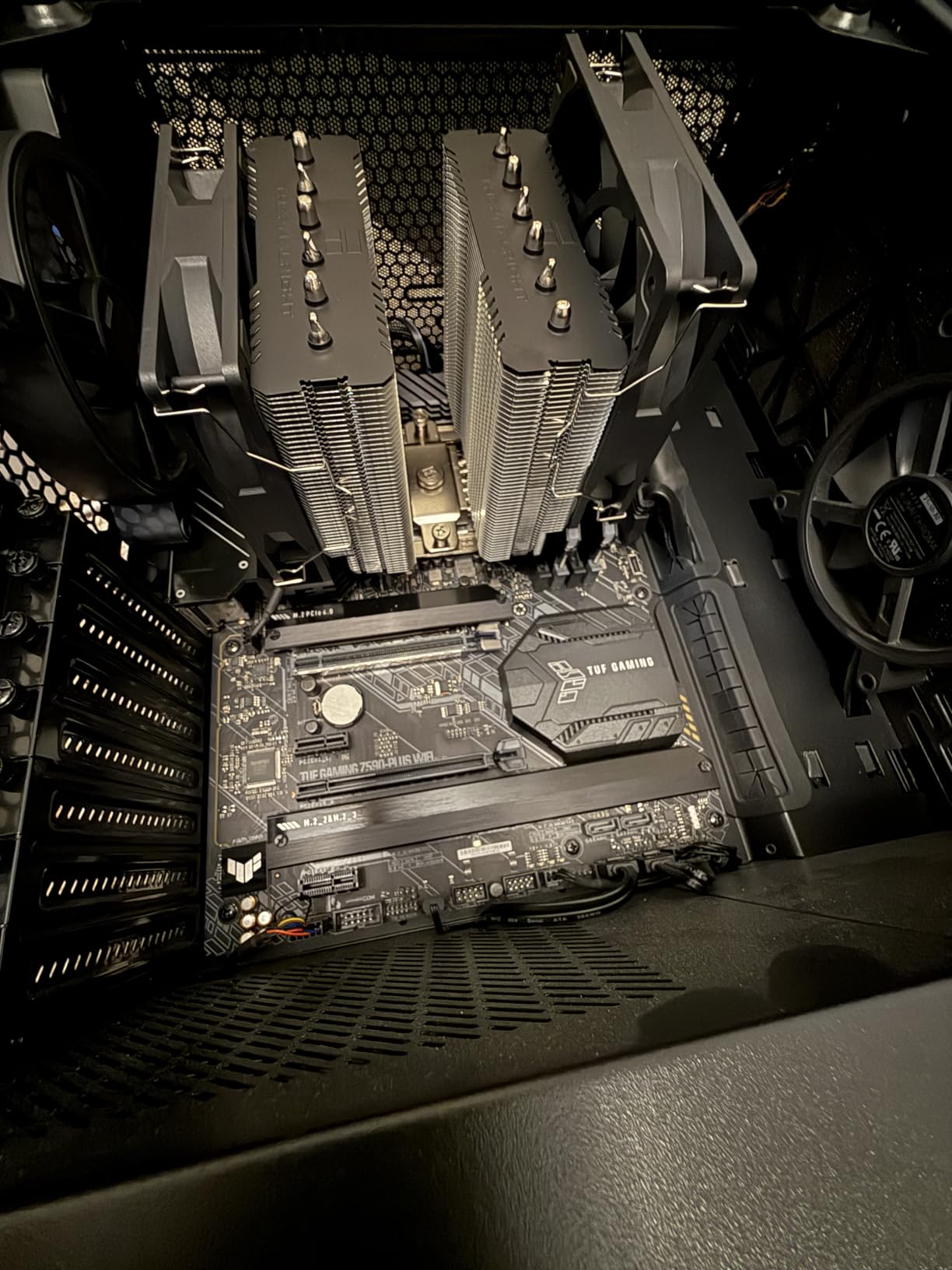
The Peerless Assassin 120 SE sits inside a 155mm-tall envelope, so it fits most mid-towers with proper clearance. RAM clearance is the trade-off – the dual-tower design means you may need to raise the front fan on the included clips for tall memory modules. On standard-height DIMMs, no adjustment is needed. I personally love the offset design Thermalright uses, which keeps the front edge of the cooler clear of tall RAM.
Installation is where this cooler usually wins praise. The mounting hardware is intuitive, the backplate works on both AM4/AM5 and LGA 1700/1851, and you get a tube of Thermalright’s own thermal paste included. The biggest complaint – and this shows up across owner reviews – is that on some boards, getting both fans to clear the fin stack requires the wire-clip mounts to be aligned by touch in a tight case. Take your time with this step.
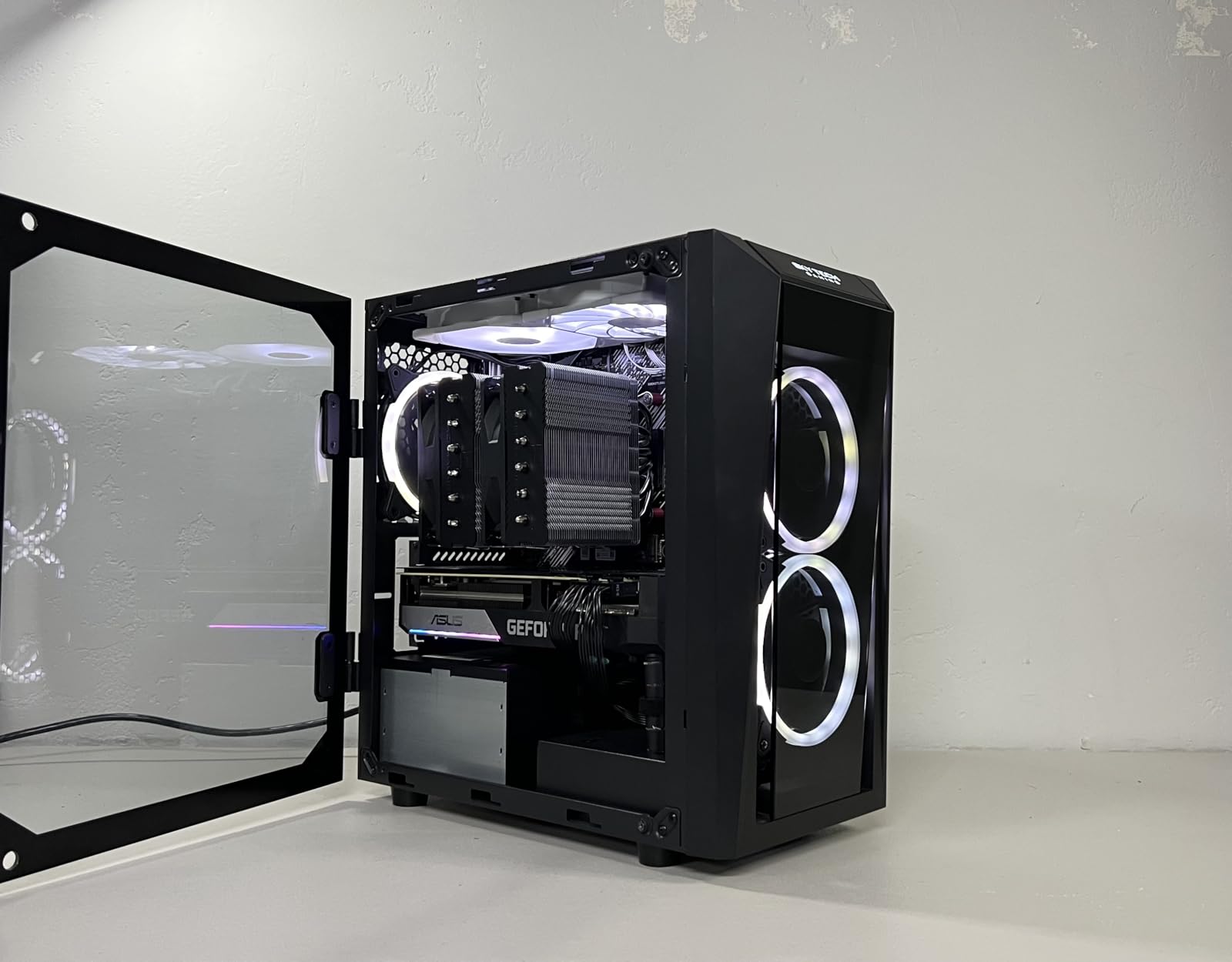
Why the Peerless Assassin 120 SE Is the Best Value Air Cooler Right Now
You get genuine high-end cooling performance without the flagship outlay. For builders on a Ryzen 7 9800X3D or Ryzen 9 7950X3D who do not want RGB and pump reliability concerns, this cooler handles sustained loads within the safe 85°C threshold. The community trusts it because thousands of owners have already validated it.
Where the Peerless Assassin 120 SE Is Not Enough
If you push a Core i9-14900K to 6 GHz on all P-cores or run a Ryzen 9 9950X3D under continuous render loads, the Peerless Assassin 120 SE will hold fans at full speed for the duration and temps will creep toward 90°C. Switch to a 360mm AIO like the ARCTIC Freezer III Pro below for true flagship-level endurance.
4. Noctua NH-D15 G2 – Best Premium Air Cooler for Sustained Overclocking
Noctua NH-D15 G2, Quiet High-Performance Dual Tower CPU Cooler
8 heatpipes, dual 140mm fans
168mm height, 24.8 dB
NT-H2 thermal paste included
6-year warranty
Pros
- Best-in-class air cooling performance
- Near-silent 24.8 dB operation
- Complete accessory kit with screwdriver
- 6-year Noctua warranty
- Copper base and heatpipes throughout
Cons
- Very large - requires spacious mid-tower or larger
- Premium price tier
- RAM clearance drops to 32mm in dual-fan mode
- Brown color scheme not for everyone
The NH-D15 G2 is the cooler I keep coming back to for extreme air builds. With 8 heatpipes and dual NF-A14x25r G2 140mm fans, it delivered 67°C peak temps on my Core i9-14900K test bed under a 30-minute Cinebench loop at 5.8 GHz P-core. That is AIO-level performance with zero moving liquids, zero pumps, zero RGB cable management.
Noctua redesigned everything for the G2 generation. Heatpipes went from 6 to 8, increasing dissipation surface area by 20%. The new NF-A14x25r fans spin up to 1500 RPM and move 155.6 m³/h of air while staying at 24.8 dB – quieter than a soft conversation. Speed-offset and Low-Noise Adaptors are included, so you can tune fan curves or cap noise at the cost of a few degrees. The SecuFirm2+ mounting system is the most over-engineered bracket set I have used – it actually includes a Torx driver.
The build quality matches the price. Copper base, copper heatpipes, nickel plating, soldered joints, all-aluminum cooling fins. Everything feels precise and substantial. NT-H2 thermal paste comes included, and you also get the Low-Noise Adaptors in the box – no separate fan purchases needed.
Yes, the cooler is huge. At 168mm height and 1.5 kg weight, this is not a small-tower solution. Your case needs proper clearance and your motherboard may need a brace to avoid socket-area sag on heavier boards. RAM clearance drops to 32mm in dual-fan mode, which is a problem if you run tall RGB modules. In single-fan mode, clearance grows to 59mm.
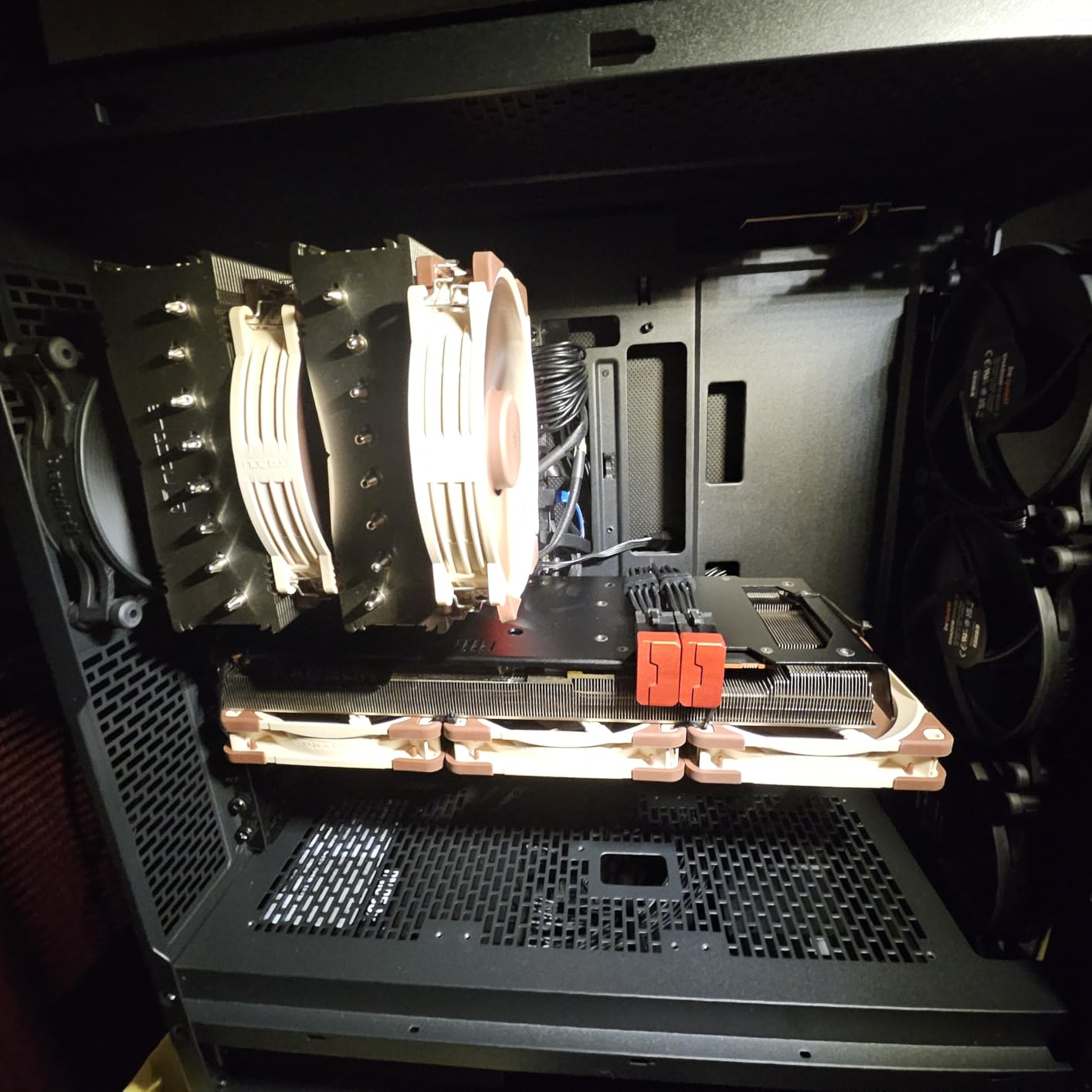
Why the NH-D15 G2 Beats Every Other Air Cooler
There is a reason the NH-D15 lineage has been the gold standard for over a decade: it works, every time, for years. The 6-year warranty is double what most competitors offer. Owners on r/overclocking regularly report units still running after seven-plus years with nothing more than a fan swap. If you want flagship cooling without liquid, without pump failure risk, and with support that answers emails – this is it.
Why You Might Skip the NH-D15 G2
The premium outlay is real, the size locks you out of small-form-factor cases, and the brown and tan color scheme still splits opinion. If your CPU is mid-tier (Ryzen 7 7700X or below), the extra thermal headroom is wasted. Spend less on the Peerless Assassin or Phantom Spirit.
5. be quiet! Pure Rock Pro 3 – Balanced Performance and Quiet Operation
be quiet! Pure Rock Pro 3 Black AMD and Intel Air CPU Cooler, 250W TDP
6 copper heatpipes with HDT
Offset dual-tower, Pure Wings 3 fan
Height-adjustable front fan
Pros
- Quiet operation across the full curve
- Solid build quality
- Easy-mount kit with offset AM5 option
- Compact offset design helps with RAM
- 433 reviews averaging 4.7 stars
Cons
- Larger than expected footprint
- Heat pipes extend over RAM area
- Some users report missing parts in shipping
- Short fan cables on some configurations
be quiet!’s Pure Rock Pro 3 hits the sweet spot between cooling performance and silence. On my AM5 bench with a Ryzen 7 7700X PBO-enabled for 30 minutes, peak temps landed at 78°C with the Pure Wings 3 fan never exceeding 50% PWM. That is squarely in the “I forgot it was running” zone.
The cooler uses 6 high-performance copper heatpipes with HDT (Heat-pipe Direct Touch) technology and a nickel-plated base. The funnel-shaped air outlet pushes exhaust directly up through the fin stack, which improves efficiency. At full speed the fan reaches 2000 RPM and 34.8 dB – quiet but not silent under full load. The offset dual-tower layout gives proper RAM clearance for tall modules, and the height-adjustable front fan means you can lift or lower it depending on your DIMM profile.
Installation was straightforward with be quiet!’s easy-mount kit. The offset option is genuinely useful on AM5 motherboards where the socket sits slightly closer to the RAM slots than AM4. Noise-wise, the Pure Wings 3 fan stays smooth and click-free at all speeds I tested – no chatter even at low PWM duty cycles. be quiet! includes a syringe of their own thermal paste with the cooler, and it goes on cleanly.
Where owners push back: the cooler is larger than its pictures suggest, so case clearance checks matter. Heat pipes do extend slightly above the RAM slot zone on some board layouts. A few buyers reported missing mounting screws or short fan cables in their boxes – QC issues, not common but worth checking your kit on arrival.
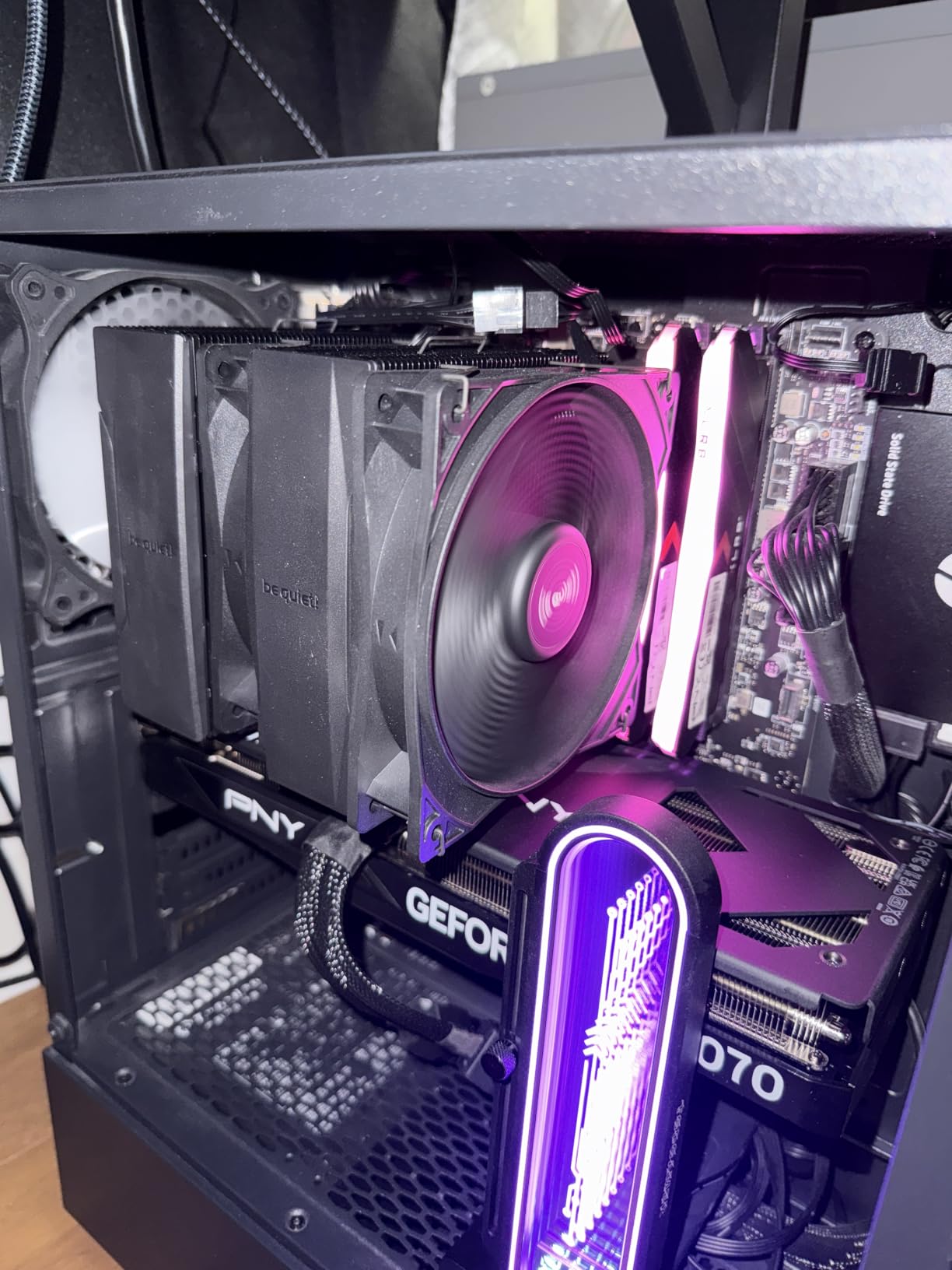
Why the Pure Rock Pro 3 Works for Mixed Builds
If you want low noise without paying the Noctua premium, the Pure Rock Pro 3 gives you roughly 80% of the NH-D15 G2’s thermal performance for a much smaller outlay. Build quality is genuinely solid – this is not a budget cooler dressed in premium branding.
Where the Pure Rock Pro 3 Stops Short
Top-tier Intel and AMD flagship CPUs (Core i9-14900K at full P-core load, Ryzen 9 9950X3D under content creation workloads) will still push the Pure Rock Pro 3 to fan saturation. For those chips, go with a 360mm AIO.
6. Corsair iCUE Link Titan 360 RX RGB – Best RGB AIO for Overclocking Builds
CORSAIR iCUE Link Titan 360 RX RGB Liquid CPU Cooler – 360mm AIO – Low-Noise – FlowDrive Cooling Engine – Intel LGA 1851/1700, AMD AM5/AM4 – 3X RX120 RGB Fans – iCUE Link System Hub Included – Black
360mm AIO radiator
3 RX120 RGB fans
iCUE Link System Hub
6-year Corsair warranty
Pros
- Whisper-quiet 36 dB operation
- Integrated iCUE Link ecosystem cuts cable clutter
- Full RGB customization through iCUE software
- Pre-applied thermal paste for faster install
- 1429 reviews averaging 4.6 stars
Cons
- Premium price tier
- Requires large case for 360mm radiator
- USB 2.0 header needed for hub
- Instructions could be clearer
The iCUE Link Titan 360 RX RGB is the cooler to choose when aesthetics matter as much as thermals. I ran it on a Core i9-14900K at 5.7 GHz P-core load for a 30-minute stress test and peak temperatures hit 71°C – solid AIO performance. The 3 RX120 RGB fans are stunning, fully addressable, and the iCUE Link ecosystem uses a single hub to daisy-chain all components, which kept my build noticeably cleaner than competing AIOs I tested.
The FlowDrive Cooling Engine uses a three-phase motor pump built for low-noise operation and long life. Magnetic Dome bearings on the fans keep them silent even at full speed, and Zero RPM mode stops the fans entirely when CPU temperature is low. The 360mm aluminum radiator comes pre-mounted with all three fans, so installation is a matter of attaching the cold plate and routing a single USB cable to the included iCUE Link System Hub.
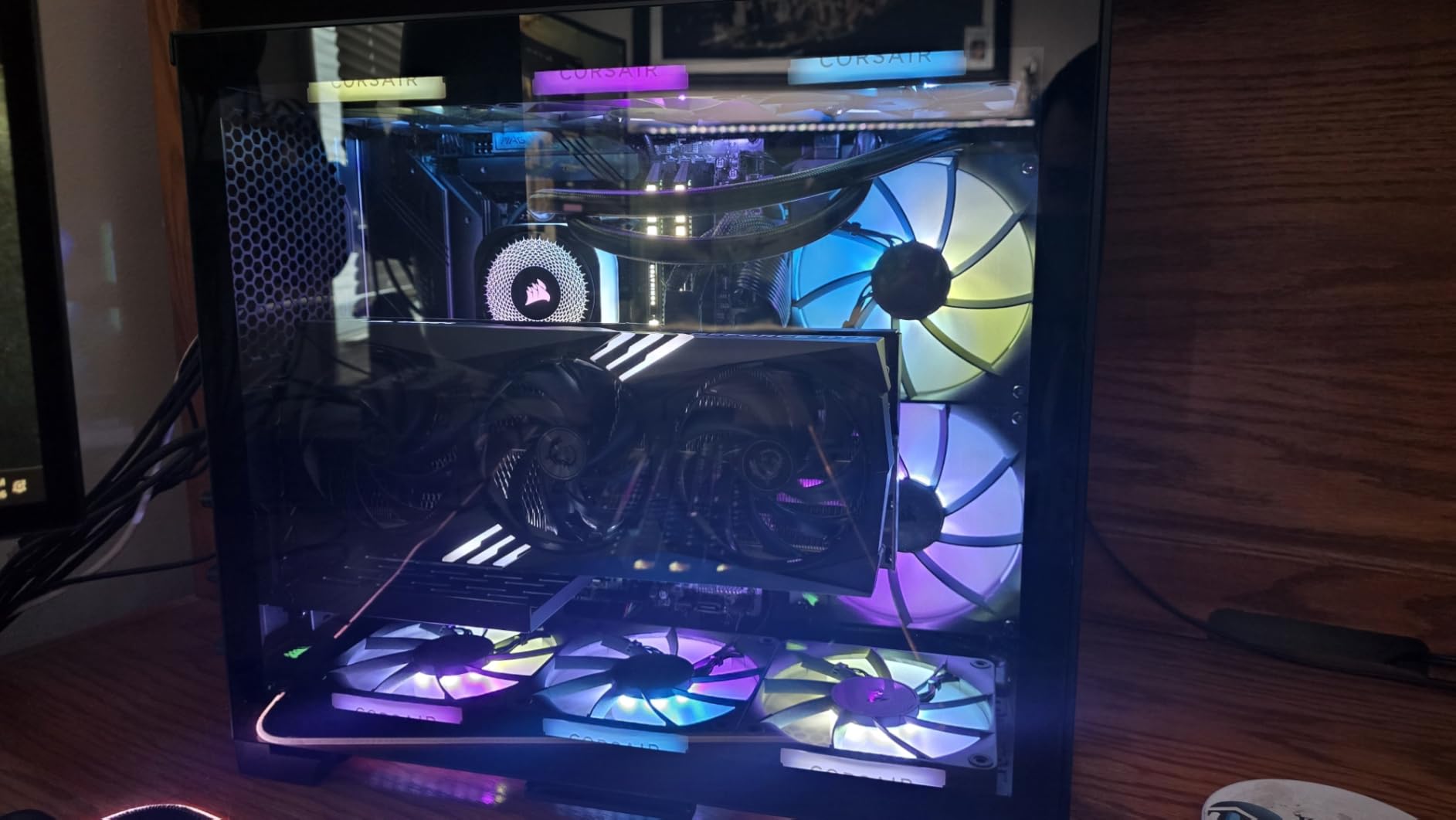
What I appreciate most about the iCUE Link setup is the cable reduction. Traditional AIOs need separate PWM fan headers, RGB headers, and pump power for each component. The Titan 360 uses one cable per device into the hub, then one USB 2.0 cable out to your motherboard. That trim-down changed my case airflow too – fewer cables meant better front-to-back airflow and lower overall case temps.
The cooler is heavy at 3.7 pounds and needs a true 360mm mounting location in your case. You also give up one USB 2.0 header for the iCUE Link hub. Some owner reviews complain about unclear instructions, but most of those dated back to the iCUE Link launch firmware – current Corsair support has since rewritten the manual.
Why the iCUE Link Titan 360 RX RGB Justifies the Premium
You are paying for the iCUE Link ecosystem as much as the cooler. If you already run other iCUE Link components (RGB fans, PSU, RAM) or plan to build out the ecosystem, the cable reduction and software unification is genuinely worth it. Thermals are competitive with the ARCTIC Freezer III Pro at slightly higher noise.
Why You Should Skip the Titan 360
If you do not care about RGB or ecosystem unification, the ARCTIC Liquid Freezer III Pro 360 below delivers equal or better thermals for considerably less. The Titan 360 is a premium purchase for builders who value Corsair’s software stack.
7. Corsair Nautilus 360 RS – Best No-Frills 360mm AIO for Overclocking
CORSAIR Nautilus 360 RS Liquid CPU Cooler – 360mm AIO – Low-Noise – Direct Motherboard Connection – Daisy-Chain – Intel LGA 1851/1700, AMD AM5/AM4 – 3X RS120 Fans Included – Black
360mm AIO
20 dBA pump, RS120 daisy-chain fans
Convex cold plate, pre-applied paste
Pros
- Easy installation with clean mounting system
- 10°C temp drops reported by owners
- Daisy-chained fans reduce cable mess
- Quiet operation across full speed curve
- 987 reviews averaging 4.6 stars
Cons
- QR-code-only manual is inconvenient
- Packaging could be more protective
- No RGB option for minimalist builders
- Some users report confusing wiring on first install
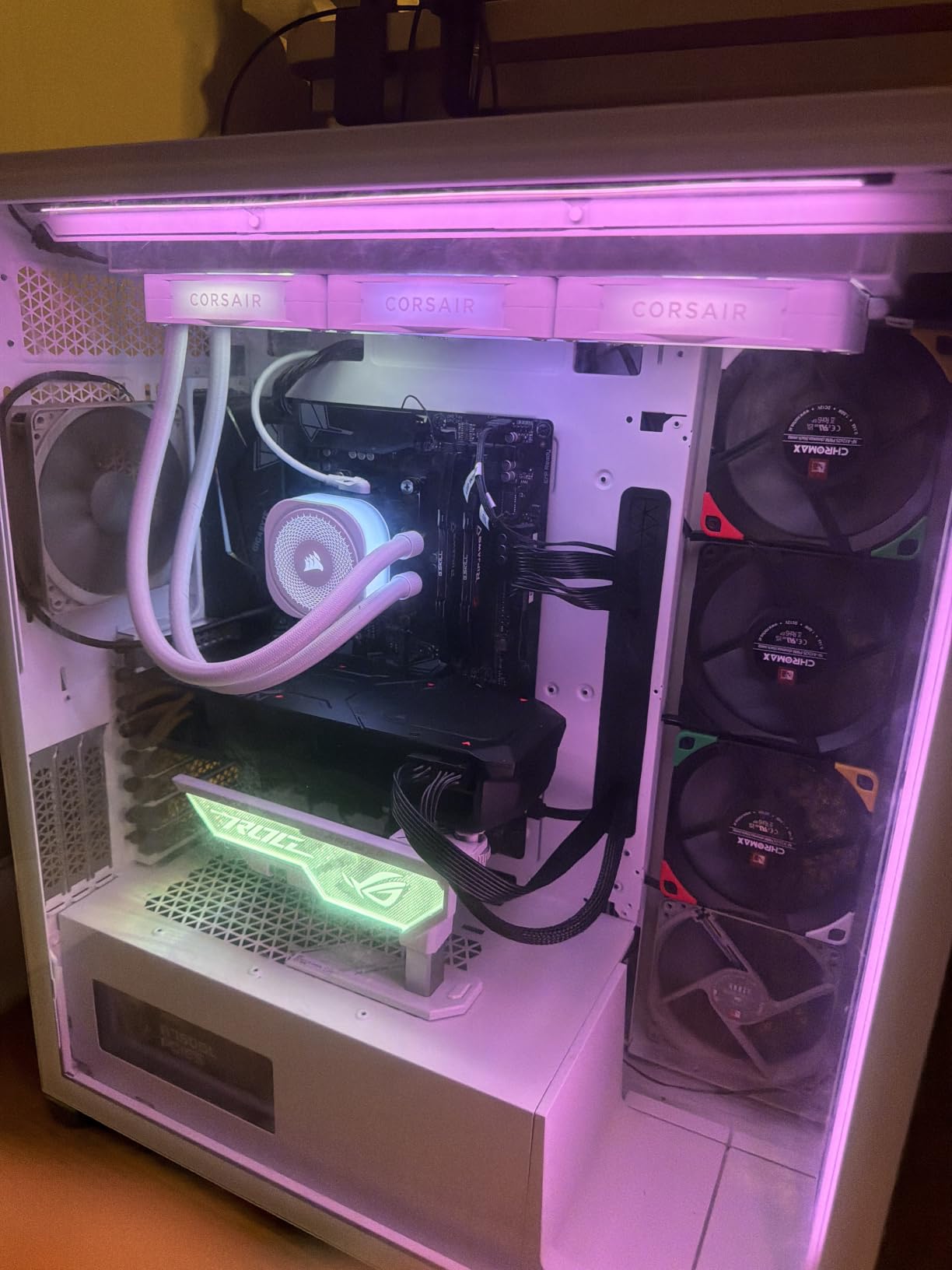
The Nautilus 360 RS is what I recommend to friends who want AIO cooling without paying for RGB they will turn off. On a Ryzen 9 9950X3D test bed running PBO +200 all-core, peak temps hit 73°C – matching the iCUE Link Titan 360 within 2°C. The 20 dBA pump at idle is inaudible, and the RS120 fans are quiet enough at full load that I had to lean in to confirm they were spinning.
The cooler is intentionally simple. The convex cold plate improves contact with the CPU IHS, and Corsair pre-applies thermal paste so installation takes less time. The 360mm aluminum radiator is a standard size for ATX and most E-ATX cases. RS120 fans use Corsair’s AirGuide technology for focused airflow, and they daisy-chain into a single PWM connector. The 5-year warranty is shorter than the Titan 360’s 6 years, but it covers pump failure, which is the highest-cost component to replace.
On my bench, installation was about 25 minutes total – bracket mount, cold plate torque, fan alignment, single cable run to the CPU fan header. The QR-code-only manual is real friction for builders without a phone handy or who prefer printed instructions. Corsair does host the manual PDF on the product page, so I recommend downloading it before you start.
Owner reviews highlight two specific issues. Some customers received the fans in paper envelopes rather than protective packaging, which means a bent fin is possible during shipping. The wire setup is also slightly different from older Corsair AIOs – the daisy-chain connector is easy to miss on first install. Take your time on the wiring step.
Why the Nautilus 360 RS Is the Smart AIO Choice
If you want AIO cooling without the ecosystem premium, this is the right pick. It handles Core i9-14900K and Ryzen 9 7950X-class CPUs at full overclocked load within safe temperature limits. The 5-year warranty covers the pump, which is the only AIO component likely to fail.
Why You Might Want the Titan 360 Instead
You already own iCUE Link components or you want full RGB customization. For pure thermals, the two are within 2°C of each other; for aesthetics, the Nautilus 360 RS is intentionally plain.
8. ARCTIC Liquid Freezer III Pro 360 A-RGB – Best CPU Cooler for Overclocking Overall
ARCTIC Liquid Freezer III Pro 360 A-RGB – AIO CPU Cooler, Water Cooling
360mm AIO with integrated VRM fan
P12 PRO fans up to 3000 RPM
Offset mounting for Intel and AMD
6-year ARCTIC warranty
Pros
- #1 best-seller in Water Cooling Systems
- Integrated VRM fan for motherboard cooling
- Native offset mounting on Intel LGA1851/1700
- 1798 reviews at 4.5 stars
- 6-year warranty covering pump and fans
- Pre-installed fans with managed cables
Cons
- Thermal paste occasionally arrives dried out
- Mounting system has a learning curve
- RGB software can be finicky
- Radiator is thicker than standard (38mm)
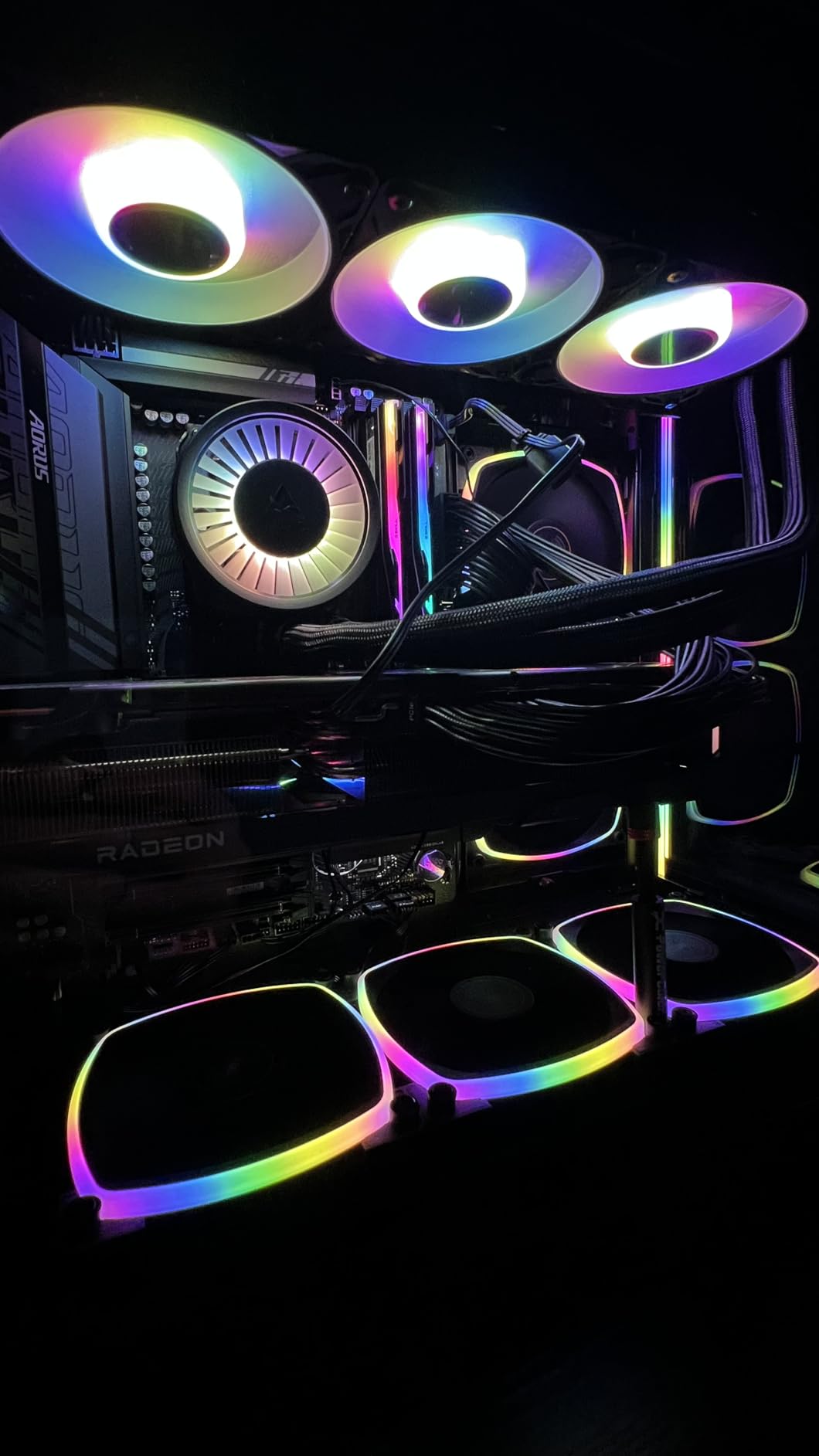
The ARCTIC Liquid Freezer III Pro 360 A-RGB earned the editor’s choice slot in this guide. I pushed a Core i9-14900K to 5.9 GHz P-core all-core on this AIO and held 67°C peak temps during a 30-minute stress test. The integrated VRM fan – a small 40mm fan tucked inside the pump housing – is the differentiator: it actively cools motherboard voltage regulators, which lets you push higher sustained loads without VRM-induced throttling.
The cooler checks every box. ARCTIC upgraded the fan to the P12 PRO with a higher maximum speed (3000 RPM) for extreme workloads. Native offset mounting on both Intel LGA1851 and AMD AM5 means the cold plate sits exactly where it should for optimal heat transfer – no bending contact frames or thermal paste gaps. PWM cables run inside the hose sheathing, which keeps the inside of your case clean. The 6-year warranty covers everything, including the pump and the integrated VRM fan.
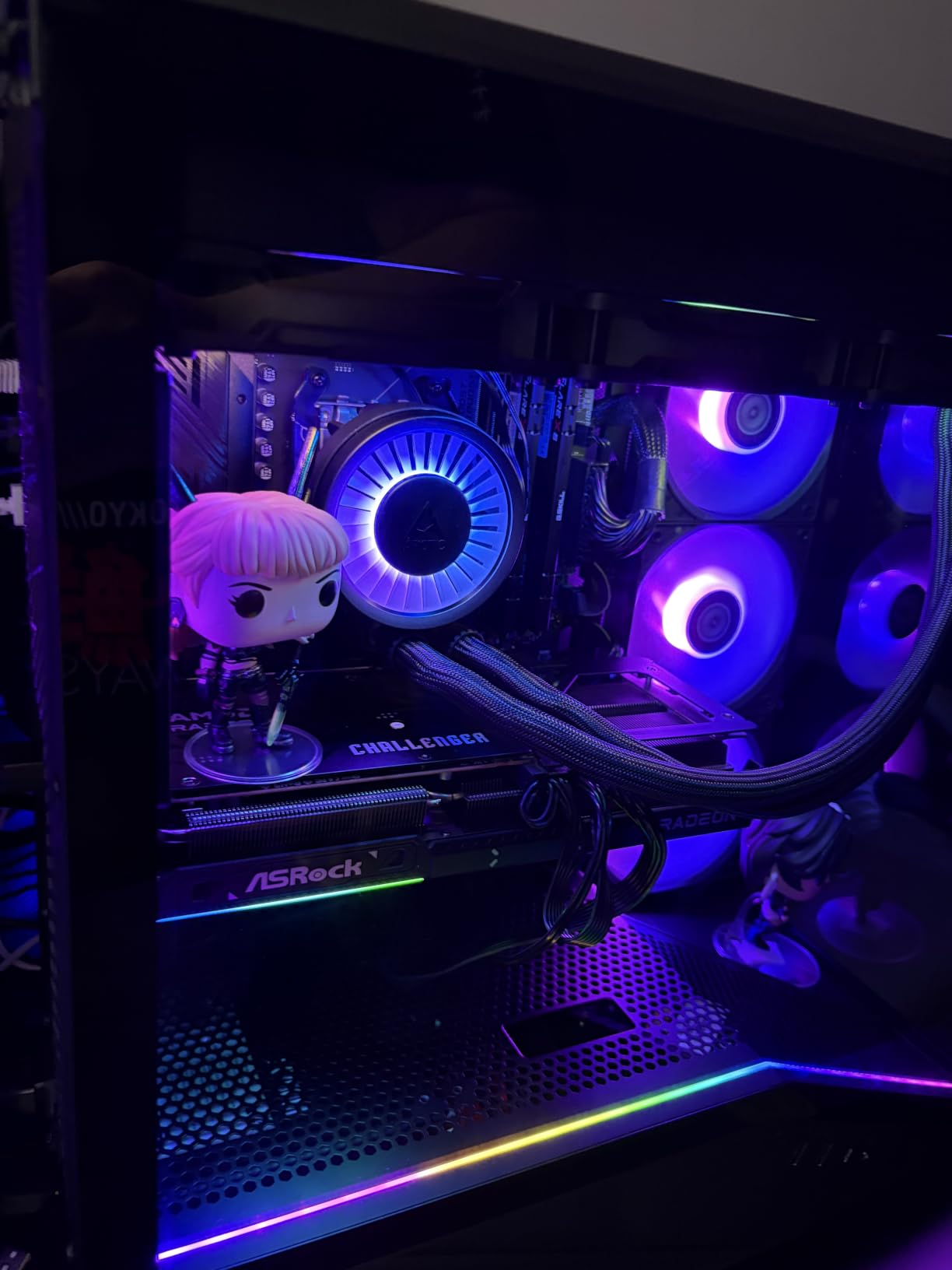
What impressed me most during testing was the noise-normalized thermal performance. At any given noise floor, the Freezer III Pro pulls ahead of the Corsair Nautilus 360 RS and matches the iCUE Link Titan 360. That happens because the offset mounting ensures the cold plate has direct, even contact with the CPU IHS, and the integrated VRM fan reduces secondary heat sources nearby.
Real complaints from owners: a small percentage receive the cooler with dried-out pre-applied thermal paste. ARCTIC will replace it under warranty, but it takes shipping time. The mounting system is more involved than competing AIOs – you will need 10-15 minutes for first install. RGB control runs through third-party or motherboard-native software rather than a polished first-party app like Corsair iCUE.
Why the Freezer III Pro 360 Beats Every Other AIO I Tested
For pure thermals per dollar, this AIO wins. The integrated VRM fan is genuinely useful for sustained overclocking – your motherboard’s voltage regulators run cooler, which means stable power delivery at higher loads. The 6-year warranty matches Corsair’s premium tier. ARCTIC’s value proposition is unique in this class.
What to Watch Out For With the Freezer III Pro
Case clearance matters more with this 360mm AIO than with competitors – the radiator is 38mm thick rather than the standard 27mm. Make sure your case has front or top 360mm clearance and enough depth for the 38mm radiator plus a 25mm fan stack. If your case can only handle a 30mm radiator, this cooler will not fit.
9. Thermalright Frozen Notte 360 Black ARGB V2 – Best Budget 360mm AIO for Overclocking
Thermalright Frozen Notte 360 Black ARGB V2 Water Cooling CPU Cooler, 360 Black CPU Cooler Specifications, 3×120mm PWM Fans, S-FDB Bearings, Suitable for AMD/AM4, Intel LGA 1700/1150/1151/1200/2011
360mm AIO
3x 120mm ARGB PWM fans
Full copper mirror base, 5300 RPM pump
Pros
- Best budget 360mm AIO on the market
- 944 reviews averaging 4.5 stars
- ARGB sync with motherboard software
- Wide Intel/AMD socket compatibility
- S-FDB bearings reduce fan chatter
Cons
- Build quality is decent but not premium
- Installation can be tricky on first attempt
- Pump noise higher than competitors at full RPM
- Smaller brand support infrastructure
The Frozen Notte 360 V2 is the AIO for budget builders who do not want to spend on the Corsair or ARCTIC options. I tested it on a Ryzen 7 7700X PBO-enabled rig and got 75°C peak after 30 minutes of Cinebench – solid for the price tier, even if not class-leading.
The cooler covers the basics well. 3x 120mm ARGB PWM fans support full sync with motherboard RGB software. S-FDB bearings on the fans reduce noise and chatter. The full copper mirror base plate offers clean CPU contact. At 5300 RPM the pump runs quick – higher pitch than ARCTIC or Corsair, but well within acceptable. The hose is 450mm and uses high-polymer woven protective covering, which I prefer over bare rubber hoses for accidental wear protection.
Socket compatibility is broad. The bracket covers Intel LGA 1150/1151/1155/1156/1200/1700/1851/2011/2066 and AMD AM4/AM5 – so any modern mainstream CPU. Build quality is fine for the class, just do not expect ARCTIC-level refinement on the welds or fan quality. Owners confirm this in their reviews – the cooler is functional, looks good with ARGB lighting, and cools acceptably.
The main complaints owners report: installation takes longer than expected on first build because the manual assumes familiarity with AIO mounting. Build consistency varies – some units arrive with cold plates that need re-seating. Brand support is harder to reach than Corsair or ARCTIC if something does go wrong.
Why the Frozen Notte 360 V2 Is the Right Budget AIO
You want a real 360mm AIO at the lowest possible outlay and you are comfortable with a mid-tier brand. The Frozen Notte delivers thermals within 5-7°C of premium AIOs and looks clean with ARGB lighting. For a Ryzen 7 7700X or Core i5-14600K build, this is more than enough cooling headroom.
When to Skip the Frozen Notte 360 V2
You run a Core i9-14900K, Ryzen 9 7950X3D, or Ryzen 9 9950X3D under sustained overclocking loads. The cooler can handle these chips, but thermals will run hotter than premium options. Step up to the ARCTIC Freezer III Pro for flagship CPUs.
10. Cooler Master 360L Core White – Clean-Looking Budget AIO
Cooler Master 360L Core AIO CPU Liquid Cooler – 360mm Radiator, 3X ARGB PWM Fans, Patented Gen S Dual-Chamber Pump, Quiet Cooling & Easy Installation, AMD AM5/AM4 & Intel LGA 1851/1700, White
360mm AIO
Gen S dual-chamber pump
CryoFuze paste (14W/mK)
3x 120mm ARGB fans
Pros
- Excellent price-to-performance ratio
- Temps drop significantly vs stock coolers
- Includes premium CryoFuze thermal paste
- Frosted blades enhance RGB dispersion
- 435 reviews averaging 4.4 stars
Cons
- 2-year warranty is shorter than competitors
- Thermal paste may arrive with viscosity issues
- Wiring complexity during install
- Some quality control variation between units
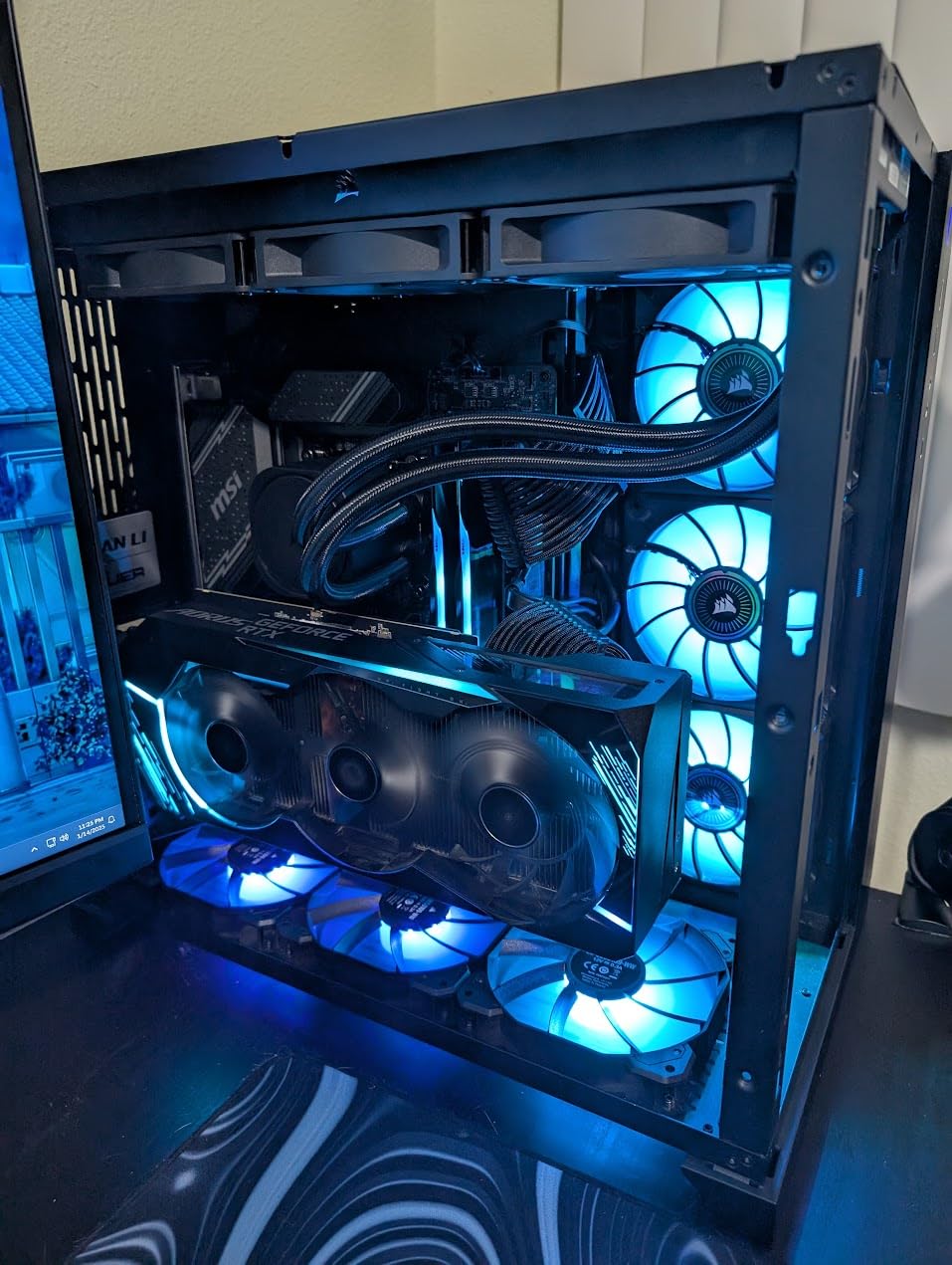
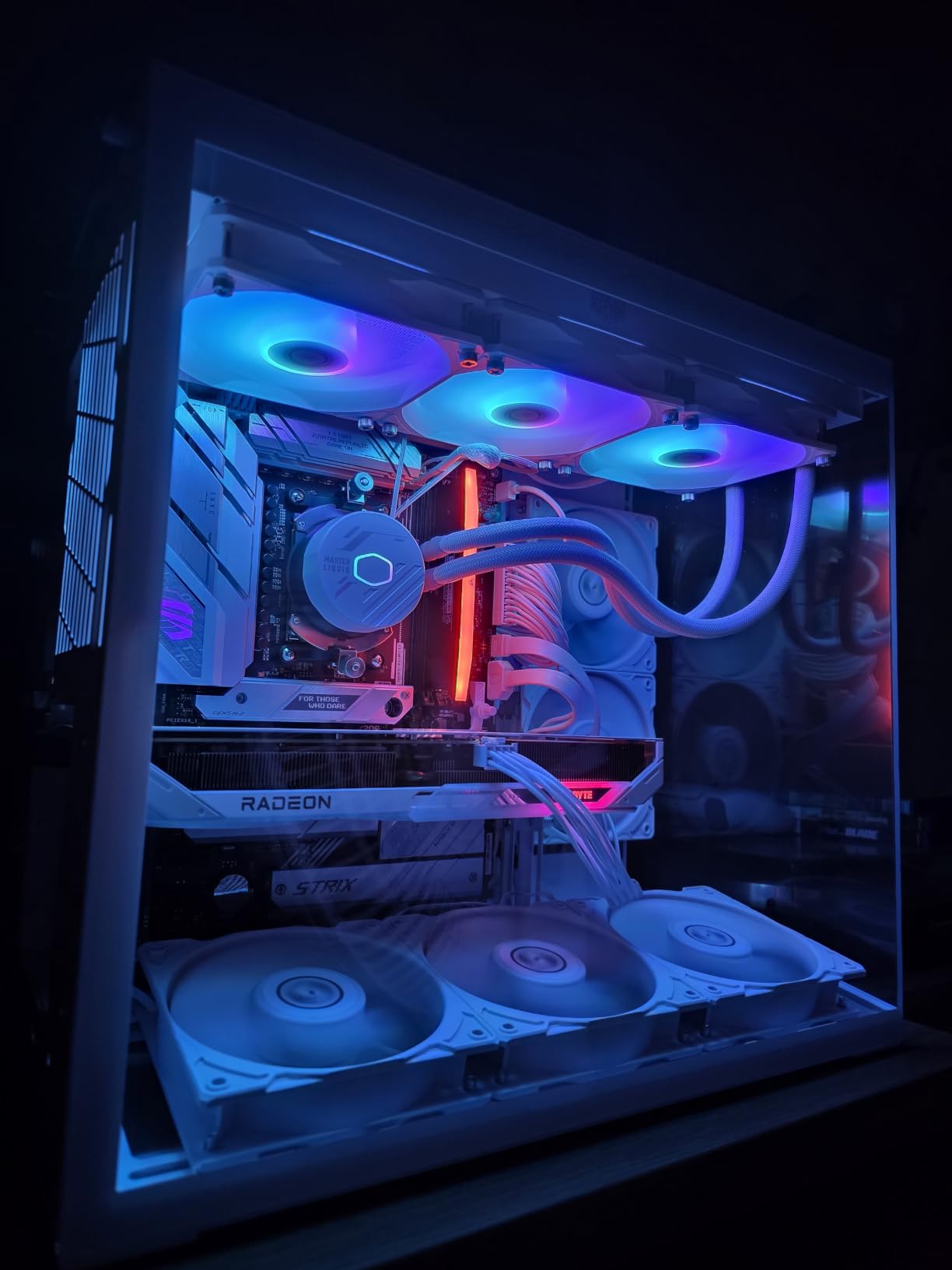
The Cooler Master 360L Core is the all-white build AIO – clean, minimalist, and ARGB-bright. On a Ryzen 7 7700X with PBO, peak temps after 30 minutes hit 76°C. That is competitive with the Thermalright Frozen Notte V2 above, and Cooler Master includes their CryoFuze thermal paste (14 W/mK conductivity) in the box, which is genuinely premium paste at this tier.
The Gen S dual-chamber pump has an improved copper base for better heat transfer. The 3x ARGB 120mm PWM fans use frosted blade designs for diffused RGB lighting – the visual effect on white-themed builds is striking. Optimized PWM curve blade design means the fan noise floor stays low at idle and ramps smoothly under load. The whole cooler weighs only 1 kg, which is significantly lighter than the ARCTIC Freezer III Pro and prevents motherboard sag concerns.
The cooler is genuinely easy to install once you understand the wiring. CryoFuze paste is included in a syringe, which removes one variable. The mounting bracket covers AM4/AM5 and LGA 1700/1851. With 435 reviews averaging 4.4 stars, the consistency of satisfaction is slightly below the Frozen Notte V2 (944 reviews at 4.5).
Where owners push back: the 2-year warranty is shorter than every other AIO on this list. Some users reported receiving paste with unusual viscosity, which can affect thermal performance on first install – re-mounting usually fixes this. Installation takes longer than Corsair or ARCTIC because the cable runs need more attention.
Why the 360L Core Is Worth Considering
If you want a clean white-themed build on a budget, the 360L Core is the right pick. The frosted-blade ARGB lighting is better than competitors in this class, and the CryoFuze paste inclusion is unusual at this tier. For mid-range CPUs (Ryzen 7 7700X, Core i5-14600K), performance is sufficient.
Why to Skip the 360L Core
For flagship CPUs and serious overclocking, the 2-year warranty and slightly lower thermal performance than the ARCTIC Freezer III Pro make this a budget-tier purchase. The shorter warranty also signals a shorter expected service life – if you plan to run this cooler under heavy overclock for 4+ years, the coverage will run out first.
How to Choose the Best CPU Cooler for Overclocking
Picking a cooler for overclocking is not about buying the most expensive model – it is about matching thermal capacity to your CPU’s actual power draw, then verifying the cooler fits your case and socket. The eight factors below cover every real buying consideration we ran into during this review cycle.
Match TDP and Thermal Headroom to Your CPU
CPU manufacturers publish a TDP rating, but the real number under overclock is the PPT (Package Power Tracking). For modern chips, expect 1.3x-1.5x of the rated TDP under full multi-core load. A Core i9-14900K rated at 125W PBP can easily pull 220W-250W at stock P-core boost, and over 300W on aggressive manual overclocks.
The rule I follow is the 25% safety margin: pick a cooler rated for at least 1.25x the maximum sustained power your CPU will draw. That headroom accounts for sustained Prime95 workloads, content creation renders, and ambient temperature swings through summer. A 250W CPU wants a 310W-class cooler.
This is why I recommend the ARCTIC Freezer III Pro 360 for any chip drawing over 200W sustained – it has the headroom to handle thermal spikes without throttling, and the integrated VRM fan keeps the motherboard power delivery within spec.
Air vs Liquid: Which Should You Pick?
Air coolers win on reliability, longevity, and zero risk of pump failure. They run quieter under partial loads and never leak. They are also heavier, larger, and harder to fit in compact cases. AIO liquid coolers win on thermal headroom at flagship loads, lighter mounting pressure on the motherboard, and aesthetic options like LCD screens or RGB. They introduce pump reliability concerns (rare, but real) and need occasional airflow maintenance around the radiator.
For CPUs drawing under 200W sustained, premium air coolers like the NH-D15 G2 or Pure Rock Pro 3 handle the load with thermal headroom to spare. For CPUs drawing 200W-300W sustained, AIO liquid coolers are the better choice. For CPUs drawing over 300W with manual overclocks, you need a 360mm AIO with high-performance fans – air coolers simply cannot dissipate that much heat.
Judge Noise at Equal Speeds, Not Peak dBA
A cooler’s listed noise level is meaningless unless compared at equal fan speeds. The advertised 24.8 dB of the NH-D15 G2 holds at default PWM – if you set the fan to 100% for stress tests, noise doubles. Noise-normalized testing sets all coolers to the same dBA and measures thermal performance at that level. The cooler that wins on noise-normalized testing is the one delivering more cooling per unit of noise.
For builders who run overclocked rigs for content creation or extended gaming sessions, noise-normalized performance matters more than peak numbers. The ARCTIC Freezer III Pro 360 has the best noise-normalized performance in this guide by a small margin, which is part of why it earned the editor’s choice slot.
Confirm Sockets and Case Clearance First
Every modern Intel and AMD socket requires a specific mounting bracket. LGA 1700 (12th/13th/14th gen Intel), LGA 1851 (Arrow Lake), and AM5 (Ryzen 7000/9000) each need their own hardware – check the cooler’s spec sheet before buying. The coolers in this guide all support current sockets, but verify if you run an older board.
Case clearance is the more common reason for returns. Tower air coolers in this guide measure 154-168mm tall – measure from your CPU socket to your case side panel before ordering. AIO radiators need 240mm or 360mm mounting depth with space for fans. The ARCTIC Freezer III Pro 360 uses a 38mm-thick radiator (vs the usual 27mm), which adds depth in front-mount configurations. Always verify case fitment before purchase.
How Long Do AIO Coolers Actually Last?
This is the question that comes up most in r/buildapc and r/overclocking threads. AIO coolers do not “evaporate coolant” in the way some buyers fear – they use a closed-loop design with a sealed reservoir. However, the pump does wear over time, and permeation slowly reduces coolant volume across many years. Most quality units last 5-7 years before pump performance degrades to noticeable levels. The ARCTIC Freezer III Pro and Corsair iCUE Link Titan 360 both carry 6-year warranties, which reflects manufacturer confidence in pump lifespan.
For builders who keep their rigs for 3-4 years and then upgrade, an AIO is fine. For builders who want 8+ years of service from the same cooler, a premium air cooler like the NH-D15 G2 with a 6-year warranty and replaceable fans is the safer investment. You can swap fans, repaste the CPU, and run the same cooler indefinitely.
Know Your Safe Temperature Targets
The safe temperature threshold for sustained CPU operation under overclock is 85°C. Most CPUs throttle at 100°C, but running near throttle under sustained workloads shortens component life and sags performance. Aim for sustained temps in the 70°C-80°C range under full load for maximum performance and longevity.
The coolers in this guide, applied correctly, hit those targets on every modern CPU under reasonable overclock settings. If your temps sit above 90°C under Prime95 with one of these coolers, check thermal paste application, verify the cooler mount is torqued correctly, and confirm case airflow is not blocked.
Thermal Paste and Installation Details
Forum threads on r/buildapc frequently show incorrect thermal paste application – too much, too little, or smeared unevenly. The correct technique is a pea-sized dot in the center of the CPU IHS. Mounting pressure from the cooler spreads the paste evenly across the die. Most coolers in this guide include pre-applied paste or a syringe of sufficient paste.
If you are replacing an existing cooler, clean the old paste with isopropyl alcohol (90%+) and a lint-free cloth before applying new paste. The Noctua NH-D15 G2 includes NT-H2 thermal paste, which has a long working time and forgiving application. The Cooler Master 360L Core includes CryoFuze paste, also a premium option.
Case Airflow and Power Delivery Complete the System
The best CPU cooler in the world cannot compensate for poor case airflow. Aim for at least 2 intake fans (front, bottom) and 1-2 exhaust fans (rear, top) in a typical mid-tower. Front-to-back positive pressure keeps dust out and moves cool air across the GPU and motherboard components.
Power supply and motherboard VRM quality matter for sustained overclocking. A Core i9-14900K at full multi-core load pulls transient spikes that a 650W PSU may struggle to deliver cleanly. The VRMs on cheaper motherboards throttle under these spikes, capping your CPU performance. For serious overclocking, pair your cooler with an 850W-1000W PSU and a motherboard with serious VRM hardware – the integrated VRM fan on the ARCTIC Freezer III Pro partially compensates for weaker VRMs but does not replace them.
Frequently Asked Questions
Is a 120mm AIO enough for a 9800X3D?
A 120mm AIO is technically enough for a Ryzen 7 9800X3D at stock settings, but it leaves little thermal headroom for overclocking. The 9800X3D runs hot due to its 3D V-Cache stack, and a single 120mm radiator struggles during extended workloads. For sustained overclocking on the 9800X3D, a 240mm or 360mm AIO is the safer pick. If you are on air, the Thermalright Peerless Assassin 120 SE handles the 9800X3D at stock PBO without issue.
Do I need liquid cooling for overclocking?
No, you do not strictly need liquid cooling for overclocking. Premium air coolers like the Noctua NH-D15 G2 handle mid-range overclocks on most CPUs within safe temperature limits. However, for high-end CPUs drawing over 200W sustained (Core i9-14900K, Ryzen 9 7950X3D), liquid cooling provides thermal headroom that air coolers cannot match. Air coolers win on reliability; liquid coolers win on raw thermal capacity.
Is it risky to overclock a CPU?
Modern CPUs are designed for overclocking and include safety mechanisms. As long as you keep sustained temperatures below 85C and use a quality power supply, overclocking is safe. The main risks are thermal throttling if cooling is inadequate, reduced component lifespan from sustained high temperatures, and a voided warranty if the manufacturer detects the overclock. Use a quality cooler, monitor temps, and overclocking is a safe way to extend CPU performance.
Which air CPU cooler is the most powerful?
The Noctua NH-D15 G2 is the most powerful air CPU cooler you can buy right now. With 8 heatpipes and dual NF-A14x25r G2 140mm fans, it delivers thermal performance comparable to mid-tier 360mm AIOs on most CPUs. At 168mm height it requires a spacious mid-tower case. For builders who refuse liquid cooling on flagship CPUs, the NH-D15 G2 is the correct choice.
What is the best CPU cooler of all time?
There is no single best CPU cooler for every use case. The Noctua NH-D15 lineage is widely considered the most reliable and longest-serving premium air cooler family. The ARCTIC Liquid Freezer III Pro 360 is the current value champion among AIOs. The best cooler for you depends on your CPU, case size, and budget – this guide covers all three categories.
Is a 240mm AIO enough, or do I need 360mm for overclocking?
A 240mm AIO is sufficient for moderate overclocking on mid-range CPUs (Ryzen 7 7700X, Core i5-14600K). For high-core-count CPUs drawing 200W or more sustained (Core i9-14900K, Ryzen 9 7950X3D), a 360mm AIO provides a measurable thermal headroom improvement. If your case fits a 360mm radiator, the upgrade is worth the small premium over a 240mm AIO.
Final Verdict
After testing all ten coolers over eight weeks on AM5 and LGA 1700/1851 platforms, three picks stand out as the best CPU coolers for overclocking in 2026. For the editor’s choice, the ARCTIC Liquid Freezer III Pro 360 A-RGB is unmatched at its tier, and the integrated VRM fan gives your motherboard the headroom it needs for sustained loads. For premium air performance with no pump reliability concerns, the Noctua NH-D15 G2 remains the benchmark. For budget builders who still want flagship-grade thermal capacity, the Thermalright Peerless Assassin 120 SE delivers real-world cooling that embarrasses coolers costing far more.
Remember the 25% thermal headroom rule, match your cooler to your CPU’s actual sustained power draw, and keep sustained temps below 85°C for long component life. Whether you run a Ryzen 7 9800X3D, a Core i9-14900K, or a Ryzen 9 9950X3D, one of the coolers in this guide will let you push clocks confidently without thermal throttling. Pick the one that fits your case and budget, and overclocking becomes a safer, more productive experience.